Z7RBBRGBluetooth Speaker
BRAVEN LC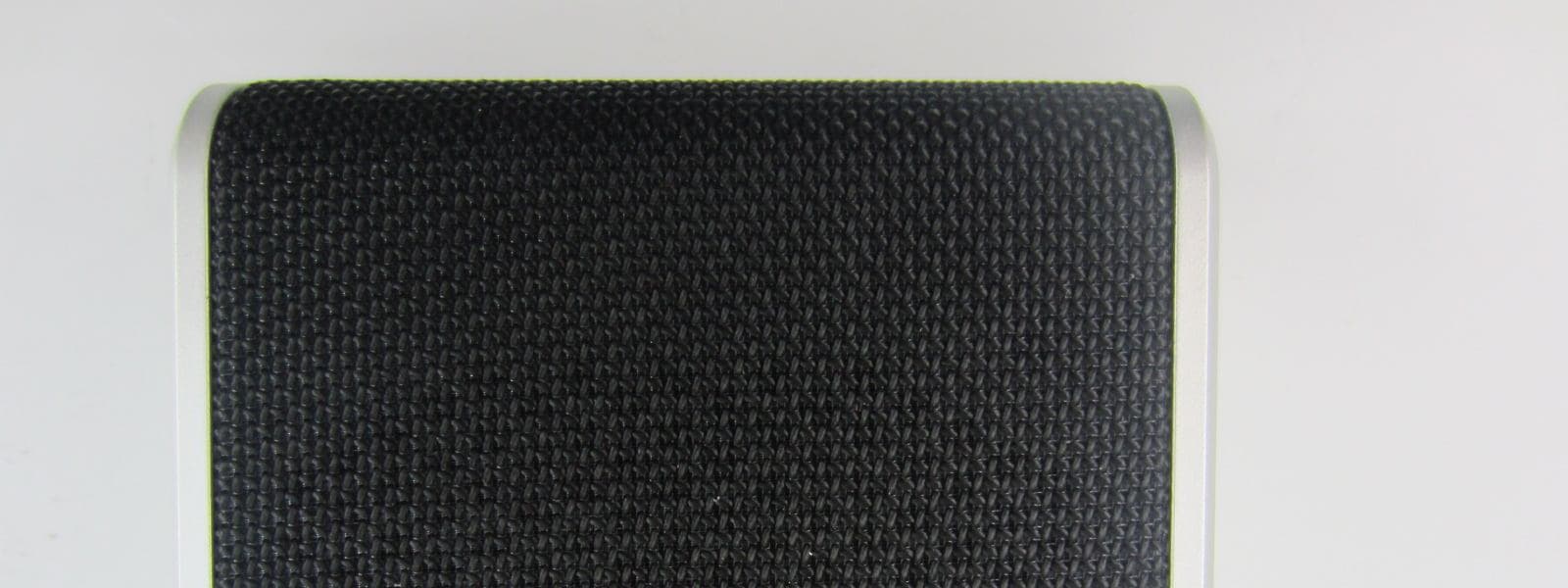
Click to zoom
Application Details
- Equipment Class
- DSS - Part 15 Spread Spectrum Transmitter
- Date of Grant
- Jul 09, 2015
- Application Purpose
- Original Equipment
- Date of Application
- Jul 09, 2015
- Equipment Note
- Bluetooth Speaker
- Frequency Range
- 2402.00000000 - 2480.00000000
- Company
- BRAVEN LC
- Country
- United States
Documents & Files
Document Text
Text extracted from the exhibit documents filed with the FCC. Open a document above to read the original.
Users Manual
QUICK START GUIDE BRIDGE BRAVEN_BRIDGE_MANUAL_v6.indd 15/15/15 3:09 PM ENG GET TO KNOW YOUR BRAVEN LED battery status indicators Battery check button Durable anodized aluminum finish Rich genuine leather Dual-mic integration for crisp, clear calls Reset button Power switch Pairing / Answer- End call / Pause- Resume music Volume down / Skip track (press and hold) Micro USB Charging Port Volume up / Skip track (press and hold) USB charging port (1A output) BRAVEN_BRIDGE_MANUAL_v6.indd 25/15/15 3:09 PM ENG TURN ON & BLUETOOTH PAIRING 1. Press the Power button for 2-3 seconds to turn on your BRAVEN (BRIDGE). Press the same button again for 2-3 seconds to turn your BRAVEN off. 2. Activate Bluetooth ® on the phone or device you are pairing with (see your device’s instruction manual for information on activating its Bluetooth ® settings). 3. Press and hold the Play Button on your BRAVEN until you hear the BRAVEN pairing sound. 4. Go to your phone or device’s Bluetooth ® settings and select “BRAVEN BRIDGE” from the list. 5. If asked for a passcode enter “0000” Your BRAVEN will remember the last 8 devices it has paired with. NOTE: If your BRAVEN does not have an active Bluetooth ® connection and is left on, it will shut itself off after 30 minutes. To restart your BRAVEN you will need to press and hold the power button for 2-3 seconds. BRAVEN_BRIDGE_MANUAL_v6.indd 35/15/15 3:09 PM ENG CHARGING YOUR BRAVEN • Before using your BRAVEN for the first time, charge the unit until all 5 Battery indicator lights are solid (not flashing), indicating a full charge (typically 2 to 3 hours). • To charge your BRAVEN, plug the included USB-to-Micro-USB cable into a wall power adapter (not included) or into a powered USB port on a computer. Plug the Micro- USB connector end of the cable into the BRAVEN charging port. Your BRAVEN is designed to charge USB devices that draw from 0.3A - 1A (most cell phones & mp3 players – tablets and other 2A devices cannot be charged by your BRIDGE) using the full-sized USB port located behind the cap. To use external charging: 1. Turn your BRAVEN on. 2. Plug the USB power cable that came with your phone, mp3 player, or other mobile device into the USB port on your BRAVEN. 3. Plug the other end of the cable into your mobile device, and it will immediately begin charging. CHARGING EXTERNAL DEVICES BRAVEN_BRIDGE_MANUAL_v6.indd 45/15/15 3:09 PM ENG • Press the Answer-End button on your BRAVEN to answer the call over the speaker. Press the Answer- End button again to end the call. • The BRIDGE’s dual omnidirectional microphones deliver crystal-clear speakerphone audio within a 5 foot range. Internal noise cancellation technology blocks background interruption for a premium call experience from hello to goodbye. DUAL MIC & NOISE CANCELLATIONSPEAKERPHONE BRAVEN_BRIDGE_MANUAL_v6.indd 55/15/15 3:09 PM ENGENG To reduce the risk of fire or electric shock, do not expose the BRAVEN to rain or moisture while charging. The BRAVEN should not be exposed to dripping or splashing, and objects filled with liquids, such as vases, should not be placed on or near it while being charged or charging other devices. As with any electronic products, use care not to spill liquids into any part of the product. Liquids can cause a failure and/or a fire hazard. The power supply must be used indoors only. Make no modifications to the product or accessories. Unauthorized alterations may compromise safety, regulatory compliance, and system performance, and will void the warranty. Do not place any flame sources, such as lighted candles, on or near the BRAVEN. The BRAVEN contains small parts that may be a choking hazard and is not suitable for children under age 3. Do not continue charging the battery if it does not reach full charge within the specified charging time. Overcharging may cause the battery to become hot, rupture, or ignite. If you see any heat deformation or leakage, properly dispose of the battery. Do not attempt to charge the battery in temperatures outside the range of 32°-104°F (0°-40°C). If the battery begins to leak, do not allow the liquid to come in contact with your skin or eyes. If contact has been made, wash the affected area with plenty of water and seek medical attention immediately. Do not expose the product or battery to excessive heat, including direct sunlight or fire and storage or use inside cars in hot weather, where it can be exposed to temperatures in excess of 115°F (60°C). Doing so may cause the battery and power supply to generate heat, rupture, or ignite. Using the product in this manner also may result in a loss of performance and a shortened life expectancy. Extended exposure to direct sunlight may damage the external appearance and material qualities. Do not step on, throw, or drop batteries or the power supply or device, or expose them to a strong shock. Do not pierce, crush, dent, or deform the batteries or power supply in any way. If either becomes deformed, properly dispose of it. Do not short-circuit batteries. Do not attempt to service the BRAVEN yourself. Opening or removing covers may expose you to dangerous voltages or other hazards and will void the manufacturer’s warranty. To prevent risk of fire or electric shock, avoid overloading wall outlets, extension cords, or integral convenience receptacles. Your Bluetooth device (mobile phone, music player, tablet, laptop, etc.) must support the A2DP Bluetooth profile in order to work wirelessly with your new BRAVEN speaker. The A2DP profile is supported by most recent mobile products with built-in Bluetooth capability. Please refer to your device’s user manual for details and instruction regarding the Bluetooth profiles it supports. This device complies with part 15 of the FCC Rules. Operation is subject to the following two conditions: (1) This device may not cause harmful interference, and (2) this device must accept any interference received, including interference that may cause undesired operation. NOTE: This equi…
Text truncated - open the document above for the full version.
Cover Letter(s)
BRAVEN LC PHOENIX TEST-LAB GmbH Product Certification Königswinkel 10 D 32825 Blomberg Date: 2015-5-18 Authority to Act as an Agent We declare that the following representative (agent) Name Mark Wen Position General Manager Company Name Most Technology Service Co., Ltd. Address No.5, 2 nd Langshan Road, North District, Hi-Tech Industrial Park, Nanshan, Shenzhen, Guangdong, China Tel / Fax 86-755-86170306/86-755-86170310 E-Mail [email protected] to act on our behalf on all matters concerning the application and documents submitted to PHOENIX TEST-LAB for product certification below Product Name Portable Bluetooth Speaker Model Name BRIDGE Brand Name Yours sincerely, Signatory Name Erik Sorenson Position SR. PRODUCT MANAGER Company Name BRAVEN LC Address 6001 Oak Canyon, Irvine, California, United States, 92618 Tel / Fax 801-669-5915 / 949-250-4928 E-Mail [email protected] In case of FCC, we certify that we are not subject to a denial of Federal benefits, that include FCC benefits, pursuant to Section 5301 of the Anti-Drug Abuse Act of 1988, 21 U.S.C. §862 because of a conviction for possession or distribution of a controlled substance.
External Photos
FCC ID: Z7RBBRG Model No.: BRIDGE FRONT VIEW OF SAMPLE BACK VIEW OF SAMPLE FCC ID: Z7RBBRG Model No.: BRIDGE LEFT VIEW OF SAMPLE RIGHT VIEW OF SAMPLE FCC ID: Z7RBBRG Model No.: BRIDGE TOP VIEW OF SAMPLE BOTTOM VIEW OF SAMPLE FCC ID: Z7RBBRG Model No.: BRIDGE PHOTO OF THE ENTIRE SAMPLE
ID Label/Location Info
Label Label Location
Internal Photos
FCC ID: Z7RBBRG Model No.: BRIDGE I NTERNAL PHOTO OF SAMPLE – 1 INTERNAL PHOTO OF SAMPLE – 2 FCC ID: Z7RBBRG Model No.: BRIDGE I NTERNAL PHOTO OF SAMPLE – 3 INTERNAL PHOTO OF SAMPLE – 4 FCC ID: Z7RBBRG Model No.: BRIDGE I NTERNAL PHOTO OF SAMPLE – 5 INTERNAL PHOTO OF SAMPLE – 6 FCC ID: Z7RBBRG Model No.: BRIDGE I NTERNAL PHOTO OF SAMPLE – 7 INTERNAL PHOTO OF SAMPLE – 8 FCC ID: Z7RBBRG Model No.: BRIDGE BATTERY PHOTO OF SAMPLE – 8
Test Report
Report No.: MTE/DYY/A15050581 Page 1 of 59 TEST REPORT For Applicant: Braven LC Address: 6001 Oak Canyon, Irvine, CA 92618 USA Product Name: Portable Bluetooth Speaker Model Name: BRIDGE, BRGBBB, BRGGBS, BRGBLNS Remark: Only difference in the model name. Brand Name: Braven FCC ID: Z7RBBRG Report No.: MTE/DYY/A15050581 Date of Issue: Jul. 10, 2015 Issued by: Most Technology Service Co., Ltd. Address : No.5, 2nd Langshan Road, North District, Hi-tech Industrial Park, Nanshan, Shenzhen, Guangdong, China Tel : 86-755-8602 6850 Fax : 86-755-2601 6850 The report consists 59 pages in total. It may be duplicated completely for legal use with the approval of the applicant. It should not be reproduced except in full, without the written approval of our laboratory. The client should not use it to claim product endorsement by MOST. The test results in the report only apply to the tested sample. The test report shall be invalid without all the signatures of testing engineers, reviewer and approver. Report No.: MTE/DYY/A15050581 Page 2 of 59 TABLE OF CONTENTS 1. VERIFICATION OF CONFORMITY.................................................................4 2. GENERAL INFORMATION...................................................................................5 2.1 Product Information................................................................................................................5 2.2 Objective................................................................................................................................5 2.3 Test Standards and Results....................................................................................................6 2.4 Environmental Conditions.......................................................................................................6 3. TEST METHODOLOGY........................................................................................7 3. 1TEST FACILITY......................................................................................................................7 3.2 GENERAL TEST PROCEDURES..........................................................................................7 4. SETUP OF EQUIPMENT UNDER TEST..............................................................8 4.1 SETUP CONFIGURATION OF EUT.......................................................................................8 4.2 SUPPORT EQUIPMENT........................................................................................................8 4.3 TEST EQUIPMENT LIST........................................................................................................9 5. 47 CFR Part 15 C Requirements......................................................................10 5.1 RF EXPOSURE....................................................................................................................10 5.1.1 Applicable Standard...........................................................................................................10 5.1.2 Measurement Result.........................................................................................................10 5.2 ANTENNA REQUIREMENT..................................................................................................11 5.2.1 Applicable Standard...........................................................................................................11 5.2.2 Evaluation Criteria..............................................................................................................11 5.2.3 Result: Compliance............................................................................................................11 5.3 AC Power Line Conducted Emission....................................................................................12 5.3.1Requirement.......................................................................................................................12 5.3.2 Block Diagram of Test Setup.............................................................................................12 5.3.3 Test procedure...................................................................................................................12 5.3.4 Test Result.........................................................................................................................12 5.4 Radiated Emission...............................................................................................................15 5.4.1Requirement.......................................................................................................................15 5.4.2 Test Configuration..............................................................................................................15 5.4.3 Test Procedure:.................................................................................................................16 5.4.4 Test Result.........................................................................................................................17 5.5 Conducted Peak Output Power............................................................................................18 5.5.1 Requirement......................................................................................................................32 5.5.2 Block Diagram of Test Setup.............................................................................................32 5.5.3 Test Procedure..................................................................................................................32 5.5.4 Test Result.........................................................................................................................32 5.6 20dB Emission Bandwidth....................................................................................................36 5.6.1 Test Requirement..............................................................................................................36 5.6.2 Test Procedure...…
Text truncated - open the document above for the full version.
Test Setup Photos
FCC ID: Z7RBBRG Model No.: BRIDGE CONDUCTED EMISSION TEST SETUP CE TEST SETUP FCC ID: Z7RBBRG Model No.: BRIDGE RE TEST SETUP RE TEST SETUP
Contact Information
Applicant
Sally Namie
Test Firm
Most Technology Service Co., Ltd.Mark Wen
Technical Specifications
| # | Rule Parts | Frequency Range | Power Output |
|---|---|---|---|
| 1 | 15C | 2.40 GHz - 2.48 GHz | 2.90 mW |
Other Applications from BRAVEN LC
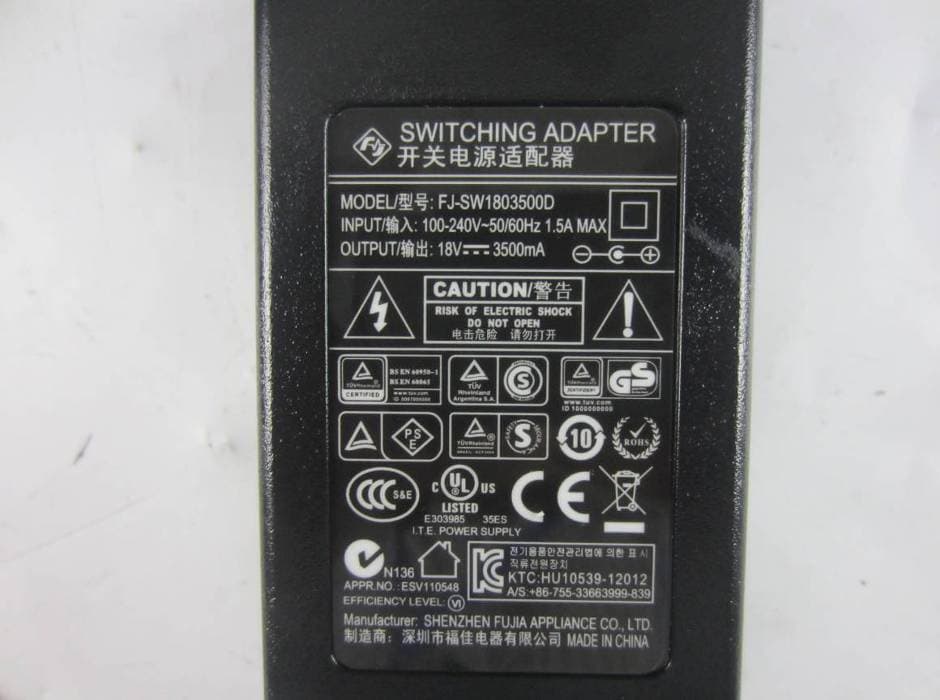
Z7RBXXL
Dec 02, 2015Braven BRV-XXL Speaker
Equipment Class
DSS - Part 15 Spread Spectrum Transmitter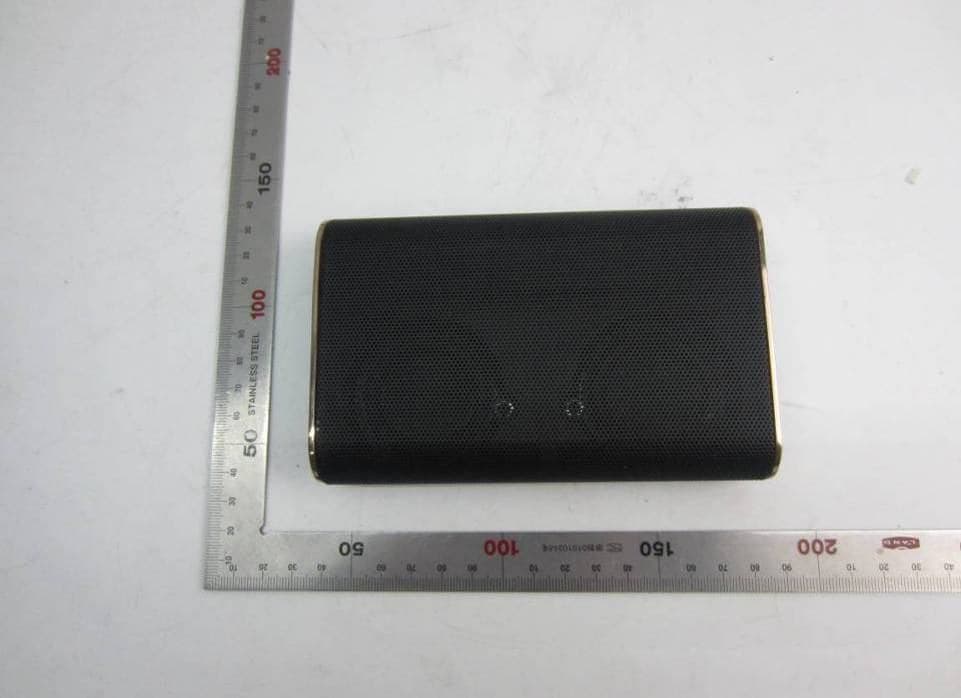
Z7RBKS
Oct 26, 2015Portable wireless speaker
Equipment Class
DSS - Part 15 Spread Spectrum Transmitter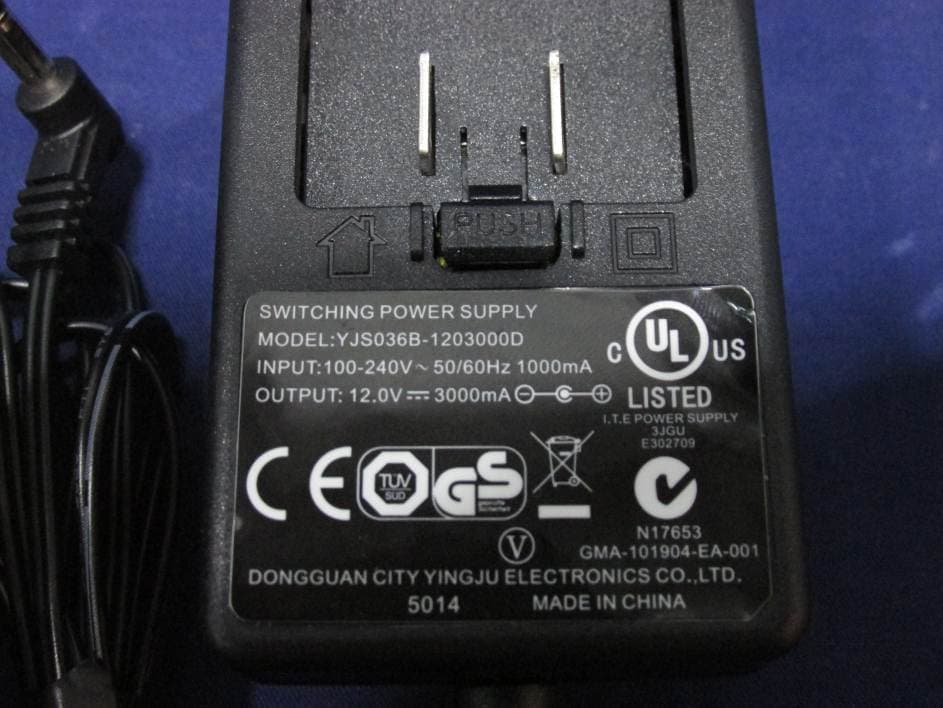
Z7RBBAL
Apr 13, 2015BLUETOOTH SPEAKER
Equipment Class
DSS - Part 15 Spread Spectrum Transmitter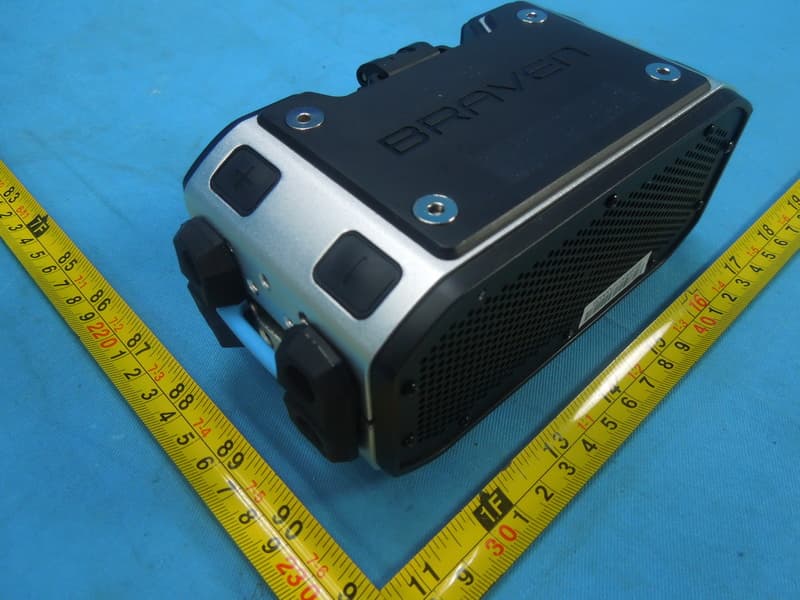
Z7RBPRO
Feb 10, 2015Portable Audio
Equipment Class
DSS - Part 15 Spread Spectrum Transmitter
Z7RB8T
Oct 14, 2014Portable Audio
Equipment Class
DSS - Part 15 Spread Spectrum Transmitter