ZDEVD14.0 MP Video Doorbell (Wired)
ShenZhen Foscam Intelligent Technology Co., Ltd.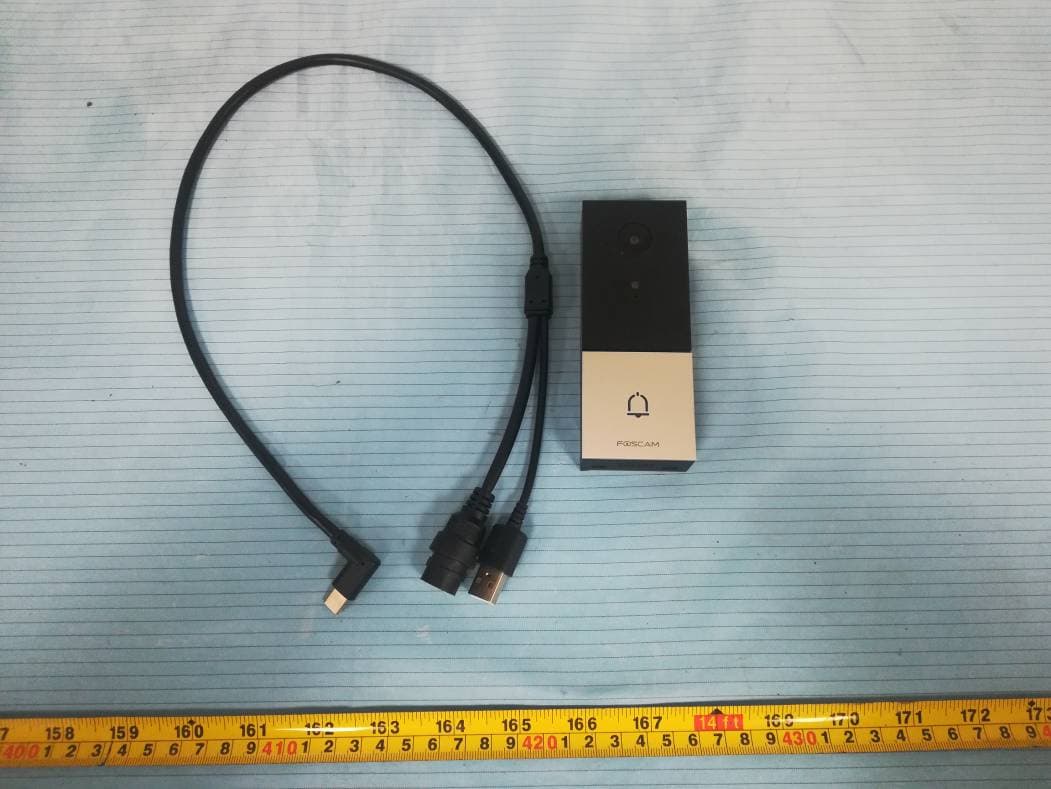
Click to zoom
Application Details
- Equipment Class
- NII - Unlicensed National Information Infrastructure TX
- Date of Grant
- Feb 21, 2021
- Application Purpose
- Original Equipment
- Date of Application
- Feb 21, 2021
- Equipment Note
- 4.0 MP Video Doorbell (Wired)
- Frequency Range
- 5745.00000000 - 5825.00000000
- Country
- China
Documents & Files
Document Text
Text extracted from the exhibit documents filed with the FCC. Open a document above to read the original.
Users Manual
V1.0 305503000478 Support email: [email protected] Step 6 Use the provided wall anchors if installing in materials such as stucco, brick, or concrete. If installing into a wooden doorframe, there is no need to use the wall anchors. Anchors Quick Setup Guide Video Doorbell Physical Description Camera Micro SD Card Slot Reset Light sensor Microphone Front Panel Rear Panel Doorbell button Power Input Port Type-C Port Mounting slots Speaker Bottom Panel Security screw hole 2 Add Device: Connection via the Foscam App (Recommended) It is strongly recommended that you complete the "add devices" process on the Foscam app before the doorbell hardware is installed. To ensure a smoother video experience on your smart phone, it is recommended that your smart phone meet the following speci cations: iOS: version 11 or higher. Android: 4.1 or higher, using a device with a Graphics Processing Unit (GPU). Before You Get Started Scan the QR code below to download and install the Foscam APP. Note: For the best experience, please update the APP to the latest version! 3 1. Plug the smaller end of the USB cable into the Type-C port on the back of the Video Doorbell, and the larger end into a USB wall charger such as your smartphone charger (DC5V 1.0A power output recommended for faster charging). Please wait for a few seconds until you hear “Ready for WiFi con guration”. WiFi connection Con rm WiFi connection WiFi 2. Make sure that your smart phone is connected to your WiFi router. xxxxx_2.4G xxxxx_5G Tips: If you didn’t hear the voice prompt, press and hold reset for about 10 seconds to reset the camera. 4 Tips: The camera supports dual-band 2.4GHz and 5GHz WiFi networks, so you can choose the channel with the stronger signal to use. For example, choose your SSID: XXXXX_2.4G or XXXXX_5G. 3. Open the foscam APP and please sign up for a Foscam account, or sign in if you have one already. 4. After logging into Foscam APP, select “Tap to add a camera” or "+" icon on the upper right corner, then select "Scan the QR code" and scan the QR code that labeled at the bottom of your camera. Scan the QR code, located at the bottom of your camera Tap + icon Select ”Scan the QR code” Tap to add a camera Add Device < Scan the QR code Search in LAN Manually add Scan QR Code < Model: XXX MAC ID:000000000000 Username(default):admin Password(default):(blank) DDNS:XXXXXX. myfoscam.org FCC ID:XXXXX IC:12558A-XX S/N:FIAI1403000001 UID:XXXXXXXXXXX FHD Wireless IP Camera 5. In “Add Device”, if you hear "Hello Foscam", select the checkbox and tap ”Next”, continue to con rm that the device is in the blue fashing state and tap ”Next”. In “WiFi connection”, enter your WiFi's password and tap "Con rm", (see illustrations on next page). 5 Tap + icon Con rm device ashes blue I have heard “Hello Foscam” Add Device Next Power the device on until the device voice prompts "Hella foscam" < Device flashes blue Add Device Next Con rm that the device is in the blue ashing state Enter your WiFi's password and tap "Con rm" Wi-Fi connection The device will added by scanning the QR code and sound waves. Foscam_2.4G < 2.4GHz / 5.0GHz WiFi Password Con rm 6. Please scan the QR code on the doorbell with the smartphone camera, then you will hear a voice prompt say ”WiFi connecting”Select the checkbox and tap ”Next”. Place the QR code directly in front of the camera For WiFi configuration, please point the QR code to the camera directly. WiFi connection < I have heard the voice prompt “WiFi connecting” Next Tick the checkbox and tap “Next” 10~15cm 3.94~5.9in Tips: Please place the QR code on the phone screen about 10 to 15cm (3.94 to 5.9in) away, and if you encounter di culties you can try to move the screen slowly around 10 – 15cm (3.94 - 5.9in). 6 13 Step 5 Determine the mounting position of the doorbell. First check if you can reuse the existing holes in the wall. Use the drill hole position template to mark the screw holes in the area where the existing doorbell button was located. Place the drill hole position template at least 1.5m (59") high from the ground to ensure that the height of the installed doorbell will be suitable, and then drill the holes (use PH2 drill bit). 1.8m(71in) 1.5m (59in) 0.3m (12in) 1m (39.3in) Drill Hole Position Template Power Drill with PH2 Drill Bit 12 Remove the existing doorbell button near the front door. Pull the two wires out carefully when removing the old doorbell. Straighten the wire ends if necessary. What's required: Dual-purpose screwdriver Dual-purpose screwdriver (Phillips screwdriver side) Step 4 11 After removing the cover of the digital chime, use the wire connection terminal with the Power Kit as pictured. After wiring is completed, replace the cover. FRONT TRANS REAR Remove the cover Replace the cover You can scan the QR code below to search and watch the power kit installation video. YouTube Step 3 (Optional) Indoor chimes are generally of two types: mechanical, or digital. Normally, you only need to install the power kit for digital chimes. However, due to the many types of chimes, if your home's mechanical bell does not work properly when connected to our video doorbell, please install the power kit to solve this problem. How to distinguish between Digital Chime and mechanical Chime, please scan the following QR code to view. What's required: Dual-purpose screwdriver Dual-purpose screwdriver (Phillips screwdriver side) YouTube 9 Video Doorbell Installation Note: Make sure you have installed the Foscam App, and have scanned the doorbell QR code and completed the "add device" process in the app before beginning the hardware installation process. Step 1 Ring the existing doorbell, make sure it’s working and locate the place of your existing chimes in the house. Step 2 Shut o the master circuit breaker in your house. Turn the lights in your home on / o to make sure the electricity in your house is properly shut o . OFF Note: If you're not comfortable doing it yourself, consult a quali ed electrician. …
Text truncated - open the document above for the full version.
Cover Letter(s)
ShenZhen Foscam Intelligent Technology Co., Ltd. Address: Room 901, Unit B, Building 7, Xingke 1st Street, Vanke Cloud City Phase 1, Nanshan Dist., Shenzhen, China Email: [email protected] Tel: 0755-26745668-8230 Pr oduct Similar ity Declar ation Date: 2020-11-18 To: Bay Area Compliance Laboratories Corp. 1274 Anvilwood Avenue Sunnyvale, CA 94089 Dear Sir/Madam, We, ShenZhen Foscam Intelligent Technology Co., Ltd., hereby declare that we have a product named as 4.0MP Video Doorbell (Wired), (model: VD1, FCC ID: ZDEVD1) was tested by BACL, Meanwhile, for our marketing purpose, we would like to list a series model (DBW5、DBW6、DBW7、DBW8、VD2、VD3、VD4、VD5、MBS4010、MBS4011、 MBS4012、MBS4013) on reports and certificate, all the models are identical in schematics. Only the model name is different. No other changes are made on them. We confirm that all information above is true, and we’ll be responsible for all the consequences. Please contact me if you have any question. Sincerely, Signature: Printed Name: David Tu Title: Manager
Cover Letter(s)
ShenZhen Foscam Intelligent Technology Co., Ltd. Address: Room 901, Unit B, Building 7, Xingke 1st Street, Vanke Cloud City Phase 1, Nanshan Dist., Shenzhen, China Email: [email protected] Tel: 0755-26745668-8230 FCC Confidential Authorization Date: 2020-11-18 FEDERAL COMMUNICATIONS COMMISSIONS Authorization and Evaluation Division 7435 Oakland Mills Road Columbia, MD 21046 Subject: Confidentiality Request regarding application for certification of FCC ID: ZDEVD1 In accordance with Sections 0.457 and 0.459 of the Commission’s Rules, ShenZhen Foscam Intelligent Technology Co., Ltd. hereby requests long-term confidential treatment of information accompanying this application as outlined below: • Block Diagram • Schematics • Operation Description The above materials contain proprietary and confidential information not customarily released to the public. The public disclosure of these materials provides unjustified benefits to its competitors in the market. Sincerely Yours, Signature: David Tu Manager
External Photos
Bay Area Compliance Laboratories Corp. (Shenzhen) Project No.: RSZ201104012-RF Page 1 of 5 EXHIBIT B - EUT EXTERNAL PHOTOGRAPHS Bay Area Compliance Laboratories Corp. (Shenzhen) Project No.: RSZ201104012-RF Page 2 of 5 Bay Area Compliance Laboratories Corp. (Shenzhen) Project No.: RSZ201104012-RF Page 3 of 5 Bay Area Compliance Laboratories Corp. (Shenzhen) Project No.: RSZ201104012-RF Page 4 of 5 Bay Area Compliance Laboratories Corp. (Shenzhen) Project No.: RSZ201104012-RF Page 5 of 5
ID Label/Location Info
Bay Area Compliance Laboratories Corp. (Shenzhen) Project No.: RSZ201104012-RF EXHIBIT A - FCC ID LABEL AND LOCATION FCC ID Label FCC ID Label Location Information The label shown shall be permanently affixed at a conspicuous location on the device and be readily visible to the user at the time purchase (Labeling requirements per 2.925)
Internal Photos
Bay Area Compliance Laboratories Corp. (Shenzhen) Project No.: RSZ201104012-RF Page 1 of 10 EXHIBIT C - EUT INTERNAL PHOTOGRAPHS Bay Area Compliance Laboratories Corp. (Shenzhen) Project No.: RSZ201104012-RF Page 2 of 10 Bay Area Compliance Laboratories Corp. (Shenzhen) Project No.: RSZ201104012-RF Page 3 of 10 Bay Area Compliance Laboratories Corp. (Shenzhen) Project No.: RSZ201104012-RF Page 4 of 10 Bay Area Compliance Laboratories Corp. (Shenzhen) Project No.: RSZ201104012-RF Page 5 of 10 Bay Area Compliance Laboratories Corp. (Shenzhen) Project No.: RSZ201104012-RF Page 6 of 10 Bay Area Compliance Laboratories Corp. (Shenzhen) Project No.: RSZ201104012-RF Page 7 of 10 Bay Area Compliance Laboratories Corp. (Shenzhen) Project No.: RSZ201104012-RF Page 8 of 10 Bay Area Compliance Laboratories Corp. (Shenzhen) Project No.: RSZ201104012-RF Page 9 of 10 Bay Area Compliance Laboratories Corp. (Shenzhen) Project No.: RSZ201104012-RF Page 10 of 10 Antenna 1 Antenna 2
RF Exposure Info
Bay Area Compliance Laboratories Corp. (Shenzhen) Report No.: RSZ201104012-00B FCC Part 15.407 Page 12 of 74 FCC §15.247 (i) & §2.1091- MAXIMUM PERMISSIBLE EXPOSURE (MPE) Applicable Standard According to subpart 15.247 (i) and subpart 2.1091 systems operating under the provisions of this section shall be operated in a manner that ensures the public is not exposed to RF energy level in excess of the communication guidelines. Limits for General Population/Uncontrolled Exposure Limits for General Population/Uncontrolled Exposure Frequency Range (MHz) Electric Field Strength (V/m) Magnetic Field Strength (A/m) Power Density (mW/cm 2 ) Averaging Time (Minutes) 0.3-1.34 614 1.63 *(100) 30 1.34-30 824/f 2.19/f *(180/f 2 ) 30 30-300 27.5 0.073 0.2 30 300-1500 / / f/1500 30 1500-100,000 / / 1.0 30 f = frequency in MHz * = Plane-wave equivalent power density Result Calculated Formulary: Predication of MPE limit at a given distance S = 2 4R PG S = power density (in appropriate units, e.g. mW/cm2) P = power input to the antenna (in appropriate units, e.g., mW). G = power gain of the antenna in the direction of interest relative to an isotropic radiator, the power gain factor, is normally numeric gain. R = distance to the center of radiation of the antenna (appropriate units, e.g., cm) Mode Frequency (MHz) Antenna Gain Tune up conducted power Evaluation Distance (cm) Power Density (mW/cm 2 ) MPE Limit (mW/cm 2 ) (dBi) (numeric) (dBm) (mW) 5G Wi-Fi 5725-5850 2.0 1.58 17.0 50.12 20 0.016 1 Note: 1. the tune up conducted power was declared by the applicant 2. the 2.4G Wi-Fi can not transmit at the same time with the 5G Wi-Fi. To maintain compliance with the FCC’s RF exposure guidelines, place the equipment at least 20cm from nearby persons. Result: Compliance
Test Report
This report may contain data that are not covered by the A2LA accreditation and are marked with an asterisk “★”. BACL is not responsible for the authenticity of any test data provided by the applicant. Data included from the applicant that may affect test results are marked with an asterisk ’*’. Customer model name, addresses, names, trademarks etc. are not considered data. This report cannot be reproduced except in full, without prior written approval of the Company. Unless otherwise stated the results shown in this test report refer only to the sample(s) tested. This report is valid only with a valid digital signature. The digital signature may be available only under the Adobe software above version 7.0. FCC PART 15.407 TEST REPORT For ShenZhen Foscam Intelligent Technology Co., Ltd. Room 901, Unit B, Building 7, Xingke 1st Street, Vanke Cloud City Phase 1, Nanshan Dist., Shenzhen China FCC ID: ZDEVD1 Report Type: Original Report Product Type: 4.0MP Video Doorbell (Wired) Re port Number: RSZ201104012-00B Re port Date: 2021-02-07 Reviewed B y: Jacob Kong RF Engineer Prepared By: Bay Area Compliance Laboratories Corp. (Shenzhen) 6/F., West Wing, Third Phase of Wanli Industrial Building, Shihua Road, Futian Free Trade Zone, Shenzhen, Guangdong, China Tel: +86-755-33320018 Fax: +86-755-33320008 www.baclcorp.com.cn Bay Area Compliance Laboratories Corp. (Shenzhen) Report No.: RSZ201104012-00B FCC Part 15.407 Page 2 of 74 TABLE OF CONTENTS GENERAL INFORMATION ....................................................................................................................................... 4 PRODUCT DESCRIPTION FOR EQUIPMENT UNDER TEST (EUT) ..................................................................................... 4 OBJECTIVE ................................................................................................................................................................... 4 TEST METHODOLOGY .................................................................................................................................................. 4 MEASUREMENT UNCERTAINTY .................................................................................................................................... 5 TEST FACILITY ............................................................................................................................................................. 5 SYSTEM TEST CONFIGURATION .......................................................................................................................... 6 DESCRIPTION OF TEST CONFIGURATION ...................................................................................................................... 6 EUT EXERCISE SOFTWARE .......................................................................................................................................... 6 DUTY CYCLE: ............................................................................................................................................................... 6 EQUIPMENT MODIFICATIONS ....................................................................................................................................... 6 SUPPORT EQUIPMENT LIST AND DETAILS .................................................................................................................... 6 EXTERNAL I/O CABLE .................................................................................................................................................. 7 BLOCK DIAGRAM OF TEST SETUP ................................................................................................................................ 8 SUMMARY OF TEST RESULTS ............................................................................................................................... 9 TEST EQUIPMENT LIST ......................................................................................................................................... 10 FCC §1.1310& §2.1091- MAXIMUM PERMISSIBLE EXPOSURE (MPE) ............................................................. 12 APPLICABLE STANDARD ............................................................................................................................................ 12 RESULT ...................................................................................................................................................................... 12 FCC §15.203 – ANTENNA REQUIREMENT .......................................................................................................... 13 APPLICABLE STANDARD ............................................................................................................................................ 13 ANTENNA CONNECTOR CONSTRUCTION .................................................................................................................... 13 FCC §15.407 (b) (6) §15.207 (a) – CONDUCTED EMISSIONS ............................................................................. 14 APPLICABLE STANDARD ............................................................................................................................................ 14 EUT SETUP ................................................................................................................................................................ 14 EMI TEST RECEIVER SETUP ....................................................................................................................................... 14 TEST PROCEDURE ...................................................................................................................................................... 14 TEST RESULTS SUMMARY .......................................................................................................................................... 15 TEST DATA ..................................................................…
Text truncated - open the document above for the full version.
Test Setup Photos
Bay Area Compliance Laboratories Corp. (Shenzhen) Project No.: RSZ201104012-RF Page 1 of 3 EXHIBIT D - TEST SETUP PHOTOGRAPHS Conducted Emissions - Front View Conducted Emissions - Side View Bay Area Compliance Laboratories Corp. (Shenzhen) Project No.: RSZ201104012-RF Page 2 of 3 Charging from Type-C port Radiated Emissions (Below 1 GHz) Charging from DC input port Radiated Emissions (Below 1 GHz) Bay Area Compliance Laboratories Corp. (Shenzhen) Project No.: RSZ201104012-RF Page 3 of 3 Radiated Emissions (Above 1 GHz)
Contact Information
Applicant
Yongkun Qi
Test Firm
Bay Area Compliance Laboratories Corp. (Shenzhen)Well Wang
[email protected]+86 (0) 755 33320018
Technical Specifications
| # | Rule Parts | Frequency Range | Power Output |
|---|---|---|---|
| 1 | 15E | 5.75 GHz - 5.83 GHz | 48.00 mW |
Other Applications from ShenZhen Foscam Intelligent Technology Co., Ltd.
ZDEC8M
Jul 01, 2026Wireless IP Camera
Equipment Class
DTS - Digital Transmission System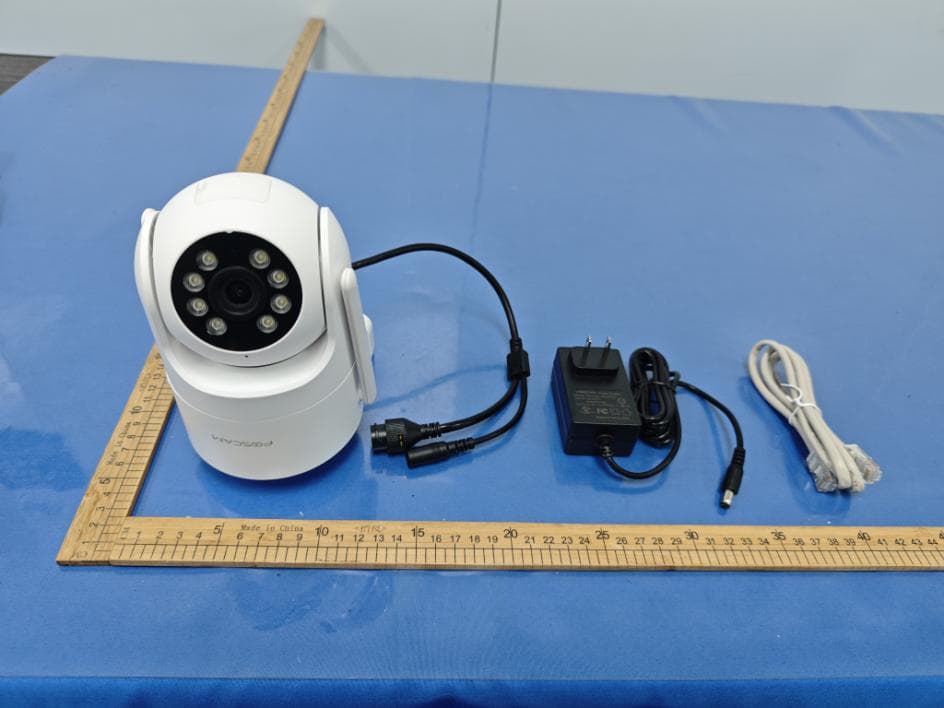
ZDEPD8
Mar 02, 2026Wireless IP Camera
Equipment Class
NII - Unlicensed National Information Infrastructure TX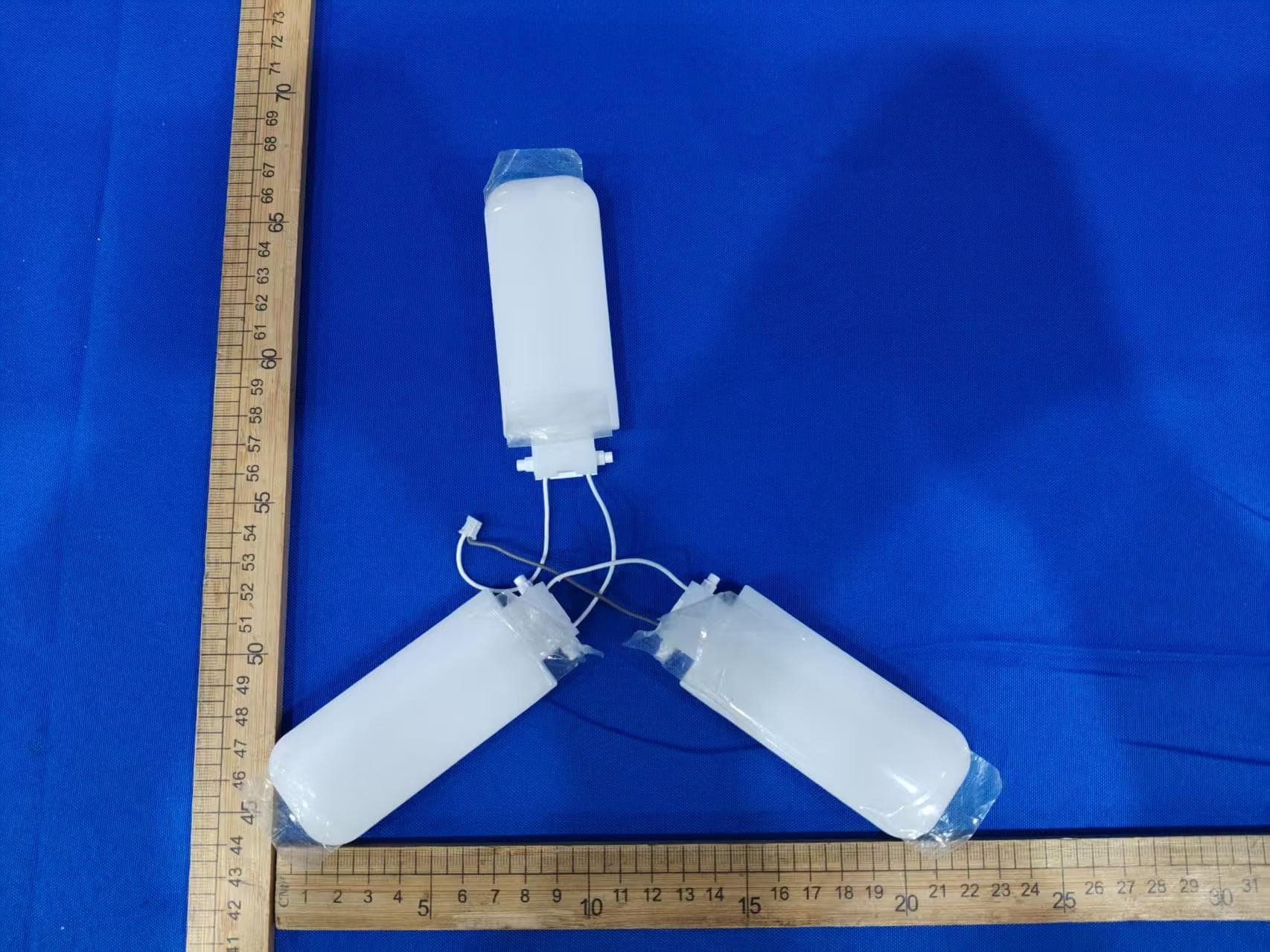
ZDELB5
Jan 14, 2026Wi-Fi IP Camera
Equipment Class
DTS - Digital Transmission System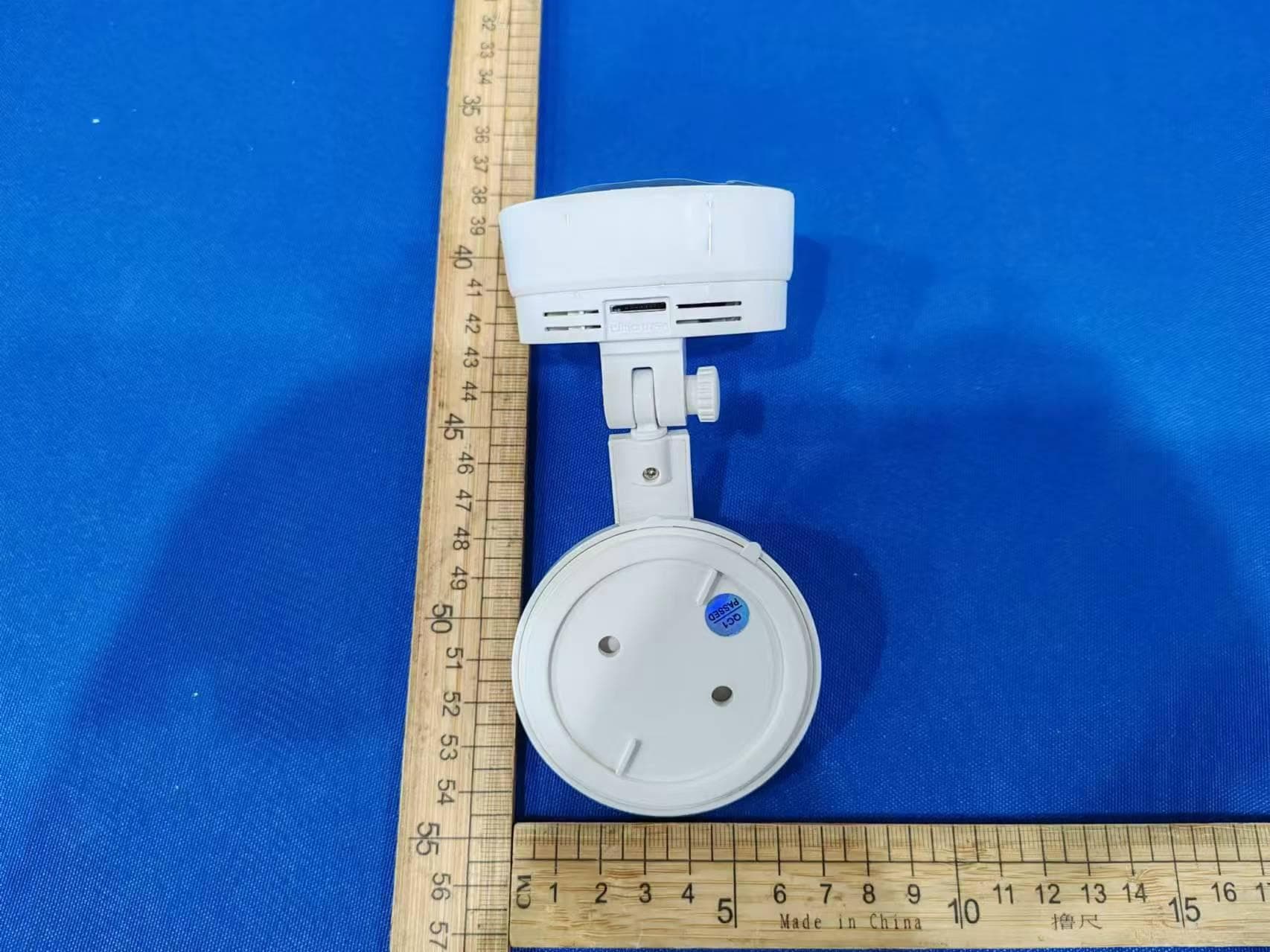
ZDEC5M
Oct 14, 2024Wireless IP Camera
Equipment Class
NII - Unlicensed National Information Infrastructure TX
ZDEV5P
Sep 04, 2023QHD WiFi IP Camera
Equipment Class
NII - Unlicensed National Information Infrastructure TX