ZGW01Wireless Tag Manager
Cao Gadgets, LLC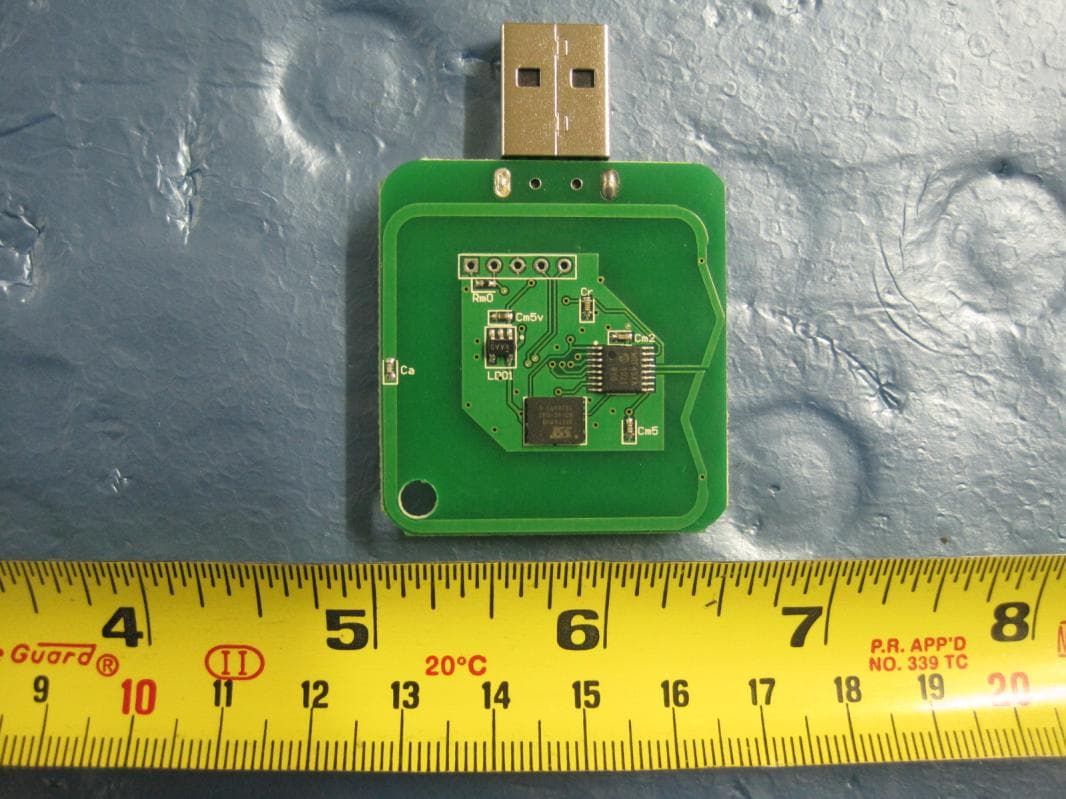
Click to zoom
Application Details
- Equipment Class
- DSC - Part 15 Security/Remote Control Transmitter
- Date of Grant
- Aug 04, 2011
- Application Purpose
- Original Equipment
- Date of Application
- Aug 04, 2011
- Equipment Note
- Wireless Tag Manager
- Frequency Range
- 433.18600000 - 433.18600000
- Company
- Cao Gadgets, LLC
- Country
- United States
Documents & Files
Document Text
Text extracted from the exhibit documents filed with the FCC. Open a document above to read the original.
Users Manual
Start Here Beeper Tag Motion Sensor Tag Wireless Tag Manager Plug a Wireless Tag Manager USB Stick into your computer’s USB port. If you see the following window popping up, choose “Open folder to view files.” Otherwise, go to “My Computer” and double click Tag Manager like below. You should see the files inside like below. Double click WirelessTagManager.exe to start the program. Click Add New in the Wireless Tag Manager window. This step asscociates a new Beeper Tag or Motion Sen- sor Tag with this Tag Manager. Pick either a Beeper or Motion Sensor Tag, remove the insulating tape from the hole below. A light on the tag should start to flash, indicating that this tag has not yet been associated with a Tag Manager. Click “Next”. 123 Step 1Step 2Step 3 If the new Tag is recognized, its information will be displayed below and the Next button will become active. Click “Next” and the recognized tag will be pro- grammed wirelessly and become associated with this tag manager. The tag will beep twice and stop flashing. In this next and final step, assign a name to the new tag. For example “My Wallet”, “The TV Remote” or “My Car’s Key”. 4567 Tag Manager BasicsMotion Sensor TagsTag Manager TricksTag Tips Specifications Now you have successfully added one tag to your Wireless Tag Manager. Repeat step 2 and 3 to add the remaining Tags. For a Motion Sensor Tag, there will be a letter M next to the icon of the tag. Below is an example after 4 tags have been added. Update Every Tag’s Status Automatically Update Click Any Tab to Sort Right Click / Space Bar Menu Beep It!/Stop Beep Link To beep a tag, simply click on the Beep It! link. The Tag Manager starts communicating with the tag (indicated by an orange light on the USB stick, and an animation in the window). When successful, the link becomes a Stop Beep link. Click to stop the tag from beeping. Click Update button to wirelessly check signal strength and battery status of every tag on your list. Or choose an auto-update interval from the drop down list to allow each tag to periodically report its status. A Motion Sensor Tag, when armed, notifies the Tag Manager when it is physically moved. The Tag Manager can then send you an email, or make the Tag beep. To arm one, right click on the tag in the Tag Manager list and choose Arm Motion Sensor. When successful, the tag will beep and the letter M next to the icon will turn into a letter A. Choose Motion Sensor Options from the right click menu to configure each Tag individually. Sensitivity Determines how much motion is tolerated before the the Tag Manager is notified. Responsiveness Determines how quickly the tag notifies after being moved. Send email to You can choose a previously entered address from the drop down list. Beep at PC side The Tag Manager will audibly notify when motion is detected. Make the Tag beep The tag will beep for 30 seconds when moved. User Interface. Click header to sort. Drag header to change order. Double click each cell to edit. Use cursor key to navigate the list and press space bar for action. Unassociate a Tag. If you have more than one Wireless Tag Manager USB stick, you can unassociate a Tag with one Manager and add to the other. A Tag can be pro- grammed back to its factory original state by choos- ing “Unassociate” from the right click menu. When successful, the tag will beep twice, start flashing light again, and be removed from the list. Using One Tag Manager Stick at Multiple PCs. The Tag Manager program runs directly from the Wireless Tag Manager USB stick and does not require installa- tion. The information about each Tag, is stored in the file named WirelessTagManager.exe.data, also inside the USB stick. Therefore, you can simply plug the Wiress Tag Manager USB stick into another PC and start using the Tag Manager right away. Using Multiple Tag Manager Sticks at One PC. Each Tag Manager USB Stick can manage up to 255 Tags, but the number of Tags that can coexist simultaneously is not limited by this number. Simply plug in multiple Tag Manager USB Sticks into the USB ports and launch WirelessTagManager.exe from each USB drive. For more tricks, visit www.caogadgets.com. Battery TypeCR2032 Battery Life 6-9 months Range30 meters (100 feet) Beeper Sound Level90dBA at 10 cm Operating System Windows 98, 2000, XP, Vista, 7 Maximum Number of Tags255 per USB Stick FCC Compliance Statement. This device complies with part 15 of the FCC rules. Operation is subject to the following two conditions: (1) this device may not cause harmful in- terference, and (2) this device must accept any interference received, including interference that may cause undesired operation. Caution: Any changes or modification cautions to this device not explicitly approved by manufacturer could void your authority to operate this equipment. Attach to Objects. The exterier of each Tag is made of special elastic material which can be stretched to as much as 7 times of the original length without breaking. Stretch the handle on each side of the Tag to wrap around objects, and using included Velcro tape to wrap around the handles. Alternatively attach using the key chain hole. Change Battery. Stretch the gel exterior to remove the circuit board inside. Push the coin cell battery out from the holder and insert new battery.
External Photos
EUT Top View EUT Bottom View
ID Label/Location Info
DO NOT SCALE DRAWING wakeup_usb_T6_18mm_changes_new SHEET 1 OF 1 UNLESS OTHERWISE SPECIFIED: SCALE: 1:1 WEIGHT: REV DWG. NO. A SIZE TITLE: NAME DATE COMMENTS: Q.A. MFG APPR. ENG APPR. CHECKED DRAWN FINISH MATERIAL INTERPRET GEOMETRIC TOLERANCING PER: DIMENSIONS ARE IN INCHES TOLERANCES: FRACTIONAL ANGULAR: MACH BEND TWO PLACE DECIMAL THREE PLACE DECIMAL APPLICATION USED ON NEXT ASSY PROPRIETARY AND CONFIDENTIAL THE INFORMATION CONTAINED IN THIS DRAWING IS THE SOLE PROPERTY OF <INSERT COMPANY NAME HERE>. ANY REPRODUCTION IN PART OR AS A WHOLE WITHOUT THE WRITTEN PERMISSION OF <INSERT COMPANY NAME HERE> IS PROHIBITED. 5 4 3 2 1 Label Location
Internal Photos
EUT Top View EUT Bottom View
Test Report
CAO GADGETS, LLC WIRELESS TAG MANAGER Model: ZGW01 July 11th, 2011 R eport No.: SL11060501-CAO-001(FCC)-WTM (This report supersedes NONE) Modifications made to the product : None This Test Report is Issued Under the Authority of: Yao Li Test Engineer Leslie Bai Engineering Reviewer This test report may be reproduced in full only. Test result presented in this test report is applicable to the representative sample only. a Title: FCC RF Test Report of Cao Gadgets, LLC Model : ZGW01 To 47 CFR 15.203, 15.207, 15.209, 15.231: 2010 Serial# SL11060501-CAO-001(FCC)-WTM Issue Date July 11th, 2011 Page 2 of 58 www.siemic.com REDIT SIEMIC SIEM Laboratory Introduction ATION SIEMIC, headquartered in the heart of Silicon Valley, with superior facilities in US and Asia, is one of the leading independent testing and certification facilities providing customers with one-stop shop services for Compliance Testing and Global Certifications. In addition to testing and certification, SIEMIC provides initial design reviews and compliance management through out a project. Our extensive experience with China, Asia Pacific, North America, European, and international compliance requirements, assures the fastest, most cost effective way to attain regulatory compliance for the global markets . Accreditations for Conformity Assessment Country/Region Accreditation Body Scope USA FCC, A2LA EMC , RF/Wireless , Telecom , SAR Canada IC, A2LA, NIST EMC, RF/Wireless , Telecom , SAR Taiwan BSMI , NCC , NIST EMC, RF, Telecom , Safety Hong Kong OFTA , NIST RF/Wireless ,Telecom Australia NATA, NIST EMC, RF, Telecom , Safety Korea KCC/RRA, NIST EMI, EMS, RF , Telecom, Safety , SAR Japan VCCI, JATE, TELEC, RFT EMI, RF/Wireless, Telecom Mexico NOM, COFETEL, Caniety Safety, EMC , RF/Wireless, Telecom Europe A2LA, NIST EMC, RF, Telecom , Safety, SAR Accreditations for Product Certifications Country Accreditation Body Scope USA FCC TCB, NIST EMC , RF , Telecom Canada IC FCB , NIST EMC , RF , Telecom Singapore iDA, NIST EMC , RF , Telecom EU NB EMC & R&TTE Directive Japan MIC, (RCB 208) RF , Telecom HongKong OFTA (US002) RF , Telecom a Title: FCC RF Test Report of Cao Gadgets, LLC Model : ZGW01 To 47 CFR 15.203, 15.207, 15.209, 15.231: 2010 Serial# SL11060501-CAO-001(FCC)-WTM Issue Date July 11th, 2011 Page 3 of 58 www.siemic.com This page has been left blank intentionally. a Title: FCC RF Test Report of Cao Gadgets, LLC Model : ZGW01 To 47 CFR 15.203, 15.207, 15.209, 15.231: 2010 Serial# SL11060501-CAO-001(FCC)-WTM Issue Date July 11th, 2011 Page 4 of 58 www.siemic.com CONTENTS 1 EXECUTIVE SUMMARY & EUT INFORMATION ............................................................................................................ 6 2 TECHNICAL DETAILS ................................................................................................................................................. 7 3 MODIFICATION ........................................................................................................................................................... 8 4 TEST SUMMARY ......................................................................................................................................................... 9 5 MEASUREMENTS, EXAMINATION AND DERIVED RESULTS ..................................................................................... 10 ANNEX A. TEST INSTRUMENT & METHOD........................................................................................................................ 20 ANNEX B EUT AND TEST SETUP PHOTOGRAPHS .......................................................................................................... 25 ANNEX C. TEST SETUP AND SUPPORTING EQUIPMENT .................................................................................................. 26 ANNEX D USER MANUAL, BLOCK & CIRCUIT DIAGRAM .................................................................................................. 30 ANNEX E SIEMIC ACCREDITATION .................................................................................................................................. 31 a Title: FCC RF Test Report of Cao Gadgets, LLC Model : ZGW01 To 47 CFR 15.203, 15.207, 15.209, 15.231: 2010 Serial# SL11060501-CAO-001(FCC)-WTM Issue Date July 11th, 2011 Page 5 of 58 www.siemic.com This page has been left blank intentionally. a Title: FCC RF Test Report of Cao Gadgets, LLC Model : ZGW01 To 47 CFR 15.203, 15.207, 15.209, 15.231: 2010 Serial# SL11060501-CAO-001(FCC)-WTM Issue Date July 11th, 2011 Page 6 of 58 www.siemic.com 1 Executive Summary & EUT information The purpose of this test programme was to demonstrate compliance of the Cao Gadgets, LLC Wireless Tag Manager, against the current Stipulated Standards. The Wireless Tag Manager have demonstrated compliance with the 47 CFR 15.203, 15.207, 15.209, 15.231: 2010. EUT Information EUT Description : Wireless Tag Manager Model No : ZGW01 Serial No : N/A Input Power : 5 VDC Classification Per Stipulated Test Standard : Low Power Transceiver a Title: FCC RF Test Report of Cao Gadgets, LLC Model : ZGW01 To 47 CFR 15.203, 15.207, 15.209, 15.231: 2010 Serial# SL11060501-CAO-001(FCC)-WTM Issue Date July 11th, 2011 Page 7 of 58 www.siemic.com 2 TECHNICAL DETAILS Purpose Compliance testing of Wireless Tag Manager with stipulated standard Applicant / Client CAO Gadgets, LLC Manufacturer CAO Gadgets, LLC 8 Morena Irvine, CA 92612 Laboratory performing the tests SIEMIC Laboratories Test report reference number SL11060501-CAO-001(FCC)-WTM Date EUT received July 1st, 2011 Standard applied 47 CFR 15.203, 15.207, 15.209, 15.231: 2010 Dates of test (from – to) Jul 5 th – Jul 8 th , 2011 No of Units: # 2 Equipment Category: DSC Trade Name: Wireless Tag Manager Model : ZGW01 RF Operating Frequency (ies) 433.186MHz Number of Channels : 1 Modulation : ASK FCC ID : ZGW01 a Title: FCC RF Test Report of Cao Gadgets, LLC Model : ZGW01 To 47 CFR 15.203, 15.207, 15.209, 15.231: 2010 Seria…
Text truncated - open the document above for the full version.
Test Setup Photos
AC Line Conducted Emission AC Line Conducted Emission - Front View AC Line Conducted Emission - Back View Radiated Emission Radiated Emission (30 MHz – 1GHz) – Front View Radiated Emission (30 MHz – 1GHz) – Back View Radiated Emission (1GHz - 5GHz) – Front View Radiated Emission (1GHz - 5GHz) – Back View
Contact Information
Applicant
Zhiheng Cao
Test Firm
Bureau Veritas Consumer Products Services, Inc.Sarb Shelopal
[email protected]+1 925 963 4420
Technical Specifications
| # | Rule Parts | Frequency Range | Power Output |
|---|---|---|---|
| 1 | 15.231 | 433.186 MHz - 433.186 MHz | - |
Other Applications from Cao Gadgets, LLC
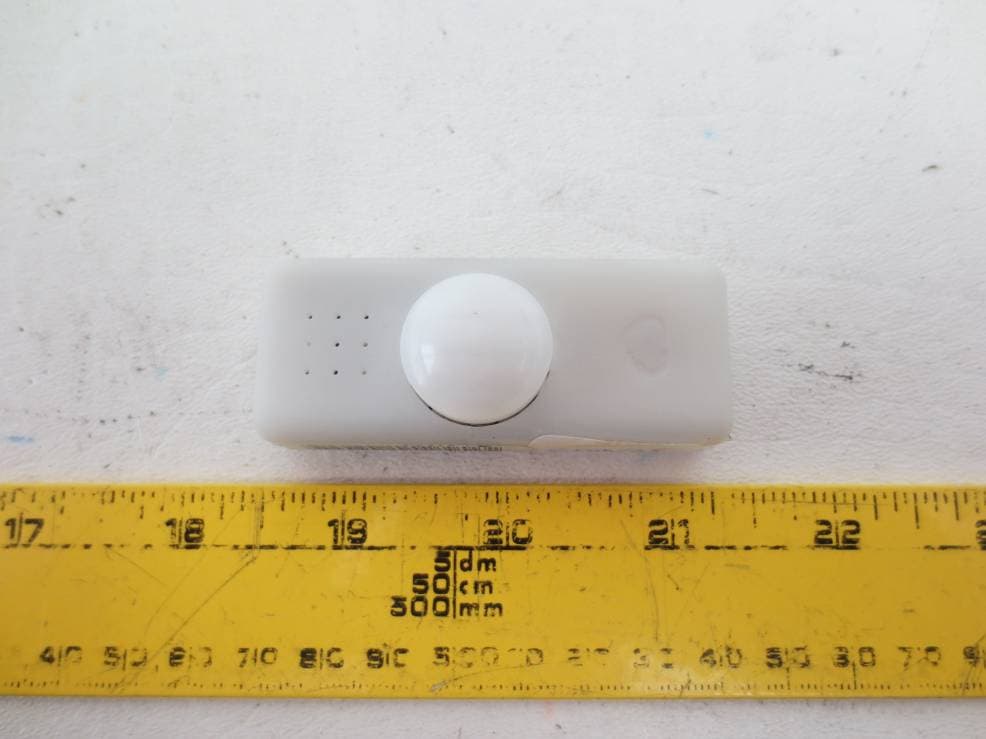
ZGW08
Feb 02, 2014Infra-Red KumoSensor
Equipment Class
DSC - Part 15 Security/Remote Control Transmitter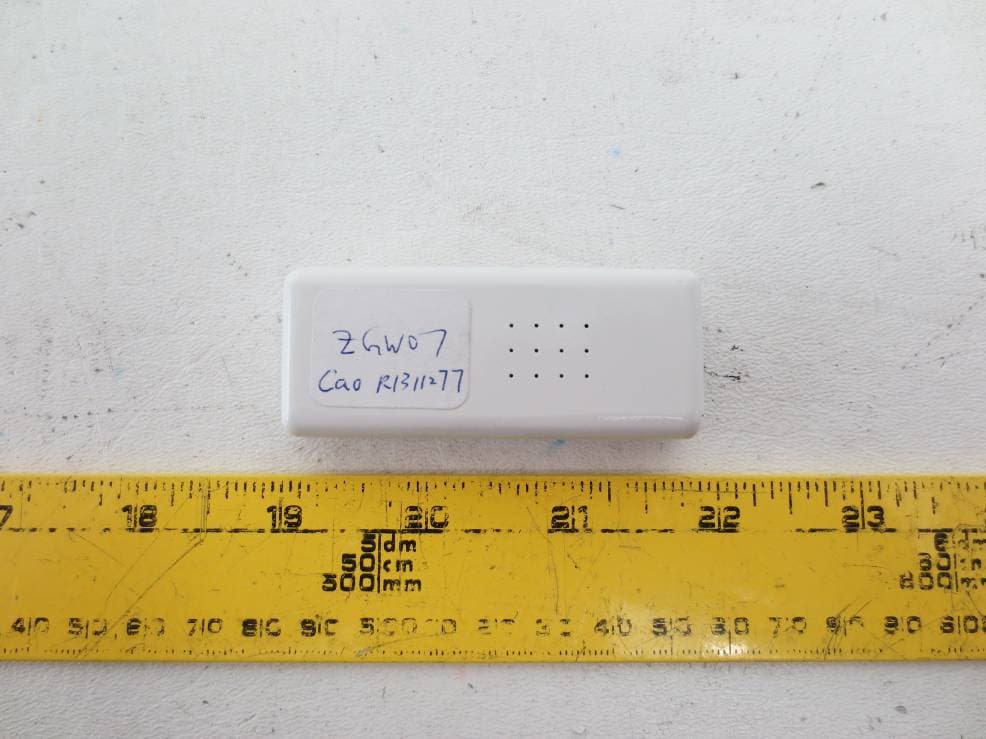
ZGW07
Feb 02, 2014Door/Window KumoSensor
Equipment Class
DSC - Part 15 Security/Remote Control Transmitter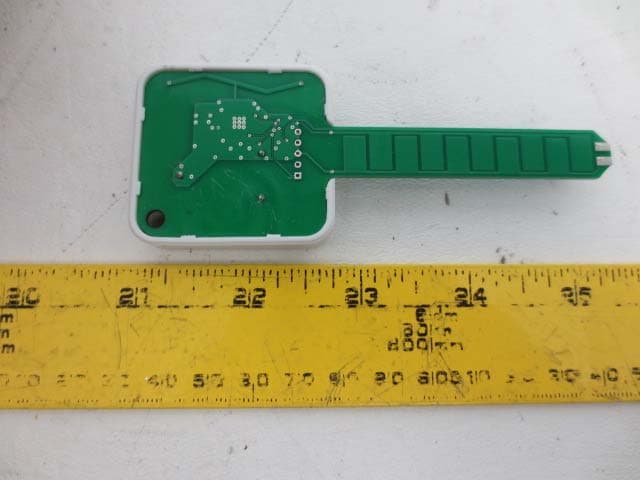
ZGW06
Feb 02, 2014Wireless Water/Soil Moisture Sensor
Equipment Class
DSC - Part 15 Security/Remote Control Transmitter
ZGW05
Aug 29, 2013Wireless Sensor Tags
Equipment Class
DSC - Part 15 Security/Remote Control Transmitter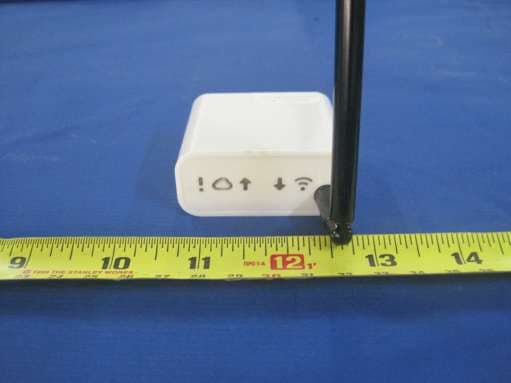
ZGW03
Aug 06, 2012Wireless Tag Manager
Equipment Class
DSR - Part 15 Remote Control/Security Device Transceiver