ZJVMT-5000Bluetooth Headset
Premier Accessory Group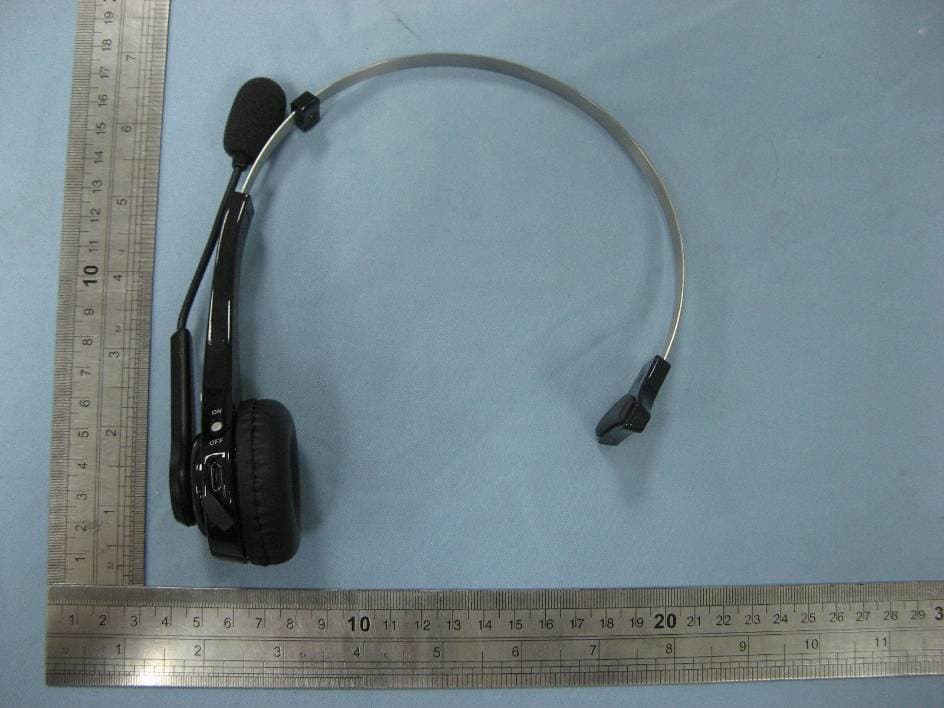
Click to zoom
Application Details
- Equipment Class
- DSS - Part 15 Spread Spectrum Transmitter
- Date of Grant
- May 25, 2011
- Application Purpose
- Original Equipment
- Date of Application
- May 25, 2011
- Equipment Note
- Bluetooth Headset
- Frequency Range
- 2402.00000000 - 2480.00000000
- Company
- Premier Accessory Group
- Country
- United States
Documents & Files
Document Text
Text extracted from the exhibit documents filed with the FCC. Open a document above to read the original.
Users Manual
MOTOR TREND ® Bluetooth ® Headset User Guide Noise Cancelling Technology ITEM# MT-5000 PDF 文件使用 "pdfFactory Pro" 试用版本创建 www.fineprint.com.cn Index 1. Notice Before Using 2. Package Contents List 3. Product Introduction 4. Charging the Headset 5. Power On/Off 6. Pairing the Headset with a Bluetooth Device 7. Pairing to 2 devices 8. Wearing the Headset 9. Answering Calls 10. Refusing Calls 11. Ending Calls 12. Voice Dialing 13. Redialing 14. Mute 15. Transferring Calls 16. Adjusting the Volume 17. Safety Instructions 18. UEGENT HANDLING 19. Specifications 20. Diagnosing Problems 21. Headset Storage 22. Travel Charger 23. Car Charger 24. BATTERY 25. Q&A 26. Declaration of Conformity 27. Limited Warranty PDF 文件使用 "pdfFactory Pro" 试用版本创建 www.fineprint.com.cn 1. Notice before Using Thank you for purchasing the MOTOR TREND ® Bluetooth ® Headset MT-5000. Please check the contents of this package to verify the items listed in the Package Contents List below to has been included in your package. Be sure and read this User Guide before you use the Headset. The MT-5000 has been developed using Bluetooth wireless technology and is capable of connecting with Bluetooth devices designed with Audio Gateway and PDAs, Desktop and notebook computers can be connected and paired with the Headset using a USB Bluetooth Dongle. Before using the Headset please verify your Bluetooth device (PS3, phone, PDA) complies with Bluetooth V1.1/V1.2/V2.0/2.1 and supports the Bluetooth Headset or Handsfree profile. 2. Package Content List Please inspect this package and refer to the package contents list how to verify all items were included in this package: Item Name Quantity ÿ MT-5000 Bluetooth ® Headset.......................1 ÿ User Guide.............................................1 ÿ Easy Pairing Sheet....................................1 ÿ Travel Charger.........................................1 INPUT: AC100-240V, 50/60Hz OUTPUT: DC 5.1V, 120mA ÿ Car Charger.............................................1 ÿ USB Cable...............................................1 ÿ Extra Ear Cushion......................................1 ÿ Extra Mic Cover........................................1 If you find any items were not included please contact your retailer where you purchased this product. 3. Product Introduction Functions (Answering / Ending) Button ON/OFF Button LED Indicator Light Receiver / Speaker Microphone Power Interface / Adapter for Charging the Unit Ear Hook Decrease Volume Key (-) Increase volume key (+) PDF 文件使用 "pdfFactory Pro" 试用版本创建 www.fineprint.com.cn NOTE: Before using the Headset for the first time, be sure and fully charge the unit at least 3 hours. 4. Charging the Headset The MT-5000 comes with a built in Lithium Polymer battery. To charge the unit: a. Plug the travel charger into an electrical outlet or plug the car charger into cigar lighter.. b. Plug the unit end of the Travel Charger or car charger into the Power Interface Adapter on the Headset. c. While charging, the LED Indicator Light will turn red. When charging is complete, the red Indicator light will shut off or flash blue to alert you that the unit is fully charged and ready to use. NOTE: · For first time use, make sure to fully charge the Headset at least 3 HOURS, preferably overnight (8-10 hours). · If Headset has not been used for more than 21 days, when recharging it please charge unit at least 3 hours, preferably overnight (8-10 hours) as the battery will need a full charge and be aware the LED Indicator Light may take several hours to show recharging is complete. ·While charging the unit, please do not use the Headset. ·Please use the original charger included with the Headset to charge/recharge the unit. ·When the LED Indicator Light flashes red during usage or while on standby, the battery is low and you should recharge the unit as soon as possible. ·Please recharge the Headset in room temperatures of no less than +14 。 F(-10°C) to + 113 。 F (+45°C). PDF 文件使用 "pdfFactory Pro" 试用版本创建 www.fineprint.com.cn 5. Power On / Off a. Push the ON/OFF button to ON side. The power will turn on after the LED Indicator Light flashes the blue light 3 times. b. Push the ON/OFF button to OFF side. The power will turn off after the LED Indicator Light flashes the blue light 1 time. NOTE: ·While the Headset is turned on, it will automatically search for the paired device. Under the “ON” mode and within the effective range of 30 feet from the Headset, the Indicator will flash the blue light to indicate that it entered the connecting mode. 6. Pairing the Headset with a Bluetooth Device Before you use the Headset the first time, you must pair the unit with a Bluetooth device i.e. cellular phone. To set up the pairing: a. Insure your mobile phone is Bluetooth capable b. Make sure the Headset is turned off. c. Push the ON/OFF button to ON side. d. Press and hold the Function button for 5 seconds until the Indicator Light flashes alternating “Red – Blue – Red – Blue” to enter the pairing mode. e. On your mobile device start the Bluetooth search function. Refer to the mobile device manufacturer’s instructions regarding pairing the device to the MT-5000 Bluetooth Headset. f. When your mobile device is in the stage of searching for a new Bluetooth device, it should locate and pair with the MT-5000. g. On your mobile device, please choose and confirm the MT-5000 as your Bluetooth paired device. h. Key in the Headset Passcode “0000” and press “YES”. If the pairing is successful, the Indicator light on the Headset will flash the blue light only. For some mobile phones, after pairing you may have to select and reconfirm MT-5000 PAIRING EACH TIME YOU TURN ON THE PHONE. Please read you phone manufacturer’s instructions regarding Bluetooth devices. i. The Headset should now be in standby mod – ready to send and receive calls. NOTE: If the pairing is not successful the first time, the Headset will return to standby mode. Please repeat the pairing process and refer to the …
Text truncated - open the document above for the full version.
External Photos
VIEW OF SAMPLE-1 VIEW OF SAMPLE-2 VIEW OF SAMPLE-3
ID Label/Location Info
FCC ID Label Location FCC ID: ZJVMT-5000
Internal Photos
OPEN VIEW OF EUT FRONT VIEW OF PCB BACK VIEW OF PCB Bluetooth antenna
Test Report
FCC Test Report Report No.: AGC035110401F2 FCC ID : ZJVMT‐5000 PRODUCT DESIGNATION : Bluetooth Headset BRAND NAME : N/A TEST MODEL : MT‐5000 CLIENT : Premier Accessory Group DATE OF ISSUE : May.11, 2011 STANDARD(S) : FCC Part 15 Rules Attestation of Global Compliance Co., Ltd. CAUTION: This report shall not be reproduced except in full without the written permission of the test laboratory and shall not be quoted out of context. Report No.: AGC035110401F2 Page 1 of 39 VERIFICATION OF COMPLIANCE Applicant Premier Accessory Group 11-11 44 th Drive, Long Island City, NY 11101, USA Manufacturer Deno Industrial (HK) Co., Ltd Floor 3, Building C, Feng Men Ao Industrial Park, GangTou, BanTian, Longgang Disrict, Shenzhen, China. Product Designation Bluetooth Headset Brand Name N/A Model Name MT-5000 FCC ID ZJVMT-5000 Report Number AGC035110401F2 Date of Test May.10, 2011 to May.11, 2011 WE HEREBY CERTIFY THAT: The above equipment was tested by Attestation of Global Compliance Co., Ltd. The test data, data evaluation, test procedures, and equipment configurations shown in this report were made in accordance with the procedures given in ANSI C63.4 (2003) and the energy emitted by the sample EUT tested as described in this report is in compliance with radiated emission limits of FCC Rules Part 15.247. Checked By: Curoky Chen May.11, 2011 Authorized By Forrest Lei May.11, 2011 Report No.: AGC035110401F2 Page 2 of 39 TABLE OF CONTENTS 1 GENERAL INFORMATION ...................................................................................................................................................... 4 1.1 PRODUCT DESCRIPTION ......................................................................................................................................... 4 1.2 TABLE OF CARRIER FREQUENCYS ..................................................................................................................... 4 1.3 RECEIVER INPUT BANDWIDTH .............................................................................................................................. 4 1.4 EXAMPLE OF A HOPPING SEQUENCY IN DATA MODE .................................................................................. 5 1.5 EQUALLY AVERAGE USE OF FREQUENCIES AND BEHAVIOUR ................................................................. 5 1.6 RELATED SUBMITTAL(S) / GRANT (S) ................................................................................................................. 5 1.7 TEST METHODOLOGY .............................................................................................................................................. 5 1.8 TEST FACILITY ............................................................................................................................................................ 6 1.9 SPECIAL ACCESSORIES .......................................................................................................................................... 6 1.10 EQUIPMENT MODIFICATIONS ................................................................................................................................. 6 2 SYSTEM TEST CONFIGURATION ........................................................................................................................................ 7 2.1 CONFIGURATION OF TESTED SYSTEM ............................................................................................................... 7 2.2 EQUIPMENT USED IN TESTED SYSTEM .............................................................................................................. 7 3 SUMMARY OF TEST RESULTS ............................................................................................................................................. 8 4. DESCRIPTION OF TEST MODES ......................................................................................................................................... 8 5 PEAK OUTPUT POWER .......................................................................................................................................................... 9 5.1 MEASUREMENT PROCEDURE ...................................................................................................................................... 9 5.2 TEST SET-UP (BLOCK DIAGRAM OF CONFIGURATION) ...................................................................................... 9 5.3 MEASUREMENT EQUIPMENT USED ......................................................................................................................... 10 5.4 LIMITS AND MEASUREMENT RESULT ..................................................................................................................... 10 6 20 DB BANDWIDTH ............................................................................................................................................................... 11 6.1 MEASUREMENT PROCEDURE .................................................................................................................................... 11 6.2 TEST SET-UP (BLOCK DIAGRAM OF CONFIGURATION) .................................................................................... 11 6.3 MEASUREMENT EQUIPMENT USED ......................................................................................................................... 11 6.4 LIMITS AND MEASUREMENT RESULTS .................................................................................................................. 11 7. MAXIMUM CONDUCTED OUTPUT POWER SPECTRAL DENSITY ........................................................................... 14 8. CONDUCTED SPURIOUS EMISSION ................................................................................................................................ 15 8.1 MEASUREMENT PROCEDURE ..................................................................................................................................…
Text truncated - open the document above for the full version.
Test Setup Photos
Report No.: AGC035110401F2 Page 37 of 39 APPENDIX II PHOTOGRAPHS OF THE TEST SETUP RADIATED EMISSION ----END OF REPORT----
Contact Information
Applicant
Albert Esses(Executive VP)
Test Firm
Attestation of Global Compliance Shenzhen Co. Ltd.Forrest Lei
Technical Specifications
| # | Rule Parts | Frequency Range | Power Output |
|---|---|---|---|
| 1 | 15C | 2.40 GHz - 2.48 GHz | 2.40 mW |
Other Applications from Premier Accessory Group
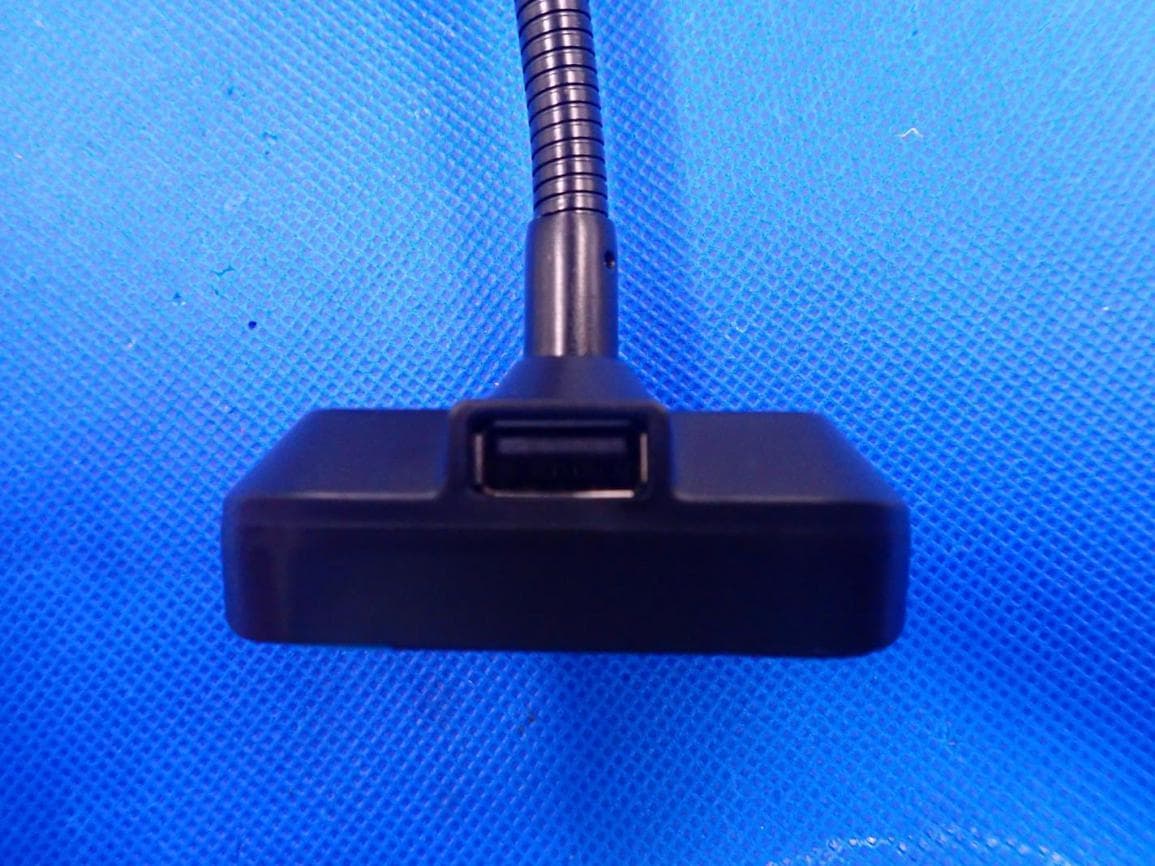
ZJVBT712S
Jul 29, 2020BT712S, PWFMT11, C69D, IABT220B
Equipment Class
DSS - Part 15 Spread Spectrum Transmitter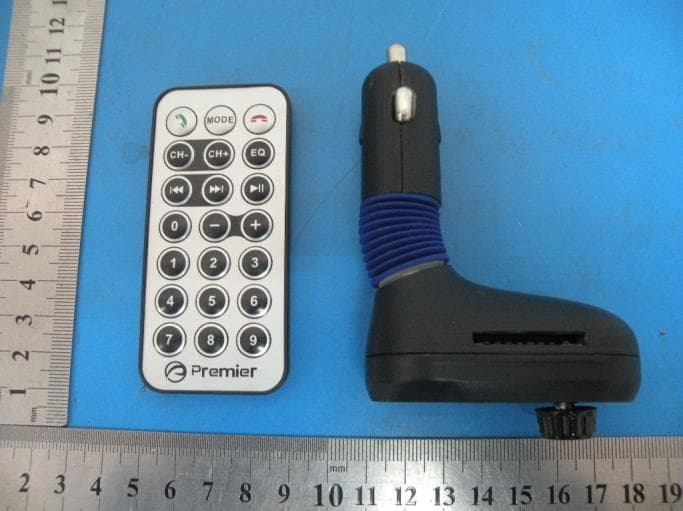
ZJV-PWFMT4
Jan 16, 2015Car MP3 bluetooth transmitter
Equipment Class
DXX - Part 15 Low Power Communication Device Transmitter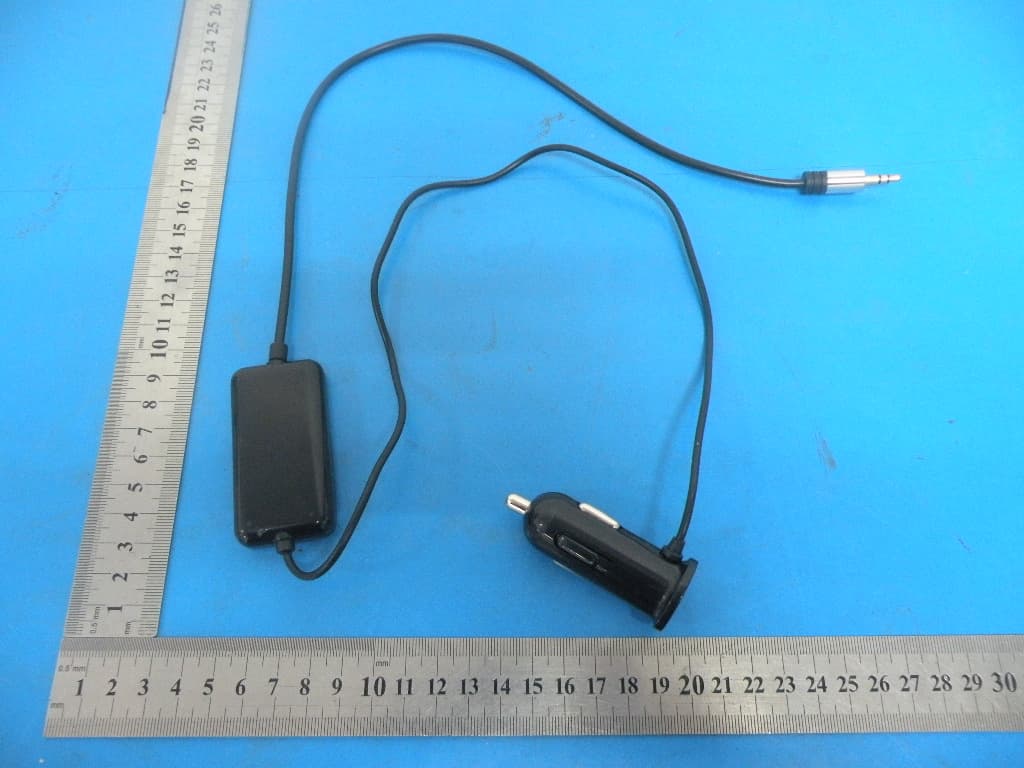
ZJV-ENGFMT4
Jan 16, 2015FM Transmitter
Equipment Class
DXX - Part 15 Low Power Communication Device Transmitter
ZJVPWFMT1
Jul 27, 2014FM Transmitter
Equipment Class
DXX - Part 15 Low Power Communication Device Transmitter
ZJVPWFMT3
Jul 26, 2014FM Transmitter
Equipment Class
DXX - Part 15 Low Power Communication Device Transmitter