ZOWBT1962.4G Bluetooth Speaker
SHENZHEN 3NOD ELECTRONICS CO., LTD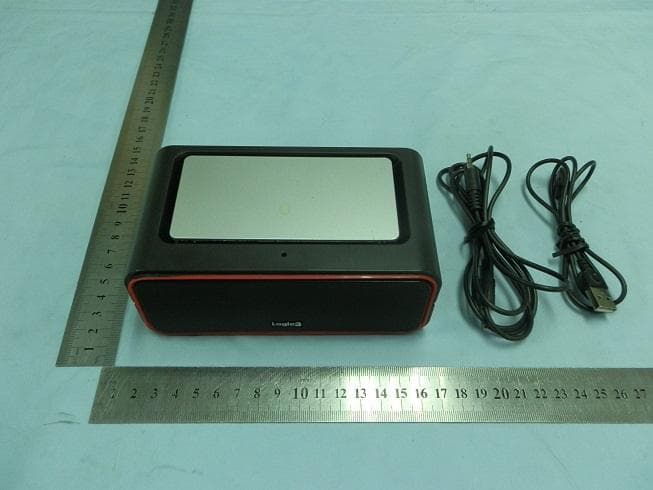
Click to zoom
Application Details
- Equipment Class
- DSS - Part 15 Spread Spectrum Transmitter
- Date of Grant
- Nov 28, 2011
- Application Purpose
- Original Equipment
- Date of Application
- Nov 28, 2011
- Equipment Note
- 2.4G Bluetooth Speaker
- Frequency Range
- 2402.00000000 - 2480.00000000
- Country
- China
Documents & Files
Document Text
Text extracted from the exhibit documents filed with the FCC. Open a document above to read the original.
Users Manual
Instruction Manual BT196 i-Station Bluetooth2 EN Thank you for purchasing the Logic3 i-Station Bluetooth2. As with all Logic3 products it has been built to the highest manufacturing standards and tested throughout its development, to ensure you get the best possible product. Please read through and familiarize yourself with this manual before you use the i-Station Bluetooth2. Compatabile with A2DP Bluetooth devices Functionality of the i-Station Bluetooth2 is dependent on the device (iPhone, iPod, Mobile Phone, MP3/MP4 Player, PC, Mac, etc.) the i-Station Bluetooth2 is paired with. Devices with A2DP Bluetooth can use the i- Station Bluetooth2 to play music and receive calls. Devices without A2DPcannotplay music through the i- Station Bluetooth2; it can only use the i-Station Bluetooth2 as a Speaker phone. Other non Bluetooth devices can be connected using the supplied 3.5mm Stereo Line-in cable. Further instructions on Bluetooth connectivity can be found in the user guide for your A2DP Bluetooth device. Contents A BCD Product Overview A – i-Station Bluetooth2 SpeakerH – On / OFF Switch B – USB Charge CableI – Previous Track C – Line in CableJ – Standby / Source D – Carry PouchK – Next Track E- Power / Sync LEDL – Volume Down F – Line inM – Answer / Reject Call / Play / Pause G – Mini USB PortN – Volume Up H G F I K N L J E M Charging your i-Station Bluetooth2 Note: In order to recharge the i-Station Bluetooth2, please ensure the Main Power Switch (located on the back of the unit) is in the ON position. The i-Station Bluetooth2 has a built in rechargeable li-on battery, it can be recharged in two ways :- 1. Connecting the USB charge cable to an available USB port (PC/Mac or with an Optional Dual USB Power Adapter - see our Spare Parts List at the end of this manual) Once the i-Station Bluetooth2 is fully charged the LED will revert back to the previous LED status (i.e. if the speaker was in a playing status during charging, the LED will illuminate BLUE) The Bluetooth speaker can also be used when the unit is recharging. Paring the i-Station Bluetooth2 with a Bluetooth Device (First time connection) 1. Ensure the i-Station Bluetooth2 is fully charged or that the i-Station Bluetooth2 is connected to a power source. 2. Turn the main power switch located at the back of the i-Station Bluetooth2 to the ON position. 3. Activate your Bluetooth device to the Searching mode (new device searching) 4. Press and hold the ‘Stand-by’ button on the side of the i-Station Bluetooth2 until the Red/Blue LED starts flashing on front of the i-Station Bluetooth2. (i-Station Bluetooth2 will have 3minutes to connect/pair with your Bluetooth). 5. ‘Logic3 BT196’ will appear on your Bluetooth device. 6. Select ‘Logic3 BT196’ and enter ‘0000’ for the passcode if necessary. 7. LED on front of the Speaker will stop flashing and a tone will sound to acknowledge successful paring. 8. Check your Bluetooth device to ensure that connection is successful. Note: If after 3minutes no connection is made the speaker will sound and the LED will turn OFF. Operation of i-Station Bluetooth2 (Device Dependant) 1. Ensure the i-Station Bluetooth2 is fully charged or that the i-Station Bluetooth2 is connected to a power source. 2. Turn the main power switch located at the back of the i-Station Bluetooth2 to the ON position. ) 3. Press the ‘Stand-by’ button on the side of the i-Station Bluetooth2 until the Blue LED is ON. 4. Turn on your Bluetooth device and select the connection ‘Logic3 BT196’ 5. Once connected the following control functions can be used :- Play Next song – Press at the side of the i-Station Bluetooth2. Play previous song – Press at the side of the i-Station Bluetooth2. Volume Up/Down – Press at the side of the i-Station Bluetooth2.. Switch the i-Station Bluetooth2 to Stand-by – Press and hold until the Blue LED is OFF Operation of i-Station Bluetooth2 as a Speaker phone (Device Dependant) 1. To answer a call – Press at the side of the i-Station Bluetooth2. 2. To Reject a call – Press & Hold (3 Seconds) at the side of the i-Station Bluetooth2. 3. To hang up a call – During a Call Press & Hold (3 Seconds) at the side of the i-Station Bluetooth2. 4. To switch a call between speaker and Mobile Phone – Press (Once) at the side of the i-Station Bluetooth2. 5. To Redial Last Calling number - Press & Hold (3 Seconds) at the side of the i-Station Bluetooth2. LED Status Power OFF – LED OFF Power ON – LED ON (Blue or Red) Pairing Mode – LED Flashing Blue/Red Low Battery Level – LED Flashing (Red) Very Low Battery Level – LED will flash RED for 10 seconds and then the Speaker will automatically switch OFF Battery recharging – LED Flashing slowly (Blue) Battery fully recharged – (LED will revert back to the previous LED status) Set up of Aux In The i-Station Bluetooth2 also offers the ability to allow other portable audio devices such as iPod shuffle, MP3, MiniDisc and Portable CD Players to be connected for use as a speaker system. 1. Plug in the line in cable into the rear of the i-Station Bluetooth2 Aux In Socket. 2. Connect the other end of the line in cable to your devices headphone socket. 3. Switch on the i-Station Bluetooth2 and press the ‘Source’ button, to switch the source function to ‘Aux in’ 4. Set your device volume level to maximum and press play on your device. 5. You can connect a Bluetooth device and a Aux in device at the same time, you can toggle the source (Bluetooh or Aux in) by pressing the ‘Source’ button Compatibility (Bluetooth device) Bluetooth 2.0 with A2DP/AVRCP/HFP/HSP Abbreviations A2DP - Advanced Audio Distribution Profile AVRCP - Audio/Video Remote Control Profile HSP - Headset Profile HFP - HandsFree Profile Trouble Shooting Spare Part List Part No. Item code Item NamePrice 1YCB001KMini USB Cable (Black) 2YCB000KLine In Cable 3LG095Dual USB Mains Adaptor For prices visit our website at www.logic3.com Please use Item Codes above, when searching for Spare Parts on our Website www.logic3.com Specifica…
Text truncated - open the document above for the full version.
Cover Letter(s)
SCS-F18: Project and Product Certification Representative Authorization Letter Page 1 of 2Rev 2.0 2206 Ringwood Avenue San Jose, CA 95131 Tel: 408-526-1188 Fax: 408-526-1088 Email: [email protected] Project and Product Certification Representative Authorization Letter Revision History Reason for Amendment (current / obsolete) FromTo Approved Date Initial Release (current)1.01.0Nov-14-2006 Revised wording (current)1.02.0Sept–25-2007 SCS-F18: Project and Product Certification Representative Authorization Letter Page 2 of 2Rev 2.0 SHENZHEN 3NOD ELECTRONICS CO.ూLTD 2011/11/12 To: SIEMIC, INC. 2206 Ringwood Avenue, San Jose, CA 95131 USA Dear Sir/Madam, Re: Project and Product Certification Representative Authorization Letter We, SHENZHEN 3NOD ELECTRONICS CO.ూLTD hereby authorize SIEMIC, INC. to act as a Certification Body for certifying for the following project(s): i-Station Bluetooth 2 BT196 FCC ID: ZOWBT196 We affirm that between SIEMIC and SHENZHEN 3NOD ELECTRONICS CO.ూLTD , any difference in understanding, including test plan, measurement methods, applicable standards and relevant procedures and processes have been resolved prior to commencement of testing activities. Sincerely, Signature Jiangjiangming/ Engineer E-mail: [email protected] Phone: 86-755-29868888 Fax: 86-755-29930710 Address : 3NOD High-tech Park 15#, Zhongfu Road, Tangxiayong Village Industrial Zone. Songgang Town, Baoan District, Shenzhen, Guangdong, China
Cover Letter(s)
SCS-F19: Confidentiality Request Letter Page 1 of 2Rev 2.0 2206 Ringwood Avenue San Jose, CA 95131 Tel: 408-526-1188 Fax: 408-526-1088 Email: [email protected] Confidentiality Request Letter Revision History Reason for Amendment (current / obsolete) FromTo Approved Date Initial Release (current)1.01.0Nov-14-2006 Adding CFR 2.4591.02.0August – 11 - 2008 SCS-F19: Confidentiality Request Letter Page 2 of 2Rev 2.0 SHENZHEN 3NOD ELECTRONICS CO.ూLTD 2011/11/12 To: Federal Communications Commission Authorizat ion and Evaluation Divisio n 7435 Oakland Mills Road Columbia, MD Confidentiality Request regarding application for certification of FCC ID: ZOWBT196 We hereby request confidential treatment of information accompanying this application as outlined below: -Schematic -Block Diagram -Operational Description The above materials contain trade secrets and proprietary information not customarily released to the public. The public disclosure of these materials may be harmful to the applicant and provide unjustified benefits to its competitors. The applicant understands that pursuant to Section 0.457 & 0.459 of the Rules, disclosure of this application and all accompanying documentation will not be made before the date of the Grant for this application. Sincerely, Signature Jiangjiangming/ Engineer E-mail: [email protected] Phone: 86-755-29868888 Fax: 86-755-29930710 Address : 3NOD High-tech Park 15#, Zhongfu Road, Tangxiayong Village Industrial Zone. Songgang Town, Baoan District, Shenzhen, Guangdong, China
External Photos
External Photo
ID Label/Location Info
FCCID Label information and location
Internal Photos
EUT Internal Photo View Antenna
Test Setup Photos
TEST SETUP PHOTOGRAPHS Conducted Emission Test Setup Radiation Emission Test Setup Below 1GHz Above 1GHz
Contact Information
Applicant
Jiangming Jiang(Engineer)
Test Firm
Bontek Compliance Testing Laboratory LtdTony Wu
Technical Specifications
| # | Rule Parts | Frequency Range | Power Output |
|---|---|---|---|
| 1 | 15C | 2.40 GHz - 2.48 GHz | 591.60 µW |
Other Applications from SHENZHEN 3NOD ELECTRONICS CO., LTD
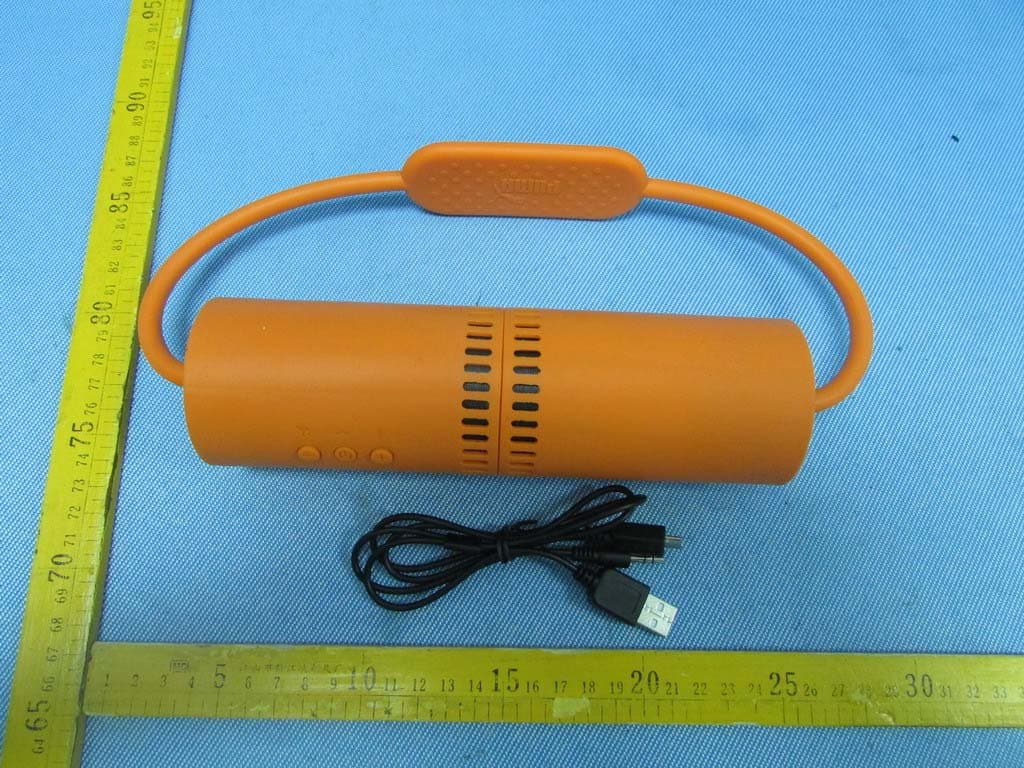
ZOWPMAD6050
Aug 19, 2013SOUNDCHUCK WIRELESS SPORT SPEAKER
Equipment Class
DSS - Part 15 Spread Spectrum Transmitter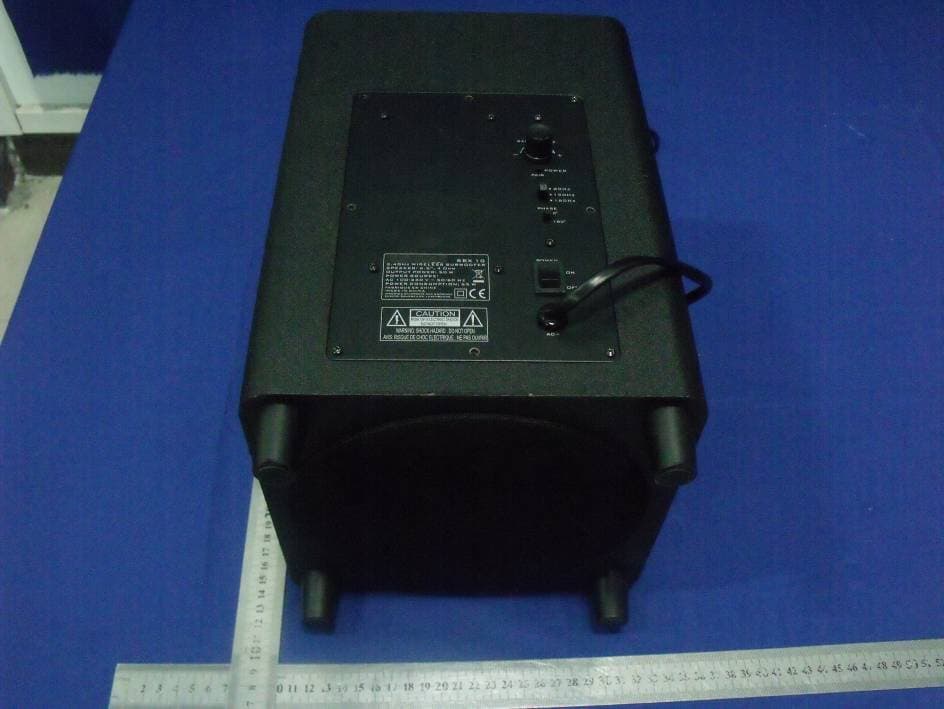
ZOWAB-D10
Aug 15, 20122.4GHz WIRELESS SUBWOOFER
Equipment Class
DSS - Part 15 Spread Spectrum Transmitter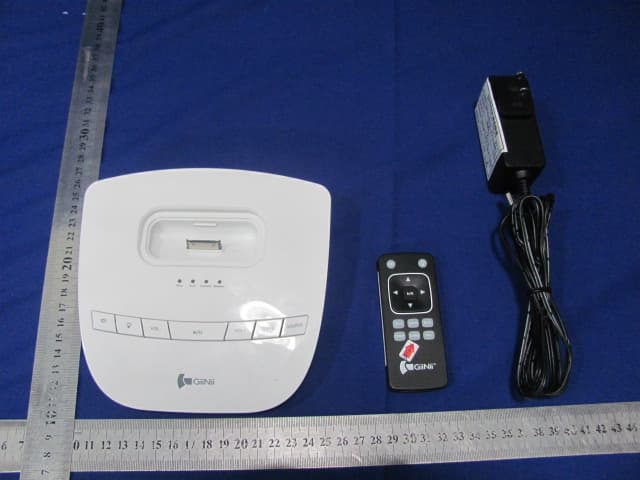
ZOWL-2017
Aug 10, 2011Wireless light Speaker System
Equipment Class
DTS - Digital Transmission System