2AA3HHXP310Bluetooth Speaker
SHENZHEN 3NOD DIGITAL TECHNOLOGY CO., LTD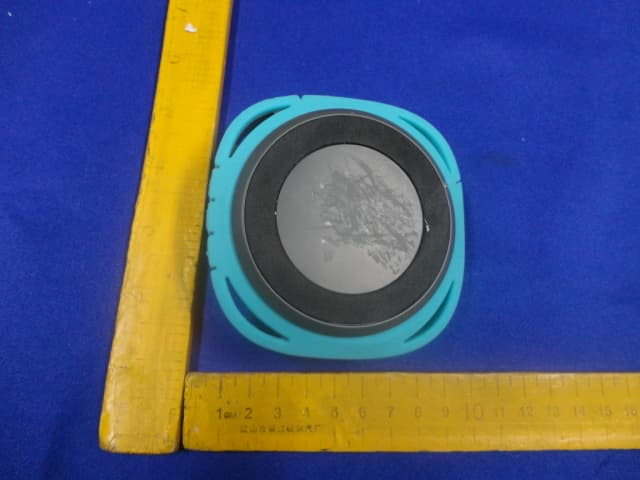
Click to zoom
Application Details
- Equipment Class
- DSS - Part 15 Spread Spectrum Transmitter
- Date of Grant
- Apr 14, 2014
- Application Purpose
- Original Equipment
- Date of Application
- Apr 14, 2014
- Equipment Note
- Bluetooth Speaker
- Frequency Range
- 2402.00000000 - 2480.00000000
- Country
- China
Documents & Files
Document Text
Text extracted from the exhibit documents filed with the FCC. Open a document above to read the original.
Users Manual
1. Plug one end of the cord into the speaker and the other into the headphone jack on your device. 2. Turn on the speaker. 3. Hit PLAY on your device and crank it up—or down if you’re lame. You’ll have to play and pause the music from your device, not your speaker. No problem. You’re there anyway, right? USER GUIDE AND WARRANTY INFORMATION Register your speaker at www.hmdxaudio.com. Information about where you bought it and how you’re using it is like gold for the people who make these speakers. Do them a solid, will ya? Por manual de instrucciones e información de garantía en español visítenos en www.hmdxaudio.com. There are lots of cool HMDX speakers. Check them all out at www.hmdxaudio.com. Setup is pretty easy, but we put a manual together just in case you need it. It’s full of information and sarcasm—just like that English teacher you had that crazy semester. HEY. HAVE WE SEEN YOU HERE BEFORE? 1. This is the power button, press and hold for 5 seconds to power on. 2. This light lets you know when Bluetooth is paired with your speaker. 3. Check out how much juice is in the battery. 4. Here's where you use a mini jack cord to hook it up old-school. 5. The power cord goes here. 6. Turn the music up or down. (Wait, why do you need to turn it down?) 7. Push it to play, push it again to pause. 8. Carabiner CONTROL YOUR DESTINY...OR AT LEAST YOUR SPEAKER HOOKING UP OLD SCHOOL AUDIO, JACK Charging the speaker is so easy you’ve probably figured it out by now, but just in case, you’ve got two options: You can charge it using your computer or a wall outlet. Plug it in and your speaker will be ready for an epic night in no time. You should go get ready too! It needs about 3 hours for 6 hours of party time. JUST CHARGE IT 1. The cord that came with the speaker — the one with the USB on one end and the Micro USB on the other — is made to work with your computer. 2. If you want to use the wall outlet, you’ll need to pick up a power cord with a Micro USB the next time you’re at the store or use any USB AC adaptor, including the one for your cell. Like any amazing couple, this one starts with a connection—one between your device and the speaker’s Bluetooth. Here’s how it works: 1. We know you’re probably going to think, “derp” with this one, but we have to say it: Make sure the smartphone, tablet or computer you want to hook up to the speaker has Bluetooth. (There. We got that out of the way.) 2. Turn on the speaker (press and hold for 5 seconds) and look for the little blinking light. 3. Do whatever your device needs you to do on its end. (We don’t know what you’re using. We’re not spies.) 4. Look for HMDX Flow in your device’s Bluetooth list or click YES—whatever pops up on your device—and BAM! you’re connected. BLUETOOTH ® CONNECTION: IT’S A SETUP 5. Now hit PLAY on your speaker and crank it up—or down if you’re lame. You’re probably only going to have to do this once, unless your device goes through a major I-just-dropped-it-in-the-pool kind of reboot. The device and Bluetooth will find each other every time just as long as the speaker is set to Bluetooth and your device’s Bluetooth is, you know—on. If you’re connecting to a computer, you may have some extra steps on that end. You’ll have to get that information from the computer company. Depending on your device you may be prompted to enter a pairing code. If prompted enter “0000” as the code. HX-P310 ©2014 HMDX. All Rights Reserved. IB-HXP310 3 8 6 7 6 1 2 4 5 ALLOW US TO SHED SOME LIGHT CHARGE Solid RED Charging Ready to Party (Light will only show when unit is plugged in) Light Off Quick Flash BLUE Looking for Bluetooth Slow Flash BLUE Connected RED Hooking up old-school with a cord What It Looks LikeWhat it Means PACKAGE CONTENTS Charging Cord User Manual Speaker Carabiner with Strap Por manual de instrucciones e Información de garantía en español visítenos en www.hmdxaudio.com A soft, dry towel is all you need to clean off your speaker. Using water, harsh cleaners or anything else only starts messing with the mechanics inside. So, yeah, don’t do it. COMING CLEAN The smart folks who made this speaker designed it to keep the party going through just about anything, even water. (They call it IPX4.) But those designers aren’t miracle workers. Doing something like sending your speaker for a swim in the deep end will, at some point, fill those holes you need for incredible sound with water—and that’s just not going to bode well for anyone or anything. Also, remember to keep the back flap flush with the speaker for the best protection. LITTLE BIT OF WATER? NO WORRIES. FCC Disclaimer: Note: This device complies with part 15 of the FCC Rules. Operation is subject to the following two conditions: (1) This device may not cause harmful interference, and (2) this device must accept any interference received, including interference that may cause undesired operation. Note: This equipment has been tested and found to comply with the limits for a Class B digital device, pursuant to part 15 of the FCC Rules. These limits are designed to provide reasonable protection against harmful interference in a residential installation. This equipment generates, uses and can radiate radio frequency energy and, if not installed and used in accordance with the instructions, may cause harmful interference to radio communications. However, there is no guarantee that interference will not occur in a particular installation. If this equipment does cause harmful interference to radio or television reception, which can be determined by turning the equipment off and on, the user is encouraged to try to correct the interference by one or more of the following measures: • Reorient or relocate the receiving antenna. • Increase the separation between the equipment and receiver. • Connect the equipment into an outlet on a circuit different from that to which the receiver is connected. • Consult the dealer or an experienced radio/TV technician for help. Note: Changes or modifications…
Text truncated - open the document above for the full version.
Cover Letter(s)
SCS-F18: Project and Product Certification Representative Authorization Letter Page 1 of 2 Rev 3.0 775 Montague Expressway Milpitas, CA 95035 Tel: 408-526-1188 Fax: 408-526-1088 Email: [email protected] Project and Product Certification Representative Authorization Letter Revision History Reason for Amendment (current / obsolete) From To Approved Date Initial Release (obsolete) 1.0 1.0 Nov-14-2006 Revised wording (obsolete) 1.0 2.0 Sept–25-2007 Updated company template (current) 2.0 3.0 Jan-31-2012 SCS-F18: Project and Product Certification Representative Authorization Letter Page 2 of 2 Rev 3.0 Shenzhen 3nod Digital Technology Co., Ltd. 2014/03/24 To: SIEMIC, INC. 775 Montague Expressway, Milpitas, CA 95035 USA Dear Sir/Madam, Re: Project and Product Certification Representative Authorization Letter We, Shenzhen 3nod Digital Technology Co., Ltd. to act as a Certification Body for certifying for the following project(s): Product description: Bluetooth Speaker model name: HX-P310 FCC ID: 2AA3HHXP310 We affirm that between SIEMIC and _ Shenzhen 3nod Digital Technology Co., Ltd._ , any difference in understanding, including test plan, measurement methods, applicable standards and relevant procedures and processes have been resolved prior to commencement of testing activities. Sincerely, Client’s signature : Client’s name / title : Jiangming. Jiang/ Manager Contact information / address: Building D Park 8# Road Tangxiayong Village, Industrial Zone Songgang Town, Baoan, Shenzhen, China
Cover Letter(s)
SCS-F19: Confidentiality Request Letter Page 1 of 2 Rev 3.0 775 Montague Expressway Milpitas, CA 95035 Tel: 408-526-1188 Fax: 408-526-1088 Email: [email protected] Confidentiality Request Letter Revision History Reason for Amendment (current / obsolete) From To Approved Date Initial Release (obsolete) 1.0 1.0 Nov-14-2006 Adding CFR 2.459 (obsolete) 1.0 2.0 August – 11 - 2008 Updated company template & Added text box (current) 2.0 3.0 Jan-31-2012 SCS-F19: Confidentiality Request Letter Page 2 of 2 Rev 3.0 Shenzhen 3nod Digital Technology Co., Ltd. 2014/03/24 To: Federal Communications Commission Authorization and Evaluation Division 7435 Oakland Mills Road Columbia, MD Subject: Permanent Confidentiality Request for FCC ID: 2AA3HHXP310 We hereby request confidential treatment of information accompanying this application as outlined below: - Block Diagram - Schematics - Operational Description The above materials contain trade secrets and proprietary information not customarily released to the public. The public disclosure of these materials may be harmful to the applicant and provide unjustified benefits to its competitors. The applicant understands that pursuant to Section 0.457 & 0.459 of the Rules, disclosure of this application and all accompanying documentation will not be made before the date of the Grant for this application. Sincerely, Client’s signature : Client’s name / title : Jiangming. Jiang/ Manager Contact information / address: Building D Park 8# Road Tangxiayong Village, Industrial Zone Songgang Town, Baoan, Shenzhen, China
External Photos
FCC ID: 2AA3HHXP310 EST Technology Co.,Ltd Report No. ESTE-R1403026 Page 95 of 100 13. PHOTOS OF EUT External Photos M/N: HX-P310 FCC ID: 2AA3HHXP310 EST Technology Co.,Ltd Report No. ESTE-R1403026 Page 96 of 100 External Photos M/N: HX-P310 FCC ID: 2AA3HHXP310 EST Technology Co.,Ltd Report No. ESTE-R1403026 Page 97 of 100 External Photos M/N: HX-P310
ID Label/Location Info
Label Location
ID Label/Location Info
26 * 20 mm
Internal Photos
FCC ID: 2AA3HHXP310 EST Technology Co.,Ltd Report No. ESTE-R1403026 Page 98 of 100 Internal Photos M/N: HX-P310 FCC ID: 2AA3HHXP310 EST Technology Co.,Ltd Report No. ESTE-R1403026 Page 99 of 100 Internal Photos M/N: HX-P310 Bluetooth Antenna FCC ID: 2AA3HHXP310 EST Technology Co.,Ltd Report No. ESTE-R1403026 Page 100 of 100 Internal Photos M/N: HX-P310
Test Report
FCC ID: 2AA3HHXP310 EST Technology Co.,Ltd Report No.ESTE-R1403026 Page 1 of 103 FCC PART 15C TEST REPORT FOR CERTIFICATION On Behalf of Shenzhen 3nod Digital Technology Co., Ltd. Bluetooth Speaker Model Number: HX-P310 FCC ID: 2AA3HHXP310 Prepared for : Shenzhen 3nod Digital Technology Co., Ltd. Building D Park 8# Road Tangxiayong Village, Industrial Zone Songgang Town, Baoan, Shenzhen, China Prepared By : EST Technology Co., Ltd. Santun(guantai Road), Houjie Town, DongGuan City, GuangDong, China. Tel: 86-769-83081888-808 Report Number: ESTE-R14030026 Date of Test : March 07 ~ April 15, 2014 Date of Report : April 15, 2014 FCC ID: 2AA3HHXP310 EST Technology Co.,Ltd Report No.ESTE-R1403026 Page 2 of 103 TABLE OF CONTENTS Description Page TEST REPORT VERIFICATION.........................................................................................................................3 1. GENERAL INFORMATION.................................................................................................................5 1.1. Description of Device (EUT) ........................................................................................................... 5 2. SUMMARY OF TEST.........................................................................................................................6 2.1. Summary of test result...................................................................................................................... 6 2.2. Test Facilities ................................................................................................................................... 7 2.3. Assistant equipment used for test ..................................................................................................... 8 2.4. Block Diagram ................................................................................................................................. 8 2.5. Test mode ......................................................................................................................................... 9 2.6. Channel List for Bluetooth ............................................................................................................... 9 2.7. Test Equipment............................................................................................................................... 10 3. MAXIMUM PEAK OUTPUT POWER.................................................................................................11 3.1. Limit ............................................................................................................................................... 11 3.2. Test Procedure ................................................................................................................................ 11 3.3. Test Result ...................................................................................................................................... 11 3.4. Test Data ........................................................................................................................................ 12 4. 20 DB BANDWIDTH.......................................................................................................................16 4.1. Limit ............................................................................................................................................... 16 4.2. Test Procedure ................................................................................................................................ 16 4.3. Test Result ...................................................................................................................................... 16 4.4. Test Data ........................................................................................................................................ 17 5. CARRIER FREQUENCY SEPARATION..............................................................................................21 5.1. Limit ............................................................................................................................................... 21 5.2. Test Procedure ................................................................................................................................ 21 5.3. Test Result ...................................................................................................................................... 21 5.4. Test Data ........................................................................................................................................ 22 6. NUMBER OF HOPPING CHANNEL..................................................................................................26 6.1. Limit ............................................................................................................................................... 26 6.2. Test Procedure ................................................................................................................................ 26 6.3. Test Result ...................................................................................................................................... 26 6.4. Test Data ........................................................................................................................................ 27 7. DWELL TIME.................................................................................................................................29 7.1. Limit ............................................................................................................................................... 29 7.2. Test Result ...................................................................................................................................... 29 7.3. Test Data ........................................................................................................................................ 30 8. RADIATED EMISSI…
Text truncated - open the document above for the full version.
Test Setup Photos
FCC ID: 2AA3HHXP310 EST Technology Co.,Ltd Report No. ESTE-R1403026 Page 95 of 103 12. TEST SETUP PHOTO Conducted Test FCC ID: 2AA3HHXP310 EST Technology Co.,Ltd Report No. ESTE-R1403026 Page 96 of 103 Radiated Test (30-1000 MHz) FCC ID: 2AA3HHXP310 EST Technology Co.,Ltd Report No. ESTE-R1403026 Page 97 of 103 Radiated Test (1000-25000 MHz)
Contact Information
Applicant
Haifeng Liu(Compliance engineer)
Test Firm
EST Technology Co.,LtdIceman Hu
[email protected]86-769-83081888
Technical Specifications
| # | Rule Parts | Frequency Range | Power Output |
|---|---|---|---|
| 1 | 15C | 2.40 GHz - 2.48 GHz | 1.98 mW |
Other Applications from SHENZHEN 3NOD DIGITAL TECHNOLOGY CO., LTD
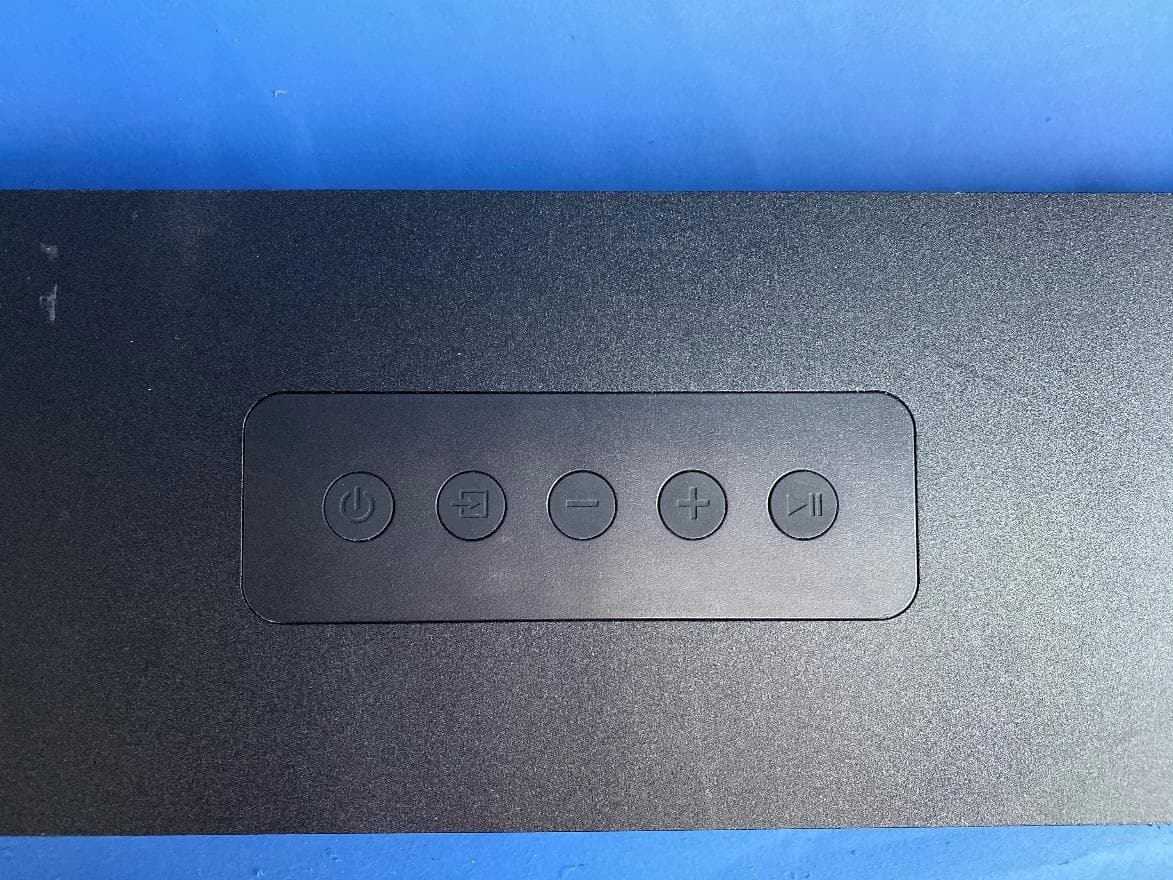
2AA3H-S6064
Jan 04, 2020Onn. 5.1.2 Atmos Soundbar, onn. 5.1.2 Atmos Soundbar
Equipment Class
DTS - Digital Transmission System
2AA3H-HXP540B
Mar 04, 2015Jam Platinum
Equipment Class
DSS - Part 15 Spread Spectrum Transmitter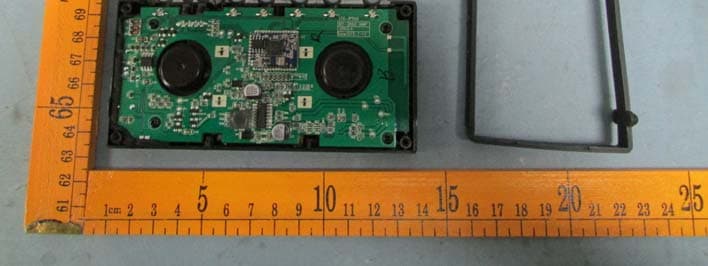
2AA3H-HXP750
Mar 03, 2015Jam Platinum
Equipment Class
DSS - Part 15 Spread Spectrum Transmitter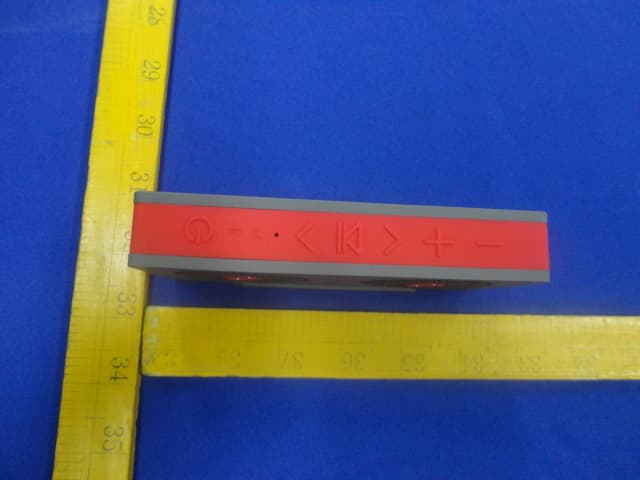
2AA3HHX-9540
Apr 14, 2014Bluetooth Speaker
Equipment Class
DSS - Part 15 Spread Spectrum Transmitter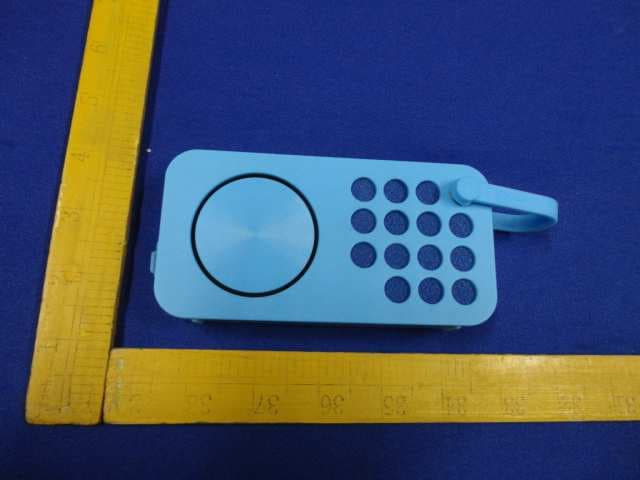
2AA3H-AM09
Jan 21, 2014NFC Bluetooth Speaker
Equipment Class
DXX - Part 15 Low Power Communication Device Transmitter