2AA7D-ZECE1Smart Watch
KRONOZ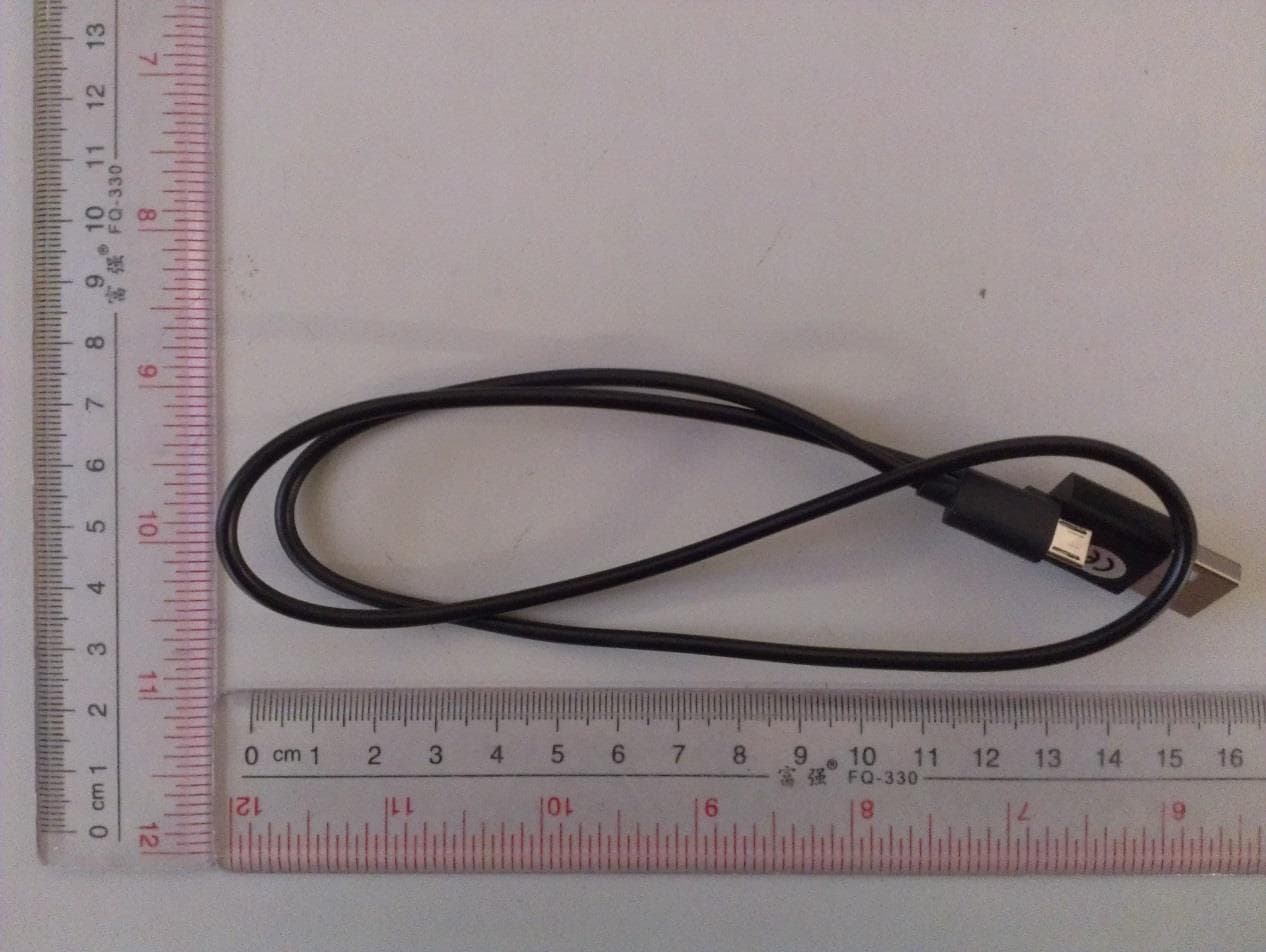
Click to zoom
Application Details
- Equipment Class
- DTS - Digital Transmission System
- Date of Grant
- Mar 24, 2015
- Application Purpose
- Original Equipment
- Date of Application
- Mar 24, 2015
- Equipment Note
- Smart Watch
- Frequency Range
- 2402.00000000 - 2480.00000000
- Company
- KRONOZ
- Country
- Switzerland
Documents & Files
Document Text
Text extracted from the exhibit documents filed with the FCC. Open a document above to read the original.
Users Manual
ENGLISH CHARGING PAIRING WEARING DISPLAY ACTIVITY SLEEP GOALS REMINDERS NOTIFICATIONS TECH SPECS 05 06 08 09 10 11 12 12 13 14 5 5 44 i 1. 3. 4. 2. i OVERVIEW OLED DISPLAY TOUCH ZONE CHARGING TERMINALS To interact with ZeCircle touchscreen, tap on the touch-sensitive area below the display section. ZeCircle touchscreen only respond to tap gestures in this specific touch-sensitive area. Other type of gestures like sliding, swiping, or pressing will not be detected. ZeCircle screen turns off when not in use. Single tap the touch area to wake the device. To ensure ZeCircle is responding accurately to your taps, we recommend using your fingertip and not your nail. 1. CHARGING A full charge takes 1:30 hour. When the battery level gets low, a battery indicator will appear. Charge ZeCircle for two hours before your first use. 1. Put ZeCircle on the magnetic charging dock 2. Make sure the 5 pins on the charging dock fit correctly onto the charging terminals on the back of ZeCircle 3. Plug the small end of the USB cable provided into the charging’s dock USB port 4. Plug the big end of the USB cable into a power source 5. A battery indicator will fill to indicate charging is in progress. Once ZeCircle is charged, the battery indicator will be full 7 7 66 i The first time you use ZeCircle, a SET UP message will prompt you to set up your ZeCircle using a mobile device or a computer. 2. PAIRING GET ZeCircle APP To set up your ZeCircle using your mobile device, you first need to get ZeCircle App. Search for ZeCircle App in the App store, Google Play or Windows Phone store, download and install the App on your mobile device. System Requirements iOsAndroid Windows Phone iOS 7+ devices with Bluetooth 4.0 BLE iPhone 4s, 5, 5c, 5s, 6, 6 Plus, iPad (3 rd , 4 th and 5 th gen) iPad Mini, iPod touch (5 th gen) Select Android 4.3 + devices that support Bluetooth 4.0 BLE Select Windows Phone 8.1 that support Bluetooth 4.0 BLE Visit www.mykronoz.com to get the latest compatibility list IYou can also set up your ZeCircle using our Mac or PC software available on MyKronoz website: http://www.mykronoz.com/support/ ISystem requirements: Windows 7,8, XP - Mac OS X 10.7 and above If pairing fails, repeat the same steps. Pairing is a one-time process. If you want to pair ZeCircle with another account, you first need to unpair it from the current one. Open ZeCircle App, go to Settings > Connect ZeCircle > Unpair ZeCircle. Tap Connect ZeCircle to pair a new device 1. Enable Bluetooth on your mobile device 2. Open ZeCircle App on your mobile device. Sign up if you are a new member or Log in with your existing account. After entering your personal information, tap Set up 3. Make sure ZeCircle is nearby and select ZeCircle in the list of devices 4. You will receive a pairing request on your mobile device. Press Pair to accept it 5. Then, a pairing request will appear on your ZeCircle display ? Tap on your ZeCircle to accept the pairing 6. When ZeCircle is successfully paired, you will be notified on ZeCircle and on your mobile device’s screen 9 9 88 i i 3. WEARING ZeCircle is adjustable to fit different wrist sizes. 1. Pop ZeCircle unit into the wristband 2. Locate the vertical marking lines on the back of ZeCircle unit and on its wristband 3. Make sure the vertical marking lines are aligned with each other 4. Place ZeCircle around your wrist and put the clasp pin inside the hole 5. Press a few times to ensure the pin is fully inserted and that ZeCircle is securely fastened To get the most accurate data, we recommend wearing ZeCircle on your non-dominant hand and not too loose. 3. DISPLAYS ZeCircle will automatically sync the time and date of your paired mobile device. You can set your preferred time and date format manually in the Settings tab of ZeCircle App. Make sure you keep the device charged to avoid the time being reset 24-h12-h24-h Time + Date 12-h Time + Date 24-h Time + Date + Battery12-h Time + Date + Battery Pairing requestSyncingUpgrading Anti-lost alertFull memoryActivity modeSleep mode Succesful pairing 11 11 1010 ii ZeCircle shows daily data. The activity tracker resets at midnight. To upload your latest activity data, do not forget to tap the sync icon in the upper right hand corner of ZeCircle App 4. ACTIVITY ZeCircle tracks the number of steps taken, distance travelled and calories burned throughout the day. You can view your daily activity in real-time on ZeCircle display by tapping below the display area. You can also monitor your activity data and history from the Activity tab of ZeCircle. On the main activity screen, you can check your performance level against your daily goals. Click on any activity bar to get a detailed graph of your daily, weekly and monthly performance. STEPSDISTANCECALORIES 5. SLEEP ZeCircle tracks the hours slept and the quality of your sleep (light sleep, deep sleep, awake times) I START / EXIT SLEEP MODE To start sleep mode, open ZeCircle App, tap on the bottom purple sleep bar, click on Add sleep log > Start Sleep now To end sleep mode, open ZeCircle App, tap on the bottom purple sleep bar, click on Add sleep log > Awake I PRESET SLEEP Open ZeCircle App > Go to Settings > Advanced Settings > Click on Preset sleep to enter your desired bed and wake up times. By default, ZeCircle will track your sleep from 11pm until 7am. To upload your latest sleep data, do not forget to tap the sync icon in the upper right hand corner of ZeCircle App. If you forgot to activate sleep mode, you can manually add sleep logs in ZeCircle App. Open ZeCircle App, click on Add sleep log > Add sleep 13 13 1212 i 6. GOALS 7. REMINDERS Tap the Goals tab of ZeCircle App to set daily goals for steps taken, distance travelled, calories burned and hours slept. Click on the sync button in the upper right corner to save your goals. On the Steps screen of your ZeCircle, a progress bar will show how close you are to your daily goal. Tap the Reminders tab of ZeCircle App to add daily life reminders. You can set u…
Text truncated - open the document above for the full version.
Cover Letter(s)
Kronoz LLC. Date:2015-3-3 Certification and Engineering Bureau Industry Canada Spectrum Engineering Branch 3701 Carling Avenue, Building 94 Ottawa, Ontario K2H 8S2 Declaration on availability of user notices TO WHOM IT MAY CONCERN Model: ZeCircle with IC: 12131A-ZECE1 We, Kronoz LLC., declare on our sole responsibility the user notices and/or statements will be in both English and French at the time the model is offered for sale and/or lease in Canada. If you have any questions, please feel free to contact us at the address shown below Sincerely, <SIGNATURE> < Kronoz LLC, CEO>
External Photos
A Test Lab Techno Corp. External Photos A Test Lab Techno Corp. A Test Lab Techno Corp. A Test Lab Techno Corp.
Internal Photos
A Test Lab Techno Corp. Internal Photos BT Antenna A Test Lab Techno Corp. A Test Lab Techno Corp. A Test Lab Techno Corp.
RF Exposure Info
A Test Lab Techno Corp. Report Number:1502FR27 Page 1 of 41 FCC 47 CFR PART 15 SUBPART C Product Type : Smart Watch Applicant : Kronoz LLC Address : Route de Valavran 96, 1294 Genthod, Switzerland Trade Name : MyKronoz Model Number : ZeCircle Test Specification : FCC 47 CFR PART 15 SUBPART C: Oct., 2013 ANSI C63.10:2013 Receive Date : 9 February, 2015 Test Period : 12 February, 2015 to 19 March, 2015 Issue Date : 20 March, 2015 Issue by A Test Lab Techno Corp. No. 140-1, Changan Street, Bade City, Taoyuan County 334, Taiwan R.O.C. Te l:+886-3-2710188 / Fax:+886-3-2710190 T aiwan Accreditation Foundation accreditation number: 1330 Note: This report shall not be reproduced except in full, without the written approval of A Test Lab Techno Corp. This document may be altered or revised by A Test Lab Techno Corp. personnel only, and shall be noted in the revision section of the document. The client should not use it to claim product endorsement by TAF, or any government agencies. The test results in the report only apply to the tested sample. A Test Lab Techno Corp. Report Number:1502FR27 Page 2 of 41 Revision History Rev. Issue Date Revisions Revised By 00 20 March, 2015 Initial Issue A Test Lab Techno Corp. Report Number:1502FR27 Page 3 of 41 Verification of Compliance Issued Date: 03/20/2015 Product Type : Smart Watch Applicant : Kronoz LLC Address : Route de Valavran 96, 1294 Genthod, Switzerland Trade Name : M yKronoz Model Number : ZeCircle FCC ID : 2AA7D-ZECE1 EUT Rated Voltage : DC 3.7V battery, DC 5.0V USB charge, Test Voltage : DC5V From PC input 120 Vac / 60 Hz Applicable Standard : FCC 47 CFR PART 15 SUBPART C: Oct., 2013 ANSI C63.10:2013 Test Result : Complied Test Laboratory : Site 1: A Test Lab Techno Corp. No. 140-1, Changan Street, Bade City, Taoyuan County 334, Taiwan R.O.C. Te l:+886-3-2710188 / Fax:+886-3-2710190 T aiwan Accreditation Foundation accreditation number: 1330 Site 2: Shenzhen Academy of Metrology and Quality Inspection No.4 TongFa Road, Xili Town Nanshan District, Shenzhen, China The above equipment was tested by A Test Lab Techno Corp. The test data, data evaluation, test procedures, and equipment configurations shown in this report were made in accordance with the procedures given in ANSI C63.10: 2013 and KDB 558074,and the energy emitted by the sample tested as described in this report is in compliance with the requirements of FCC Rules Part 15.207, 15.209, 15.247 .The test results of this report relate only to the tested sample identified in this report. Approved By : Reviewed By : (Manager) (Murphy Wang) (Testing Engineer) (Fly Lu) A Test Lab Techno Corp. Report Number:1502FR27 Page 4 of 41 TABLE OF CONTENTS 1 General Information ......................................................................................................... 6 2 EUT Description................................................................................................................ 7 3 Test Methodology ............................................................................................................. 8 3.1. Mode of Operation .................................................................................................................... 8 3.2. EUT Exercise Software ............................................................................................................. 8 3.3. Configuration of Test System Details ....................................................................................... 9 3.4. Test Site Environment ............................................................................................................. 10 4 Conducted Emission Measurement .............................................................................. 11 4.1. Limit ......................................................................................................................................... 11 4.2. Test Instruments ....................................................................................................................... 11 4.3. Test Setup ................................................................................................................................. 11 4.4. Test Procedure ......................................................................................................................... 12 4.5. Test Result ............................................................................................................................... 13 5 Radiated Emission Measurement ................................................................................. 15 5.1. Limit ........................................................................................................................................ 15 5.2. Test Instruments ...................................................................................................................... 15 5.3. Setup ....................................................................................................................................... 16 5.4. Test Procedure ......................................................................................................................... 17 5.5. Test Result ............................................................................................................................... 19 6 Maximum Conducted Output Power Measurement ..................................................... 23 6.1. Limit ........................................................................................................................................ 23 6.2. Test Setup ................................................................................................................................ 23 6.3. Test Instruments ...................................................................................................................... 23 6.4. Test Procedure ............................................................................................…
Text truncated - open the document above for the full version.
Test Report
A Test Lab Techno Corp. Report Number:1502FR27 Page 1 of 41 FCC 47 CFR PART 15 SUBPART C Product Type : Smart Watch Applicant : Kronoz LLC Address : Route de Valavran 96, 1294 Genthod, Switzerland Trade Name : MyKronoz Model Number : ZeCircle Test Specification : FCC 47 CFR PART 15 SUBPART C: Oct., 2013 ANSI C63.10:2013 Receive Date : 9 February, 2015 Test Period : 12 February, 2015 to 19 March, 2015 Issue Date : 20 March, 2015 Issue by A Test Lab Techno Corp. No. 140-1, Changan Street, Bade City, Taoyuan County 334, Taiwan R.O.C. Te l:+886-3-2710188 / Fax:+886-3-2710190 T aiwan Accreditation Foundation accreditation number: 1330 Note: This report shall not be reproduced except in full, without the written approval of A Test Lab Techno Corp. This document may be altered or revised by A Test Lab Techno Corp. personnel only, and shall be noted in the revision section of the document. The client should not use it to claim product endorsement by TAF, or any government agencies. The test results in the report only apply to the tested sample. A Test Lab Techno Corp. Report Number:1502FR27 Page 2 of 41 Revision History Rev. Issue Date Revisions Revised By 00 20 March, 2015 Initial Issue A Test Lab Techno Corp. Report Number:1502FR27 Page 3 of 41 Verification of Compliance Issued Date: 03/20/2015 Product Type : Smart Watch Applicant : Kronoz LLC Address : Route de Valavran 96, 1294 Genthod, Switzerland Trade Name : M yKronoz Model Number : ZeCircle FCC ID : 2AA7D-ZECE1 EUT Rated Voltage : DC 3.7V battery, DC 5.0V USB charge, Test Voltage : DC5V From PC input 120 Vac / 60 Hz Applicable Standard : FCC 47 CFR PART 15 SUBPART C: Oct., 2013 ANSI C63.10:2013 Test Result : Complied Test Laboratory : Site 1: A Test Lab Techno Corp. No. 140-1, Changan Street, Bade City, Taoyuan County 334, Taiwan R.O.C. Te l:+886-3-2710188 / Fax:+886-3-2710190 T aiwan Accreditation Foundation accreditation number: 1330 Site 2: Shenzhen Academy of Metrology and Quality Inspection No.4 TongFa Road, Xili Town Nanshan District, Shenzhen, China The above equipment was tested by A Test Lab Techno Corp. The test data, data evaluation, test procedures, and equipment configurations shown in this report were made in accordance with the procedures given in ANSI C63.10: 2013 and KDB 558074,and the energy emitted by the sample tested as described in this report is in compliance with the requirements of FCC Rules Part 15.207, 15.209, 15.247 .The test results of this report relate only to the tested sample identified in this report. Approved By : Reviewed By : (Manager) (Murphy Wang) (Testing Engineer) (Fly Lu) A Test Lab Techno Corp. Report Number:1502FR27 Page 4 of 41 TABLE OF CONTENTS 1 General Information ......................................................................................................... 6 2 EUT Description................................................................................................................ 7 3 Test Methodology ............................................................................................................. 8 3.1. Mode of Operation .................................................................................................................... 8 3.2. EUT Exercise Software ............................................................................................................. 8 3.3. Configuration of Test System Details ....................................................................................... 9 3.4. Test Site Environment ............................................................................................................. 10 4 Conducted Emission Measurement .............................................................................. 11 4.1. Limit ......................................................................................................................................... 11 4.2. Test Instruments ....................................................................................................................... 11 4.3. Test Setup ................................................................................................................................. 11 4.4. Test Procedure ......................................................................................................................... 12 4.5. Test Result ............................................................................................................................... 13 5 Radiated Emission Measurement ................................................................................. 15 5.1. Limit ........................................................................................................................................ 15 5.2. Test Instruments ...................................................................................................................... 15 5.3. Setup ....................................................................................................................................... 16 5.4. Test Procedure ......................................................................................................................... 17 5.5. Test Result ............................................................................................................................... 19 6 Maximum Conducted Output Power Measurement ..................................................... 23 6.1. Limit ........................................................................................................................................ 23 6.2. Test Setup ................................................................................................................................ 23 6.3. Test Instruments ...................................................................................................................... 23 6.4. Test Procedure ............................................................................................…
Text truncated - open the document above for the full version.
Contact Information
Applicant
BORIS BRAULT
Test Firm
Eurofins E&E Wireless Taiwan Co., LtdFly LU
Technical Specifications
| # | Rule Parts | Frequency Range | Power Output |
|---|---|---|---|
| 1 | 15C | 2.40 GHz - 2.48 GHz | 980.00 µW |
Other Applications from KRONOZ
2AA7D-MSCL
Feb 08, 2021MyScale
Equipment Class
DTS - Digital Transmission System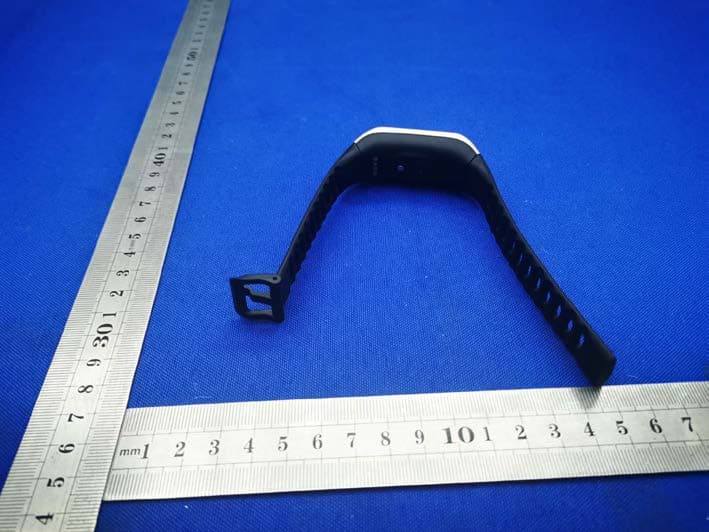
2AA7D-ZNEOPL
Nov 15, 2020Smart Watch
Equipment Class
DTS - Digital Transmission System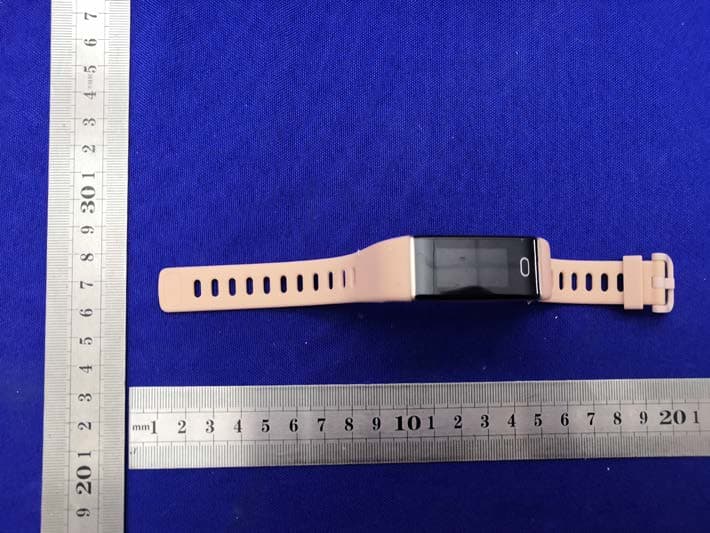
2AA7D-ZTRCPL
Nov 09, 2020Smart Watch
Equipment Class
DTS - Digital Transmission System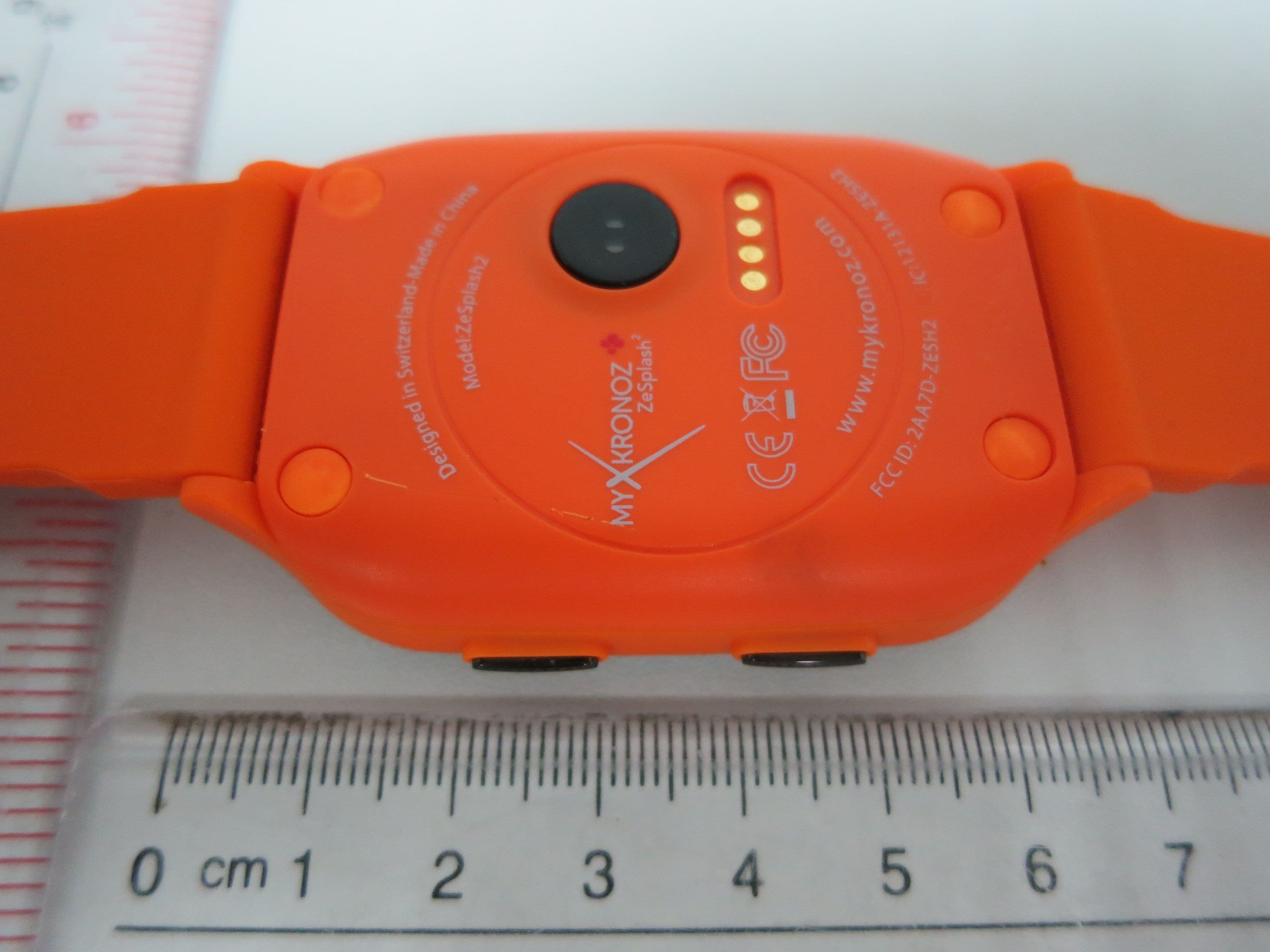
2AA7D-ZESH2
Dec 23, 2015Smart Watch
Equipment Class
DSS - Part 15 Spread Spectrum Transmitter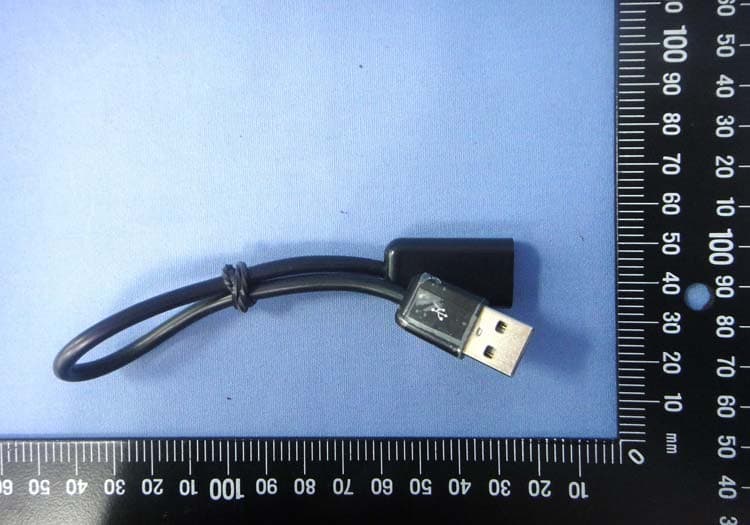
2AA7D-ZEWH3
Dec 13, 2015Smart Watch
Equipment Class
DTS - Digital Transmission System