2AA7D-ZENO1SMART WATCH
KRONOZ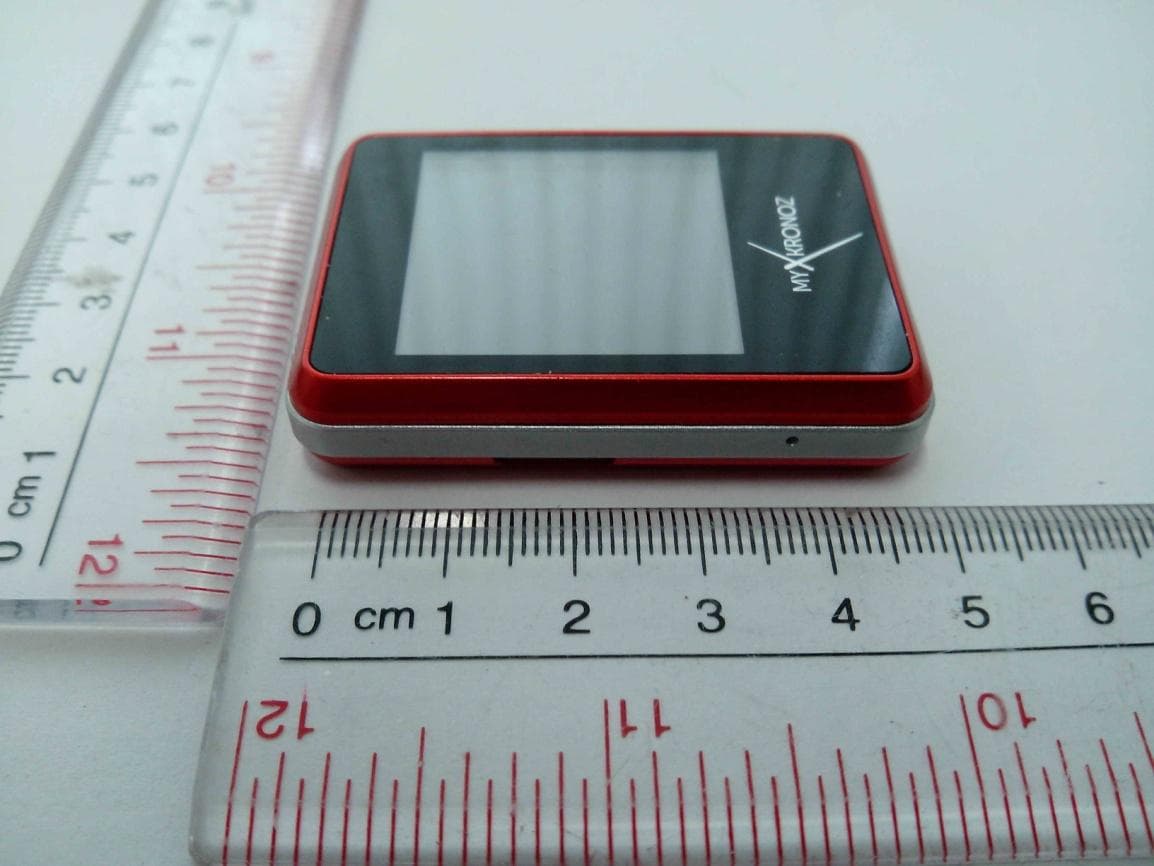
Click to zoom
Application Details
- Equipment Class
- DSS - Part 15 Spread Spectrum Transmitter
- Date of Grant
- Jan 01, 2014
- Application Purpose
- Original Equipment
- Date of Application
- Jan 01, 2014
- Equipment Note
- SMART WATCH
- Frequency Range
- 2402.00000000 - 2480.00000000
- Company
- KRONOZ
- Country
- Switzerland
Documents & Files
Document Text
Text extracted from the exhibit documents filed with the FCC. Open a document above to read the original.
Users Manual
QuIck Start GuIDE English OVERVIEW SPECIFICATIONS TURNING ON/OFF CHARGING USB CABLE NAVIGATE THE TOUCHSCREEN BLUETOOTH PAIRING BLUETOOTH CALLS MAIN FEATURES HOW TO WEAR ZENANO 6 8 11 12 14 15 16 18 20 31 6 1. OVERVIEW 3.5mm HeadphonesHanger Hole On/off sleep/wake Micro USB charging Volume Key Mic Speaker Reset Key 7 IconDefinition Battery indicator New message alarm is on Vibrate Bluetooth Earphone 8 2. SPECIFICATIONS ZeNano Bluetooth ® Version: V2.1 Talk time : 4 hours Standby time: 120 hours Battery Type: Li-ion 310mAh LCD Size: 1.54 inch - 240*240 pixel Capacity (Memory): 256 Mb Video format: AVI/MP4/3GP Photo format: jpg/gif/bmp FM Radio Voice recorder Bluetooth Headset 38.0mm 51.6mm 10.2mm 9 Bluetooth Dialer Anti-Lost function Pedometer Phone book: 1000 Message format: SMS USB connection: micro 5pin, USB 1.1 Accessories included : clip and intra-auricular earphones This product is not waterproof International Warranty: 1 year ZePlug / AC Charger Supply voltage:100-240V Fr equency: 50/60Hz Input: 0.2A Output voltage: 5V Output: 1.0A 10 Warning about operation this Mykronoz product is designed for receiving calls. We recom- mend using it for short phone calls to preserve battery charge, as its size and weight are optimised for daily use. If Bluetooth® fails to work when synchronising, try resetting the product and/or recharging it before trying again. It is important to remember that the maximum distance for Bluetooth® communication between ZeNano and your phone is ten metres (depending on your environment, with better results in open spaces). 11 3. TURNING ON/OFF When using ZeNano for the first time, please connect it to the charger at least one hour to get ZeNano fully charged. the ZeNano software will be updated from time to time. Some new applications will be added or improved, so the manual might be different from the actual functions. this manual is only for reference and main operation available on the ZeNano. Turning ON Press and hold the ON/OFF key during 3 seconds Turning OFF Once you are on ZeNano homepage (indicated by the 3 icons at the bottom of the screen) it will be possible to turn OFF the product. Please press and hold the ON/OFF key 12 4. CHARGING this ZeNano uses a rechargeable battery. New battery will achieve the best performance after two or three complete charge and discharge cycles. We recommend using the device until the battery is off and automatically shut down. During charging, the device may get warm, this is normal. ZeNano’s battery is designed with temperature protection control. Only use the batteries and accessories supplied. Please disconnect the device from the charger when not in use, and unplug the charger from the power outlet. Do not leave fully charged battery connected to the charger for a long time (no more than 24hours)as excessive charging will reduce battery life. If the user exposes the battery to extreme temperatures, it will reduce the capacity and lifetime of the battery. 13 1. Plug the charging cable into the micro uSB charging hole (on the right side). connect the charging cable to the power supply. 2. After charging, remove the cable from the power supply first, and then remove the micro uSB from ZeNano. 3. DO NOt remove the charging cable forcedly, or attempt to plug an improper cable to ZeNano as it might cause damage to ZeNano. The Charging indicator on the screen: • When charging, the red indicator will be on. • after charging is complete, the indicator will become green. Low Battery warning When battery is low, the indicator on the screen will show that the battery is going off and the ZeNano will alert you. If not connected to a power source, ZeNano will automatically shut down. 14 5. USB CABLE 1. connect ZeNano data cable to the uSB port of the desktop or notebook. 2. connect the other end of the cable to the micro uSB port of the ZeNano (on the right side) 3. By connecting with uSB port, the user can charge or transfer data to other desktop or notebook. 4. By connecting ZeNano to a computer, ZeNano will pop up : Mass Storage (as a uSB drive) or com Port. 16 7. BLUETOOTH PAIRING When using ZeNano for the first time, you must pair it with your phone as the synchronization of message, call history, audio, phone- book, smart features (Notification of SMS, Calls, Calendar) and the Anti-lost function will work only after ZeNano is paired with your phone. Note: SMS feature, Gmail and Calendar notifications are only available with android V2.3 - V4.2 smartphone. Please go to android Market, download ZeNano aPk and install it. You only need to pair your device once. after the initial pairing, ZeNano will automatically connect to your phone as long as it is turned on and within range. to pair ZeNano to another device, repeat the same steps. 17 Steps to take: 1. Go to the Bluetooth menu in your ZeNano 2. Make sure the Bluetooth power is ON (first line of the menu) 3. Switch on the Bluetooth function on your phone 4. In your phone’s Bluetooth settings, look for ZeNano and select it 5. If asked enter 0000 6. the Bluetooth icon will turn blue on your ZeNano display, and your phone will indicate “Connected” to confirm successful pairing. 18 8. BLUETOOTH CALLS after a successful Bluetooth pairing with your phone, Bluetooth call feature is on. On ZeNano homepage, dial a phone number using your phone or ZeNano dialer, press the Call key to call out. the user can also make a call from the Phonebook**. On the homepage, press the Phonebook key to find the appropriate contact, press the Call key to dial the corresponding contact. 19 Description Hold the current call End the current call cut the microphone while receiving a call Dial the number if needed Options Hold End single call Mute Dialer pad Added features during a call 20 9. MAIN FEATURES * Note: these features are only available with android V2.3-V4.2 smartphone. Please go to android Market, download ZeNano aPk and install it. ** Note: these features are only available with android V2.3-V…
Text truncated - open the document above for the full version.
Cover Letter(s)
Kronoz December 24th, 2013 Federal Communications Commission Authorization and Evaluation Division FCC ID:2AA7D- ZENO1 Confidentiality Request Pursuant to Sections 0.457 and 0.459 of the Commission’s Rules, the applicant hereby requests confidential treatment of information applied this application as outlined below: 1. Block Diagram 2. Circuit Diagram 3. Operational Description 4. Part List The above materials contain trade secrets and proprietary information not customarily released to the public. The public disclosure of these matters might be harmful to the applicant and provide unjustified benefits to its competitors. The Applicant understands that pursuant to Rule 0.457, disclosure of this Application and all accompanying documentation will not be made before the date of the Grant for this application Sincerely, Signature Name/Title: Boris Brault / General Manager Applicant: KRONOZ ADDRESS: Route de Valavran 96, 1294 Genthod, Switzerland TEL: +41 78 803 02 38 FAX: / Email: [email protected]
Internal Photos
BT antenna
Test Report
FCC 47 CFR PART 15 SUBPART C Product Type : Smart watch Applicant : KRONOZ LLC Address : Route De Valavran 96,1294 Genthod,Switzerland. Model Number : ZeNano Trade Name : MyKronoz Test Specification : FCC 47 CFR PART 15 SUBPART C: Oct., 2012 Canada RSS-210 ISSUE 8: Dec., 2010 Canada RSS-Gen ISSUE 3: Dec., 2010 ANSI C63.4:2009 Receive Date : 10 , December 2013 Test Period : 12 to 20, December 2013 Issue Date : 24, December 2013 Issue by A Test Lab Techno Corp. No. 140-1, Changan Street, Bade City, Taoyuan County 334, Taiwan R.O.C. Te l:+886-3-2710188 / Fax:+886-3-2710190 T aiwan Accreditation Foundation accreditation number: 1330 Note: This report shall not be reproduced except in full, without the written approval of A Test Lab Techno Corp. This document may be altered or revised by A Test Lab Techno Corp. personnel only, and shall be noted in the revision section of the document. The client should not use it to claim product endorsement by TAF, or any government agencies. The test results in the report only apply to the tested sample. A Test Lab Techno Corp. Report Number: 1312FR20-01 1 of 71 Revision History Rev. Issue Date Revisions Revised By 00 24, December 2013 Initial Issue A Test Lab Techno Corp. Report Number: 1312FR20-01 2 of 71 Verification of Compliance Issued Date: 12/24/2013 Product Type : Smart watch Applicant : KRONOZ LLC Address : Route De Valavran 96,1294 Genthod,Switzerland. Model Number : ZeNano Trade Name : MyKronoz FCC ID : 2AA7D-ZENO1 EUT Rated Voltage : DC 3.7V battery, DC 5.0V USB charge, AC120V/60Hz adapter Test Voltage : DC 3.7V,AC120V/60Hz Applicable Standard : FCC 47 CFR PART 15 SUBPART C: Oct., 2012 ANSI C63.4:2009 Test Result : Complied Performing Lab. : A Test Lab Techno Corp. No. 140-1, Changan Street, Bade City, Taoyuan County 334, Taiwan R.O.C. Te l:+886-3-2710188 / Fax:+886-3-2710190 Taiwan Accreditation Foundation accreditation number: 1330 http://www.atl-lab.com.tw/e-index.htm The above equipment was tested by A Test Lab Techno Corp. The test data, data evaluation, test procedures, and equipment configurations shown in this report were made in accordance with the procedures given in ANSI C63.4: 2009 and the energy emitted by the sample tested as described in this report is in compliance with the requirements of FCC Rules Part 15.207, 15.209, 15.247 . The test results of this report relate only to the tested sample identified in this report. Approved By : Reviewed By : (Manager) (Cran Yang) (Testing Engineer) (Fly Lu) A Test Lab Techno Corp. Report Number: 1312FR20-01 3 of 71 TABLE OF CONTENTS 1 General Information.......................................................................................................6 1.1. Summary of Test Result .........................................................................................................6 1.2. Measurement Uncertainty ...................................................................................................... 6 2 EUT Description.............................................................................................................7 3 Test Methodology ..........................................................................................................8 3.1. Mode of Operation ................................................................................................................. 8 3.2. EUT Exercise Software.......................................................................................................... 8 3.3. Configuration of Test System Details .................................................................................... 9 3.4. Test Site Environment ............................................................................................................ 9 4 Maximum Conducted Output Power Measurement ..................................................10 4.1. Limit..................................................................................................................................... 10 4.2. Test Setup ............................................................................................................................. 10 4.3. Test Instruments ................................................................................................................... 10 4.4. Test Procedure...................................................................................................................... 10 4.5. Test Result.............................................................................................................................11 5 Conducted Emission Measurement ...........................................................................13 5.1. Limit..................................................................................................................................... 13 5.2. Test Instruments ................................................................................................................... 13 5.3. Test Setup ............................................................................................................................. 13 5.4. Test Procedure...................................................................................................................... 14 5.5. Test Result............................................................................................................................ 15 6 Radiated Interference Measurement ..........................................................................17 6.1. Limit..................................................................................................................................... 17 6.2. Test Instruments ................................................................................................................... 17 6.3. Setup .................................................................................................................................... 19 6.4. Test Procedure.....................…
Text truncated - open the document above for the full version.
Test Setup Photos
Conducted Emission Radiated Emission Below 1 GHz Above 1 GHz
Contact Information
Applicant
BORIS BRAULT
Test Firm
Eurofins E&E Wireless Taiwan Co., LtdFly LU
Technical Specifications
| # | Rule Parts | Frequency Range | Power Output |
|---|---|---|---|
| 1 | 15C | 2.40 GHz - 2.48 GHz | 1.69 mW |
Other Applications from KRONOZ

2AA7D-MSCL
Feb 08, 2021MyScale
Equipment Class
DTS - Digital Transmission System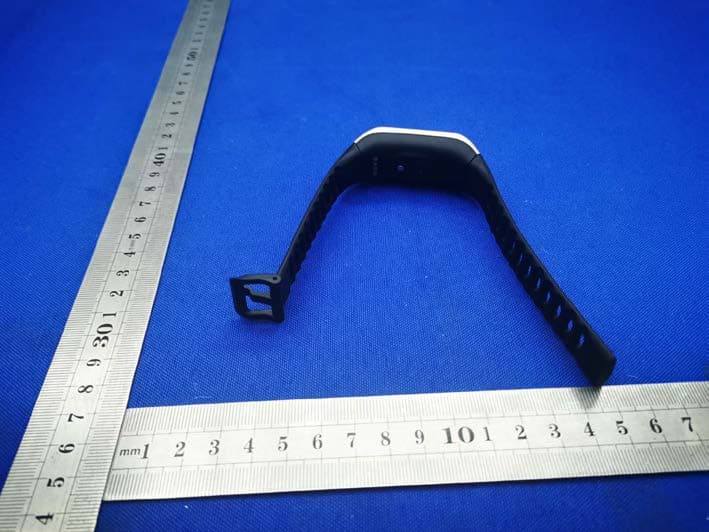
2AA7D-ZNEOPL
Nov 15, 2020Smart Watch
Equipment Class
DTS - Digital Transmission System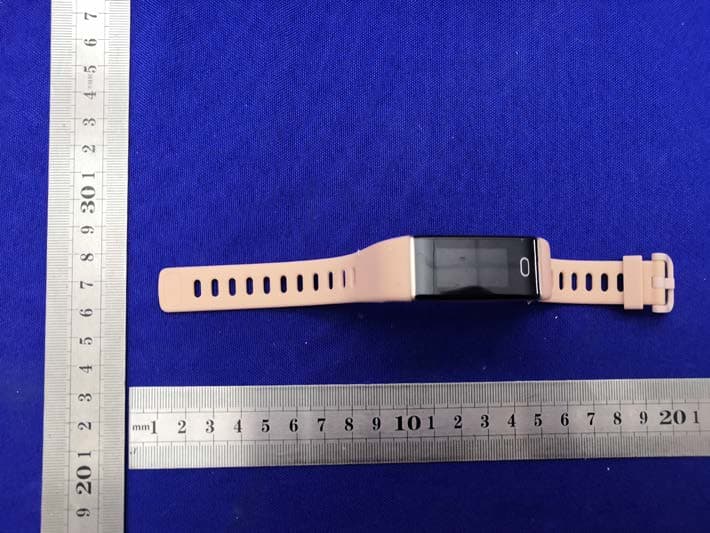
2AA7D-ZTRCPL
Nov 09, 2020Smart Watch
Equipment Class
DTS - Digital Transmission System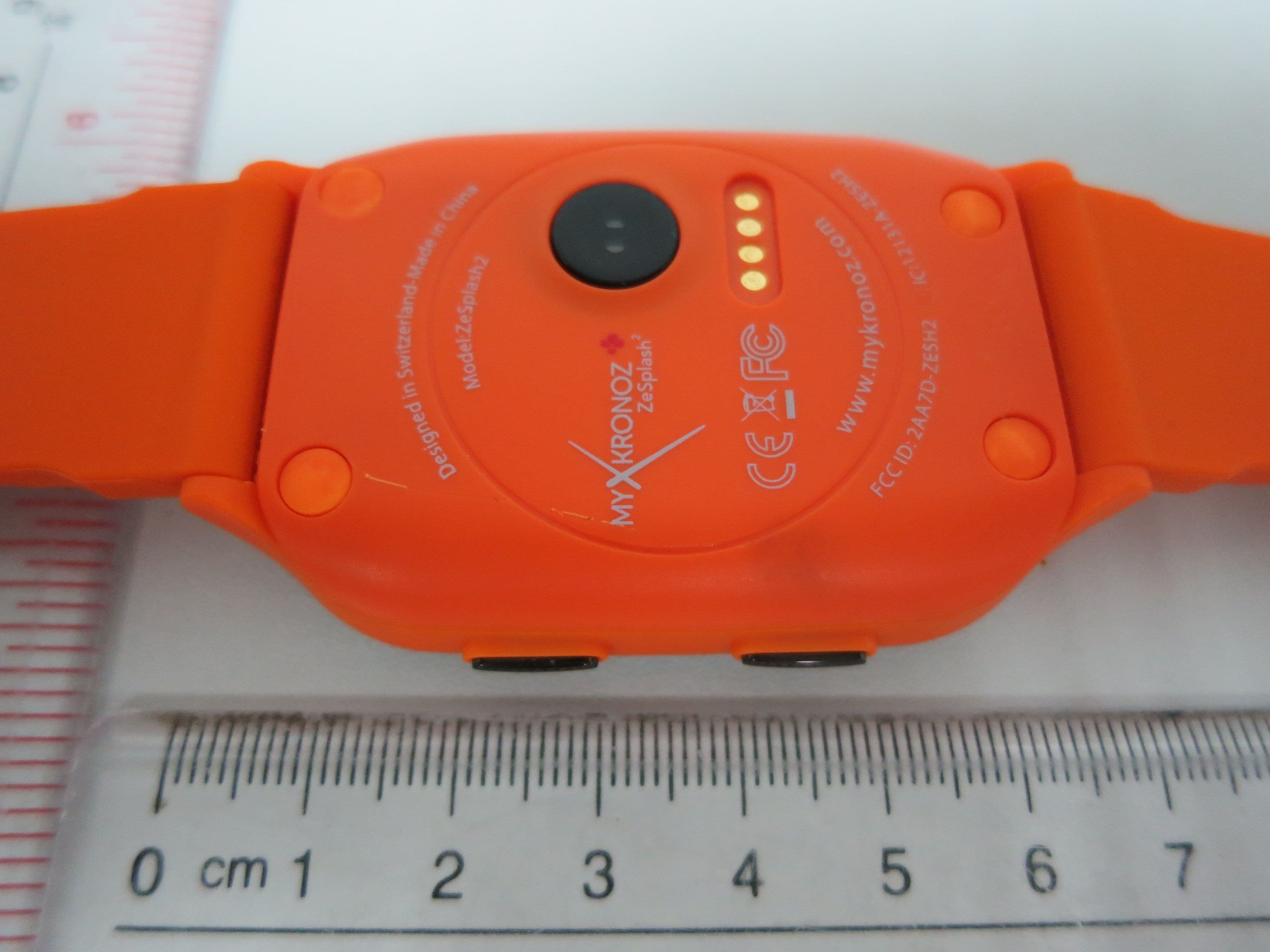
2AA7D-ZESH2
Dec 23, 2015Smart Watch
Equipment Class
DSS - Part 15 Spread Spectrum Transmitter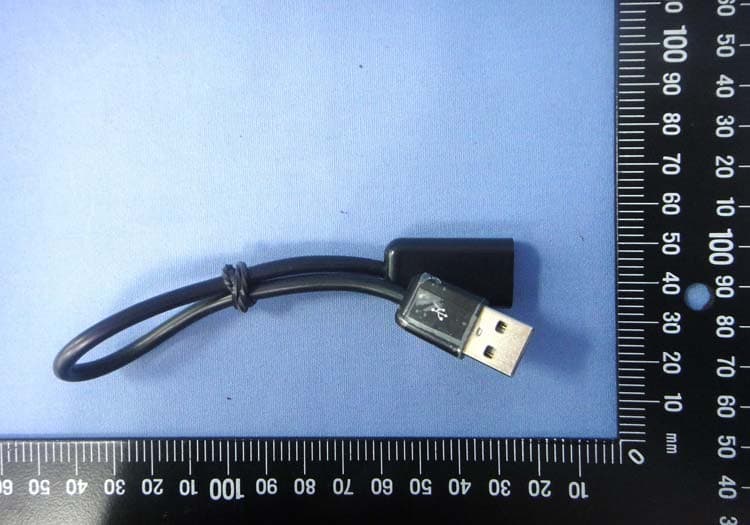
2AA7D-ZEWH3
Dec 13, 2015Smart Watch
Equipment Class
DTS - Digital Transmission System