2AA7D-ZEWH1Bluetooth Watch
KRONOZ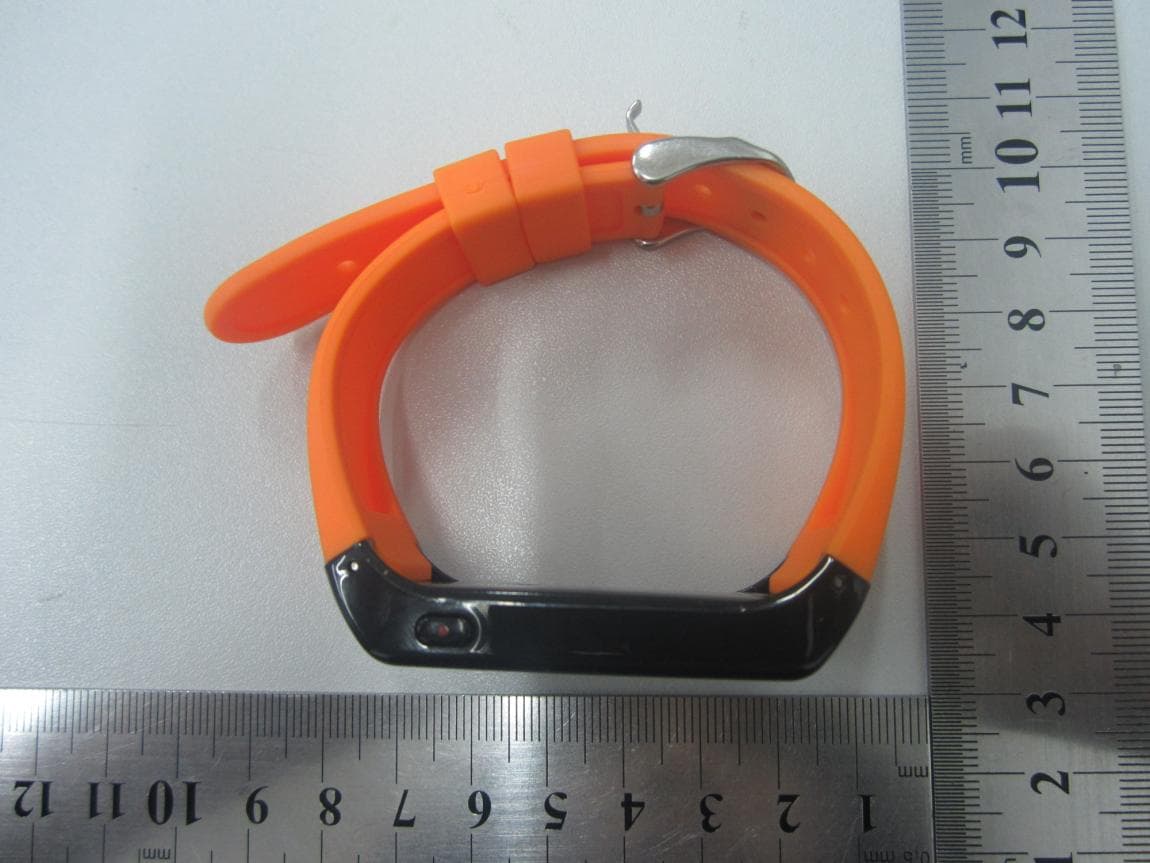
Click to zoom
Application Details
- Equipment Class
- DSS - Part 15 Spread Spectrum Transmitter
- Date of Grant
- Nov 14, 2013
- Application Purpose
- Original Equipment
- Date of Application
- Nov 14, 2013
- Equipment Note
- Bluetooth Watch
- Frequency Range
- 2402.00000000 - 2480.00000000
- Company
- KRONOZ
- Country
- Switzerland
Documents & Files
Document Text
Text extracted from the exhibit documents filed with the FCC. Open a document above to read the original.
Users Manual
English Français Español Italiano Deutsch Nederlands Page 4 Page 22 Page 40 Page 58 Page 76 Page 94 USER GUIDE English CHARACTERISTICS SPECIFICATIONS TURNING ON / OFF CHARGING PAIRING CALLS SETTING THE TIME AUDIO NOTIFICATIONS MUSIC PLAYER ANTI-THEFT ALERT HOW TO WEAR ZEWATCH 6 8 10 10 12 14 16 18 18 19 20 6 1. CHARACTERISTICS GREEN button RED button Connection signal Battery indicator OLED screen 7 Function of the GREEN button Answering a call Increasing the volume Function of the RED button Switching the bracelet on and off Hanging up after a call Reducing the volume Already paired Time display Pairing Call & number Battery 00:00 PAIRING 8 ZeWatch • Bluetooth® version: V2.1 • Voltage: 3.6 V – 4.2 V • Current: 45 mA - Frequency = 2.4 GHz • Talk time = 2 to 3 hours • Standby time = 72 hours (3 days) • Battery type: Li-ion 150 mAh • Size: 28 * 59 * 8.5 mm - Weight: 32 g • Screen: 128 x 32 OLED • Operating temperature: -20°C to +60°C • This product is not waterpoof • International warranty: 1 year ZeWatch charger • Supply voltage: 110 V to 240 V • Frequency: 50 Hz • Input: 0.15 A • Output voltage: 5.7 V - Output: 600 mA 2. SPECIFICATIONS 9 Warning about operation This MyKronoz product is designed for receiving calls. We recommend using it for short phone calls to pre- serve battery charge, as its size and weight are opti- mised for daily use of the bracelet. If Bluetooth® fails to work when synchronising, try re- setting the product and/or recharging it before trying again. It is important to remember that the maximum distance for Bluetooth® communication between your bracelet and your phone is ten metres (depending on your envi- ronment, with better results in open spaces). 10 The product can be charged with the AC power supply (110 V – 240 V) or directly via USB (5 V). The supplied charging clip is specifically design for the ZeWatch and must be positioned correctly. Align the charging clip pins with the contacts on the back of the ZeWatch and clip the charger securely over the face of the product. To turn ON ZeWatch Press and hold the RED button To turn OFF ZeWatch When the display is active, press and hold the RED button 3. TURNING ON AND OFF 4. CHARGING 11 A progress bar in the battery indicator confirms the charging activity. If the battery is completely discharged, the display may be blank for a few minutes before the battery indicator appears. 12 When using the ZeWatch for the first time, it needs to be synchronised with your phone for Bluetooth® com- munication. Steps to take : You only need to pair your device once. After the initial pairing, your ZeWatch will automatically connect to your phone as long as it is turned on and within range.To pair your ZeWatch to another device, repeat these steps. 5. PAIRING When ZeWatch is off, press and hold the RED button for 5 seconds until the word « PAIRING » appears on the screen. Activate Bluetooth® on your phone Look for «MyKronoz» on your phone and select it If asked, enter code « 0000 » Confirm by tapping OK « CONNECTED » will appear on ZeWatch display when the pairing is successful. 1 2 3 4 5 13 1 3 5 14 Answer a call Press the GREEN button twice quickly. End a call Hold the RED button for 2 seconds Reject a call Press the RED button twice Mute a call Press the RED button once Transfer a call With a call already in progress on your phone, press the GREEN button twice to transfer it to your ZeWatch Adjust the volume during a call Press the GREEN button to increase volume Press the RED button to decrease volume 6. CALLS 15 GREEN Button RED Button 16 7. SETTING THE TIME Make sure you keep the bracelet charged to avoid the time being reset. Press and hold the GREEN button for 3~5 seconds to display the time format Press the RED button to choose either 12-hour or 24-hour time format Press the GREEN button to confirm the preferred time format Press the RED button to set the correct hour. Press the GREEN button to confirm the hour setting and move on to the minutes Press the RED button to set the correct minutes. Press the GREEN button to confirm the minutes setting 1 2 3 4 5 17 GREEN Button RED Button 18 Once your phone and your MyKronoz bracelet are syn- chronised, your phone’s audio alerts will be transferred directly to the bracelet. Once the Bluetooth® synchronisation has been carried out, you can listen to music from your phone. Press the GREEN button to increase volume Press the RED button to decrease volume 8. AUDIO NOTIFICATIONS 9. MUSIC PLAYER 19 The operating distance via Bluetooth® between the MyKronoz product and your phone is about 10 metres. If the ZeWatchloses the connection with your phone, a vibration alarm will be triggered to warn you. Press any button on your bracelet to stop the alarm. 10. ANTI-THEFT ALERT 20 It’s possible to switch the screen round so the time and information are displayed on ZeWatch for rea- ding comfortably 1/ Press the red and green buttons at the same time, and hold them down for a few seconds until the screen switches round. 2/ To switch back again, repeat the same action and the screen will switch automatically. 11. HOW TO WEAR ZEWATCH 21 GUIDE UTILISATEUR Français CARACTÉRISTIQUES SPÉCIFICATIONS ALLUMER/ÉTEINDRE CHARGER SYNCHRONISER APPELS RÉGLER L’HEURE NOTIFICATIONS AUDIOS LECTEUR DE MUSIQUE ALERTE ANTI-VOL COMMENT PORTER ZEWATCH 24 26 28 28 30 32 34 36 36 37 38 24 1. CARACTÉRISTIQUES Bouton VERT Bouton ROUGE Signal de connexion Indicateur de batterie Ecran OLED 25 Fonction du Bouton VERT Répondre à un appel Augmenter le volume Fonction du Bouton ROUGE Allumer et éteindre le bracelet Raccrocher à la fin d’un appel Diminuer le volume Déjà pairé Heure affichée Pairage Appel & numéro Batterie 00:00 PAIRING 26 2. SPÉCIFICATIONS ZeWatch • Version Bluetooth® : V2.1 • Voltage : 3.6V – 4.2V - Ampérage : 45mA • Fréquence : 2.4GHZ • Autonomie en communication : 2 à 3 heures • Autonomie en veille : 72H (3J) • Type de batterie : Li-ion 150mAh • Taille : 28 * 59 * 8.5 mm - Poids : 32 grs • Ecran : 128 * 32…
Text truncated - open the document above for the full version.
External Photos
External Photos 1. EUT full view with accessories 2. EUT front view 3. EUT rear view 4. EUT left side view 5. EUT right side view 6. EUT top view 7. EUT bottom view
Internal Photos
Internal Photos 1. EUT uncover view 2. Mainboard front view 3. Mainboard rear view 4. BT chip view 5. BT antenna view
RF Exposure Info
Report No.: SZ13100128S01 Shenzhen Morlab Communications Technology Co., Ltd Phone: +86 (0) 755 36698555 Web site: http://www.morlab.cn/ Fax: +86 (0) 755 36698525 Email: [email protected] Page 2 of 8 DIRECTORY 1. TESTING LABORATORY .................................................................................................................... 3 1.1 IDENTIFICATION OF THE RESPONSIBLE TESTING LOCATION ................................................................... 3 1.2 ACCREDITATION CERTIFICATE .............................................................................................................. 3 2. TECHNICAL INFORMATION .............................................................................................................. 4 2.1 IDENTIFICATION OF APPLICANT ............................................................................................................. 4 2.2 IDENTIFICATION OF MANUFACTURER ..................................................................................................... 4 2.3 EQUIPMENT UNDER TEST (EUT) .......................................................................................................... 4 2.3.1 IDENTIFICATION OF ALL USED EUT ..................................................................................................... 4 2.4 APPLIED REFERENCE DOCUMENTS ...................................................................................................... 5 3. DEVICE CATEGORY AND RF EXPOSURE LIMIT ............................................................................. 6 4. MEASUREMENT OF CONDUCTED PEAK OUTPUT POWER. ........................................................... 7 5. RF EXPOSURE EVALUATION .............................................................................................................. 8 Change History Issue Date Reason for change 1.0 Nov. 11, 2013 First edition Report No.: SZ13100128S01 Shenzhen Morlab Communications Technology Co., Ltd Phone: +86 (0) 755 36698555 Web site: http://www.morlab.cn/ Fax: +86 (0) 755 36698525 Email: [email protected] Page 3 of 8 1. TESTING LABORATORY 1.1 Identification of the Responsible Testing Location Name: Shenzhen Morlab Communications Technology Co., Ltd. Morlab Laboratory Address: FL.3, Building A, FeiYang Science Park, No.8 LongChang Road, Block 67, BaoAn District, ShenZhen, GuangDong Province, P. R. China 518101 1.2 Accreditation Certificate Accredited Testing Laboratory: No. CNAS L3572 Report No.: SZ13100128S01 Shenzhen Morlab Communications Technology Co., Ltd Phone: +86 (0) 755 36698555 Web site: http://www.morlab.cn/ Fax: +86 (0) 755 36698525 Email: [email protected] Page 4 of 8 2. TECHNICAL INFORMATION Note: the Following data is based on the information by the applicant. 2.1 Identification of Applicant Company Name: KRONOZ Address: Route de Valavran 96 1294 Genthod, Switzerland 2.2 Identification of Manufacturer Company Name: Guangdong Appscomm Co.,Ltd Address: Room 903, Block C3, Innovation Building, No.182, Science Ave, Science Industry Zone, LuoGang District, Guangzhou, China 2.3 Equipment Under Test (EUT) Model Name: ZeWatch Trade Name: N/A Brand Name: MY KRONOZ Hardware Version: V1.0 Software Version: V1.0 Frequency Bands: Bluetooth:2402-2480MHz Modulation Mode: Bluetooth:GFSK Antenna type: Fixed Internal Antenna Development Stage: Identical prototype Battery Model: 302425 Battery specification: 320mAh3.8V 2.3.1 Identification of all used EUT The EUT identity consists of numerical and letter characters, the letter character indicates the test sample, and the Following two numerical characters indicate the software version of the test sample. EUT Identity Hardware Version Software Version 1# V1.0 V1.0 Report No.: SZ13100128S01 Shenzhen Morlab Communications Technology Co., Ltd Phone: +86 (0) 755 36698555 Web site: http://www.morlab.cn/ Fax: +86 (0) 755 36698525 Email: [email protected] Page 5 of 8 2.4 Applied Reference Documents Leading reference documents for testing: No. Identity Document Title 1 47 CFR§2.1093 Radiofrequency Radiation Exposure Evaluation: Portable Devices 2 KDB 447498 D1v05r01 General RF Exposure Guidance Report No.: SZ13100128S01 Shenzhen Morlab Communications Technology Co., Ltd Phone: +86 (0) 755 36698555 Web site: http://www.morlab.cn/ Fax: +86 (0) 755 36698525 Email: [email protected] Page 6 of 8 3. DEVICE CATEGORY AND RF EXPOSURE LIMIT Per user manual, this device is a Bluetooth watch with Bluetooth function. Based on FCC OET65c and 47CFR 2.1093, this device belongs to portable device category with General Population/Uncontrolled exposure. Portable Devices: 47CFR 2.1093(b) For purposes of this section, a portable device is defined as a transmitting device designed to be used so that the radiating structure(s) of the device is/are within 20 centimeters of the body of the user. GENERAL POPULATION / UNCONTROLLED EXPOSURE 47CFR 2.1093(d)(2) Limits for General Population/Uncontrolled exposure: 0.08 W/kg as averaged over the whole-body and spatial peak SAR not exceeding 1.6 W/kg as averaged over any 1 gram of tissue (defined as a tissue volume in the shape of a cube). Exceptions are the hands, wrists, feet and ankles where the spatial peak SAR shall not exceed 4 W/kg, as averaged over any 10 grams of tissue (defined as a tissue volume in the shape of a cube). General Population/Uncontrolled limits apply when the general public may be exposed, or when persons that are exposed as a consequence of their employment may not be fully aware of the potential for exposure or do not exercise control over their exposure. Warning labels placed on consumer devices such as cellular telephones will not be sufficient reason to allow these devices to be evaluated subject to limits for occupational/controlled exposure in paragraph (d)(1) of this section. Report No.: SZ13100128S01 Shenzhen Morlab Communications Technology Co., Ltd Phone: +86 (0) 755 36698555 Web site: http://www.morlab.cn/ Fax: +86 (0) 755 36698525 Email: info_sz@m…
Text truncated - open the document above for the full version.
Test Report
Report No.:SZ13090112W02 Shenzhen Morlab Communications Technology Co., Ltd Phone: +86 (0) 755 36698555 Web site: http://www.morlab.cn/ Fax: +86 (0) 755 36698525 Email: [email protected] Page 2 of 44 TABLE OF CONTENTS 1. GENERAL INFORMATION ...................................................................................................................... 4 1.1. EUT DESCRIPTION .................................................................................................................................. 4 1.2. TEST STANDARDS AND RESULTS ............................................................................................................. 5 1.3. FACILITIES AND ACCREDITATIONS ............................................................................................................ 6 1.3.1. FACILITIES ....................................................................................................................................................... 6 1.3.2. TEST ENVIRONMENT CONDITIONS ................................................................................................................ 6 2. 47 CFR PART 15C REQUIREMENTS ..................................................................................................... 7 2.1. ANTENNA REQUIREMENT ......................................................................................................................... 7 2.1.1. APPLICABLE STANDARD ................................................................................................................................. 7 2.1.2. RESULT: COMPLIANT ...................................................................................................................................... 7 2.2. NUMBER OF HOPPING FREQUENCY ......................................................................................................... 7 2.2.1. REQUIREMENT ................................................................................................................................................ 7 2.2.2. TEST DESCRIPTION ........................................................................................................................................ 7 2.2.3. TEST PROCEDURE ......................................................................................................................................... 8 2.2.4. TEST RESULT .................................................................................................................................................. 8 2.3. PEAK OUTPUT POWER ........................................................................................................................... 10 2.3.1. REQUIREMENT .............................................................................................................................................. 10 2.3.2. TEST DESCRIPTION ...................................................................................................................................... 10 2.3.3. TEST RESULT ................................................................................................................................................ 10 2.3.3.1. GFSK MODE ............................................................................................................................................. 11 2.4. 20DB BANDWIDTH .................................................................................................................................. 12 2.4.1. DEFINITION ................................................................................................................................................... 12 2.4.2. TEST DESCRIPTION ...................................................................................................................................... 12 2.4.3. TEST PROCEDURE ....................................................................................................................................... 12 2.4.4. TEST RESULT ................................................................................................................................................ 13 2.4.4.1. GFSK MODE ............................................................................................................................................. 13 2.5. CARRIED FREQUENCY SEPARATION ....................................................................................................... 15 2.5.1. DEFINITION ................................................................................................................................................... 15 2.5.2. TEST DESCRIPTION ...................................................................................................................................... 15 2.5.3. TEST PROCEDURE ....................................................................................................................................... 15 2.5.4. TEST RESULT ................................................................................................................................................ 16 2.6. TIME OF OCCUPANCY (DWELL TIME) ....................................................................................................... 17 2.6.1. REQUIREMENT .............................................................................................................................................. 17 2.6.2. TEST DESCRIPTION ...................................................................................................................................... 17 2.6.3. TEST PROCEDURE ....................................................................................................................................... 17 Report No.:SZ13090112W02 Shenzhen Morlab Communications Technology Co., Ltd Phone: +86 (0) 755 36698555 Web site: http://www.morlab.cn/ Fax: +86 (0) 755 36698525 Email: [email protected] Page 3 of 44 2.6.4. TEST RESULT ...............................…
Text truncated - open the document above for the full version.
Test Setup Photos
Test Setup Photos 1. Conducted emission main’s port front view 2. Conducted emission main’s port side view 3. Radiated emission (9KHz-30MHz) 4. Radiated emission (30MHz-1GHz) 5. Radiated emission (above 1GHz) 6. Conducted emission antenna’s port
Contact Information
Applicant
BORIS BRAULT
Technical Contact
Shenzhen Morlab Communications Technology Co.,LtdIvy Zhu
[email protected]86-755-36698618
FL.3, Building A, FeiYang Science Park · ShenZhen, GuangDong Province · China
Test Firm
Shenzhen Morlab Communications Technology Co., LtdIvy zhu
Technical Specifications
| # | Rule Parts | Frequency Range | Power Output |
|---|---|---|---|
| 1 | 15C | 2.40 GHz - 2.48 GHz | 2.40 mW |
Other Applications from KRONOZ

2AA7D-MSCL
Feb 08, 2021MyScale
Equipment Class
DTS - Digital Transmission System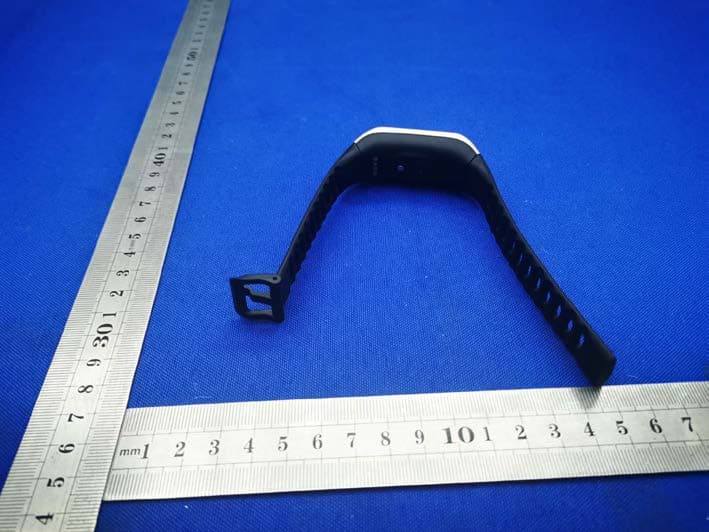
2AA7D-ZNEOPL
Nov 15, 2020Smart Watch
Equipment Class
DTS - Digital Transmission System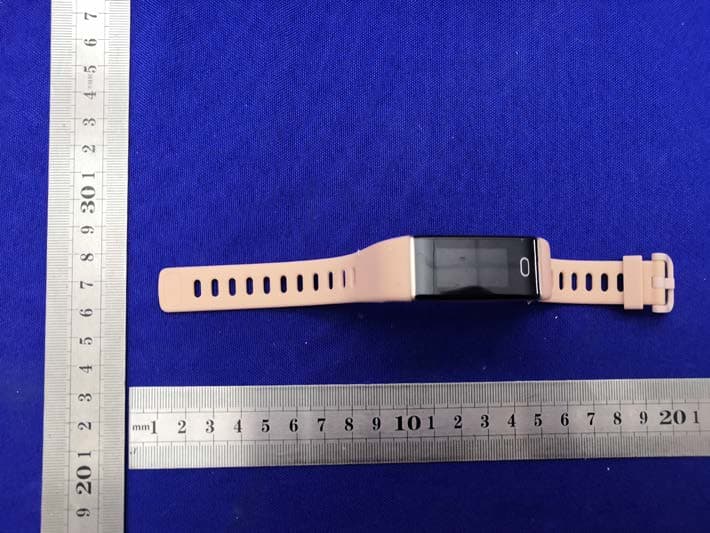
2AA7D-ZTRCPL
Nov 09, 2020Smart Watch
Equipment Class
DTS - Digital Transmission System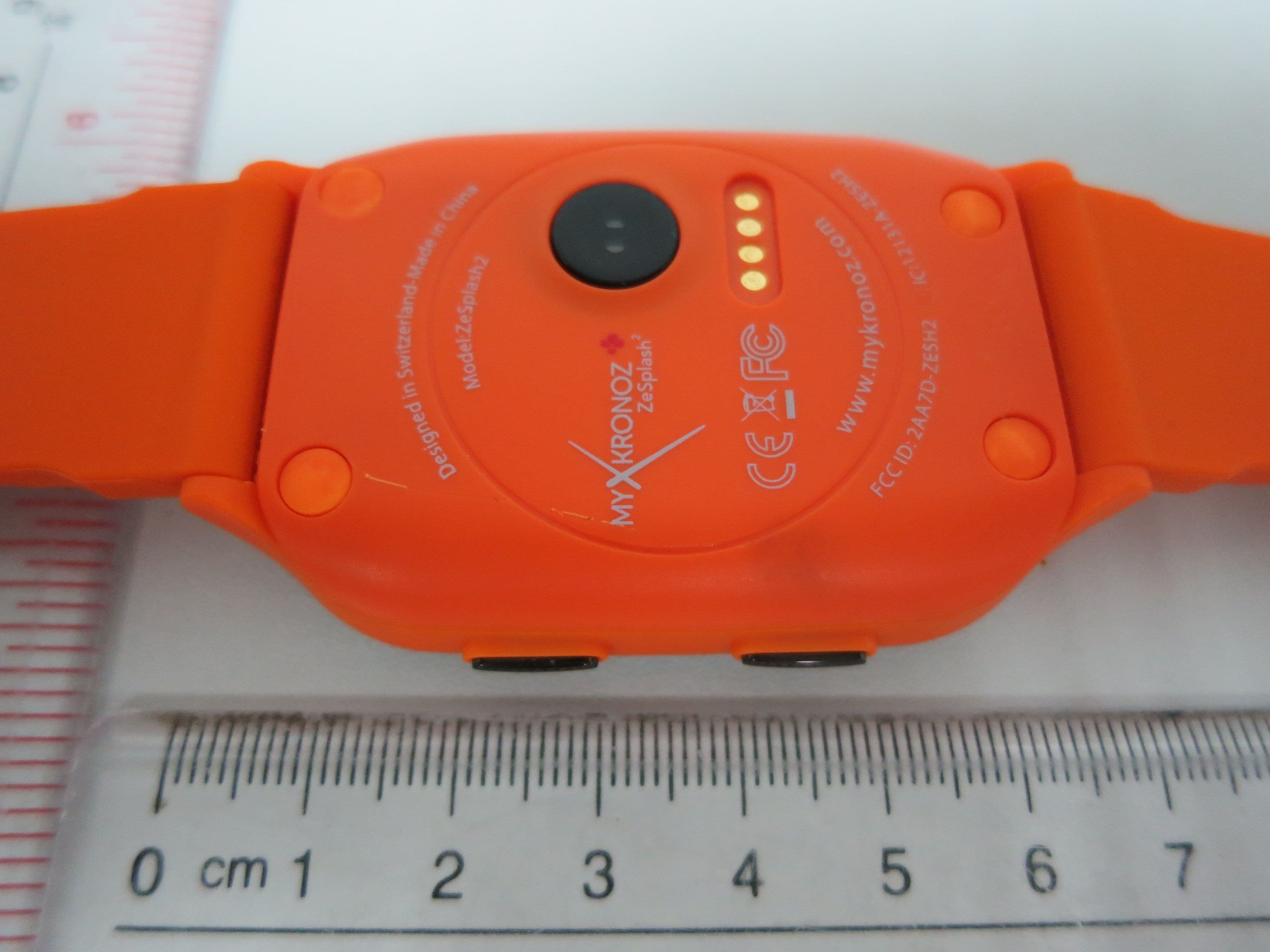
2AA7D-ZESH2
Dec 23, 2015Smart Watch
Equipment Class
DSS - Part 15 Spread Spectrum Transmitter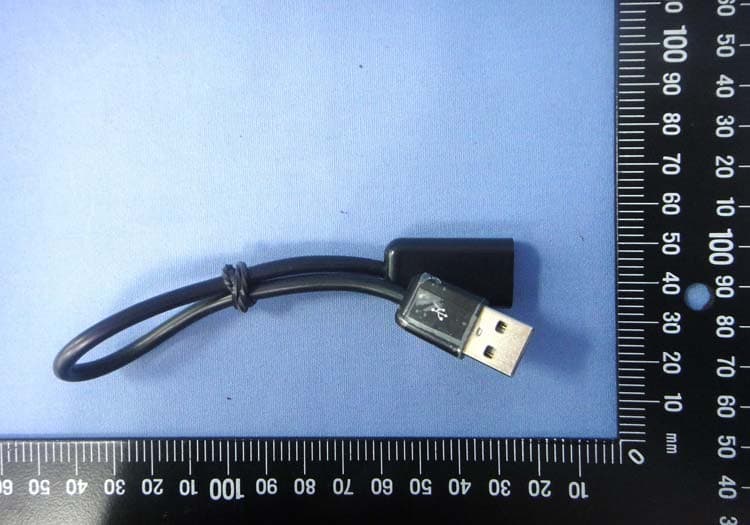
2AA7D-ZEWH3
Dec 13, 2015Smart Watch
Equipment Class
DTS - Digital Transmission System