2ABFD-NC-500NC-500 MiCare Pendant
Mircom Group of Companies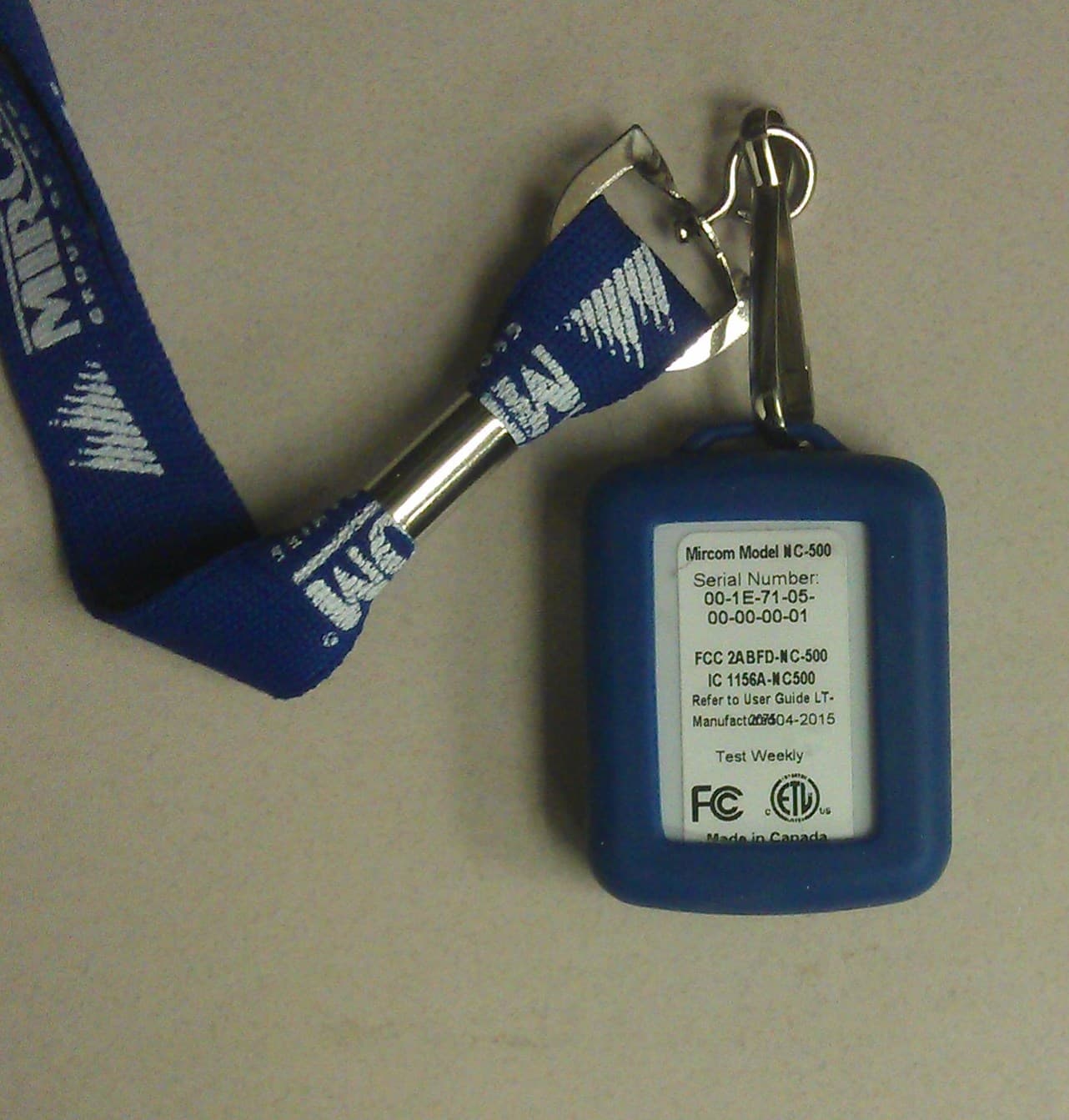
Click to zoom
Application Details
- Equipment Class
- DTS - Digital Transmission System
- Date of Grant
- Nov 09, 2015
- Application Purpose
- Original Equipment
- Date of Application
- Nov 09, 2015
- Equipment Note
- NC-500 MiCare Pendant
- Frequency Range
- 2405.00000000 - 2480.00000000
- Company
- Mircom Group of Companies
- Country
- Canada
Documents & Files
Document Text
Text extracted from the exhibit documents filed with the FCC. Open a document above to read the original.
Users Manual
Nurse Call System LT-2076 Rev. 1 .2 September 2015 User Guide For the latest compatability information visit www.mircom.com/deviceguide LT-2076 Rev 1.23 Table of Contents 1.0Introduction 5 1.1About this User Guide .................................................................................................... 5 1.2Contact Us ..................................................................................................................... 6 1.2.1General Inquiries ............................................................................................................ 6 1.2.2Customer Service .......................................................................................................... 6 1.2.4Website .......................................................................................................................... 6 2.0Dashboard 7 2.1Campus, Building, Wing, and Floor ............................................................................... 7 2.2Alerts .............................................................................................................................. 8 2.3Alerts List ....................................................................................................................... 8 2.3.1Speaking to the patient .................................................................................................. 8 2.4Activity ............................................................................................................................ 9 3.0Manage My Shift 10 3.1Logging in to Dashboard ................................................................................................ 10 3.2Starting your Shift .......................................................................................................... 10 3.3Recording Breaks .......................................................................................................... 10 3.4Ending your Shift ............................................................................................................ 10 4.0Patients and Attendants 11 4.1Patients .......................................................................................................................... 11 4.1.1Check Ins ....................................................................................................................... 11 4.2Attendants ...................................................................................................................... 11 5.0Active Alerts 12 6.0Warranty and Warning Information 13 6.1Warning Please Read Carefully ..................................................................................... 13 6.2Note to Installers ............................................................................................................ 13 6.3System Failures ............................................................................................................. 13 6.3.1Inadequate Installation ................................................................................................... 13 6.3.2Power Failure ................................................................................................................. 13 6.3.3Failure of Replaceable Batteries .................................................................................... 13 6.3.4Compromise of Radio Frequency (Wireless) Devices ................................................... 14 6.3.5System Users ................................................................................................................. 14 4LT-2076 Rev 1.2 6.3.6Automatic Alarm Initiating Devices ................................................................................. 14 6.3.7Software ......................................................................................................................... 14 6.3.8Alarm Notification ........................................................................................................... 14 6.3.9Telephone Lines ............................................................................................................. 14 6.3.10Insufficient Time ............................................................................................................. 15 6.3.11Component Failure ......................................................................................................... 15 6.3.12Inadequate Testing ........................................................................................................ 15 6.3.13Security and Insurance .................................................................................................. 15 6.4Limited Warranty ............................................................................................................ 15 6.4.1International Warranty .................................................................................................... 15 6.4.2Conditions to Void Warranty .......................................................................................... 15 6.5Warranty Procedure ....................................................................................................... 16 6.6Disclaimer of Warranties ................................................................................................ 16 6.7Out of Warranty Repairs ................................................................................................ 16 7.0Special Notices 18 7.1Industry Canada Notice .................................................................................................. 18 7.2FCC Notice ..................................................................................................................... 18 LT-2076 Rev 1.25 1.0 Introduction 1.1About this User Guide This user guide describes how attendants use the Dashboard Nursing Station software (Dashboard). With Dashboard, attendants can manage their shifts, get information about patients, find other …
Text truncated - open the document above for the full version.
Users Manual
Nurse Call System LT-2076 Rev. 1 .2 September 2015 User Guide For the latest compatability information visit www.mircom.com/deviceguide LT-2076 Rev 1.23 Table of Contents 1.0Introduction 5 1.1About this User Guide .................................................................................................... 5 1.2Contact Us ..................................................................................................................... 6 1.2.1General Inquiries ............................................................................................................ 6 1.2.2Customer Service .......................................................................................................... 6 1.2.4Website .......................................................................................................................... 6 2.0Dashboard 7 2.1Campus, Building, Wing, and Floor ............................................................................... 7 2.2Alerts .............................................................................................................................. 8 2.3Alerts List ....................................................................................................................... 8 2.3.1Speaking to the patient .................................................................................................. 8 2.4Activity ............................................................................................................................ 9 3.0Manage My Shift 10 3.1Logging in to Dashboard ................................................................................................ 10 3.2Starting your Shift .......................................................................................................... 10 3.3Recording Breaks .......................................................................................................... 10 3.4Ending your Shift ............................................................................................................ 10 4.0Patients and Attendants 11 4.1Patients .......................................................................................................................... 11 4.1.1Check Ins ....................................................................................................................... 11 4.2Attendants ...................................................................................................................... 11 5.0Active Alerts 12 6.0Warranty and Warning Information 13 6.1Warning Please Read Carefully ..................................................................................... 13 6.2Note to Installers ............................................................................................................ 13 6.3System Failures ............................................................................................................. 13 6.3.1Inadequate Installation ................................................................................................... 13 6.3.2Power Failure ................................................................................................................. 13 6.3.3Failure of Replaceable Batteries .................................................................................... 13 6.3.4Compromise of Radio Frequency (Wireless) Devices ................................................... 14 6.3.5System Users ................................................................................................................. 14 4LT-2076 Rev 1.2 6.3.6Automatic Alarm Initiating Devices ................................................................................. 14 6.3.7Software ......................................................................................................................... 14 6.3.8Alarm Notification ........................................................................................................... 14 6.3.9Telephone Lines ............................................................................................................. 14 6.3.10Insufficient Time ............................................................................................................. 15 6.3.11Component Failure ......................................................................................................... 15 6.3.12Inadequate Testing ........................................................................................................ 15 6.3.13Security and Insurance .................................................................................................. 15 6.4Limited Warranty ............................................................................................................ 15 6.4.1International Warranty .................................................................................................... 15 6.4.2Conditions to Void Warranty .......................................................................................... 15 6.5Warranty Procedure ....................................................................................................... 16 6.6Disclaimer of Warranties ................................................................................................ 16 6.7Out of Warranty Repairs ................................................................................................ 16 7.0Special Notices 18 7.1Industry Canada Notice .................................................................................................. 18 7.2FCC Notice ..................................................................................................................... 18 LT-2076 Rev 1.25 1.0 Introduction 1.1About this User Guide This user guide describes how attendants use the Dashboard Nursing Station software (Dashboard). With Dashboard, attendants can manage their shifts, get information about patients, find other …
Text truncated - open the document above for the full version.
Test Report
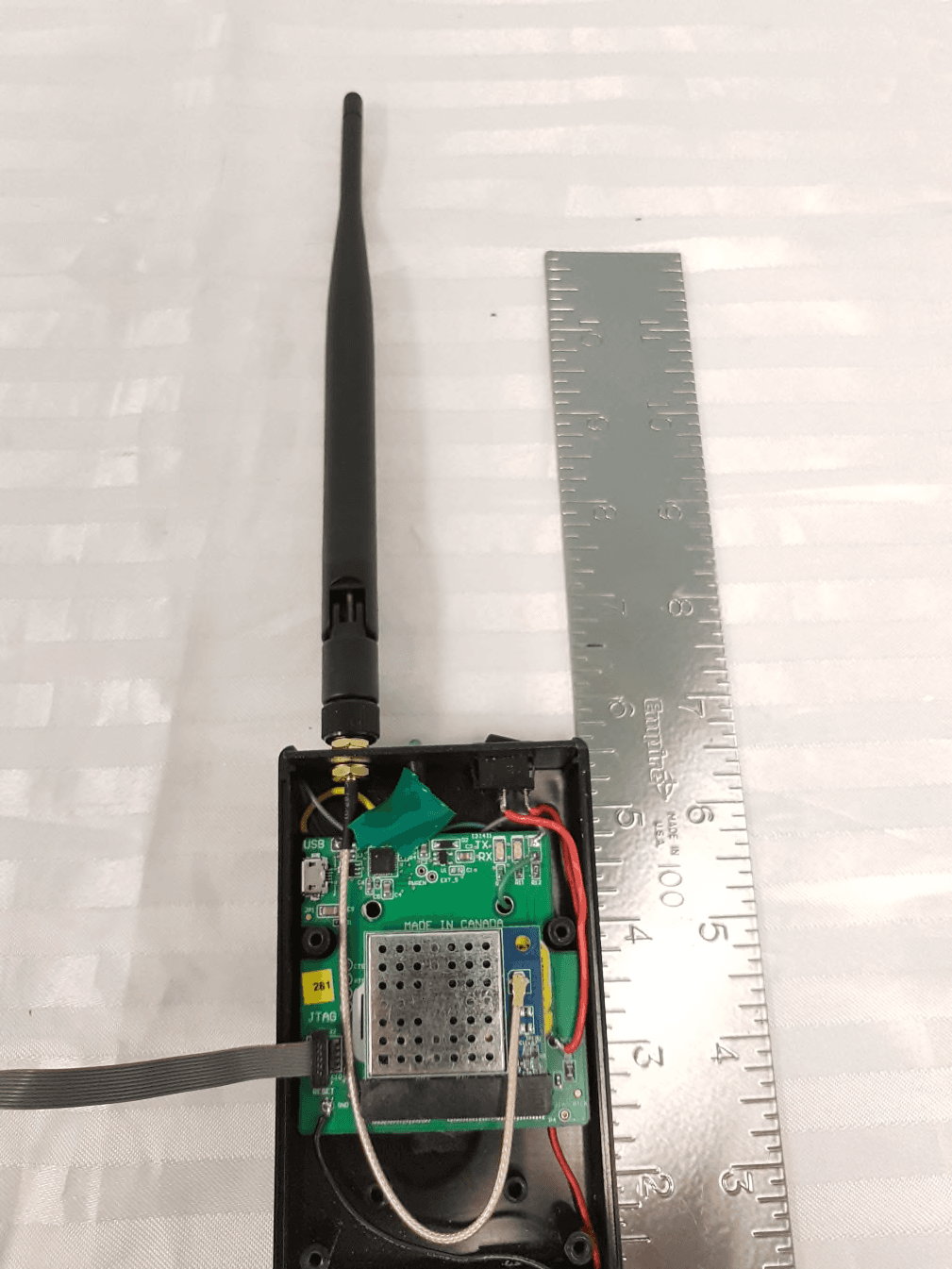
This report is for the exclusive use of Intertek's Client and is provided pursuant to the agreement between Intertek and its Client. Intertek's responsibility and liability are limited to the terms and conditions of the agreement. Intertek assumes no liability to any party, other than to the Client in accordance with the agreement, for any loss, expense or damage occasioned by the use of this report. Only the Client is authorized to permit copying or distribution of this report and then only in its entirety. Any use of the Intertek name or one of its marks for the sale or advertisement of the tested material, product or service must first be approved in writing by Intertek. The observations and test results in this report are relevant only to the sample tested. This report by itself does not imply that the material, product, or service is or has ever been under an Intertek certification program. Emissions Report for Mircom Technologies Ltd. on the NC-500 Page 1 of 75 EMISSIONS TEST REPORT Report Number: 101930181BOX-001 Project Number: G101930181 Report Issue Date: 02/03/2015 Product Designation: NC-500 (originally tested as Igeacom II) Standards: CFR47 FCC Part 15 Subpart C 15.247:2015 CFR47 FCC Part 15 Subpart B:2015 IC RSS-247 Issue 1 May 2015 IC RSS-Gen Issue 4 November 2014 IC ICES-003 Issue 5 August 2012 IC RSS-102 Issue 5 March 2015 updated December 2010 Tested by: Client: Intertek Testing Services NA, Inc. 70 Codman Hill Road Boxborough, MA 01719 Mircom Technologies Ltd. 25 Interchange Way Vaughan ON L4K 5W3 Canada Testing was originally performed for IGEACare Solutions Inc. 163 Rivalda Road North York M9M 2M7 Canada As company name and model number changed, output power and spurious emissions was spot checked on 01/10/2015 and found that emissions didn’t get worst. Report prepared by Reviewer Report reviewed by Vathana F. Ven / Staff Engineer Kouma Sinn / Staff Engineer Intertek Report Number: 1001930181BOX-001 Issued: 02/03/2015 Emissions Report for Mircom Technologies Ltd. on the NC-500 Page 2 of 75 1 Introduction and Conclusion The tests indicated in section 2.0 were performed on the product constructed as described in section 4.0. The remaining test sections are the verbatim text from the actual data sheets used during the investigation. These test sections include the test name, the specified test Method, a list of the actual Test Equipment Used, documentation Photos, Results and raw Data. No additions, deviations, or exclusions have been made from the standard(s) unless specifically noted. Based on the results of our investigation, we have concluded the product tested complies with the requirements of the standard(s) indicated. The results obtained in this test report pertain only to the item(s) tested. 2 Test Summary Section Test full name Result 3 Client Information 4 Description of Equipment Under Test 5 System Setup and Method 6 RF Output Power, Duty Cycle, and Human RF Exposure ( CFR47 FCC Part 15 Subpart C 15.247(b)(3), KDB 558074, IC RSS-247 Issue 1 May 2015 5.4(4), IC RSS-102 Issue 5 March 2015) Pass 7 6 dB Bandwidth ( CFR47 FCC Part 15 Subpart C 15.247(a)(2), IC RSS-247 Issue 1 May 2015 5.2, IC RSS-Gen Section 6.6, KDB 558074) Pass 8 Peak Power Spectral Density (FCC 15:2015 Subpart C Section 15.247 (e), RSS-247 Issue 1 May 2015 5.2(2), KDB 558074) Pass 9 Band Edge Compliance ( FCC 15:2015 Subpart C Section 15.247 (d), RSS-247 Issue 1 May 2015 5.2(2), KDB 558074) Pass 10 Transmitter Radiated Spurious Emissions (CFR47 FCC Part 15 Subpart C 15.247(d), IC RSS-247 Issue 1 May 2015 5.5, KDB 558074) Pass 11 Receiver Radiated Spurious Emissions (CFR47 FCC Part 15 Subpart B 15.109, IC RSS-Gen Sections 4.10 & 6.0) Pass -- AC Mains Conducted Emissions CFR47 FCC Part 15:2015 Subpart B Section 15.207 IC RSS-Gen Issue 3 December 2010, 7.2.2 (Table 2) N/A, Battery Powered 12 Revision History * - The EUT is battery powered and does not have facility to connect to the AC mains, directly or indirectly. Intertek Report Number: 1001930181BOX-001 Issued: 02/03/2015 Emissions Report for Mircom Technologies Ltd. on the NC-500 Page 3 of 75 3 Client Information This EUT was tested at the request of: Company: Mircom Technologies Ltd. 25 Interchange Way Vaughan ON L4K 5W3 Canada Contact: Mr. Mike Mahoney Telephone: (905) 660-4655 Fax: (905) 695-3538 Email: [email protected] 4 Description of Equipment Under Test Equipment Under Test Description Manufacturer Model Number Serial Number Zigbee Wireless Pendant Mircom Technologies Ltd. (tested as IGEACare Solutions Inc) NC-500 (originally tested as Igeacom II) 00005 00003 Receive Date: 01/25/2012, 01/10/2015 Start Date: 09/13/2012 Received Condition: Good Complete date: 01/10/2015 Type: Prototype Description of Equipment Under Test (provided by client) The NC-500 is a Wireless Pendant with Zigbee wireless application. Wireless communication to a host via an internal chip antenna and Zigbee application with O-PQSK modulation is used. The Zigbee transceiver operates in the 2400-2483.5 MHz band from 2405-2480MHz using an integral antenna. Equipment Under Test Power Configuration Rated Voltage Rated Current Rated Frequency Number of Phases 2x1.5VDC N/A N/A N/A Operating modes of the EUT: No. Descriptions of EUT Exercising 1 The device was in transmit mode, channels 11 (2405 MHz), 18 (2440 MHz), 26 (2480 MHz) 2 The device was also tested in receive mode 5 System Setup and Method Cables ID Description Length (m) Shielding Ferrites Termination None Support Equipment Description Manufacturer Model Number Serial Number Laptop HP 350 N/A AC adapter Direct Plug-in 35-D12-200 N/A Intertek Report Number: 1001930181BOX-001 Issued: 02/03/2015 Emissions Report for Mircom Technologies Ltd. on the NC-500 Page 4 of 75 5.1 Method: Configuration as required by ANSI C 63.4:2009, ANSI C63.10:2009, FCC Part 15:2015, Subpart C Section 15.247, IC RSS-247 Issue 1 May 2015, RSS-Gen Issue 4 November 2014, and KDB 558074. 5.2 EUT Block Diagram: Intertek Report Number:…
Text truncated - open the document above for the full version.
Test Setup Photos
Intertek Report Number: 1001930181BOX-001 Issued: 02/03/2015 Emissions Report for Mircom Technologies Ltd. on the NC-500 Page 8 of 75 6.4 Setup Photographs: Axis1 orientation Axis 2 orientation Intertek Report Number: 1001930181BOX-001 Issued: 02/03/2015 Emissions Report for Mircom Technologies Ltd. on the NC-500 Page 9 of 75 Axis 3 orientation
Contact Information
Applicant
Laurie E Eisner
Technical Contact
Non-Technical Contact
Mircom Group of CompaniesJason Falbo
[email protected]905-660-4655
Test Firm
Intertek Testing Services NA Inc.Yaqing Liu
[email protected]978 635 8662
Technical Specifications
| # | Rule Parts | Frequency Range | Power Output |
|---|---|---|---|
| 1 | 15C | 2.40 GHz - 2.48 GHz | 773.00 µW |
Other Applications from Mircom Group of Companies
2ABFD-MDF1019
May 27, 2021Wireless transceiver module
Equipment Class
DTS - Digital Transmission System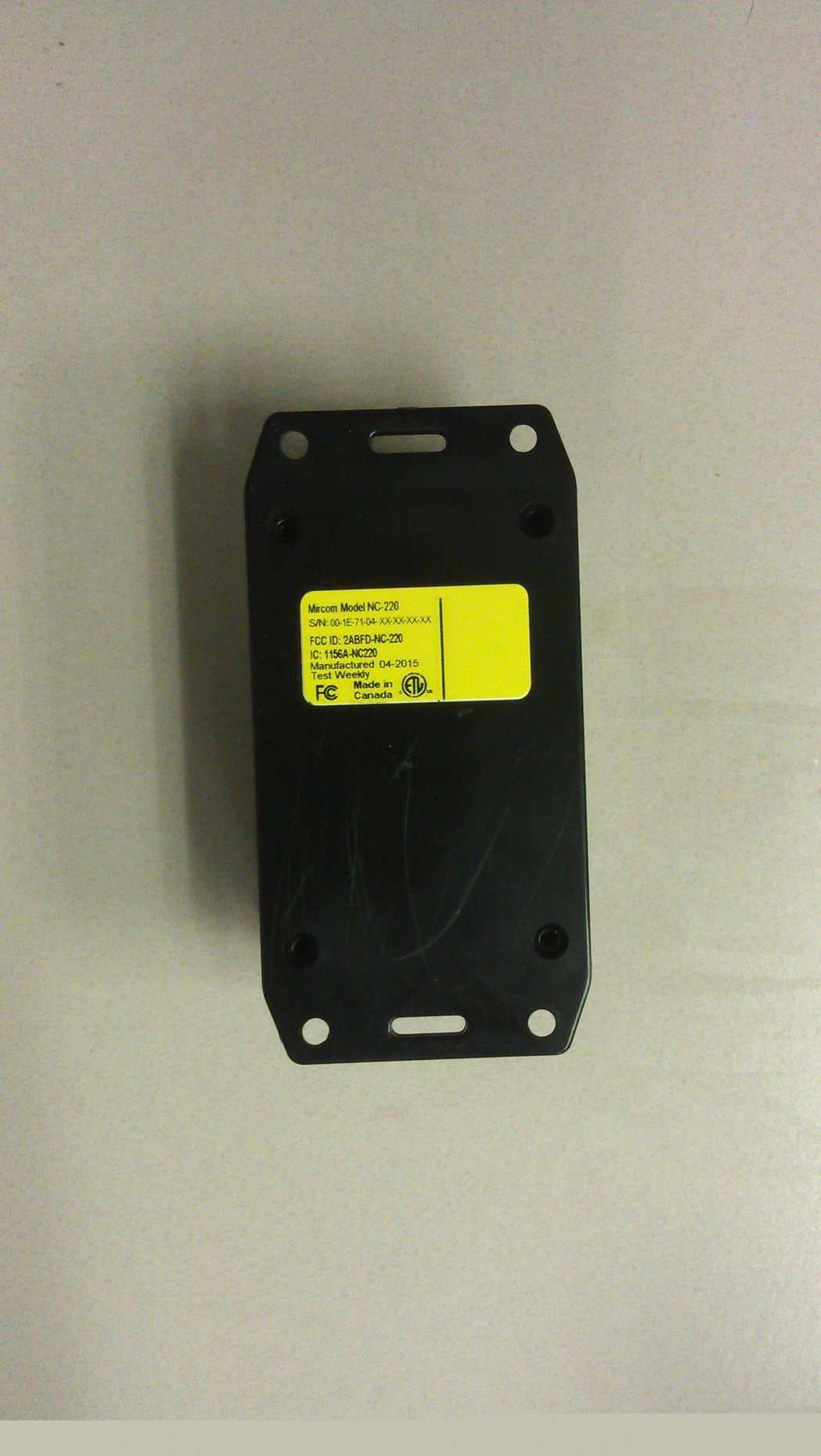
2ABFD-NC-220
Nov 09, 2015NC-220 MiCare ZF3
Equipment Class
DTS - Digital Transmission System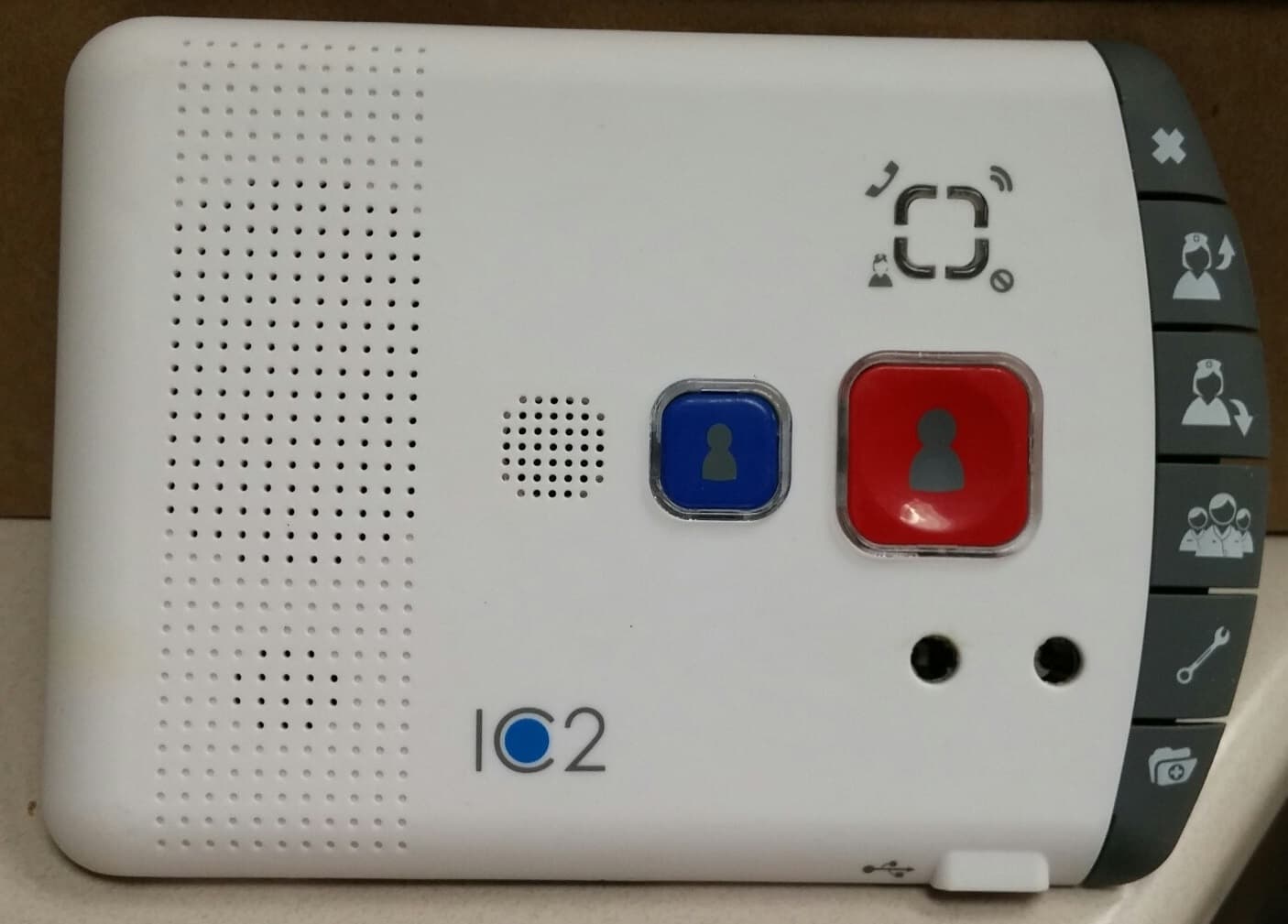
2ABFD-NC-2000
Nov 09, 2015NC-2000 MiCare Patient Unit
Equipment Class
DTS - Digital Transmission System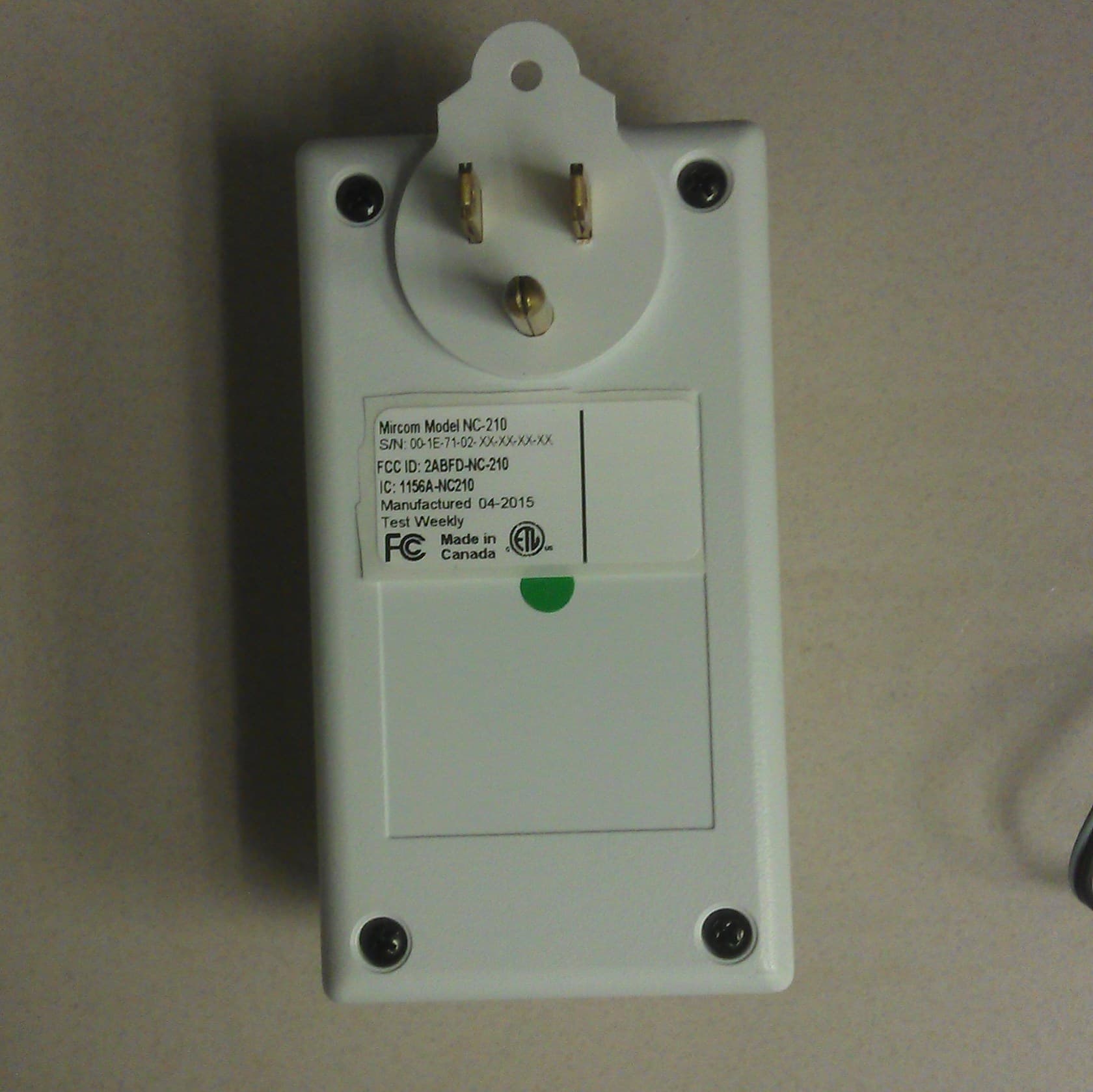
2ABFD-NC-210
Nov 09, 2015NC-210 MiCare Beacon
Equipment Class
DTS - Digital Transmission System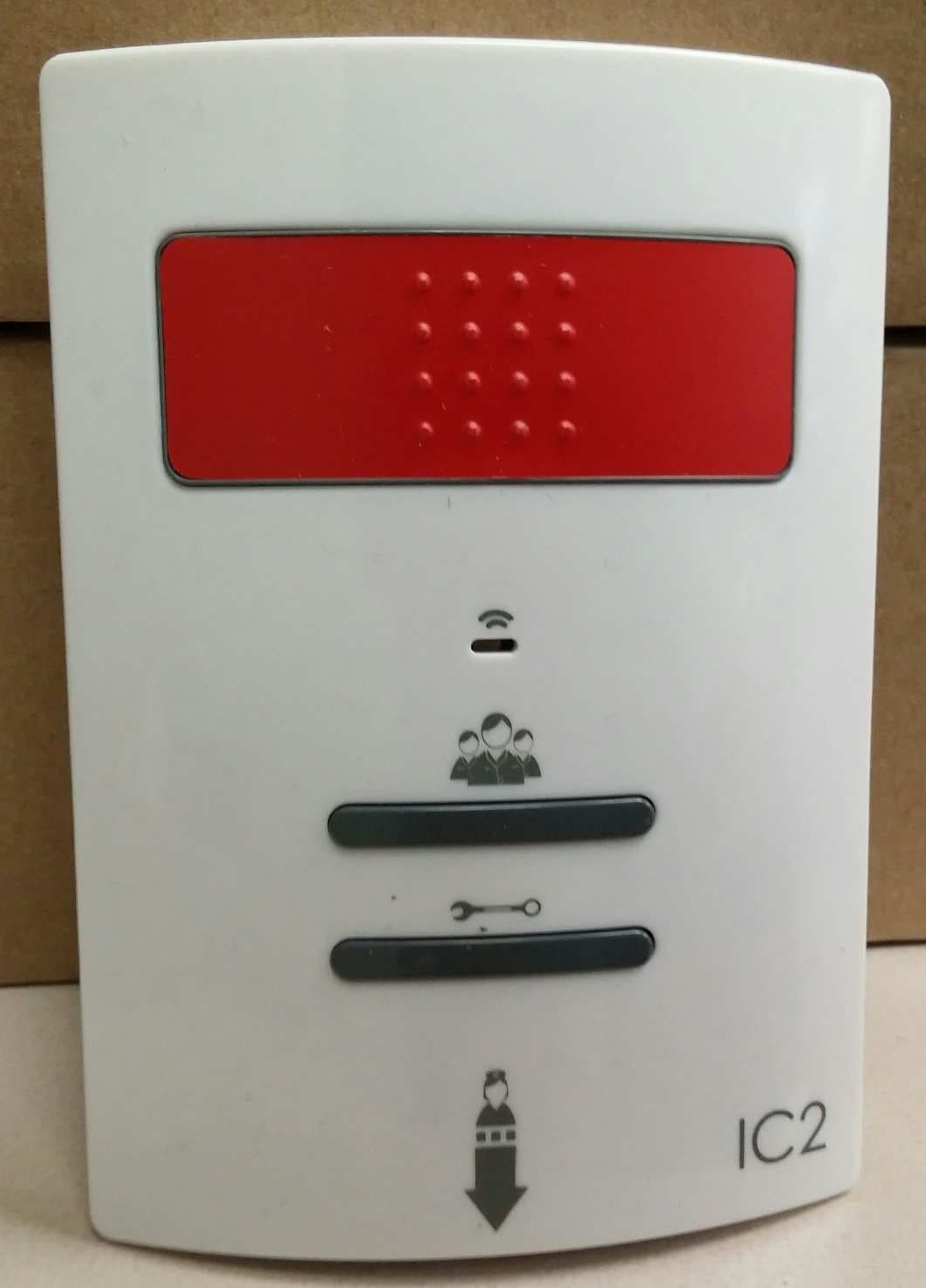
2ABFD-NC-103
Nov 08, 2015NC-103 MiCare Pull Station
Equipment Class
DTS - Digital Transmission System