2ADORRQT350Bluetooth speaker
Shenzhen Royqueen Audio Technology Co., Ltd.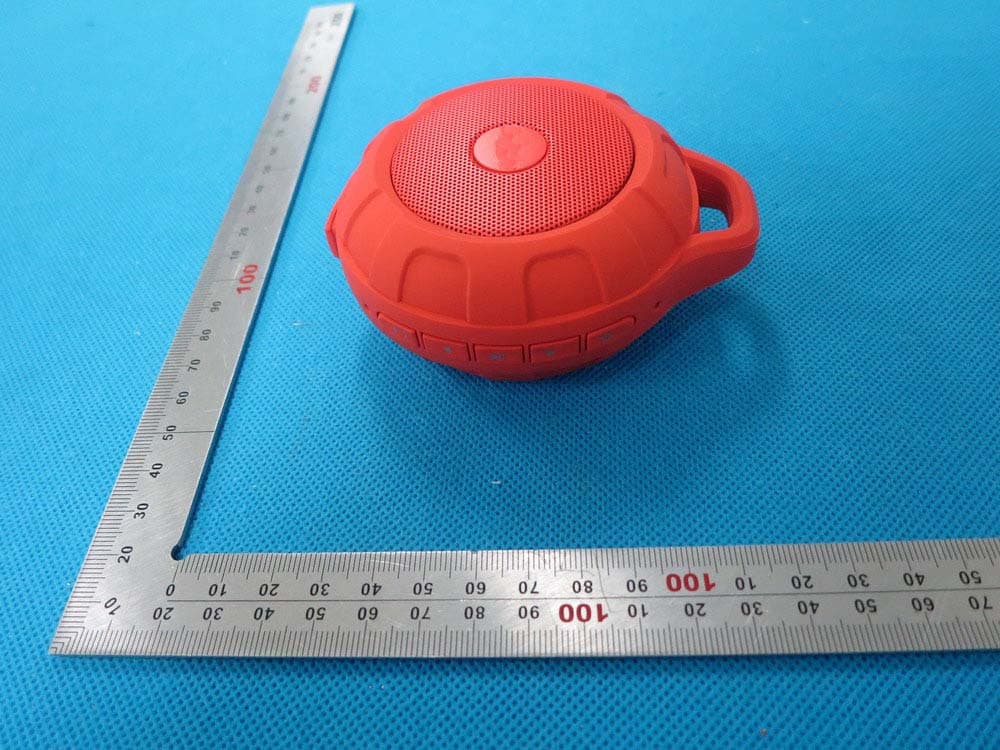
Click to zoom
Application Details
- Equipment Class
- DSS - Part 15 Spread Spectrum Transmitter
- Date of Grant
- Dec 03, 2014
- Application Purpose
- Original Equipment
- Date of Application
- Dec 03, 2014
- Equipment Note
- Bluetooth speaker
- Frequency Range
- 2402.00000000 - 2480.00000000
- Country
- China
Documents & Files
Document Text
Text extracted from the exhibit documents filed with the FCC. Open a document above to read the original.
Users Manual
T350B User Manual Brand:OYQUEEN FCC ID:2ADORRQT350 Dear customer, Thank you for purchasing the Bluetooth speaker T350B. To ensure correct operation, please read this user manual carefully before operation. Important Safety Instructions ◆ This speaker is designed to protect against splashing water sprayed at all angles. Dropping the whole unit in body of water may damage the product. ◆ Keep speaker away from any source of heat. ◆ Adjust the volume to a suitable level so as to avoid damaging your hearing, or the unit itself. ◆ If does not use this speaker for long time, please charge at lease once within one month, in order to prevent the lithium battery from causing and damaging because of excessive consumption. Features 1. Bluetooth Music and Mobile Hands-free Function Bluetooth stereo music playing, support mobile hands-free function. 2. Aux In Work as the external speaker by connecting to the audio source of computer, mobile, PSP/MP3/MP4 etc. 3. Voice Guide The speaker will voice the current working mode under operation Technical Data Voltage: DC 5V Impedance: 3Ω Aux in Jack: 3.5mm Net Weight: 148g Size: 41(H)*84(Φ)(mm) Keys ① Short press:Pick up/Hand off the phone call Long press: Disconnect the Bluetooth device forcibly ② / Short press:Previous song/Next song (Bluetooth mode) Long press: increase/decrease the volume ③ Short Press:Play/Pause (Bluetooth mode); Long press: Switch the mobile phone call between the mobile and the speaker. ④ Long press: Power on/off the speaker Slot ① Micro USB Use the Micro USB cable included to connect the speaker to the computer/adaptor for charging. ② AUX Work as the external speaker by connecting to the audio source of computer, mobile, PSP/MP3/MP4 etc. ① ② ②③④ ① ② Instructions 1. Power On / Off Long press the button to power on the speaker (The blue light will be on); Long press the button again to power off the speaker (The blue light will be off). 2. Bluetooth (1) Power on the speaker, it will enter the Bluetooth mode directly. (2) Bluetooth Paired Please turn on the Bluetooth function of your mobile/other devices. And start to search for Bluetooth devices, the “T350B” will be found, please connect it. (The speaker will voice “Device paired” when connecting). The speaker’s default pairing code is “0000”. After pairing, you can use Bluetooth music playing and hands-free function. (3) Bluetooth Music Please turn on the mobile or other devices’ music player, and speaker will play the selected music. (4) Mobile Hands-free Under pairing, using phone to call, it can enter the Hands-free status. (a) When phone call comes in, please press the button to pick up, press the button again to hand off the phone call. (b) Long press the button to reject the phone. (c) Under Bluetooth pairing status, press the button twice and speaker will re-dial the last telephone number. 3. Aux In Use the 3.5mm audio cable included to connect the speaker to an audio source (PC, MP3/MP4, mobile phone). The speaker will play the music from the audio source. Please note: The speaker can not enter the Bluetooth mode if connecting with the aux in cable. Please remove the aux in mode when using the Bluetooth mode. 4. Charging The speaker with built-in rechargeable 800 mAh lithium battery, can play about 3hours at the highest volume. When battery low, the speaker will voice “out of battery”, please charge the battery as soon as possible. Below is the charging method: 1. Using the included micro USB charging cable to connect the speaker to the computer for charging 2. Using the included micro USB charging cable to connect the speaker to t a branded good quality 5V/1000mA adaptor for charging Please Note: Do not charging the speaker more than 4 hours 5. LED Indicator Light Blue light on: Bluetooth device paired; Blue light flash slowly: Waiting for Bluetooth pairing; Orange light on: Under charging, the light will off when charging completed. This device complies with part 15 of the FCC rules. Operation is subject to the following two conditions: (1) this device may not cause harmful interference, and (2) this device must accept any interference received, including interference that may cause undesired operation. Changes or modifications to this unit not expressly approved by the party responsible for compliance could void the user's authority to operate the equipment.
External Photos
External Photos TOP VIEW OF EUT BOTTOM VIEW OF EUT FRONT VIEW OF EUT BACK VIEW OF EUT LEFT VIEW OF EUT RIGHT VIEW OF EUT VIEW OF EUT (PORT)
ID Label/Location Info
FCC ID Label Location FCC ID: 2ADORRQT350
Internal Photos
Internal Photos OPEN VIEW OF EUT INTERNAL VIEW OF EUT-1 INTERNAL VIEW OF EUT-2 INTERNAL VIEW OF EUT-3 Antenna
Test Report
Page 1 of 67 FCC Test Report Report No.: AGC01329141102FE03 FCC ID : 2ADORRQT350 APPLICATION PURPOSE : Original Equipment PRODUCT DESIGNATION : Bluetooth speaker BRAND NAME : ROYQUEEN MODEL NAME : T350B CLIENT : Shenzhen Royqueen Audio Technology Co., Ltd. DATE OF ISSUE : Nov.27,2014 STANDARD(S) : FCC Part 15 Rules REPORT VERSION : V1.0 Attestation of Global Compliance (Shenzhen) Co., Ltd CAUTION: This report shall not be reproduced except in full without the written permission of the test laboratory and shall not be quoted out of context. Report No.: AGC01329141102FE03 Page 2 of 67 Report Revise Record Report Version Revise Time Issued Date Valid Version Notes V1.0 / Nov.27,2014 Valid Original Report Report No.: AGC01329141102FE03 Page 3 of 67 TABLE OF CONTENTS 1. VERIFICATION OF CONFORMITY ...................................................................................... 5 2. GENERAL INFORMATION .................................................................................................. 6 2.1. PRODUCT DESCRIPTION ........................................................................................................... 6 2.2. TABLE OF CARRIER FREQUENCYS .......................................................................................... 6 2.3. RECEIVER INPUT BANDWIDTH ................................................................................................. 7 2.4. EXAMPLE OF A HOPPING SEQUENCY IN DATA MODE ........................................................... 7 2.5. EQUALLY AVERAGE USE OF FREQUENCIES AND BEHAVIOUR ............................................ 7 2.6. RELATED SUBMITTAL(S) / GRANT (S) ....................................................................................... 8 2.7. TEST METHODOLOGY................................................................................................................ 8 2.8. SPECIAL ACCESSORIES ............................................................................................................ 8 2.9. EQUIPMENT MODIFICATIONS ................................................................................................... 8 3. MEASUREMENT UNCERTAINTY........................................................................................ 9 4. DESCRIPTION OF TEST MODES ........................................................................................ 9 5. SYSTEM TEST CONFIGURATION .................................................................................... 10 5.1. CONFIGURATION OF EUT SYSTEM ........................................................................................ 10 5.2. EQUIPMENT USED IN EUT SYSTEM ....................................................................................... 10 5.3. SUMMARY OF TEST RESULTS ................................................................................................ 10 6. TEST FACILITY .................................................................................................................. 11 7. PEAK OUTPUT POWER .................................................................................................... 12 7.1. MEASUREMENT PROCEDURE ................................................................................................ 12 7.2. TEST SET-UP (BLOCK DIAGRAM OF CONFIGURATION) ....................................................... 12 7.3. LIMITS AND MEASUREMENT RESULT .................................................................................... 13 8. 20DB BANDWIDTH ............................................................................................................ 19 8.1. MEASUREMENT PROCEDURE ................................................................................................ 19 8.2. TEST SET-UP (BLOCK DIAGRAM OF CONFIGURATION) ....................................................... 19 8.3. LIMITS AND MEASUREMENT RESULTS .................................................................................. 19 9. CONDUCTED SPURIOUS EMISSION ............................................................................... 26 9.1. MEASUREMENT PROCEDURE ................................................................................................ 26 9.2. TEST SET-UP (BLOCK DIAGRAM OF CONFIGURATION) ....................................................... 26 9.3. MEASUREMENT EQUIPMENT USED ....................................................................................... 26 9.4. LIMITS AND MEASUREMENT RESULT .................................................................................... 26 10. RADIATED EMISSION ..................................................................................................... 30 10.1. MEASUREMENT PROCEDURE .............................................................................................. 30 10.2. TEST SETUP ............................................................................................................................ 32 10.3. TEST RESULT .......................................................................................................................... 32 Report No.: AGC01329141102FE03 Page 4 of 67 11. BAND EDGE EMISSION .................................................................................................. 39 11.1. MEASUREMENT PROCEDURE .............................................................................................. 45 11.2. TEST SET-UP ........................................................................................................................... 45 11.3. TEST RESULT .......................................................................................................................... 46 12. NUMBER OF HOPPING FREQUENCY ............................................................................ 50 12.1. MEASUREMENT PROCEDURE .............................................................................................. 50 12.2. TEST SETUP (BLOCK DIAGRAM OF CONFIGURATION) .…
Text truncated - open the document above for the full version.
Test Setup Photos
APPENDIX IV PHOTOGRAPHS OF TEST SETUP FCC LINE CONDUCTED EMISSION TEST SETUP FCC RADIATED EMISSION TEST SETUP
Contact Information
Applicant
feng yan(Development Manager)
Test Firm
Attestation of Global Compliance Shenzhen Co. Ltd.Forrest Lei
Technical Specifications
| # | Rule Parts | Frequency Range | Power Output |
|---|---|---|---|
| 1 | 15C | 2.40 GHz - 2.48 GHz | 1.00 mW |
Other Applications from Shenzhen Royqueen Audio Technology Co., Ltd.
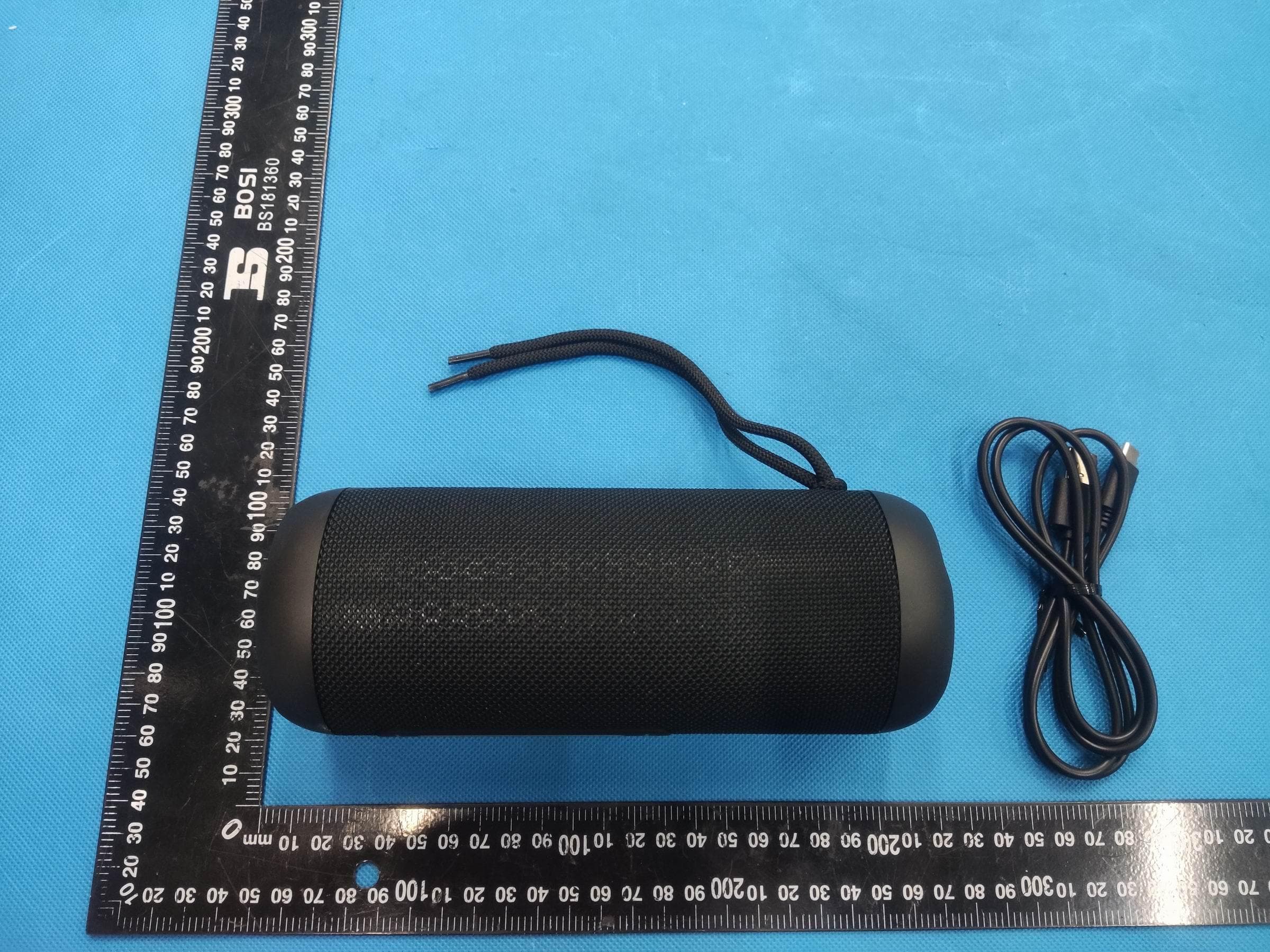
2ADOR-G180
Sep 24, 2023Bluetooth Speaker
Equipment Class
DSS - Part 15 Spread Spectrum Transmitter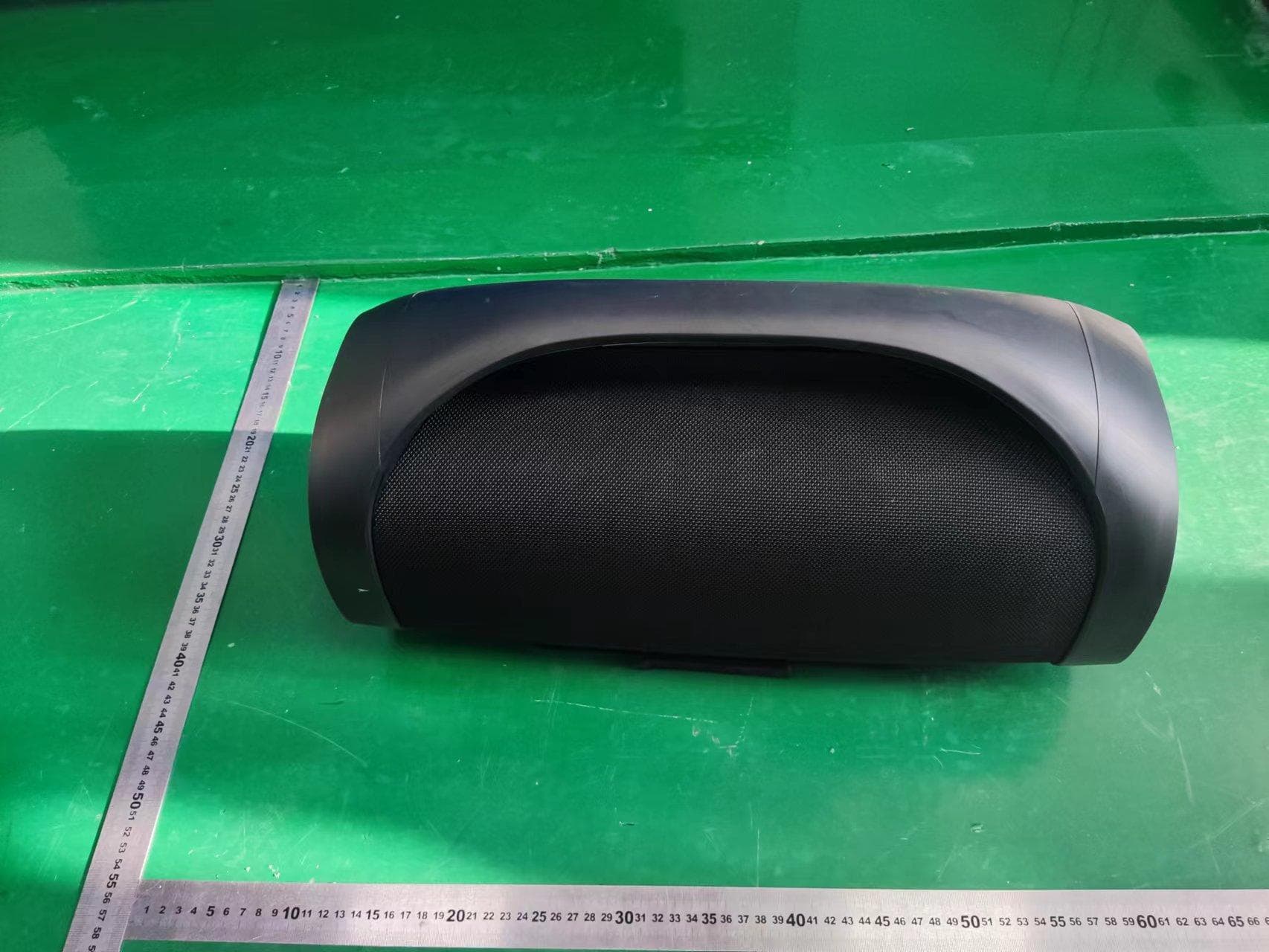
2ADOR-G700B
Aug 13, 2022Bluetooth Speaker
Equipment Class
DSS - Part 15 Spread Spectrum Transmitter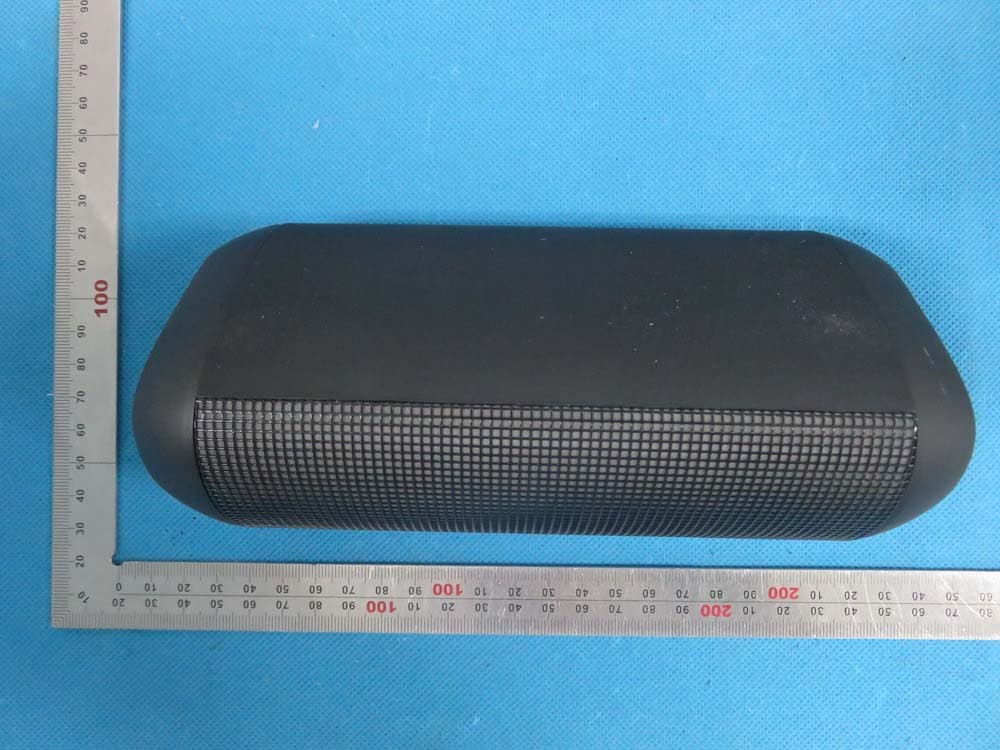
2ADORT900
Jul 28, 2015Bluetooth speaker
Equipment Class
DXX - Part 15 Low Power Communication Device Transmitter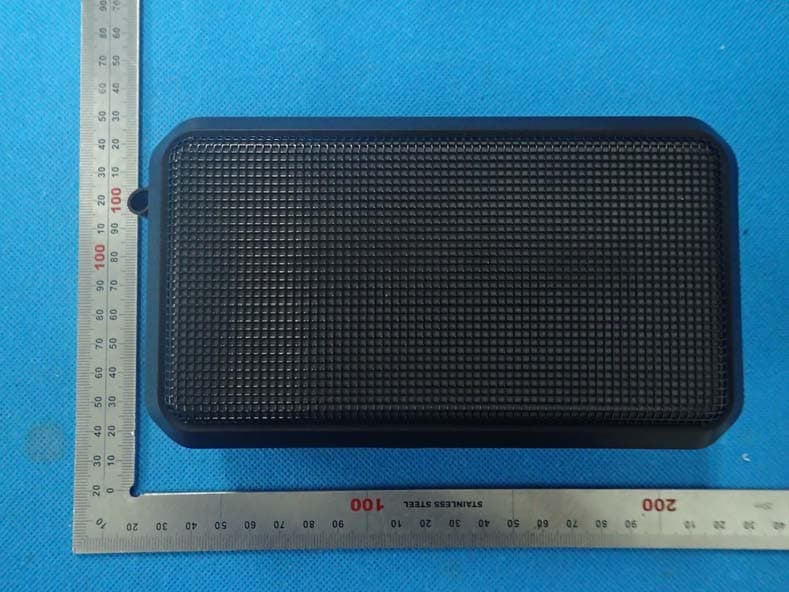
2ADORT700
Jul 14, 2015Bluetooth Speaker
Equipment Class
DXX - Part 15 Low Power Communication Device Transmitter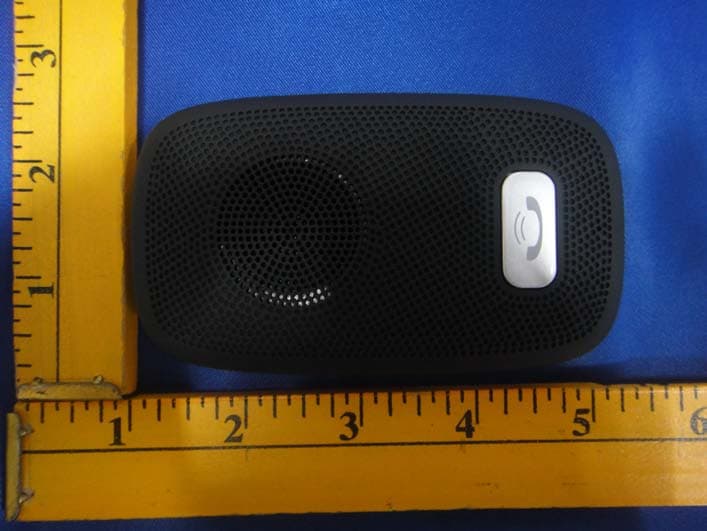
2ADORT300B
Apr 29, 2015SPEAKERPHONE
Equipment Class
DXX - Part 15 Low Power Communication Device Transmitter