2ADORRQT900Bluetooth Speaker
Shenzhen Royqueen Audio Technology Co., Ltd.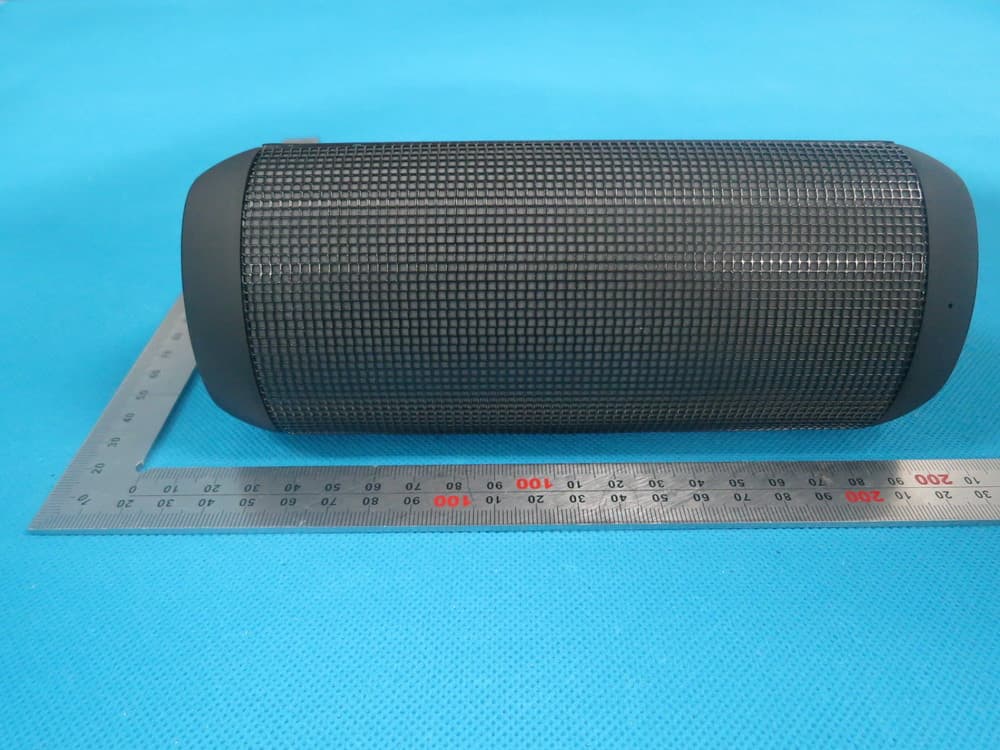
Click to zoom
Application Details
- Equipment Class
- DSS - Part 15 Spread Spectrum Transmitter
- Date of Grant
- Dec 22, 2014
- Application Purpose
- Original Equipment
- Date of Application
- Dec 22, 2014
- Equipment Note
- Bluetooth Speaker
- Frequency Range
- 2402.00000000 - 2480.00000000
- Country
- China
Documents & Files
Document Text
Text extracted from the exhibit documents filed with the FCC. Open a document above to read the original.
Users Manual
T900 FCC ID: 2ADORRQT900 User Manual Dear customer, Thank you for purchasing the LED Light Bluetooth speaker T900. To ensure correct operation, please read this user manual carefully before operation. Important Safety Instructions ◆ If you do not operate the speaker for a long time, please charge battery once a month, in order to prevent the lithium battery from being damaged. ◆ Do not use the speaker in special cold, hot, dusty or humid environments. ◆ Please avoid the speaker dropping or hitting with a hard object, it may cause damage to the inside battery or other hardware damage. ◆ When low battery, the indicator light will flash and voice guide the low battery, please charge battery in time. ◆ Keep speaker away from any source of heat/fire. Features 1. Five Multi-colored LED Themes Full spectrum light themes matching with your music 2. Bluetooth Music and Mobile Hands-free Function Bluetooth stereo music playing, support mobile hands-free function. 3. NFC (Near Field Communication) One touch easy pairing with your NFC Smartphone 4. Micro SD Card Music Playing Support the entire MP3/WMA/WAV/APE/FLAC coding rate 5. Aux In Work as the external speaker by connecting to the audio source of computer, mobile, PSP/MP3/MP4 etc. Technical Data Voltage: DC 5V Aux in Jack: 3.5mm Net Weight: 446g Size: 184.7mm* 73.3mm* 81.0mm Package Contents Bluetooth Speaker, Micro USB Cable, User Manual, 3.5mm audio cable Slot and Keys Quick Start 1. Short press the buttons to decrease / increase the volume gradually. Long press the buttons to decrease / increase the volume continuously. 2. M Short press the M button to switch the mode of Bluetooth/ Mirco SD Card/AUX In 3. Under music playing mode, short press the buttons to switch to the previous / next song. Long press the buttons for previous/next folder. 4. Short press to switch the LED themes 5. Long press the button and hold for 2 seconds to power on the speaker, the Working Indicator Light will be blue. Long press the button to power off the speaker. Short press the button to pause/play/mute/answer the phone/end up the phone 6. + Pressing the light and the volume buttons simultaneously, you can choose the level of illumination: no lighting, level 1, level 2 and level 3. Instructions 1. Power On/Off Long press the button for 2 seconds to power on ( Indicator turns blue); Long press the button again to power off. 2. Bluetooth (1) Bluetooth Paired Press the M button to enter the Bluetooth mode, now please turn on the Bluetooth function of your mobile/other devices. And start to search for Bluetooth devices, the “T900” will be found, please connect it. (The speaker will voice “Device paired” when connecting). (2) NFC Function (It requires the mobile has the NFC function and the speaker need under Bluetooth mode) Turn on the mobile’s NFC function and make the mobile touch the speaker’s NFC area. The mobile will remind you to pair with the Bluetooth device. Choose yes to complete the pairing. (3) Bluetooth Music Please turn on the mobile or other devices’ music player, and speaker will play the selected music. (4) Mobile Hands-free Under pairing, using phone to call, it can enter the Hands-free status. When a mobile call comes in, short press the button to pick up the phone, re-press the button to end up the call. Press the button twice and speaker will re-dial the last telephone number. 3. LED Themes Short press the to switch the LED themes, there are five different LED themes. Please note: The Club and Equalize themes only display when music playing 4. Gravity sensor At Club and Equalize themes, the speaker can support gravity sensor. 4. Micro SD Card Music Playing Inserting the Micro SD Card into the speaker to enter the memory card mode, the speaker will play the Micro SD card music directly. (Speaker will voice “memory card mode”). The speaker support music format at WAV,MP3,WMA,APE,FLAC. 5. Aux In Use the 3.5mm audio cable included to connect the speaker to an audio source (PC, MP3/MP4, mobile phone). Short press the M button to enter “AUX IN” mode (the speaker will voice “Aux in” mode). The speaker will play the music from the audio source. Please note: Low battery will affect the music sound quality, please charge the speaker by adaptor soon. 6. Charging The speaker with the built-in lithium battery, use the USB cable included to connect the speaker to the computer or a branded good quality 5V/1000mA adaptor to charge the battery. When charging, the LED indicator is orange, when finished charging, the LED indicator will turn blue. Please note:(1) If low capacity, the indicator light will flash quickly, please charge immediately. (2)We recommend to charge the speaker by branded adaptor (5V 1A). Troubleshooting 1. What should I do if the speaker can not pair with the Bluetooth device and play music accordingly? Please check the specification/ the manual of the Bluetooth device (your mobile or computer), and check if the device can support the A2DP stereo audio transmission. If yes, please turn on the A2DP stereo mode. 2. What should I do if the Micro SD card can not work? (1) Ensure that the Micro SD card is in good condition. Also check that the audio files are the correct formats - MP3/WMA/WAV/APE/FLAC. (2) Besides the above case, the problem maybe the compatibility of the Micro SD card. We recommend you formatting the Micro SD Card to FAT32 file formats. Fcc Statement: Changes or modifications not expressly approved by the party responsible for compliance could void the user's authority to operate the equipment. This device complies with Part 15 of the FCC Rules. Operation is subject to the following two conditions: (1) this device may not cause harmful interference, and (2) this device must accept any interference received, including interference that may cause undesired operation.
Cover Letter(s)
Dec. 17, 2014 Federal Communication Commission Authorization and Evaluation Division FCC ID: 2ADORRQT900 Re: Confidentiality Request Pursuant to Sections 0.457 and 0.459 of the Commission’s Rules, the applicant hereby requests confidential treatment of information applied this application as outlined below: 1: Block Diagram 2: Circuit Diagram 3: Parts List 4.Operational Description The above materials contain trade secrets and proprietary information not customarily released to the public. The public disclosure of these matters might be harmful to the applicant and provide unjustified benefits to its competitors. The Applicant understands that pursuant to Rules 0.457, disclosure of this Application and all accompanying documentation will not be made before the date of the Grant for this application. Sincerely, Shenzhen Royqueen Audio Technology Co., Ltd. Contact person: Joyce Xie Title: Manager
External Photos
External Photos All VIEW OF EUT TOP VIEW OF EUT BOTTOM VIEW OF EUT FRONT VIEW OF EUT BACK VIEW OF EUT LEFT VIEW OF EUT RIGHT VIEW OF EUT VIEW OF EUT (PORT)
ID Label/Location Info
FCC ID Label Location FCC ID: 2ADORRQT900
Internal Photos
Internal Photos OPEN VIEW OF EUT INTERNAL VIEW OF EUT-1 Antenna INTERNAL VIEW OF EUT-2 INTERNAL VIEW OF EUT-3 INTERNAL VIEW OF EUT-4 INTERNAL VIEW OF EUT-5 INTERNAL VIEW OF EUT-6 INTERNAL VIEW OF EUT-7 INTERNAL VIEW OF EUT-8 INTERNAL VIEW OF EUT-9
Test Report
Page 1 of 70 FCC Test Report Report No.: AGC01329141104FE03 FCC ID : 2ADORRQT900 APPLICATION PURPOSE : Original Equipment PRODUCT DESIGNATION : Bluetooth speaker BRAND NAME : ROYQUEEN MODEL NAME : T900, T950, T900B CLIENT : Shenzhen Royqueen Audio Technology Co., Ltd. DATE OF ISSUE : Dec.11,2014 STANDARD(S) : FCC Part 15 Rules REPORT VERSION : V1.0 Attestation of Global Compliance (Shenzhen) Co., Ltd CAUTION: This report shall not be reproduced except in full without the written permission of the test laboratory and shall not be quoted out of context. Report No.: AGC01329141104FE03 Page 2 of 70 Report Revise Record Report Version Revise Time Issued Date Valid Version Notes V1.0 / Dec.11,2014 Valid Original Report Report No.: AGC01329141104FE03 Page 3 of 70 TABLE OF CONTENTS 1. VERIFICATION OF CONFORMITY ...................................................................................... 5 2. GENERAL INFORMATION .................................................................................................. 6 2.1. PRODUCT DESCRIPTION ........................................................................................................... 6 2.2. TABLE OF CARRIER FREQUENCYS .......................................................................................... 6 2.3. RECEIVER INPUT BANDWIDTH ................................................................................................. 7 2.4. EXAMPLE OF A HOPPING SEQUENCY IN DATA MODE ........................................................... 7 2.5. EQUALLY AVERAGE USE OF FREQUENCIES AND BEHAVIOUR ............................................ 7 2.6. RELATED SUBMITTAL(S) / GRANT (S) ....................................................................................... 8 2.7. TEST METHODOLOGY................................................................................................................ 8 2.8. SPECIAL ACCESSORIES ............................................................................................................ 8 2.9. EQUIPMENT MODIFICATIONS ................................................................................................... 8 3. MEASUREMENT UNCERTAINTY........................................................................................ 9 4. DESCRIPTION OF TEST MODES ........................................................................................ 9 5. SYSTEM TEST CONFIGURATION .................................................................................... 10 5.1. CONFIGURATION OF EUT SYSTEM ........................................................................................ 10 5.2. EQUIPMENT USED IN EUT SYSTEM ....................................................................................... 10 5.3. SUMMARY OF TEST RESULTS ................................................................................................ 10 6. TEST FACILITY .................................................................................................................. 11 7. PEAK OUTPUT POWER .................................................................................................... 12 7.1. MEASUREMENT PROCEDURE ................................................................................................ 12 7.2. TEST SET-UP (BLOCK DIAGRAM OF CONFIGURATION) ....................................................... 12 7.3. LIMITS AND MEASUREMENT RESULT .................................................................................... 13 8. 20DB BANDWIDTH ............................................................................................................ 19 8.1. MEASUREMENT PROCEDURE ................................................................................................ 19 8.2. TEST SET-UP (BLOCK DIAGRAM OF CONFIGURATION) ....................................................... 19 8.3. LIMITS AND MEASUREMENT RESULTS .................................................................................. 19 9. CONDUCTED SPURIOUS EMISSION ............................................................................... 26 9.1. MEASUREMENT PROCEDURE ................................................................................................ 26 9.2. TEST SET-UP (BLOCK DIAGRAM OF CONFIGURATION) ....................................................... 26 9.3. MEASUREMENT EQUIPMENT USED ....................................................................................... 26 9.4. LIMITS AND MEASUREMENT RESULT .................................................................................... 26 10. RADIATED EMISSION ..................................................................................................... 30 10.1. MEASUREMENT PROCEDURE .............................................................................................. 30 10.2. TEST SETUP ............................................................................................................................ 32 10.3. TEST RESULT .......................................................................................................................... 32 Report No.: AGC01329141104FE03 Page 4 of 70 11. BAND EDGE EMISSION .................................................................................................. 39 11.1. MEASUREMENT PROCEDURE .............................................................................................. 45 11.2. TEST SET-UP ........................................................................................................................... 45 11.3. TEST RESULT .......................................................................................................................... 46 12. NUMBER OF HOPPING FREQUENCY ............................................................................ 50 12.1. MEASUREMENT PROCEDURE .............................................................................................. 50 12.2. TEST SETUP (BLOCK DIAGRAM OF CONF…
Text truncated - open the document above for the full version.
Test Setup Photos
Test Setup Photos FCC LINE CONDUCTED EMISSION TEST SETUP FCC RADIATED EMISSION TEST SETUP
Contact Information
Applicant
feng yan(Development Manager)
Test Firm
Attestation of Global Compliance Shenzhen Co. Ltd.Forrest Lei
Technical Specifications
| # | Rule Parts | Frequency Range | Power Output |
|---|---|---|---|
| 1 | 15C | 2.40 GHz - 2.48 GHz | 2.70 mW |
Other Applications from Shenzhen Royqueen Audio Technology Co., Ltd.
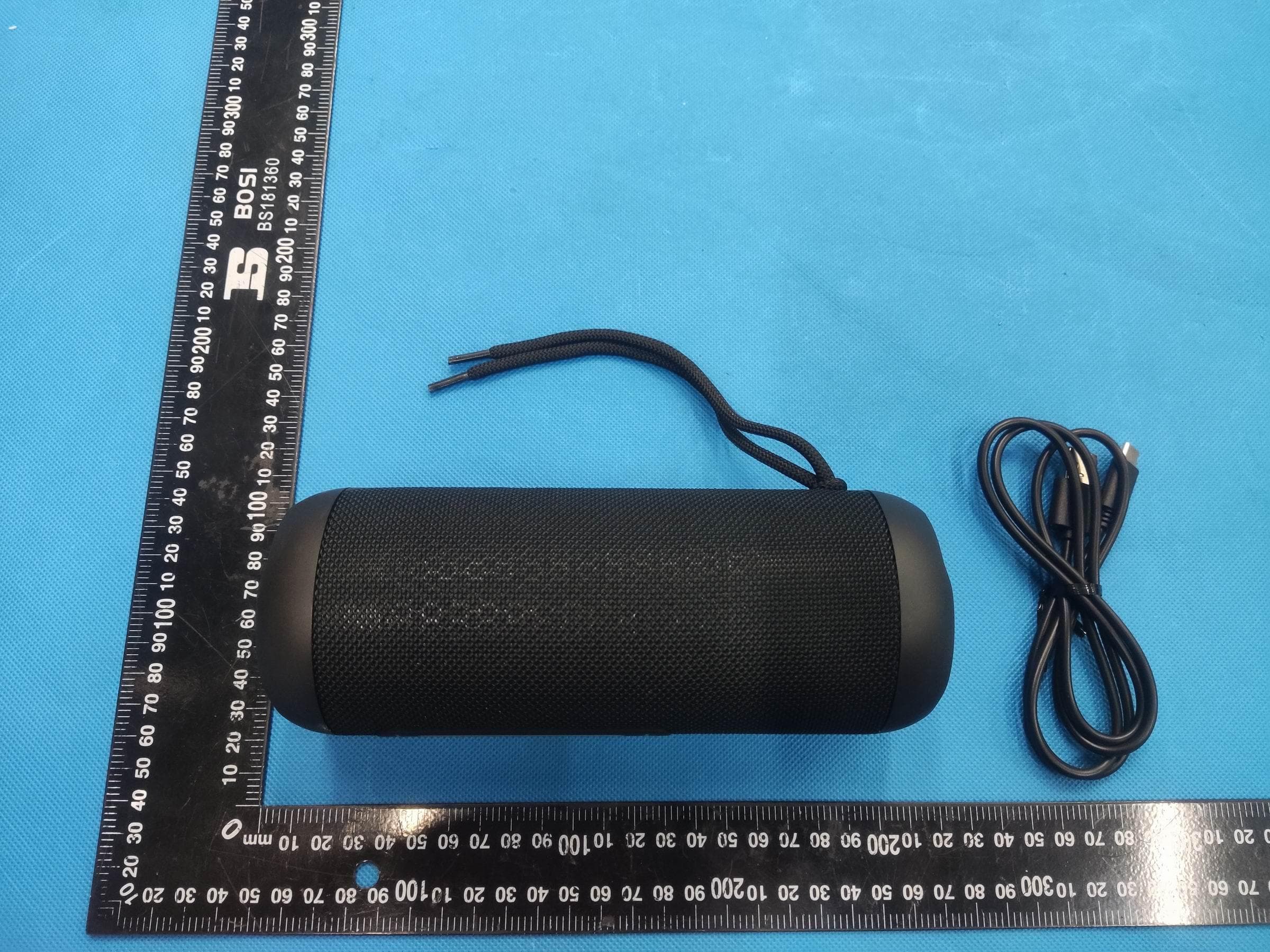
2ADOR-G180
Sep 24, 2023Bluetooth Speaker
Equipment Class
DSS - Part 15 Spread Spectrum Transmitter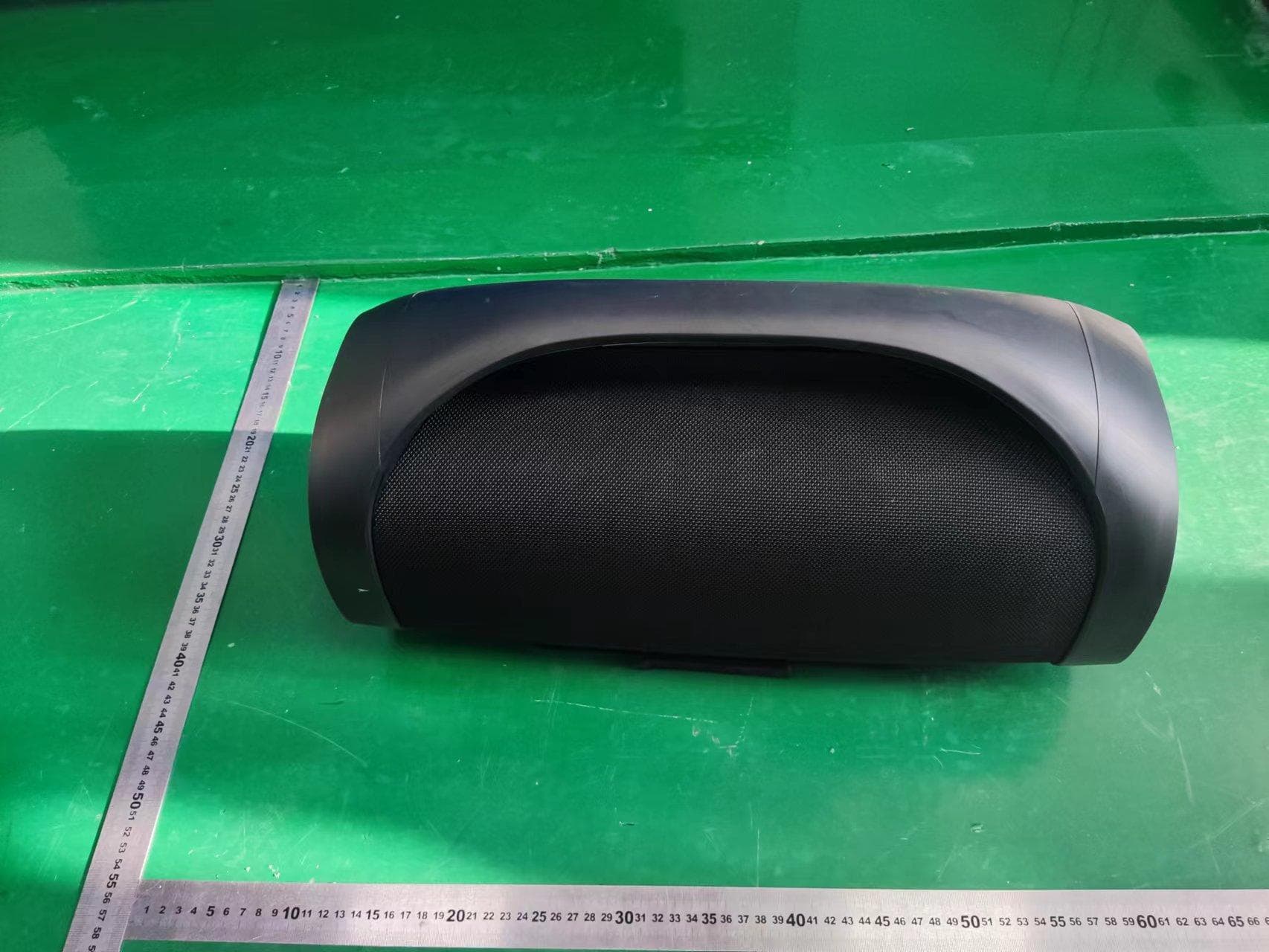
2ADOR-G700B
Aug 13, 2022Bluetooth Speaker
Equipment Class
DSS - Part 15 Spread Spectrum Transmitter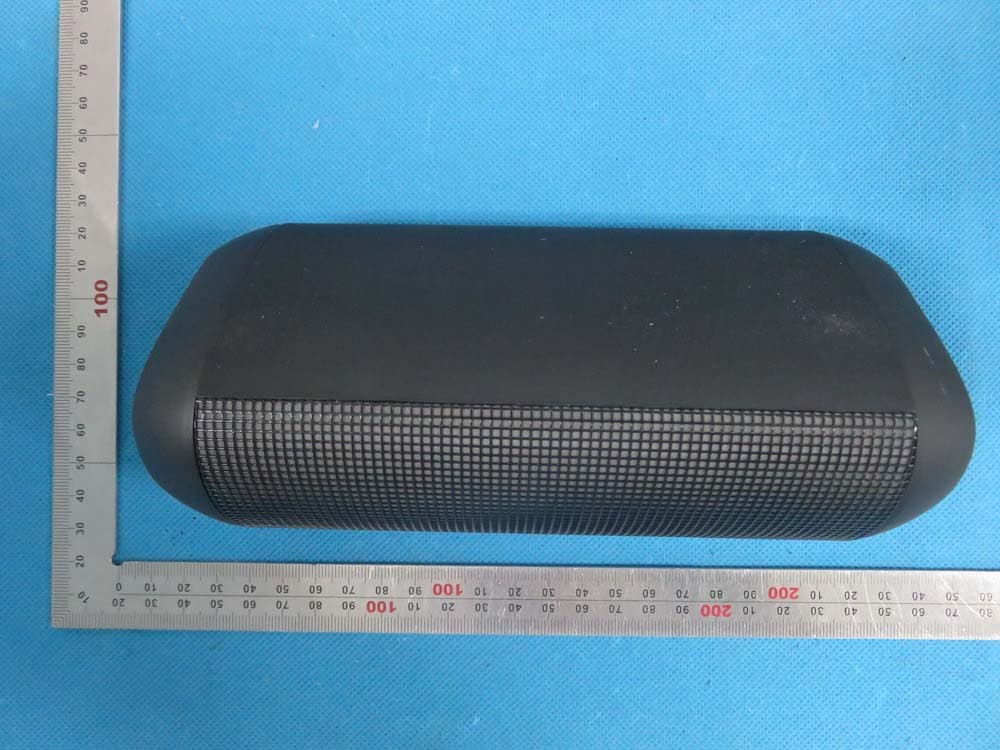
2ADORT900
Jul 28, 2015Bluetooth speaker
Equipment Class
DXX - Part 15 Low Power Communication Device Transmitter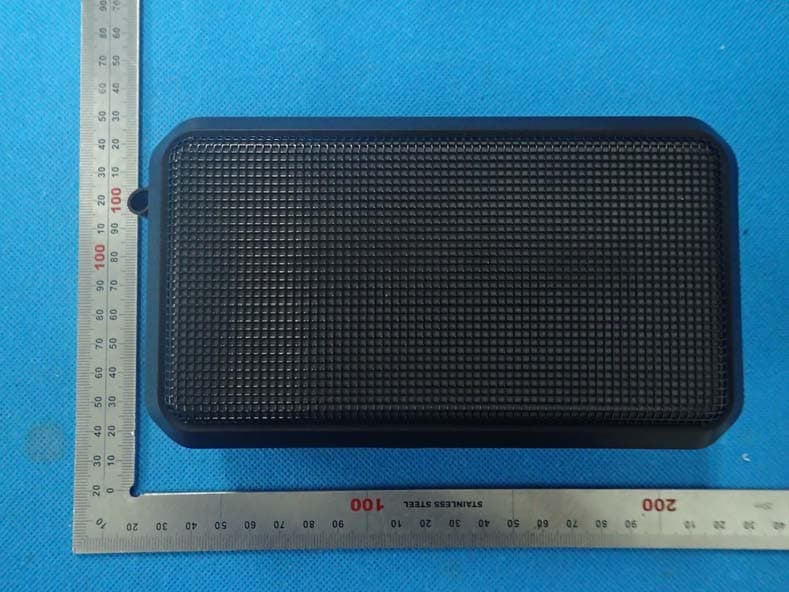
2ADORT700
Jul 14, 2015Bluetooth Speaker
Equipment Class
DXX - Part 15 Low Power Communication Device Transmitter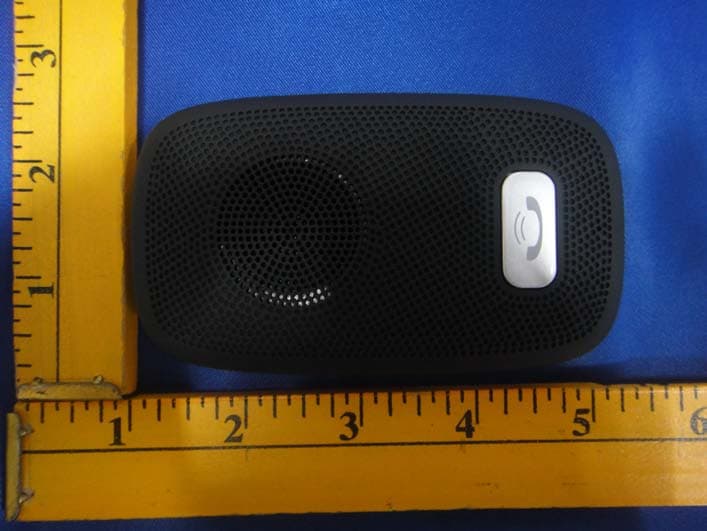
2ADORT300B
Apr 29, 2015SPEAKERPHONE
Equipment Class
DXX - Part 15 Low Power Communication Device Transmitter