2ADQOMDNA15Smart Kit Wi-Fi Adaptor
GD Midea Air-conditioning Equipment Co.,Ltd.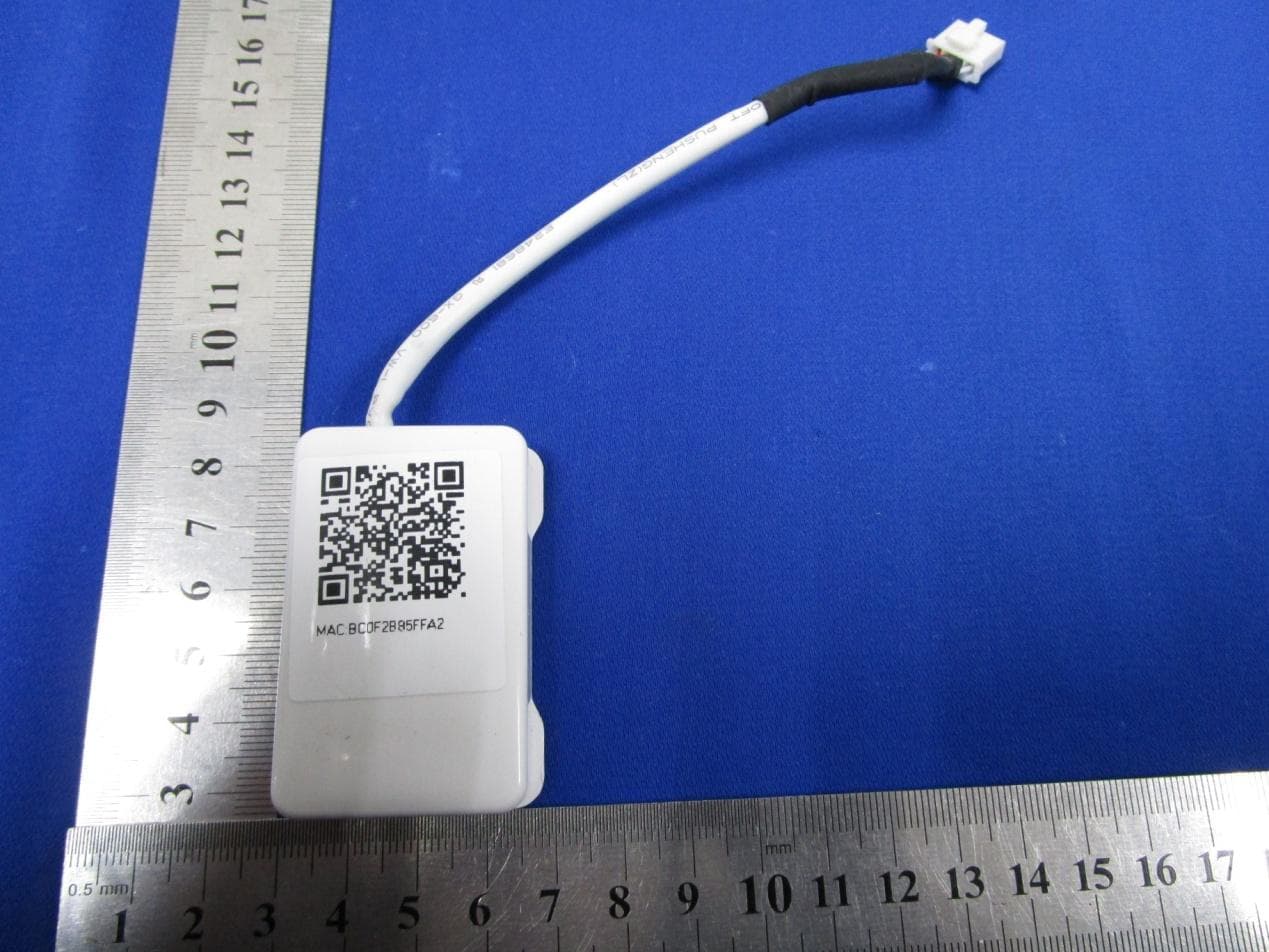
Click to zoom
Application Details
- Equipment Class
- DTS - Digital Transmission System
- Date of Grant
- Nov 09, 2015
- Application Purpose
- Original Equipment
- Date of Application
- Nov 09, 2015
- Equipment Note
- Smart Kit Wi-Fi Adaptor
- Frequency Range
- 2422.00000000 - 2452.00000000
- Country
- China
Documents & Files
Document Text
Text extracted from the exhibit documents filed with the FCC. Open a document above to read the original.
Users Manual
USER MANUAL OF smart kit CS374U-APP(OSK102) 16122000002774 CONTENTS :OSK102 IEEE802.11b/g/n :WxternalomnidirectionalAntenna WIFI2.4G 15dBmMax :55mm) 0C~45C/32F~113F. 10%~85% DC5V/300mA Model Standard AntennaType Frequency MaximumTransmittedPower: Dimension OperationTemperature OperationHumidity PowerInput : : *24*8( : : : , : OOOO Applicablesystem:IOS,Android. Pleasechecktheservicewebsiteformore applicabledevices. Disclaimer:Duetothespecialsituationexisted duringAppuse,weexplicitlyclaimasbellow: NotalloftheAndroidandIOSsystemsarecompatible withtheAPP.Wewillnotberesponsibleforanyissue asaresultoftheincompatibility SMARTKITwirelesssafetystrategy. SmartkitOnlysupportWPA-PSK/WPA2-PSK encryptionandnoneencryption. WPA-PSK/WPA2-PSKencryptionisrecommended. (Suggest:IOS7.0orlaterAndroid4.0orlater) FCC ID:2ADQOMDNA15 IC:12575A-MDNA15 2 3 SPECIFICATION PRECAUTIONS 1 DECLARATIONOFCONFORMITY.........................1 SPECIFICATION...................................................1 PRECAUTIONS....................................................1 TECHNICALSOLUTION.......................................2 OPERATIONINSTRUCTION.................................4 HOWTOUSEAPP..............................................11 SPECIALFUNCTIONS.......................................13 2 3 4 5 6 7 1 1 DECLARATION OF CONFORMITY Hereby, wedeclarethatthis smart kit isincompliance withtheessentialrequirementsandotherrelevant provisions of Direc tive1999/5/EC. Thedeclaration of conformitymaybeconsultedwithsalesagent. AWFrouterisneededatthismode.Smartphoneand connecttotheCthroughtheWFrouterconditioner. 1SmartPhone 2martAirconditioner 3WFRouter 1.WFRouterHomeControlMode.II II AII S II ) ) ) TECHNICALSOLUTION 4 23 2.Howtoinstallthesmartkit Removetheprotectivecapofthesmartkit Openthefrontpanelandinsertthesmartkitinto thereservedport AttachtheQRcodepackedwithSMARTKITtothe sidepanelofthemachine,ensureitisconvenience tobescannedbythemobilephohe. 1 2 3 1).scanQRCodeorgotoAppStoreand searchforNetHomePlusappanddownloadit. 2).:scanQRCodeorgoto googleplay,searchforNetHomePlusappand downloadit IphoneUsers: AndroidPhoneusers ‘’ ‘’ 1.InstallApp OPERATIONINSTRUCTION 5 45 2.HowtoresettheWIFItodefaults? WhenyoufirsttimeuseWIFIfunction,itisnecessaryto maketheAirConditioner(AC)toentertheWIFINetwork SettingModetodosettings.Theprocedureincludesthe followingsteps: 1)PresstheLEDorDONOTDISTURBor button(dependingontheremotecontroller)seven times,theACwillenterAPmode.Ifitdoesnotwork, disconnectandthenconnectthepowersupplyofthe AC,andtryitagainwithin3minutes. 2)WhentheACdisplaysAP,itmeansthattheACWIFI hasalreadyenteredintotheWIFINetworkSetting Mode. 3)WhentheACWIFIenteredintoWIFINetworkSetting Mode,theAir-conditioningremotecontrolcan'topen theAC.Itneedstowait3-5minutesorwhentheAC finishestheWIFINetworkSettingMode,thenthe Air-conditioningremotecontrolcancontrolAC normally. 4)IfthereisnosetoperationunderWIFINetworksetting mode,ACwillquitthismodeautomatically8minutes later,andthentheusercancontroltheACnormally. “”“”“” ' ' 3.UserRegistrationandNetworkConfiguration Pleaseensurebothyourmobiledeviceandair conditionerareconnectedtotheInternetduring theregistrationprocess. , , , , 1 2 ClickCreateAccount Enteryouremail addressandpassword, andthenclick Registration. 67 UsingAndroiddevicetodoNetworkconfiguration 3 Press+AddDevice , , 4 5 6 7 ScanQRCode SelectyourownWiFi network,forexample MyHome(thepicture isonlyforreference) EnteryourownWiFi routerpasswordand clickOK; ConfigurationSuccess, youcanseethedevice onthelist. 89 UsingIOSdevicetodoNetworkconfiguration 4 5 6 7 ScanQRCode Returntothesettingof IphoneandclickWIFI, andSelect net_ac_XXXX Typedefultpassword: 12345678andclick "Joinin" ReturntoAPP andclickNext 8 9 SelectyourownWiFi network,forexample MyHome(thepicture isonlyforreference) EnteryourownWiFi routerpasswordand clickOK; 3 Press+AddDevice , , 10 11 10 ConfigurationSuccess, youcanseethedevice onthelist. HOWTOUSEAPP 6 Pleaseensurebothyourmobiledeviceandair conditionerareconnectedtotheInternetbefore usingapptocontroltheairconditionerviainternet, pleasefollowthenextsteps: 12 Typeyourownaccount andpassword,Click "Signin" Selectthetargetair conditionertoenter intothemaincontrol interface. 12 13 3 Thus,usercancontrol airconditionerson/off status,operationmode, temperature,fanspeed andsoon. SPECIALFUNCTIONS 7 Including:Timeron,Timeroff,8CHeat,Sleep, Energy,Check. O Timeron/Timeroff Weekly,usercanmakeanappointmenttoturnonor offAConspecifictime.Useralsocanchoose circulationtokeeptheACunderschedulecontrol everyweek. 1415 8CHeat O UsercanlettheACrununder8CHeatbyone-click. Whenpeoplegooutisde,thisfunctioncanprotect yourfurniturefromfrostdamage. O 1617 Sleep Usercancustomizetheirowncomfortablesleep bysettingtargettemperature. Check UsercansimplychecktheACrunningstatuswith thisfunction.Whenfinishingthisprocedure,itcan displaythenormalitems,abnormalitems,and detailinformation. 18 CAUTIONS This device complies with Part 15 of the FCC Rules and RSS 247 of Industry & Science Canada. Operation is subject to the following two conditions: (1) this device may not cause harmful interf erence, and (2) this device must accept any interference received, including interference that may cause undesired operation. Only operate the device in accordance with the instructions supplied. This device complies wit h FCC and IC radiation exposure li mi ts set fort h for an uncontr oll ed environment. In order to avoid the poss ibility of exc eeding the FCC and IC radio frequency exposure limit s, human proximit y to the antenna shall not be less than 20cm (8 inches) during normal operation. Changes or modifi cations not expressly approved by the party responsible for compliance could void the user's authority to operate the equipment.
Cover Letter(s)
美的 Date (2015-08-28) TUV SUD BABT TCB/FCB Octagon House , Segensworth Road, Fareham, Hampshire, P0155RL Dear Sir or Madam, a Agent Authorisation We, (GD Midea Air-conditioning Equipment CO.,Ltd. Midea Industrial District, Beijiao ,Shunde, Foshan, Guangdong, People's Republic of China), herebyauthorize (Peter Jia TUV SUD China Project Engineer I EMC Department 5严,Communication Building, 163 Pingyun Rd, Huangpu Ave. West Guangzhou, P.R.China 020-38153243) to act as our agent in all matters relating to applications for equipment authorization, including the signing of all documents relating to these matters. FCC ID:2ADQOMDNA15 IC:12575A-MDNA15 This authorization period is for one year. Sincerely , Company Officer: Qin Crystal Telephone Number: +86-757-2633810 句τκ乙 Email: [email protected] (J气儿
Cover Letter(s)
PCB layout
External Photos
EXTERNAL PHOTOS P1 OF P8 OSK102 Front View Back view EXTERNAL PHOTOS P2 OF P8 Side view 1 Side view 2 EXTERNAL PHOTOS P3 OF P8 SK102 Front view Back view EXTERNAL PHOTOS P4 OF P8 Side view 1 EXTERNAL PHOTOS P5 OF P8 Side view 2 Bottom view EXTERNAL PHOTOS P6 OF P8 OSK103 Front View EXTERNAL PHOTOS P7 OF P8 Back view Side view 1 EXTERNAL PHOTOS P8 OF P8 Side view 2
Internal Photos
INTERNAL PHOTOS P1 OF P5 OSK102 & SK102 INTERNAL PHOTOS P2 OF P5 INTERNAL PHOTOS P3 OF P5 OSK103 INTERNAL PHOTOS P4 OF P5 INTERNAL PHOTOS P5 OF P5
RF Exposure Info
Page 1 of 2 TÜV SÜD Certification and Testing (China) Co., Ltd. Guangzhou Branch 5F, Communication Building,163 Pingyun Rd, Huangpu Ave. West Guangzhou, P.R.China TEL: +86 20 3832 0668 FAX: +86 20 3832 0478 MPE Calculation Applicant: GD Midea Air-Conditioning Equipment Co., Ltd. Address: Midea Industrial City, Beijiao, 528311 Shunde, Foshan, Guangdong, PEOPLE'S REPUBLIC OF CHINA Product: Smart Kit FCC ID: 2ADQOMDNA15 IC ID: 12575A-MDNA15 Model No.: OSK102, SK102, OSK103 RF report # 64.790.15.03581.01 According to subpart 15.247(i)and subpart §1.1307(b)(1), systems operating under the provisions of this section shall be operated in a manner that ensures that the public is not exposed to radio frequency energy level in excess of the Commission’s guidelines. Limits for Maximum Permissible Exposure (MPE) (§1.1310, §2.1091) (B) Limits for General Population/Uncontrolled Exposure Frequency Range (MHz) Electric Field Strength (V/m) Magnetic Field Strength (A/m) Power Density (mW/cm2) Averaging Time (minutes) 0.3–1.34 614 1.63 *(100) 30 1.34–30 824/f 2.19/f *(180/f²) 30 30–300 27.5 0.073 0.2 30 300–1,500 / / f/1500 30 1,500–100,000 / / 1.0 30 f = frequency in MHz; * = Plane-wave equivalent power density; According to §1.1310 and §2.1091 RF exposure is calculated. Calculated Formulary: Predication of MPE limit at a given distance S = PG/4R² = power density (in appropriate units, e.g. mW/cm2); P = power input to the antenna (in appropriate units, e.g., mW); G = power gain of the antenna in the direction of interest relative to an isotropic radiator, the power gain factor, is normally numeric gain; R = distance to the center of radiation of the antenna (appropriate units, e.g., cm); Page 2 of 2 TÜV SÜD Certification and Testing (China) Co., Ltd. Guangzhou Branch 5F, Communication Building,163 Pingyun Rd, Huangpu Ave. West Guangzhou, P.R.China TEL: +86 20 3832 0668 FAX: +86 20 3832 0478 Calculated Data: Maximum peak output power at antenna input terminal (dBm): 26.5 Maximum peak output power at antenna input terminal (mW): 447 Prediction distance (cm): 20 Antenna Gain, typical (dBi): 2.0 Maximum Antenna Gain (numeric): 1.58 The worst case is power density at predication frequency at 20 cm (mW/cm2): 0.14 MPE limit for general population exposure at prediction frequency (mW/cm2): 1.0 0.14 (mW/cm2) < 1 (mW/cm2) Result: Compliant TUV SUD China, Shenzhen Branch Reviewed by: Prepared By: Tony Liu/EMC Project Manager Peter Jia/EMC Project Engineer Date: 2015-09-25 Date: 2015-09-25
Contact Information
Applicant
Flora Wu
Test Firm
TUV SUD Certification and Testing (China) Co., LtdRadu Cristian Gosav
Technical Specifications
| # | Rule Parts | Frequency Range | Power Output |
|---|---|---|---|
| 2 | 15C | 2.42 GHz - 2.45 GHz | 444.00 mW |
Other Applications from GD Midea Air-conditioning Equipment Co.,Ltd.
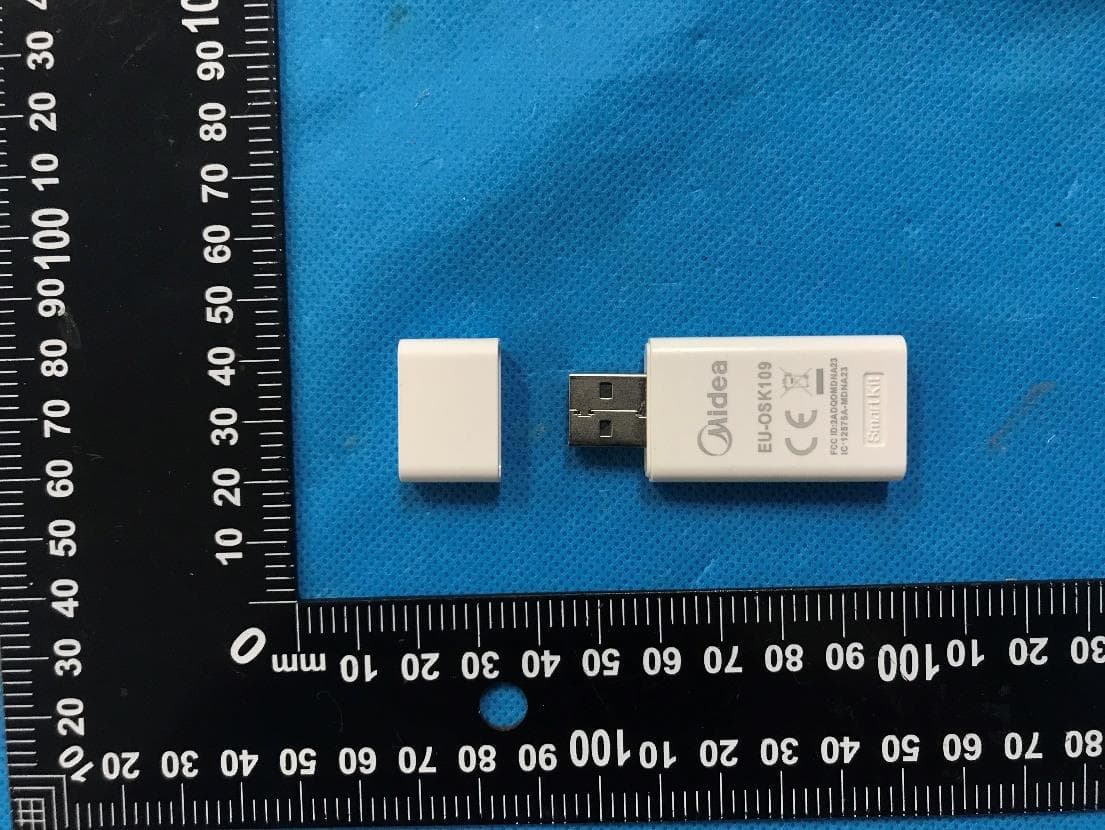
2ADQOMDNA23
Jun 27, 2023Smart Kit with Bluetooth Low Energy and Wi-Fi
Equipment Class
DTS - Digital Transmission System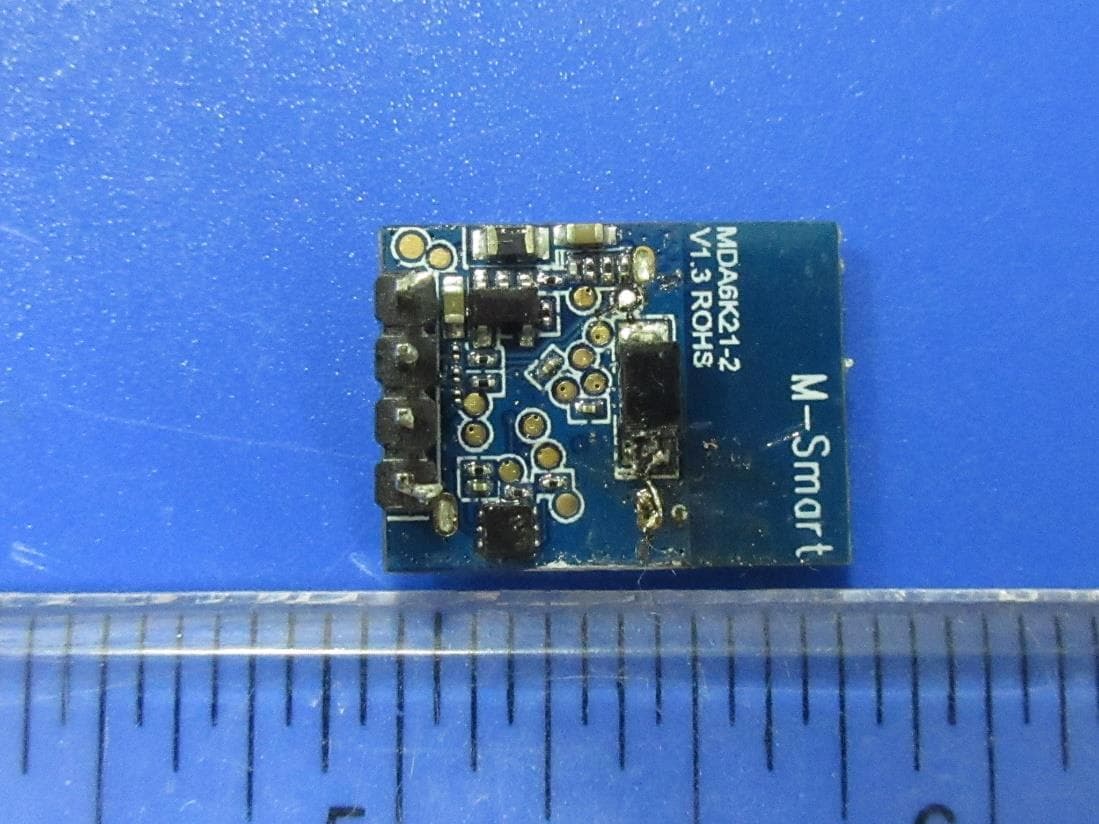
2ADQOMDA6K21-2
Aug 26, 20212.4G Bluetooth Communication Module
Equipment Class
DTS - Digital Transmission System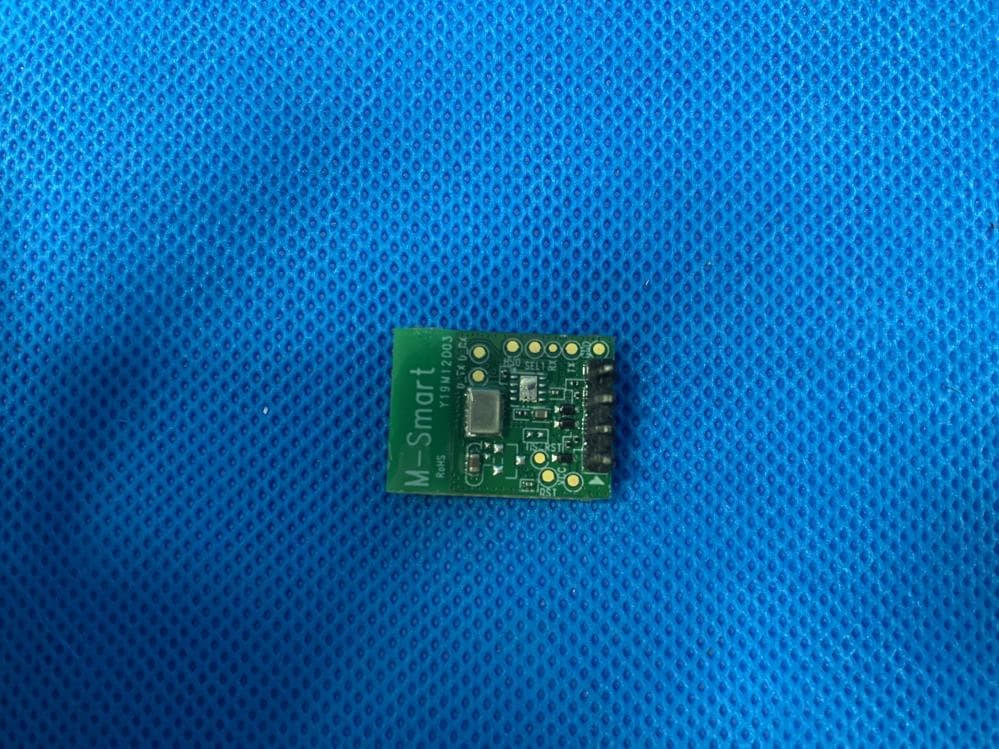
2ADQOMDA1L11-3
Jan 18, 20212.4G Wi-Fi Communication Module
Equipment Class
DTS - Digital Transmission System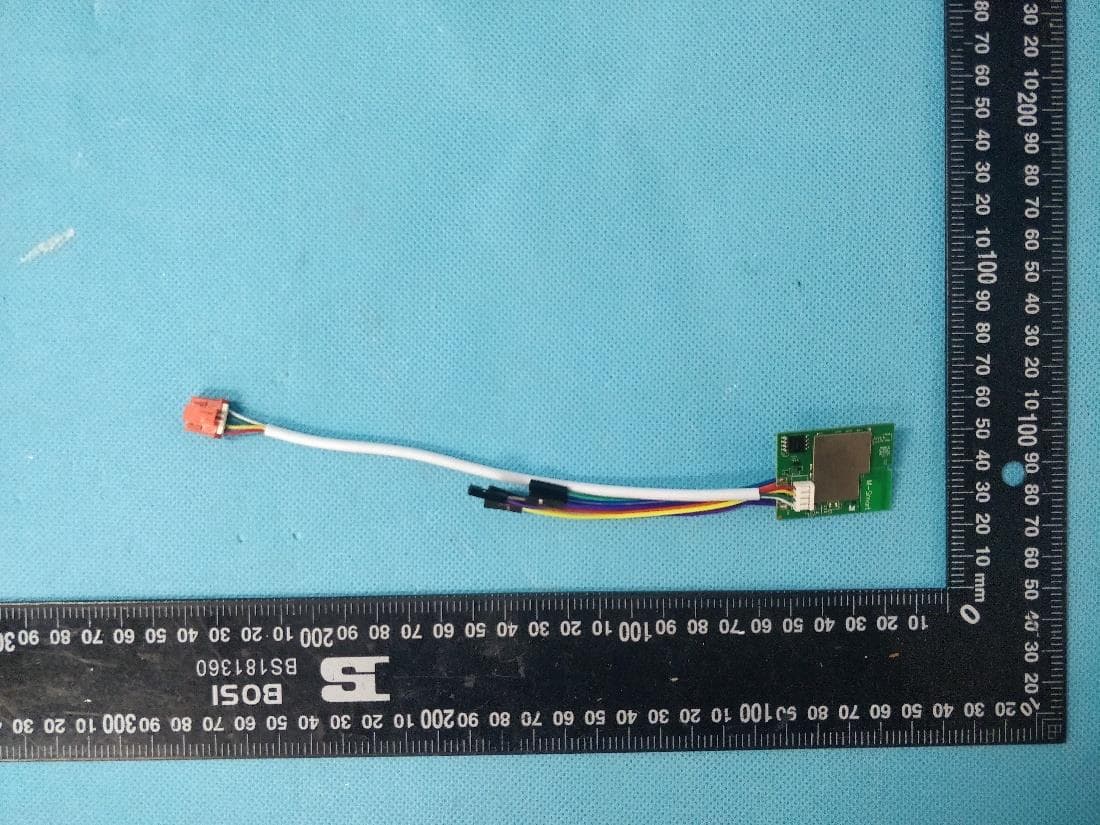
2ADQO3SB3350N3
Jul 12, 2020Bluetooth&Wi-Fi dual band Communication Module
Equipment Class
DTS - Digital Transmission System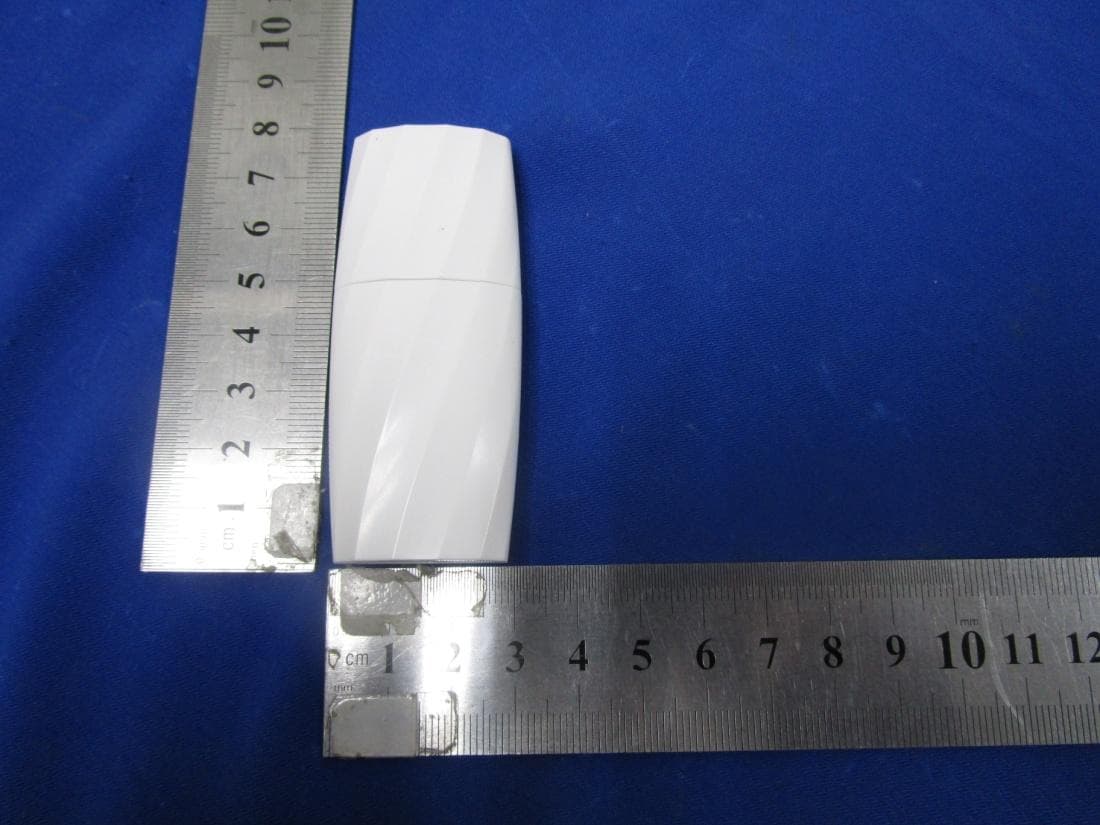
2ADQOMDNA14
Mar 09, 2015Smart Kit USB Wi-Fi adaptor
Equipment Class
DTS - Digital Transmission System