2AIB7S2Smart Selfie Gimbal with BT
Shenzhen Hohem Technology Co., Ltd.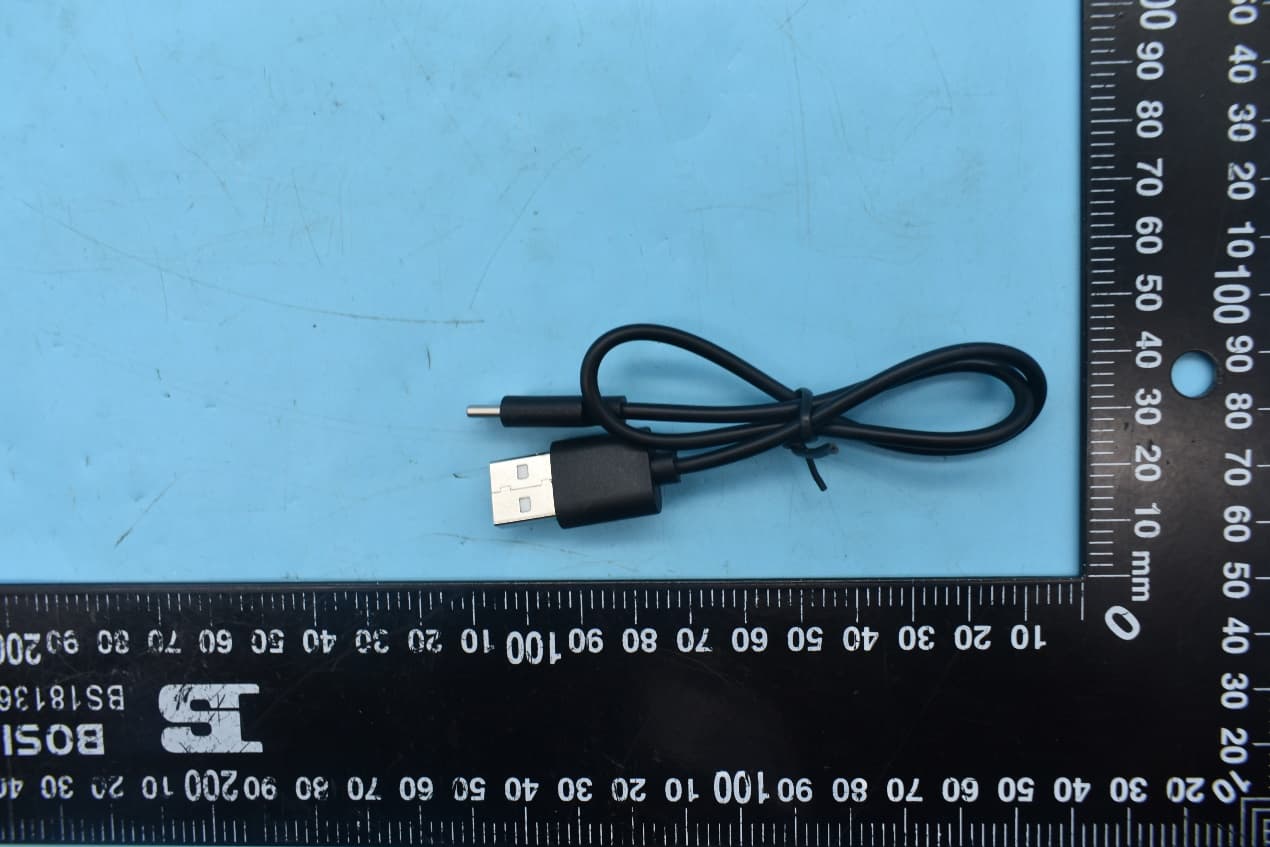
Click to zoom
Application Details
- Equipment Class
- DTS - Digital Transmission System
- Date of Grant
- Aug 09, 2021
- Application Purpose
- Original Equipment
- Date of Application
- Aug 09, 2021
- Equipment Note
- Smart Selfie Gimbal with BT
- Frequency Range
- 2402.00000000 - 2480.00000000
- Country
- China
Documents & Files
Document Text
Text extracted from the exhibit documents filed with the FCC. Open a document above to read the original.
Users Manual
iSteady Q Overview 1 ➀ ➁ ➂ ➅ ➇ ➈ Power Button(Mode Switching) Phone Clamp(Built-in 360° Infi nite Rotary Motor) Extendable Stick Indicator Light Rotary Joint Remote Control Tripod ➃ ➄ ➅ Motor Lock Rotary Joint Type C Charging Port ➆ Single Press: Switch the landscape and portrait modes 6 Double Press: Recenter the stabilizing stick Long Press 5s: Power off the stabilizing stick Press Five Times: Auto calibration (Please do calibration on a fl at surface when the stabilizing stick is not level or drifting. There will be a beep sound after enabling the calibration, and do not move the stabilizing stick until the calibration is done and hear another beep sound.) Triple Press: Auto rotation (300° Auto Inception/360° Horizontal Rotation) 360° Horizontal Rotation Switch the landscape and portrait modes / Inception If the remote control is not working properly, please follow the steps to pair the device again: ➀ Turn on the stabilizing stick fi rst. Press the power button 7 times to enter the pairing mode, and the working mode indicator light fl ashes alternately in yellow and green. ➁ Then turn on the remote control. Pairing is complete in about 1 second, and the working mode indicator light stays on green. *The remote control will connect to the stabilizing stick automatically after turning on. Powering On: Long press the power button for 3s 5 Turn On Remote Control Turn the power button on. Power Button Handheld Use 2 Motor Lock *Confi rm the position of the notch on the back of the phone clamp. Lock the motor, and the bolt will be inserted into the notch. The motor will be fi xed and won�t rotate. Extendable Stick iSteady Q�s phone clamp can make 360° infi nite rotation. It is able to lock the phone clamp to use as a selfi e stick when it is in low power mode. When to lock the phone clamp? Desktop Use 3 *To use 360° tracking, please make iSteady Q in desktop use, launch Hohem Joy app, turn on iSteady Q�s power button, and ensure the Bluetooth is connected. Hohem Joy app supports face tracking, gesture control, motion timelapse, and moment mode. ➀ Unfold the tripod and put it on the table ➁ Manually rotate 90° along arm�s bevel cut ➂ Rotate phone clamp to level with the desktop ➃ Unfold the phone clamp ➅ Clamp the phone in the middle ➀ Unfold the Stick➁ Phone Mounting ➂ Phone Balancing Phone Mounting 4 · Unfold the phone clamp and turn �hohem� logo towards the left. · Meanwhile, turn the phone camera towards the left, put the phone stuck in the bottom of the phone clamp, and pull the head of the phone clamp to mount your phone. *The stabilizing stick would work improperly if there is no mobile phone mounted. *Make sure your phone clings to the rubber mat and clamps in the middle, otherwise the stabilizing stick would vibrate or turn off automatically. M Button: Switch Working Mode 7 Single Press: Lock Mode (Default Mode) * When the handle rotates along the motor shaft, the phone does not follow the motor to rotate, and the working mode indicator light stays on green. Double Press: POV Follow Mode Long Press 5s: Low Power Mode (Longer battery life) * When the handle rotates along the motor shaft, the phone does follow the motor to rotate slowly, and the working mode indicator light single fl ashes green. * The motor will stop working, and it can be used as a regular selfi e stick by locking the motor. ➄ Put the phone into the phone clamp 360° For quick start tutorial, please scan the QR code below Motor Lock About Indicator Lights 13 Battery Indicator Light Stay on: Battery remaining/Charging completed Single fl ashing:Charging (Only one grid shows single fl ash indicates low battery warning) Bluetooth Indicator Light Stay on:Connected Light off :Unconnected Blink:Firmware updating Working Mode Indicator Light Green light stay on:Lock mode Green light single fl ashing: Yellow light fl ashing: Yellow light stay on: POV follow mode Response of pressing the remote control Low power mode (The motor of iSteady Q stops operating, but the remote control is still connected) Specifi cations ModeliSteady Q Weight195g Folded Dimensions140 x 54 x 36mm MaterialPA&PC + ABS Battery460mAh Operating Time3 hours Mechanical Range* Pan: 360° / Roll: 360° Controllable Range* Pan: 360° / Roll: 360° Compatible PhonesWeight: ≤ 280g Thickness: ≤ 11mm Width: 55.5mm~100mm Warranty Card User Name: Contact No.: Address: Purchase Date: Prod. Serial No.: Failure Cause: Service Record: Within 15 days upon the purchase date. Any functional disorder or quality problem enjoys free replacement service. But ensure the commodity and package with no damage, and we will off er a brand new replacement after confi rming the product problem. Warranty valid only under normal use. Used in the normal circumstances, 1 year warranty, maintenance of life (not include the All accidents or artifi cial damage, improper disassembly or misuse damage is NOT covered by the warranty). Please keep and off er the warranty card for claiming the warranty service. Email: [email protected] Website:www.hohem.com Manufacturer: Hohem Technology Co., Ltd Connect us at Facebook ―― @HohemTechOffi cial―― CALL CENTER -Toll Free Contact us 1. 2. 3. 4. More Functions of Power Button 12 Double Press:Recenter the stabilizing stick Press Five Times:Auto calibration Press Seven Times:Remote control pairing Press Nine Times:Cancel the phone Bluetooth pairing Single Press: Switch between lock/POV follow mode (Lock mode is the default mode) Triple Press:Auto rotation (300° Auto Inception/360° Horizontal Rotation) Power Button UNITED STATES: +1(888)9658512Mon-Fri: 9:00AM-5:00PM(EST) UNITED KINGDOM: +44(0)808 2737578Mon-Fri: 2:00PM-10:00PM(GMT +0) CANADA: +1(855)758-8939Mon-Fri: 9:00AM-5:00PM(EST) BRAZIL: +55 (0)800 5911897 Mon-Fri: 10:00AM-6:00PM(GMT -3) Search � Hohem Joy � in the App Store or Google Play. (App supports face tracking, gesture control, motion timelapse and moment mode) *Hohem Joy app requires iOS 10.0 or above, Android 6.0 or above. *More product tutorial…
Text truncated - open the document above for the full version.
External Photos
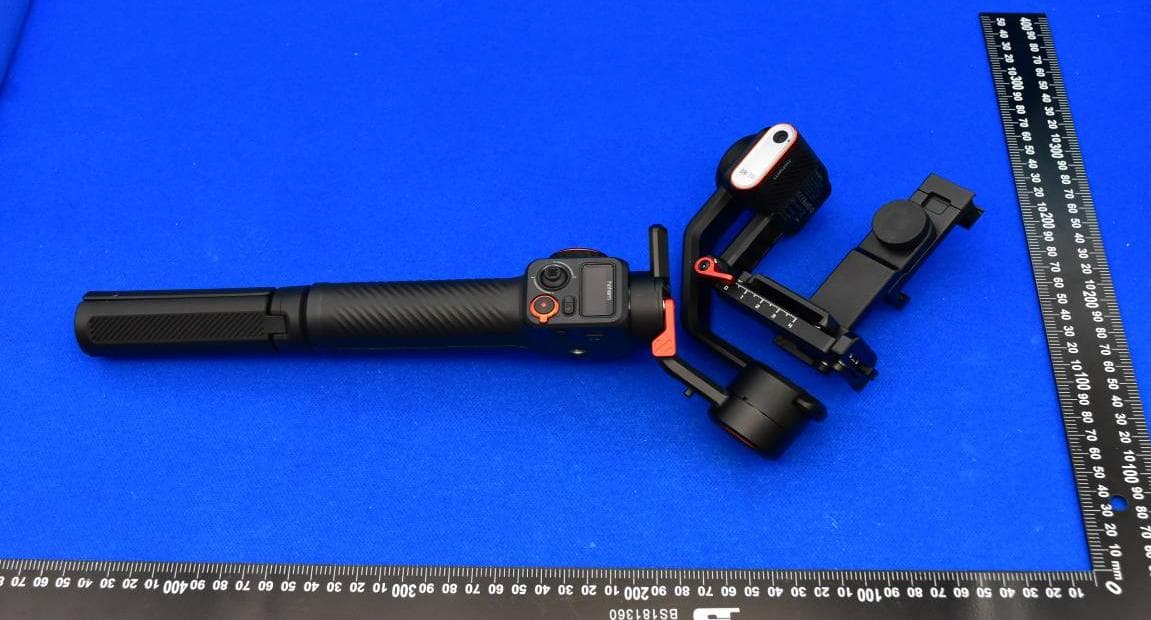
FCC ID:2AIB7S2 External Photos 1. EUT front view 2. EUT rear view 3. EUT left side view 4. EUT right side view 5. EUT top view 6. EUT bottom view 7. Accessories
ID Label/Location Info
1. Label: 1) Label size: 17.75*23.4 mm 2) MIC logo size:3mm 3) Label Color: white/Black (black text on a white background) 4) texture: PC 5) Back glue:300LSE 2. Label location:
Internal Photos
FCC ID:2AIB7S2 Internal Photos 1. EUT uncover view 2. Antenna view Bluetooth Antenna
Test Setup Photos
FCC ID:2AIB7S2 Test Setup Photos 1. Conducted emission main’s port front view 2. Conducted emission main’s port side view 3. Radiated emission (9KHz-30MHz) 4. Radiated emission (30MHz-1GHz) 5. Radiated emission (above 1GHz) 6. RF measurement setup (Bluetooth LE)
Contact Information
Applicant
qian.guo guo(test engineer)
Test Firm
Shenzhen Morlab Communications Technology Co. Ltd.Mr. Su Feng
[email protected]+86 755 36698566
Technical Specifications
| # | Rule Parts | Frequency Range | Power Output |
|---|---|---|---|
| 1 | 15C | 2.40 GHz - 2.48 GHz | 4.40 mW |
Other Applications from Shenzhen Hohem Technology Co., Ltd.
2AIB7MT2
Jul 05, 2023iSteady MT2 4-in-1 Camera Stabilizer with Bluetooth
Equipment Class
DTS - Digital Transmission System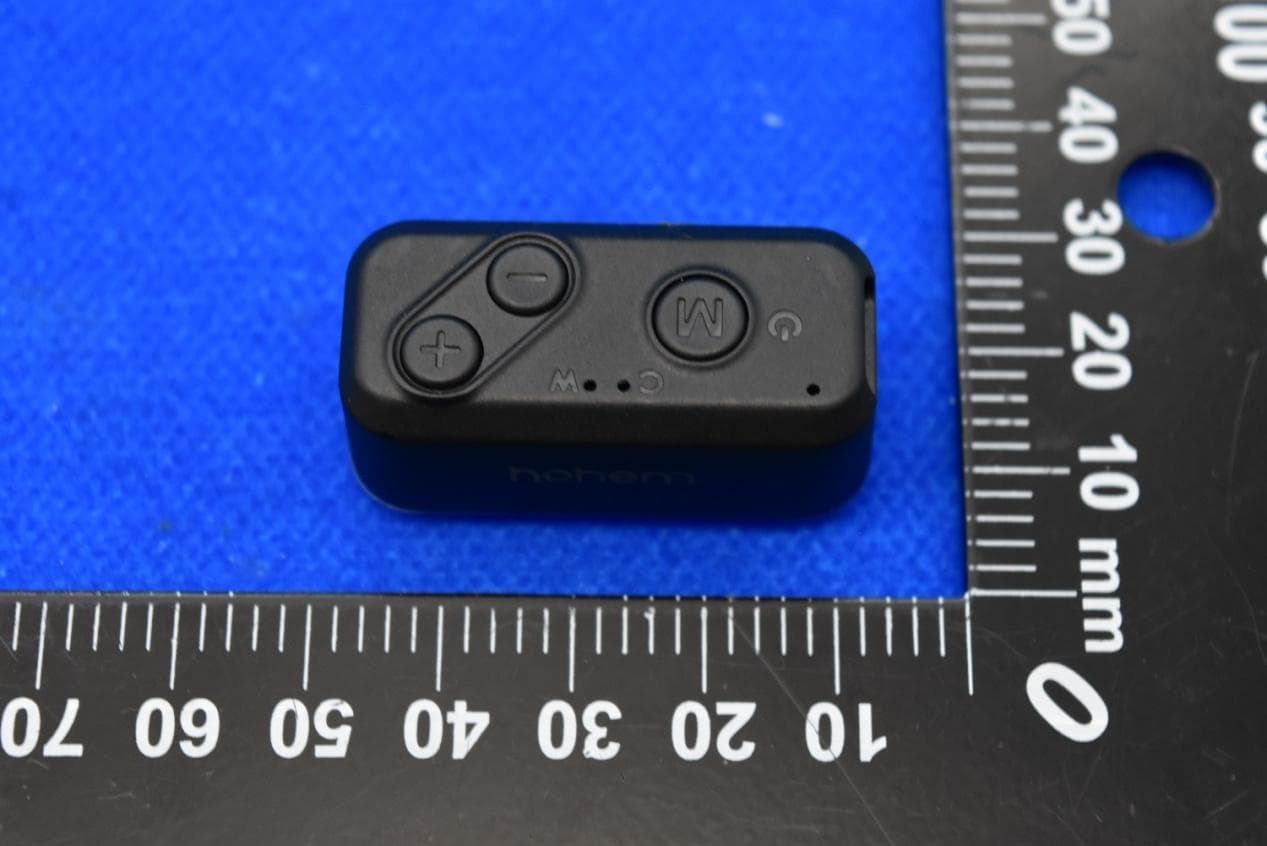
2AIB7MGS2
Jul 04, 2023iSteady Mobile+ 3-AXIS HANDHELD STABILIZING GIMBAL FOR SMARTPHONE (2023) with Bluetooth
Equipment Class
DTS - Digital Transmission System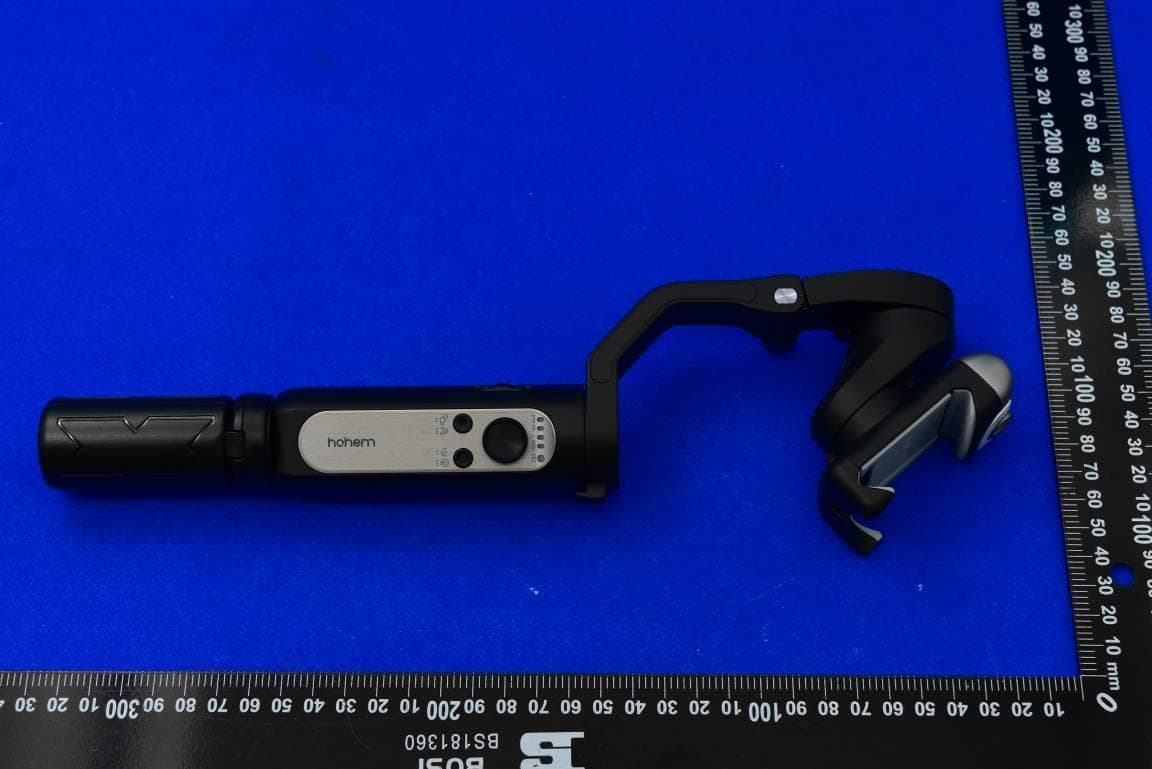
2AIB7V2S
Apr 12, 2023iSteady V2S Foldable 3-Axis AI-tracking Smartphone Gimbal with Bluetooth
Equipment Class
DTS - Digital Transmission System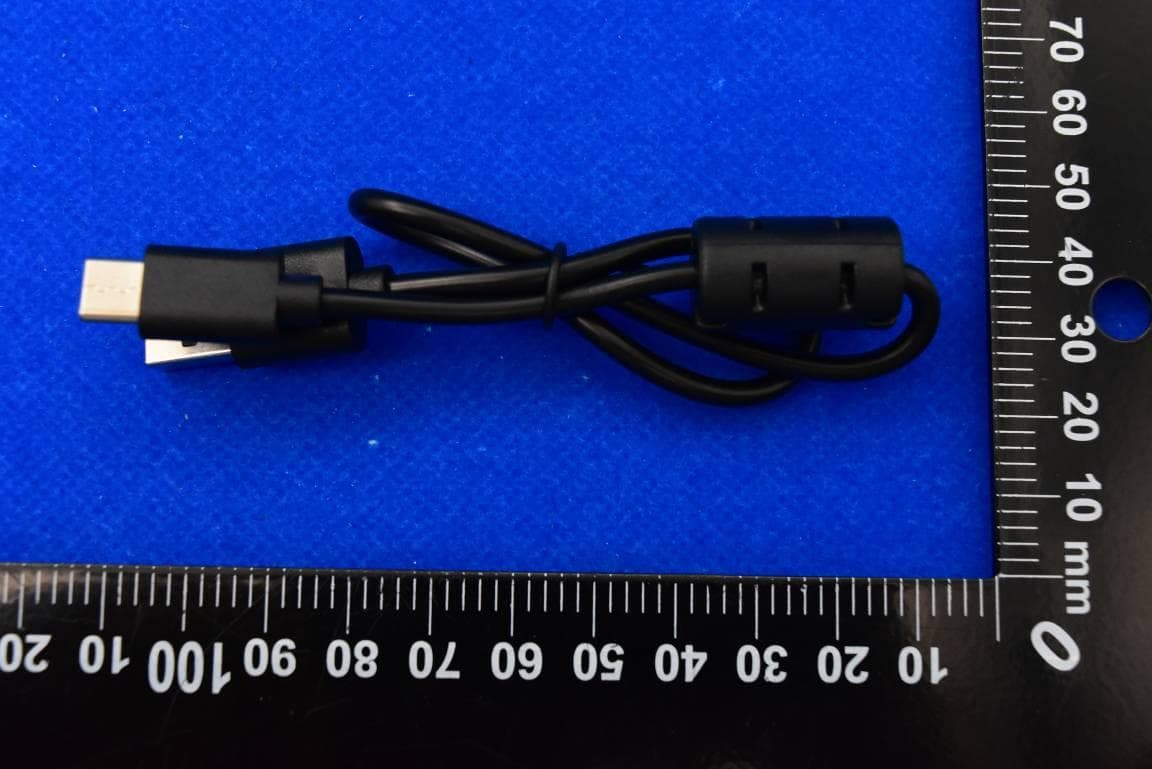
2AIB7M6
Mar 28, 2023iSteady M6 3-Axis Smartphone Stabilizer with Bluetooth
Equipment Class
DTS - Digital Transmission System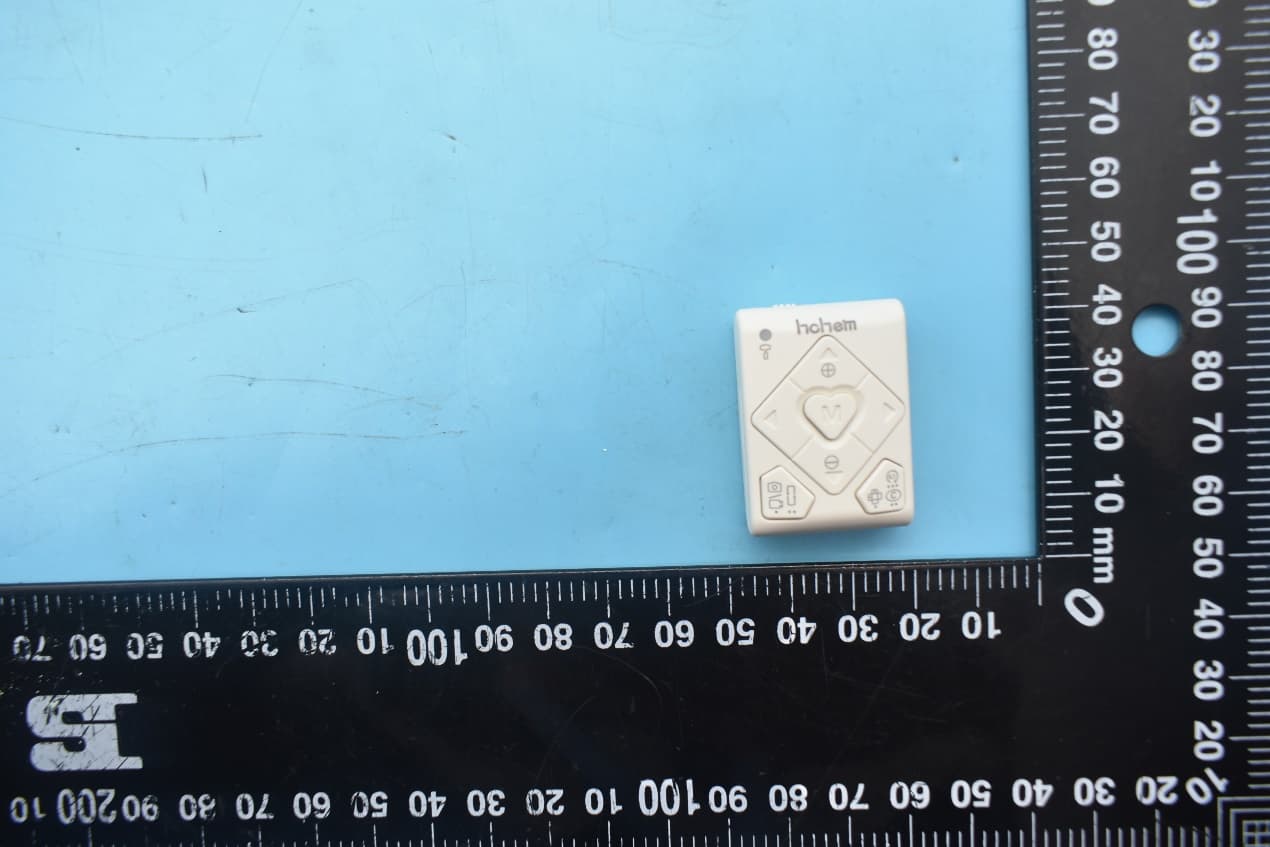
2AIB7RT
Aug 09, 2021All-in-one Remote Control with BT
Equipment Class
DTS - Digital Transmission System