2ARN3BYWM4PRORXD2.4G wireless microphone
Shenzhen Jiayz photo industrial.,Ltd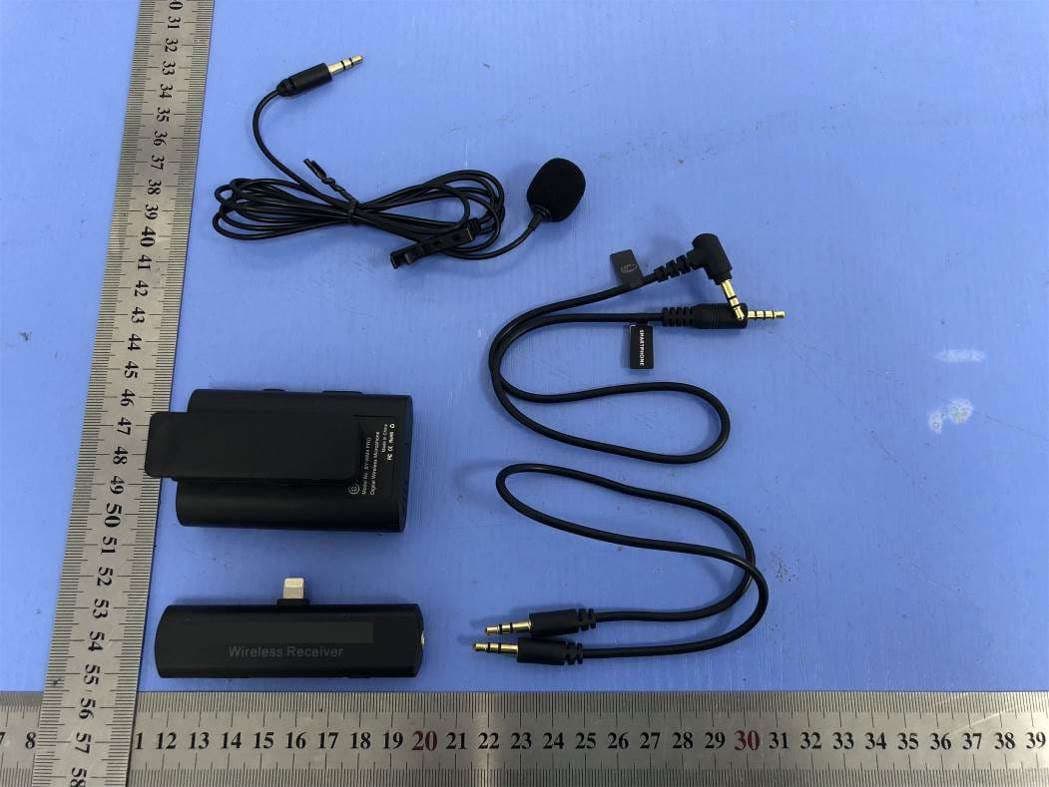
Click to zoom
Application Details
- Equipment Class
- JAB - Part 15 Class B Digital Device
- Date of Grant
- May 27, 2020
- Application Purpose
- Original Equipment
- Date of Application
- May 27, 2020
- Equipment Note
- 2.4G wireless microphone
- Country
- China
Documents & Files
Document Text
Text extracted from the exhibit documents filed with the FCC. Open a document above to read the original.
Users Manual
Thank you for purchasing BOYA BY-WM4 PRO system! Designed for videographers on a limited budgetand video hobbyists, BY-WM4 PRO is a new generation 2.4GHz wireless microphone system, dual-Channel for capturing audio with dual subjects to your smartphones, tablets, DSLR cameras, consumer camcorders, PCs etc. The BY-WM4 PRO system is suitable for a wide range of wireless applications such as interviews, mobile journalisms, reporting, vloggings, podcasts and more. The BY-WM4 PRO system is a expandable evolution system that allows the user to mix and match different kinds of receivers while using with the TX4 Pro transmitter. Please don’t touch here during using, otherwise, it will effect signal. Please don’t touch here during using, otherwise, it will effect signal. 7. Battery compartment Accommodates two pieces of AAA batteries. For more details, please see “Installing batteries” on page 11. For more details, please see “Installing or uninstalling clip” on page 15. 8. Clip 1. Earphone Jack Instruction Manual (3.5mm diameter stereo mini jack) To monitor the receiver output, connect the headphones to this connector. NOTE Do not connect headphones with a monaural mini jack. This may lead to short-circuiting of the headphone output, resulting in distorted sound output. NOTE Do not connect headphones with a monaural mini jack. This may lead to short-circuiting of the headphone output, resulting in distorted sound output. NOTE Do not connect headphones with a monaural mini jack. This may lead to short-circuiting of the headphone output, resulting in distorted sound output. NOTE 1)Please adjust the monitoring audio volume of RXD before recording. NOTE 1)Please adjust the monitoring audio volume of RXU before recording. 2. LINE OUT (audio output) Jack - For cameras, camcorders, audio recorders and other audio/Video recording devices. Connect one end of the supplied TRS stereo 3.5mm mini output cable here, and the other end to camera. 3. Power LED For more details, please see “Power LED” on page 7. 4. Power OFF/ON Press these buttons to set the attenuation level of the input signal. 6. Antenna 7. Battery compartment Accommodates two pieces of AAA batteries. For more details, please see “Installing batteries” on page 11. 8. Clip For more details, please see “Installing or uninstalling clip” on page 15. 9.Shoe mount adapter Connecting the transmitter and the ReceiverSet Up Guide Set Up GuideConnecting the transmitter and the Receiver ① ② ③ ④ ⑧ ⑤ ⑥ ⑦ ① ② ③ ④ ⑤ ⑥ ⑦ ② ① ③ ④ ⑤ ⑥ ⑦ ⑧ What’s difference? How to use it Installing batteries 1. Both transmitter and receiver requires two AAA size batteries. 2. Slide and remove the transmitter’s battery compartment cover. 3. Insert two pieces of batteries. 4. Close the battery compartment cover. 5. Do the same ways as step 2 to 4 to insert battery into receiver. Connecting the transmitter and receiver Using the microphone with smartphone, tablet, Mac or laptop with combo headphone/Mic jack. Receiver Using the microphone with cameras, camcorders, audio recorders and other audio/video recording devices. How to connect transmitter and receiver? Receiver Receiver (RX4 Pro) 3.5 mm TRS connector 2 - For cameras, camcorders, audio recorders and other audio/video recording devices. 3.5 mm TRRS connector - For Smartphone, tablet, Mac or laptop with combo headphone/Mic jack 1 Connect to Receiver “LINE OUT” Connect to Smartphone 1236784591011 121314151617181920212223 24252627282930313233 - For using smartphone, tablet or Mac Connect one end (90° plug) of the supplied TRRS stereo 3.5mm mini output cable here, and the other end (straight plug) to smartphone. 5. Volume +/- ① ② ③ ④ ⑤ ⑥ ⑦ BY-WM4 Pro consists of one body-pack transmitter(TX4 Pro), a portable receiver (RX4 Pro), and their accessories as following: Transmitter(TX4 Pro) Receiver(RX4 Pro) Lavalier/lapel microphone3.5mm to TRS audio output cable 3.5mm to TRRS audio output cable 1. Microphone input - Connect the supplied lavalier microphone here. - Fully insert the microphone’s 3.5mm plug and make sure it clicks into place. 1. Plug the BY-WM4 RXD directly into the lightning port of smartphone. 2. Open the audio/video app on mobile device, then the indicator of receiver should be light up. 3. The Power LED flashes slowly waiting for connecting with the transmitter. 1.Turn on the transmitter and plug the receiver into smartphone. 2. Long press the pair bottom of receiver with pair pin, the indicator of receiver will flash quickly when entering paring mode. Before leaving factory, the connection of transmitters and receiver will be established. If transmitters and receiver disconnect, please follow below steps: 3.Long press the pair button on the side of the transmitter entering the pairing mode. 4.When the transmitter and receiver connected, the light of receiver stays blue, and transmitter flashes every 2.5 seconds. Otherwise, the light of receiver and transmitter will flash continually every 1 second, then try 1-3 steps again. 1.Turn on the transmitter and plug the receiver into smartphone. 2. Long press the pair bottom of receiver with pair pin, the indicator of receiver will flash quickly when entering paring mode. Before leaving factory, the connection of transmitters and receiver will be established. If transmitters and receiver disconnect, please follow below steps: 3.Long press the pair button on the side of the transmitter entering the pairing mode. 4.When the transmitter and receiver connected, the light of receiver stays blue, and transmitter flashes every 2.5 seconds. Otherwise, the light of receiver and transmitter will flash continually every 1 second, then try 1-3 steps again. Press these buttons to set the attenuation level of the input signal. For more details, please see “Connecting the transmitter and the receiver” on page 21. 2. Line In 3. Power LED 1) The power LED flash blue when the unit is on. 2) The power LED glows red when low power. For more details about LED indicator, please refer to as follo…
Text truncated - open the document above for the full version.
Cover Letter(s)
Shenzhen Jiayz photo industrial., Ltd Agent Authorization Company: Shenzhen Jiayz photo industrial., Ltd Address: A16 Builing, Intelligent Terminal Industrial Park of Sililcon Valley Power, Guanla, Longhua District, Shenzhen, China Product Name: 2.4G wireless microphone Trade Mark: BOYA Model Number(s): BY-WM4 PRO RXD, BY-WM4 PRO-K3, BY-WM4 PRO-K4 FCC ID: 2ARN3BYWM4PRORXD We authorize MiCOM Labs Inc., 575 Boulder Court, Pleasanton, California 94566, USA, to act on our behalf on all matters concerning the certification of above named equipment. We declare that MiCOM Labs Inc. is allowed to forward all information related to the approval and certification of equipment to the regulatory agencies as required and to discuss any issues concerning the approval application. Any and all acts carried out by MiCOM Labs on our behalf shall have the same effect as acts of our own. Signature: Date: 2020-05-23 Name: michael zhao Title: manager Company: Shenzhen Jiayz photo industrial., Ltd
Cover Letter(s)
Shenzhen Jiayz photo industrial., Ltd Add: A16 Builing, Intelligent Terminal Industrial Park of Sililcon Valley Power, Guanla, Longhua District, Shenzhen, China Tel: 13538005185 Fax: 0755-28435911 Date: 2020-05-23 To: MiCOM Labs Inc 575 Boulder Court, Pleasanton, California 94566, USA Dear Sir/Madam, We, Shenzhen Jiayz photo industrial., Ltd Hereby declares the following statement for MiCOM Labs Inc, PCB board, structure and internal of these model(s) are the same, Only model name and shell color is different for these models.. Product name: 2.4G wireless microphone Trade Mark: BOYA Model No.: BY-WM4 PRO RXD, BY-WM4 PRO-K3, BY-WM4 PRO-K4 Sincerely, Client’s name / title : michael zhao / manager Address: A16 Builing, Intelligent Terminal Industrial Park of Sililcon Valley Power, Guanla, Longhua District, Shenzhen, China Tel: 13538005185 Fax: 0755-28435911 E-mail: [email protected]
Cover Letter(s)
Shenzhen Jiayz photo industrial., Ltd Office of Engineering Technology Federal Communications Commission 7435 Oakland Mills Road Columbia, MD 21046 USA Date: 2020-05-23 Subject; Request for Confidentiality FCC ID: 2ARN3BYWM4PRORXD To Whom It May Concern, Pursuant to the provisions of the Commission’s rules Title 47 Sections §0.457 and §0.459, we are requesting the Commission to withhold the following attachment(s) as confidential documents from public disclosure indefinitely. These documents contain detailed system and equipment descriptions and are considered as proprietary information in operation of the equipment. The public disclosure of these documents might be harmful to our company and would give competitors an unfair advantage in the market. Schematic Diagram Block Diagram Operational Description In additional to above mentioned documents, in order to comply with the marketing regulations in Title 47 CFR §2.803 and the importation rules in Title 47 CFR §2.1204, while ensuring that business sensitive information remains confidential until the actual marketing of newly authorized devices, we request Short Term Confidentiality of the following attachment(s); External Photos Test Setup Photos Internal Photos User Manual For 45 days, pursuant to Public Notice DA 04-1705. OR For 180 days pursuant to KDB 726920 D01. It is our understanding that all measurement test reports, FCC ID label format and correspondence during the certification review process cannot be granted as confidential documents and this information will be available for public review once the grant of equipment authorization is issued. Sincerely, Signature: Name: michael zhao Title: manager
External Photos
SHENZHEN LCS COMPLIANCE TESTING LABORATORY LTD. FCC ID: 2ARN3BYWM4PRORXD Report No.: LCS200301006AEA 5. EXTERIOR PHOTOGRAPHS Fig.1 Fig.2 SHENZHEN LCS COMPLIANCE TESTING LABORATORY LTD. FCC ID: 2ARN3BYWM4PRORXD Report No.: LCS200301006AEA Fig.3 Fig.4 SHENZHEN LCS COMPLIANCE TESTING LABORATORY LTD. FCC ID: 2ARN3BYWM4PRORXD Report No.: LCS200301006AEA Fig.5 Fig.6 SHENZHEN LCS COMPLIANCE TESTING LABORATORY LTD. FCC ID: 2ARN3BYWM4PRORXD Report No.: LCS200301006AEA Fig.7
ID Label/Location Info
SHENZHEN LCS COMPLIANCE TESTING LABORATORY LTD. FCC ID: 2ARN3BYWM4PRORXD This report shall not be reproduced except in full, without the written approval of Shenzhen LCS Compliance Testing Laboratory Ltd. Page 1 of 1 LABEL AND LOCATION Size: L2.0cm*W1.5cm Label Location FCC ID: 2ARN3BYWM4PRORXD Model No.: BY-WM4 Pro RXD Product Name: 2.4GHz Wireless Receiver.
Internal Photos
SHENZHEN LCS COMPLIANCE TESTING LABORATORY LTD. FCC ID: 2ARN3BYWM4PRORXD Report No.: LCS200301006AEA 6. INTERIOR PHOTOGRAPHS Fig.1 Fig.2 Antenna SHENZHEN LCS COMPLIANCE TESTING LABORATORY LTD. FCC ID: 2ARN3BYWM4PRORXD Report No.: LCS200301006AEA Fig.3 Fig.4
Test Setup Photos
SHENZHEN LCS COMPLIANCE TESTING LABORATORY LTD. FCC ID: 2ARN3BYWM4PRORXD Report No.: LCS200301006AEA _______________________________________________________________________________________________ 4. TEST SETUP PHOTOGRAPHS Power Line Conducted Emission Photo of Radiated Measurement (Below 1G) SHENZHEN LCS COMPLIANCE TESTING LABORATORY LTD. FCC ID: 2ARN3BYWM4PRORXD Report No.: LCS200301006AEA _______________________________________________________________________________________________ Photo of Radiated Measurement (Above 1G)
Contact Information
Applicant
michael zhao(manager)
Technical Contact
Test Firm
Shenzhen LCS Compliance Testing Laboratory Ltd.Gavin Liang
Technical Specifications
| # | Rule Parts | Frequency Range | Power Output |
|---|---|---|---|
| 1 | 15B | - | - |
Other Applications from Shenzhen Jiayz photo industrial.,Ltd
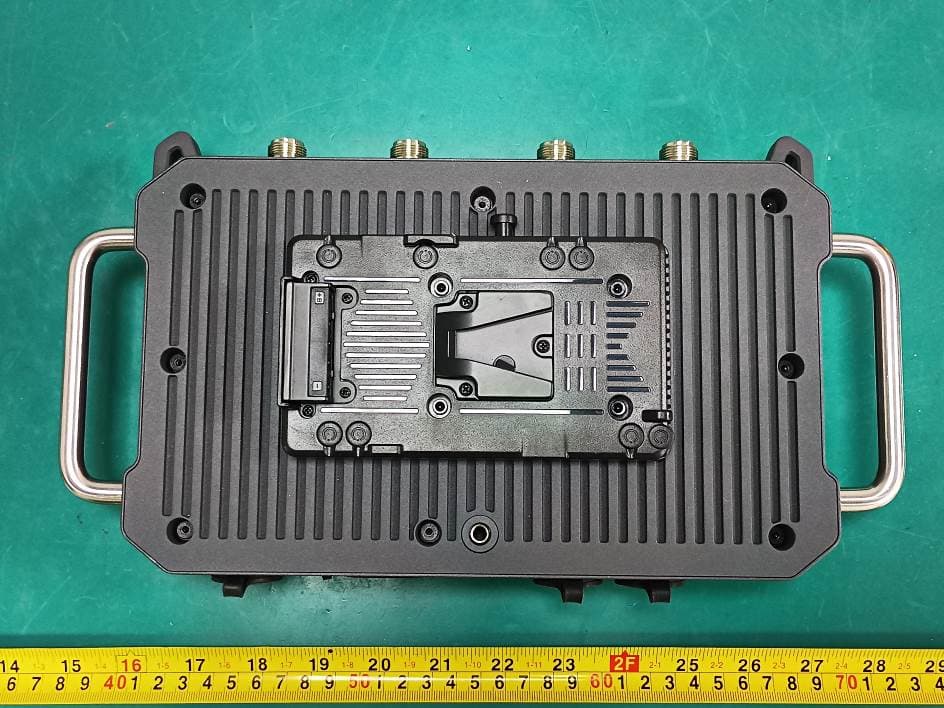
2ARN3-41601BASE
Apr 22, 2026Intercom System Master Console
Equipment Class
DTS - Digital Transmission System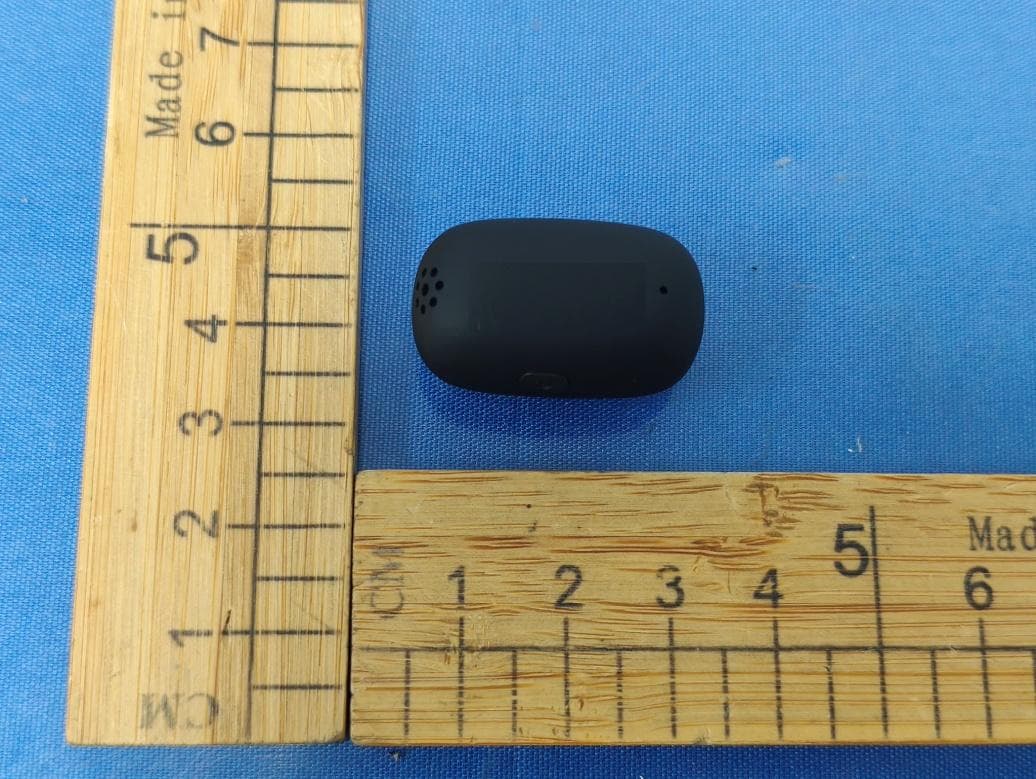
2ARN3-52901TX
Jan 07, 2026Wireless Microphone
Equipment Class
DSS - Part 15 Spread Spectrum Transmitter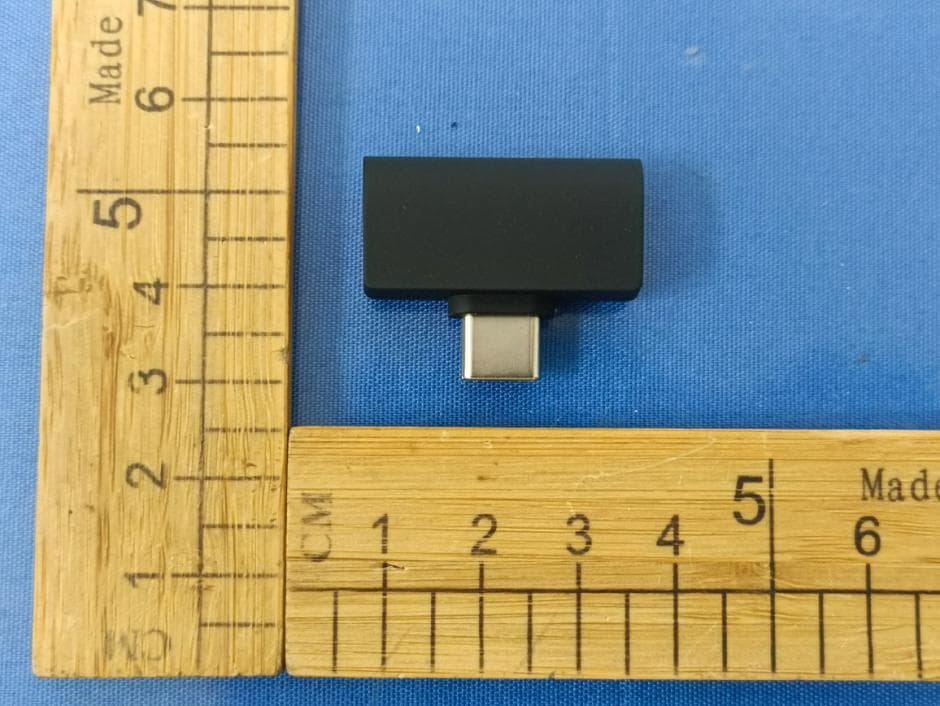
2ARN3-52901RX
Jan 07, 2026Wireless Microphone
Equipment Class
DSS - Part 15 Spread Spectrum Transmitter
2ARN3-122911TX
Jan 15, 2025Wireless Microphone
Equipment Class
DSS - Part 15 Spread Spectrum Transmitter2ARN3-040711A
Sep 17, 2024Full-duplex Wireless Intercom Headset System
Equipment Class
DSS - Part 15 Spread Spectrum Transmitter