2AVD2-MH22001Monster Bluetooth Headphones
Shenzhen Monster Creative Technology Co., Ltd.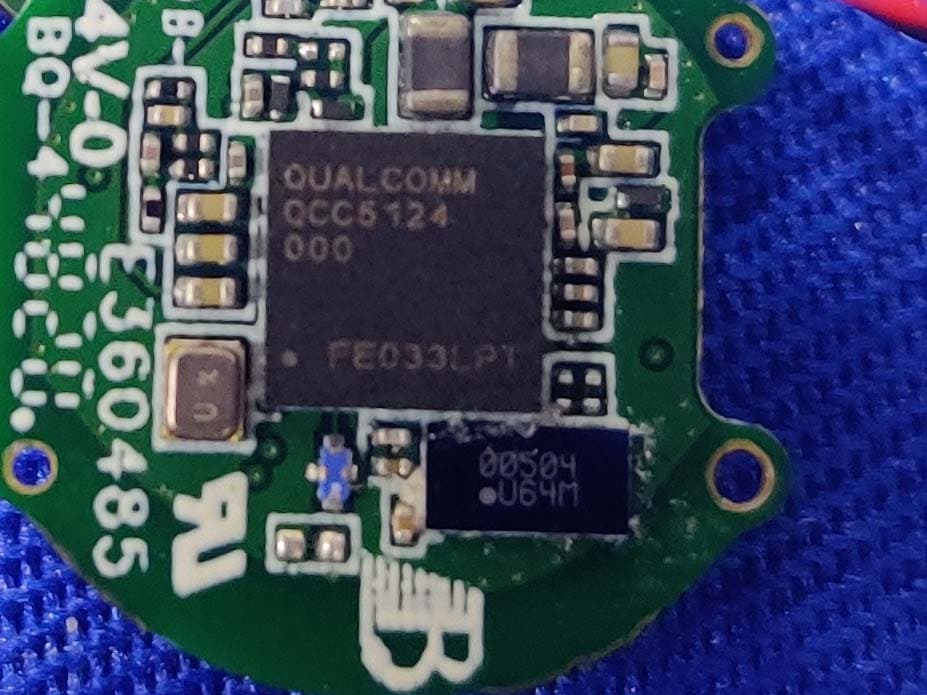
Click to zoom
Application Details
- Equipment Class
- DSS - Part 15 Spread Spectrum Transmitter
- Date of Grant
- Apr 22, 2021
- Application Purpose
- Original Equipment
- Date of Application
- Apr 21, 2021
- Equipment Note
- Monster Bluetooth Headphones
- Frequency Range
- 2402.00000000 - 2480.00000000
- Country
- China
Documents & Files
Document Text
Text extracted from the exhibit documents filed with the FCC. Open a document above to read the original.
Users Manual
INSPIRATION 700 ANC Model No.:MH22001 FCC ID:2AVD2-MH22001 Quick Start Guide Please read this Quick Start Guide carefully and keep it for future use. Product Overview In-ear Earphone x 2 (left & right) Charging Case USB-C Charging Cable Ear Tips × 3 pairs (M size installed) Quick Start Guide and Warranty Letter 1. Multi Function Button (MFB), touch interface 2. Indicator Light 3. Charging Contacts 4. Optical Sensor 5. Ear Tip 6. Microphones 7. Charging Case Indicator Light 8. USB-C Charging Port Power On/Off Open the charging case and remove the earphones, the earphones will automatically turn on. To turn off the earphones, put back to the charging case and close. Earphones will be turned off and start charging. Charging Case Charging Connect the included USB-C cable to charging case. The charging case indicator light is on during the charging process and off after fully charged. Noise Cancellation On/Off Three-click the multi-function touch button to switch between different modes. [Noise Cancellation On] – [Ambient On] – [Noise Cancellation Off] Pairing Open the charging case and remove the earphones, the earphones will automatically turn on. Left and right earphones will be connected automatically within few seconds. Then “pairing” voice prompt will be heard. For new device connection, go to the Bluetooth settings on your device and set it to search for new devices (new Monster device). Once the earphones are paired to the designated device, you will hear “connected”. If the earphone has been paired, it will try to connect to the last connected device after turning on. To pair a new device, turn off the connection of the currently connected Bluetooth device. Volume Control Volume down: Double tap the MFB on the left earphone during music streaming. Volume up: Double tap the MFB on the right earphone during music streaming. Call Answer / End a call: Single tap the MFB. Reject the call: Press and hold the MFB for about 2 seconds. Music Play/Pause music: • Single tap the MFB • The earphone contains an optical sensor for in-ear detection, music will be paused when the earphone is removed from the ear and resumed when put back on. Previous song: Press and hold the MFB on the left earphone for about 2 seconds. Next song: Press and hold the MFB on the right earphone for about 2 seconds. Voice Control When the headset is connected to the mobile phone, double tap the MFB button for to activate the voice assistant. Reset Open the charging box cover, keep the left & right earphones in the charging box, and double-click the MFB button on the left & right earphones. At this time, the white indicator light on the earphones will flash 3 times quickly, indicating that the earphones have been restored to factory settings. LED Indicator Guide Mode Description Voice prompts Power On Indicator Light: white light stays on about 1 second Power On Power Off Indicator Light: red light stays on about 1 second Power Off Pairing Indicator Light: white light flashes Pairing Connected Indicator Light: light goes off Connected Earphone charging Indicator light: the red light is on when the headset is charging - Charging case charging Charging Case Indicator Light: Red light is on during charging and off after fully charged. - Note: * After removing the earphones from the charging case, without pressing any buttons, the left and right earpieces will connect automatically. If there is no connection found, it enters to pairing mode automatically. * Please put the earphones in the correct position to charge. * Do not replace the battery at unapproved repair technician. * The battery (battery pack or combination battery) must not be exposed to excessive heat such as sunlight or fire. FCC Statement Changes or modifications not expressly approved by the party responsible for compliance could void the user's authority to operate the equipment. This equipment has been tested and found to comply with the limits for a Class B digital device, pursuant to Part 15 of the FCC Rules. These limits are designed to provide reasonable protection against harmful interference in a residential installation. This equipment generates uses and can radiate radio frequency energy and, if not installed and used in accordance with the instructions, may cause harmful interference to radio communications. However, there is no guarantee that interference will not occur in a particular installation. If this equipment does cause harmful interference to radio or television reception, which can be determined by turning the equipment off and on, the user is encouraged to try to correct the interference by one or more of the following measures: • Reorient or relocate the receiving antenna. • Increase the separation between the equipment and receiver. • Connect the equipment into an outlet on a circuit different from that to which the receiver is connected. • Consult the dealer or an experienced radio/TV technician for help This device complies with part 15 of the FCC rules. Operation is subject to the following two conditions (1) this device may not cause harmful interference, and (2) this device must accept any interference received, including interference that may cause undesired operation. RF warning statement: The device has been evaluated to meet general RF exposure requirement. The device can be used in portable exposure condition without restriction.
Cover Letter(s)
DATE : 2020.04.12 Federal Communications Commission Authorization & Evaluation Division 7345 Oakland Mills Road Columbia, Maryland 21046 Authority to Act asAgent On our behalf, I appointEST Technology Co., Ltd. Address:Chilingxiang, Qishantou, Santun, Houjie, Dongguan, Guangdong, China(Name of Agent company name andaddress) to act as our agent in the preparation of this application for equipment certification. I certify that submitted documents properly describe the device or system for which equipment certification is sought. I also certify that each unit manufactured, imported or marketed, as defined in the Federal Communications Commission’s regulations will have affixed to it a label identical to that submitted for approval with this application. Forinstanceswhereourauthorizedagentsignstheapplicationforcertificationonourbehalf,Iacknowle dgethatallresponsibilityforcomplyingwiththetermsandconditionsforcertification,stillresideswithS henzhen Monster Creative Technology Co., Ltd. Address:No.303,Building 1,Hezhou Jinfo Industrial Zone,Hezhou Village, Hangcheng Street,Baoan District, Shenzhen, Guangdong,China(Applicant Name and address) <Signature> Name: wangrunlong Title: R&D Manager Company: Shenzhen Monster Creative Technology Co., Ltd.
Cover Letter(s)
DATE : 2020.04.12 Equipment Autorisation Division Federal Communications Commission 7435 Oakland Mills Road Columbia, MD 21046 FCC ID: 2AVD2-MH22001 Product Name: Monster Bluetooth Headphones Request for Confidentiality Pursuant to Sections 0.457 and 0.459 of the commissions rules, we hereby request that the following documents be held confidential: (List here the documents for which you are seeking confidentiality – for example ...) Schematics Block diagram Operation description These materials contain trade secrets and proprietary information and are not customarily released to the public. The public disclosure of this information might be harmful to the company and provide unjustified benefits to our competitors. <Signature> Name: wangrunlong Title: R & D Manager Company: Shenzhen Monster Creative Technology Co., Ltd.
External Photos
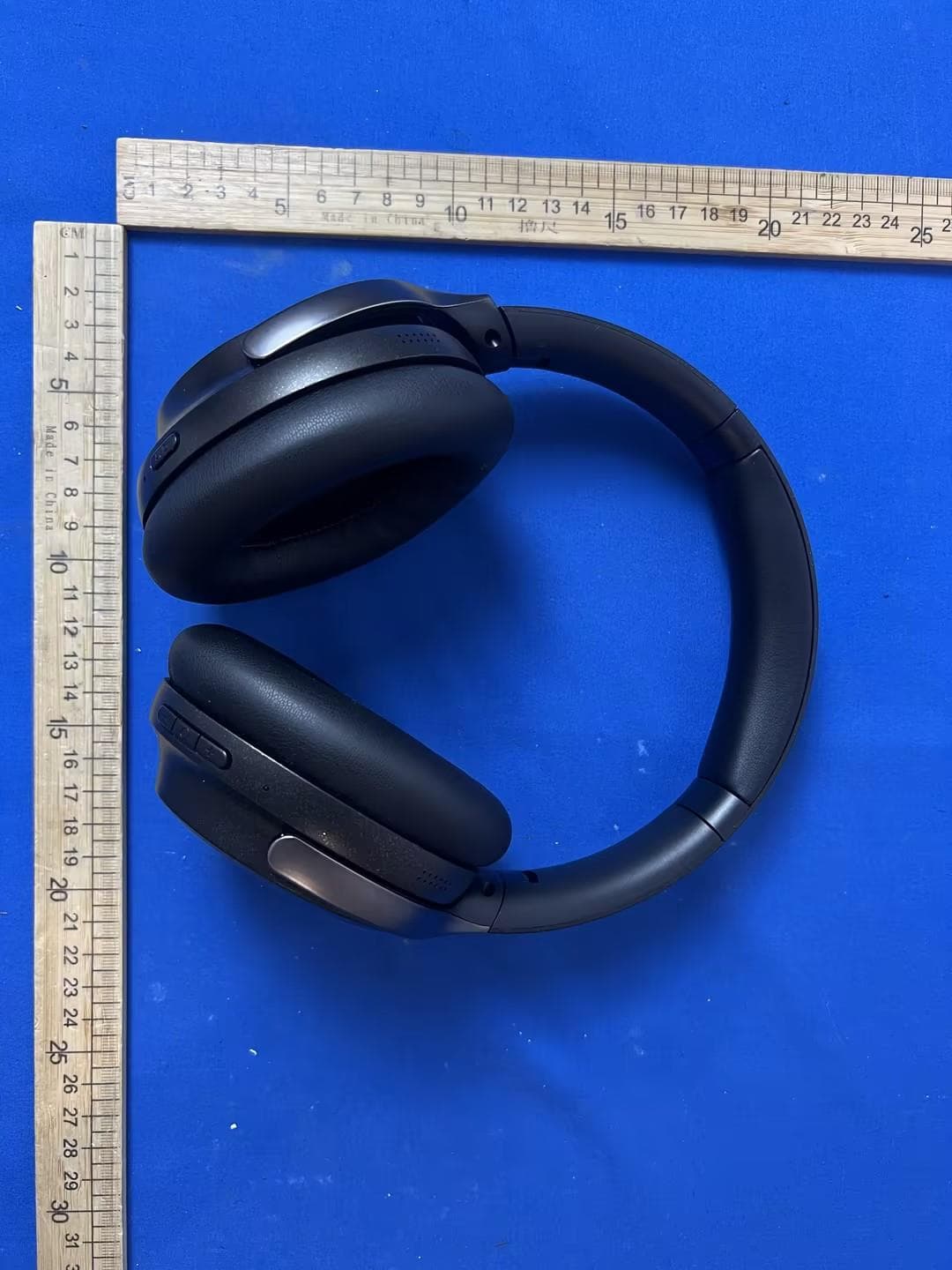
External Photos M/N: MH22001 External Photos M/N: MH22001 External Photos M/N: MH22001 External Photos M/N: MH22001 External Photos M/N: MH22001 External Photos M/N: MH22001 External Photos M/N: MH22001
Internal Photos
Internal Photos M/N: MH22001 Internal Photos M/N: MH22001 Internal Photos M/N: MH22001 Internal Photos M/N: MH22001 Internal Photos M/N: MH22001 Internal Photos M/N: MH22001 Internal Photos M/N: MH22001 Internal Photos M/N: MH22001 Internal Photos M/N: MH22001 Internal Photos M/N: MH22001 Internal Photos M/N: MH22001 Internal Photos M/N: MH22001 Internal Photos M/N: MH22001 Internal Photos M/N: MH22001 Bluetooth Antenna Bluetooth Antenna
RF Exposure Info
FCC ID: 2AVD2-MH22001 EST Technology Co., Ltd Report No. ESTE-R2104032 Page 1 of 3 FCC RF EXPOSURE REPORT Shenzhen Monster Creative Technology Co., Ltd. Monster Bluetooth Headphones Model Number: MH22001 FCC ID: 2AVD2-MH22001 Prepared for: Shenzhen Monster Creative Technology Co., Ltd. Flat G, 3/F, Building D, The Central Avenue, Xixiang Street, Bao'an District, Shenzhen, Guangdong Prepared By: EST Technology Co., Ltd. Chilingxiang, Qishantou, Santun, Houjie, Dongguan, Guangdong, China Tel: 86-769-83081888-808 Report Number: ESTE-R2104032 Date of Test: Mar. 17~Apr. 10, 2021 Date of Report: Apr. 12, 2021 FCC ID: 2AVD2-MH22001 EST Technology Co., Ltd Report No. ESTE-R2104032 Page 2 of 3 1. Applicable Standards FCC Part 2(Section 2.1093) FCC KD B447498 D01 General RF Exposure Guidance v06 2. Exposure Evaluation of Portable or Mobile Devices Human exposure to RF emissions from portable devices (47 CFR §2.1093), as defined by the FCC, must be evaluated with respect to the FCC-adopted limits for SAR. Evaluation of mobile devices, as defined by the FCC, may also be performed with respect to SAR limits, but in such cases it is usually simpler and more cost-effective to evaluate compliance with respect to field strength or power density limits. For certain devices that are designed to be used in both mobile and portable configurations similar to those described in 47 CFR §2.1091(d)(4), such as certain desktop phones and wireless modem modules, compliance for mobile configurations is also satisfied when the same device is evaluated for SAR compliance in portable configurations. SAR Test Exclusion Thresholds for 100 MHz – 6 GHz and ≤ 50 mm The 1-g and 10-g SAR test exclusion thresholds for 100 MHz to 6 GHz at test separation distances ≤ 50 mm are determined by [(max. power of channel, including tune-up tolerance, mW)/(min. test separation distance, mm)] · [√f(GHz)] ≤3.0 for 1-g SAR and ≤ 7.5 for 10-g extremity SAR where • f(GHz) is the RF channel transmit frequency in GHz • Power and distance are rounded to the nearest mW and mm before calculation • The result is rounded to one decimal place for comparison The test exclusions are applicable only when the minimum test separation distance is ≤ 50 mm and for transmission frequencies between 100 MHz and 6 GHz. When the minimum test separation distance is < 5 mm, a distance of 5 mm is applied to determine SAR test exclusion. FCC ID: 2AVD2-MH22001 EST Technology Co., Ltd Report No. ESTE-R2104032 Page 3 of 3 3. Evaluation Results Mode Frequency (MHz) Peak output Power (dBm) Peak output Power (mW) Target power (dBm) Results GFSK 2402 1.65 1.462 1±2 0.618 2441 1.14 1.300 1±2 0.623 2480 1.01 1.262 1±2 0.628 8-DPSK 2402 4.31 2.698 4±2 1.234 2441 4.17 2.612 4±2 1.244 2480 4.11 2.576 4±2 1.254 Note: 1. [(max. power of channel, including tune-up tolerance, mW)/(min. test separation distance, mm)] * [√f(GHz)] < 3.0. 2. SAR Test Exclusion Thresholds is 3.0 for separation distance 5mm. Therefore, SAR test is not required. End of Test Report
Test Report
FCC ID: 2AVD2-MH22001 EST Technology Co., Ltd Report No. ESTE-R2104031 Page 1 of 89 FCC PART 15C TEST REPORT FOR CERTIFICATION On Behalf of Shenzhen Monster Creative Technology Co., Ltd. Monster Bluetooth Headphones Model Number: MH22001 FCC ID: 2AVD2-MH22001 Prepared for: Shenzhen Monster Creative Technology Co., Ltd. Flat G, 3/F, Building D, The Central Avenue, Xixiang Street, Bao'an District, Shenzhen, Guangdong Prepared By: EST Technology Co., Ltd. Chilingxiang, Qishantou, Santun, Houjie, Dongguan, Guangdong, China Tel: 86-769-83081888-808 Report Number: ESTE-R2104031 Date of Test: Mar. 17~Apr. 10, 2021 Date of Report: Apr. 12, 2021 FCC ID: 2AVD2-MH22001 EST Technology Co., Ltd Report No. ESTE-R2104031 Page 2 of 89 TABLE OF CONTENTS Description Page TEST REPORT VERIFICATION......................................................................................................................... 3 1. GENERAL INFORMATION ................................................................................................................. 5 1.1. Description of Device (EUT) ........................................................................................................... 5 1.2. Antenna Information ........................................................................................................................ 5 2. SUMMARY OF TEST ......................................................................................................................... 6 2.1. Summary of test result ...................................................................................................................... 6 2.2. Test Facilities ................................................................................................................................... 7 2.3. Measurement uncertainty ................................................................................................................. 8 2.4. Assistant equipment used for test ..................................................................................................... 8 2.5. Block Diagram ................................................................................................................................. 8 2.6. Test mode ......................................................................................................................................... 9 2.7. Channel List ................................................................................................................................... 10 2.8. Power Setting of Test Software ...................................................................................................... 10 2.9. Test Equipmen ................................................................................................................................ 11 3. MAXIMUM PEAK OUTPUT POWER ................................................................................................. 12 3.1. Limit ............................................................................................................................................... 12 3.2. Test Setup ....................................................................................................................................... 12 3.3. Spectrum Analyzer Setting ............................................................................................................. 12 3.4. Test Procedure ................................................................................................................................ 12 3.5. Test Result ...................................................................................................................................... 13 4. 20 DB BANDWIDTH ....................................................................................................................... 18 4.1. Limit ............................................................................................................................................... 18 4.2. Test Setup ....................................................................................................................................... 18 4.3. Spectrum Analyzer Setting ............................................................................................................. 18 4.4. Test Procedure ................................................................................................................................ 18 4.5. Test Result ...................................................................................................................................... 19 5. CARRIER FREQUENCY SEPARATION .............................................................................................. 24 5.1. Limit ............................................................................................................................................... 24 5.2. Test Setup ....................................................................................................................................... 24 5.3. Spectrum Analyzer Setting ............................................................................................................. 24 5.4. Test Procedure ................................................................................................................................ 24 5.5. Test Result ...................................................................................................................................... 25 6. NUMBER OF HOPPING CHANNEL .................................................................................................. 30 6.1. Limit ............................................................................................................................................... 30 6.2. Test Setup ....................................................................................................................................... 30 6.3. Spectrum Analyzer Setting ..…
Text truncated - open the document above for the full version.
Test Setup Photos
Conducted Test Radiated Test (Below 1GHz) Radiated Test (Above 1GHz)
Contact Information
Applicant
run long wang(R & D Manager)
Test Firm
EST Technology Co., Ltd.Iceman Hu
[email protected]+86 0769-83081888
Technical Specifications
| # | Rule Parts | Frequency Range | Power Output |
|---|---|---|---|
| 1 | 15C | 2.40 GHz - 2.48 GHz | 2.70 mW |
Other Applications from Shenzhen Monster Creative Technology Co., Ltd.
2AVD2-H32
Jun 30, 2026PORTABLE BLUETOOTH SPEAKER
Equipment Class
DSS - Part 15 Spread Spectrum Transmitter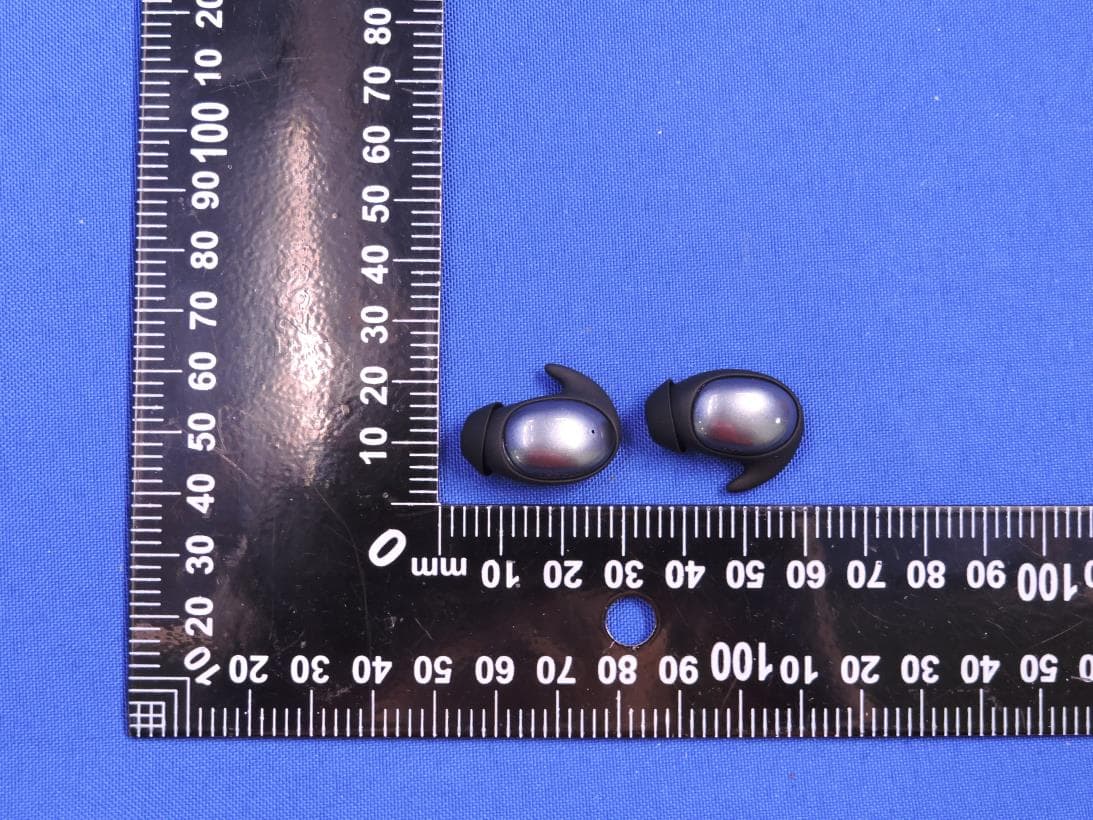
2AVD2-MH22280
Dec 19, 2025BLUETOOTH HEADPHONE
Equipment Class
DSS - Part 15 Spread Spectrum Transmitter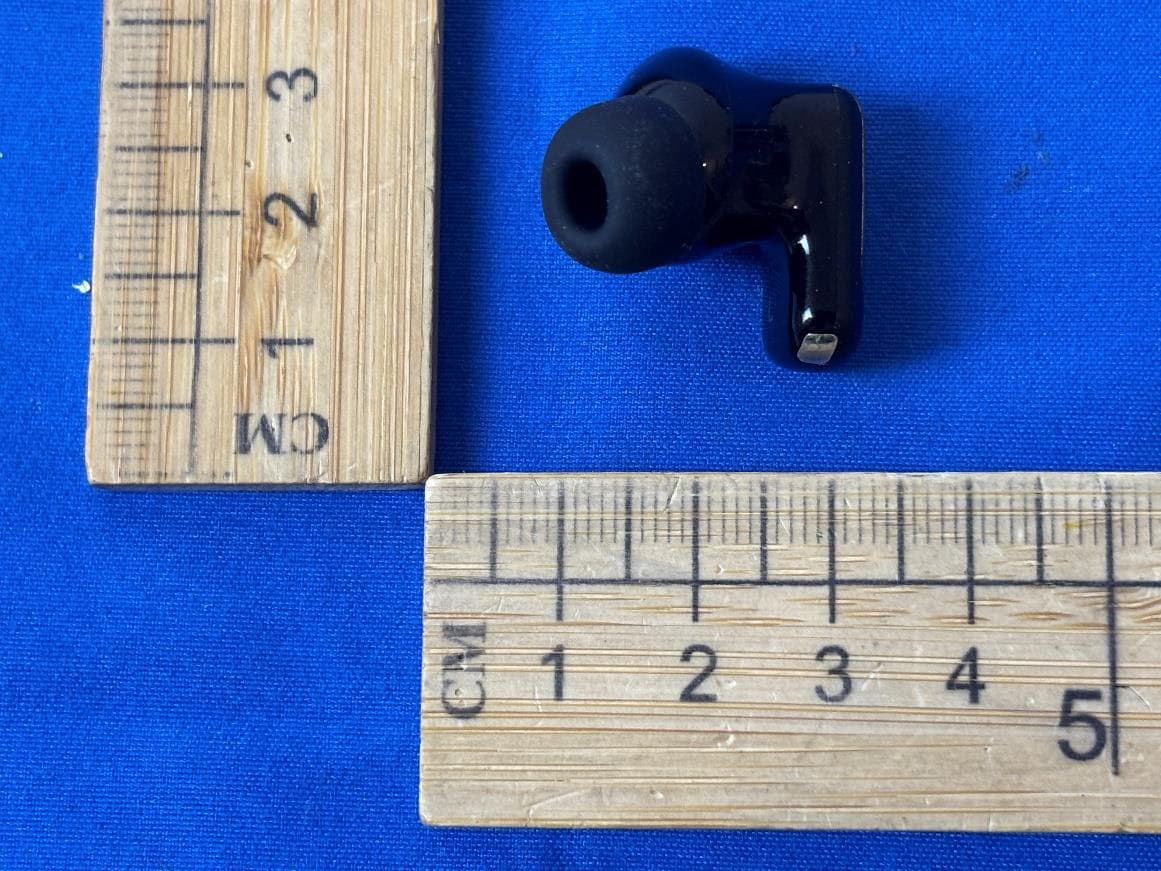
2AVD2-W55
Dec 17, 2025BLUETOOTH HEADPHONE
Equipment Class
DSS - Part 15 Spread Spectrum Transmitter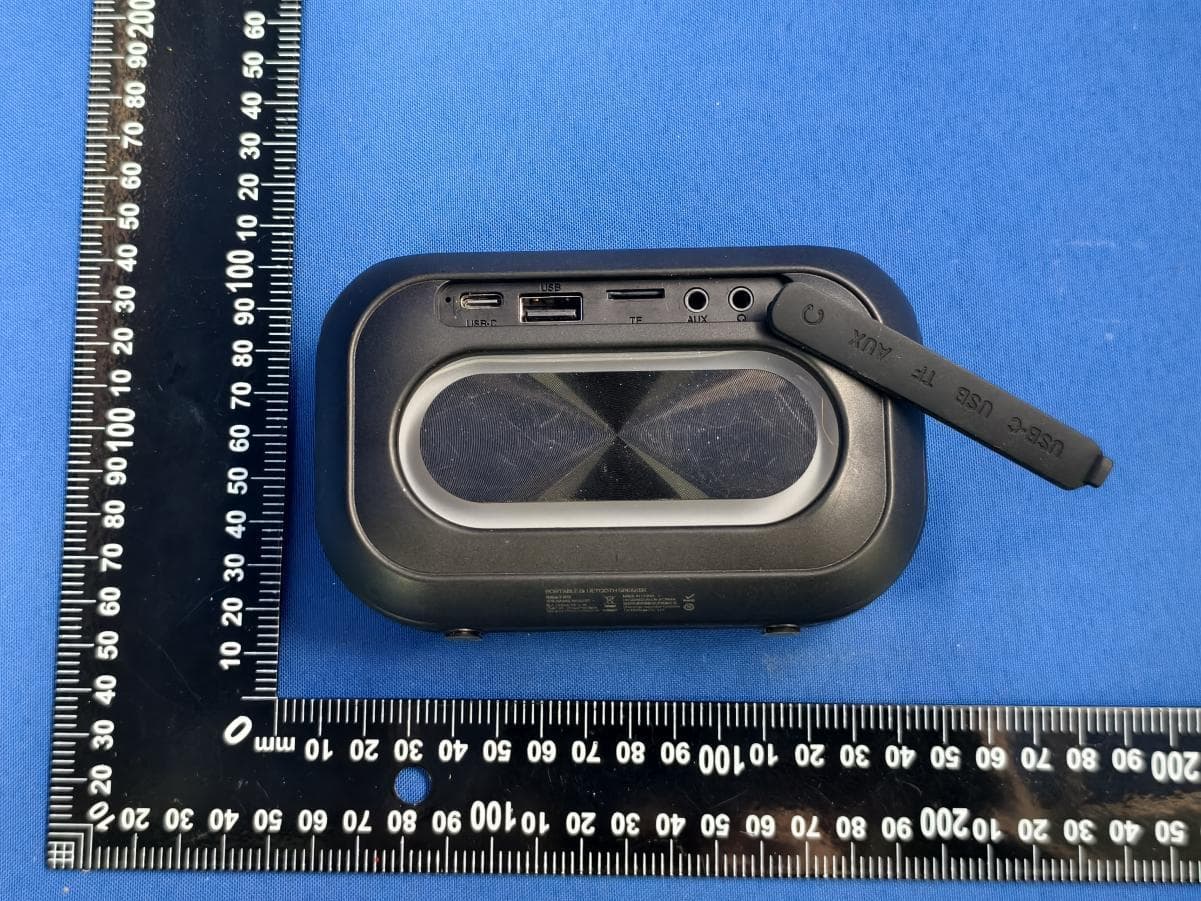
2AVD2-MS62110
Dec 16, 2025PORTABLE BLUETOOTH SPEAKER
Equipment Class
DSS - Part 15 Spread Spectrum Transmitter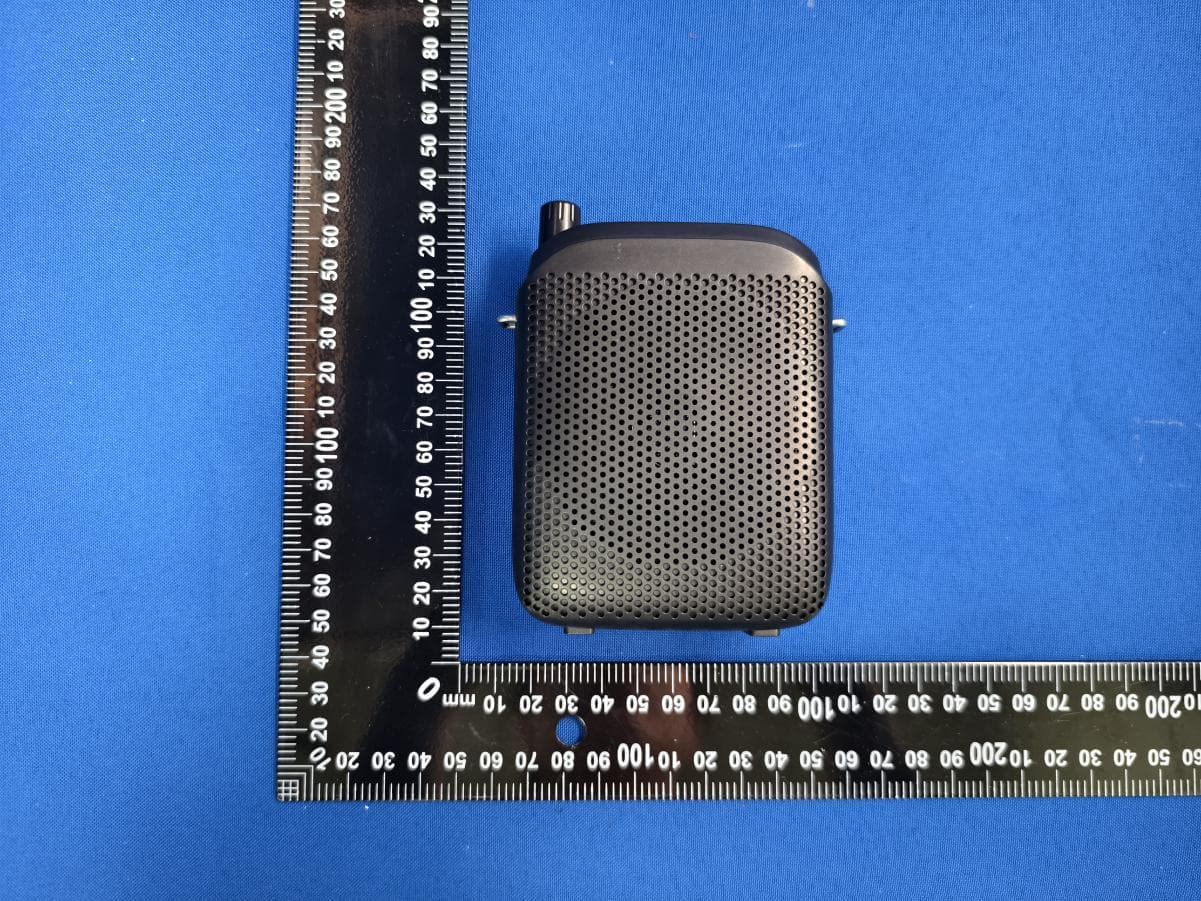
2AVD2-MS62144
Dec 12, 2025PORTABLE VOICE AMPLIFIER
Equipment Class
DSS - Part 15 Spread Spectrum Transmitter