2AVFK-MENMARTIIBluetooth Speaker with LED lights
Shenzhen Zhiqi Technology Co. LTD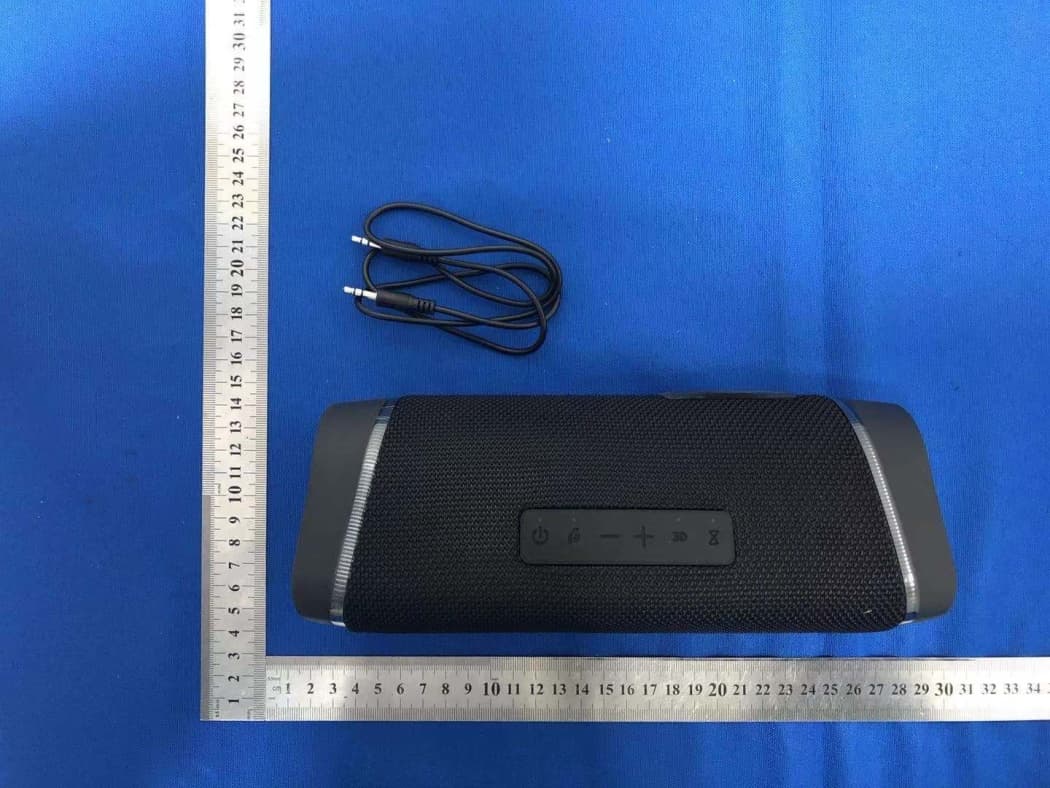
Click to zoom
Application Details
- Equipment Class
- DSS - Part 15 Spread Spectrum Transmitter
- Date of Grant
- May 10, 2021
- Application Purpose
- Original Equipment
- Date of Application
- May 10, 2021
- Equipment Note
- Bluetooth Speaker with LED lights
- Frequency Range
- 2402.00000000 - 2480.00000000
- Country
- China
Documents & Files
Document Text
Text extracted from the exhibit documents filed with the FCC. Open a document above to read the original.
Users Manual
PREFACE Dear customers, please read this manual carefully before using the product and keep it properly. PACKAGE CONTENT ·1* Type-C cable · 1*Men mart II Main device · 1* 3.5mm Aux in cable · 1* User Manual ① ③ ② ⑪ ⑫ ④ ⑤ ⑥⑬ ⑩ ⑦ ⑧ ⑨ KEY FUNCTION DEFINITION ⑩ ① ③ ② ④ ⑤ ⑦ ⑥ ⑧ ⑨ Power: Long press Turn on/off Short press Play/Pause Bluetooth/Phone: Long press force to disconnect Bluetooth connection Short press switch Bluetooth/ Aux in mode Answer/Hang off phone call Plus: Short press to increase volume Long press to next track Minus: Short press to decrease volume Long press to previous track 3D: Short press turn on/off lights Long press to turn bass on / off TWS pairing: Short press on/cancel TWS connection Long press to clear away TWS pairing Type-C interface AUX interface TF card slot Power bank output interface Charging light/Power bank light Bluetooth light TWS light (1) BLUETOOTH MODE 1. Turn on speaker enter into bluetooth mode,the bluetooth light starts to flash.Open the bluetooth on your device search for “Men mart II” and connect to your speaker.If it’s connected successfully,you will hear a prompt tone that“device paired ”. The bluetooth light is always on, now you can play music on your device by bluetooth. 2. When the bluetooth is connected successfully and you make calls with phone, the voice will automatically enter into the bluetooth hands-free mode.Short press “ ”key to answer incoming call,Long press to reject call. (4) TWS STEREO SOUND PLAY (2) AUX IN MODE (3) TF CARD PLAY OPERATION INSTRUCTION OPERATION INSTRUCTIONOPERATION INSTRUCTIONOPERATION INSTRUCTION + Party lights on is defaulted setting when you turn on speaker, Short press“ ”key to turn on/off lights.Long press to switch to bass sound. (6) TYPE-C QUICK CHARGE (5) COOL PARTY LIGHTS (7) POWER BANK OUTPUT ※The USB and Type C interfaces of the same charing line are forbidden to be inserted into the speaker simultaneously. ※The function of power bank is forbidden when the speaker is charging. Both states can not exist at the same time. 1. USB-A OUTPUT : 5V/1A(Power bank function only works when speaker is turned on. 2. Turn on speaker insert the standard USB cable into the output interface of power bank, connect the other end to the mobile. At this time the power bank indicator is green, the green indicator will be off after mobile being fully charged. 3. Turn off speaker in the process of using speaker to charge the mobile,speaker will stand by,power bank function works normally, and speaker can be awakened by long press the power key. TECHNICAL PARAMETERS TROUBLE SHOOTING V.2.0.1 WWW.WISEPNT.COM 制造商:深圳市智旗科技有限公司 地址:中国广东省深圳市龙岗区六约社区勤富路38号 保成泰智汇广场B902 Manufacture: Shen zhen ZhiQi Technology Co., Ltd. Address: B902 Baochengtai Square, No.38 Qinfu road, Liuyue Community, Henggang Street,Longgang District,Shenzhen. China Made in China Protective cover ⑪ ⑫ ⑬ Please connect 3.5mm audio cable to the headphone of the phone/computer output interface, short press “ ” key switch to AUX in mode.When you hear a prompt tone“AUX in mode”, then you can play music. Due to the lower power supply capability,most computer’s USB interface can not meet speaker’s operational requirements.It is not recommended to use the computer’s USB for charging synchronously when you play music in the AUX in mode while connecting computer. Please insert TF card in speaker,the speaker will switch mode automatically with a prompt tone “TF card mode”, the speaker will play music saved in card automatically, TF card memory maximum is 32G. (This mode is only apply to some models, please consult local dealer for details.) Turn on two Men mart II speakers enter into bluetooth mode. Short press “ ”botton of one speaker. TWS light starts to flash, the speaker will automatically search the other for TWS connection,if they connected successfully, two speakers will switch into left and right channels automatically. Repeat the bluetooth connection operation and connect to phone, If they connected succesffully ,music will play on the speaker shows dual stereo sound effect. Note:This function requires two Men mart II speakers,make sure both are turned on and in the bluetooth mode. No bluetooth connection to any other devices before TWS paring. When TWS is connected, short press“ ”key of one speaker to cancel the interconnection. Left channel (Main Speaker) Right channel (Auxiliary Speaker) Do not use power adapter that has not been certificated by safety certification. Power adapter with output 5V-2A is recommended for charging. 1. When you hear a prompt tone “Out of battery”,Please charge speaker as quickly as possible. 2. This speaker supports self-adaption charging . It’s able to choose charging current automatically according to the external rated power of the adapter, When charging by USB interface on computer, the current is smaller and it takes longer time to complete charging. 3. When speaker is charging, the power light is red and always on. When speaker is fully charged,the power light is green and always on. Kindly tips: 1. This product is waterproof on daily basis conditions,and it can washes normally. Do not soak the product in water for a long time(If the prodcut malfunction due to water ingress, Energy saving: The speaker will automatically shut down to save power under below circumstances. 1. In bluetooth mode,after 20 minutes waiting for no device pairing. 2. In any modes, short press “ ”key pause for 20 minutes without any operation the speaker will shut down automatically, Please long press the power key to turn it on again. our company reserves the right of final Explanation). 2. Handle the protective cover carefully. The protective cover plays an important role in keeping waterproof and dustproof performance It is of great importance. Bluetooth versionBattery capacity Charging voltage Rated power Product weight 5.07200mA 5V/2A 30W 840g 1.Can not connect to bluetooth or no sound when playing music? Please make sure the speaker is in bluetooth mode,an…
Text truncated - open the document above for the full version.
Cover Letter(s)
Rev 11/20/07 (Shenzhen Zhiqi Technology Co., LTD.) Federal Communications Commission Authorization and Evaluation Division Confidentiality Request regarding application for certification of FCC ID: 2AVFK-MENMARTII Pursuant to Sections 0.457 and 0.459 of the Commission’s Rules, we hereby request confidential treatment of information accompanying this application as outlined below: Exhibit Type File Name Block Diagram, Schematics, Operational Description Block Diagram Schematics Operational Description The above materials contain trade secrets and proprietary information not customarily released to the public. The public disclosure of these materials may be harmful to the applicant and provide unjustified benefits to its competitors. The applicant understands that pursuant to Section 0.457 of the Rules, disclosure of this application and all accompanying documentation will not be made before the date of the Grant for this application. Sincerely, (DU XI)
Cover Letter(s)
(Shenzhen Zhiqi Technology Co., LTD.) Federal Communications Commission Authorization and Evaluation Division 1435 Oakland Mills Road Columbia, MD 21046 Date: 2021/05/07 SUBJECT: FCC Application for FCC ID: 2AVFK-MENMARTII To Whom It May Concern: We, the undersigned, hereby authorize Alan Mei at Shenzhen BCTC Testing Co., Ltd. on our behalf, to apply to the Federal Communications Commission on our equipment. Any and all acts carried out by Alan Mei of Shenzhen BCTC Testing Co., Ltd. on our behalf shall have the same effect as acts of our own. This is to advise that we are in full compliance with the Anti- Drug Abuse Act. We, the applicant, are not subject to a denial of federal benefits pursuant to Section 5301 of the Anti-Drug Act of 1988, 21 USC853a, and no party to the application is subject to a denial of federal benefits pursuant to that section. Regards (DU XI)
External Photos
External Photos
ID Label/Location Info
Size:40*20mm M/N: Men mart II FCC ID: 2AVFK-MENMARTII This device complies with part 15 of the FCC Rules. Operation is subject to the following two conditions: (1) This device may not cause harmful interference, and (2) This device must accept any interference received, including interference that may cause undesired operation. Label location
Internal Photos
Internal Photos Antenna
RF Exposure Info
RF EXPOSURE EVALUATION METHOD FCC ID: 2AVFK-MENMARTII SAR Test Exclusion Thresholds for 100 MHz – 6 GHz and ≤ 50 mm Approximate SAR Test Exclusion Power Thresholds at Selected Frequencies and Test Separation Distances are illustrated in the following Table. The 1-g and 10-g SAR test exclusion thresholds for 100 MHz to 6 GHz at test separation distances ≤ 50 mm are determined by: [(max. power of channel, including tune-up tolerance, mW)/(min. test separation distance, mm)] · [√f(GHz)] ≤ 3.0 for 1-g SAR and ≤ 7.5 for 10-g extremity SAR,where f(GHz) is the RF channel transmit frequency in GHz Power and distance are rounded to the nearest mW and mm before calculation The result is rounded to one decimal place for comparison The test exclusions are applicable only when the minimum test separation distance is ≤ 50 mm and for transmission frequencies between 100 MHz and 6 GHz. When the minimum test separation distance is < 5 mm, a distance of 5 mm is applied to determine SAR test exclusion. BT-EDR max possible output power (PK,conducted):4±1dbm 0dBi logarithmic terms convert to numeric result is nearly 1 5dbm=3.16mW 2402MHz [(max. power of channel, including tune-up tolerance, mW)/(min. test separation distance,mm)] · [√f(GHz)]=3.16/5*√2.402=0.98≤3.0 Threshold at which no SAR required is 10mw and ≤ 3.0 for 1-g SAR, Separation distance is 5mm. Modulation Frequency (MHz) Output Power (dBm) Max Antenna Gain (dBi) GFSK 2402 2.217 0 GFSK 2441 2.722 0 GFSK 2480 2.830 0 Pi/4 DQPSK 2402 2.980 0 Pi/4 DQPSK 2441 3.465 0 Pi/4 DQPSK 2480 3.572 0 2441MHz [(max. power of channel, including tune-up tolerance, mW)/(min. test separation distance,mm)] · [√f(GHz)]=3.16/5*√2.441=0.99≤3.0 Threshold at which no SAR required is 10mw and ≤ 3.0 for 1-g SAR, Separation distance is 5mm. 2480MHz [(max. power of channel, including tune-up tolerance, mW)/(min. test separation distance,mm)] · [√f(GHz)]=3.16/5*√2.48=1.00≤3.0 Threshold at which no SAR required is 10mw and ≤ 3.0 for 1-g SAR, Separation distance is 5mm. Conclusion: No SAR is required.
Test Report
No.:BCTC/RF-EMC-005 Page 1 of 60 Edition:A.3 TEST REPORT Shenzhen BCTC Testing Co., Ltd. Report No.: BCTC2103137583E Applicant: Shenzhen Zhiqi Technology Co., LTD. Product Name: Bluetooth Speaker with LED lights Model/Type reference: Men mart II Tested Date: 2021-04-16 to 2021-04-23 Issued Date: 2021-04-23 Report No.: BCTC2103137583E No.:BCTC/RF-EMC-005 Page 2 of 60 Edition:A.3 FCC ID: 2AVFK-MENMARTII The test report is effective only with both signature and specialized stamp.This result(s) shown in this report refer only to the sample(s) tested. Without written approval of Shenzhen BCTC Testing Co., Ltd, this report can’t be reproduced except in full.The tested sample(s) and the sample information are provided by the client. Product Name: Bluetooth Speaker with LED lights Trademark: N/A Model/Type reference: Men mart II Prepared For: Shenzhen Zhiqi Technology Co., LTD. Address: Baocheng TaizhihuiSquare, No.38 QinfuRoad, LiuyueCommunity, HenggangStreet, Longgang District, Shenzhen, China Manufacturer: Shenzhen Zhiqi Technology Co., LTD. Address: Baocheng TaizhihuiSquare, No.38 QinfuRoad, LiuyueCommunity, HenggangStreet, Longgang District, Shenzhen, China Prepared By: Shenzhen BCTC Testing Co., Ltd. Address: 1-2/F., Building B, Pengzhou Industrial Park, No.158, Fuyuan 1st Road, Tangwei, Fuhai Subdistrict, Bao'an District, Shenzhen, Guangdong, China. Sample Received Date: 2021-04-16 Sample tested Date: 2021-04-16 to 2021-04-23 Issue Date: 2021-04-23 Report No.: BCTC2103137583E Test Standards FCC Part15.247 ANSI C63.10-2013 Test Results PASS Remark: This is Bluetooth Classic radio test report. Tested by: Approved by: Willem Wang/Project Handler Zero Zhou/Reviewer Report No.: BCTC2103137583E No.:BCTC/RF-EMC-005 Page 3 of 60 Edition:A.3 TABLE OF CONTENT Test Report Declaration Page 1. VERSION ............................................................. 5 2. TEST SUMMARY ...................................................... 6 3. MEASUREMENT UNCERTAINTY ........................................ 7 4. PRODUCT INFORMATION AND TEST SETUP ............................ 8 4.1 Product Information ..................................................... 8 4.2 Test Setup Configuration ................................................ 8 4.3 Support Equipment ..................................................... 9 4.4 Channel List ........................................................... 9 4.5 Test Mode ............................................................ 10 4.6 table of parameters of text software setting ................................ 10 5. TEST FACILITY AND TEST INSTRUMENT USED ........................ 11 5.1 Test Facility ........................................................... 11 5.2 Test Instrument Used .................................................. 11 6. CONDUCTED EMISSIONS ............................................. 13 6.1 Block Diagram Of Test Setup ............................................ 13 6.2 Limit ................................................................. 13 6.3 Test procedure ........................................................ 13 6.4 EUT operating Conditions ............................................... 13 6.5 Test Result ........................................................... 14 7. RADIATED EMISSIONS ............................................... 16 7.1 Block Diagram Of Test Setup ............................................ 16 7.2 Limit ................................................................. 17 7.3 Test procedure ........................................................ 18 7.4 EUT operating Conditions ............................................... 19 7.5 Test Result ........................................................... 20 8. RADIATED BAND EMISSION MEASUREMENT AND RESTRICTED BANDS OF OPERATION ................................................... 24 8.1 Block Diagram Of Test Setup ............................................ 24 8.2 Limit ................................................................. 24 8.3 Test procedure ........................................................ 25 8.4 EUT operating Conditions ............................................... 25 8.5 Test Result ........................................................... 26 9. CONDUCTED EMISSION .............................................. 27 9.1 Block Diagram Of Test Setup ............................................ 27 9.2 Limit ................................................................. 27 9.3 Test procedure ........................................................ 27 9.4 Test Result ........................................................... 28 10. 20 DB BANDWIDTH .................................................. 34 10.1 Block Diagram Of Test Setup .......................................... 34 Report No.: BCTC2103137583E No.:BCTC/RF-EMC-005 Page 4 of 60 Edition:A.3 10.2 Limit ................................................................ 34 10.3 Test procedure ....................................................... 34 10.4 Test Result .......................................................... 35 11. MAXIMUM PEAK OUTPUT POWER .................................... 39 11.1 Block Diagram Of Test Setup .......................................... 39 11.2 Limit ................................................................ 39 11.3 Test procedure ....................................................... 39 11.4 Test Result .......................................................... 40 12. HOPPING CHANNEL SEPARATION .................................... 44 12.1 Block Diagram Of Test Setup .......................................... 44 12.2 Limit ................................................................ 44 12.3 Test procedure ....................................................... 44 12.4 Test Result .......................................................... 45 13. NUMBER OF HOPPING FREQUENCY .................................. 49 13.1 Block Diagram Of Test Setup ....…
Text truncated - open the document above for the full version.
Test Setup Photos
Report No.: BCTC2103137583E No.:BCTC/RF-EMC-005 Page 58 of 60 Edition:A.3 17. EUT TEST SETUP PHOTOGRAPHS Conducted emissions Radiated Measurement Photos Report No.: BCTC2103137583E No.:BCTC/RF-EMC-005 Page 59 of 60 Edition:A.3
Contact Information
Applicant
DU XI
Test Firm
Shenzhen BCTC Testing Co., Ltd.Sally He
[email protected]15999690624
Technical Specifications
| # | Rule Parts | Frequency Range | Power Output |
|---|---|---|---|
| 1 | 15C | 2.40 GHz - 2.48 GHz | 2.28 mW |
Other Applications from Shenzhen Zhiqi Technology Co. LTD
2AVFK-A4
Jan 10, 2024Vinyl record player
Equipment Class
DSS - Part 15 Spread Spectrum Transmitter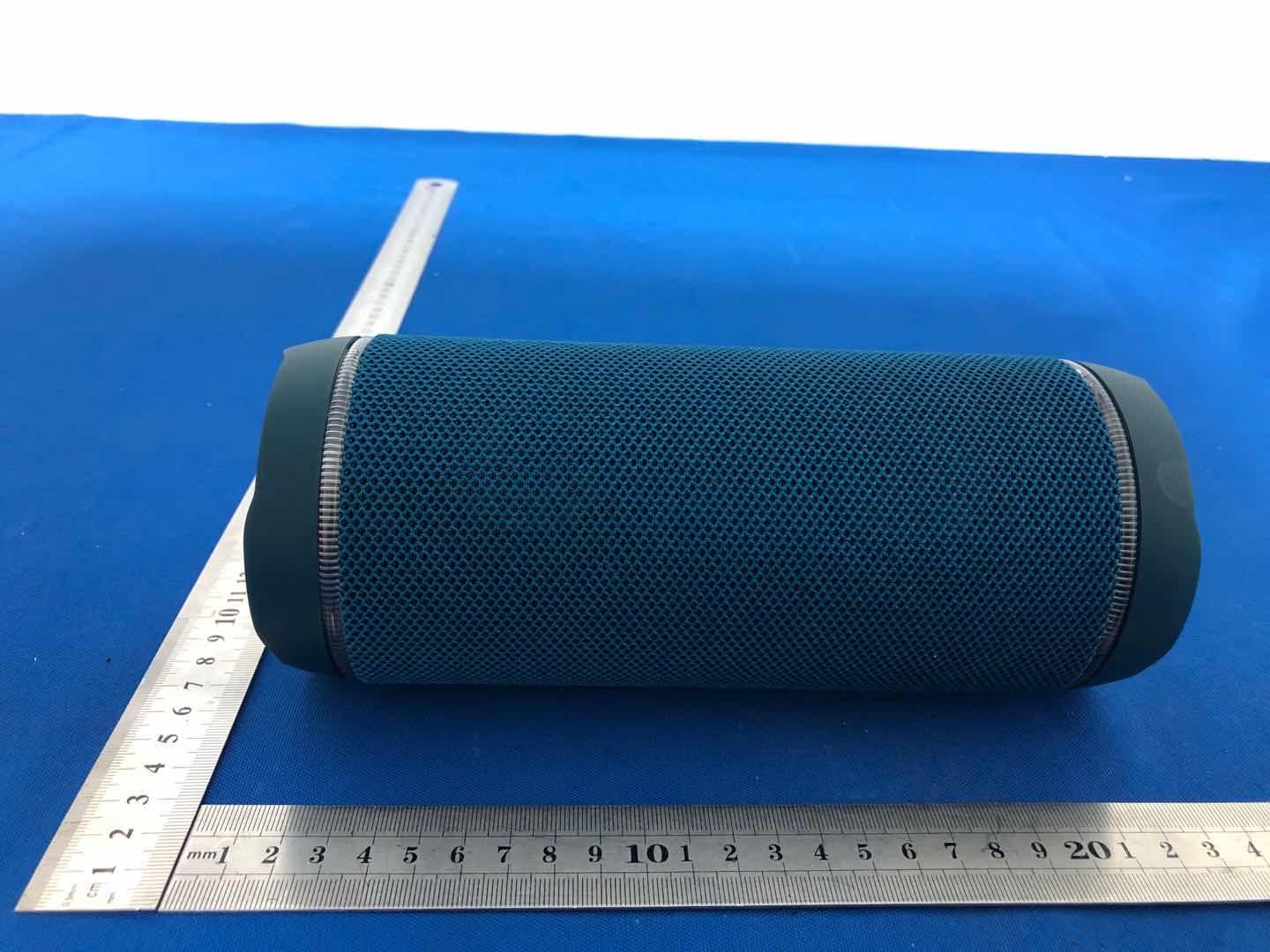
2AVFK-M8
Nov 03, 2020Bluetooth Speaker with LED lights
Equipment Class
DSS - Part 15 Spread Spectrum Transmitter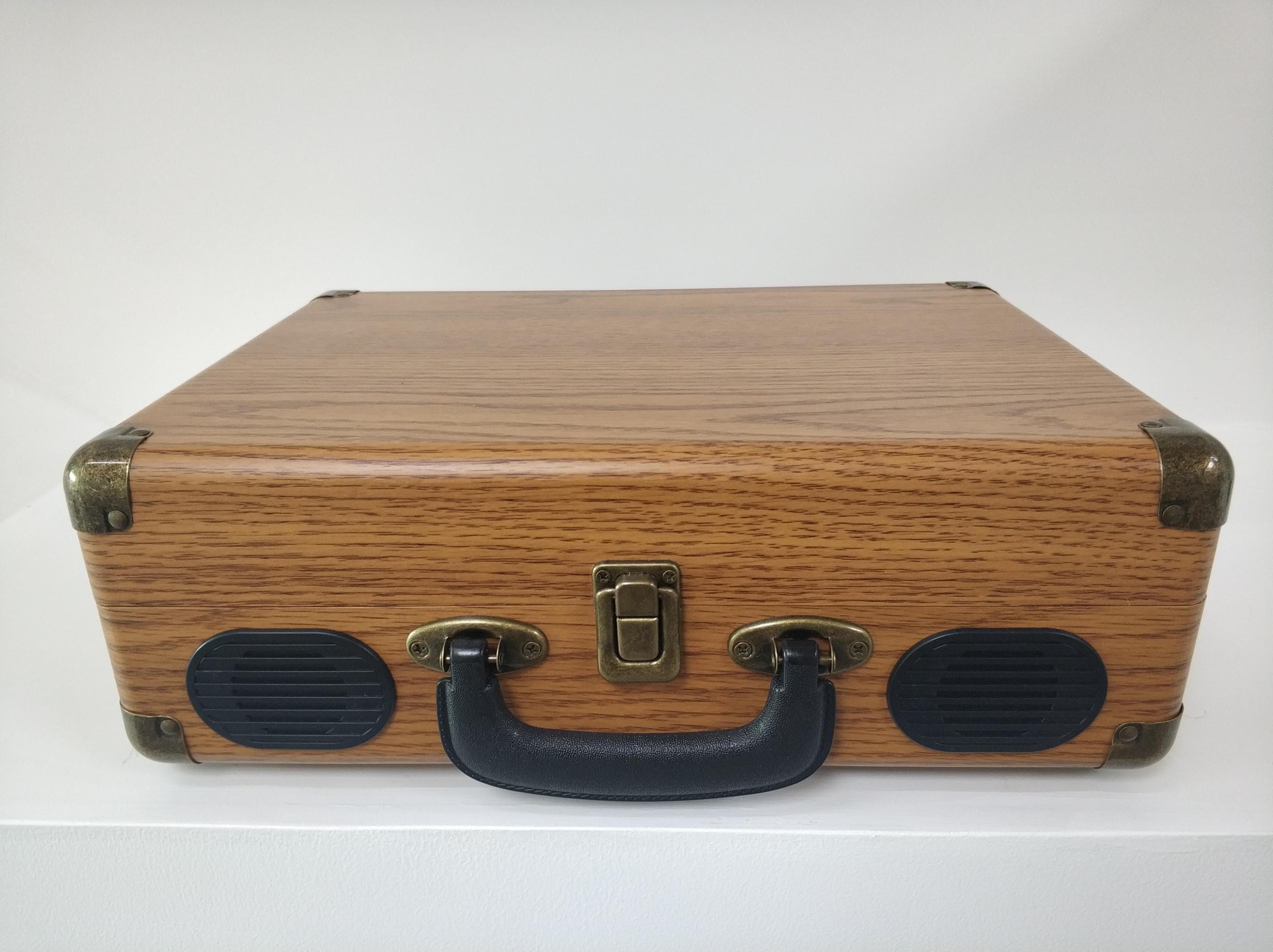
2AVFK-C200
Jul 09, 2020Suitcase Record Player
Equipment Class
DSS - Part 15 Spread Spectrum Transmitter
2AVFK-M2
Jun 18, 2020Bluetooth Speaker with LED ligh
Equipment Class
DSS - Part 15 Spread Spectrum Transmitter
2AVFK-M6PRO
Jan 01, 2020Multi-function Portable Bluetooth Speaker
Equipment Class
DSS - Part 15 Spread Spectrum Transmitter