2AZUR-Q1Smart Watch
ShenZhen Telconn Technology Co.,Ltd.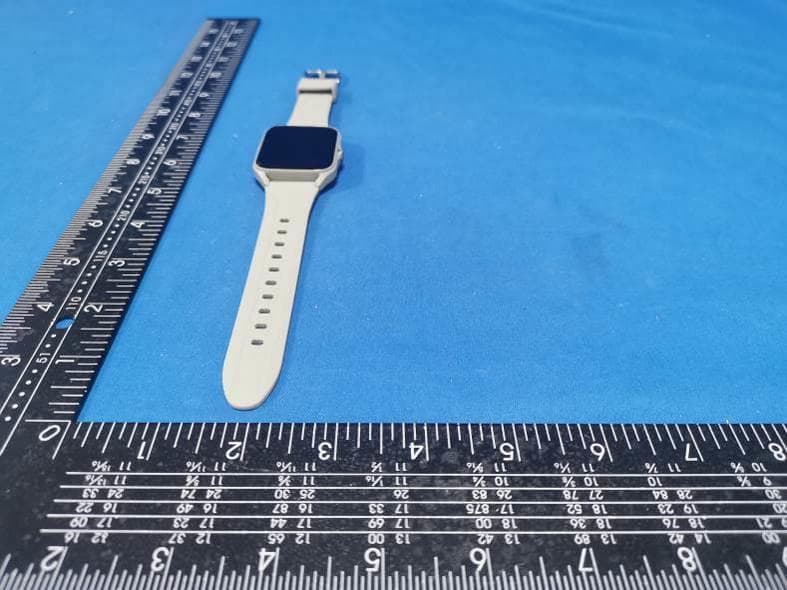
Click to zoom
Application Details
- Equipment Class
- DTS - Digital Transmission System
- Date of Grant
- Jan 09, 2023
- Application Purpose
- Original Equipment
- Date of Application
- Jan 09, 2023
- Equipment Note
- Smart Watch
- Frequency Range
- 2402.00000000 - 2480.00000000
- Country
- China
Documents & Files
Document Text
Text extracted from the exhibit documents filed with the FCC. Open a document above to read the original.
Users Manual
用户手册 V3.0 Heart Rate Edition User Manual 3.0 GloryFit 1 1、警告 2、设备要求 开始新的运动项目之前请咨询您的医生。智能手表尽管可以监测您的实时动态心率,但并不能用 作任何医疗用途,它只为了帮助人们更健康的生活,切记在开始任何运动和饮食计划前咨询医生。 支持安卓 5.0,iOS 9.0 及以上版本蓝牙 4.0 的设备。安卓 6.0 及以上版本设备需要打开 GPS 才能 使用。 CN 2 CN 3、充电 如果设备长期不用请保证每 1 个月补充电一次。 磁吸式充电器示意图: a. 请把磁吸线对准底壳金属片位置,磁铁会自动对正正负极吸附充电 b. 请保证充电触点无脏污,杂质,如有请擦除干净,否则无法充电 c. 将 USB 插入 5V500MA 的适配器,2-3 小时即可充满电。 1 2 3 CN 4、智能手表与手机连接 4.1 智能手表开机:充电或长按智能手表侧按键 3 秒开机。 4.2 安装 APP:手机扫描右侧二维码,或者在苹果应用商店 , 谷歌应用商店 , 应用宝 搜索“ GloryFit ”APP 下载安装。 GloryFit 二维码 无线充充电器示意图: a. 请把充电底座对准底壳位置,底座凹面会自动对正吸附充电。 b. 保证无线充位置和手表底部无吸附异物,否则会导致充电不良。 c. 将 USB 插入 5V500MA 的适配器,3-4 小时即可充满电。 12 4 4.3 手机 APP 连接智能手表:智能手表靠近手机,根据 APP 连接向导 提示打开手机蓝牙 , 打开 GPS, 在 APP 中 搜 索 智 能 手 表 “Smart Watch”, 并连接。根据 APP 提示设置个人信息,允许 app 获取手机权限,完成连接。 4.3.1 苹果设备配对连接: 智能手表与苹果 App 第一次连接好以后会提示 “蓝牙配对请求”,请 点“配对”完成连接,配对后允许显示通知:查看蓝牙设置是否有连接, 进入检查系统共享通知是否打开,智能手表才能接收来自 iOS 系统推送 的来电、短信、QQ、微信等通知提醒。否则无法接收提醒。 CN 5 4.3.2 安卓设备连接:安卓系统需要在手机管家或系统的设置里面,打开 app 后台运行权限 ( 打 开 APP 的自启动、高耗电保护、白名单等,关闭手机省电模式,否则 app 会被系统清掉 , 断开和 智能手表的连接 。) 4.3.3 配对连接通话蓝牙 APP 连接好以后,手表打开通 话蓝牙,手机会弹出通话配对 提示,点击配对完成和“Smart Watch” 通话蓝牙连接。 部分手机需要手动进入设置,蓝 牙,搜索“Smart Watch(xxxx)” ,点击连接。 安卓设备连接通话蓝牙: CN 6 APP 连接手表后,打开手表的通话蓝牙开关,然后打开手机的设置,蓝牙,搜索 Smart Watch(xxxx),点击连接。 苹果设备连接通话蓝牙:(iOS13 系统及以上系统连接 APP 以后自动连接通话蓝牙,iOS13 以下系统需手动连接蓝牙通话。) iOS13 及以上系统 i O S 1 3 以 下 系 统 4.4 解绑 安卓设备解绑:在 app 的设备点击解绑即解除智能手表和 app 的连接。 苹果设备解绑 :在 app 的设备点击解绑即解除智能手表和 app 的连接;进入手机的设置 - 蓝牙, CN 7 5、智能手表功能界面 5.1. 智能手表理论上支持 iOS9.0 和 Android5.0 版本及以上,带蓝牙 4.0 的设备, 并非支持所有移动设备型 号,具体请以实际为准。 5.2. 本机使用 5V500MA 充电,严禁使用超电压负荷电源,造成硬件损伤。 5.3. 智能手表电池为内置,不可拆卸,请勿尝试拆换电池。 5.4. 智能手表使用环境为 0°C到 45°C; 充电温度:0°C到 45°C。 5.5. 佩戴时请注意。若您拥有敏感性肤质或将智能手表佩戴过紧,可能会感到不适。 5.6. 智能手表沾水时请先擦干后方可进行充电操作,否则会导致故障,腐蚀充电接触点。 点按蓝牙设备 Smart Watch 后面的感叹号,在弹出的对话框中点选忽略设备,即可完全解除智能 手表连接。 CN 8 EN 1、Warning 2、Device requirements Please consult your doctor before starting a new exercise program. Although the smart watch can monitor your heart rate, it can't be used for any medical purpose. It is designed to help people live healthier lives. Please remember to consult your doctor before starting any exercise and diet plan. This product supports devices with iOS 9.0, Android 5.0 and above, and Bluetooth 4.0. Android 6.0 and above devices need to open the GPS permission to use. 9 EN 3、Charging If the device is idle for a long time, please remember to recharge at least once a month. Schematic diagram of the magnetic charger: a. please align the magnetic charging cable with the metal sheet of t he bottom shell, the magnet will automatically adsorb the positive and negative poles for charging. b.Please ensure that the charging contacts are free of dirt and impuriti es, if any, please wipe them clean, otherwise it will not charge. c. Plug the USB into a 5V500MA adapter and it will be fully charged in 2- 3 hours. 12 10 EN a. Please align the charging base with the bottom shell, and the concav e surface of the base will automatically align with adsorption charging. b. Ensure that there is no foreign matter adsorbed on the wireless char ging position and the bottom of the watch, otherwise it will lead to poor c harging. c. Plug the USB into the 5V500MA adapter, and it will be fully charged i n 3-4 hours. Schematic diagram of wireless charger: 12 4、How to connect smart watch with mobile phone 4.1 Power on: charge or press the smart watch side button for 3 seconds. 4.2Install APP: Scan QR code through mobile phone, or search "GloryFit" APP in Apple APP store, Google Play Store to download and install. GloryFit CODE 11 EN 4.3 How to connect smart watch through mobile APP: First, put the smart watch close to the mobile phone, and then turn on the Bluetooth and GPS of the mobile phone according to the APP connection guide. Then search the APP for the Bluetooth name is "Smart Watch". Click the smart watch to connect. Set personal information according to APP prompts, and allow APP to obtain mobile authority to complete the connection. 4.3.1 Apple device connection: After the smart watch and Apple App are connected for the first time, the "Bluetooth pairing request" will be prompted. Please click "Pair" to complete the connection. After pairing, it is allowed to display a notice to check whether the Bluetooth settings are connected. Then enter the system to check whether the sharing notice is turned on, and then the smart watch can receive from iOS 12 system push Calls, SMS, QQ, WeChat and other notification reminders, otherwise can not receive the reminders. 4.3.2 Android device connection:When connecting with Android system, you need to open the APP background operation permission in the mobile phone manager or system settings (please open the options such as self-start, high power consumption, white list, etc., otherwise the APP will be cleared by the system, and the connection with the smart watch will be disconnected. ) Android devices connect to Bluetooth for calling: 4.3.3 Connection call Bluetooth After the APP is connected, the watch turns on the Bluetooth call, and the phone will pop up the call pairing prompt. Click on the pairing to complete the Bluetooth call connection with "Smart Watch". Some phones require manual access to settings, Bluetooth, search for "Smart Watch (xxxx)" and click connect. EN 13 Apple devices connect to Bluetooth for calling: (iOS13 and above systems will automatically connect to Bluetooth for calling after connecting to the APP, and iOS13 and below systems need to manually connect to Bluetooth for calling. ) After connecting the APP watch, turn on the call Bluetooth switch of the watch, then turn on the phone settings, Bluetooth, search for Smart Watch (xxxx), and click Connect. iOS13 system and aboveSystem under iOS13 EN 14 4.4 Unbind: Unbind Android device:Click unbind on the app device to unbind the smart watch and the APP. Unbind Apple device :Click on the device in the app to unbind the smart watch and the app; Enter the phone settings-Bluetooth, click the exclamation mark behind the name Smart Watch, and click Ignore this…
Text truncated - open the document above for the full version.
Cover Letter(s)
Rev 11/20/26 ShenZhen Telconn Technology Co.,Ltd. 41A Building 301C Room The 5th district of huaide cuigang industrial park, fuyong town, Baoan district, Shenzhen, Guangdong, China. Federal Communications Commission Authorization and Evaluation Division Confidentiality Request regarding application for certification of FCC ID: 2AZUR-Q1 Pursuant to Sections 0.457 and 0.459 of the Commission’s Rules, we hereby request confidential treatment of information accompanying this application as outlined below: Exhibit Type File Name (Block Diagram, Schematics, Operational Description,BOM) (Block Diagram, Schematics, Operational Description,BOM) The above materials contain trade secrets and proprietary information not customarily released to the public. The public disclosure of these materials may be harmful to the applicant and provide unjustified benefits to its competitors. The applicant understands that pursuant to Section 0.457 of the Rules, disclosure of this application and all accompanying documentation will not be made before the date of the Grant for this application. Pursuant to DA04-1705 June 15, 2004 of the Commission’s public notice, we also request temporary confidential treatment of information accompanying this application as outlined below: Exhibit Type File Name () () Sincerely, the printed name:James Peng
Cover Letter(s)
ShenZhen Telconn Technology Co.,Ltd. 41A Building 301C Room The 5th district of huaide cuigang industrial park, fuyong town, Baoan district, Shenzhen, Guangdong, China. Federal Communications Commission Authorization and Evaluation Division 1435 Oakland Mills Road Columbia, MD 21046 Date: 01-03-2023 SUBJECT: FCC Application for FCC ID:2AZUR-Q1 To Whom It May Concern: We, the undersigned, hereby authorize (Eric Wang)Shenzhen CTA Testing Technology Co., Ltd. at Room 106, Building 1, Yibaolai Industrial Park, Qiaotou Community, Fuhai Street, Bao‘an District, Shenzhen, China on our behalf, to apply to the Federal Communications Commission on our equipment. Any and all acts carried out by Shenzhen CTA Testing Technology Co., Ltd. on our behalf shall have the same effect as acts of our own. This is to advise that we are in full compliance with the Anti- Drug Abuse Act. We, the applicant, are not subject to a denial of federal benefits pursuant to Section 5301 of the Anti-Drug Act of 1988, 21 USC853a, and no party to the application is subject to a denial of federal benefits pursuant to that section. Regards, the printed name:James Peng
External Photos
FCC ID: 2AZUR-Q1 Q1 External Photos of the EUT Photo 1 Photo 2 Photo 3 FCC ID: 2AZUR-Q1 Photo 4 Photo 5 Photo 6 FCC ID: 2AZUR-Q1 Photo 7
ID Label/Location Info
Label and Location Size: L: 2.0cm*W: 1.0cm Label and Location FCC ID: 2AZUR-Q1
Internal Photos
FCC ID: 2AZUR-Q1 Q1 Internal Photos of the EUT Photo 1 Photo 2 Photo 3 FCC ID: 2AZUR-Q1 Photo 4 Photo 5 Photo 6 FCC ID: 2AZUR-Q1 Photo 7 Photo 8 Photo 9 BLE Internal antenna
RF Exposure Info
RF Exposure evaluation FCC ID: 2AZUR-Q1 1.1. Applicable Standard According to §1.1307(b)(1), systems operating under the provisions of this section shall be operated in a manner that ensures that the public is not exposed to radio frequency energy level in excess of the Commission’s guidelines. According to §1.1310 and §2.1093 RF exposure requirement KDB447498 v06: Mobile and Portable Devices RF Exposure Procedures and Equipment Authorization Policies 1.2. Requirement According to KDB447498 D01 General RF Exposure Guidance v06 Section 4.3.1 Standalone SAR test exclusion considerations: “Unless specifically required by the published RF exposure KDB procedures, standalone 1-g head or body and 10-g extremity SAR evaluation for general population exposure conditions, by measurement or numerical simulation, is not required when the corresponding SAR Test Exclusion Threshold condition, listed below, is satisfied. These test exclusion conditions are based on source-based time-averaged maximum conducted output power of the RF channel requiring evaluation, adjusted for tune-up tolerance, and the minimum test separation distance required for the exposure conditions.22 The minimum test separation distance is determined by the smallest distance from the antenna and radiating structures or outer surface of the device, according to the host form factor, exposure conditions and platform requirements, to any part of the body or extremity of a user or bystander (see 5) of section 4.1). To qualify for SAR test exclusion, the test separation distances applied must be fully explained and justified by the operating configurations and exposure conditions of the transmitter and applicable host platform requirements, typically in the SAR measurement or SAR analysis report, according to the required published RF exposure KDB procedures. When no other RF exposure testing or reporting is required, a statement of justification and compliance must be included in the equipment approval, in lieu of the SAR report, to qualify for the SAR test exclusion. When required, the device specific conditions described in the other published RF exposure KDB procedures must be satisfied before applying these SAR test exclusion provisions; for example, handheld PTT two-way radios, handsets, laptops & tablets etc.23 “ [(max. power of channel, including tune-up tolerance, mW)/ (min. test separation distance, mm)] · [√f (GHz)] ≤ 3.0 for 1-g SAR and ≤ 7.5 for 10-g extremity SAR, where: • f (GHz) is the RF channel transmit frequency in GHz • Power and distance are rounded to the nearest mW and mm before calculation • The result is rounded to one decimal place for comparison • 3.0 and 7.5 are referred to as the numeric thresholds in the step 2 below The test exclusions are applicable only when the minimum test separation distance is ≤ 50 mm and for transmission frequencies between 100 MHz and 6 GHz. When the minimum test separation distance is < 5 mm, a distance of 5 mm according to 5) in section 4.1 is applied to determine SAR test exclusion. 1.3. Manufacturing tolerance BLE (Peak) Channel Channel 0 Channel 19 Channel 39 Target (dBm) 0.0 0.0 0.0 Tolerance ±(dB) 1.0 1.0 1.0 2. E v a l u a t i o n R e s u l t Evaluation Results Band/Mode f (GHz) Antenna Distance (mm) RF output power (including tune-up tolerance) SAR Test Exclusion Threshold SAR Test Exclusion dBm mW BLE 2.450 5 1.0 1.2589 0.3941<3.0 Yes 3. C o n c l u s i o n The measurement results comply with the FCC Limit per 47 CFR 2.1093 for the uncontrolled RF Exposure and SAR Exclusion Threshold per KDB 447498 v06 .....................End of Report.........................
Test Report
1. Antenna Description: Antenna type Internal antenna Model Q1 Frequency range 2400-2500MHz Manufacturer ShenZhen Telconn Technology Co.,Ltd. ANT Peak Gain -0.48 dBi 2. Antenna Photo: 3. Test Equipment & Conditions 3.1 Test instrument VSWR is tested using Agilent E5071B connected to a hand mechanism, and the status is free space. 3.2 Test environment and methods 4.Antenna Radiation Pattern
Test Report
Shenzhen CTA Testing Technology Co., Ltd. Room 106, Building 1, Yibaolai Industrial Park, Qiaotou Community, Fuhai Street, Bao‘an District, Shenzhen, China Shenzhen CTA Testing Technology Co., Ltd. Room 106, Building 1, Yibaolai Industrial Park, Qiaotou Community, Fuhai Street, Bao’an District, Shenzhen, China Tel:+86-755 2322 5875 E-mail:[email protected] Web:http://www.cta-test.cn FCC PART 15 SUBPART C TEST REPORT FCC PART 15.247 Report Reference No. ..................... : FCC ID. ............................................ : CTA22122100701 2AZUR-Q1 Compiled by ( position+printed name+signature) .. : File administrators Zoey Cao Supervised by ( position+printed name+signature) .. : Project Engineer Amy Wen Approved by ( position+printed name+signature) .. : RF Manager Eric Wang Date of issue ..................................... : Dec. 30, 2022 Testing Laboratory Name .............. : Shenzhen CTA Testing Technology Co., Ltd. Address ............................................ : Room 106, Building 1, Yibaolai Industrial Park, Qiaotou Community, Fuhai Street, Bao‘an District, Shenzhen, China Applicant’s name ............................ : ShenZhen Telconn Technology Co.,Ltd. Address ............................................ : 41A Building 301C Room The 5th district of huaide cuigang industrial park, fuyong town, Baoan district, Shenzhen, Guangdong, China. Test specification ...........................: Standard ........................................... : FCC Part 15.247 Shenzhen CTA Testing Technology Co., Ltd. All rights reserved. This publication may be reproduced in whole or in part for non-commercial purposes as long as the Shenzhen CTA Testing Technology Co., Ltd. is acknowledged as copyright owner and source of the material. Shenzhen CTA Testing Technology Co., Ltd. takes no responsibility for and will not assume liability for damages resulting from the reader's interpretation of the reproduced material due to its placement and context. Equipment description...................: Smart Watch Trade Mark ....................................... : G-TiDE Manufacturer .................................... : ShenZhen Telconn Technology Co.,Ltd. Model/Type reference....................... : Q1 Listed Models .................................. : N/A Modulation ....................................... : GFSK Frequency .......................................... From 2402MHz to 2480MHz Ratings ............................................. : DC 3.7V From Battery and DC 5.0V From external circuit Result................................................ : PASS Report No.: CTA22122100701 Page 2 of 36 Shenzhen CTA Testing Technology Co., Ltd. Room 106, Building 1, Yibaolai Industrial Park, Qiaotou Community, Fuhai Street, Bao’an District, Shenzhen, China Tel:+86-755 2322 5875 E-mail:[email protected] Web:http://www.cta-test.cn T E S T R E P O R T Equipment under Test : Smart Watch Model /Type : Q1 Listed Models : N/A Applicant : ShenZhen Telconn Technology Co.,Ltd. Address : 41A Building 301C Room The 5th district of huaide cuigang industrial park, fuyong town, Baoan district, Shenzhen, Guangdong, China. Manufacturer : ShenZhen Telconn Technology Co.,Ltd. Address : 41A Building 301C Room The 5th district of huaide cuigang industrial park, fuyong town, Baoan district, Shenzhen, Guangdong, China. Test Result: PASS The test report merely corresponds to the test sample. It is not permitted to copy extracts of these test result without the written permission of the test laboratory. Report No.: CTA22122100701 Page 3 of 36 Shenzhen CTA Testing Technology Co., Ltd. Room 106, Building 1, Yibaolai Industrial Park, Qiaotou Community, Fuhai Street, Bao’an District, Shenzhen, China Tel:+86-755 2322 5875 E-mail:[email protected] Web:http://www.cta-test.cn Contents 1 T E S T S T A N D A R D S ................................................................. 4 2 S U M M A R Y ............................................................................ 5 2.1 General Remarks 5 2.2 Product Description 5 2.3 Equipment Under Test 5 2.4 Short description of the Equipment under Test (EUT) 5 2.5 EUT operation mode 6 2.6 Block Diagram of Test Setup 6 2.7 Related Submittal(s) / Grant (s) 6 2.8 Modifications 6 3 T E S T E N V I R O N M E N T .............................................................. 7 3.1 Address of the test laboratory 7 3.2 Test Facility 7 3.3 Environmental conditions 7 3.4 Summary of measurement results 8 3.5 Statement of the measurement uncertainty 8 3.6 Equipments Used during the Test 9 4 T E S T C O N D I T I O N S A N D R E S U L T S ........................................... 10 4.1 AC Power Conducted Emission 10 4.2 Radiated Emissions and Band Edge 13 4.3 Maximum Peak Output Power 20 4.4 Power Spectral Density 21 4.5 6dB Bandwidth 23 4.6 Out-of-band Emissions 25 4.7 Antenna Requirement 29 5 T E S T S E T U P P H O T O S O F T H E E U T ......................................... 30 6 P H O T O S O F T H E E U T ........................................................... 31 Report No.: CTA22122100701 Page 4 of 36 Shenzhen CTA Testing Technology Co., Ltd. Room 106, Building 1, Yibaolai Industrial Park, Qiaotou Community, Fuhai Street, Bao’an District, Shenzhen, China Tel:+86-755 2322 5875 E-mail:[email protected] Web:http://www.cta-test.cn 1 T E S T S T A N D A R D S The tests were performed according to following standards: FCC Rules Part 15.247: Frequency Hopping, Direct Spread Spectrum and Hybrid Systems that are in operation within the bands of 902-928 MHz, 2400-2483.5 MHz, and 5725-5850 MHz. ANSI C63.10-2013: American National Standard for Testing Unlicensed Wireless Devices KDB558074 D01 V05r02: Guidance for Performing Compliance Measurements on Digital Transmission Systems (DTS) Operating Under §15.247 Report No.: CTA22122100701 Page 5 of 36 Shenzhen CTA Testing Technology Co., Ltd. Room 106, Building 1, Yibaolai Industrial Park, Qiaotou Community, Fuhai Street, Bao’an District, Shenzhen, China Tel…
Text truncated - open the document above for the full version.
Test Setup Photos
FCC ID: 2AZUR-Q1 Q1 Test Setup Photos of the EUT
Contact Information
Applicant
James Peng
Test Firm
SHENZHEN CTA TESTING TECHNOLOGY CO., LTD.Eric Wang
[email protected]+86 755 2322 5875
Technical Specifications
| # | Rule Parts | Frequency Range | Power Output |
|---|---|---|---|
| 1 | 15C | 2.40 GHz - 2.48 GHz | 1.13 mW |
Other Applications from ShenZhen Telconn Technology Co.,Ltd.
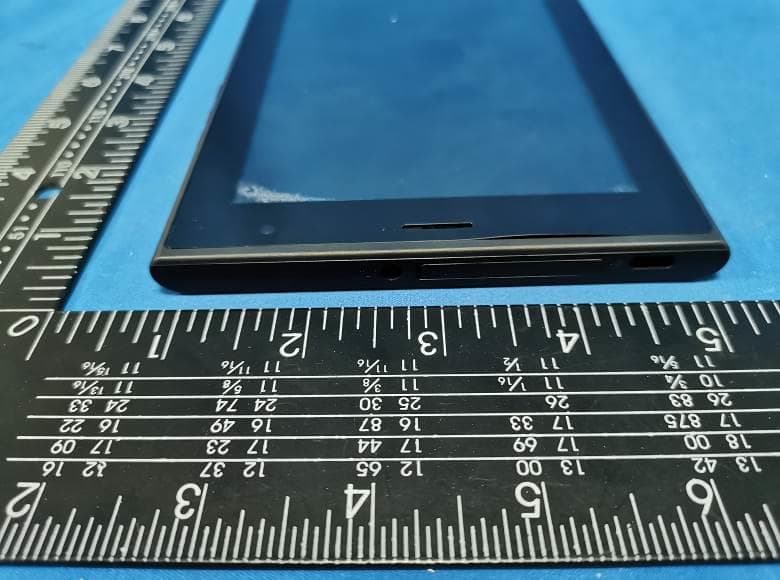
2AZUR-NETR7
Jul 12, 2023Tablet PC
Equipment Class
PCE - PCS Licensed Transmitter held to ear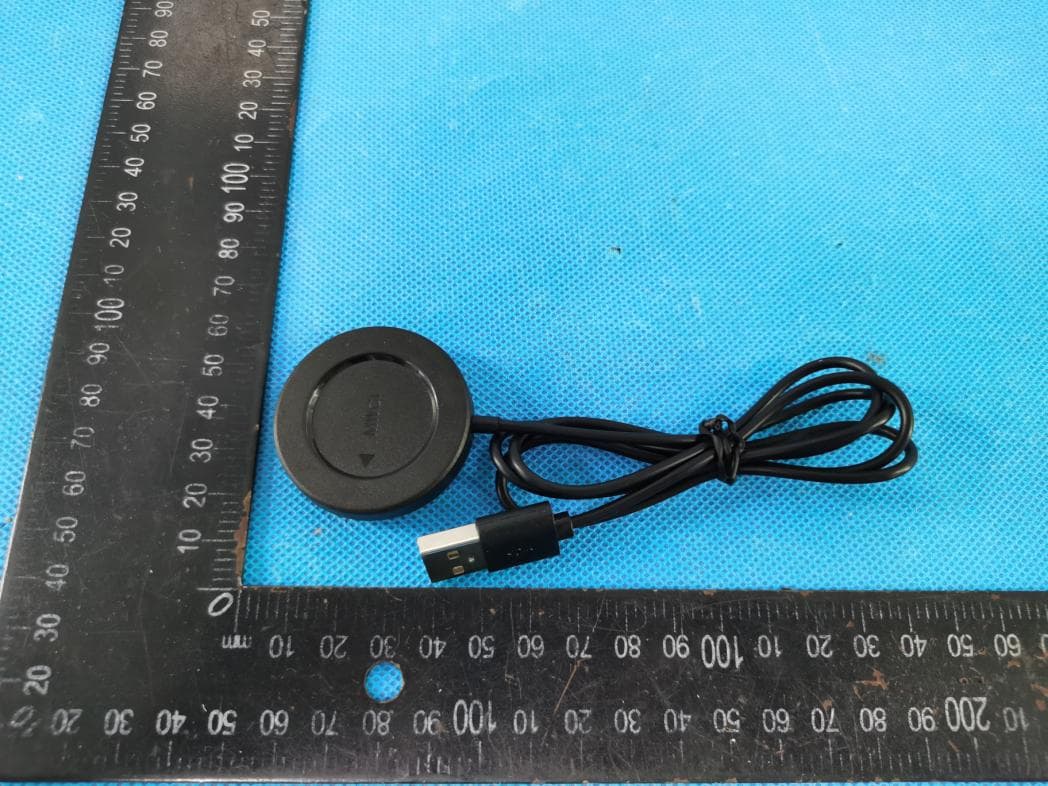
2AZUR-MWC1
Nov 09, 2022Wireless charger
Equipment Class
DCD - Part 15 Low Power Transmitter Below 1705 kHz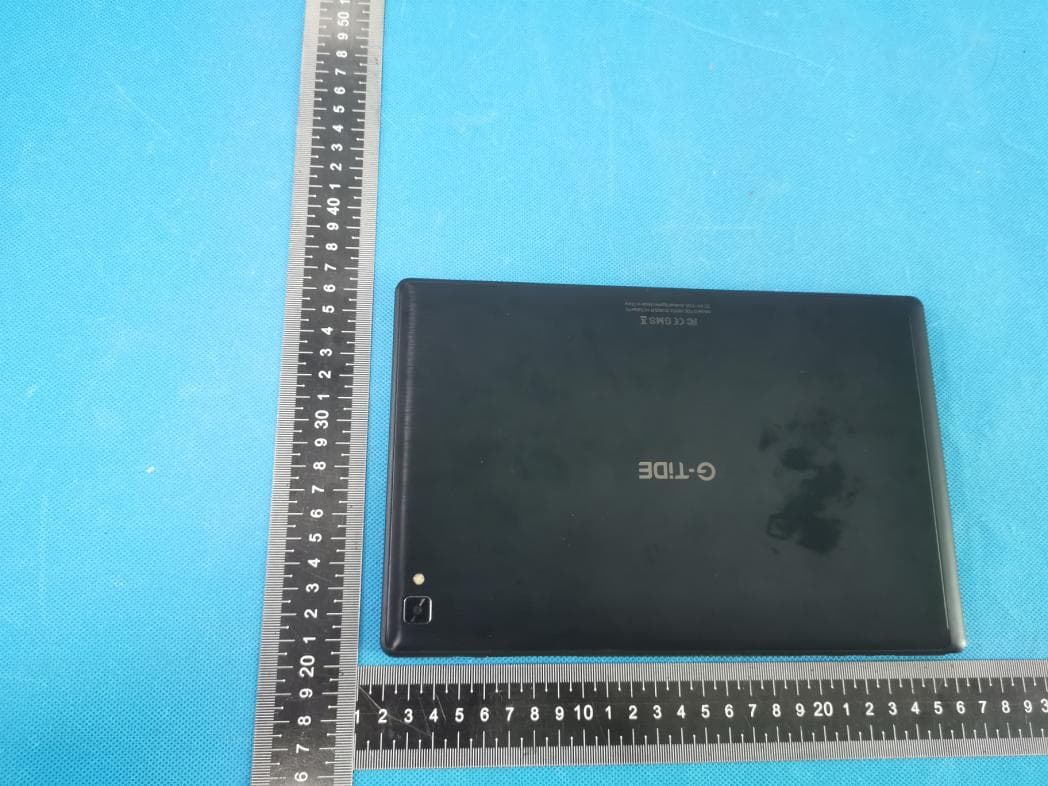
2AZUR-H2
Jun 21, 2022Tablet PC
Equipment Class
NII - Unlicensed National Information Infrastructure TX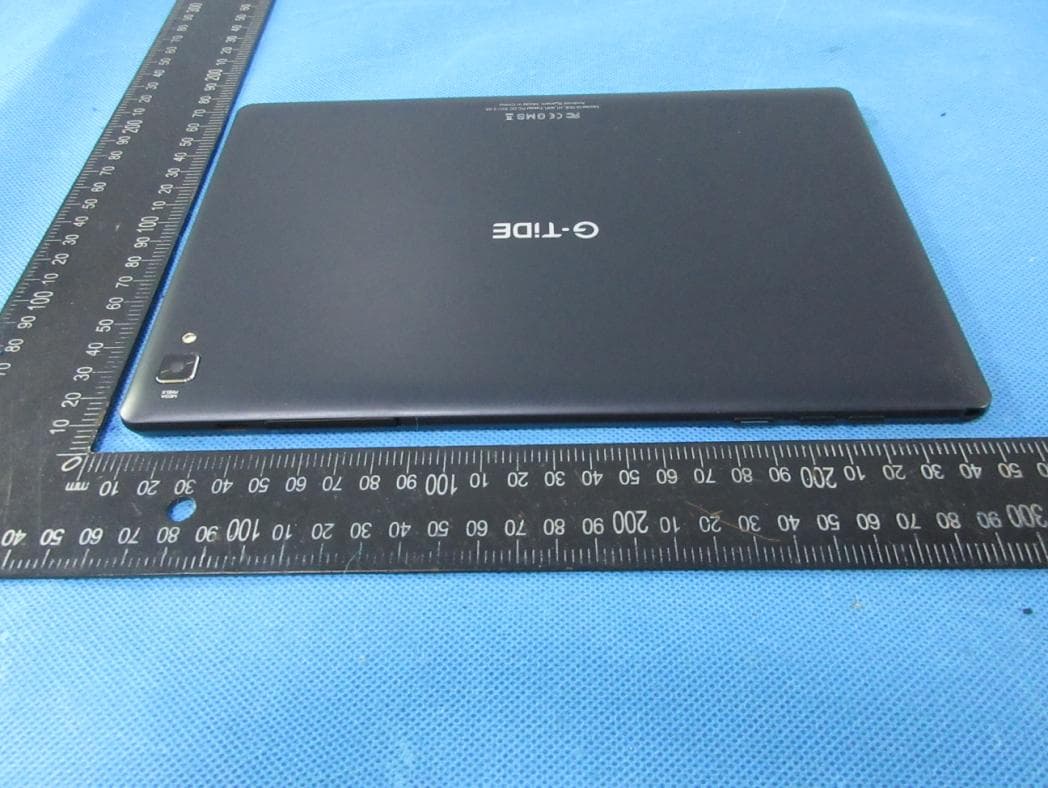
2AZUR-H1
Jul 15, 2021Tablet PC
Equipment Class
DTS - Digital Transmission System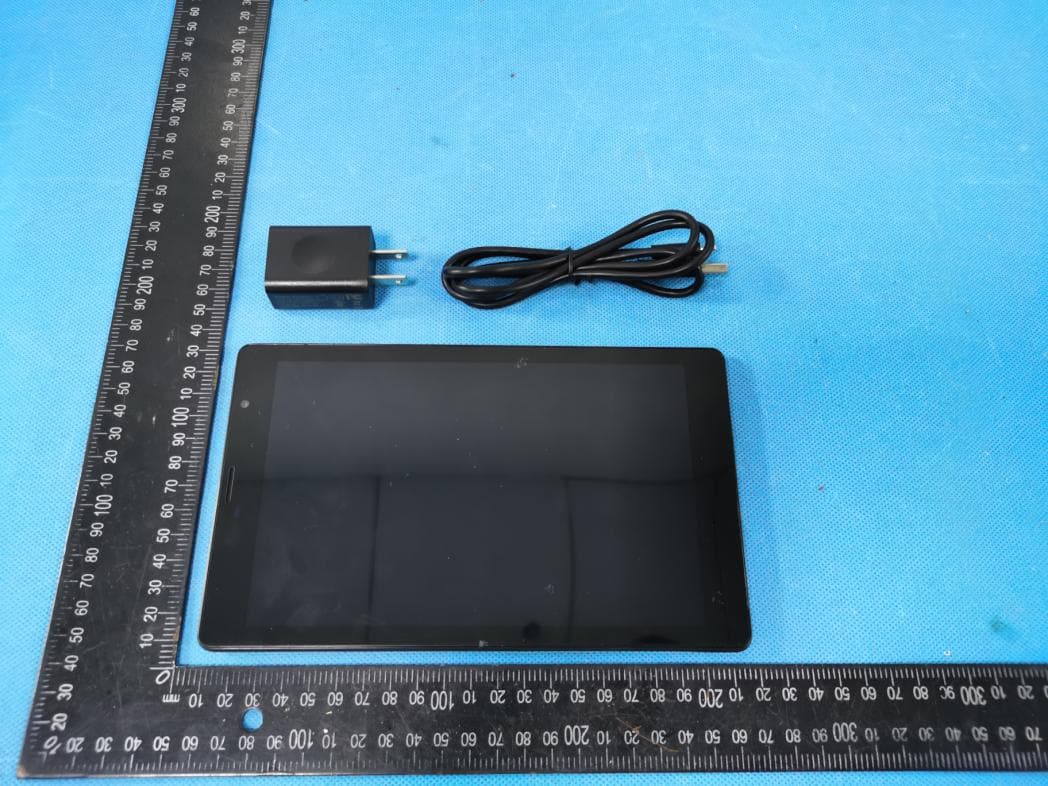
2AZUR-P1
Jul 12, 2021Tablet PC
Equipment Class
DSS - Part 15 Spread Spectrum Transmitter