ATMESBT1Bluetooth Headphone
Onkyo Home Entertainment Corporation
Click to zoom
Application Details
- Equipment Class
- DSS - Part 15 Spread Spectrum Transmitter
- Date of Grant
- Jan 01, 2014
- Application Purpose
- Original Equipment
- Date of Application
- Jan 01, 2014
- Equipment Note
- Bluetooth Headphone
- Frequency Range
- 2402.00000000 - 2480.00000000
- Country
- Japan
Documents & Files
Document Text
Text extracted from the exhibit documents filed with the FCC. Open a document above to read the original.
Users Manual
Table of ContentsAudioJets Quickstart GuideAudioJets Quickstart Guide 1. Introduction: Welcome to the world of wireless with AudioJets Bluetooth Headphones. This Quickstart guide will help you familiarize yourself with your new headphones to keep you moving with your busy life. Safety Rules: 2. Kit Contents: 1.Introduction ............................................ 2.KitContents ............................................ 3.ConnectionDiagram ........................... 4.Howtouse ............................................. 4.1GeneralFunction ............................. 4.2Pairingtomobilephone ................. 4.3Chargingyourdevice .................... 5.TechnicalSpecification ........................ 6.ServiceandSupport ............................. 1 1 2 2 2 3 5 5 6 Please follow the rules depicted in this manual closely to ensure your safety. Before using your new AudioJets Headphones, we strongly encourage you to read through this user manual. Be cautious for any sharp edges, uneven surfaces, metal parts, accessories or product packaging that could cause potential harm or injury. Do not attempt to modify, repair or dismantle AudioJets Bluetooth Headphones in any manner. Doing so will void the product warranty and may result in fire, electrical shock, or permanent damage to your headphones. Do not use any volatile liquids to clean your AudioJets Headphones. Do not use AudioJets Headphones in any potentially hazardous locations or environments. 1. 2. 3. 4. 5. 1x AudioJets Bluetooth Headphones 1x USB Charger 1x Quickstart Guide AudioJets Quickstart Guide AUDIOJETS BLUETOOTH HEADPHONES QUICKSTART GUIDE 3. Connection Diagram 4. How to use: 4.1 General Functions: Volume Up Volume Down / Transfer voice call Turn On & Turn Off / Enter pairing mode / Play & Pause / Answer and End Call / Reject Call Mic Charging Next Next Previous Desired Result Turn On Press the “” button for 3 seconds when the device is off. (A blue LED slowly flashes and a tone will beep to indicate device is on) While powered off, press the “”button and hold for 6 seconds. (Blue and Red LEDs will flash rapidly with two beeps) In Pairing Mode, use a Bluetooth enabled mobile phone or device to pair together. See section 4.2 for detailed instructions. Press “” to play when the device is paused and press “” to pause when the device is playing. Press “+” to raise volume. Enter Pairing Mode Required Action Pairing Play / Pause Volume Up Desired ResultRequired Action Press “-” to raise volume. Volume Down Press “<” for previous track. Previous Press “>” for next track. Next A red LED will flash periodically with a beep to indicate low battery. Low Battery Warning Plug Micro USB into headphone, red LED will indicate the device is charging. Charging Press the “” button for 1 second to answer incoming phone calls. Answer Call Press the “” button for 3 seconds while the device is on. (A series of tones and red LED will flash to indicate device is off) Turn Off Press the “-” button for 2 seconds to transfer the call between the mobile device and headphones. Transfer Voice Call Press the “” button for 1 second to end phone call. End Call Press the “” button for 1 second to end phone call. End Call 4.2 Pairing to a mobile device or other device: To use your AudioJets Bluetooth Headphones, you must first pair your headphones with a Bluetooth enabled device. Once your headphones are paired to a specific Bluetooth enabled device, they will remain paired and will automatically recognize each other when they are within range. Turn on your Bluetooth enabled phone and ensure its Bluetooth funcion is activated. Turn on your AudioJets Bluetooth Headphones to pairing mode (see section 4.1 for instructions on entering pairing mode). Search for Bluetooth enabled devices on your phone by following phone manufacturer’s instructions. Refer to your phone manufacturer’s user manual for more information. After a few seconds, the phone will list the devices as a recognized Bluetooth device. Select “AudioJets” and follow your phone’s instructions to complete this pairing. Your phone may request a passkey or PIN, please enter “0000” as your passkey or PIN. FCC Warning: 15.19(a)(3) This device complies with Part 15 of the FCC Rules. Operation is subject to the following two conditions: (1) this device may not cause harmful interference, and (2) this device must accept any interference received, including interference that may cause undesired operation. 15.21 Changes or modifications not expressly approved by the party responsible for compliance could void the user's authority to operate the equipment. 15.105(b) NOTE: This equipment has been tested and found to comply with the limits for a Class B digital device, pursuant to Part 15 of the FCC Rules. These limits are designed to provide reasonable protection against harmful interference in a residential installation. This equipment generates, uses and can radiate radio frequency energy and, if not installed and used in accordance with the instructions, may cause harmful interference to radio communications. However, there is no guarantee that interference will not occur in a particular installation. If this equipment does cause harmful interference to radio or television reception, which can be determined by turning the equipment off and on, the user is encouraged to try to correct the interference by one or more of the following Pairing to a Bluetooth enabled phone: Pairing to a computer or entertainment device: a. b. c. d. e. If your device is not Bluetooth enabled, a Bluetooth adapter is necessary. Install adapter (not included) with your computer or entertainment device and ensure its Bluetooth function is activated. Turn on device to enter pairing mode. Open the Bluetooth software installed on your computer or entertainment device and select option to search for other Bluetooth enabled devices. Refer to Bluetooth Software manufacturer’s user manual for more information. After a few moments “AudioJ…
Text truncated - open the document above for the full version.
ID Label/Location Info
Bluetooth Headphone FCC ID: AT M E S B T 1 Model Number: ES-BT1 Made in China
ID Label/Location Info
Label Location Proposed Label Location on EUT
Internal Photos
BT Antenna BT Module
RF Exposure Info
FCC ID: ATMESBT1 Portable device According to §15.247(e)(i) and §1.1307(b)(1), systems operating under the provisions of this section shall be operated in a manner that ensures that the public is not exposed to radio frequency energy level in excess of the Commission’s guidelines. According to KDB447498 D01 General RF Exposure Guidance V05 The 1-g and 10-g SAR test exclusion thresholds for 100 MHz to 6 GHz at test separation distances ≤ 50 mm are determined by: [(max. power of channel, including tune-up tolerance, mW)/(min. test separation distance, mm)] * [√f(GHz)] ≤ 3.0 for 1-g SAR and ≤ 7.5 for 10-g extremity SAR, where f(GHz) is the RF channel transmit frequency in GHz; Power and distance are rounded to the nearest mW and mm before calculation; The result is rounded to one decimal place for comparison; The test exclusions are applicable only when the minimum test separation distance is ≤ 50 mm and for transmission frequencies between 100 MHz and 6 GHz. We used a distance 5mm to calculated Maximum measured transmitter power: Transmit Frequency (GHz) Mode Max Conducted Power (dBm) Result calculation 1-g SAR 2.402 GFSK 5.16 1.017 3.0 2.441 GFSK 4.94 0.975 3.0 2.480 GFSK 4.52 0.892 3.0 2.402 1/4Π-DQPSK 4.38 0.850 3.0 2.441 1/4Π-DQPSK 3.83 0.755 3.0 2.480 1/4Π-DQPSK 2.94 0.620 3.0 2.402 8DPSK 4.77 0.930 3.0 2.441 8DPSK 4.51 0.883 3.0 2.480 8DPSK 3.84 0.763 3.0 Conclusion: For the max result : 1.017≤ 3.0 for 1-g SAR extremity SAR, No SAR is required.
Test Report
TRF No:FCC 15.247/A Page 1 of 49 Report No: ES131213139E Shenzhen EMTEK Co.,Ltd. Building 69, Majialong Industry Zone, Nanshan District, Shenzhen,Guangdong,China www.emtek.com.cn Tel: +86-755-2695 4280 Fax: +86-755-2695 4282 Access to the World ELECTROMAGNETIC EMISSIONS COMPLIANCE REPORT INTENTIONAL RADIATOR CERTIFICATION TO FCC PART 15 SUBPARTC REQUIREMENT OF Bluetooth Headphone MODEL No.: ES-BT1 FCC ID: ATMESBT1 Trademark: ONKYO REPORT NO: ES131213139E ISSUE DATE: December 11, 2013 Prepared for Onkyo corporation 2-1 Nisshin-cho, Neyagawa-shi, Osaka 572-8540, Japan Prepared by SHENZHEN EMTEK CO., LTD Bldg 69, Majialong Industry Zone, Nanshan District, Shenzhen, Guangdong, China TEL: 86-755-26954280 FAX: 86-755-26954282 TRF No:FCC 15.247/A Page 2 of 49 Report No: ES131213139E Shenzhen EMTEK Co.,Ltd. Building 69, Majialong Industry Zone, Nanshan District, Shenzhen,Guangdong,China www.emtek.com.cn Tel: +86-755-2695 4280 Fax: +86-755-2695 4282 Access to the World VERIFICATION OF COMPLIANCE Applicant: Onkyo corporation 2-1 Nisshin-cho, Neyagawa-shi, Osaka 572-8540, Japan Manufacturer: Onkyo corporation 2-1 Nisshin-cho, Neyagawa-shi, Osaka 572-8540, Japan Product Description: Bluetooth Headphone Model Number: ES-BT1 Serial Number: N/A File Number: ES131213139E We hereby certify that: The above equipment was tested by SHENZHEN EMTEK CO., LTD. The test data, data evaluation, test procedures, and equipment configurations shown in this report were made in accordance with the procedures given in ANSI C63.4 (2009) and the energy emitted by the sample EUT tested as described in this report is in compliance with conducted and radiated emission limits of FCC Rules Part 15.247. The test results of this report relate only to the tested sample identified in this report. Date of Test : June 27, 2013 to July 6, 2013 Prepared by : Joe Xia/Editor Reviewer : June Xie/Supervisor Approve & Authorized Signer : Lisa Wang/Manager TRF No:FCC 15.247/A Page 3 of 49 Report No: ES131213139E Shenzhen EMTEK Co.,Ltd. Building 69, Majialong Industry Zone, Nanshan District, Shenzhen,Guangdong,China www.emtek.com.cn Tel: +86-755-2695 4280 Fax: +86-755-2695 4282 Access to the World Ta b l e o f C o n t e n t s 1. GENERAL INFORMATION ................................................................................................. 5 1.1 PRODUCT DESCRIPTION........................................................................................................................... 5 1.2 RELATED SUBMITTAL(S) / GRANT (S) ..................................................................................................... 5 1.3 TEST METHODOLOGY.............................................................................................................................. 5 1.4 SPECIAL ACCESSORIES............................................................................................................................ 5 1.5 EQUIPMENT MODIFICATIONS.................................................................................................................. 5 1.6 TEST FACILITY........................................................................................................................................ 6 2. SYSTEM TEST CONFIGURATION .................................................................................... 7 2.1 EUT CONFIGURATION............................................................................................................................. 7 2.2 EUT EXERCISE........................................................................................................................................ 7 2.3 TEST PROCEDURE.................................................................................................................................... 7 2.4 LIMITATION............................................................................................................................................. 7 2.5 CONFIGURATION OF TESTED SYSTEM................................................................................................... 10 2.6 EQUIPMENT USED IN TESTED SYSTEM.................................................................................................. 10 2.7 DESCRIPTION OF TEST MODES............................................................................................................... 11 3. SUMMARY OF TEST RESULTS ....................................................................................... 12 4. CONDUCTED EMISSIONS TEST ..................................................................................... 13 4.1 MEASUREMENT PROCEDURE:................................................................................................................ 13 4.2 TEST SET-UP (BLOCK DIAGRAM OF CONFIGURATION) ....................................................................... 13 4.3 MEASUREMENT EQUIPMENT USED: ...................................................................................................... 13 4.4 CONDUCTED EMISSION LIMIT.................................................................................................................. 13 4.5 MEASUREMENT RESULT:....................................................................................................................... 13 5. RADIATED EMISSION TEST ............................................................................................ 14 5.1 MEASUREMENT PROCEDURE................................................................................................................. 14 5.2 TEST SET-UP (BLOCK DIAGRAM OF CONFIGURATION) ....................................................................... 15 5.3 MEASUREMENT EQUIPMENT USED: ...................................................................................................... 16 5.4 MEASUREMENT RESULT........................................................................................................................ 17 6. CHANNEL SEPARATION TES…
Text truncated - open the document above for the full version.
Test Setup Photos
Radiated Emission Test
Contact Information
Applicant
Hirotaka Nakasa
Test Firm
EMTEK (Shenzhen) Co., Ltd.David Lee
Technical Specifications
| # | Rule Parts | Frequency Range | Power Output |
|---|---|---|---|
| 1 | 15C | 2.40 GHz - 2.48 GHz | 3.30 mW |
Other Applications from Onkyo Home Entertainment Corporation
ATMLB401
Jul 14, 2013Bluetooth Module
Equipment Class
DSS - Part 15 Spread Spectrum Transmitter
ATMLS3100
Sep 18, 2012BT Module
Equipment Class
DSS - Part 15 Spread Spectrum Transmitter
ATMABXN300
Oct 19, 2011Wireless Music System
Equipment Class
DTS - Digital Transmission System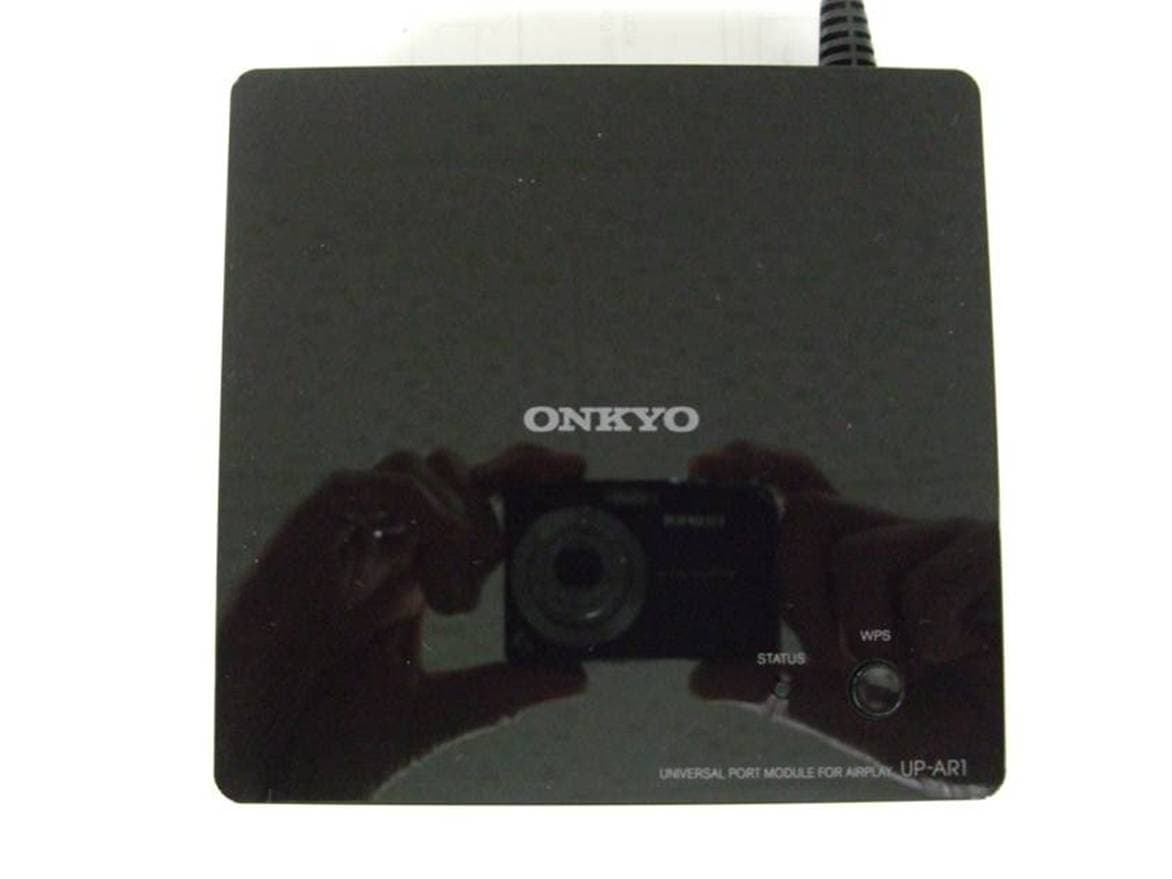
ATMUPAR1
Jul 09, 2011UNIVERSAL PORT MODULE FOR AIRPLAY
Equipment Class
JBP - Part 15 Class B Computing Device Peripheral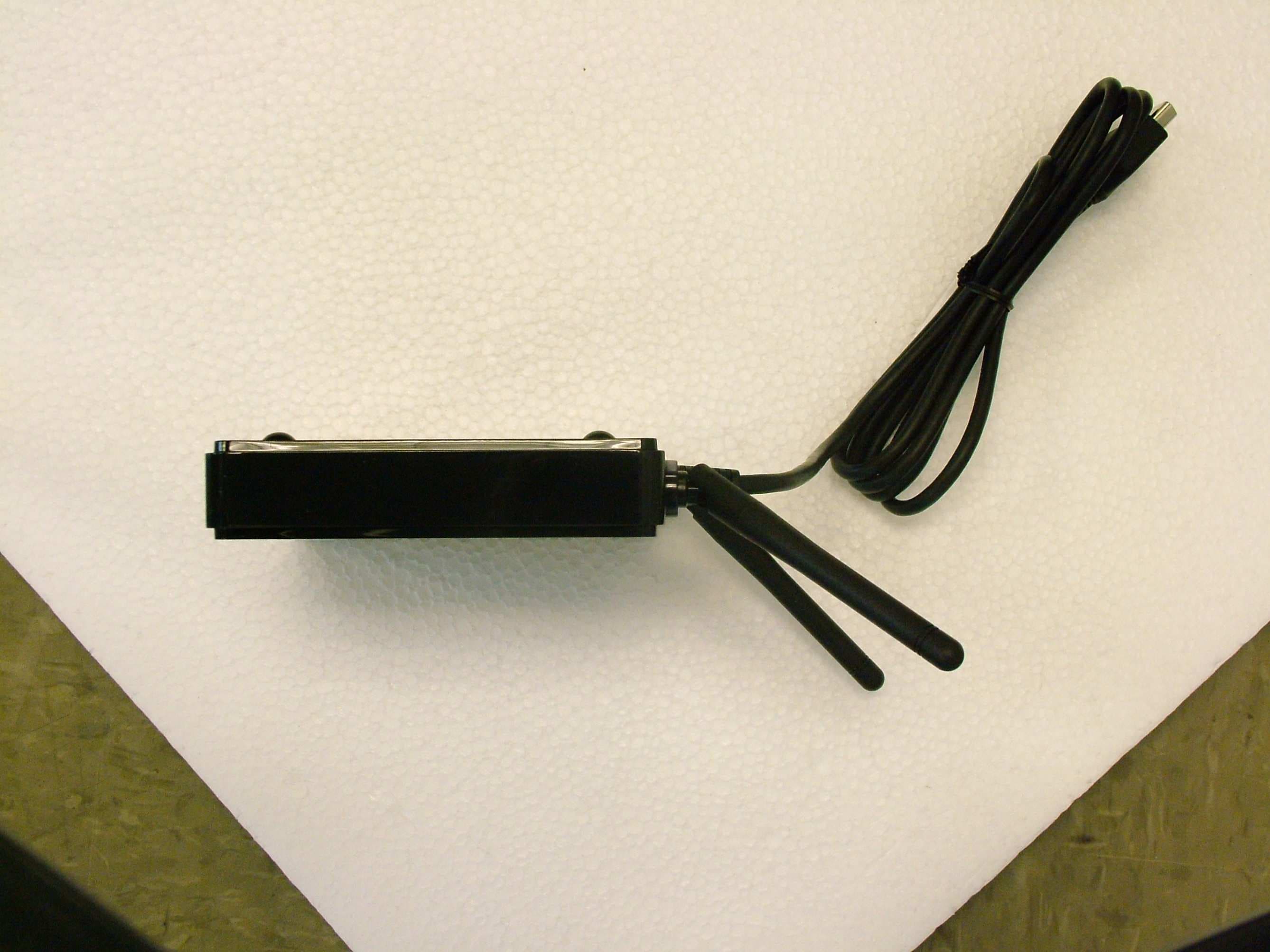
ATMUPT1WL
May 05, 2010UP-T1WL, NS-RB1
Equipment Class
DTS - Digital Transmission System