AXDMC330140217Wireless Hard Drive Enclosure
SANHO ELECTRONICS TECHNOLOGY CO., LTD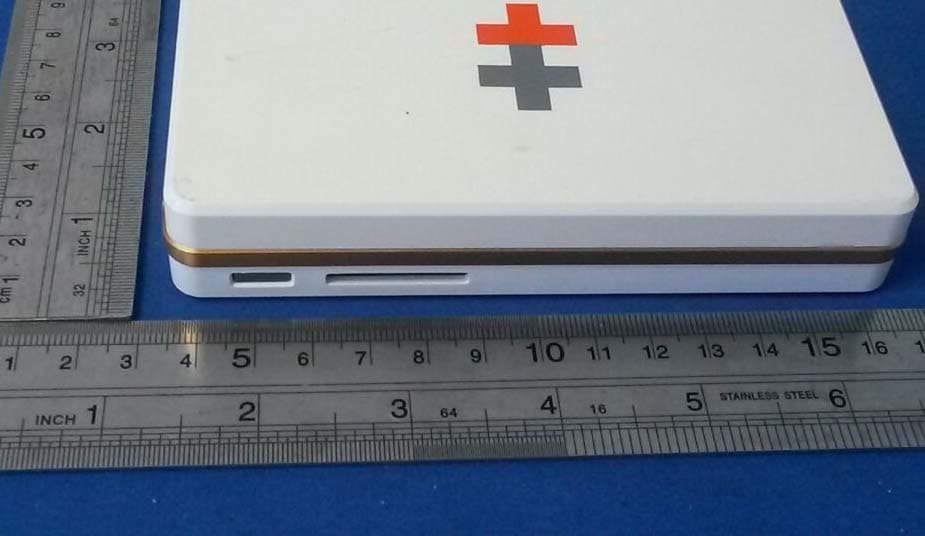
Click to zoom
Application Details
- Equipment Class
- DTS - Digital Transmission System
- Date of Grant
- Feb 27, 2014
- Application Purpose
- Original Equipment
- Date of Application
- Feb 27, 2014
- Equipment Note
- Wireless Hard Drive Enclosure
- Frequency Range
- 2412.00000000 - 2462.00000000
- Country
- China
Documents & Files
Document Text
Text extracted from the exhibit documents filed with the FCC. Open a document above to read the original.
Users Manual
User Manual www.iusbport.com FCC STATEMENT 1. This device complies with Part 15 of the FCC Rules. Operation is subject to the following two conditions: (1) This device may not cause harmful interference. (2) This device must accept any interference received, including interference that may cause undesirable operation. 2. Changes or modifications not expressly approved by the party responsible for compliance could void the user's authority to operate the equipment. NOTE: This equipment has been tested and found to comply with the limits for a Class B digital device, pursuant to Part 15 of the FCC Rules. These limits are designed to provide reasonable protection against harmful interference in a residential installation. This equipment generates, uses and can radiate radio frequency energy and, if not installed and used in accordance with these instructions, may cause harmful interference to radio communications. However, there is no guarantee that interference will not occur in a particular installation. If this equipment does cause harmful interference to radio or television reception, which can be determined by turning the equipment off and on, the user is encouraged to try to correct the interference by one or more of the following measures: Reorientate or relocate the receiving antenna. Increase the separation between the equipment and receiver. Connect the equipment into an outlet on a circuit different from that to which the receiver is connected. Consult the dealer or an experienced radio/TV technician for help. RF warning statement: The device has been evaluated to meet general RF exposure requirement. The device can be used in portable exposure condition without restriction. Sanho warrants to the end user, that this product, excluding content and/or software supplied with or on the product, will be free from material defects in manufacture, will conform to Sanho's published product specifications, and will be fit for normal use during the Warranty Period specified below commencing on the date of purchase, provided that the product is legally placed on the market. To make a warranty claim please contact Sanho at the telephone number below or e-mail [email protected] within the Warranty Period and provide proof of purchase (showing date and place of purchase and name of the reseller) and product name, type and number. You may return the product after first obtaining a Return Material Authorization number and following any other guidelines listed. For further information see www.hypershop.com. Sanho may at its option repair this product or provide you with an equivalent product; and if unable to repair or replace the product, will refund the purchase price. Sanho will not be liable for indirect or consequential damage (including loss of data), or for damage caused by improper use (including use in an incompatible device and use not in accordance with the instructions), or by improper installation, unprofessional repair, modification or accident. This constitutes Sanho's entire liability which will never exceed the price you paid for it, plus the necessary costs you made for the warranty claim. Sanho products must not be used in applications where failure could threaten injury or life, such as life support systems. National, state and local laws may grant you other rights that are not affected by this warranty. Warranty Period: 1 Year Sanho Corporation 47456 Fremont Blvd. Fremont, CA 94538, U.S.A. Tel: +1-408-737-7878 Additional terms and conditions can be found at www.hypershop.com Usage of this product constitutes acceptance of these terms and conditions. Sanho Manufacturer's Limited Warranty Content What's In The Box Using iUSBport As USB Charger Using iUSBport As Wireless Storage Accessing iUSBportHD Storage Before Unplugging USB Mass Storage Device Normal Shutdown Changing SSID & Password Connecting iUSBport to an Existing WiFi Network Viewing Hard Drive S.M.A.R.T. Info Options of iUSBportHD Accessing iUSBportHD in Mac OS Accessing iUSBportHD in Windows Standard Network Service List Copy Specifications Battery Charging Connecting to Computer via USB ing Memory Card to iUSBportHD Upgrading the Firmware What's In The Box USB 2.0 Host Port Power Button WiFi Indicator Battery Indicator LCD Micro USB Charging Port Main Unit This User Manual Micro USB Charging Cable SDXC Slot HDD Indicator Micro USB 3.0 Device Port USB 3.0 Cable (This accessory is not included in the product package.) Battery Charging The product package does not include a USB charger. We recommend that you use a tablet (e.g. iPad) USB charger (5V/2.1A) to charge the battery. The battery indicator will light up orange during charging. When the battery is fully charged, the battery indicator will turn green. (~6hrs to full charge from empty) Battery Indicator USB Charger Connecting to Computer via USB Turn off iUSBportHD before connecting to computer via USB. We recommend using the USB cable provided with iUSBportHD. Tip The computer would not detect the iUSBportHD if it is turned on. e USB Mod Using iUSBport As USB Charger Connect device to USB port Press & hold power button for 3 seconds iUSBport is able to function as a USB charger for a wide range of mobile devices. It outputs 5V,1A from its USB port, allowing it to charge USB devices like smartphone. When done press power button again to turn off iUSBport USB charging indicator is flashing Using iUSBport As Wireless Storage Connect device to USB port Insert the SDXC card Press power button and release it when the LCD lights up. Wait for 30 seconds until WiFi indicator is flashing. LCD displays all system information. iUSBHD_xxx <Password> 199.0.0.1 Battery Icon HDD Icon HDD Suspended HDD Working USB Storage IconSD Card Icon SSID Password (AP) AP Name (Client) Additional Information Go to "Settings" in your WiFi device (e.g. iPad, iPhone) Select from the list of WiFi networks. iUSBHD_xxxx iUSBHD_xxxx Accessing iUSBportHD Storage Select "Safari" or any web brows…
Text truncated - open the document above for the full version.
Cover Letter(s)
SANHO ELECTRONICS TECHNOLOGY CO., LTD 1/F, BLOCK 1, #1177 LINGYUN ROAD, NINGBO,CHINA FCC ID: AXDMC330140217 To Whom It May Concern: We, the undersigned, hereby attest to the fact that we will apply the Declaration of Conformity procedure to the class B computer peripheral portion of this composite device. We understand that devices subject to the DoC procedure are required to be tested to show compliance with the FCC technical regulations by a recognized accredited testing laboratory. The testing laboratory must be accredited by a Commission approved accreditation body or designated under the terms of a government-to-government Mutual Recognition Agreement (MRA). A listing of those accredited testing laboratories that have been recognized by the Commission is published on the FCC FCC DOC is applying and FCC DOC approval will be got prior to marketing the device Test facilities located in countries, where the U.S. does not have an operational Telcom MRA are not recognized by the FCC to test for the DoC procedure. Sincerely, Signature: name / title :Kang Lu/ Manager information / address: SANHO ELECTRONICS TECHNOLOGY CO., LTD ( 1/F, BLOCK 1, #1177 LINGYUN ROAD, NINGBO,CHINA ) FCC DOC is applying and FCC DOC approval will be got prior to marketing the device. We well know that Test facilities located in countries, where the U.S. does not have an operational Telcom MRA are not recognized by the FCC to test for the DoC procedure.
Cover Letter(s)
SANHO ELECTRONICS TECHNOLOGY CO., LTD 1/F, BLOCK 1, #1177 LINGYUN ROAD, NINGBO,CHINA DATE:2014-02-20 Equipment Autorisation Division Federal Communications Commission 7435 Oakland Mills Road Columbia, MD 21046 FCC ID: AXDMC330140217 Product Name: Wireless Hard Drive Enclosure Request for Confidentiality Pursuant to Sections 0.457 and 0.459 of the commissions rules, we hereby request that the following documents be held confidential: • Schematics • Block diagram • Operation description These materials contain trade secrets and proprietary information and are not customarily released to the public. The public disclosure of this information might be harmful to the company and provide unjustified benefits to our competitors. Dated this Day of 02/20/2014 By: Kang Lu Signature Printed Title: Manager On behalf of : SANHO ELECTRONICS TECHNOLOGY CO., LTD Telephone: +86-574-87906631
Cover Letter(s)
Updated on 2005/02/07 by Kally Chan SANHO ELECTRONICS TECHNOLOGY CO., LTD 1/F, BLOCK 1, #1177 LINGYUN ROAD, NINGBO,CHINA FCC ID: AXDMC330140217 Hereby we: SANHO ELECTRONICS TECHNOLOGY CO., LTD (Name of Manufacturer) Basic Model Number: iUSBport HD Basic Brand Name: HYPER DRIVE Basic Product Name: Wireless Hard Drive Enclosure Declare the Circuit, PCB Layout, shape of enclosure and Electrical Parts of the following product(s) are identical to the basic model: New / Additional Model Number(s): MC330 New / Additional Brand Name(s): / Except the following(s) : Model numbers Signature with Company Chop : Printed Name : Kang Lu DATE:2014-2-20
ID Label/Location Info
Label Location
Internal Photos
Antenna location
RF Exposure Info
FCC ID: AXDMC330140217 Test Result of RF Exposure Evaluation According to the KDB-447498 D01 V05, the following RF exposure evaluation shall to demonstrate RF exposure compliance. [(max. power of channel, including tune-up tolerance, mW) / (min. test separation distance,mm)] * [√f(GHz)] Frequency GHz Maximum Output Power: mW Separation distance mm RF exposure 2.412 7.05 5 1.6 2.437 7.27 5 1.6 2.462 7.20 5 1.6 Worse case is as below: [2437MHz 7.27dBm(5.33mW) output power] (5.33mW /5mm) ·[√2.437(GHz)]= 1.664 <3.0 for 1-g SAR Conclusion: So no SAR is required.
Test Report
FCC ID: AXDMC330140217 Keyway Testing Technology Co., Ltd. Report No. 14KWE021169F Page 1 of 58 FCC TEST REPORT for SANHO ELECTRONICS TECHNOLOGY CO., LTD Wireless Hard Drive Enclosure Model Number: iUSBport HD, MC330 FCC ID: AXDMC330140217 Prepared for : SANHO ELECTRONICS TECHNOLOGY CO., LTD Address : 1/F, BLOCK 1, #1177 LINGYUN ROAD, NINGBO,CHINA Prepared by : Keyway Testing Technology Co., Ltd. Address : Baishun Industrial Zone, Zhangmutou Town, Dongguan, Guangdong, China Tel: 86-769-8718 2258 Fax: 86-769-8718 1058 Report No. : 14KWE021169F Date of Test : Feb. 11~17, 2014 Date of Report : Feb. 18, 2014 FCC ID: AXDMC330140217 Keyway Testing Technology Co., Ltd. Report No. 14KWE021169F Page 2 of 58 TABLE OF CONTENTS Test Report Declaration Page 1. GENERAL PRODUCT INFORMATION ............................................................................4 1.1. Product Function.................................................................................................................... 4 1.2. Description of Device (EUT) .................................................................................................. 4 1.3. Independent Operation Modes .............................................................................................. 4 2. TEST SITES .....................................................................................................................5 2.1. Test Facilities ......................................................................................................................... 5 2.2. List of Test and Measurement Instruments............................................................................ 6 3. TEST SET-UP AND OPERATION MODES......................................................................7 3.1. Principle of Configuration Selection ....................................................................................... 7 3.2. Block Diagram of Test Set-up ................................................................................................ 7 3.3. Test Operation Mode and Test Software ............................................................................... 7 3.4. Special Accessories and Auxiliary Equipment ....................................................................... 7 3.5. Countermeasures to Achieve EMC Compliance.................................................................... 7 4. EMISSION TEST RESULTS.............................................................................................8 4.1. Conducted Emission at the Mains Terminals Test................................................................. 8 4.2. Radiated Emission Test ....................................................................................................... 10 5. 6DB OCCUPY BANDWIDTH..........................................................................................27 5.1. Limits.................................................................................................................................... 27 6. BAND EDGE COMPLIANCE TEST ................................................................................34 6.1. Limits.................................................................................................................................... 34 6.2. Test setup ............................................................................................................................ 34 7. OUTPUT POWER TEST................................................................................................40 7.1. Limits.................................................................................................................................... 40 7.2. Test setup ............................................................................................................................ 40 7.3. Test result ............................................................................................................................ 40 8. POWER SPECTRAL DENSITY TEST............................................................................45 8.1. Limits.................................................................................................................................... 45 8.2. Test setup ............................................................................................................................ 45 8.3. Test result ............................................................................................................................ 45 9. ANTENNA REQUIREMENTS .........................................................................................52 9.1. Limits.................................................................................................................................... 52 9.2. Result................................................................................................................................... 52 10. PHOTOGRAPHS OF TEST SET-UP ..........................................................................53 10.1. Set-up for Radiated Emission Test ...................................................................................... 53 10.2. Set-up for Radiated Emission Test ...................................................................................... 54 11. PHOTOGRAPHS OF THE EUT ..................................................................................55 FCC ID: AXDMC330140217 Keyway Testing Technology Co., Ltd. Report No. 14KWE021169F Page 3 of 58 Keyway Testing Technology Co., Ltd. Applicant: Address: SANHO ELECTRONICS TECHNOLOGY CO., LTD 1/F, Block 1, #1177 Lingyun Road, Ningbo,China Manufacturer: Address: SANHO ELECTRONICS TECHNOLOGY CO., LTD 1/F, Block 1, #1177 Lingyun Road, Ningbo,China E.U.T: Wireless Hard Drive Enclosure Model Number: iUSBport HD, MC330 Trade Name: HYPER DRIVE Serial No.: ------ Date of Receipt: Feb. 10, 2014 Date of Test: Feb. 11~17, 2014 Test Specification: FCC Part 15, Subpart C: Oc…
Text truncated - open the document above for the full version.
Test Setup Photos
1.1. Set-up for Radiated Emission Test 1.2. Set-up for Radiated Emission Test
Contact Information
Applicant
KANG LU
Test Firm
Keyway Testing Technology Co., Ltd.Jade Yang
Technical Specifications
| # | Rule Parts | Frequency Range | Power Output |
|---|---|---|---|
| 1 | 15C | 2.41 GHz - 2.46 GHz | 5.33 mW |
Other Applications from SANHO ELECTRONICS TECHNOLOGY CO., LTD
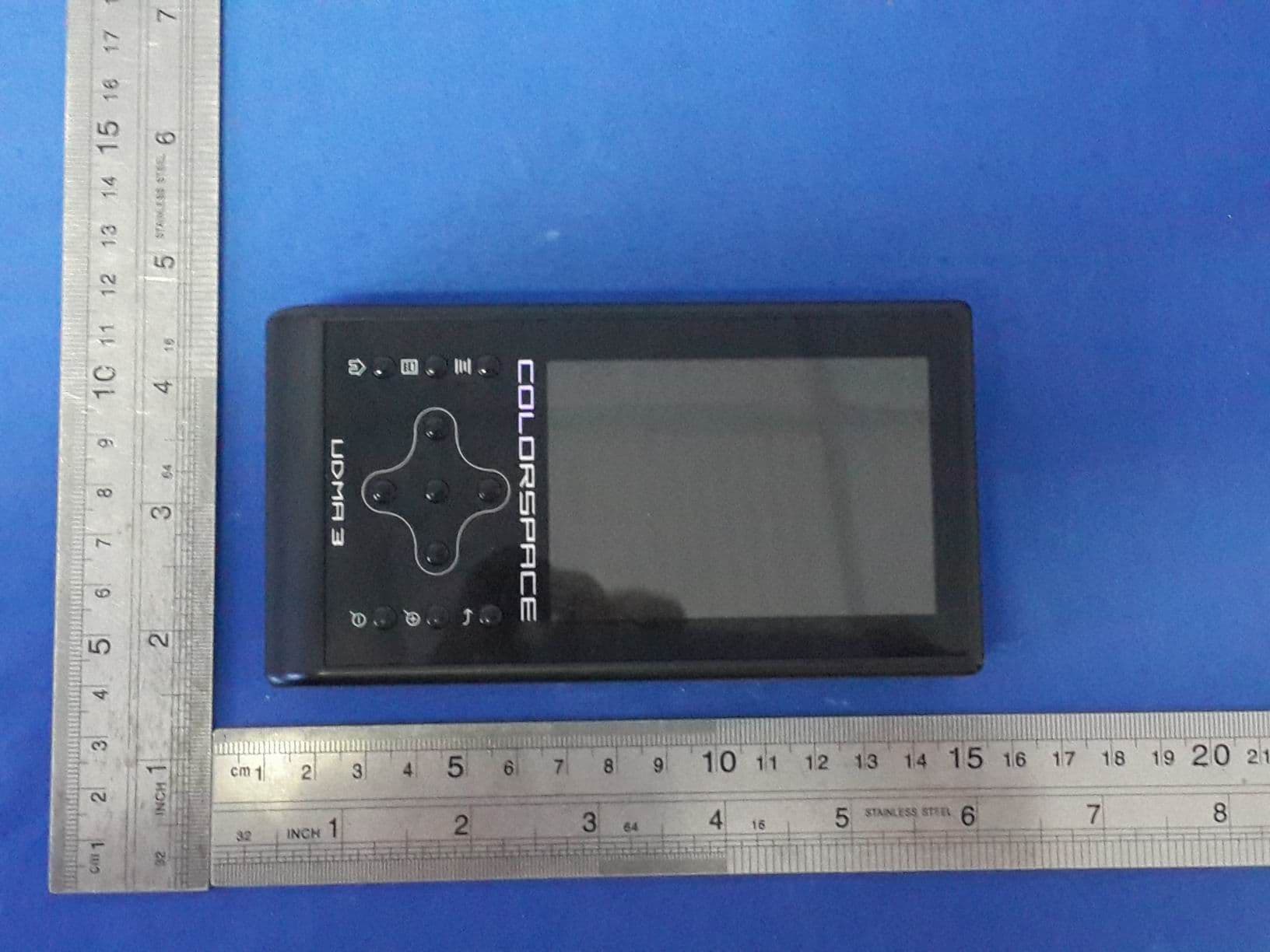
AXDUDMA3
Sep 07, 2015Wireless Hard Drive Enclosure
Equipment Class
DTS - Digital Transmission System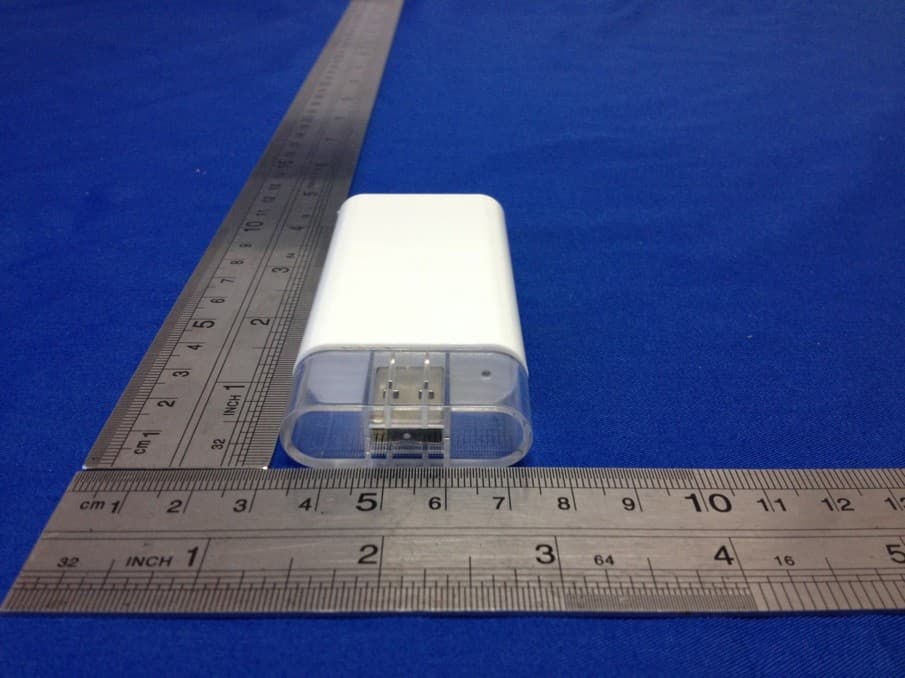
AXDWD100130610
Sep 16, 2013Wireless Portable Storage Device
Equipment Class
DTS - Digital Transmission System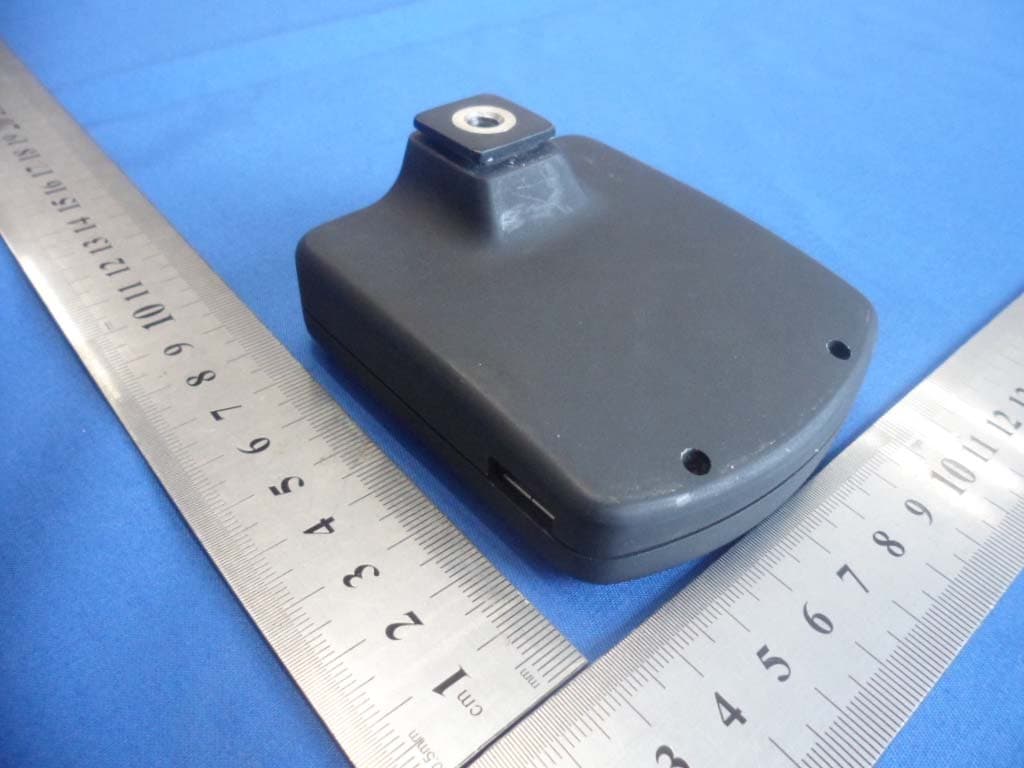
AXD602130108
Jan 24, 2013Wireless Camera Controller
Equipment Class
DTS - Digital Transmission System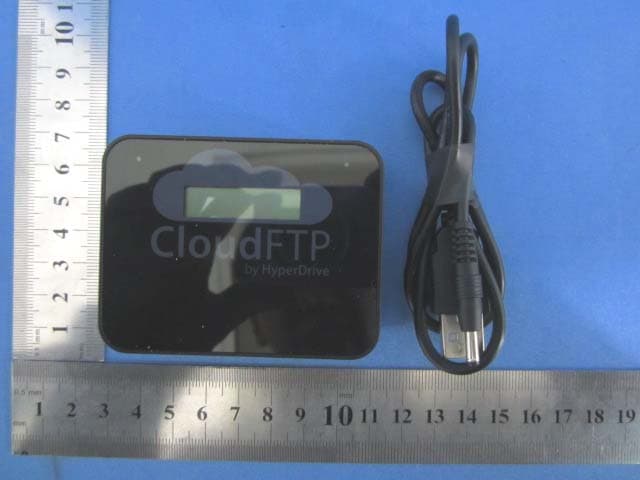
AXDWD700120319
Mar 25, 2012USB to WiFi Adapter
Equipment Class
DTS - Digital Transmission System