AXDWD700120319USB to WiFi Adapter
SANHO ELECTRONICS TECHNOLOGY CO., LTD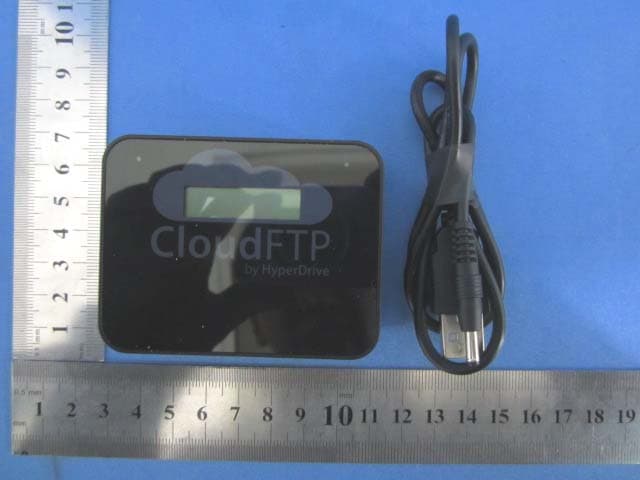
Click to zoom
Application Details
- Equipment Class
- DTS - Digital Transmission System
- Date of Grant
- Mar 25, 2012
- Application Purpose
- Original Equipment
- Date of Application
- Mar 22, 2012
- Equipment Note
- USB to WiFi Adapter
- Frequency Range
- 2422.00000000 - 2452.00000000
- Country
- China
Documents & Files
Document Text
Text extracted from the exhibit documents filed with the FCC. Open a document above to read the original.
Users Manual
Getting Started CloudFTP iPad There are a variety of situations may cause loss of user data, such as improper operation, incompatible file system, computer virus, hard disk failure and product failure. If any of the above situations occurred, the manufacturer is only liable for repairing or replacing the product itself. If you do not agree to this term, you may return the unused product to the distributor with full refund. If you have already used this product, then it is deemed that you have agreed to the terms and conditions. Liability for Loss of Data Using this Product for Important Purposes We recommend you to conduct a pre-test following your intended plan before using this product for important purposes. This will ensure that you can operate this product properly and this product will operate normally during the actual usage. Notes for Prolonged Usage This product will become hot under prolonged usage; this is not a malfunction. For prolonged usage, please try to use the external power supply whenever it is possible and always pay attention to the battery indicator. Disclaimer What's In The Box CloudFTP iPad USB Port Power Button WiFi Indicator Charging Indicator LCD Charging Port Main Unit Getting Started USB Charging Cable (This accessory is not included in the product package.) Charging Battery The product package does not include a USB charger. We recommend that you use a tablet (e.g. iPad) USB charger (5V/2A) to charge the battery. The charging indicator will light up orange during charging. when the battery is fully charged, the charging indicator will turn green. (~4hrs to full charge from empty) Charging Indicator USB Charger CloudFTP iPad Using CloudFTP CloudFTP 12345 Connect device to USB port Press power button WiFi indicator is flashing Password of Ad-hoc network WiFi SSID Go to "Settings" in your WiFi device(e.g. iPad,iPhone) Select "CloudFTP" from the list of WiFi networks. CloudFTP CloudFTP Access USB Mass Storage Device Select "Safari" or any web browser on WiFi device(e.g. iPad,iPhone) The contents of the USB device will be displayed in the browser. Partition Drives Content Enter 'cloudftp' in the URL address bar of the web browser Setting Before Unplugging USB Mass Storage Device Sync 12345 Press power button When device shutdown, unplug USB device LCD display "Shutdown?" (Alternate Method) Remote Shutdown Click "Setting" Click "Stop Server Safely" Press power button to confirm Normal Shutdown Force Shutdown Shutdown? 12345 Press power button Press & hold power button Press power button again Release power button LCD display "Shutdown?" Hold for 5 seconds Specification CloudFTP USB2.0 High Speed 480MBps WiFi 802.11b/g/n Mono STN 132*32 DC 5V 2A 2600mAh 18650 Li-on USB Charging Cable x 1 Getting Started x 1 Access Point Mode Infrastucture Mode Web Server with extension FTP Server iPad/iPhone/Android/WiFi Devices USB Mass Storage Compliant Devices Model: USB Port: Wireless: LCD: Charging Rate: Battery: Standard Accessories : Wireless Mode: Network Service: Compatible With: CloudFTP Sanho Corp. 2012 FCC STATEMENT: 1. This device complies with part 15 of the FCC Rules. Operation is subject to the following two conditions: (1) This device may not cause harmful interference, and (2) this device must accept any interference received, including interference that may cause undesired operation. 2. Changes or modifications not expressly approved by the party responsible for compliance could void the user's authority to operate the equipment. NOTE: This equipment has been tested and found to comply with the limits for a Class B digital device, pursuant to Part 15 of the FCC Rules. These limits are designed to provide reasonable protection against harmful interference in a residential installation. This equipment generates, uses and can radiate radio frequency energy and, if not installed and used in accordance with the instructions, may cause harmful interference to radio communications. However, there is no guarantee that interference will not occur in a particular installation. If this equipment does cause harmful interference to radio or television reception, which can be determined by turning the equipment off and on, the user is encouraged to try to correct the interference by one or more of the following measures: -- Reorient or relocate the receiving antenna. -- Increase the separation between the equipment and receiver. -- Connect the equipment into an outlet on a circuit different from that to which the receiver is connected. -- Consult the dealer or an experienced radio/TV technician for help.
Cover Letter(s)
SANHO ELECTRONICS TECHNOLOGY CO., LTD 1/F, BLOCK 1, #1177 LINGYUN ROAD, NINGBO, CHINA 2012-03-20 Equipment Autorisation Division Federal Communications Commission 7435 Oakland Mills Road Columbia, MD 21046 FCC ID: AXDWD700120319 Product Name: USB to WiFi Adapter Request for Confidentiality Pursuant to Sections 0.457 and 0.459 of the commissions rules, we hereby request that the following documents be held confidential: • Schematics • Block diagram • Operational Description These materials contain trade secrets and proprietary information and are not customarily released to the public. The public disclosure of this information might be harmful to the company and provide unjustified benefits to our competitors. Dated this 03/20/2012 By: LUKANG Signature Printed Title: Manager On behalf of : SANHO ELECTRONICS TECHNOLOGY CO., LTD Telephone: 0574-87906631
ID Label/Location Info
Label size: 15mm*65mm
ID Label/Location Info
Label Location
RF Exposure Info
1. RF Exposure Evaluation 1.1 Limits The criteria listed in the following table shall be used to evaluate the environment impact of human exposure to radio frequency (RF) radiation as specified in 1.1307(b) Limits for Maximum Permissible Exposure (MPE) Frequency range (MHz) Electric field strength (V/m) Magnetic field strength (A/m) Power density (mW/cm 2 ) Averaging time (minutes) (A) Limits for Occupational/Controlled Exposures 0.3–3.0 614 1.63 *(100) 6 3.0–30 1842/f 4.89/f *(900/f 2 ) 6 30–300 61.4 0.163 1.0 6 300–1500 f/300 6 1500–100,000 5 6 (B) Limits for General Population/Uncontrolled Exposure 0.3–1.34 614 1.63 *(100) 30 1.34–30 824/f 2.19/f *(180/f 2 ) 30 30–300 27.5 0.073 0.2 30 300–1500 f/1500 30 1500–100,000 1.0 30 f = frequency in MHz Friis transmission formula: Pd = (Pout*G)/(4*pi*r 2 ) Where Pd = power density in mW/cm 2 , Pout = output power to antenna in mW; G = gain of antenna in linear scale, Pi = 3.1416; R = distance between observation point and center of the radiator in cm Pd id the limit of MPE, 1 mW/cm 2 . If we know the maximum gain of the antenna and the total power input to the antenna, through the calculation, we will know the distance r where the MPE limit is reached. 1.2 Test Procedure Software provided by client enabled the EUT to transmit and receive data at lowest, middle and highest channel individually. 1.3 Test Result of RF Exposure Evaluation 802.11n(H20) mode Channel Output power to antenna (mW) Power Density at R=20cm (mW/cm 2 ) Limit (mW/cm 2 ) Result Lowest 82.414 0.02598 1.0 PASS Middle 77.983 0.02459 1.0 PASS Highest 87.297 0.02753 1.0 PASS 802.11n(H40) mode Channel Output power to antenna (mW) Power Density at R=20cm (mW/cm 2 ) Limit (mW/cm 2 ) Result Lowest 74.473 0.02348 1.0 PASS Middle 76.736 0.02420 1.0 PASS Highest 74.645 0.02354 1.0 PASS Remark: antenna gain=2.0 dBi
Test Report
Global United Technology Services Co., Ltd. Report No: GTSE12030017001 Authorized Signature: Stephen Guo Laboratory Manager This report details the results of the testing carried out on one sample. The results contained in this test report do not relate to other samples of the same product and does not permit the use of the GTS product certification mark. The manufacturer should ensure that all products in series production are in conformity with the product sample detailed in this report. This report may only be reproduced and distributed in full. If the product in this report is used in any configuration other than that detailed in the report, the manufacturer must ensure the new system complies with all relevant standards. Any mention of GTS International Electrical Approvals or testing done by GTS International Electrical Approvals in connection with, distribution or use of the product described in this report must be approved by GTS International Electrical Approvals in writing. This document cannot be reproduced except in full, without prior written approval of the Company. Any unauthorized alteration, forgery or falsification of the content or appearance of this document is unlawful and offenders may be prosecuted to the fullest extent of the law. Unless otherwise stated the results shown in this test report refer only to the sample(s) tested and such sample(s) are retained for 90 days only.” 1 Cover Page FCC REPORT Applicant: SANHO ELECTRONICS TECHNOLOGY CO., LTD Address of Applicant: 1/F, BLOCK 1, #1177 LINGYUN ROAD, NINGBO, CHINA Equipment Under Test (EUT) Product Name: USB to WiFi Adapter Model No.: CloudFTP FCC ID: AXDWD700120319 Applicable standards: FCC CFR Title 47 Part 15 Subpart C Section 15.247:2010 Date of sample receipt: Mar. 09, 2012 Date of Test: Mar. 09-16, 2012 Date of report issued: Mar. 19, 2012 Test Result : PASS * * In the configuration tested, the EUT complied with the standards specified above. Report No: GTSE12030017001 Global United Technology Services Co., Ltd. Project No.: GTSE120300170RF 2nd Floor, Block No.2, Laodong Industrial Zone, Xixiang Road Baoan District, Shenzhen, China 518102 Telephone: +86 (0) 755 2779 8480 Fax: +86 (0) 755 2779 8960 Page 2 of 48 2 Version Version No. Date Description 00 Mar. 16, 2012 Original Prepared By: Date: Mar. 16, 2012 Project Engineer Check By: Date: Mar. 16, 2012 Reviewer Report No: GTSE12030017001 Global United Technology Services Co., Ltd. Project No.: GTSE120300170RF 2nd Floor, Block No.2, Laodong Industrial Zone, Xixiang Road Baoan District, Shenzhen, China 518102 Telephone: +86 (0) 755 2779 8480 Fax: +86 (0) 755 2779 8960 Page 3 of 48 3 Contents Page 1 COVER PAGE..............................................................................................................................................................1 2 VERSION.......................................................................................................................................................................2 3 CONTENTS...................................................................................................................................................................3 4 TEST SUMMARY.........................................................................................................................................................4 5 GENERAL INFORMATION........................................................................................................................................5 5.1 CLIENT INFORMATION............................................................................................................................................5 5.2 GENERAL DESCRIPTION OF E.U.T........................................................................................................................5 5.3 TEST MODE............................................................................................................................................................7 5.4 TEST FACILITY.......................................................................................................................................................7 5.5 TEST LOCATION.....................................................................................................................................................7 5.6 OTHER INFORMATION REQUESTED BY THE CUSTOMER.......................................................................................7 5.7 DESCRIPTION OF SUPPORT UNITS........................................................................................................................7 5.8 TEST INSTRUMENTS LIST.......................................................................................................................................8 6 TEST RESULTS AND MEASUREMENT DATA.....................................................................................................9 6.1 ANTENNA REQUIREMENT:......................................................................................................................................9 6.2 CONDUCTED EMISSIONS.....................................................................................................................................10 6.3 CONDUCTED PEAK OUTPUT POWER..................................................................................................................13 6.4 EMISSION BANDWIDTH........................................................................................................................................16 6.5 POWER SPECTRAL DENSITY...............................................................................................................................19 6.6 BAND EDGES........................................................................................................................................................22 6.6.1 Conducted Emission Method .......................................................................…
Text truncated - open the document above for the full version.
Test Setup Photos
Radiated Emission Conducted Emission
Contact Information
Applicant
KANG LU
Technical Contact
Global United Technology Services Co., Ltd.Hans Hu
[email protected]+86-0755-2779 8480-
2nd Floor, Block No.2, Laodong Industrial Zone · Shenzhen · China
Non-Technical Contact
Global United Technology Services Co., Ltd.Crystal Zhang
[email protected]+86-0755-2779 8480-
Test Firm
Global United Technology Service Co., LtdRobinson Lo
Technical Specifications
| # | Rule Parts | Frequency Range | Power Output |
|---|---|---|---|
| 2 | 15C | 2.42 GHz - 2.45 GHz | 76.70 mW |
Other Applications from SANHO ELECTRONICS TECHNOLOGY CO., LTD
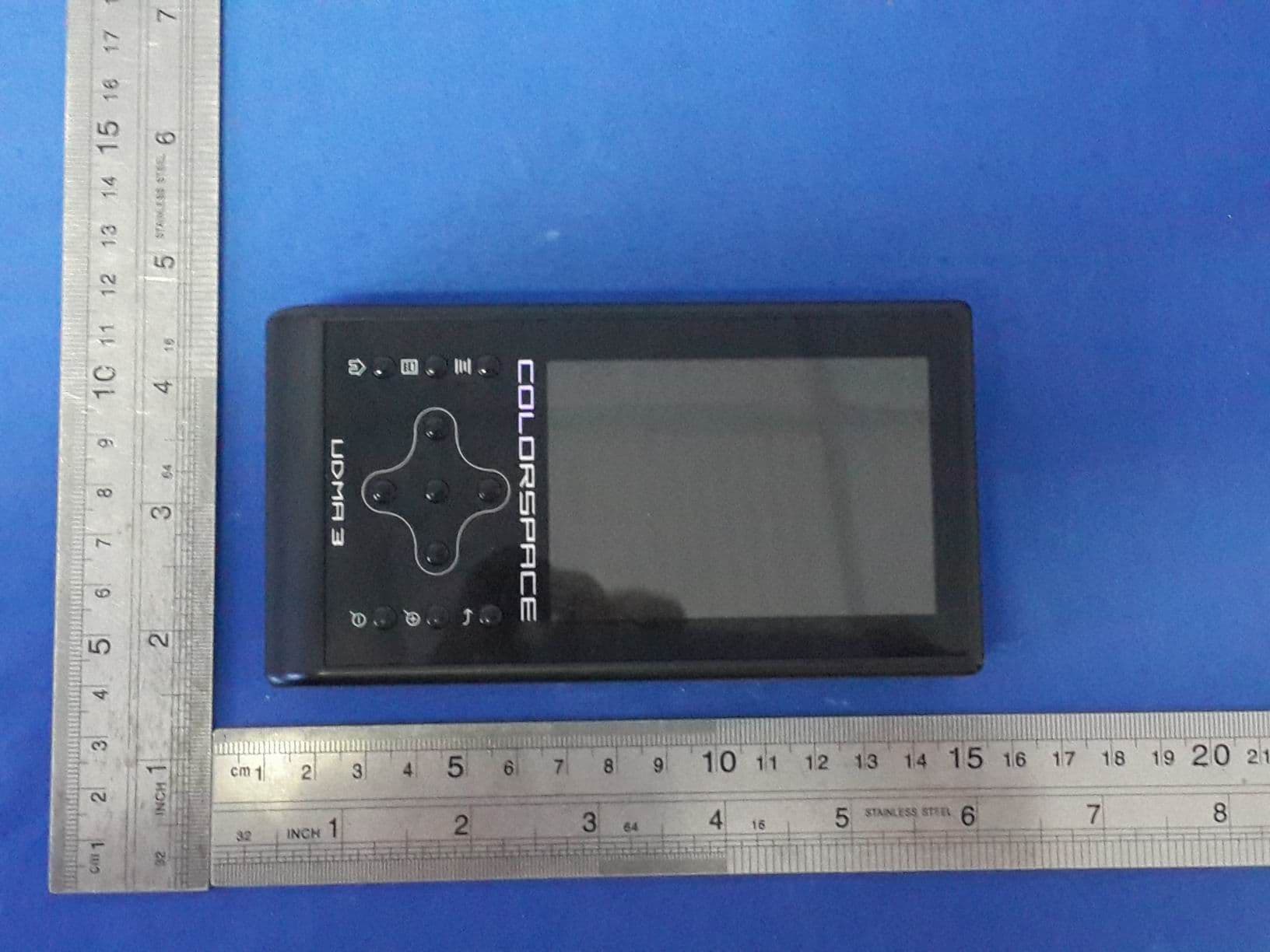
AXDUDMA3
Sep 07, 2015Wireless Hard Drive Enclosure
Equipment Class
DTS - Digital Transmission System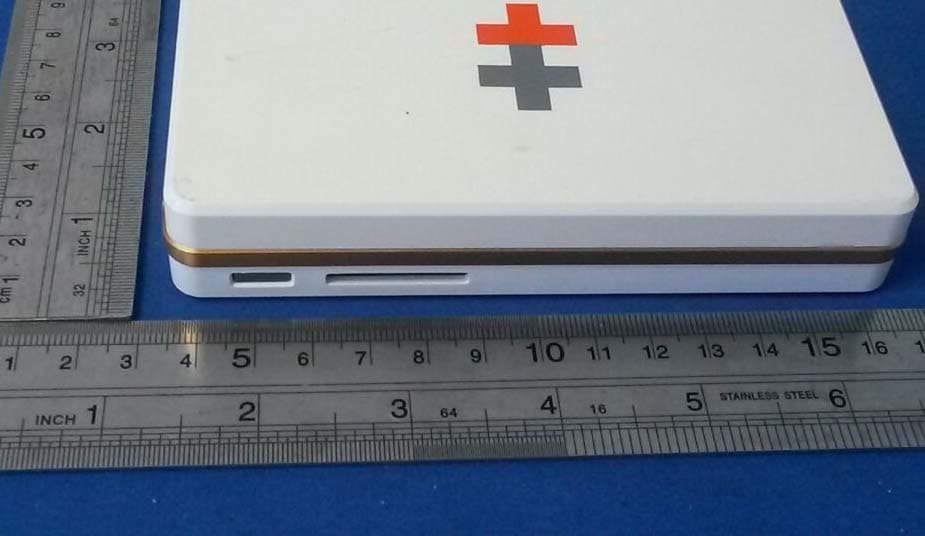
AXDMC330140217
Feb 27, 2014Wireless Hard Drive Enclosure
Equipment Class
DTS - Digital Transmission System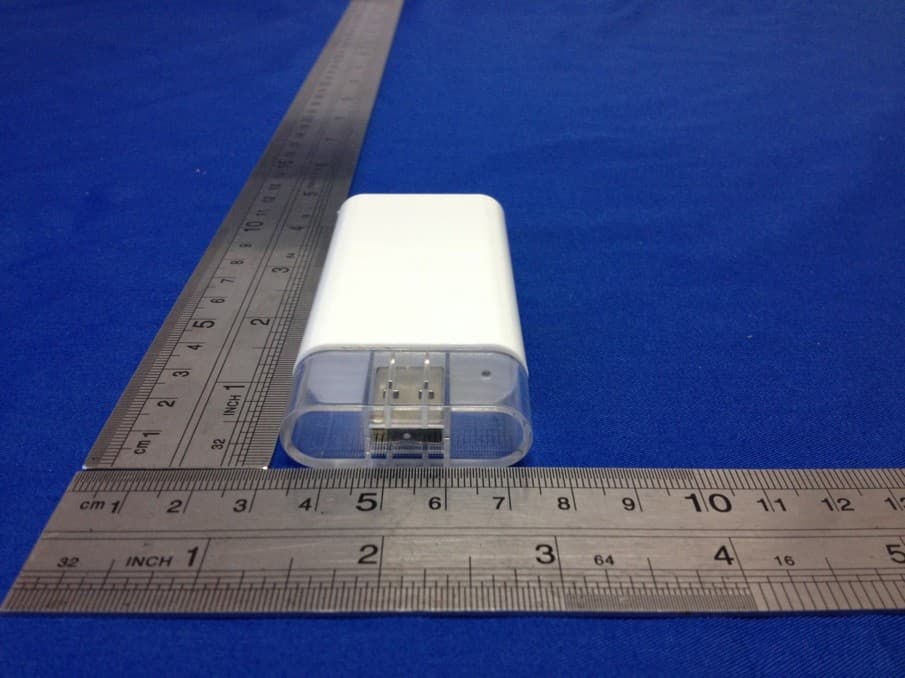
AXDWD100130610
Sep 16, 2013Wireless Portable Storage Device
Equipment Class
DTS - Digital Transmission System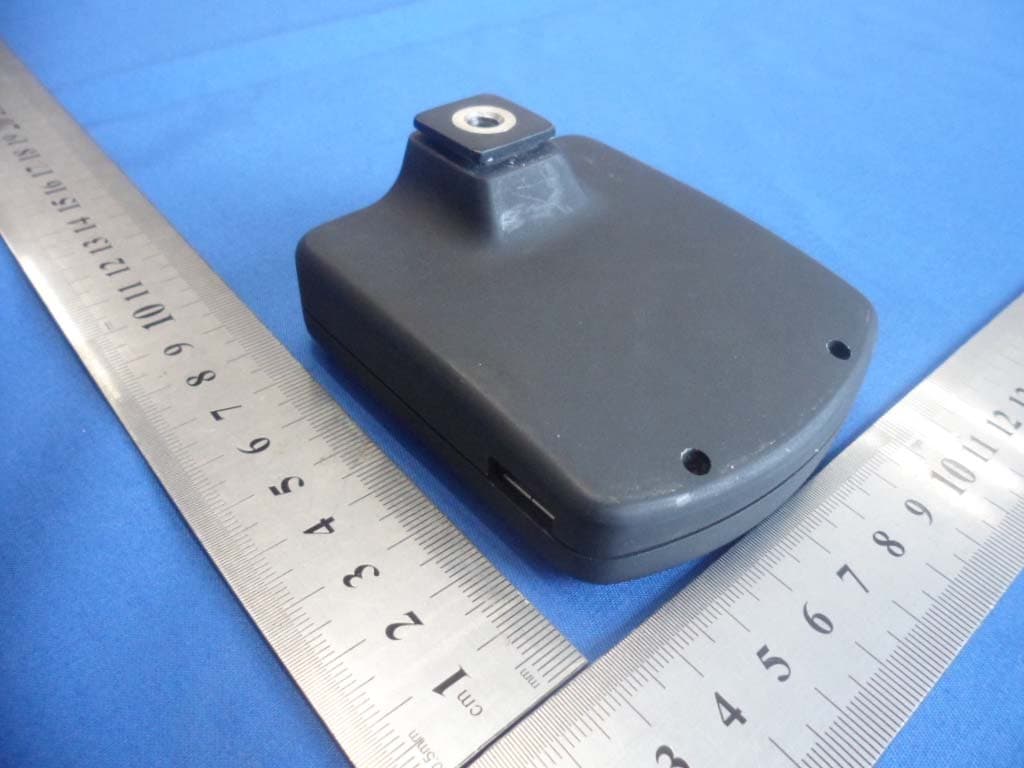
AXD602130108
Jan 24, 2013Wireless Camera Controller
Equipment Class
DTS - Digital Transmission System