AYBIMW545Bluetooth Speaker
AIPO International Co., Ltd.
Click to zoom
Application Details
- Equipment Class
- DSS - Part 15 Spread Spectrum Transmitter
- Date of Grant
- Jul 09, 2013
- Application Purpose
- Original Equipment
- Date of Application
- Jul 09, 2013
- Equipment Note
- Bluetooth Speaker
- Frequency Range
- 2402.00000000 - 2480.00000000
- Company
- AIPO International Co., Ltd.
- Country
- China
Documents & Files
Document Text
Text extracted from the exhibit documents filed with the FCC. Open a document above to read the original.
Users Manual
Item # IMW545 Owner’s Manual Introduction Thank you for purchasing the Altec Lansing IMW545 SOUNDBLADE Mobile Bluetooth Speaker. You can use this speaker to listen to audio wirelessly from devices such as smart phones, computers, iPods, tablets and most other Bluetooth sound sources. Please read this manual carefully FIRST in order to get the most out of your speaker. Important Safety Precautions When using your speaker basic safety precautions should always be followed, including the following: 1. READ ALL INSTRUCTIONS BEFORE USING YOUR SPEAKER. 2. Never expose your speaker to high temperatures or undue moisture or humidity. 3. In order to avoid the risk of electric shock, never attempt to open your speaker or repair it without the assistance of certified professionals. 4. If your speaker is exposed to water, please power it off immediately. 5. If you do not intend on using your speaker for an extended period of time, please unplug the AC power adapter from the power outlet and also disconnect it from your speaker. Features -Seamlessly stream music from your iPad, iPhone, Android device, laptop, tablet or other Bluetooth enabled device. -Supports Bluetooth V3.0 (and compatible with V2.0, V2.1) -AUX IN port allows you to connect additional audio sources using the included 3.5mm Auxiliary Cable. Package Contents 1. IMW545 SOUNDBLADE Mobile Bluetooth Speaker 2. AC Adapter 3. 3.5mm Auxiliary Cable 4. USB Charging Cable 5. Owner’s Manual with Warranty Information Technical Specifications -Weight: approximately 337g -Battery Life: up to 8 hours -AC Adaptor: 5V, 500mA -Power Adapter Input Rating: 100~240V, ~50/60Hz, 0. 5A -B luetooth Range: 10M -Working Frequency Band: 2.4GHz A Quick Look at Your Device 1. Phone Button 2. Volume Down 3. Volume Up 4. Line In 5. USB Charging Jack 6. On/Off Switch Charging Your Speaker 1. Connect one end of the included USB Charging Cable to the USB Charging Jack. Then plug the other end of the USB Charging Cable into one of your computer’s available USB ports to recharge your speaker’s internal rechargeable battery. NOTE: The internal battery of your speaker takes approximately two to three hours to charge when completely drained. 2. When charging, a red LED light will illuminate. The red light will turn off when your unit is fully charged. Understanding the LED Status Indicators 1. Bluetooth Connected: Once your speaker is paired to a Bluetooth audio source, a blue LED light flashes once every 5 seconds. 2. Incoming Call: A blue LED light flashes twice every 5 seconds to indicate that you are receiving an incoming call. 3. Low Power Alert: A red LED light will blink and you will hear a beeping noise every minute when your speaker’s battery power is low and needs to be recharged. 4. Charging: When charging, a red LED light will illuminate. The red light will turn off when your unit is fully charged. 5. Powering On: When powered on, a blue LED light will flash five times. 6. Powering Off: When powered on, a red LED light will flash three times. 7. Pairing: When your speaker is ready to pair with a Bluetooth audio source, red and blue LED lights will flash alternately. Powering Your Speakers ON & OFF 1. Slide the ON/OFF SWITCH to the ON position. You will hear an audio signal to indicate that your speaker is powered on, and a blue LED light will flash five times. 2. Slide the ON/OFF SWITCH to the OFF position. You will hear an audio signal to indicate that your speaker is powered off, and a red LED light will flash three times. Adjusting Volume When listening to audio, press the VOLUME UP or VOLUME DOWN buttons to increase or decrease the volume of your speaker. Press and hold either the VOLUME UP or VOLUME DOWN button to more rapidly increase or decrease the volume. Note that you can also control the volume using your audio source. In addition, note that some audio sources have separate Bluetooth volume control. Setting Up Your IMW545 Bluetooth Music Receiver Bluetooth Device Compatibility Your speaker connects with all Bluetooth devices that support the A2DP profile including iPads, iPhones, iPod touches, and most smart phones, laptops and tablets. Pairing a Bluetooth Device with Your Speaker Slide the ON/OFF SWITCH to the ON position in order to power on your speaker. You will hear an audio signal to indicate that your speaker is powered on. and a blue LED light will flash five times. Hold you’re your Bluetooth audio source within a few feet of your speaker, and make sure Bluetooth has been turned on. Your speaker will automatically prepare to pair, and red and blue LED lights will flash alternately. Now you are ready to pair your device with your iMW545 speaker. 1. Go to the Bluetooth Manager of your Bluetooth device. 2. Search Bluetooth devices and select “iMW545” to start connecting. 3. Enter “0000” if your device asks for the PIN code. 4. An audio signal will indicate when your speaker is paired with your Bluetooth audio source. Once paired, a blue LED light flashes once every 5 seconds. 5. Although the unit can only stream audio from one device at a time, it is capable of being paired with up to eight devices. This means that you only have to enter the PIN code one time for each device. Connecting a Paired Bluetooth Device 1. You should only need to pair your Bluetooth device with your speaker one time. 2. The next time your Bluetooth device and the unit are in range of each other, and the Bluetooth feature is turned on, they should automatically connect. 3. The unit will only automatically connect to the last Bluetooth device it was connected to. 4. If your paired device does not automatically connect, navigate to the Bluetooth menu on your device and select “iMW545” from the list. Note: Your iMW545 can pair with and remember multiple Bluetooth devices; however it can only connect with one device at a time. For more detailed instructions, please visit the FAQ section. Playing Audio from Your Bluetooth Device 1. Once your media device is connected to the u…
Text truncated - open the document above for the full version.
Cover Letter(s)
FCC Authorization Letter Number: CF304 Version: V01 Date: 01-02-2010 We, (the approval holder) Company name AIPO International Co., Ltd. Addresss Floor 5, block A, NO.8 East zone, Shangxue Technol City Buji Town, Longgang District, ShenZhen, Country China declare that the following representative (agent): Name (person) Jim.he Company name Shenzhen STONE Testing Technology Co.,Ltd. Addresss F/6, Bldg.12, Zhongxing Industrial City, Chuangye Rd., Nanshan District City Shenzhen Country China is hereby authorized to apply the following equipment for certification on our behalf: Product Description Bluetooth speaker Type or Model(s) IMW545 Tradename or Brand(s) We also authorize Teleconformity, Mr. M. Koop, (address: Rietven 31, 7534NH Enschede, Netherlands) to process this application. Attestation: City and Country: Date: Name: (this must be a person) Function: Signature: (or official company stamp) China 2013-7-1 Ariel Huang Manager AIPO International Co., Ltd.
External Photos
APPENDIX-PHOTOGRAPHS OF EUT CONSTRUCTIONAL DETAILS Photo 1 Photo 2 Photo 3 Photo 4 Photo 5 Photo 6 Photo 7
ID Label/Location Info
This device complies with Part 15 of the FCC Rules. Operation is subject to the following two conditions: 1. This device may not cause harmful interference, and 2. This device must accept any interference received, including interference that may cause undesired operation.
Internal Photos
Photo 8 Photo 9 Photo 10 Photo 11 Photo 12 Photo 13 Photo 14
RF Exposure Info
MPE Calculation FCC ID: A YBIMW545 Remark: A verage ≤ Peak, which means that calculating the power density applying Peak power is worst case. The worst case operation mode generating the highest power in each frequency range is taken for calculation. Frequency range:2402-2480MHzTypical use distance: d ≥20cm Power density limit for mobile devices at 2.4 GHz: S ≤1mW/cm 2 Maximum measured conducted power (Peak): Pconducted =2.095dBm =1.62mW A ntenna Gain: G = 0dBi =1on the linear scale Calculation: P radiated = P conducted + G linear =2.1dBm +0dBi =2.1dBm =1.62mW Power density S = (P radiated ) / (4π x d 2 ) =1.62/5026 =0.0003mW/cm 2 <1=> below limit
Test Report
FCC RADIO TEST REPORT FCC ID: AYBIMW545 Product: Bluetooth speaker Trade Name: Model Name: IMW545 Serial Model: N/A Report No.: ST1307029013E Prepared for AIPO International Co., Ltd Floor 5, block A, NO.8 East zone, Shangxue Technol Buji Town, Longgang District, ShenZhen, China Prepared by Shenzhen STONE Testing Technology Co.,Ltd. F/6, Bldg.12, Zhongxing Industrial City, Chuangye Rd., Nanshan District Shenzhen STONE Testing Technology Co.,Ltd. Page 2 of 83 Report No.: ST1307029013E TEST RESULT CERTIFICATION Applicant’s name................. : AIPO International Co., Ltd. Address ................................. : Floor 5, block A, NO.8 East zone, Shangxue Technol, Buji Town, Longgang District, ShenZhen, China Manufacture's Name............ : AIPO International Co., Ltd. Address ................................. : Floor 5, block A, NO.8 East zone, Shangxue Technol, Buji Town, Longgang District, ShenZhen, China Product description Product name ........................... : Bluetooth speaker Model and/or type reference : IMW545 Serial Model: N/A Standards............................. : FCC Part15.247:2012 Test procedure .............................. ANSI C63.4-2003, DA00-705 This device described above has been tested by STT, and the test results show that the equipment under test (EUT) is in compliance with the FCC requirements. And it is applicable only to the tested sample identified in the report. This report shall not be reproduced except in full, without the written approval of STT, this document may be altered or revised by STT, personal only, and shall be noted in the revision of the document. Date of Test............................................: Date (s) of performance of tests .............: 25 Jun. 2013 ~03 Jul. 2013 Date of Issue...........................................: 03 Jul. 2013 Test Result...............................................: Pass Prepared by : Assistant Reviewer : Supervisor Approved & Authorized Signer : Jacky Ou / Manager Shenzhen STONE Testing Technology Co.,Ltd. Page 3 of 83 Report No.: ST1307029013E Table of Contents Page 1 . SUMMARY OF TEST RESULTS 5 1.1 TEST FACILITY 6 1.2 MEASUREMENT UNCERTAINTY 6 2 . GENERAL INFORMATION 7 2.1 GENERAL DESCRIPTION OF EUT 7 2.2 DESCRIPTION OF TEST MODES 9 2.3 TABLE OF PARAMETERS OF TEXT SOFTWARE SETTING 9 2.4 BLOCK DIGRAM SHOWING THE CONFIGURATION OF SYSTEM TESTED 10 2.5 DESCRIPTION OF SUPPORT UNITS(CONDUCTED MODE) 11 2.6 EQUIPMENTS LIST FOR ALL TEST ITEMS 12 3 . EMC EMISSION TEST 13 3.1 CONDUCTED EMISSION MEASUREMENT 13 3.1.1 POWER LINE CONDUCTED EMISSION LIMITS 13 3.1.2 TEST PROCEDURE 14 3.1.3 DEVIATION FROM TEST STANDARD 14 3.1.4 TEST SETUP 14 3.1.5 EUT OPERATING CONDITIONS 14 3.1.6 TEST RESULTS 15 3.2 RADIATED EMISSION MEASUREMENT 17 3.2.1 RADIATED EMISSION LIMITS 17 3.2.2 TEST PROCEDURE 18 3.2.3 DEVIATION FROM TEST STANDARD 18 3.2.4 TEST SETUP 19 3.2.5 EUT OPERATING CONDITIONS 20 3.2.6 TEST RESULTS (BELOW 30 MHZ) 21 3.2.7 TEST RESULTS (BETWEEN 30M – 1000 MHZ) 22 3.2.8 TEST RESULTS (ABOVE 1000 MHZ) 24 3.2.9 TEST RESULTS (RESTRICTED BANDS REQUIREMENTS) 42 4 . NUMBER OF HOPPING CHANNEL 54 4.1 APPLIED PROCEDURES / LIMIT 54 4.1.1 TEST PROCEDURE 54 4.1.2 DEVIATION FROM STANDARD 54 4.1.3 TEST SETUP 54 4.1.4 EUT OPERATION CONDITIONS 54 4.1.5 TEST RESULTS 55 5 . AVERAGE TIME OF OCCUPANCY 57 Shenzhen STONE Testing Technology Co.,Ltd. Page 4 of 83 Report No.: ST1307029013E Table of Contents Page 5.1 APPLIED PROCEDURES / LIMIT 57 5.1.1 TEST PROCEDURE 57 5.1.2 DEVIATION FROM STANDARD 57 5.1.3 TEST SETUP 58 5.1.4 EUT OPERATION CONDITIONS 58 5.1.5 TEST RESULTS 59 6 . HOPPING CHANNEL SEPARATION MEASUREMENT 61 6.1 APPLIED PROCEDURES / LIMIT 61 6.1.1 TEST PROCEDURE 61 6.1.2 DEVIATION FROM STANDARD 61 6.1.3 TEST SETUP 61 6.1.4 EUT OPERATION CONDITIONS 61 6.1.5 TEST RESULTS 62 7 . BANDWIDTH TEST 68 7.1 APPLIED PROCEDURES / LIMIT 68 7.1.1 TEST PROCEDURE 68 7.1.2 DEVIATION FROM STANDARD 68 7.1.3 TEST SETUP 68 7.1.4 EUT OPERATION CONDITIONS 68 7.1.5 TEST RESULTS 69 8 . PEAK OUTPUT POWER TEST 75 8.1 APPLIED PROCEDURES / LIMIT 75 8.1.1 TEST PROCEDURE 75 8.1.2 DEVIATION FROM STANDARD 75 8.1.3 TEST SETUP 75 8.1.4 EUT OPERATION CONDITIONS 75 8.1.5 TEST RESULTS 76 9 . EUT TEST PHOTO 82 APPENDIX-PHOTOGRAPHS OF EUT CONSTRUCTIONAL DETAILS Shenzhen STONE Testing Technology Co.,Ltd. Page 5 of 83 Report No.: ST1307029013E 1. SUMMARY OF TEST RESULTS Test procedures according to the technical standards: FCC Part15 (15.247) , Subpart C Standard Section Test Item Judgment Remark 15.207 Conducted Emission PASS 15.247(a)(1) Hopping Channel Separation PASS 15.247(b)(1) Peak Output Power PASS 15.247(c) Radiated Spurious Emission PASS 15.247(a)(iii) Number of Hopping Frequency PASS 15.247(a)(iii) Dwell Time PASS 15.247(a)(1) Bandwidth PASS 15.205 Band Edge Emission PASS 15.203 Antenna Requirement PASS NOTE: (1)” N/A” denotes test is not applicable in this Test Report Shenzhen STONE Testing Technology Co.,Ltd. Page 6 of 83 Report No.: ST1307029013E 1.1 TEST FACILITY NTEK Testing Technology Co., Ltd. Add. : 1/F, Building E, Fenda Science Park, Sanwei Community, Xixiang Street, Bao’an District, Shenzhen P.R. China. FCC Registration Number: 238937; IC Registration Number: 9270A-1 CNAS Registration Number: L5516 1.2 MEASUREMENT UNCERTAINTY The reported uncertainty of measurement y ± U,where expended uncertainty U is based on a standard uncertainty multiplied by a coverage factor of k=2,providing a level of confidence of approximately 95 %。 No. Item Uncertainty 1 Conducted Emission Test ±1.38dB 2 RF power,conducted ±0.16dB 3 Spurious emissions,conducted ±0.21dB 4 All emissions,radiated(<1G) ±4.68dB 5 All emissions,radiated(>1G) ±4.89dB 6 Temperature ±0.5°C 7 Humidity ±2% Shenzhen STONE Testing Technology Co.,Ltd. Page 7 of 83 Report No.: ST1307029013E 2. GENERAL INFORMATION 2.1 GENERAL DESCRIPTION OF EUT Equipment Bluetooth speaker Model Name IMW545 Serial Model N/A Model Difference N/A Product Description The EUT is a Bluetooth speaker Operation Frequency…
Text truncated - open the document above for the full version.
Test Setup Photos
Shenzhen STONE Testing Technology Co.,Ltd. Page 82 of 83 Report No.: ST1307029013E 9. EUT TEST PHOTO Radiated Measurement Photos Shenzhen STONE Testing Technology Co.,Ltd. Page 83 of 83 Report No.: ST1307029013E Conducted Measurement Photos
Contact Information
Applicant
Ariel. Huang
Technical Contact
Test Firm
NTEK Testing Technology Co., Ltd.Wetow Huang
Technical Specifications
| # | Rule Parts | Frequency Range | Power Output |
|---|---|---|---|
| 1 | 15C | 2.40 GHz - 2.48 GHz | 1.60 mW |
Other Applications from AIPO International Co., Ltd.
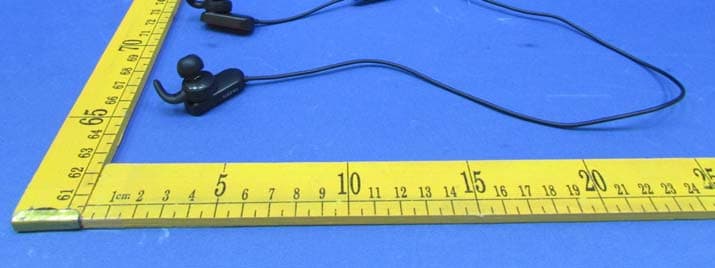
AYBHAEBT5
Aug 23, 2015Bluetooth Headphone
Equipment Class
DSS - Part 15 Spread Spectrum Transmitter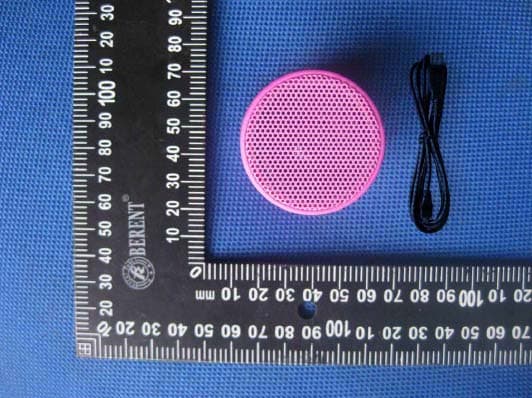
AYBBSK09
Jun 03, 2014Bluetooth Speaker
Equipment Class
DTS - Digital Transmission System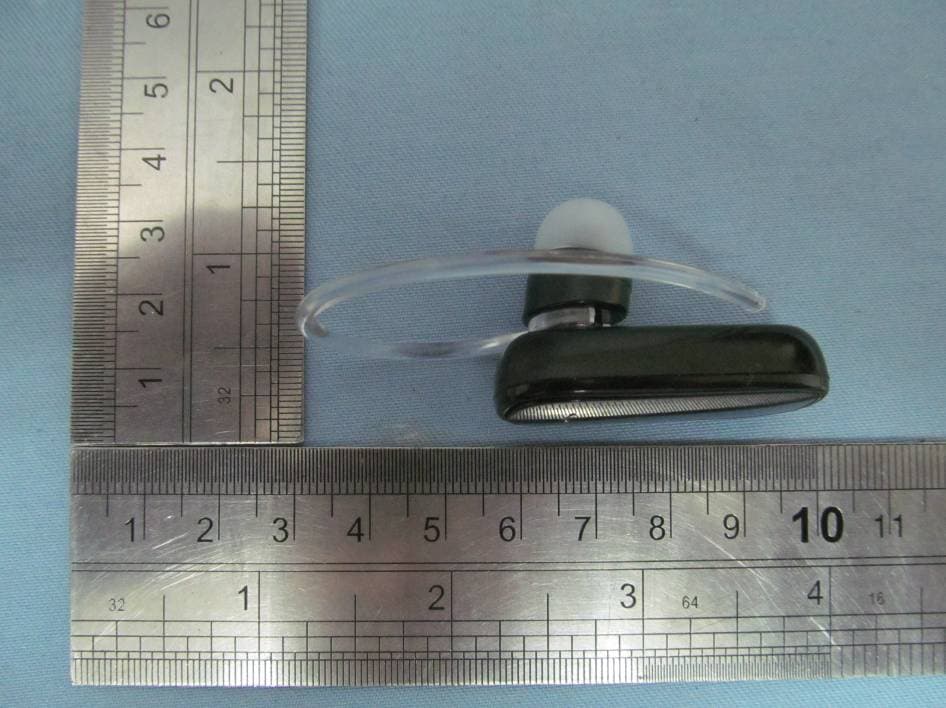
AYBACB-BH119A
Feb 21, 2012Bluetooth Mono Headset
Equipment Class
DSS - Part 15 Spread Spectrum Transmitter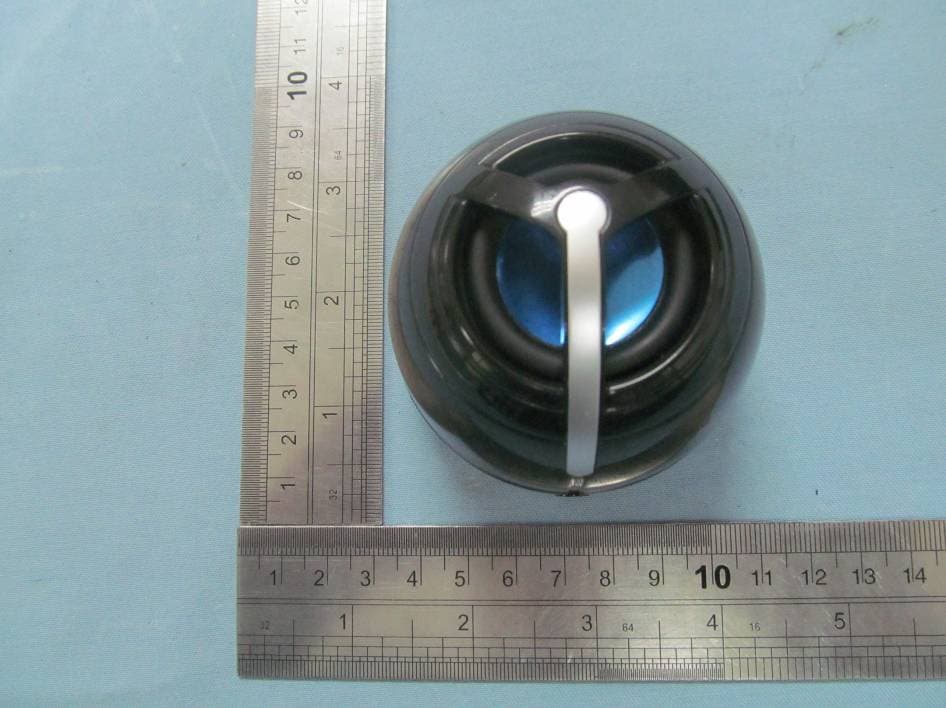
AYBACB-BSP03E
Feb 21, 2012Bluetooth Speaker with Microphone
Equipment Class
DSS - Part 15 Spread Spectrum Transmitter