AZ492FT7139Mobile 2 Way Radio
Motorola Solutions, Inc.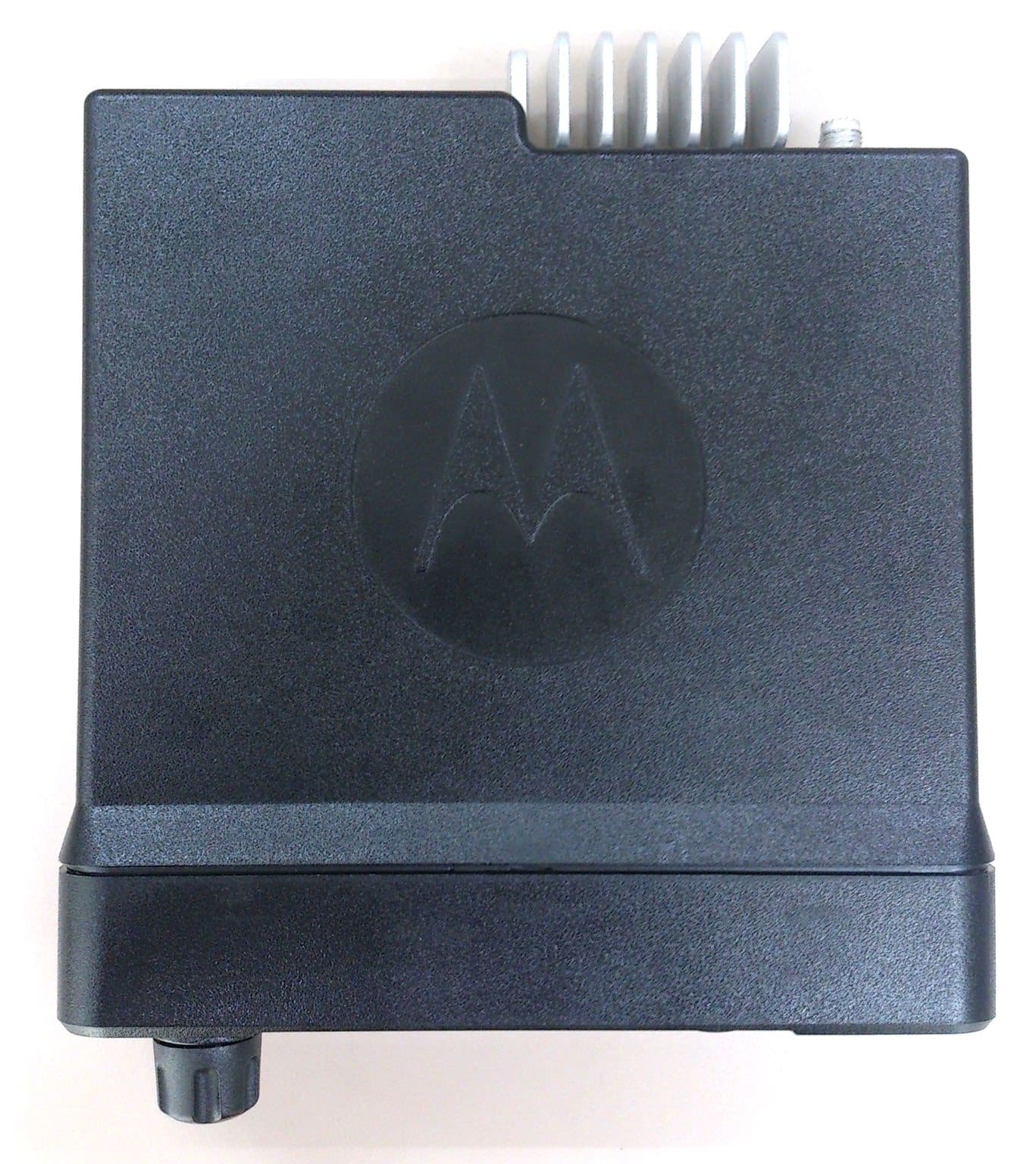
Click to zoom
Application Details
- Equipment Class
- DTS - Digital Transmission System
- Date of Grant
- May 04, 2021
- Application Purpose
- Original Equipment
- Date of Application
- May 02, 2021
- Equipment Note
- Mobile 2 Way Radio
- Frequency Range
- 2412.00000000 - 2462.00000000
- Company
- Motorola Solutions, Inc.
- Country
- United States
Documents & Files
Document Text
Text extracted from the exhibit documents filed with the FCC. Open a document above to read the original.
Users Manual
PROFESSIONAL DIGITAL TWO-WAY RADIO MOTOTRBO™ USER GUIDE FEBRUARY 2021 © 2021 Motorola Solutions, Inc. All rights reserved. MN003677A01-AH @MN003677A01@ en-US XPR 5550/XPR 5550e, XPR 5580/XPR 5580e ALPHANUMERIC DISPLAY MOBILE RADIO fr-CA Contents Supplier's Declaration of Conformity............................ 32 Important Safety Information........................................34 Notice to Users (FCC)..................................................35 Notice to Users (Industry Canada)...............................36 Software Version..........................................................37 Copyrights.................................................................... 38 Computer Software Copyrights.................................... 40 Radio Care................................................................... 41 Chapter 1: Getting Started......................................... 43 1.1 Turning the Radio On.................................. 43 1.2 Turning the Radio Off.................................. 43 1.3 Adjusting the Volume...................................43 Chapter 2: Radio Controls..........................................44 2.1 Volume/Channel Knob.................................44 2.1.1 Setting Dual Knob Operation Preference.............................................. 45 2.2 Keypad Microphone Buttons....................... 46 Chapter 3: WAVE.......................................................48 3.1 WAVE OnCloud/OnPremise........................48 3.1.1 Switching from Radio Mode to WAVE Mode........................................... 48 3.1.2 Making WAVE Group Calls............49 3.1.3 Receiving and Responding to WAVE Group Calls................................. 49 3.1.4 Receiving and Responding to WAVE Private Calls................................50 3.1.5 Switching from WAVE Mode to Radio Mode ........................................... 50 3.2 WAVE Tactical/5000....................................51 3.2.1 Setting Active WAVE Channels ....51 3.2.2 Viewing WAVE Channel Information..............................................51 3.2.3 Viewing WAVE Endpoints Information..............................................52 3.2.4 Changing WAVE Configuration..... 52 3.2.5 Making WAVE Group Calls............53 Part I: Capacity Max...................................................54 4.1 Push-To-Talk (PTT) Button......................... 54 4.2 Programmable Buttons................................54 4.3 Assignable Radio Functions........................55 4.4 Assignable Settings or Utility Functions...... 57 4.5 Accessing Programmed Functions..............57 English 2 4.6 Status Indicators..........................................58 4.6.1 Icons.............................................. 58 4.6.2 LED Indicator.................................64 4.6.3 Tones.............................................65 4.6.3.1 Audio Tones.....................65 4.6.3.2 Indicator Tones................ 66 4.7 Registration................................................. 66 4.8 Zone and Channel Selections..................... 67 4.8.1 Selecting Zones ............................68 4.8.2 Selecting Zones by Using the Alias Search............................................68 4.8.3 Selecting a Call Type.....................69 4.8.4 Selecting a Site..............................69 4.8.5 Roam Request...............................69 4.8.6 Site Lock On/Off............................ 70 4.8.7 Site Restriction...............................70 4.8.8 Site Trunking .................................71 4.9 Calls.............................................................71 4.9.1 Group Calls....................................72 4.9.1.1 Making Group Calls......... 72 4.9.1.2 Making Group Calls by Using the Contacts List................73 4.9.1.3 Making Group Calls by Using the Programmable Number Key ................................74 4.9.1.4 Making Group Calls by Using the Alias Search ................75 4.9.1.5 Responding to Group Calls.............................................77 4.9.2 Broadcast Call .............................. 78 4.9.2.1 Making Broadcast Calls .. 78 4.9.2.2 Making Broadcast Calls Using the Contact List .................79 4.9.2.3 Making Broadcast Calls Using the Programmable Number Key.................................80 4.9.2.4 Receiving Broadcast Calls ............................................80 4.9.3 Private Call.................................... 81 4.9.3.1 Making Private Calls........ 81 4.9.3.2 Making Private Calls by Using the Programmable Number Key ................................82 4.9.3.3 Making Private Calls by Using the Alias Search ................83 English 3 4.9.3.4 Making a Private Call with a One Touch Call Button ..... 85 4.9.3.5 Making Private Calls by Using the Manual Dial..................85 4.9.3.6 Receiving Private Calls....86 4.9.3.7 Accepting Private Calls ...87 4.9.3.8 Declining Private Calls ....87 4.9.4 All Calls .........................................88 4.9.4.1 Making All Calls .............. 88 4.9.4.2 Making All Calls by Using the Programmable Number Key ................................89 4.9.4.3 Making All Calls by Using the Alias Search.................89 4.9.4.4 Receiving All Calls .......... 91 4.9.5 Phone Calls................................... 92 4.9.5.1 Making Phone Calls.........92 4.9.5.2 Making Phone Calls with the Programmable Button .......93 4.9.5.3 Making Phone Calls by Using the Contacts List ...............95 4.9.5.4 Making Phone Calls by Using the Alias Search.................98 4.9.5.5 Making Phone Calls by Using the Manual Dial................100 4.9.5.6 Dual Tone Multi Frequency..................................103 4.9.5.6.1 Initiating DTMF Tone................................103 4.9.5.7 Responding to Phone Calls as All Calls........................ 103 4.9.5.8 Responding to Phone Calls as Group Calls.................. 104 4.9.5.9 Responding to Phone Calls as Private Calls.................104 4.9.6 Initiating Transmit Inter…
Text truncated - open the document above for the full version.
Users Manual
PROFESSIONAL DIGITAL TWO-WAY RADIO MOTOTRBO™ USER GUIDE FEBRUARY 2021 © 2021 Motorola Solutions, Inc. All rights reserved. MN003680A01-AH @MN003680A01@ en-US XPR 5350/XPR 5350e, XPR 5380/XPR 5380e NUMERIC DISPLAY MOBILE RADIO fr-CA Contents Supplier's Declaration of Conformity............................14 Important Safety Information........................................16 Notice to Users (FCC)..................................................17 Notice to Users (Industry Canada)...............................18 Software Version..........................................................19 Copyrights....................................................................20 Computer Software Copyrights....................................22 Radio Care...................................................................23 Chapter 1: Getting Started......................................... 25 1.1 Turning the Radio On..................................25 1.2 Turning the Radio Off..................................25 1.3 Adjusting the Volume...................................25 Chapter 2: Radio Controls..........................................26 2.1 Volume/Channel Knob.................................26 Chapter 3: WAVE.......................................................27 3.1 WAVE OnCloud/OnPremise........................27 3.1.1 Switching from Radio Mode to WAVE Mode...........................................27 3.1.2 Making WAVE Group Calls............28 3.1.3 Receiving and Responding to WAVE Group Calls.................................28 3.1.4 Receiving and Responding to WAVE Private Calls................................28 3.1.5 Switching from WAVE Mode to Radio Mode ........................................... 29 Part I: Capacity Max...................................................30 4.1 Push-To-Talk (PTT) Button......................... 30 4.2 Programmable Buttons................................30 4.3 Assignable Radio Functions........................31 4.4 Assignable Settings or Utility Functions...... 32 4.5 Status Indicators..........................................33 4.5.1 LED Indicator.................................33 4.5.2 Tones.............................................34 4.5.2.1 Audio Tones.....................34 4.5.2.2 Indicator Tones................34 4.6 Registration................................................. 35 4.7 Zone and Channel Selections..................... 36 4.7.1 Selecting Zones ............................36 4.7.2 Selecting a Call Type.....................36 4.7.3 Selecting a Site..............................37 4.7.4 Roam Request...............................37 English 2 4.7.5 Site Lock On/Off............................ 38 4.7.6 Site Restriction...............................38 4.7.7 Site Trunking .................................38 4.8 Calls.............................................................39 4.8.1 Group Calls....................................39 4.8.1.1 Making Group Calls......... 39 4.8.1.2 Responding to Group Calls.............................................40 4.8.2 Broadcast Call .............................. 41 4.8.2.1 Making Broadcast Calls ..41 4.8.2.2 Receiving Broadcast Calls ............................................41 4.8.3 Private Call.................................... 42 4.8.3.1 Making Private Calls........42 4.8.3.2 Making a Private Call with a One Touch Call Button .....43 4.8.3.3 Receiving Private Calls....44 4.8.3.4 Accepting Private Calls ...44 4.8.3.5 Declining Private Calls ....44 4.8.4 All Calls .........................................45 4.8.4.1 Making All Calls .............. 45 4.8.4.2 Receiving All Calls ..........45 4.8.5 Phone Calls................................... 46 4.8.5.1 Making Phone Calls.........46 4.8.5.2 Making Phone Calls with the Programmable Button ...........47 4.8.5.3 Responding to Phone Calls as All Calls..........................48 4.8.5.4 Responding to Phone Calls as Group Calls....................49 4.8.5.5 Responding to Phone Calls as Private Calls...................49 4.8.6 Initiating Transmit Interrupt............50 4.8.7 Call Preemption.............................50 4.8.8 Voice Interrupt............................... 50 4.8.8.1 Enabling Voice Interrupt...51 4.9 Advanced Features..................................... 51 4.9.1 Call Queue.....................................51 4.9.2 Priority Call.................................... 52 4.9.3 Talkgroup Scan .............................53 4.9.3.1 Turning Talkgroup Scan On or Off......................................53 4.9.4 Receive Group List........................53 4.9.5 Priority Monitor...............................53 English 3 4.9.6 Multi-Talkgroup Affiliation.............. 54 4.9.7 Talkback ....................................... 54 4.9.8 Bluetooth ® ..................................... 55 4.9.8.1 Connecting to Bluetooth Devices........................................56 4.9.8.2 Disconnecting from Bluetooth Devices........................56 4.9.8.3 Switching Audio Route between Internal Radio Speaker and Bluetooth Device...................56 4.9.9 Multi-Site Controls......................... 57 4.9.9.1 Enabling Manual Site Search..........................................57 4.9.9.2 Site Lock On/Off...............57 4.9.10 Home Channel Reminder............57 4.9.10.1 Muting the Home Channel Reminder.......................58 4.9.10.2 Setting New Home Channels......................................58 4.9.11 Remote Monitor...........................58 4.9.11.1 Initiating Remote Monitor.........................................58 4.9.12 Call Indicator Settings..................59 4.9.12.1 Escalating Alarm Tone Volume.........................................59 4.9.13 Call Alert Operation..................... 59 4.9.13.1 Making Call Alerts..........60 4.9.13.2 Responding to Call Alerts ...........................................60 4.9.14 Mute Mode...................................60 4.9.14.1 Turning On Mute Mode..60 4.9.14.2 Exiting Mute Mode..…
Text truncated - open the document above for the full version.
Users Manual
MOTOTRBO ™ Mobile XPR 4000/5000/5000e Series INSTALLATION GUIDE MOTOTRBO ™ MOBILE PROFESSIONAL DIGITAL TWO-WAY RADIO *6880309T23* 6880309T23-FB DECEMBER 2020 © 2020 Motorola Solutions, Inc. All rights reserved Contents List of Figures..............................................................................................................4 List of Tables...............................................................................................................5 Foreword......................................................................................................................6 Product Safety and RF Exposure Compliance.............................................................................. 6 Computer Software Copyrights......................................................................................................6 Document Copyrights.................................................................................................................... 6 Disclaimer......................................................................................................................................6 Trademarks....................................................................................................................................6 Document History.......................................................................................................8 Related Publications...................................................................................................9 Notations Used in This Manual................................................................................10 Mobile Radio Model Numbering Scheme................................................................11 Commercial Warranty...............................................................................................13 I. What This Warranty Covers And For How Long.......................................................................13 II. General Provisions.................................................................................................................. 13 III. State Law Rights (Applicable Only in U.S.A.).........................................................................14 IV. How To Get Warranty Service................................................................................................14 V. What This Warranty Does Not Cover......................................................................................14 VI. Patent And Software Provisions.............................................................................................14 VII. Governing Law...................................................................................................................... 15 Chapter 1: Introduction...........................................................................................16 1.1 Mobile Radio Description.......................................................................................................16 1.1.1 Dimensions.............................................................................................................. 16 1.1.2 Connections on the Back of the Radio.....................................................................17 1.2 Standard Configurations........................................................................................................18 1.2.1 Dash Mount Configuration....................................................................................... 18 1.2.2 Remote Mount Configuration...................................................................................19 1.3 Base/Control Stations ...........................................................................................................19 Chapter 2: Installation Details for Standard Configurations...............................21 2.1 Planning the Installation.........................................................................................................21 2.1.1 Tools Required for Installation................................................................................. 21 2.1.2 Installation Example.................................................................................................21 2.1.3 Wiring Diagrams...................................................................................................... 22 2.2 Radio Mounting......................................................................................................................24 2.2.1 Dash Mount with Trunnion.......................................................................................25 6880309T23-FB Contents 2 2.2.2 Locking Kit (Optional)...............................................................................................27 2.2.2.1 Installing Locking Kit for All Radios............................................................27 2.3 DIN Mount..............................................................................................................................28 2.3.1 Installing the Frame into the Dashboard..................................................................28 2.3.2 Mounting the Radio in the Frame.............................................................................29 2.3.3 Removing the Radio from the Frame.......................................................................30 2.4 Remote Mount with Trunnion.................................................................................................30 2.5 Power Cables........................................................................................................................ 31 2.6 Ignition Sense Cable..............................................................................................................32 2.7 Antenna Installation............................................................................................................... 33 2.7.1 Selecting an Antenna Site/Location on a Metal Body Vehicle............…
Text truncated - open the document above for the full version.
Users Manual
MN002330A01-AC @MN002330A01@ QUICK REFERENCE GUIDE XPR 5000/XPR 5000e SERIES MOBILE RADIOS en -US fr-CA PROFESSIONAL DIGITAL TWO-WAY RADIO MOTOTRBO™ JULY 2017 © 2017 Motorola Solut ions, Inc. All rights reserved. Your Quick Reference Guide This Quick Reference Guide covers the basic operation of the radio. Check with your dealer or system administrator because your radio may have been customized for your specific needs. For more operational details and information on warnings and safety, refer to the following User Guides: Alphanumeric Display MobileMN003677A01 Numeric Display MobileMN003680A01 Important Safety Information RF Energy Exposure and Product Safety Guide for Mobile Two-Way Radios Product Safety and RF Exposure Compliance Caution: Before using this product, read the operating instructions for safe usage contained in the Product Safety and RF Exposure booklet enclosed with your radio. ATTENTION! This radio is restricted to Occupational use only. Before using the radio, read the RF Energy Exposure and Product Safety Guide for Mobile Two-Way Radios which contains important operating instructions for safe usage and RF energy awareness and control for Compliance with applicable standards and Regulations. For a list of Motorola Solutions-approved antennas and other accessories, visit the following website: http://www.motorolasolutions.com Any modification to this device, not expressly authorized by Motorola Solutions, may void the user's authority to operate this device. Under Industry Canada regulations, this radio transmitter may only operate using an antenna of a type and maximum (or lesser) gain approved for the transmitter by Industry Canada. To reduce potential radio interference to other users, the antenna type and its gain should be so chosen that the equivalent isotropically radiated power (e.i.r.p.) is not more than that necessary for successful communication. This radio transmitter has been approved by Industry Canada to operate with Motorola Solutions-approved antenna with the maximum permissible gain and required antenna impedance for each antenna type indicated. Antenna types not included in this list, having a gain greater than the maximum gain indicated for that type, are strictly prohibited for use with this device. Computer Software Copyrights The Motorola Solutions products described in this manual may include copyrighted Motorola Solutions computer programs stored in semiconductor memories or other media. Laws in the United States and other countries preserve for Motorola Solutions certain exclusive rights for copyrighted computer programs including, but not limited to, the exclusive right to copy or reproduce in any form the copyrighted computer program. Accordingly, any copyrighted Motorola Solutions computer programs contained in the Motorola Solutions products described in this manual may not be copied, reproduced, modified, reverse-engineered, or distributed in any manner without the express written permission of Motorola Solutions. Furthermore, the purchase of Motorola Solutions products shall not be deemed to grant either directly or by implication, estoppel, or otherwise, any license under the copyrights, patents or patent applications of Motorola Solutions, except for the normal non- exclusive license to use that arises by operation of law in the sale of a product. Radio Controls 1 23465 9 10 78 1. On/Off/Information Button 2. Volume/Channel Knob 7. Return/Home Button 1 8. Front Programmable Buttons English 1 3. Display 4. Menu/OK Button 1 5. Scroll Up/Down Buttons 1 6. Speaker 9. Accessory Connector 10. LED Indicators Powering On/Off the Radio Press the On/Off button. Adjusting the Volume Rotate the On/Off/Volume Control Knob clockwise or counterclockwise. LED Indicators Blinking Red Radio has failed the self-test upon powering up, has moved out of range if Auto-Range Transponder System is configured, has Mute mode enabled, is receiving an emergency transmission, or is trans- mitting in low battery state. Solid Green Radio is powering up, is transmitting, or is sending a Call Alert or an emergency transmission. Blinking Green Radio is receiving a call or data, is detecting activity over the air, or is retrieving Over-the-Air Programming transmissions. Double Blinking Green Radio is receiving a privacy-enabled call or data. Solid Yellow Radio is monitoring a conventional channel, or is in Bluetooth Discov- erable Mode. Blinking Yellow Radio is scanning for activity, is receiving a Call Alert, has Flexible Receive List enabled, or all Capacity Plus-Multi-Site channels are busy. Double Blinking Yellow Radio has Auto Roaming enabled, has yet to respond to a Group Call Alert, is actively searching for a new site, is not connected to the re- peater while in Capacity Plus, is locked, or all Capacity Plus channels are busy. Display Icons The following icons appear on the status bar at the top of the radio display. The icons are arranged left most in order of appearance or usage, and are channel-specific. Emergency Scan 2 High Volume Data Mute Mode Tones Disabled 1 Not for Numeric Display models. 2 Not available for Capacity Max. English 2 Ring Only Notification Secure Unsecure Site Roaming Option Board Sign In Sign Out English 3 Guide de référence rapide Ce guide de référence rapide décrit le fonctionnement de base de la radio. Vérifiez auprès de votre revendeur ou de l'administrateur de votre système si votre radio a été personnalisée pour répondre à vos besoins spécifiques. Pour plus de détails sur le fonctionnement et d'information sur les avertissements et la sécurité, consultez les guides d'utilisation suivants : Radio mobile à affichage alphanumérique MN003677A01 Radio mobile à affichage numérique MN003680A01 Consignes de sécurité importantes Radios bidirectionnelles mobiles : exposition aux radiofréquences et sécurité du produit Sécurité du produit et respect des normes relatives à l'exposition aux radiofréquences Mise en garde: Avant d'utiliser ce produ…
Text truncated - open the document above for the full version.
Users Manual
en-US es-LA fr-CA pt-BR RF Energy Exposure Training and Product Safety Information for Mobile Two-Way Radios installed in Vehicles or as Fixed Site Control Stations Formation sur l’exposition aux RF et information sur la sécurité du produit pour radios bidirectionnelles mobiles installées dans des v éhicules ou comme stations de contrôle à emplacements fixes Capacitación sobre la exposición a energía de radiofrecuencia e información de protección del producto para radios de dos vías móviles instalados en vehículos o como estaciones de control fijas Treinamento sobre a Exposição à Energia de RF e Informações de Segurança do Produto para Rádios Portáteis Bidirecionais Instalados em Veículos ou como Estações de Controle de Site Fixo https://learning.motorolasolutions.com/User_Documentation Caution Before using this radio, read this booklet which contains important operating instructions. For information on product details, brochures, user manuals and approved accessories. Please refer to www.motorolasolutions.com. Compliance with RF Exposure Standards National and international regulations require manufacturers to comply with the RF energy exposure limits for mobile two-way radios before they can be marketed. Your Motorola Solutions two-way radio is designed, manufactured, and tested to comply with all applicable national and international regulations for human exposure to radio frequency electromagnetic energy. When two-way radios are used as a consequence of employment, applicable regulations may require users to be fully aware of and able to control their exposure to meet occupational requirements. RF Energy Exposure Awareness and Control Information and Operational Instructions for Occupational Use Notice: This radio is intended for use in occupational/controlled conditions where users are aware of their exposure and can exercise control over their exposure to meet the requirements in national and international regulations. This radio device is not authorized for general population, consumer use. For more information on what RF energy exposure is, and how to control your exposure to ensure compliance with established RF exposure limits, consult the following websites: •https://www.fcc.gov/ •https://www.osha.gov/ •https://osha.europa.eu/en •http://www.who.int/peh-emf/project/en/ •http://www.ic.gc.ca/eic/site/smt-gst.nsf/eng/sf11467.html •http://www.ic.gc.ca/eic/site/smt-gst.nsf/eng/sf01904.html For additional user training information on exposure requirements, consult the following websites: •https://www.motorolasolutions.com/en_us/about/company-overview/corporate- responsibility/governance-and-policies/wireless-communication-and-health- faqs.html •http://learning.motorolasolutions.com/ English 1 RF Exposure Compliance and Control Guidelines To control exposure to yourself and others, and to ensure compliance with the relevant RF exposure limits, always adhere to the following guidelines: • Do not remove any of the RF Exposure Labels if present from this device or its related accessories. • Attach these instructions to the device when you transfer it to other users. •Do not use this device if the operational requirements described herein are not met. Operating Instructions • Transmit no more than 50% of the time. To transmit (talk), press the Push-To- Talk (PTT) button. To receive calls, release the PTT button. Transmitting more than 50% of the time may cause RF exposure compliance requirements to be exceeded. • Transmit only when people (bystanders) outside the vehicle are at least at the recommended minimum lateral distance (as shown in Tables 1 and 2) away from the vehicle body. This separation will ensure that there is sufficient distance from a properly installed (according to the installation instructions) externally-mounted antenna to satisfy the relevant RF exposure limits. • To ensure continued compliance with applicable RF exposure limits, use only Motorola Solutions approved, supplied or replacement antennas, batteries, and accessories. • For a list of Motorola Solutions approved accessories please refer to your user manual or visit www.motorolasolutions.com Table 1 lists the recommended lateral distance for bystanders from the body of a vehicle (For example, truck, van, car, motorcycle) equipped with an approved, properly installed single-band mobile radio and associated antenna(s). These lateral distances, for single-band radios, depend on the radio rated power. Table 1: Rated Power of Vehicle-Installed Single-Band Mobile Radio and Recommended Minimum Lateral Distance from Vehicle Body Single-Band Mobile Radio Rated Power (see Notice) Minimum Lateral Distance of By- standers from Vehicle Body Less than 7 W8 in. (20 cm) 7 to 14 W1 ft (30 cm) 15 to 39 W2 ft (60 cm) 40 to 110 W3 ft (90 cm) English 2 Notice: If you are not sure of the rated power of your single-band radio, contact your Motorola Solutions representative or dealer and supply the radio model number found on the radio model label. If you cannot determine the rated power, then assure 3 ft (90 cm) separation for bystanders from the body of the vehicle. Table 2 lists the recommended lateral distance for bystanders from the body of a vehicle (For example, truck, van, car, motorcycle) equipped with an approved, properly installed multi-band mobile radio and associated antenna(s). These lateral distances, for multi-band radios, depend on whether the radio is installed on a motorcycle, or on other kinds of vehicles. Table 2: Rated Power of Vehicle-Installed Multi-Band Mobile Radio and Recommended Minimum Lateral Distance from Vehicle Body Type of Vehicle Minimum Lateral Distance of By- standers from Vehicle Body Motorcycle2 ft (60 cm) Other vehicles3 ft (90 cm) Mobile Antenna Installation Guidelines • Make sure to follow the antenna installation guidelines that are provided in this mobile radio installation manual. • Use only Motorola Solutions approved supplied antenna, or a Motorola Solutions approved replacement antenna…
Text truncated - open the document above for the full version.
Contact Information
Applicant
Arine Lee(Certification Manager)
Test Firm
Motorola Penang Advanced Communication LaboratoryMohd Azuan Shah Yaakap
Technical Specifications
| # | Rule Parts | Frequency Range | Power Output |
|---|---|---|---|
| 2 | 15C | 2.41 GHz - 2.46 GHz | 17.34 mW |
Other Applications from Motorola Solutions, Inc.
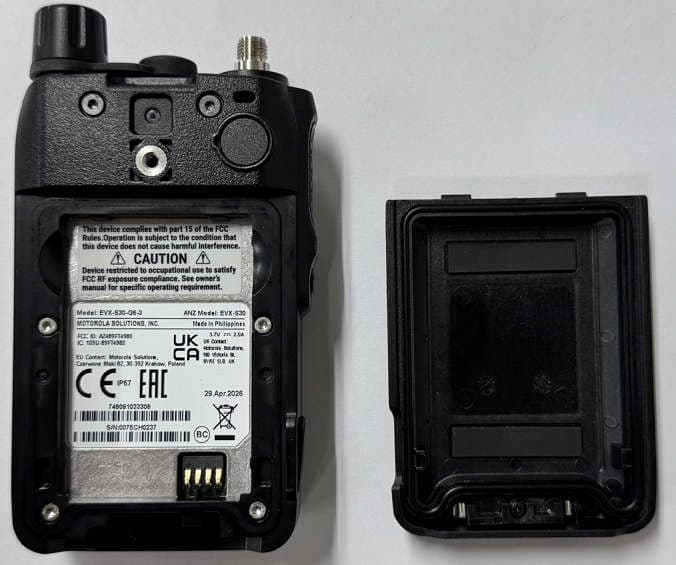
AZ489FT4980
Sep 08, 2026Portable two way radio
Equipment Class
TNF - Licensed Non-Broadcast Transmitter Held to FaceAZ489FT4981
Aug 14, 2026Handheld Portable - TANAPA BPR 45 400-470 MHZ 4W NKP
Equipment Class
TNF - Licensed Non-Broadcast Transmitter Held to Face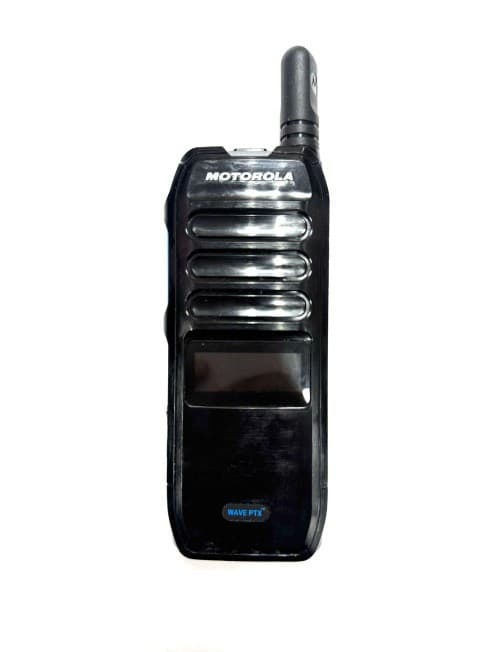
AZ489FT7187
Jul 13, 2026Portable 2-Way Radio with Bluetooth, Bluetooth LE, WIFI 2.4GHz, WIFI 5GHz, LTE
Equipment Class
DSS - Part 15 Spread Spectrum TransmitterAZ499FT6031
May 11, 2026Operation Critical Wireless Earpiece PTT
Equipment Class
DSS - Part 15 Spread Spectrum Transmitter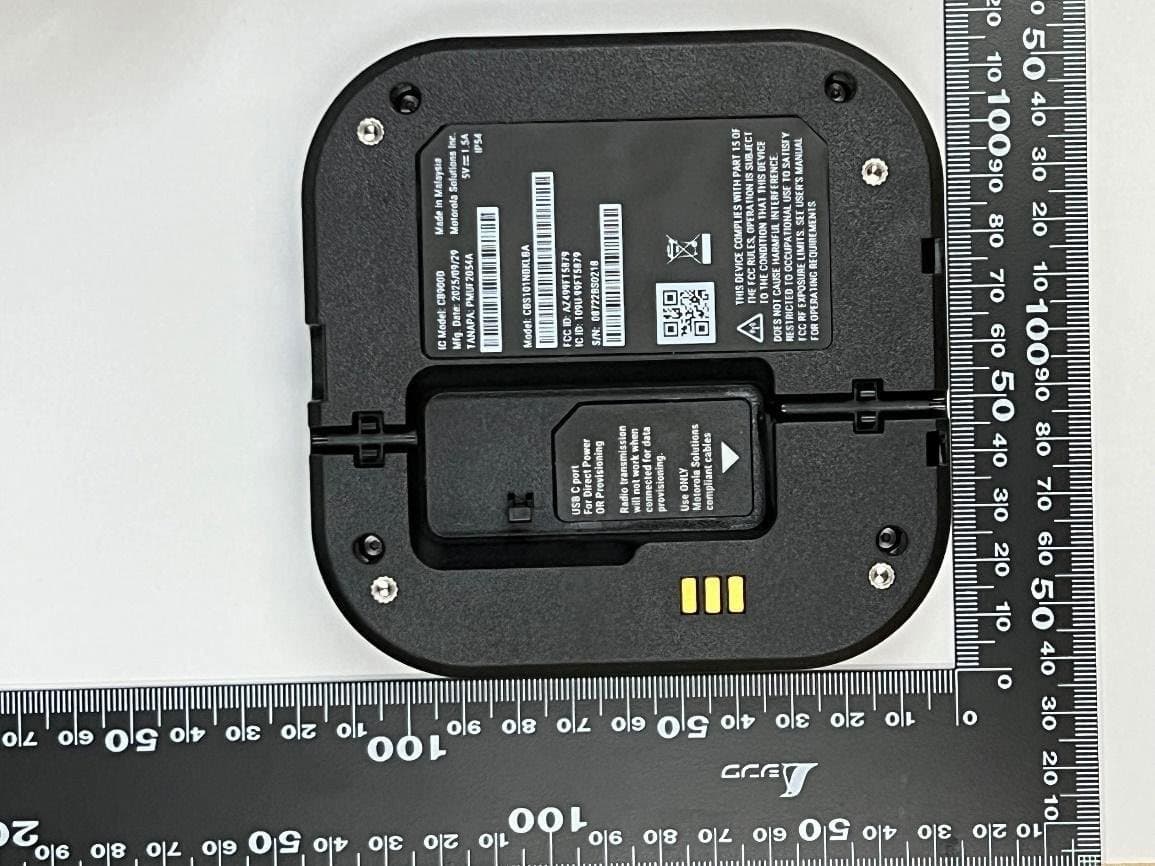
AZ499FT5879
Dec 19, 20252-way Portable Radio with BT, BTLE, WIFI, NFC and LTE
Equipment Class
DSS - Part 15 Spread Spectrum Transmitter