BPO-DAGE-DA9889"Internet Tablet
Bright Win Technology Co., Ltd.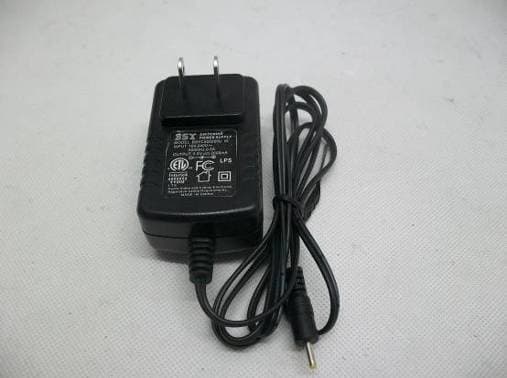
Click to zoom
Application Details
- Equipment Class
- DTS - Digital Transmission System
- Date of Grant
- Nov 13, 2012
- Application Purpose
- Original Equipment
- Date of Application
- Nov 13, 2012
- Equipment Note
- 9"Internet Tablet
- Frequency Range
- 2422.00000000 - 2452.00000000
- Country
- China
Documents & Files
Document Text
Text extracted from the exhibit documents filed with the FCC. Open a document above to read the original.
Users Manual
User Manual Internet Tablet DA988 Read this manual before installation and use. Important Safety Instructions ....................................... Features ........................................................................ ................................................ Basic Operations .......................................................... Getting Started ............................................................. Home Screen at a Glance ............................................ About Applications ..................................................... Preinstalled Applications ...................................... Browser .......................................................... Settings .......................................................... ApkInstaller .................................................... Video Player ................................................... Music ............................................................. Gallery ........................................................... Explorer ......................................................... Soud Recorder ................................................ Calculator ...................................................... Canlendar ...................................................... Clock ............................................................. Camera .......................................................... Introducing your device 4 5 6 7 8 8 9 10 10 10 11 11 12 14 14 15 15 15 15 16 Connecting to the Internet ....................................................... Troubleshooting ....................................................................... Compliance Information .......................................................... Warranty .................................................................................... 17 18 19 21 Contents 3 EN READ THIS FIRST BEFORE USING YOUR TABLET Thank you for your purchase of the 9" Internet Tablet 4EN Important Safety Instructions 1. Do not use the tablet in extremely hot, cold, dusty or damp environments. 2. Do not drop the tablet when using it. 3. The usage life of battery is subject to the operating condition and environment. 4. Please charge the battery in the following instances: A. The icon of battery level shows weak B. System powers off automatically, and powers off again after restarting C. Keys do not work. 5. During the formatting or uploading/downloading, do not disconnect the tablet from the PC. Disconnection during updating or data transfer may damage files or the tablet. 6. Static discharge to the cable during connection to the computer may corrupt files or the storage area of the tablet. 7. The images in this manual may vary slightly from actual product. 8. Dismantling the tablet and will void the warranty. Please check the trouble shooting section of this manual if experiencing problems. 9. Our company reserves the right to improve the product. Different software and hardware versions might affect the product performance and functions, therefore the product shall be subject to change without further notice. 10. Please respect the copyright laws in your area. 11. The tablet is equipped with the touch screen, so keys on machine surface are for assistance only. ※ All warranty information, product features and specifications are subject to change without notice. Features 9" 800*480 capacitive touch screen. Support MP3/WMA/ AAC/OGG /WAV music format. Support video of AVI/ WMV/MP4/ MKV/ RM/RMVB/TS/ FLV format, up to 1080P. Support Micro SD Card. Support picture auto browse in PNG/JPG/BMP/JPEG/GIF format. Energy-saving setting, brightness control and sleep. Support multi languages. Support Win2000 /Win XP/Vista system/Win 7. Support downloading files from internet. USB2.0 high speed transfer Support APK program installation. Portable disk. OTG function. Support play files from USB device, of which the rated current should be lower than 500mA, via OTG port. When play files saved in a hard disk, for the power consumption is large, please connect an outer power. G-Sensor function. One Camera on front panel. Support multi-point touch function Support WIFI Wireless Connection Support firmware upgrade. 5EN How to Power On/Off the tablet? To power on/off the tablet, please press power key and hold for 3S. This period will need several seconds, please wait patiently. How to turn on/off the LCD? After powering on the tablet, if you are not watching video, you can short press power key to turn off the LCD to save power. To turn on the LCD, please short press power key again. Note: The screen is locked also when the screen is turned off, to unlock the screen, please pull the lock icon to unlock icon . Touch & type Use your fingers to manipulate icons, buttons, menus, the onscreen keyboard, and other items on the touchscreen. You can also change the screen's orientation. To select or activate something, touch it. To type something, such as a name, password, or search terms, just touch where you want to type. A keyboard pops up that lets you type into the field. Other common gestures include: a) Touch & hold: Touch & hold an item on the screen by touching it and not lifting your finger until an action occurs. For example, touching an icon on home screen and hold it, when the delete icon is shown on the screen, dragging the selected icon to this icon can delete it from the home screen. b) Drag: Touch & hold an item for a moment and then, without lifting your finger, move your finger on the screen until you reach the target position. For example, you can drag to reposition shortcuts on the Home screen. c) Swipe or slide: Quickly move your finger across the surface of the screen, without pausing when you first touch (so you don't drag something instead). For example, you can slide a Home screen left or right to view the other Home screens. d) Double-tap: Tap quickly twice on a webpage, map, or other screen to zoom. For example, doubletap a w…
Text truncated - open the document above for the full version.
Cover Letter(s)
Ersteller: D. Brandhorst Revision: 00 Erstelldatum: 21.06.07 Datum: 00.00.00 Seite 1 von 1 Bright Win Technology Co., Ltd. Date: 2012-11-03 Subject: Ad Hoc Mode Function Declaration FCC ID: BPO-DAGE-DA988 To Whom it may concern, This device is acting as slave and operating in the 2.4 GHz (2412 – 2462 MHz) band. Ad Hoc function is supported but not able to operate on non-US frequencies. Please contact the one signed below or the authorized agent for this filing. Thank you. Regards, (YOUR CONTACT DETAILS) Name: Mark Wen Position: General Manager Company: Most Technology Service Co., Ltd. Shenzhen,Guangdong, China Tel.: +86-755-2601 3588 Fax.: +86-755-8617 0310 E-Mail: [email protected] Adress: No.5, Langshan 2nd Rd., North Hi-Tech Industrial park, Nanshan,
External Photos
PHOTO OF THE ENTIRE SAMPLE FRONT VIEW OF SAMPLE BACK VIEW OF SAMPLE BACK VIEW OF SAMPLE FRONT VIEW OF SAMPLE TOP VIEW OF SAMPLE RIGHT VIEW OF SAMPLE LEFT VIEW OF SAMPLE BOTTOM VIEW OF SAMPLE PHOTO OF POWER SUPPLY LABEL OF POWER SUPPLY
Parts List/Tune Up Info
Tune Up Description: Internet Tablet WLAN: Support MP3/MPEG4: Support U-disk: Support USB 2.0 Language: English Input: English Power Supply: DC 5V by AC adapter 100~240V 50/60Hz DC 3.7V by battery Frequency Range: 802.11b/g/n(20MHz): 2412-2462MHz 802.11n(40MHz): 2422-2452MHz Number of Channels: IEEE 802.11b/g/n(20MHz)mode:11 Channels IEEE 802.11n(40MHz)mode: 9 Channels Modulation Technique: IEEE 802.11b mode: DSSS (1, 2, 5.5 and 11 Mpbs) IEEE 802.11g mode: OFDM (6, 9, 12, 18, 24, 36, 48 and 54 Mpbs) 802.11n Standard-20 MHz Channel mode: OFDM (6.5, 13, 19.5,26, 39, 52, 58.5, 65.0Mbps) 802.11n Standard-40 MHz Channel mode: OFDM (54, 108, 120,150Mbps) Antenna Type: Internal Fixed Channel Spacing: 5MHz Antenna Gain: 2.0dBi Max.Power: 9.97dBm The tune up procedures of 9” Internet tablet is not open to end user, The end user is not allowed to perform finaltune. All the power and frequency set up were dfinished at the manufacturer stage. IE EE 802.11b Max possible output power(PK, conducted): 9.97±2dBm IEEE 802.11g/n Max possible output power(PK, conducted): 8.78±2dBm
RF Exposure Info
FCC ID : BPO-DAGE-DA988 WLAN(Portable device) According to §15.247(e)(i)and§1.1307(b)(1),systems operating under the provisions of this section shall be operated in a manner that ensures that the public is not exposed to radio frequency energy level in excess of the Commission’s guidelines. According to KDB 447498(2)(a)(i) Frequency Range Low Frequency(MHz) High Frequency(MHz) Center frequency (MHz) 60/f SAR Limitation(mw) 2412 2462 2442 25 Maximum measured transmitter power:802.11b Conducted Power(dBm) Max Antenna Gain (dBi)EIRP(mw) 9.97 2.0 15.74 Maximum measured transmitter power:802.11g Conducted Power(dBm) Max Antenna Gain (dBi)EIRP(mw) 8.78 2.0 11.97 Maximum measured transmitter power:802.11n HT20 Conducted Power(dBm) Max Antenna Gain (dBi)EIRP(mw) 7.84 2.0 9.64 Maximum measured transmitter power:802.11n HT40 Conducted Power(dBm) Max Antenna Gain (dBi)EIRP(mw) 6.786 2.0 7.56 Threshold at which no SAR required is 25 mw. Maximum Tx power is 15.74mw EIRP. Conclusion:No SAR is required.
Test Report
FCC 47 CFR PART 15 SUBPART C TEST REPORT For Applicant: Bright Win Technology Co., Ltd. Address: Huafeng Technology Building, Bao’An, Shenzhen, China Product Name: 9"Internet Tablet Model Name: DA988, M901, M920, M960, M980, M990, M9012, M9018, M9188, M988, M9066, M9011, M9020 Brand Name: N/A FCC ID: BPO-DAGE-DA988 Report No.: MTE/CLY/D12101594 Date of Issue: Nov. 02, 2012 Issued by: Most Technology Service Co., Ltd. Address : No.5, Langshan 2nd Rd., North Hi-Tech Industrial park, Nanshan, Shenzhen, Guangdong, China Tel : 86-755-8617 0306 Fax : 86-755-8617 0310 The report consists 70 pages in total. It may be duplicated completely for legal use with the approval of the applicant. It should not be reproduced except in full, without the written approval of our laboratory. The client should not use it to claim product endorsement by MOST. The test results in the report only apply to the tested sample. The test report shall be invalid without all the signatures of testing engineers, reviewer and approver. FCC ID: BPO-DAGE-DA988 Report No.: MTE/CLY/D12101594 Page 2 of 70 TABLE OF CONTENTS 1. VERIFICATION OF CONFORMITY.......................................................................................4 2. GENERAL INFORMATION....................................................................................................5 2.1 Product Information.....................................................................................................................................5 2.2 Objective.......................................................................................................................................................6 2.3 Test Standards and Results........................................................................................................................6 2.4 Environmental Conditions..........................................................................................................................6 2.5 MEASUREMENT UNCERTAINTY.................................................................................................................6 3. TEST FACILITY.....................................................................................................................7 3.2 Test Conditions.............................................................................................................................................8 3.3 Channel List...................................................................................................................................................8 3.4 Description of Test Modes...........................................................................................................................8 3.5 Table of Parameters of Text Software Setting............................................................................................8 4. TEST EQUIPMENT LIST.....................................................................................................10 5. 47 CFR Part 15 C 15.247 Requirements.............................................................................11 5.1 6dB Bandwidth...........................................................................................................................................11 5.1.1 Definition.....................................................................................................................................11 5.1.2 Limit............................................................................................................................................11 5.1. 3 Test Configuration........................................................................................................................11 5.1.4 Test Procedure..............................................................................................................................11 5.1.5 Test Result....................................................................................................................................11 5.2 Peak Output Power....................................................................................................................................19 5.2.1 Definition....................................................................................................................................19 5.2.2 Limit...........................................................................................................................................19 5.2.3 Test Configuration.......................................................................................................................19 5.2.4 Test Procedure.............................................................................................................................19 5.2.5 Test Result...................................................................................................................................19 5.3 Conducted Spurious Emission................................................................................................................21 5.3.1 Definition....................................................................................................................................21 5.3.2 Test Description..........................................................................................................................21 5.3.3 Test Result...................................................................................................................................21 5.4 Band Edge..................................................................................................................................................29 5.4.1 Definition....................................................................................................................................29 5.4.2 Test Configuration.......................................................................................................................29 5.4.3 Test …
Text truncated - open the document above for the full version.
Test Setup Photos
CE TEST SETUP RE TEST SETUP CONDUCTED SPURIOUS EMISSION TEST SETUP
Contact Information
Applicant
Ming Yang(General Manager)
Test Firm
Most Technology Service Co., Ltd.Mark Wen
Technical Specifications
| # | Rule Parts | Frequency Range | Power Output |
|---|---|---|---|
| 2 | 15C | 2.42 GHz - 2.45 GHz | 5.00 mW |
Other Applications from Bright Win Technology Co., Ltd.
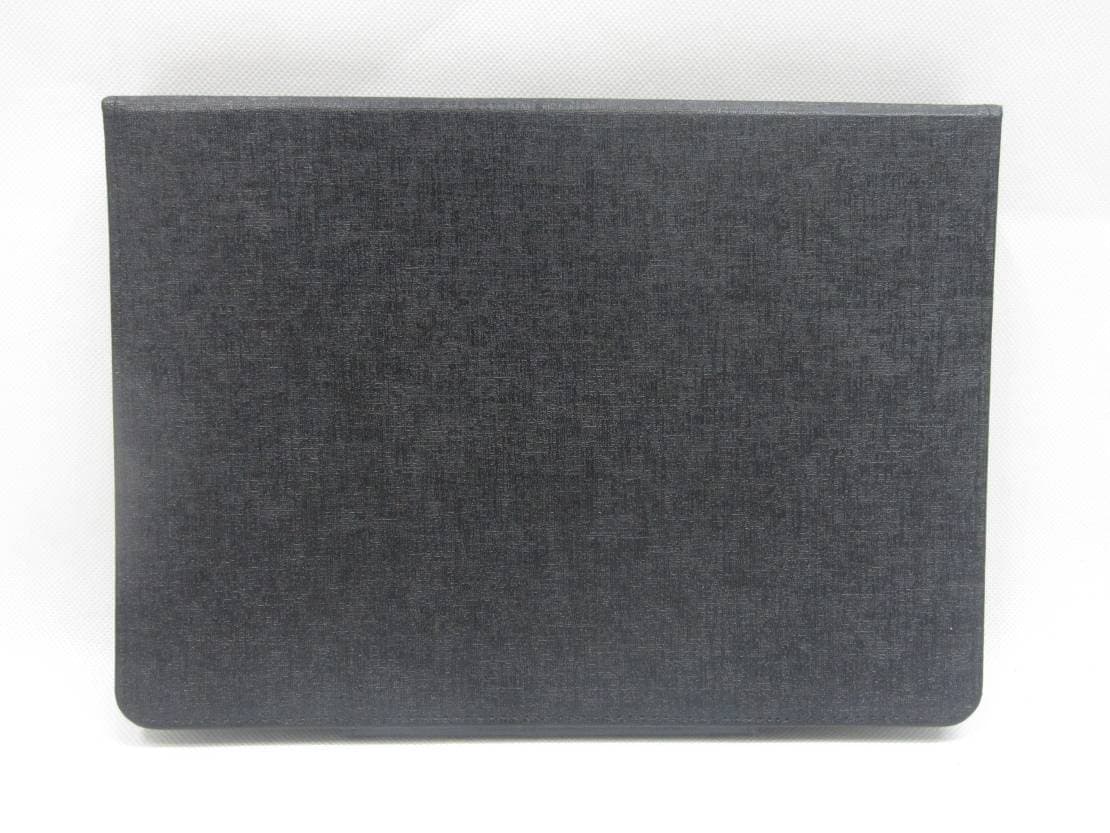
BPO-TM88
Nov 23, 2014Bluetooth Keyboard
Equipment Class
DXX - Part 15 Low Power Communication Device Transmitter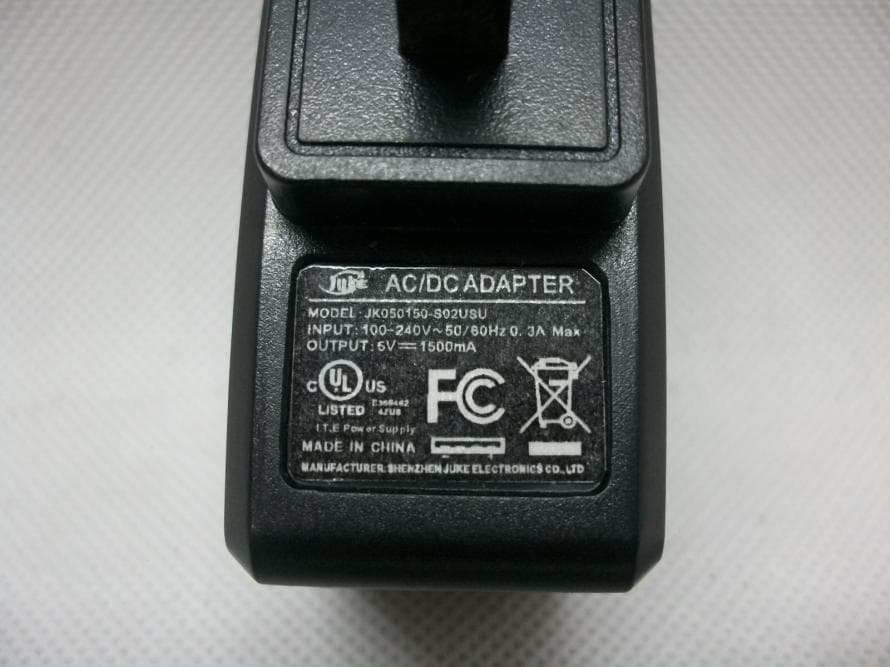
BPO-S7SA13
Sep 29, 2013Tablet
Equipment Class
DTS - Digital Transmission System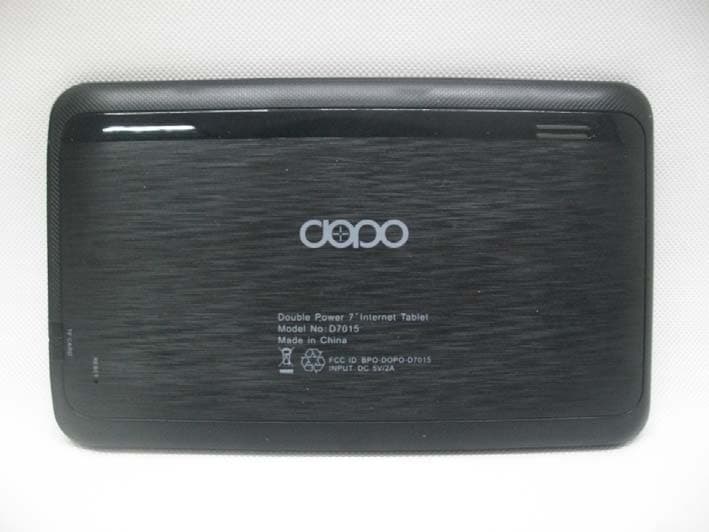
BPO-DOPO-D7015
Jan 30, 2013Tablet
Equipment Class
DTS - Digital Transmission System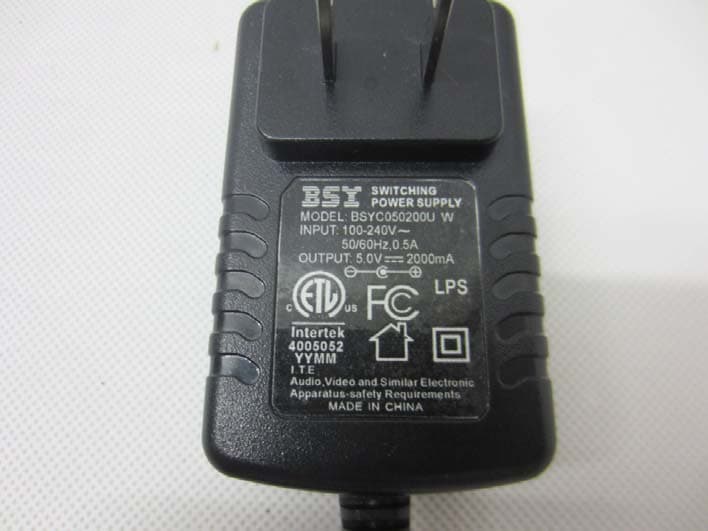
BPO-DOPO-M7088
Nov 15, 2012Tablet
Equipment Class
DTS - Digital Transmission System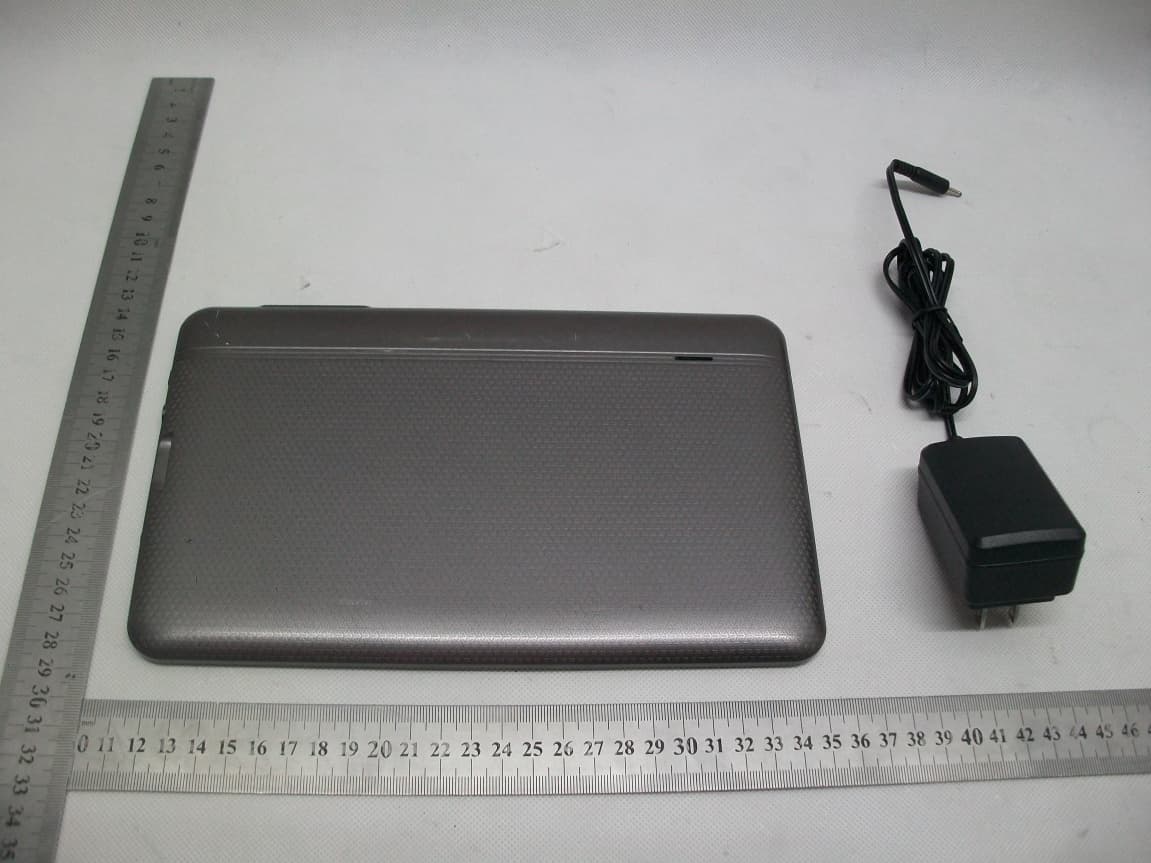
BPO-DOPO-M975
Sep 30, 2012Tablet PC
Equipment Class
DTS - Digital Transmission System