BY4BTR212Bluetooth Music Receiver
Trans Electric Co., Ltd.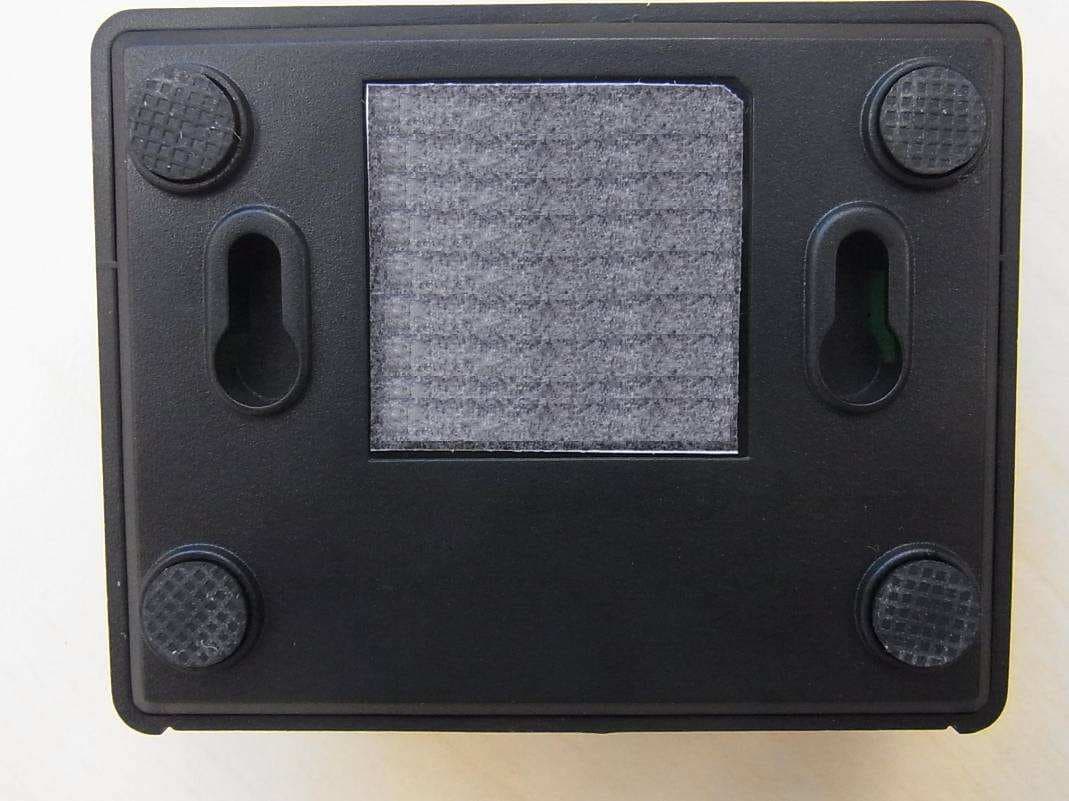
Click to zoom
Application Details
- Equipment Class
- DSS - Part 15 Spread Spectrum Transmitter
- Date of Grant
- Jul 25, 2012
- Application Purpose
- Original Equipment
- Date of Application
- Jul 25, 2012
- Equipment Note
- Bluetooth Music Receiver
- Frequency Range
- 2402.00000000 - 2480.00000000
- Company
- Trans Electric Co., Ltd.
- Country
- Taiwan
Documents & Files
Document Text
Text extracted from the exhibit documents filed with the FCC. Open a document above to read the original.
Users Manual
LED indicator: • Lights blue when paired and connected to your Bluetooth device. • Blinks blue when not connected to your Bluetooth device. • Turns off when the AC/DC adapter is not connected or plugged in. Optical digital audio cable 6 ft 3.5 mm stereo audio cable 3.5 mm jack to RCA stereo audio plug adapter OR Audio receiver, or other audio device with analog or digital input Wirelessly stream music from your iPhone, iPad, or other Bluetooth-enabled device to your home stereo or other audio device. Package contents • Bluetooth Music Receiver • 6 ft 3.5 mm stereo audio cable • AC/DC adapter • 3.5 mm jack to RCA stereo audio plug adapter • Quick Setup Guide Features • aptX® audio decoding: The highest Bluetooth stereo audio quality possible • Optical digital audio output: The highest quality audio connection to your home stereo • Analog stereo audio output: easily connect to amplified speakers or any device with an audio input jack • Transmits up to 33 feet (10 m) • Wall mount feature • Remembers up to eight Bluetooth devices Note: Music can be played from only one device at a time. Front view Back view Top view Bottom view Setting up your Bluetooth Music Receiver You can choose either analog (good) or digital (best) cables to connect your Bluetooth Music Receiver, depending on the connections available on your home stereo system. Digital connection 1 Plug one end of an optical digital audio cable into the OPTICAL jack on your Bluetooth Music Receiver. 2 Plug the other end of the optical digital audio cable into the Optical Digital Audio In jack on your home stereo system. OR Analog connection 1 Plug one end of the 6 ft 3.5 mm stereo audio cable (included) into the Audio Out jack on your Bluetooth Music Receiver. 2 Plug the other end of the 6 ft 3.5 mm stereo audio cable into the Audio In jack on your home stereo system or other audio component. If your home stereo system does not have a 3.5 mm Audio In connector, you must use a 3.5 mm jack to RCA stereo audio plug adapter (included). QUICK SETUP GUIDE Bluetooth Music Receiver RF-BTR212 Connecting power: 1 Plug the AC/DC adapter into the DC 5V jack on your Bluetooth Music Receiver. 2 Plug the AC/DC adapter into a wall power outlet. The LED indicator begins to blink blue to indicate that the unit is on and ready to be paired to your Bluetooth devices. Pairing your devices using Bluetooth Before you can use your Bluetooth Music Receiver with a Bluetooth device, you need to pair your device to the Bluetooth Music Receiver. To pair your devices using Bluetooth: 1 Make sure that a compatible Bluetooth device (like a music player or phone) is turned on and within 33 feet (10 meters) of your Bluetooth Music Receiver. 2 Turn on your Bluetooth Music Receiver by plugging in the AC/DC adapter. The LED indicator blinks on and off slowly. Your Bluetooth Music Receiver is in pairing mode. 3 Go to the Bluetooth manager by doing the following: a For iPad/iPhone/iPod touch: i. From your iPad/iPhone/iPod touch home page, click Settings. ii. From Settings, click General. iii. From General, click Bluetooth. b For Android Phone/Tablet: i. From your smart phone/tablet home page, click Settings. ii. From the Settings menu, click Wireless and networks. iii. Click to activate Bluetooth. iv. Click Bluetooth settings. 4 On the Bluetooth device, select Music Receiver in the list of found devices. 5 On the Bluetooth device, enter 0000 as the PIN, if prompted. The LED indicator lights blue on the Bluetooth Music Receiver. 6 If you are pairing with a computer, make sure that your Bluetooth Music Receiver is selected as the computer’s default playback device. See the computer’s documentation for instructions. LED indicator Notes: • Some devices, such as an iPhone, connect immediately after pairing so the LED on the Bluetooth Music Receiver remains on. Other devices, such as notebook computers, may ask you if you wish to connect. In this instance, the LED continues to blink until a connection is established. • Your Bluetooth Music Receiver saves pairing information for up to eight devices. However, it can only be connected and playing content from one device at a time. When you turn on your Bluetooth Music Receiver, it automatically connects to the last connected device if that device is in range. To connect to a different paired device, you have to disconnect from the currently connected device and manually connect to the other paired device. Reconnecting your device: If you move out of range or turn off the Bluetooth feature on your Bluetooth device, the Bluetooth Music Receiver disconnects from your device. When this happens, the LED will slowly blink on and off. To restore the connection: Move the music device back into range (within 33 feet), and make sure there is a clear line of sight and there are no obstructions between the Bluetooth Music Receiver and the device. The connection is automatically reestablished and the LED turns on. Note: The auto connect feature may not work with some Bluetooth devices, if this occurs use your Bluetooth device settings menu to manually select the Music Receiver from the list of found Bluetooth devices. Connecting to a different device: If you want to switch from one device to another, follow these steps: 1 On your Bluetooth device you are currently connected to, disconnect the Bluetooth Music Receiver in your Bluetooth device list. The Bluetooth Music Receiver can now be connected to another Bluetooth Device. 2 Follow the section “Pairing the Bluetooth Music Receiver” to connect a new device. LED status Troubleshooting No music from my audio device • Make sure the Bluetooth Music Receiver AC/DC adapter cable is plugged in. • Make sure an audio cable or an optical cable is correctly and firmly connected to the Bluetooth Music Receiver. • Make sure that the audio source selection of your audio receiver or other audio device is correct (analog audio or optical digital audio). • Make sure the volume of the audio receiver or other au…
Text truncated - open the document above for the full version.
External Photos
Page 1 of 2 Type Designation: RF-BTR212 Report Number: 17026608 001 Fig. 1: External view Fig. 2: External view Page 2 of 2 Type Designation: RF-BTR212 Report Number: 17026608 001 Fig. 3: External view Fig. 4: External view
Internal Photos
Page 1 of 3 Type Designation: RF-BTR212 Report Number: 17026608 001 Fig. 1: Internal view Fig. 2: Internal view Page 2 of 3 Type Designation: RF-BTR212 Report Number: 17026608 001 Fig. 3: Internal view Fig. 4: Internal view Page 3 of 3 Type Designation: RF-BTR212 Report Number: 17026608 001 Fig. 5: Internal view Fig. 6: Internal view
Test Report
Produkte Products Prüfbericht - Nr.: Test Report No. 17026608 001 Seite 2 von 54 Page 2 of 54 TEST SUMMARY 5.1.1 ANTENNA REQUIREMENT RESULT: Passed 5.1.2 PEAK OUTPUT POWER RESULT: Passed 5.1.3 20DB BANDWIDTH RESULT: Passed 5.1.4 99% BANDWIDTH RESULT: Passed 5.1.5 CONDUCTED SPURIOUS EMISSIONS MEASURED IN 100KHZ BANDWIDTH RESULT: Passed 5.1.6 SPURIOUS EMISSION RESULT: Passed 5.1.7 FREQUENCY SEPARATION RESULT: Passed 5.1.8 NUMBER OF HOPPING FREQUENCY RESULT: Passed 5.1.9 TIME OF OCCUPANCY RESULT: Passed 5.1.10 CONDUCTED EMISSIONS RESULT: Passed 6.1.1 ELECTROMAGNETIC FIELDS RESULT: Passed Produkte Products Prüfbericht - Nr.: Test Report No. 17026608 001 Seite 3 von 54 Page 3 of 54 Contents 1. GENERAL REMARKS......................................................................................................... 4 1.1 COMPLEMENTARY MATERIALS.......................................................................................... 4 2. TEST SITES...................................................................................................................... 4 2.1 TEST FACILITIES............................................................................................................... 4 2.2 LIST OF TEST AND MEASUREMENT INSTRUMENTS............................................................... 5 2.3 TRACEABILITY.................................................................................................................. 6 2.4 CALIBRATION................................................................................................................... 6 2.5 MEASUREMENT UNCERTAINTY........................................................................................... 6 2.6 LOCATION OF ORIGINAL DATA........................................................................................... 6 2.7 STATUS OF FACILITY USED FOR TESTING........................................................................... 6 3. GENERAL PRODUCT INFORMATION.................................................................................... 7 3.1 PRODUCT FUNCTION AND INTENDED USE........................................................................... 7 3.2 RATINGS AND SYSTEM DETAILS........................................................................................ 7 3.3 INDEPENDENT OPERATION MODES.................................................................................... 8 3.4 NOISE GENERATING AND NOISE SUPPRESSING PARTS....................................................... 9 3.5 SUBMITTED DOCUMENTS.................................................................................................. 9 4. TEST SET-UP AND OPERATION MODES............................................................................ 10 4.1 PRINCIPLE OF CONFIGURATION SELECTION...................................................................... 10 4.2 TEST OPERATION AND TEST SOFTWARE.......................................................................... 10 4.3 SPECIAL ACCESSORIES AND AUXILIARY EQUIPMENT........................................................ 10 4.4 COUNTERMEASURES TO ACHIEVE EMC COMPLIANCE....................................................... 11 4.5 TEST SETUP DIAGRAM.................................................................................................... 11 5. TEST RESULTS............................................................................................................... 13 5.1 TRANSMITTER REQUIREMENT & TEST SUITES.................................................................. 13 5.1.1 Antenna Requirement ................................................................................................................13 5.1.2 Peak Output Power ....................................................................................................................14 5.1.3 20dB Bandwidth .........................................................................................................................15 5.1.4 99% Bandwidth ..........................................................................................................................19 5.1.5 Conducted spurious emissions measured in 100kHz Bandwidth ..............................................23 5.1.6 Spurious Emission .....................................................................................................................32 5.1.7 Frequency Separation................................................................................................................33 5.1.8 Number of hopping frequency....................................................................................................36 5.1.9 Time of Occupancy ....................................................................................................................38 5.1.10 Conducted emissions ............................................................................................................49 6. SAFETY HUMAN EXPOSURE............................................................................................. 50 6.1 RADIO FREQUENCY EXPOSURE COMPLIANCE................................................................... 50 6.1.1 Electromagnetic Fields ...............................................................................................................50 7. PHOTOGRAPHS OF THE TEST SET-UP.............................................................................. 51 8. LIST OF TABLES............................................................................................................. 54 Produkte Products Prüfbericht - Nr.: Test Report No. 17026608 001 Seite 4 von 54 Page 4 of 54 9. LIST OF PHOTOGRAPHS.................................................................................................. 54 1. General Remarks 1.1 Complementary Materials All attachments are integral parts of this test report. This applies especially to the following appendix: Appendix 1: Test Result 2. Test Sites 2.1 Test Facilit…
Text truncated - open the document above for the full version.
Test Setup Photos
Produkte Products Prüfbericht - Nr.: Test Report No. 17026608 001 Seite 51 von 54 Page 51 of 54 7. Photographs of the Test Set-Up Photograph 1: Set-up for Coducted Emissions Photograph 2: Set-up for Spurious Emissions (9kHz-30MHz) Produkte Products Prüfbericht - Nr.: Test Report No. 17026608 001 Seite 52 von 54 Page 52 of 54 Photograph 3: Set-up for Spurious Emissions (30MHz-1GHz) Photograph 4: Set-up for Spurious Emissions (1GHz-18GHz) Produkte Products Prüfbericht - Nr.: Test Report No. 17026608 001 Seite 53 von 54 Page 53 of 54 Photograph 5: Set-up for Spurious Emissions (18GHz-26GHz)
Contact Information
Applicant
Grace Wang(Vice-General Manager, Intel' sales Dept.)
Test Firm
Accurate Technology Co., Ltd.Sean Liu
Technical Specifications
| # | Rule Parts | Frequency Range | Power Output |
|---|---|---|---|
| 1 | 15C | 2.40 GHz - 2.48 GHz | 1.14 mW |
Other Applications from Trans Electric Co., Ltd.
BY4WTR1500C
Sep 18, 2024Wireless HD Transmitter & Receiver Kit
Equipment Class
NII - Unlicensed National Information Infrastructure TX
BY4BRX5200A
Sep 25, 2022Portable Bluetooth Wireless Transmitter & Receiver
Equipment Class
DSS - Part 15 Spread Spectrum Transmitter
BY4WFD5000PRO
Jan 17, 20224K UHD Wireless Presentation Receiver
Equipment Class
DTS - Digital Transmission System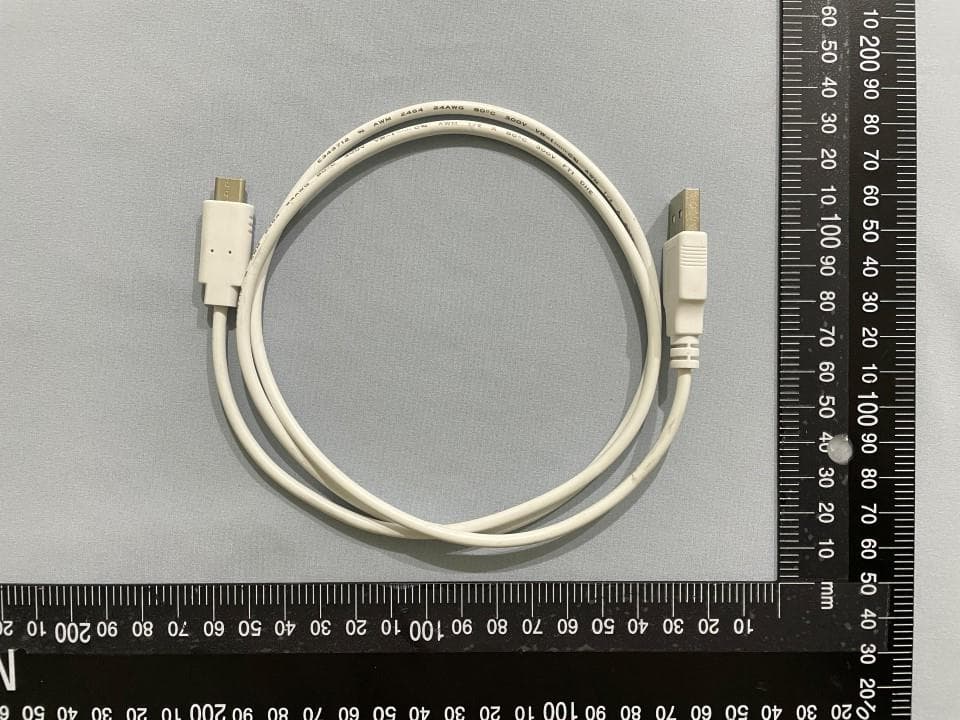
BY4WFD1500PRO
Jan 17, 2022Full-HD Wireless Presentation Receiver
Equipment Class
DTS - Digital Transmission System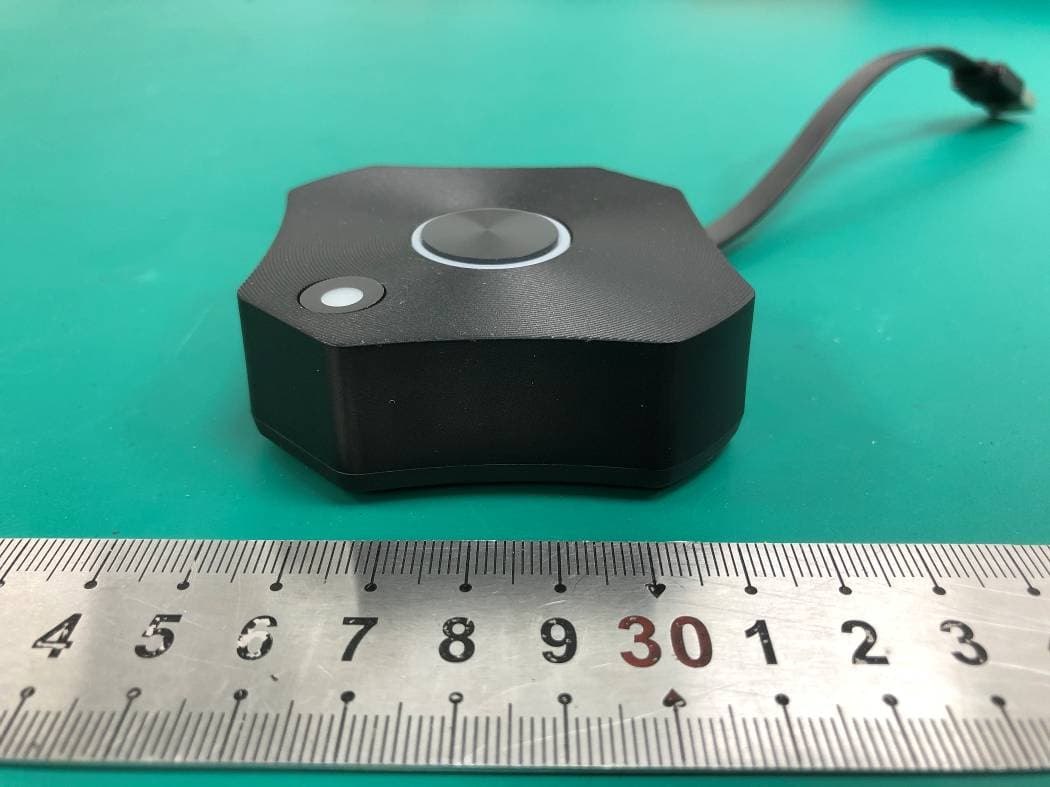
BY4WTR6000TX
Jul 28, 2021HD Wireless Conference System
Equipment Class
NII - Unlicensed National Information Infrastructure TX