C6M619Digital Game Caller
Foxpro Inc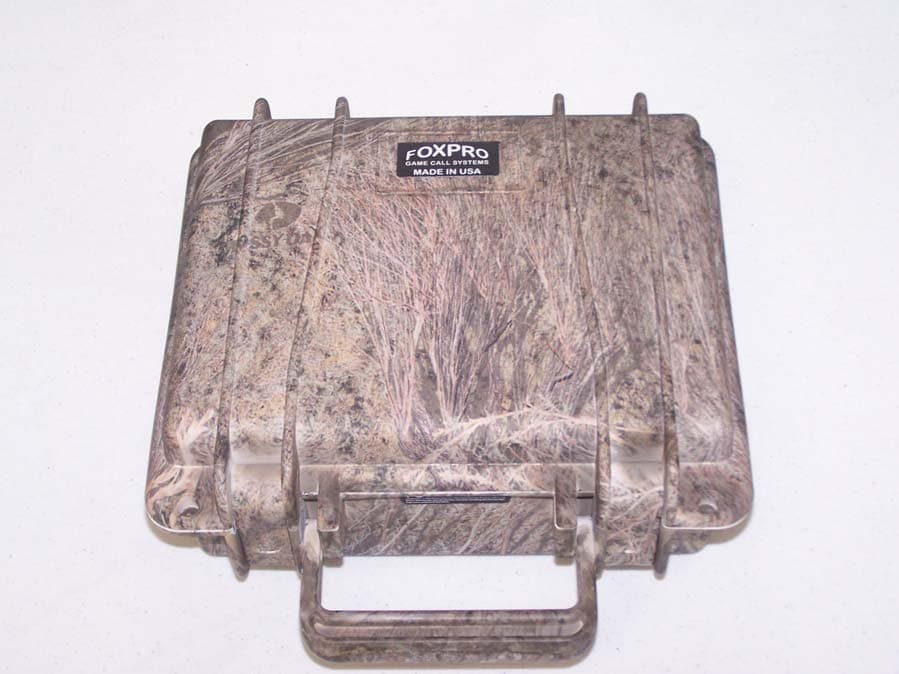
Click to zoom
Application Details
- Equipment Class
- DXT - Part 15 Low Power Transceiver, Rx Verified
- Date of Grant
- May 26, 2010
- Application Purpose
- Original Equipment
- Date of Application
- May 26, 2010
- Equipment Note
- Digital Game Caller
- Frequency Range
- 904.29000000 - 904.29000000
- Company
- Foxpro Inc
- Country
- United States
Documents & Files
Document Text
Text extracted from the exhibit documents filed with the FCC. Open a document above to read the original.
Users Manual
Page | 2 TOPIC PAGE IMPORTANT INFORMATION 3 USING THE FOXPRO ® SNOW-CROW PRO 2 4 1.0 QUICK OPERATING GUIDE 5 1.1 Connecting the 12V Battery 5 1.2 Installing Batteries in the TX-500 5 1.3 Playing Sounds Manually 5 1.4 Operating the Snow-Crow Pro by TX-500 Remote 6 1.5 Powering Down 6 2.0 ABOUT THE FOXPRO ® SCP SPEAKERS 7 3.0 BATTERIES AND CHARGING 7 4.0 AUX JACK FUNCTION 7 5.0 TX-500 REMOTE CONTROL OPERATION 9 5.1 Installing Batteries in the TX-500 9 5.2 Understanding the Menu System 10 5.3 Turning on the TX-500 12 5.4 Selecting Sounds 12 5.5 Setting the Volume 13 5.6 Mute 13 5.7 FOXCAST 14 5.8 Sound Presets 16 5.9 FOXFADE 17 5.10 AUTO-V 18 5.11 AUX 19 5.12 Recall 20 6.0 TX-500 AND SNOW-CROW PRO CUSTOMIZATIONS 20 6.1 Control Menu 20 6.2 Config Menu 21 7.0 PROGRAM THE SNOW-CROW-PRO 24 7.1 Purchasing New Sounds 24 7.2 Downloading the FOXPRO ® Programming Utility 24 7.3 Programming with the Utility 25 7.4 Downloading new Playlist to the TX-500 27 FCC STATEMENT 29 LIMITED WARRANTY STATEMENT 32 Page | 3 Important Information FOXPRO ® ’s goal is to provide our customers with the highest quality products in the industry. We take great pride in manufacturing our products in the USA. Please do not hesitate to contact us for assistance, comments or questions. FOXPRO ® Inc. 14 Fox Hollow Drive Lewistown, PA 17044 (717) 248-2507 Fax: (717) 247-3594 Hours of Operation Monday – Friday 8AM – 5PM EST Contact Us Customer Service: (717) 248-2507 Toll Free Orders Only: 866-463-6977 General Inquiry E-mail: [email protected] Stay up to date with the latest sounds by visiting our online sound library. Watch for new products and upgrades from FOXPRO ® . Visit us online: www.gofoxpro.com This manual, the animal sounds stored in your caller, and animal sounds purchased from FOXPRO ® Inc. for installation in your caller are protected by copyright. Copyright © ©© ©℗ ℗℗ ℗ 2009 by FOXPRO ® Inc. Page | 4 Using the FOXPRO ® SNOW-CROW PRO2 Digital Game Call Congratulations on the purchase of your FOXPRO ® SNOW-CROW PRO 2 digital wildlife caller! You have chosen a highly advanced product with reliability, ease-of-use, and features that are second to none. Please take this time to read and understand the information in this instruction booklet. This will ensure that you receive the maximum benefit from your new FOXPRO ® SNOW-CROW PRO 2. 1. Power Switch/Volume Control Knob 2. LCD Panel 3. Auxiliary Jack 4. USB Port 5. Sound Up/Down Toggle Switch 6. High Capacity 12V Gel Cell Battery 7. Fuse 8. Four External Speaker Jacks 9. High Quality TOA Speakers Page | 5 CAUTION! The FOXPRO SNOW-CROW PRO 2 can produce sound pressure levels that can cause permanent hearing loss. Never operate this device with speakers in close proximity to you at high volume levels without hearing production. 1.0 QUICK OPERATING GUIDE The SNOW-CROW PRO 2 is shipped from the factory with a high-capacity rechargeable 12V SLA gel-cell battery preinstalled. Do not assume that the state of charge on the battery is sufficient for operation right out of the box. Make sure that you charge the battery prior to taking it into the field. 1.1 Connecting your 12V Battery From the factory, your 12V battery will not be connected to the battery wires. The first thing you need to do is remove the plastic covers from the terminals on the battery itself. Connect the red lead to the positive terminal (also colored red) and connect the black lead to the negative terminal (also colored black). 1.2 Installing Batteries in your TX-500 The TX-500 transmitter operates from 3 “AA” batteries. Please use high quality alkaline or lithium batteries. 1. Remove the battery compartment cover located on the rear of the transmitter. 2. Insert the “AA” batteries into the provided cavities. Note that the battery polarity alternates. 3. Replace the battery compartment cover after the batteries are installed. 1.3 Playing Sounds Manually Your SNOW-CROW PRO 2 can be operated with or without using the TX-500 transmitter. 1. Connect at least one of your external loudspeakers to the SNOW- CROW PRO 2. The speakers are equipped with heavy duty plugs. Insert the plug into one of the speaker jacks and turn it to the right to lock it in place. 2. Turn the On/Off/Volume knob clockwise to the “ON” position – you should hear a soft click. Please note that this switch is also the volume control when the unit is operated manually. The further clockwise you turn the knob, the louder the unit will play. At this point, the LCD display on the SNOW-CROW PRO 2 will first display the channel of operation, the software revision, and then display three horizontal bars. 3. Use the sound up/sound down toggle switch to select a sound number. Once selected, release the button, and the sound will play. To select a different sound, simply move the switch up or down again to select your desired sound. Page | 6 1.4 Operating the SNOW-CROW PRO 2 by TX-500 Remote Control 1. Turn on the TX-500 transmitter by pressing down and holding the sound selector knob for about 4 seconds. The screen will display “FOXPRO ® the caller of the wild” then show the remote version number on the button line of the display. If you bump the button or do not hold it for 4 seconds, the screen will briefly display “FOXPRO ® the caller of the wild” then turn back off. You may have to wait a few moments before trying to turn it on again. 2. Select the sound you wish to play by turning the rotary selector knob on the top of the transmitter either clockwise, which will scroll up, or counter-clockwise which scrolls down. 3. When the sound desired appears in the displayed list, highlight the sound, and press down on the rotary selector knob. You will notice that the number associated with that sound will appear in the bottom text line. This text line also displays the current channel setting, a mute indicator, volume level indicator, battery monitor, and timer. The top text line displays the front speaker, rear speaker, auto volume (AV) and a play mode in…
Text truncated - open the document above for the full version.
Cover Letter(s)
FOXPRO INC. 14 Fox Hollow Drive Lewistown, PA 17044 (717)248-2507 FAX(717)247-3594 www.gofoxpro.com April 22, 2010 MET Laboratories, Inc. 914 West Patapsco Avenue Baltimore, MD 21230 RE: CONFIDENTIALITY REQUEST FOR FOXPRO SCP2 FCC ID: C6M619 To Whom It May Concern: This letter serves as an official request for confidentiality under sections 0.457 and 0.459 of CFR 47. We have requested that the schematics, block diagrams, and operational descriptions required to be submitted with this application be permanently withheld from public view. These items would be privileged as a matter of law if retained by the person submitting them, and are materials which would not customarily be released to the public by that person. If you have any questions or need additional information, please give me a call at 717-248-2507. Sincerely, John Dillon, President
Test Report
MET Laboratories, Inc. Safety Certification - EMI - Telecom Environmental Simulation 914 WEST PATAPSCO AVENUE ! BALTIMORE, MARYLAND 21230 ! PHONE (410) 354-3300 ! FAX (410) 354-3313 The Nation’s First Licensed Nationally Recognized Testing Laboratory May 24, 2010 Foxpro, Inc. 14 Fox Hollow Dr. Lewiston, PA 17044 Dear John Dillon, Enclosed is the EMC Wireless test report for compliance testing of the Foxpro, Inc., SCP2 Wildlife Caller as tested to the requirements of Title 47 of the CFR, Ch. 1 (10-1-06 ed.), Part 15, Subpart B, ICES-003, Issue 4 February 2004 for a Class B Digital Device and FCC Part 15 Subpart C, RSS-210, Issue 7, June 2007 for Intentional Radiators. Thank you for using the services of MET Laboratories, Inc. If you have any questions regarding these results or if MET can be of further service to you, please feel free to contact me. Sincerely yours, MET LABORATORIES, INC. Jennifer Warnell Documentation Department Reference: (\Foxpro, Inc.\EMC29078-FCC249 Rev. 1) Certificates and reports shall not be reproduced except in full, without the written permission of MET Laboratories, Inc. Electromagnetic Compatibility Foxpro, Inc. Cover Page FoxPro SCP2 Wildlife Caller CFR Title 47, Part 15B, 15.249; RSS-210, Issue 7, June 2007 & ICES-003 MET Report: EMC29078-FCC249 Rev. 1 © 2010, MET Laboratories, Inc. Page ii of vii Electromagnetic Compatibility Criteria Test Report for the Foxpro, Inc. Model SCP2 Wildlife Caller Verified under the FCC Certification Rules contained in Title 47 of the CFR, Parts 15 Subpart B & ICES-003 for Class B Digital Devices & 15.249 Subpart C & RSS-210, Issue 7, June 2007 for Intentional Radiators MET Report: EMC29078-FCC249 Rev. 1 May 24, 2010 Prepared For: Foxpro, Inc. 14 Fox Hollow Dr. Lewiston, PA 17044 Prepared By: MET Laboratories, Inc. 914 W. Patapsco Ave. Baltimore, MD 21230 Electromagnetic Compatibility Foxpro, Inc. Cover Page FoxPro SCP2 Wildlife Caller CFR Title 47, Part 15B, 15.249; RSS-210, Issue 7, June 2007 & ICES-003 Electromagnetic Compatibility Criteria Test Report for the Foxpro, Inc. Model SCP2 Wildlife Caller Tested Under the FCC Certification Rules contained in Title 47 of the CFR, Parts 15 Subpart B & ICES-003 for Class B Digital Devices & 15.249 Subpart C & RSS-210, Issue 7, June 2007 for Intentional Radiators Dusmantha Tennakoon, Project Engineer Jennifer Warnell Electromagnetic Compatibility Lab Documentation Department Engineering Statement: The measurements shown in this report were made in accordance with the procedures indicated, and the emissions from this equipment were found to be within the limits applicable. I assume full responsibility for the accuracy and completeness of these measurements, and for the qualifications of all persons taking them. It is further stated that upon the basis of the measurements made, the equipment tested is capable of operation in accordance with the requirements of the FCC Rules Parts 15B, 15.249 and Industry Canada standards ICES-003, Issue 4 February 2004, RSS-210, Issue 7, June 2007 under normal use and maintenance. Shawn McMillen, Wireless Manager Electromagnetic Compatibility Lab MET Report: EMC29078-FCC249 Rev. 1 © 2010, MET Laboratories, Inc. Page iii of vii Electromagnetic Compatibility Foxpro, Inc. Report Status FoxPro SCP2 Wildlife Caller CFR Title 47, Part 15B, 15.249; RSS-210, Issue 7, June 2007 & ICES-003 MET Report: EMC29078-FCC249 Rev. 1 © 2010, MET Laboratories, Inc. Page iv of vii Report Status Sheet Revision Report Date Reason for Revision May 18, 2010 Initial Issue. 1 May 24, 2010 Revised to reflect engineer corrections. Electromagnetic Compatibility Foxpro, Inc. Table of Contents FoxPro SCP2 Wildlife Caller CFR Title 47, Part 15B, 15.249; RSS-210, Issue 7, June 2007 & ICES-003 MET Report: EMC29078-FCC249 Rev. 1 © 2010, MET Laboratories, Inc. Page v of vii Table of Contents I. Executive Summary .................................................................................................................................................1 A. Purpose of Test ........................................................................................................................................... 2 B. Executive Summary.................................................................................................................................... 2 II. Equipment Configuration .......................................................................................................................................3 A. Overview .................................................................................................................................................... 4 B. References .................................................................................................................................................. 5 C. Test Site ...................................................................................................................................................... 5 D. Description of Test Sample......................................................................................................................... 5 E. Equipment Configuration ........................................................................................................................... 6 F. Support Equipment ..................................................................................................................................... 6 G. Ports and Cabling Information.................................................................................................................... 6 H. Mode of Operation...................................................................................................................................... 7 I. Modifications.............................................................................................................................................. 7 a) Modifications to EUT..........................................…
Text truncated - open the document above for the full version.
Contact Information
Applicant
John Dillon(President)
Technical Contact
Foxpro Inc.John Dillon
[email protected]717-248-2507
14 Fox Hollow Drive · Lewistown, Pennsylvania · United States
Test Firm
EUROFINS ELECTRICAL AND ELECTRONIC TESTING NA, INCGreg Kovolenko
Technical Specifications
| # | Rule Parts | Frequency Range | Power Output |
|---|---|---|---|
| 1 | 15C | 904.29 MHz - 904.29 MHz | - |
Other Applications from Foxpro Inc
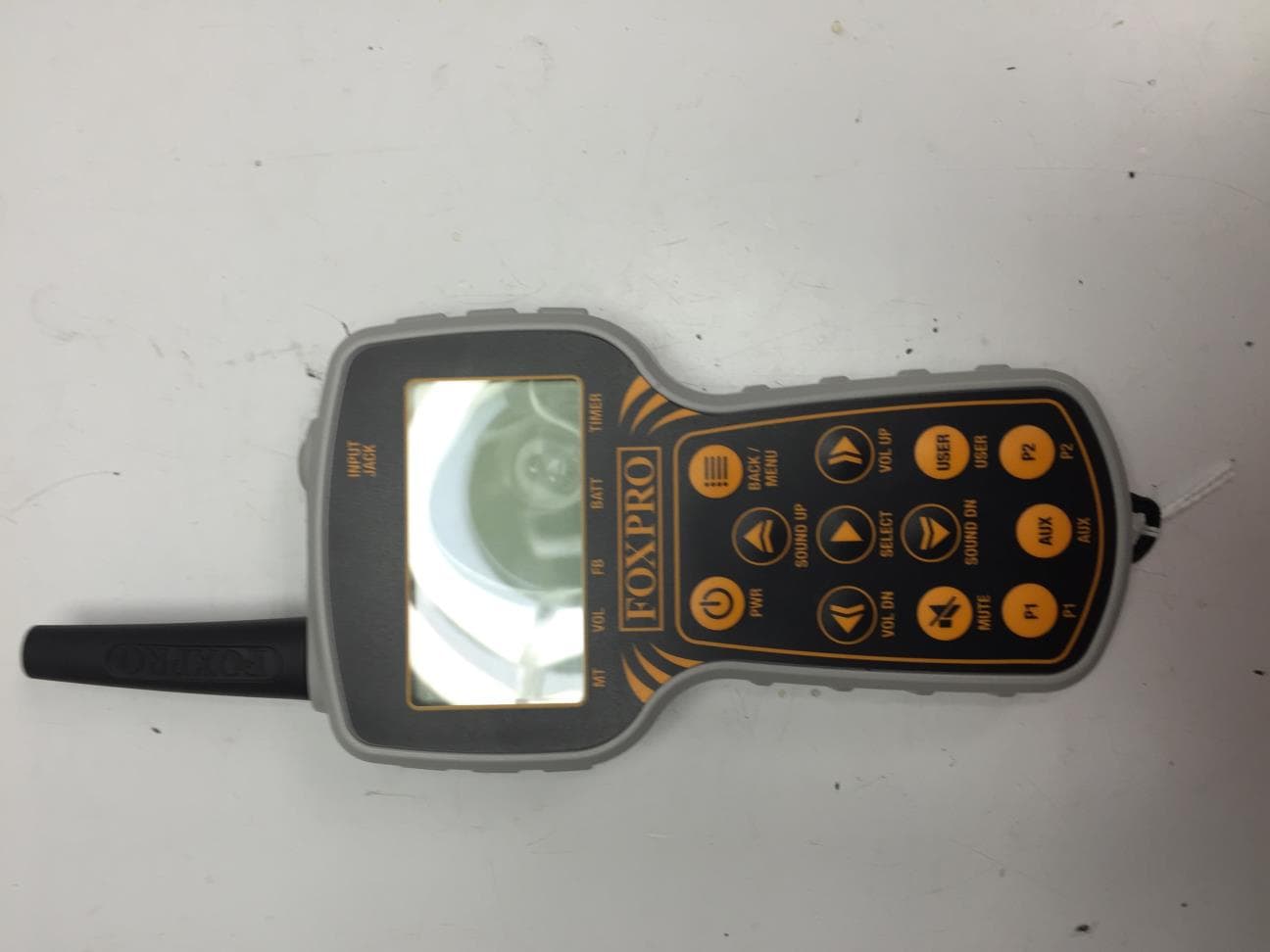
C6M660
Jul 15, 2015TX915
Equipment Class
DTS - Digital Transmission System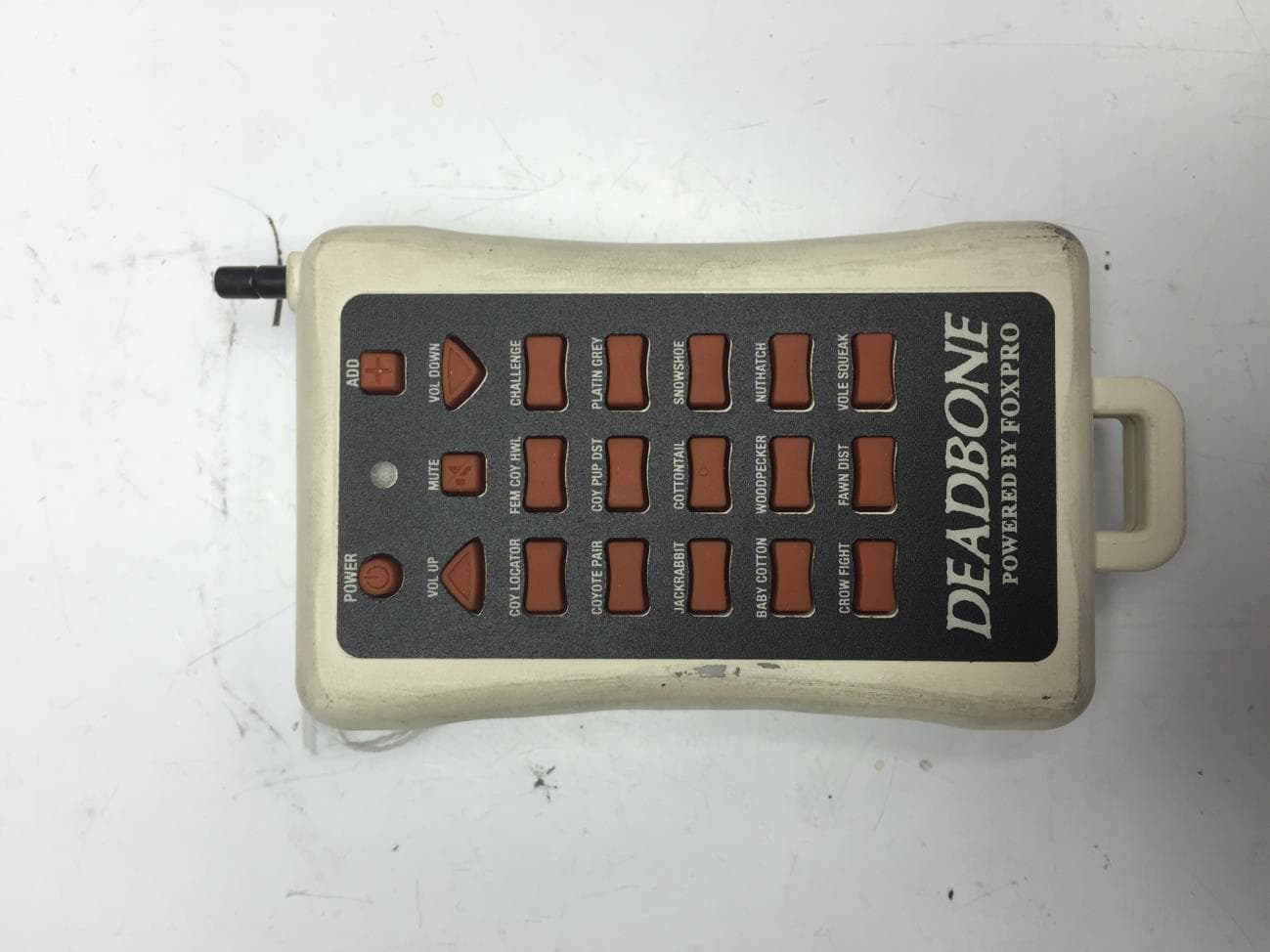
C6M670
Jun 28, 2015Deadbone Transmitter
Equipment Class
DSC - Part 15 Security/Remote Control Transmitter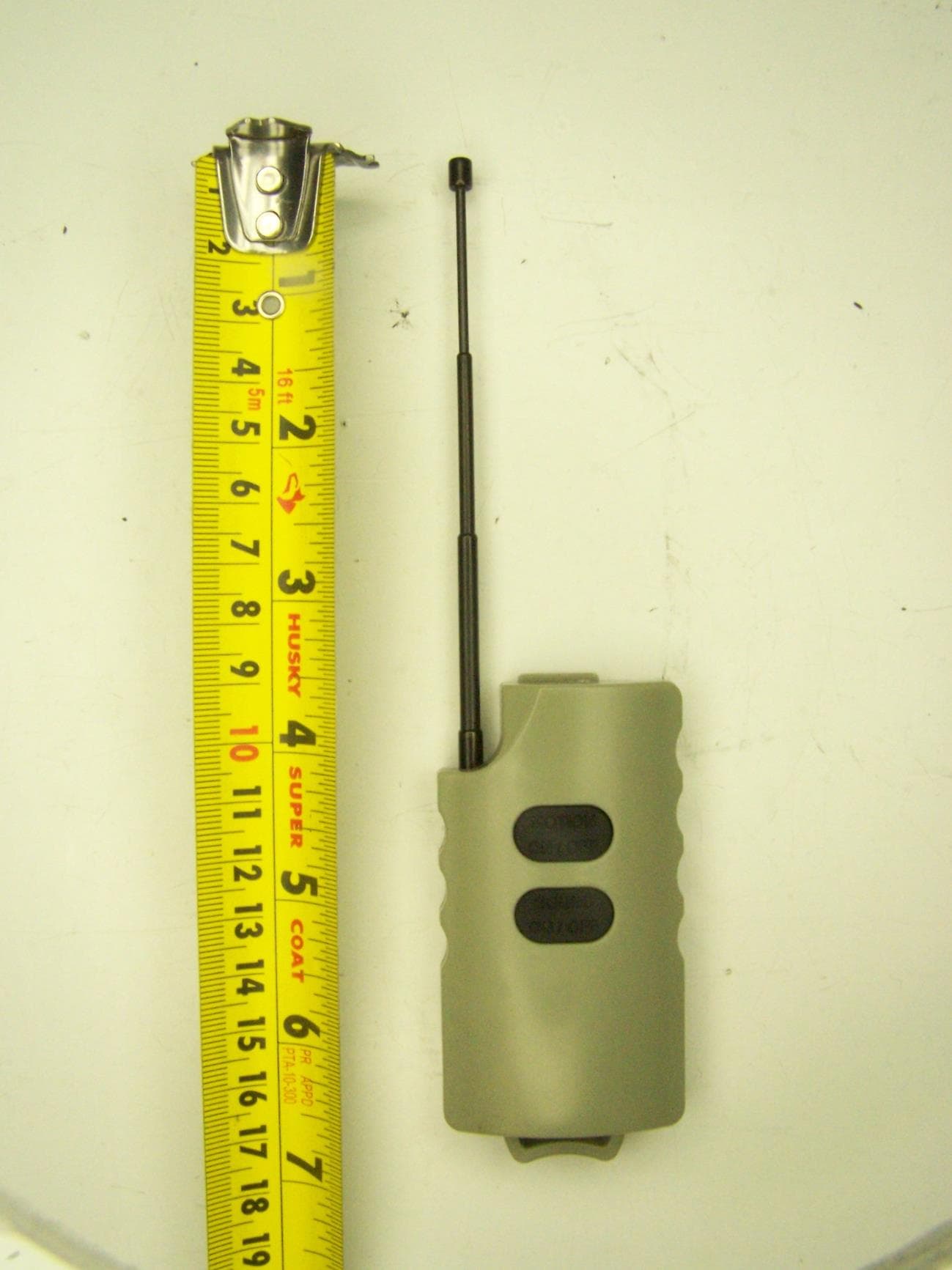
C6M650
Oct 21, 2014JD1 Transmitter
Equipment Class
DXX - Part 15 Low Power Communication Device Transmitter
C6M621
Sep 28, 2010Foxpro Decoy
Equipment Class
DSC - Part 15 Security/Remote Control Transmitter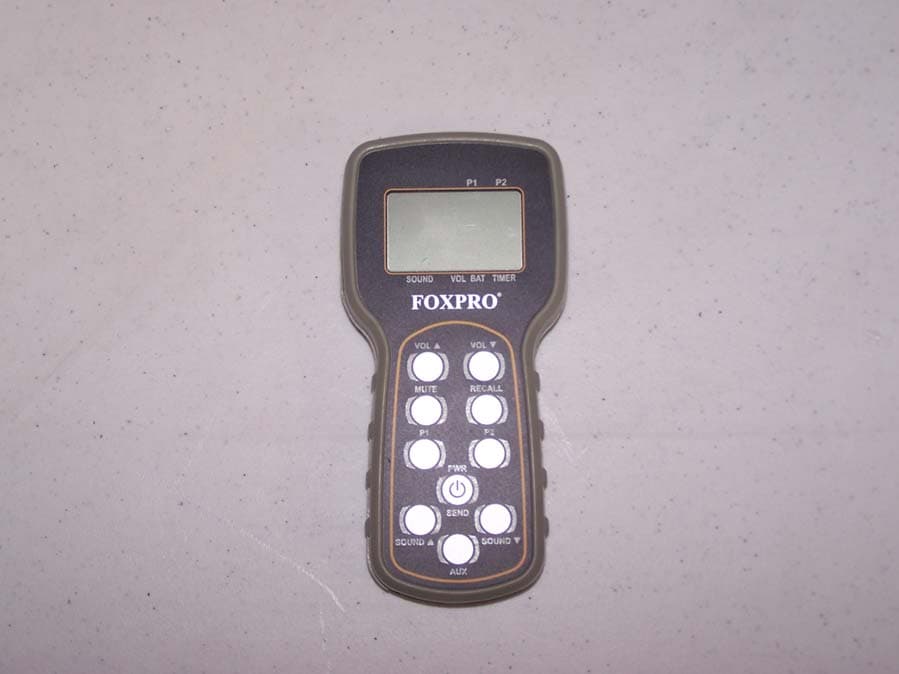
C6M618
May 23, 2010Remote Control Transmitter
Equipment Class
DSC - Part 15 Security/Remote Control Transmitter