CJ6UMEK30AWLHDD portable audio player
Dynabook Inc.
Click to zoom
Application Details
- Equipment Class
- JBP - Part 15 Class B Computing Device Peripheral
- Date of Grant
- Aug 23, 2006
- Application Purpose
- Original Equipment
- Date of Application
- Aug 23, 2006
- Equipment Note
- HDD portable audio player
- Company
- Dynabook Inc.
- Country
- Japan
Documents & Files
Document Text
Text extracted from the exhibit documents filed with the FCC. Open a document above to read the original.
Users Manual
Model No. : 1089 User’s Manual Draft Rev.1.0a 1089 is a HDD portable audio player. Features Mass Storage Capacity 1.8"HDD (30GB) Display 3.0inch low temperature polysilicone TFT LCD. HID Mechanical switches for all control surfaces. I/O Interface Headphone USB2.0 FM Tuner high qualify FM tuner with RDBS. Wireless LAN Theoretical maximum speed of 54Mbps for IEEE 802.11g Theoretical maximum speed of 11Mbps for IEEE 802.11b Frequency Channel Selection of 2.4GHz for 802.11b/g Wireless LAN module : WYSBAKSX2-A Max Antenna Gain-0.3 dBi Modulation TypeDSSS (Revision B) OFDM(Revision G) Battery Li-Ion. Getting started Using the Wireless communication. Turning on wireless: In order to use wireless sharing feature such as “send’ and “DJ” you will need to turn on your device’s wireless capabilities. You can do this by going to settings and selecting Wireless: on. When this setting is on your device will be discoverable by other Pyxis device and also be capable of searching for other Pyxis devices in range. If you are in an environment where you do not want your device transmitting and receiving wireless signals then you can go to the settings menu and change to wireless: off Sending Content: Once your wireless setting is set to on, you will be able to send and receive photos and promotional copies of songs, albums, and playlists from other Pyxis users. In order to send someone a song or photo, navigate to the piece of content that you would like to send. Click the center button and select the “send” option. You will then be presented with a “nearby” list containing any Pyxis devices that have their wireless setting on and are in range. Select one (and only one) device from the list and a notification will appear on that device allowing that user to accept o reject your send. If he/she accepts, Pyxis will begin transferring the selected content to that device. If not, you will be notified that the recipient has rejected the send. DJing Content: Pyxis allows you to stream music to up to 4 other Pyxis devices. If you wish to “DJ” content to other devices you need to go either go to settings/music or press the center button in the “now playing” screen. You will be presented with a DJ setting with 3 options: off, on, or friends. If you chose DJ:on, anyone (max 4 at one time) can listen in to the same music that you are currently listening to. If you chose DJ: friends, only people in your friends list can listen in. If you choose DJ:off, no one cal listen to your music but you can still tune in to other people who have their DJ setting turned on. Being the DJ: Once your DJ setting is on, you don’t need to do anything else in order for others to listen to your stream. If someone tunes in, you will get an onscreen notification that you have a listener. If you turn off your device or begin playing non-music content, any listener connections that you have will end and you will not be shown as a DJ again until you are once again listening to music. Tuning in: If you want to look for people in wireless range who are DJing you should go the community menu and scroll to the “nearby” screen. Here you will see a list of all Pyxis devices in range. Any device that has it’s DJ setting on and is currently playing music will have a “listen” option associated with it. Select “listen” and you will hear whatever that device is currently playing. Your “now playing” screen will show the album art and information if available throughout the session. While listening to the DJ session you will not be able to use any transport controls, the person DJing has full control of the session. In order to stop listening to the DJ you can simply start playback on any piece of music or video content in your own library. Friend requests: You can invite other Argo members that you meet to be your friends wirelessly via Pyxis. Navigate to the “nearby” screen and find the person that you wish to send a frieds request to. Select “send friend request” and the person will see a notification on his/her device allowing them to accept or reject your request. If he/she accepts then you are added to each others friends lists. FCC notice This equipment has been tested and found to comply with the limits for a Class B digital device, pursuant to part 15 of the FCC rules. These limits are designed to provide reasonable protection against harmful interference in a residential installation. This equipment generates, uses and can radiate radio frequency energy and, if not installed and used in accordance with the instructions, may cause harmful interference to radio communications. However, there is no guarantee that interference will not occur in a particular installation. If this equipment does cause harmful interference to radio or television reception, which can be determined by turning the equipment off and on, the user is encouraged to try to correct the interference by one or more of the following measures: ■ Reorient or relocate the receiving antenna. ■ Increase the separation between the equipment and receiver. ■ Connect the equipment into an outlet on a circuit different from that to which the receiver is connected. ■ Consult the dealer or an experienced radio/TV technician for help. FCC conditions This device complies with Part 15 of the FCC Rules. Operation is subject to the following two conditions: (1) This device may not cause harmful interference. (2) this device must accept any interference received, including interference that may cause undesired operation. FCC Radiation Exposure Statement: This transmitter complies with the FCC radiation exposure limits as set forth for the general population/uncontrolled environment. To comply, or maintain compliance, with the FCC RF exposure requirements, no change to the antenna or the device is permitted. Any changes to the antenna or the device could result in the device exceeding the RF exposure requirements and would void user authorization to operate the equipment. In addition, this transmitter…
Text truncated - open the document above for the full version.
External Photos
Toshiba Corporation Digital Media Network Company HDD portable audio player External Photo External Photo I FRONT VIEW II. REAR VIEW
ID Label/Location Info
FCC ID : CJ6UM E K30AWL Hello from Seattle. Model 1089. Assembled in China. Input 5V 1.4A back side ・ Name: Toshiba Corporation Digita l Media Network Company ・ Product description: HDD portable audio player Label information
Internal Photos
Toshiba Corporation Digital Media Network Company HDD portable audio player Internal photo Internal Photo I FRONT VIEW WLAN Module “WYSBAKSX2-A” manufactured by Taiyo Yuden Toshiba Corporation Digital Media Network Company HDD portable audio player Internal photo II. REAR VIEW Toshiba Corporation Digital Media Network Company HDD portable audio player Internal photo III. WLAN Module“WYSBAKSX2-A” Front view with shield IV. WLAN Module“WYSBAKSX2-A” Front view without shield Toshiba Corporation Digital Media Network Company HDD portable audio player Internal photo V. WLAN Module“WYSBAKSX2-A” Rear view without shield
Test Report
Document Number: OFA-C5426 Page 2 of 45 Toshiba Corporation, Ome Operations TABLE OF CONTENTS [Title] [Page] MEASUREMENT REPORT OF DIGITAL DEVICE ...........................................................................................1 TABLE OF CONTENTS ...........................................................................................................................................2 1. EQUIPMENT UNDER TEST (EUT) ...................................................................................................................3 1.1. EUT INFORMATION............................................................................................................................................3 1.2. PRODUCT INFORMATION OF THE EUT ...............................................................................................................3 1.3. OPERATING CONDITIONS OF EUT ......................................................................................................................4 2. COMMENT ON THE MEASUREMENT ...........................................................................................................6 2.1. MEASUREMENT METHODOLOGY........................................................................................................................6 2.2. DEVIATION FROM STANDARD............................................................................................................................6 2.3 MEASUREMENT PROCEDURE...............................................................................................................................6 2.4. MEASUREMENT PLACE.......................................................................................................................................6 2.5. AMBIENT CONDITION.........................................................................................................................................6 2.6. MEASUREMENT UNCERTAINTY.........................................................................................................................7 2.7. SAMPLE OF CALCULATION.................................................................................................................................7 3. MEASUREMENT RESULTS ...............................................................................................................................8 3.1. CONDUCTION MEASUREMENT RESULTS.............................................................................................................8 3.2. RADIATION MEASUREMENT RESULTS..............................................................................................................17 4. MEASUREMENT SETUP ..................................................................................................................................34 4.1. SKETCH............................................................................................................................................................34 4.2. PHOTOGRAPHS.................................................................................................................................................35 5. MEASUREMENT INSTRUMENTATION USED............................................................................................37 [APPENDIX] .............................................................................................................................................................38 [APPENDIX A] SYSTEM FACTOR (150K - 30MHZ) ..................................................................................................38 [APPENDIX B] SYSTEM LOSS (30M - 18GHZ).........................................................................................................39 [APPENDIX C] ANTENNA FACTOR : TUNABLE DIPOLE ANTENNA (30M - 1GHZ) ...................................................40 [APPENDIX D] ANTENNA FACTOR: BROADBAND ANTENNA (30M - 18GHZ) .........................................................41 [APPENDIX E] SYSTEM BLOCK DIAGRAM...............................................................................................................42 [APPENDIX F] DETAIL OF UNITS.............................................................................................................................42 [APPENDIX G] LABEL INFORMATION......................................................................................................................43 [APPENDIX H] PHOTOGRAHS..................................................................................................................................44 Total page: 45 Document Number: OFA-C5426 Page 3 of 45 Toshiba Corporation, Ome Operations 1. EQUIPMENT UNDER TEST (EUT) 1.1. EUT information The equipment under test (EUT) was tested as a system consisting of appropriate operating peripherals, host device and cables connected to the external connectors of the following equipment. Equipment name Model No. Serial No. Type HDD portable audio player 1090 KEEL-CS-FB-01 Pre-production Note: This EUT is operated with personal computer (host device). 1.2. Product information of the EUT 1.2.1. Model designation Product name Model No. Body color 1089 Black 1090 White HDD portable audio player 1091 Brown Note: This product has several body color variations. These color difference has no effect on electrical and RF characteristics. 1.2.2. Product function This product has some functions as follows. - Wireless LAN communication mode (IEEE802.11b/g) - FM tuner mode - Audio and video player mode - USB data transfer mode 1.2.3. Unit information This product consists of the following units. Units or components Number of unit(s) or component(s) - System board 1 - Switch flexible board 1 - 3.0 inch LCD unit 1 - 1.8 inch HDD 1 - Battery 1 1.2.4. System Block Diagram Please refer to the Appendix E 1.2.5. Details of units Please refer to the Appendix F 1.2.6. Label Information Please refer to the Appendix G 1.2.7. Photographs Please refer t…
Text truncated - open the document above for the full version.
Test Setup Photos
Toshiba Corporation Digital Media Network Company HDD portable audio player Test Setup Photo 1. Photos of Radiated Measurement USB Power Supply Axial Direction: XY-Plane Axial Direction: YZ-Plane Axial Direction: ZX-Plane These photos show the instruments arrangement under testing, which records the maximum level of the radiation noise level. Toshiba Corporation Digital Media Network Company HDD portable audio player Battery Power Supply Axial Direction: XY-Plane Axial Direction: YZ-Plane Axial Direction: ZX-Plane These photos show the instruments arrangement under testing, which records the maximum level of the radiation noise level. Toshiba Corporation Digital Media Network Company HDD portable audio player 2. Photos of Conducted Measurement These photos show the instruments arrangement under testing, which records the maximum level of the radiation noise level. Toshiba Corporation Digital Media Network Company HDD portable audio player 3. SAR measurement
Contact Information
Applicant
Ryuichi Kamimura(Senior Manager)
Technical Contact
Taigo Yuden Co., Ltd. EMC CenterJiro Ogiwara
[email protected]+81273608328
5607-2 Nakamuroda Harunamachi · Gunma-Gun Gunma · Japan
Non-Technical Contact
Taigo Yuden Co., Ltd. EMC CenterManabu Satomi
[email protected]+81273608328
Test Firm
Taiyo Yuden Co., Ltd. EMC CenterKenzo Furuta
Technical Specifications
| # | Rule Parts | Frequency Range | Power Output |
|---|---|---|---|
| 1 | 15B | - | - |
Other Applications from Dynabook Inc.
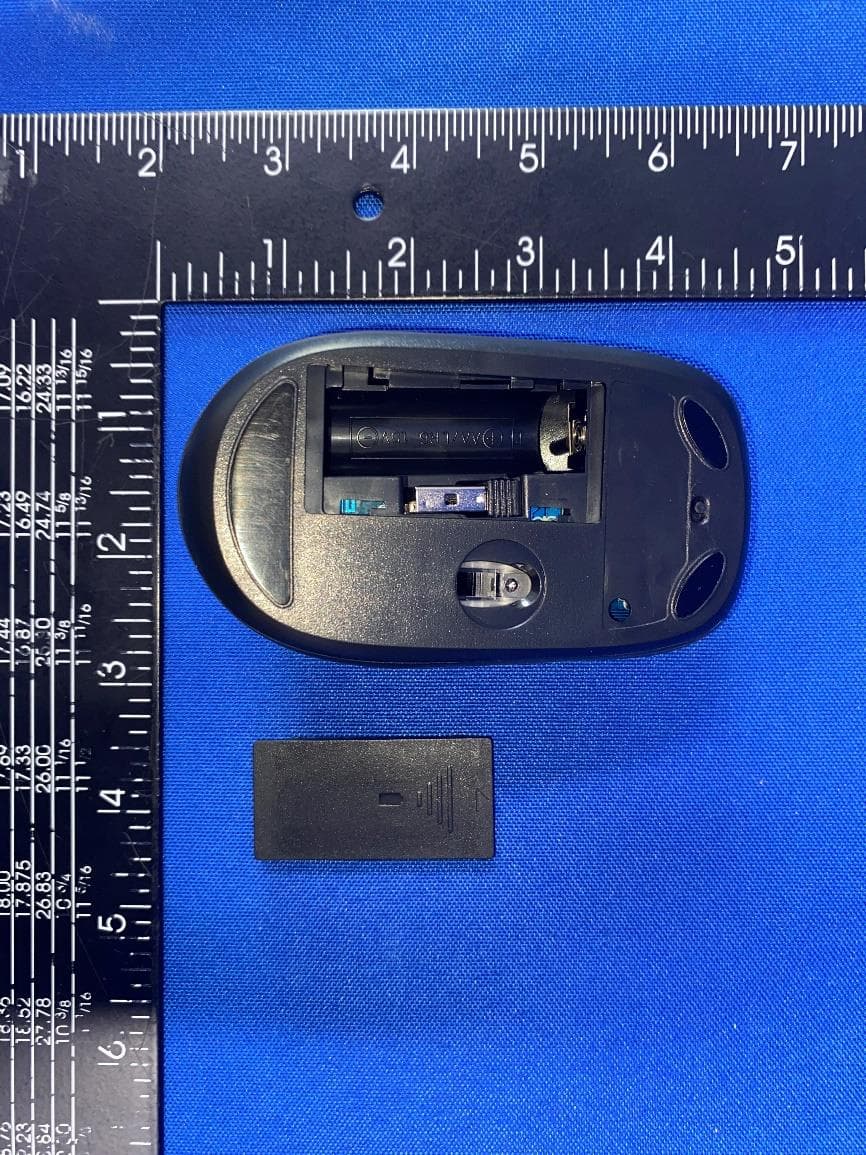
CJ6PA5347RT
Oct 20, 2022dynabook Wireless Optical Silent Mouse
Equipment Class
DXX - Part 15 Low Power Communication Device Transmitter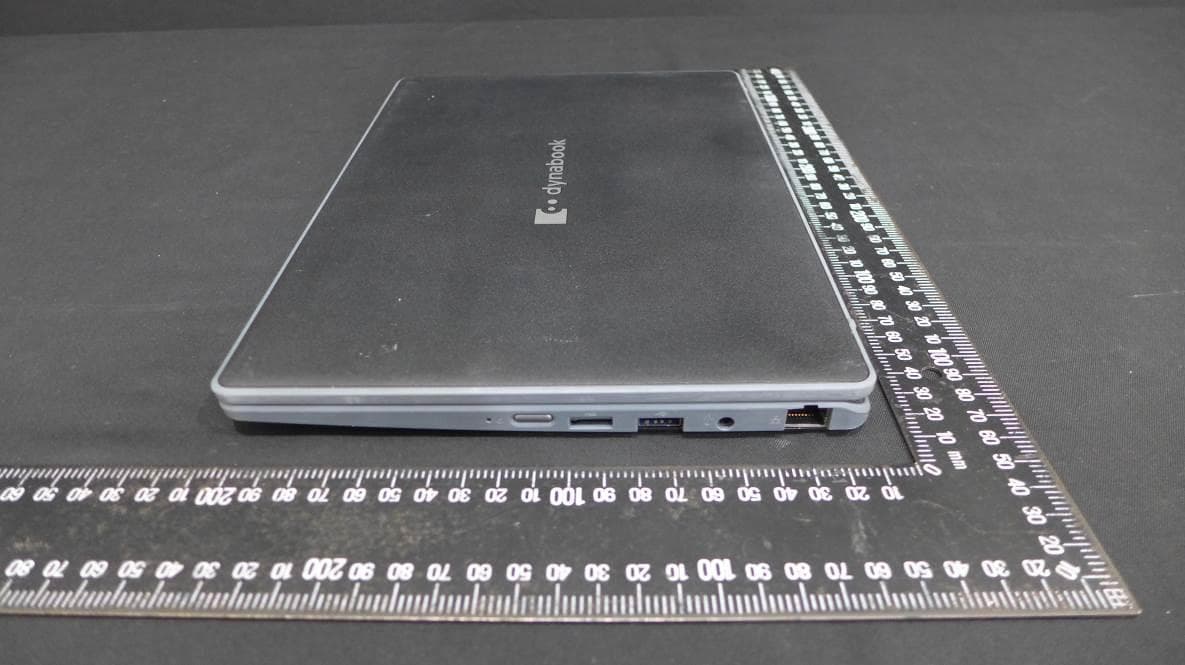
CJ6PYT0XPC
Apr 28, 2021Notebook Computer
Equipment Class
DSS - Part 15 Spread Spectrum Transmitter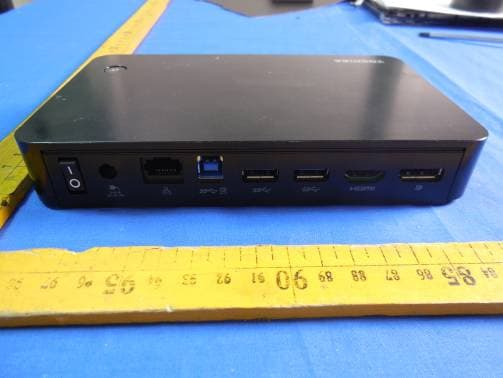
CJ6UPA5238WL
Sep 01, 2015dynadock WiAC
Equipment Class
NII - Unlicensed National Information Infrastructure TX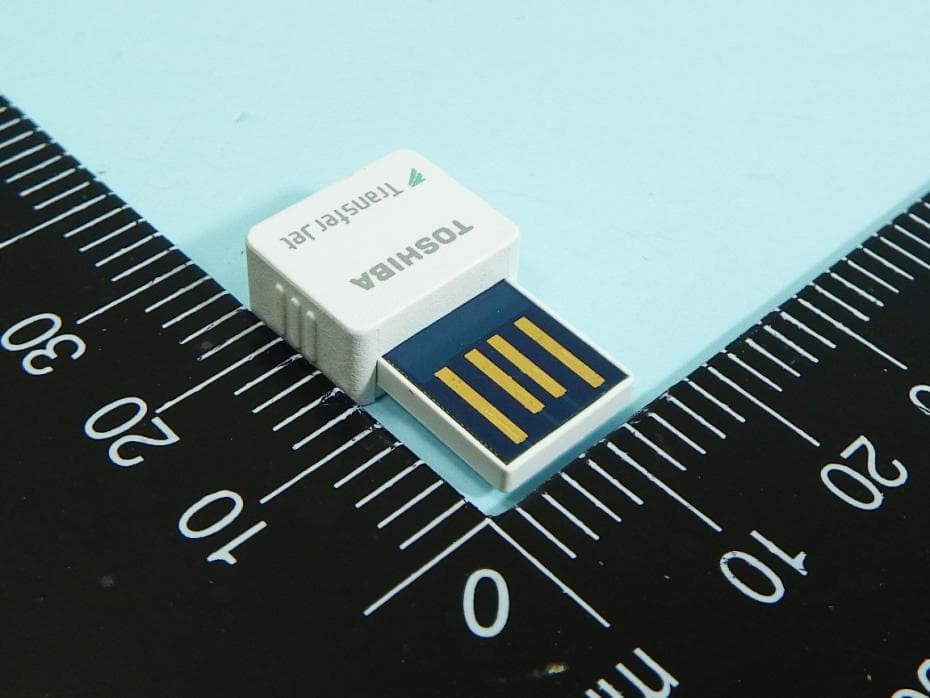
CJ6UPA5144TJ
Aug 07, 2014TransferJet USB Adapter
Equipment Class
JBP - Part 15 Class B Computing Device Peripheral
CJ6UPA5145TJ
Aug 07, 2014TransferJet MicroUSB Adapter
Equipment Class
UWB - Ultra Wideband Transmitter