CJ6UPA5144TJTransferJet USB Adapter
Dynabook Inc.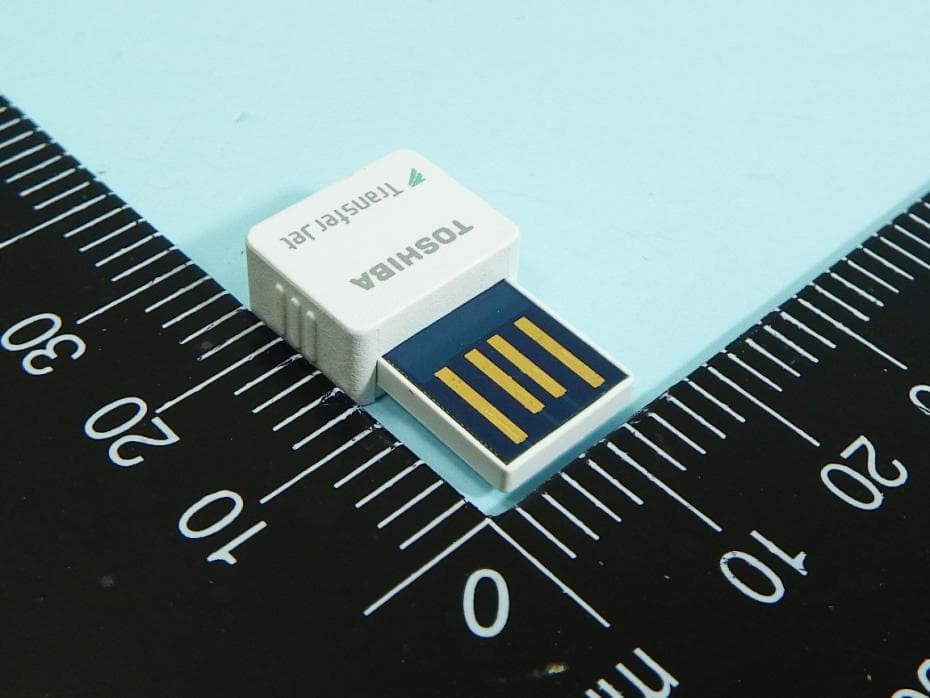
Click to zoom
Application Details
- Equipment Class
- JBP - Part 15 Class B Computing Device Peripheral
- Date of Grant
- Aug 07, 2014
- Application Purpose
- Original Equipment
- Date of Application
- Apr 09, 2014
- Equipment Note
- TransferJet USB Adapter
- Company
- Dynabook Inc.
- Country
- Japan
Documents & Files
Document Text
Text extracted from the exhibit documents filed with the FCC. Open a document above to read the original.
Users Manual
Preface This product is the USB adapter corresponding to the TransferJet TM standard. Using TransferJet TM communication, you can transfer the data in your computer. *This product functions only at the computer which is equipped the USB interface (Type A). *This product functions only by the combination with dedicated the file transfer software. This product cannot do the use in single or combination other file transfer software. *The OS (Operating System) of the computer is only for 32bit/64bit of Windows ® 7 and 32bit/64bit of Windows ® 8 supports. *The switch which the USB adapter has is for Extensions. At present, it cannot use. About TransferJet TM TransferJet TM is the close proximity wireless transfer technology that can transfer data just to shade it directly with the apparatus which wants to communicate. High-speed data transmission without carrying out a troublesome activity such as the cable connection is possible. Before use Please be sure to use correctly read this User’s Manual (the following this manual), and the operation manual of use apparatus. Please keep it at hand after reading. Safety Precautions and Request Explanation of the Indicates Indicates a hazardous situation which, if not avoid, could result in death or serious injury. Indicates a potentially hazardous situation which, if not avoided, may result in minor or moderate injury. ●Accidentally swallowing the product may cause suffocation or injury. Keep out of reach of children or pets. ●Do not bend, drop, place heavy objects upon the product, or otherwise expose the product to shoring force or impact. ●If the product produces an odor, overheats or smokes, immediately turn off the device with which the product is used, including the computer and peripherals, immediately and disconnect the power card/cable from the outlet. Failure to follow these instructions could result in fire, damage to the product, and/or personal injury including burns and electric shock. Do not use the product again. Do not let the bare skin touch this product directly for a long time. The surface of the main body is charged with heat for long-time use. There is a possibility of becoming a low-temperature burn by long-time touching the main body. Please warn the person having weak skin in particular. Handling Precautions ●If you do not follow the instructions below, there is a risk of malfunction or failure. ●Do not touch directly the interface pins, and do not put hard metal them and do not short them. The adapter might destroy by static electricity. ●Do not get it wet. Do not keep it with the use in the range more than the movement environment (temperature, humidity). Do not put it near a place with much dust, a place with static electricity, an electricity noise, strong magnetism it, a place with the corrosive medicine and gas, a fever thing, an ignition thing. ●Do not switch it off, and do not remove from an apparatus during the communication of this product. ●When you attach this product to the computer and communicate, do not hit with the adapter of the partner apparatus. This product and the computer might be broken by a shock at the time of the hit. ●Particularly high quality, reliability is required, and please never use this product to an apparatus (including atomic energy control equipment, an aerospace apparatus, transportation equipment, a traffic light apparatus, a combustion control, medical equipment, various safety devices, etc.) which the trouble and malfunction threaten direct human life, and might give harm to the human body. ●The transfer rate of this product changes by the position relations of TransferJet TM device. TransferJet TM USB adapter User’s Manual WARNING WARNING CAUTION CAUTION Installation procedure of the file transfer software It is necessary to install the file transfer software in the computer beforehand to use a file transfer function. Installation procedure to the computer ① Access our following web site, and, please download the Windows ® version file transfer software. http://www.toshiba.co.jp/p-media/transferjet/index_j.htm ② Please install it according to the procedure of above mentioned web site mention. Usage of the file transfer function Insert the USB adapter to the USB port of the computer. Let the computer where insert the USB adapter in and a facing TransferJet TM device in face both. Start the file transfer software in both side TransferJet TM device and execute file transfer. (Please obtain the file transfer software for computers from the above mentioned web site. In addition, Please refer to the utility operation manual which you click the "User's Guide" button of the main screen appearing after the file transfer software start and installation manual written in the above web site for the acquisition method of the file transfer software and the detailed usage. ) When you remove the USB adapter from the computer, you terminate file transmission and reception. And remove it. Main Specification Movement environment temperature 5~35°C humidity 20~80%RH(not be dew condensation) External dimensions Approx. 24.3mm(L)x15.0mm(W)x 7.0mm(H) (excl. protruding parts) Weight Approx. 1.5g Rating supply voltage 5V Interface USB2.0 Bundling product TransferJet TM USB adapter(1pcs.) User’s manual(this manual) (1pcs.) *It may change design, the specifications without a notice. Trademarks ●© 2013 TOSHIBA CORPORATION, All Rights Reserved. ●TransferJet TM and TransferJet TM logos are licensed by the TransferJet Consortium. ●Windows ® is registered trademark of Microsoft Corporation in the USA and other countries. LIMITATIONS ●Toshiba do not take responsibility about a fire, an earthquake, the act by the third party, other accidents, the intention of the visitor or a fault, misuse, the damage by the use under other abnormal conditions at all. ●About the use of this product or the damage, the loss of profits that nonuse caused and the request from a third party, Toshiba do not take responsibility at a…
Text truncated - open the document above for the full version.
External Photos
FCC Test Report Report No. : EP3O0357 SPORTON International Inc. PAGE NUMBER : B1 OF B5 TEL : 886-3-327-3456 ISSUED DATE : Dec. 18, 2013 FAX : 886-3-327-0973 APPENDIX B. Photographs of EUT FCC Test Report Report No. : EP3O0357 SPORTON International Inc. PAGE NUMBER : B2 OF B5 TEL : 886-3-327-3456 ISSUED DATE : Dec. 18, 2013 FAX : 886-3-327-0973
Internal Photos
FCC Test Report Report No. : EP3O0357 SPORTON International Inc. PAGE NUMBER : B2 OF B5 TEL : 886-3-327-3456 ISSUED DATE : Dec. 18, 2013 FAX : 886-3-327-0973 FCC Test Report Report No. : EP3O0357 SPORTON International Inc. PAGE NUMBER : B3 OF B5 TEL : 886-3-327-3456 ISSUED DATE : Dec. 18, 2013 FAX : 886-3-327-0973 FCC Test Report Report No. : EP3O0357 SPORTON International Inc. PAGE NUMBER : B4 OF B5 TEL : 886-3-327-3456 ISSUED DATE : Dec. 18, 2013 FAX : 886-3-327-0973 FCC Test Report Report No. : EP3O0357 SPORTON International Inc. PAGE NUMBER : B5 OF B5 TEL : 886-3-327-3456 ISSUED DATE : Dec. 18, 2013 FAX : 886-3-327-0973
Test Report
FCC TEST REPORT Report No. : FC3O0357 SPORTON International Inc. TEL : 886-3-327-3456 FAX : 886-3-327-0973 FCC TEST REPORT CERTIFICATION according to 47 CFR FCC Rules and Regulations Part 15 Subpart B, Class B Digital Device Equipment : TransferJet USB Adapter Model No. : TJM35420UX FCC ID : CJ6UPA5144TJ Filing Type : Certification Applicant : TOSHIBA CORPORATION 1-1, Shibaura 1-chome, Minato-ku, Tokyo, 105-8001, Japan The test result refers exclusively to the test presented test model / sample. Without written approval of SPORTON International Inc., the test report shall not be reproduced except in full. Certificate or Test Report must not be used by the applicant to claim the product in this test report endorsement by TAF or any agency of U.S. government. SPORTON International Inc. No. 52, Hwa Ya 1st Rd., Hwa Ya Technology Park, Kwei-Shan Hsiang, Tao Yuan Hsien, Taiwan, R.O.C. FCC TEST REPORT Report No. : FC3O0357 SPORTON International Inc. Page Number : i TEL : 886-3-327-3456 Issued Date : Apr. 01, 2014 FAX : 886-3-327-0973 Table of Contents History of this test report .................................................................................................................................... ii CERTIFICATE OF COMPLIANCE ........................................................................................................................ 1 1. General Description of Equipment under Test ............................................................................................. 2 1.1. Applicant .................................................................................................................................................................................... 2 1.2. Manufacturer .............................................................................................................................................................................. 2 1.3. Basic Description of Equipment under Test ................................................................................................................................ 2 1.4. Feature of Equipment under Test ............................................................................................................................................... 2 1.5. Modification of EUT .................................................................................................................................................................... 2 2. Test Configuration of Equipment under Test ............................................................................................... 3 2.1. Test Manner ............................................................................................................................................................................... 3 2.2. Description of Test System......................................................................................................................................................... 4 2.3. Connection Diagram of Test System .......................................................................................................................................... 5 3. Test Software ................................................................................................................................................... 7 4. General Information of Test ............................................................................................................................ 8 4.1. Test Facility ................................................................................................................................................................................ 8 4.2. Uncertainty of Test Site .............................................................................................................................................................. 8 4.3. Test Voltage ............................................................................................................................................................................... 8 4.4. Measurement Procedure ............................................................................................................................................................ 8 4.5. Test in Compliance with ............................................................................................................................................................. 8 4.6. Frequency Range Investigated ................................................................................................................................................... 8 4.7. Test Distance ............................................................................................................................................................................. 9 5. Test of Conducted Powerline ....................................................................................................................... 10 5.1. Test Procedures ....................................................................................................................................................................... 10 5.2. Typical Test Setup Layout of Conducted Powerline .................................................................................................................. 11 5.3. Test Result of AC Powerline Conducted Emission ................................................................................................................... 12 6. Test of Radiated Emission ............................................................................................................................ 14 6.1. Test Procedures ....................................................................................................................................................................... 14 6.2. Typical Test Setup Layout of Radiated Emission .......................................................................…
Text truncated - open the document above for the full version.
Test Setup Photos
FCC TEST REPORT REPORT NO. : FC3O0357 SPORTON INTERNATIONAL INC. Page No. : A1 of A5 TEL : 886-3-327-3456 Report Version : Rev. 01 FAX : 886-3-327-0973 Appendix A. Test Photos FCC TEST REPORT REPORT NO. : FC3O0357 SPORTON INTERNATIONAL INC. Page No. : A2 of A5 TEL : 886-3-327-3456 Report Version : Rev. 01 FAX : 886-3-327-0973 1 Photographs of Conducted Emissions Test Configuration FRONT VIEW REAR VIEW FCC TEST REPORT REPORT NO. : FC3O0357 SPORTON INTERNATIONAL INC. Page No. : A3 of A5 TEL : 886-3-327-3456 Report Version : Rev. 01 FAX : 886-3-327-0973 SIDE VIEW FCC TEST REPORT REPORT NO. : FC3O0357 SPORTON INTERNATIONAL INC. Page No. : A4 of A5 TEL : 886-3-327-3456 Report Version : Rev. 01 FAX : 886-3-327-0973 2 Photographs of Radiated Emissions Test Configuration For radiated emissions (Below 1GHz) FRONT VIEW REAR VIEW FCC TEST REPORT REPORT NO. : FC3O0357 SPORTON INTERNATIONAL INC. Page No. : A5 of A5 TEL : 886-3-327-3456 Report Version : Rev. 01 FAX : 886-3-327-0973 For radiated emissions (Above 1GHz) FRONT VIEW REAR VIEW
Contact Information
Applicant
Ryuichi Kamimura(Senior Manager)
Test Firm
Sporton International Inc.Alex Chen
Technical Specifications
| # | Rule Parts | Frequency Range | Power Output |
|---|---|---|---|
| 1 | 15B | - | - |
Other Applications from Dynabook Inc.
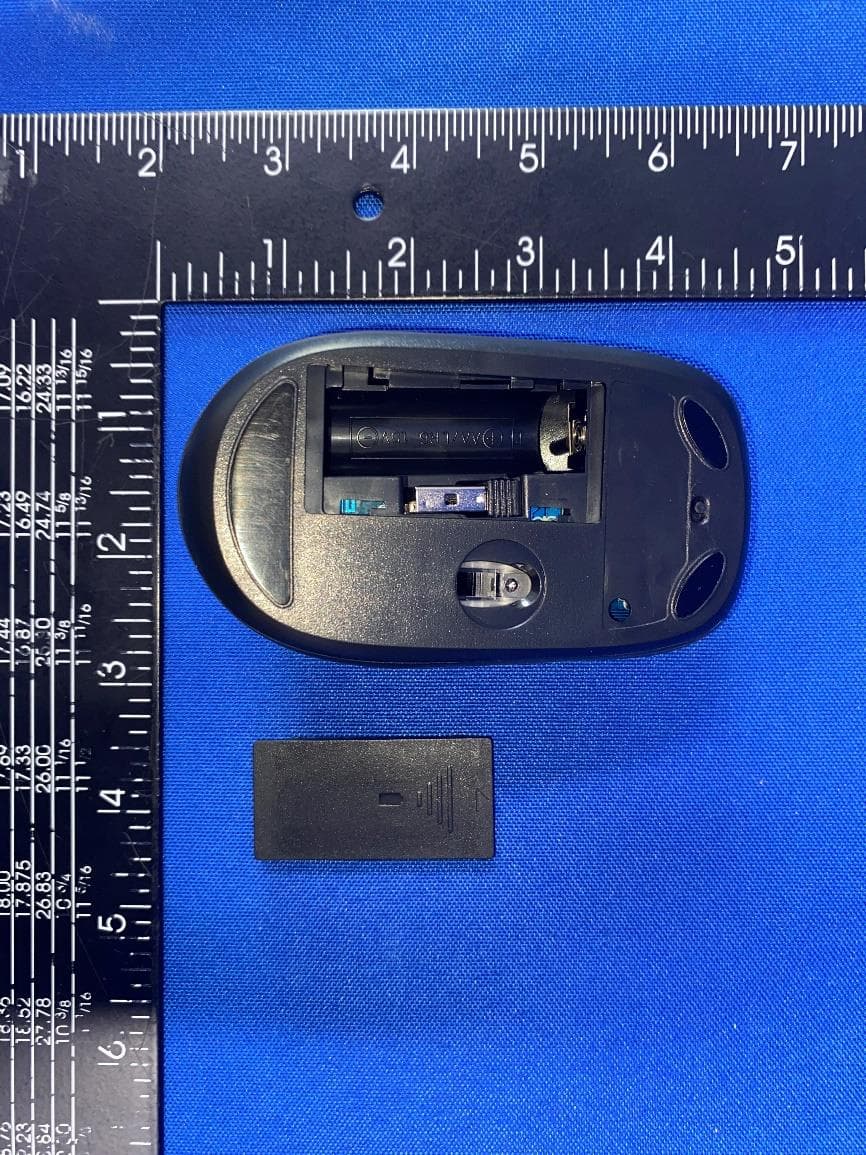
CJ6PA5347RT
Oct 20, 2022dynabook Wireless Optical Silent Mouse
Equipment Class
DXX - Part 15 Low Power Communication Device Transmitter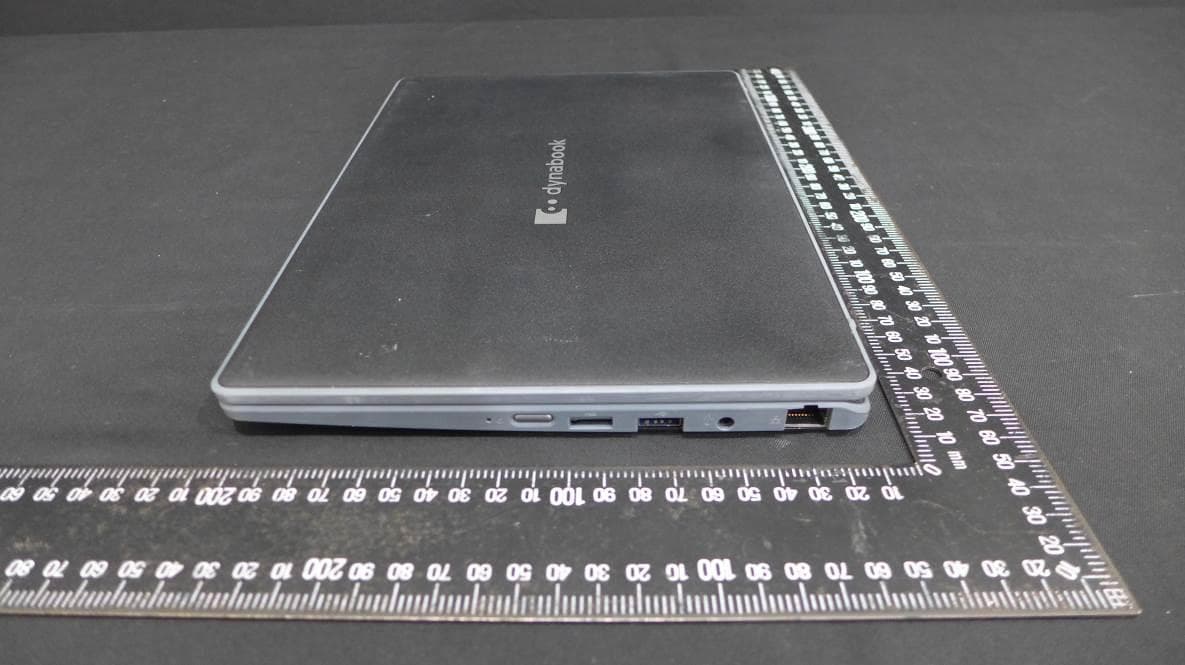
CJ6PYT0XPC
Apr 28, 2021Notebook Computer
Equipment Class
DSS - Part 15 Spread Spectrum Transmitter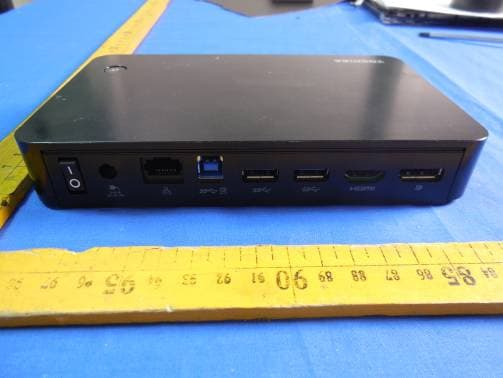
CJ6UPA5238WL
Sep 01, 2015dynadock WiAC
Equipment Class
NII - Unlicensed National Information Infrastructure TX
CJ6UPA5145TJ
Aug 07, 2014TransferJet MicroUSB Adapter
Equipment Class
UWB - Ultra Wideband Transmitter
CJ6UPSUM3KBBT
Apr 27, 2014Keyboard
Equipment Class
DSS - Part 15 Spread Spectrum Transmitter