E86EKOPAGAlpha-numeric 2 way alarm and paging device
Multitone Electronics PLC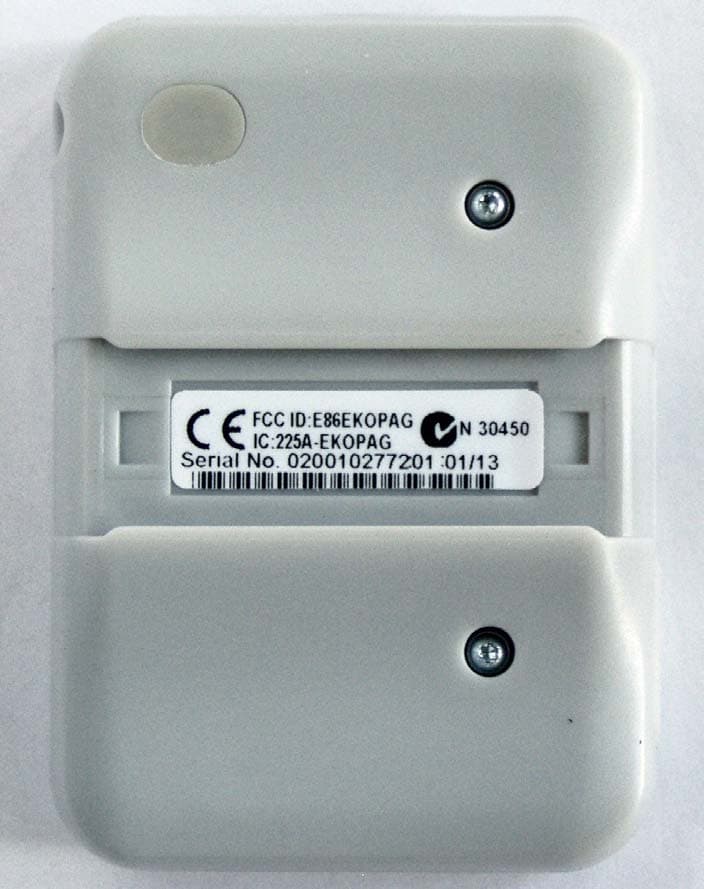
Click to zoom
Application Details
- Equipment Class
- DTS - Digital Transmission System
- Date of Grant
- Apr 02, 2013
- Application Purpose
- Original Equipment
- Date of Application
- Feb 06, 2013
- Equipment Note
- Alpha-numeric 2 way alarm and paging device
- Frequency Range
- 2405.00000000 - 2480.00000000
- Company
- Multitone Electronics PLC
- Country
- United Kingdom
Documents & Files
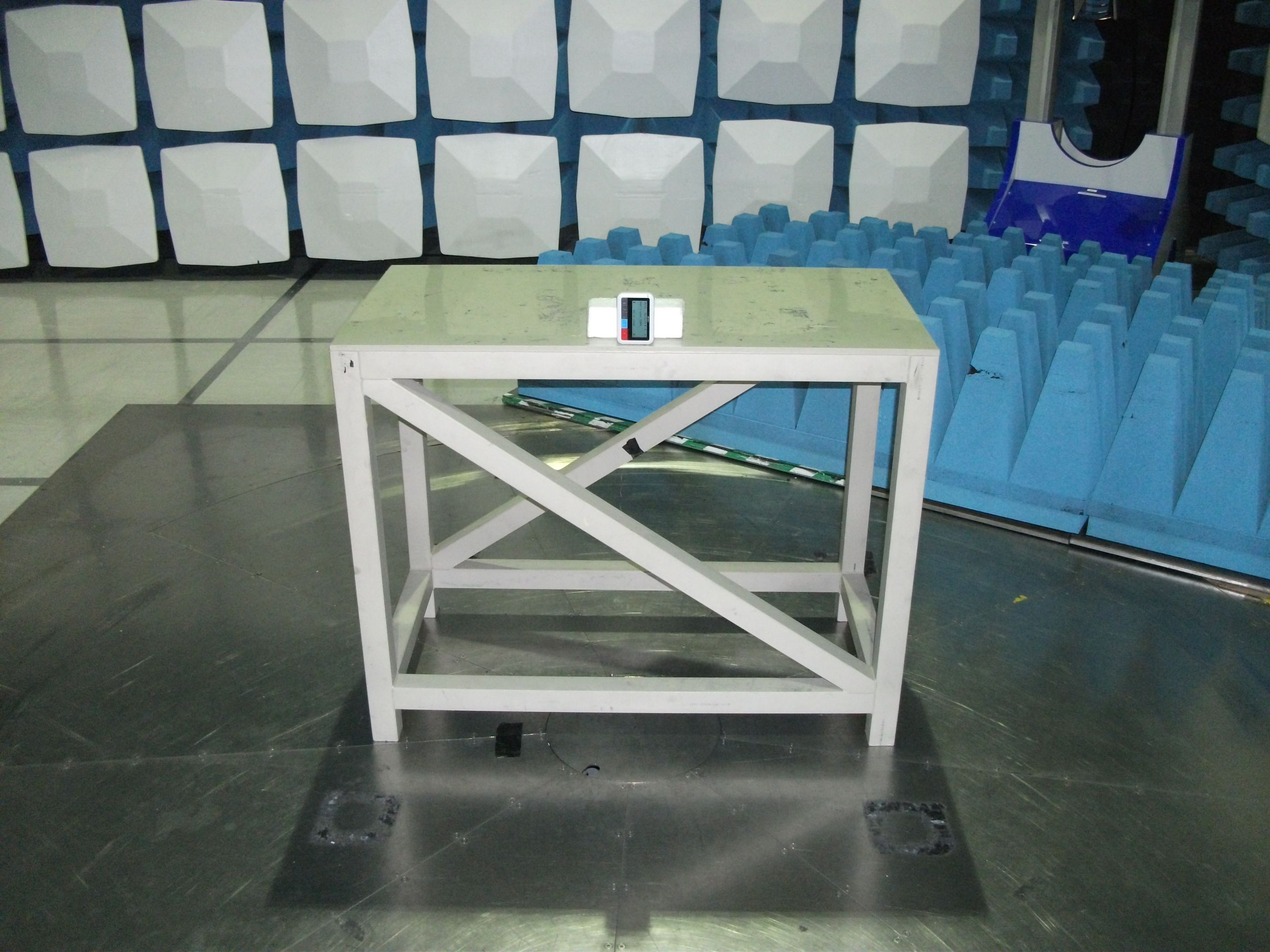
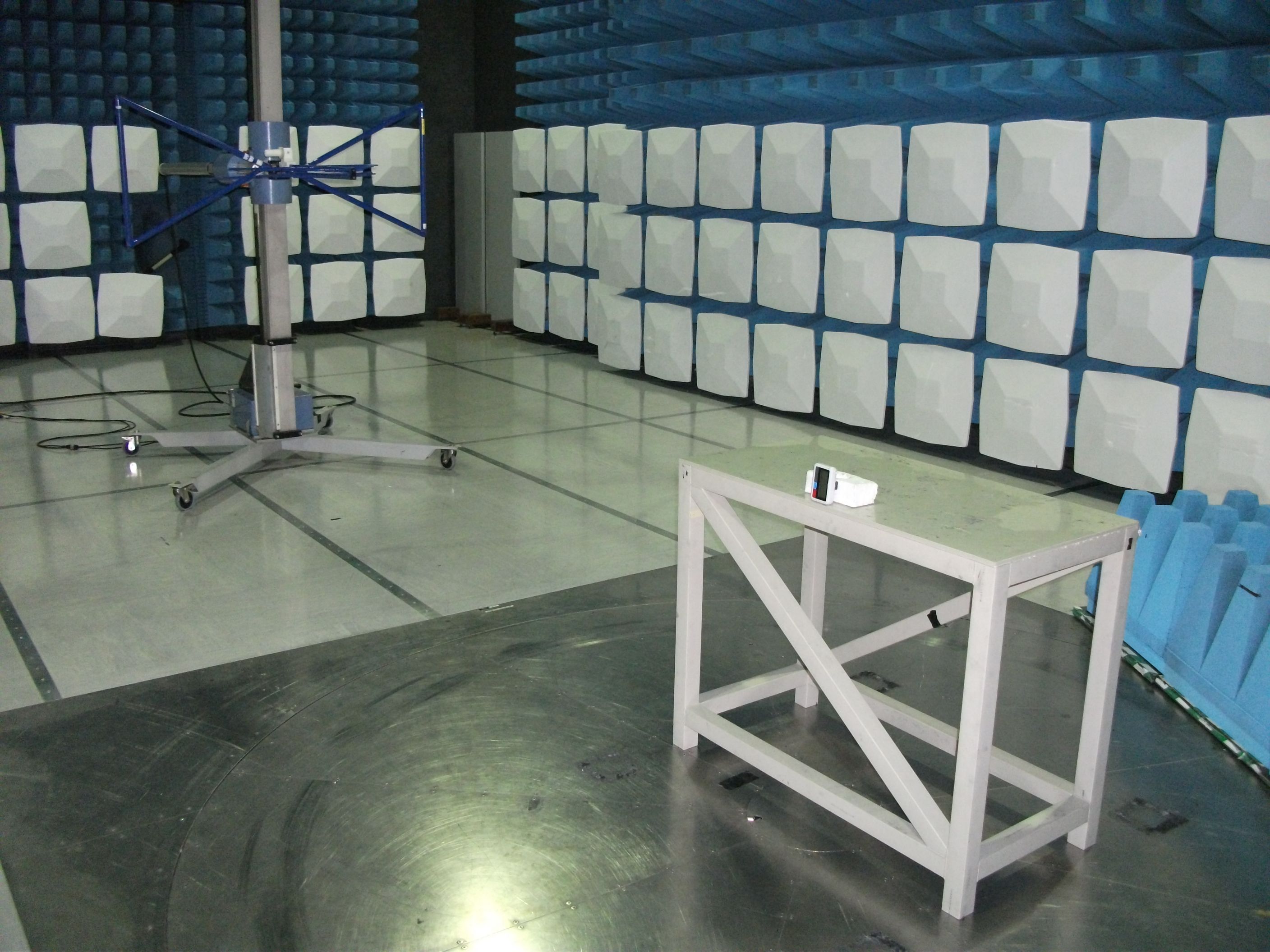
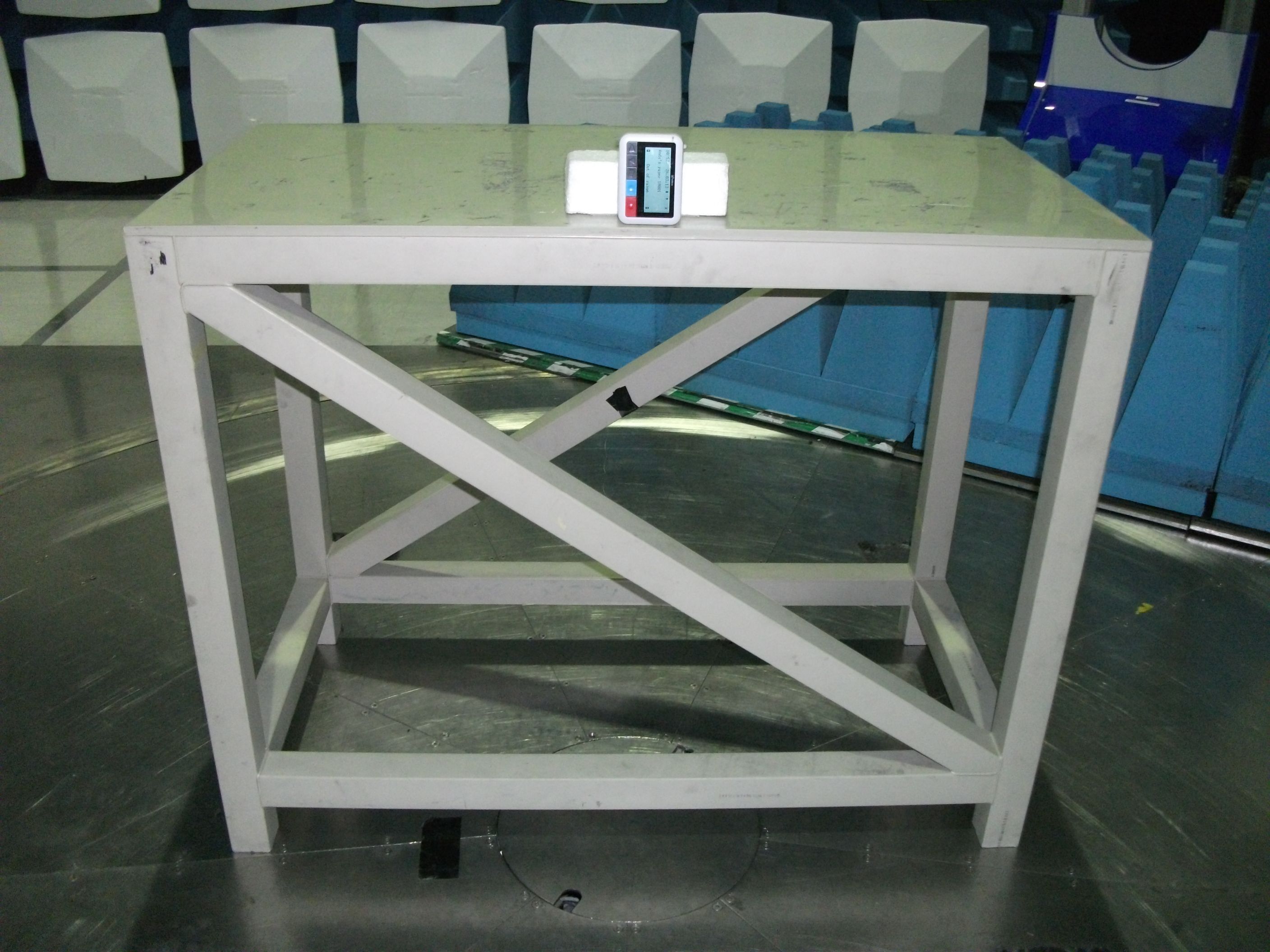
Document Text
Text extracted from the exhibit documents filed with the FCC. Open a document above to read the original.
Users Manual
www.multitone.com Multitone Electronics plc EkoTek Pager Quick Guide 9261-9210 EkoTek-Pager/QUG/Iss. 7 2 of 13 EU Declaration of Conformity In Accordance With Article 6.3 of the EU Radio & Telecommunication Terminal Equipment R & TTE Directive 99/5/EC. As the manufacturer, we declare under our sole responsibility that the EKOPAG equipment conforms to all the applicable essential requirements of the EU Directive 99/5/EC, in accordance with the procedures of Annex II of the Directive and the following technical standards:- ETSI EN 300 328 (Directive article 3.2); ETSI EN 301 489-1; ETSI EN 301 489-3 (Directive article 3.1{b}); EN 60950 (Directive article 3.1{a}). These equipments are designated as Class 1, Sub Class 21 (non-specific short range device) under the terms of the Directive and TCAM (Telecommunication Conformity Assessment and Market Surveillance Committee) classification scheme. A full copy of the Declaration of Conformity may be obtained from www.multitone.com , or upon application to Multitone. FCC & Industry Canada Statement of Compliance This device complies with Part 15 of the FCC Rules and Industry Canada Standards RSS GEN & RSS210. Operation is subject to the following two conditions: (1) this device may not cause harmful interference and (2) this device must accept any interference that may cause undesired operation. Unauthorised modification to this equipment will void the user's authority to continue to operate the device within the scope of the Industry Canada and FCC Part 15 Rules. WEEE Directive & Product Disposal At the end of its serviceable life, this product should not be treated as household or general waste. It should be handed over to the applicable collection point for the recycling of electrical and electronic equipment, or returned to Multitone or their agent, for disposal. 9261-9210 EkoTek-Pager/QUG/Iss. 7 3 of 13 EkoTek Pager Buttons (from left to right): Navigation keys: left arrow, down arrow, right arrow. Blue button: assist alarm. Red button: emergency alarm. Turning on the device • To switch the device on for the first time, place the unit in the charger and charge for a minimum of 12 hours. • Alternatively, press and hold the ◄ to turn on, after a power off. Charging the Battery • The pager is fitted with a AAA Ni-MH rechargeable battery. • To charge the battery, place the device in the charger, the LED will flash to acknowledge charging. - 1 flash every 3 seconds – charging. - 2 flashes every 3 seconds – charged. Do NOT attempt to remove the battery. Opening the device will invalidate any warranty. Please give the device to your administrator for return to a Multitone Agent for service. Snatch Cord • The pager is supplied with a small blanking plug. • If the snatch cord is not required, the blanking plug can be installed in the snatch cord socket and the feature disabled by the administrator for this device. • NB Once inserted, the blanking pin cannot be removed. 9261-9210 EkoTek-Pager/QUG/Iss. 7 4 of 13 Display Status Icons The following icons are displayed in the top right corner of the display as status indicators: Battery charge: Plugged in to power source: Audible alert: vibrate alert: Shift mode: day shift: night shift: Screen display 11:34 AM 12.03.07 Paul Smith Training Room Current Location If box is empty - last known location. Name / Message status 9261-9210 EkoTek-Pager/QUG/Iss. 7 5 of 13 Raising and clearing alarms • When an alarm is raised a text message is sent to configured group of pagers. • The text includes the raising device’s identity, the alarm type that has been activated and the current location of the device. • On clearance of an alarm, a text message is sent with the device’s identity stating the alarm has been cleared. • Upon receiving a message, the pager will sound an alert, vibrate and activate the backlight (depending on profile settings) and the message will be displayed. Emergency Alarm (red button): (if enabled) • Single click or double click, (depending on configuration) raises an emergency alarm. • The alarm is sent out to the pagers/users configured by the administrator. • Use the ◄ button to clear the alarm. • The alarm will be re-sent at an interval configured by administrator, until the alarm is cleared. Assist Alarm (blue button): (if enabled) • Single click raises assist alarm and automatically returns to normal state (no alarm clear necessary). • The alarm is sent out to the pagers/users configured by the administrator. Wander alarm (if enabled) • Zones which are restricted, are set and configured by the administrator. • Upon entering one of these restricted zones, the pager will activate a response (as configured by the administrator): o Audible and vibrate alert o Audible alert o Vibrate alert. • The message ‘unauthorised zone’ will also appear on the pager screen. • The alarm is sent out to the pagers/users configured by the administrator. 9261-9210 EkoTek-Pager/QUG/Iss. 7 6 of 13 Man-down alarm (if enabled) • If unit is tilted more than 45 degrees for longer than the configured trigger period, then it goes into pre-alert mode. • The unit will beep prior to sending the alarm; to prevent the automatic man-down alarm being sent, return the unit to the upright position. • The alarm is sent out to the pagers/users configured by the administrator. • To clear alarm, return to upright position and use the ◄ button to clear the alarm. Dead-Man alarm (if enabled) • Unit will periodically prompt user to press one of the navigation keys (frequency is configured by the administrator.) • Press the ◄, ▼ or X button to respond to the periodic check and prevent automatic alarm generation. • If a response is not entered, an alarm is sent out to the pagers/users configured by the administrator. • To clear a raised alarm, press and hold the ◄ button. Snatch Cord Operation (if enabled) • The snatch cord should be inserted in the socket on the body of the pager. • If the pager is snatched, the cord disengages from the bod…
Text truncated - open the document above for the full version.
Users Manual
Buttons(from left to right): Navigation keys: left arrow, down arrow, right arrow Blue button: assist alarm Red button: emergency alarm 1. Turning on the device To switch the device on for the first time, place the unit in the charger and charge for a minimum of 12 hours. Otherwise press and hold the ◄ button Charging the battery The pager is fitted with an AAA Ni-Mh rechargeable battery. To charge the battery, place the device in the charger. Do NOT attempt to remove the battery. Opening the device will invalidate any warranty. Please give the device to your administrator for return to a Multitone Agent for service. Raising and clearing alarms lWhen an alarm is raised a text message is sent to configured group of pagers lThe text includes the raising device’s identity, the alarm type that has been activated and the current location of the device lOn clearance of an alarm, a text message is sent with the device’s identity stating the alarm has been cleared 2. 3. Emergency Alarm (red button): (if enabled) lSingle click or double click, depending on configuration raises emergency alarm lThe alarm is sent out to the pagers/users configured by the administrator lPress and hold the ◄ button to clear the alarm lThe alarm will be re-sent at an interval configured by administrator, until the alarm is cleared 4. Assist Alarm (blue button):(if enabled) lSingle click raises assist alarm and automatically returns to normal state (no alarm clear necessary) lThe alarm is sent out to the pagers/users configured by the administrator Man-Down Alarm: If unit is tilted more than 45 degrees for longer than the configured trigger period Dead-Man Alarm: If a response is not entered to the pe- riodic prompt Snatch Cord Alarm:If the pager is snatched, the cord disengages from the body of the pager and sends alarm Receiving Messages lUpon receiving a message, the pager will sound an alert, vibrate and activate the backlight depending on profile settings and the message will be displayed lIf multiple messages, use the ▼ and ►buttons to select lSelect the ▼ button to see the available responses (accept and reject or delete) lUse the▼ button to scroll to the desired option lSelect the ► button to send the response or delete lAccept responses will be sent to the user that raised the alarm to show help is on its way 5. 6. Welcome to your EkoTek Pager Quick Guide Further instructions are available from the multitone support site www.multitone.com For further information or troubleshooting, please refer to your system administrator. E U D e c l a r a t i o n o f C o n f o r m i t y I n A c c o r d a n c e W i t h A r t i c l e 6 . 3 o f t h e E U R a d i o & T e l e c o m m u n i c a t i o n T e r m i n a l E q u i p m e n t R & T T E D i r e c t i v e 9 9 / 5 / E C . A s t h e m a n u f a c t u r e r , w e d e c l a r e u n d e r o u r s o l e r e s p o n s i b i l i t y t h a t t h e E K O P A G e q u i p m e n t c o n f o r m s t o a l l t h e a p p l i c a b l e e s s e n t i a l r e q u i r e m e n t s o f t h e E U D i r e c t i v e 9 9 / 5 / E C , i n a c c o r d a n c e w i t h t h e p r o c e d u r e s o f A n n e x I I o f t h e D i r e c t i v e a n d t h e f o l l o w i n g t e c h n i c a l s t a n d a r d s : - E T S I E N 3 0 0 3 2 8 ( D i r e c t i v e a r t i c l e 3 . 2 ) ; E T S I E N 3 0 1 4 8 9 - 1 ; E T S I E N 3 0 1 4 8 9 - 3 ( D i r e c t i v e a r t i c l e 3 . 1 { b } ) ; E N 6 0 9 5 0 ( D i r e c t i v e a r t i c l e 3 . 1 { a } ) . T h e s e e q u i p m e n t s a r e d e s i g n a t e d a s C l a s s 1 , S u b C l a s s 2 1 ( n o n - s p e c i f i c s h o r t r a n g e d e v i c e ) u n d e r t h e t e r m s o f t h e D i r e c t i v e a n d T C A M ( T e l e c o m m u n i c a t i o n C o n f o r m i t y A s s e s s m e n t a n d M a r k e t S u r v e i l l a n c e C o m m i t t e e ) c l a s s i f i c a t i o n s c h e m e . A f u l l c o p y o f t h e D e c l a r a t i o n o f C o n f o r m i t y m a y b e o b t a i n e d f r o m w w w . m u l t i t o n e . c o m , o r u p o n a p p l i c a t i o n t o M u l t i t o n e . F C C & I n d u s t r y C a n a d a S t a t e m e n t o f C o m p l i a n c e T h i s d e v i c e c o m p l i e s w i t h P a r t 1 5 o f t h e F C C R u l e s a n d I n d u s t r y C a n a d a S t a n d a r d s R S S G E N & R S S 2 1 0 . O p e r a t i o n i s s u b j e c t t o t h e f o l l o w i n g t w o c o n d i t i o n s : ( 1 ) t h i s d e v i c e m a y n o t c a u s e h a r m f u l i n t e r f e r e n c e a n d ( 2 ) t h i s d e v i c e m u s t a c c e p t a n y i n t e r f e r e n c e t h a t m a y c a u s e u n d e s i r e d o p e r a t i o n . U n a u t h o r i s e d m o d i f i c a t i o n t o t h i s e q u i p m e n t w i l l v o i d t h e u s e r ' s a u t h o r i t y t o c o n t i n u e t o o p e r a t e t h e d e v i c e w i t h i n t h e s c o p e o f t h e I n d u s t r y C a n a d a a n d F C C P a r t 1 5 R u l e s . W E E E D i r e c t i v e & P r o d u c t D i s p o s a l A t t h e e n d o f i t s s e r v i c e a b l e l i f e , t h i s p r o d u c t s h o u l d n o t b e t r e a t e d a s h o u s e h o l d o r g e n e r a l w a s t e . I t s h o u l d b e h a n d e d o v e r t o t h e a p p l i c a b l e c o l l e c t i o n p o i n t f o r t h e r e c y c l i n g o f e l e c t r i c a l a n d e l e c t r o n i c e q u i p m e n t , o r r e t u r n e d t o M u l t i t o n e o r t h e i r a g e n t , f o r d i s p o s a l . L i t e r a t u r e N o : E k o T e k P a g e r / c c / i s s u e 1 P r o d u c t N o . : P A G - 9 2 6 1 - 9 1 6 8
Users Manual
www.multitone.com EkoTek System Installation and Configuration Manual Survey Installation Configuration Maintenance EkoTek System Installation and Configuration Manual 9261-8173 issue: 8 Page i © 2012 Multitone Electronics Plc Table of contents Table of contents...........................................................................................................i Approvals .....................................................................................................................3 Compliance...............................................................................................................3 FCC and Industry Canada Statement of Compliance ..............................................3 WEEE Directive and Product Disposal.....................................................................3 System Overview .........................................................................................................4 1. EkoTek principles .................................................................................................5 2. Location reporting.................................................................................................6 3. Alarms ..................................................................................................................7 4. Location alarm ......................................................................................................7 5. Beacons................................................................................................................7 6. Two-way acknowledgement .................................................................................7 7. Two-way radio ......................................................................................................7 8. Frequency hopping...............................................................................................8 9. ESPA and TAP paging I/O ...................................................................................8 10. Configuration ......................................................................................................8 11. Network parameters ...........................................................................................9 12. Diagnostics and statistics ...................................................................................9 Components...............................................................................................................10 1. Hub .....................................................................................................................10 2. Repeater and mains-powered repeater..............................................................10 3. Solar repeater.....................................................................................................11 4. Call point and mains-powered call point.............................................................11 5. Call fob ...............................................................................................................12 6. Pager ..................................................................................................................13 7. Quad pager charging rack ..................................................................................14 Synchronised Ethernet Repeater ...............................................................................15 1. Overview.............................................................................................................15 Network design and survey........................................................................................17 1. Overview.............................................................................................................17 2. Prerequisites.......................................................................................................17 3. Placement rules..................................................................................................17 4. The survey unit ...................................................................................................18 5. How to survey.....................................................................................................21 Installation ..................................................................................................................22 1. Preparation .........................................................................................................22 2. Installing the hub and IP slave hub.....................................................................23 3. Installing the repeater, mains powered repeater and call point ..........................24 4. Installing the solar repeater ................................................................................28 5. Installing Synchronised Ethernet Repeater (SER) .............................................30 6. Installing the PPP modem ..................................................................................31 7. Installing the four-way pager charging rack ........................................................37 8. Browser interface setup......................................................................................38 9. Main menus ........................................................................................................41 10. Maintenance menus .........................................................................................43 11. Configuration menus ........................................................................................47 12. SER overview ...................................................................................................49 13. Final checks......................................................................................................70 14. Configuring SERs .............................................................................................71 Synchroni…
Text truncated - open the document above for the full version.
Cover Letter(s)
Multitone Electronics plc Multitone House Shortwood Copse Lane Kempshott, Basingstoke Hampshire, RG23 7NL Tel: +44 (0)1256 320292 Fax: +44 (0)1256 462643 Email: [email protected] Web: www.multitone.com Federal Communications Commission, 7435 Oakland Mills Road, Columbia, MD 21046 USA 7th February 2013 Certification of Product to FCC R & R's, Part 15 Subpart C Multitone EkoTek Pager - E86EKOPAG Dear Sirs, We wish to make application for the Certification of the above referenced equipment, as an addition to our EkoTek Series of products, under the auspices of R & R Part 15, Subpart C, Section 15.247. The original equipment series certification was completed in 2007 under the references, EA685490, EA887965, EA268962 & EA576475. The main system descriptive data may be found in the copy of the System Manual supplied. The device that is the subject of this application is the EkoTek Pager EKOPAG 2-Way Pager/personal alarm. This is a portable device worn/carried by personnel, which supports deliberate alarm, location call generation and dead-man/man-down activation. The equipment incorporates an LED; a buzzer and vibrate motor to provide status and assistance indication and it also has the added benefit of an alphanumeric display with priority coloured backlighting. This display enables the viewing of the system response calls to other devices, messages from the HUB web-server and also messages from any external system, connected via the HUB Serial Port. SDR - This equipment may be classed as a Software-Defined Radio. It may be further broadly classified as a Client device, in that it requires activation either manually from its own internal switch devices, or through the reception of a signal from either a HUB, or Repeater unit. It is intended that the control of the software that is used to define the radio parameters for this product, be retained within Multitone. Each unit will be pre-programmed before dispatch and the only radio parameter which may be changed during installation, is the default RF channel within the band (see System Installation & Configuration Manual with original HUB submission). As stated above, each equipment is pre-programmed before dispatch and at this time no other external access is to be allowed to the RF parameter software, apart from setting the default RF channel during network installation. The only accessible software control is for network parameter setting. Software Control - The software which controls the RF parameters for all the EkoTek system products is Multitone proprietary and is controlled by the company development group and company QA procedure P020/02, which forms part of our ISO 9001certification. Multitone Electronics plc, Multitone House, Shortwood Copse Lane, Kempshott, Basingstoke, Hampshire, RG23 7NL Telephone: +44 (0)1256 320292 Fax: +44 (0)1256462643 Email: [email protected] Web: www.multitone.com Registered in England & Wales No. 256314. Registered VAT No: GB 232150709. FM 20122 Servicing - It is not intended that the EKOPAG Pager product be field serviceable. It will be either returned to Multitone, or our agents, for repair and/or replaced with another unit. RF Exposure - The nominal RF ERP of the device is 10mW. This falls below the lower threshold category for General Population exposure (for f 2.4GHz, 25mW) for d <2.5cm. The product is intended to be carried by personnel, either belt-mounted, or in a suitable pocket. Confidentiality - We wish to request Permanent Confidentiality for parts of this item under the terms of R & R 0.457 and as denoted on the Form 731, please see separate request letter. Documentation - Attached is product specific documentation, this may read in conjunction with the generic data sheets and overall system documents attached to the original EkoTek system HUB application. I trust that the information supplied is sufficient to cover your requirements, but if you need any further please do not hesitate to contact me. E-mail is probably the most efficient route. Yours sincerely, B.R. Merchant, Principal Approvals Engineer, Multitone Electronics plc Telephone: - +44 1256 320292/ (direct) 845148 e-mail: - [email protected]
Cover Letter(s)
Multitone Electronics plc, Multitone House, Shortwood Copse Lane, Kempshott, Basingstoke, Hampshire, RG23 7NL Telephone: +44 (0)1256 320292 Fax: +44 (0)1256462643 Email: [email protected] Web: www.multitone.com Registered in England & Wales No. 256314. Registered VAT No: GB 232150709. FM 20122 Federal Communications Commission, 7435 Oakland Mills Road, Columbia, MD 21046 USA 7th February 2013 Request for Confidentiality Multitone EkoTek Series Pager - E86EKOPAG Dear Sirs, In accordance with Rule Parts 0.457 & 0.459, we hereby request that the following exhibits entered as part of the certification process for the above product, be held as Permanently Confidential. Schematics:- 2961-8929; 0261-8930; 3061-8931. Function Block Schematics Parts list The reason for this request is that these items are commercially sensitive and have not, or will not be made publicly available. Yours sincerely, B.R. Merchant, Principal Approvals Engineer, Multitone Electronics plc Telephone: - +44 1256 320292/ (direct) 845148 e-mail: - [email protected] Multitone Electronics plc Multitone House Shortwood Copse Lane Kempshott, Basingstoke Hampshire, RG23 7NL Tel: +44 (0)1256 320292 Fax: +44 (0)1256 462643 Email: [email protected] Web: www.multitone.com
Cover Letter(s)
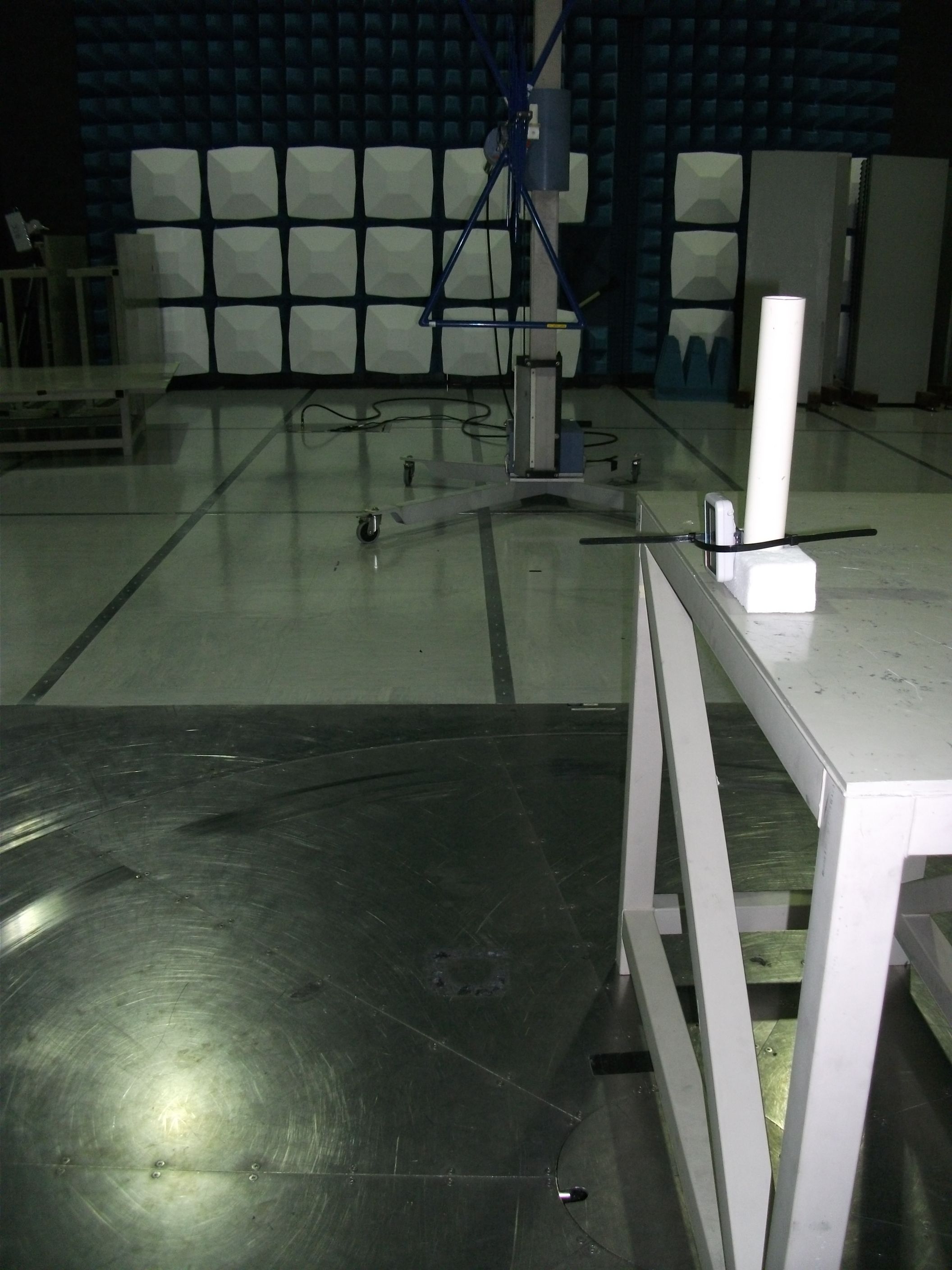
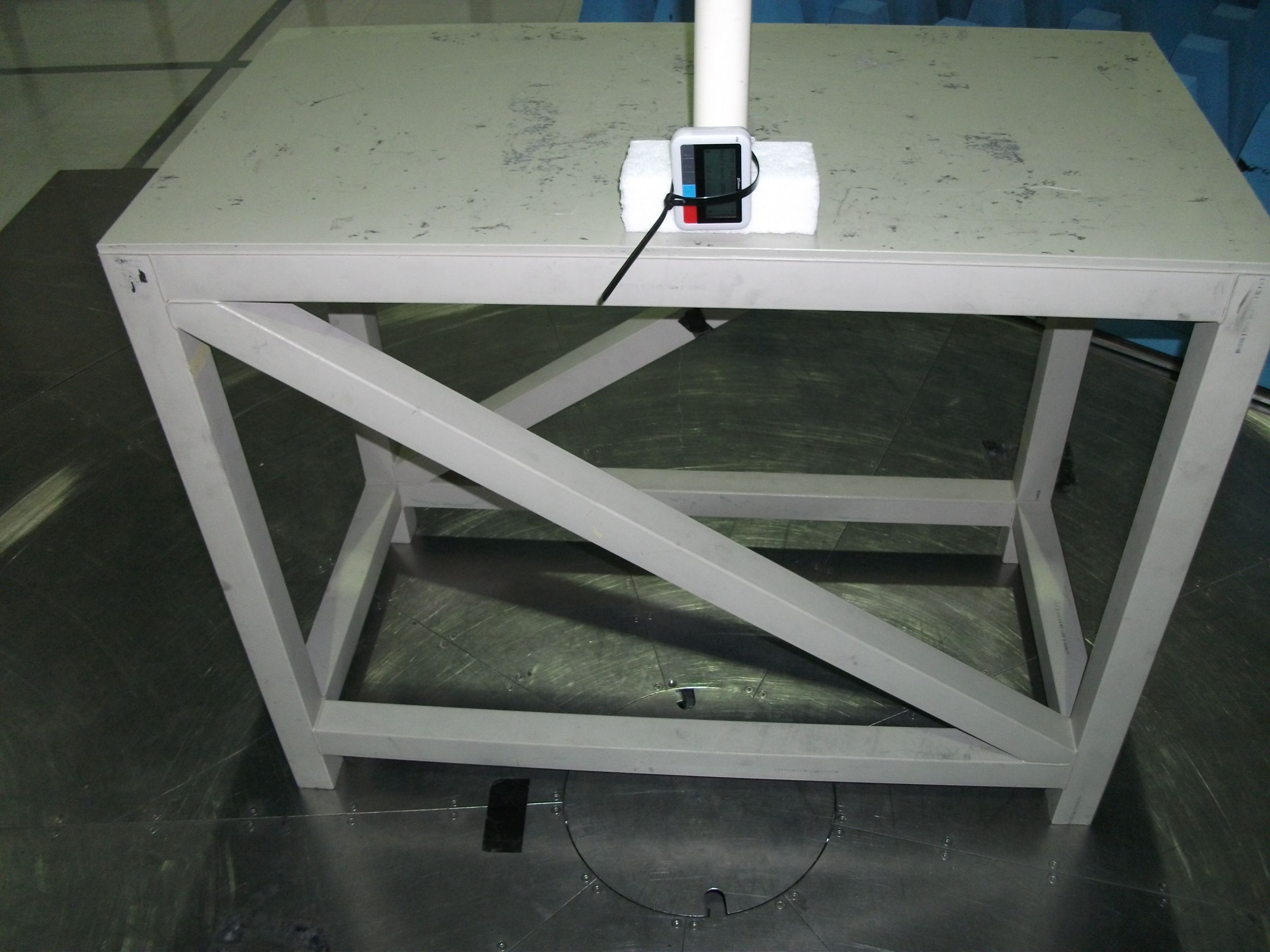
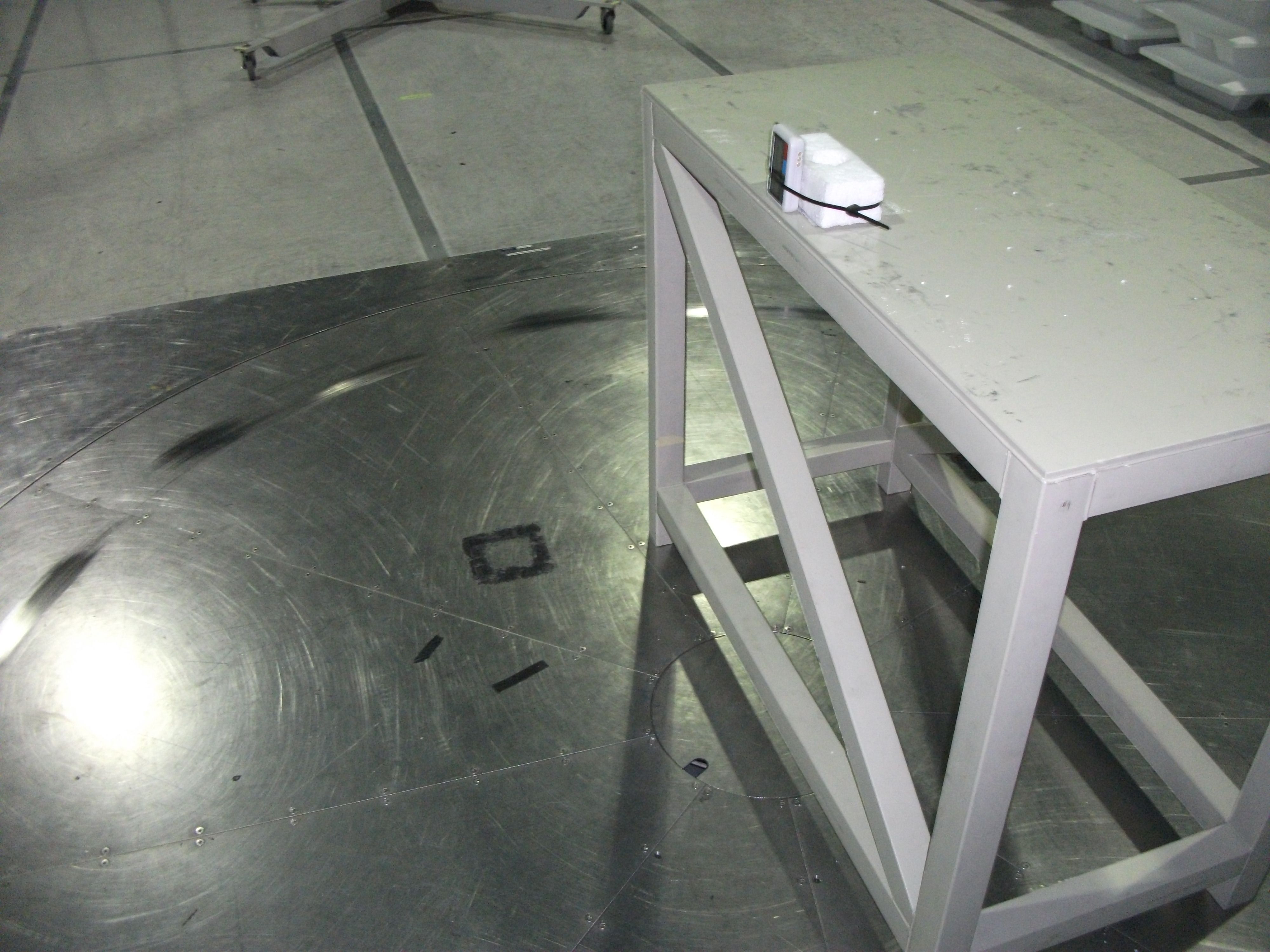
Multitone Electronics plc, Multitone House, Shortwood Copse Lane, Kempshott, Basingstoke, Hampshire, RG23 7NL Telephone: +44 (0)1256 320292 Fax: +44 (0)1256462643 Email: [email protected] Web: www.multitone.com Registered in England & Wales No. 256314. Registered VAT No: GB 232150709. FM 20122 Federal Communications Commission, 7435 Oakland Mills Road, Columbia, MD 21046 USA 11th March 2013 Response to e-mail 03/08/2013 Ref. EA737779 Multitone EkoTek Pager - E86EKOPAG Dear Sir/Madam, In reply to your e-mail ref. our submission, I offer the following responses:- 1. The equipment was tested by an external test house and no photographs were included in the test report. We do not have any other photo’s of testing, but if absolutely necessary I can approach the test house and see if something can be arranged retrospectively. 2. I have requested long term confidentiality for 3 exhibits, as per my letter included with the submission. There are no additional items for which a special 45 day confidentiality is required. 3. See 2. 4. I can confirm the permanent confidentiality for the 3 exhibits listed. I trust that the information supplied is sufficient to cover your requirements, but if you need any further please do not hesitate to contact me. Yours sincerely, B.R. Merchant, Principal Approvals Engineer, Multitone Electronics plc Telephone: - +44 1256 320292/ (direct) 845148 e-mail: - [email protected]
External Photos
EKOPAG – General External View EKOPAG GA View with Snatch-cord EKOPAG – Front View EKOPAG – Rear View with clip EKOPAG – Rear View showing labelling area NB Label shown is early sample, final version will be re-sized to exact fit
Internal Photos
EKOPAG – Internal View with Case Rear EKOPAG – Internal Assembly EKOPAG – PCB Topside EKOPAG – PCB Underside
Operational Description
CC2530F32, CC2530F64 CC2530F128, CC2530F256 www.ti.comSWRS081B–APRIL2009–REVISEDFEBRUARY2011 A TrueSystem-on-ChipSolutionfor2.4-GHzIEEE802.15.4andZigBeeApplications CheckforSamples:CC2530F32, CC2530F64, CC2530F128, CC2530F256 1 FEATURES –IEEE802.15.4MACTimer,General-Purpose Timers(One16-Bit,Two8-Bit) 2345 •RF/Layout –IRGenerationCircuitry –2.4-GHzIEEE802.15.4CompliantRF Transceiver–32-kHzSleepTimerWithCapture –ExcellentReceiverSensitivityand–CSMA/CAHardwareSupport RobustnesstoInterference –AccurateDigitalRSSI/LQISupport –ProgrammableOutputPowerUpto4.5dBm –BatteryMonitorandTemperatureSensor –VeryFewExternalComponents –12-BitADCWithEightChannelsand –Onlya SingleCrystalNeededforConfigurableResolution AsynchronousNetworks –AESSecurityCoprocessor –6-mm×6-mmQFN40Package –TwoPowerfulUSARTsWithSupportfor –SuitableforSystemsTargetingComplianceSeveralSerialProtocols WithWorldwideRadio-Frequency –21General-PurposeI/OPins Regulations:ETSIEN300328andEN300 (19×4 mA,2×20mA) 440(Europe),FCCCFR47Part15(US)and –WatchdogTimer ARIBSTD-T-66(Japan) •DevelopmentTools •LowPower –CC2530DevelopmentKit –Active-ModeRX(CPUIdle):24mA –CC2530ZigBee ® DevelopmentKit –ActiveModeTXat1 dBm(CPUIdle):29mA –CC2530RemoTI™DevelopmentKitfor –PowerMode1 (4μs Wake-Up):0.2mA RF4CE –PowerMode2 (SleepTimerRunning):1μA –SmartRF™Software –PowerMode3 (ExternalInterrupts):0.4μA –PacketSniffer –WideSupply-VoltageRange(2V–3.6V) –IAREmbeddedWorkbench™Available •Microcontroller –High-PerformanceandLow-Power8051APPLICATIONS MicrocontrollerCoreWithCodePrefetch •2.4-GHzIEEE802.15.4Systems –32-,64-,128-,or256-KB •RF4CERemoteControlSystems(64-KBFlash andHigher) In-System-ProgrammableFlash •ZigBeeSystems(256-KBFlash) –8-KBRAMWithRetentioninAllPower •Home/BuildingAutomation Modes •LightingSystems –HardwareDebugSupport •IndustrialControlandMonitoring •Low-PowerWirelessSensorNetworks •Peripherals •ConsumerElectronics –PowerfulFive-ChannelDMA •HealthCare –IntegratedHigh-PerformanceOp-Ampand Ultralow-PowerComparator 1 Pleasebeawarethatanimportantnoticeconcerningavailability,standardwarranty,andusein criticalapplicationsofTexas Instrumentssemiconductorproductsanddisclaimerstheretoappearsattheendofthisdatasheet. 2RemoTI,SmartRF,Z-StackaretrademarksofTexasInstruments. 3IAREmbeddedWorkbenchis a trademarkofIARSystemsAB. 4ZigBeeis a registeredtrademarkoftheZigBeeAlliance. 5Allothertrademarksarethepropertyoftheirrespectiveowners. PRODUCTIONDATAinformationis currentasofpublicationdate. ©2009–2011,TexasInstrumentsIncorporated ProductsconformtospecificationsperthetermsoftheTexas Instrumentsstandardwarranty.Productionprocessingdoesnot necessarilyincludetestingofallparameters. CC2530F32, CC2530F64 CC2530F128, CC2530F256 SWRS081B–APRIL2009–REVISEDFEBRUARY2011www.ti.com DESCRIPTION TheCC2530isa truesystem-on-chip(SoC)solutionforIEEE802.15.4,ZigbeeandRF4CEapplications.It enablesrobustnetworknodestobebuiltwithverylowtotalbill-of-materialcosts.TheCC2530combinesthe excellentperformanceofa leadingRFtransceiverwithanindustry-standardenhanced8051MCU,in-system programmableflashmemory,8-KBRAM,andmanyotherpowerfulfeatures.TheCC2530comesin fourdifferent flashversions:CC2530F32/64/128/256,with32/64/128/256KBofflashmemory,respectively.TheCC2530has variousoperatingmodes,makingit highlysuitedforsystemswhereultralowpowerconsumptionisrequired. Shorttransitiontimesbetweenoperatingmodesfurtherensurelowenergyconsumption. Combinedwiththeindustry-leadingandgolden-unit-statusZigBeeprotocolstack( Z-Stack™) fromTexas Instruments,theCC2530F256providesa robustandcompleteZigBeesolution. Combinedwiththegolden-unit-statusRemoTIstackfromTexasInstruments,theCC2530F64andhigherprovide a robustandcompleteZigBeeRF4CEremote-controlsolution. 2SubmitDocumentationFeedback©2009–2011,TexasInstrumentsIncorporated ProductFolderLink(s):CC2530F32CC2530F64CC2530F128CC2530F256 RESET WATCHDOG TIMER IRQ CTRL FLASH CTRL DEBUG INTERFACE CLOCK MUX and CALIBRATION DMA 8051 CPU CORE 32-MHz CRYSTAL OSC 32.768-kHz CRYSTAL OSC HIGH- SPEED RC-OSC POWER MANAGEMENT CONTROLLER USART 0 USART 1 TIMER 1 (16-Bit) TIMER 3 (8-Bit) TIMER 4 (8-Bit) TIMER 2 (IEEE 802.15.4 MAC TIMER) 32/64/128/256-KB FLASH 8-KB SRAM ON-CHIP VOLTAGE REGULATOR POWER-ON RESET BROWN OUT VDD (2 V–3.6 V) DCOUPL RESET_N XOSC_Q2 XOSC_Q1 P2_4 P1_7 P0_7 P2_3 P1_6 P0_6 P2_2 P1_5 P0_5 P1_2 P0_2 P2_1 P1_4 P0_4 P1_1 P0_1 P2_0 P1_3 P0_3 P1_0 P0_0 B0301-02 RADIO DATA INTERFACE CSMA/CA STROBE PROCESSOR RADIO REGISTERS MODULATOR DEMODULATOR AND AGC RECEIVE CHAIN TRANSMIT CHAIN FREQUENCY SYNTHESIZER SYNTH RF_PRF_N FIFO and FRAME CONTROL 12-BIT ADC DS AES ENCRYPTION AND DECRYPTION MEMORY ARBITER SLEEP TIMER 32-kHz RC-OSC I/O CONTROLLER DIGITAL ANALOG MIXED ANALOG COMPARATOR OP-AMP CC2530F32, CC2530F64 CC2530F128, CC2530F256 www.ti.comSWRS081B–APRIL2009–REVISEDFEBRUARY2011 ThisintegratedcircuitcanbedamagedbyESD.TexasInstrumentsrecommendsthatallintegratedcircuitsbehandledwith appropriateprecautions.Failuretoobserveproperhandlingandinstallationprocedurescancausedamage. ESDdamagecanrangefromsubtleperformancedegradationtocompletedevicefailure.Precisionintegratedcircuitsmaybemore susceptibletodamagebecauseverysmallparametricchangescouldcausethedevicenottomeetitspublishedspecifications. ©2009–2011,T…
Text truncated - open the document above for the full version.
Contact Information
Applicant
B. R. Merchant(Principal Approvals Engineer)
Technical Contact
Multitone ElectronicsBrian Ronald Merchant
[email protected]+44 1256 845148
Multitone House · Basingstoke · United Kingdom
Test Firm
UL VS LtdDarren Rust
Technical Specifications
| # | Rule Parts | Frequency Range | Power Output | Emission |
|---|---|---|---|---|
| 1 | 15C | 2.40 GHz - 2.48 GHz | 10.00 mW | OQPSK |
Other Applications from Multitone Electronics PLC
E86EKOCPLVRM
Feb 26, 2026EKOTek call point
Equipment Class
DTS - Digital Transmission System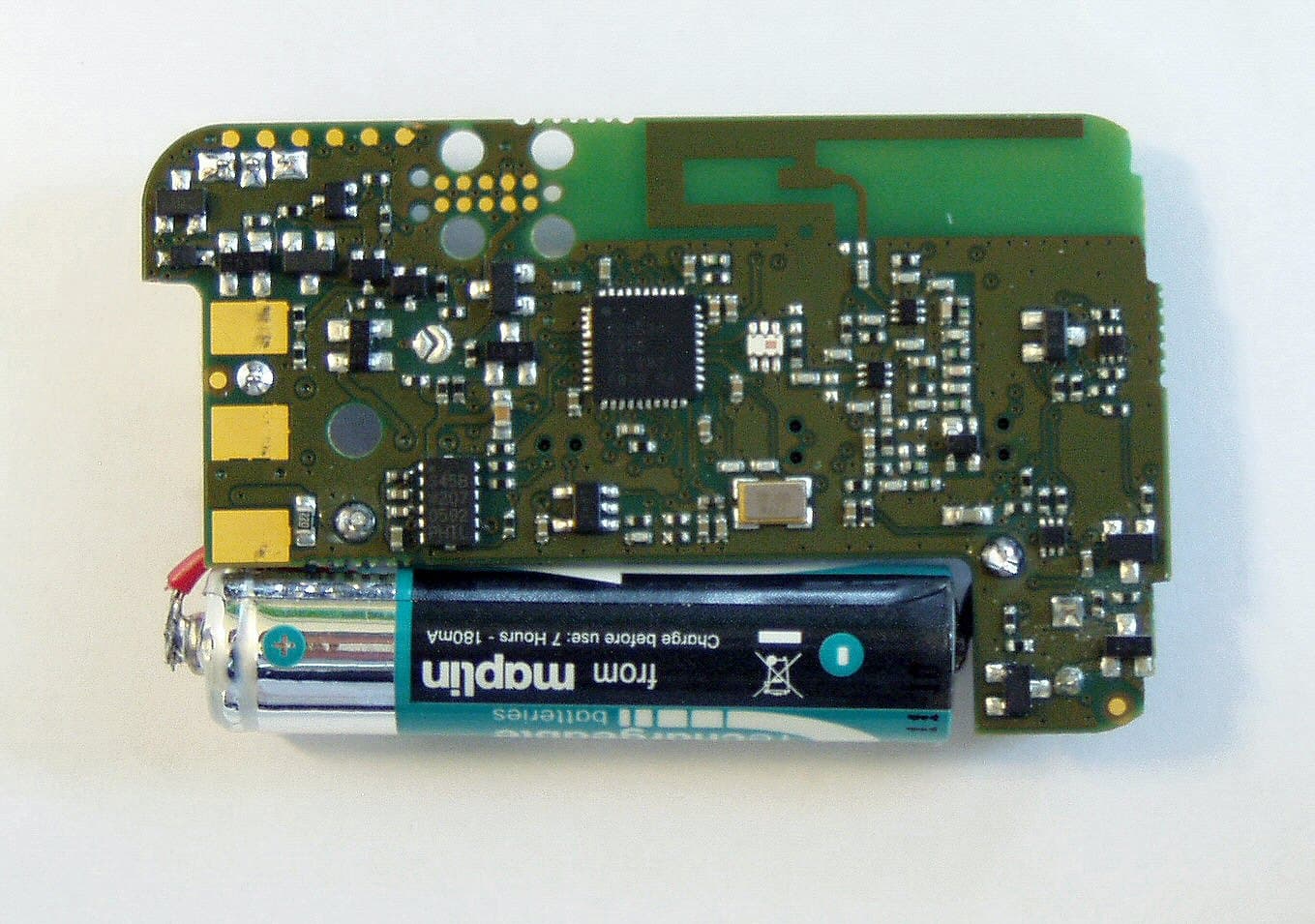
E86EKOFOB
Apr 10, 20132 way alarm and alerting device
Equipment Class
DTS - Digital Transmission System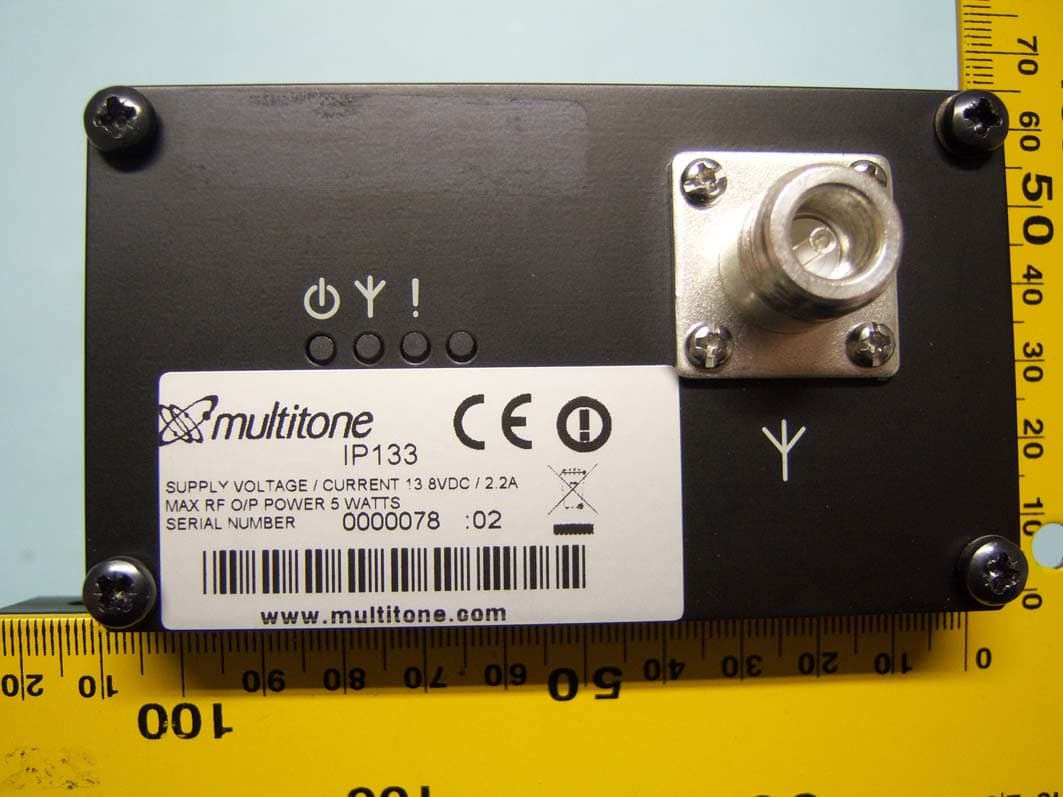
E86IP133
Feb 07, 2012Multitone I-Page � IP133
Equipment Class
TNB - Licensed Non-Broadcast Station TransmitterE86RPT503
Aug 07, 2008UHF Paging Transmitter
Equipment Class
TNB - Licensed Non-Broadcast Station Transmitter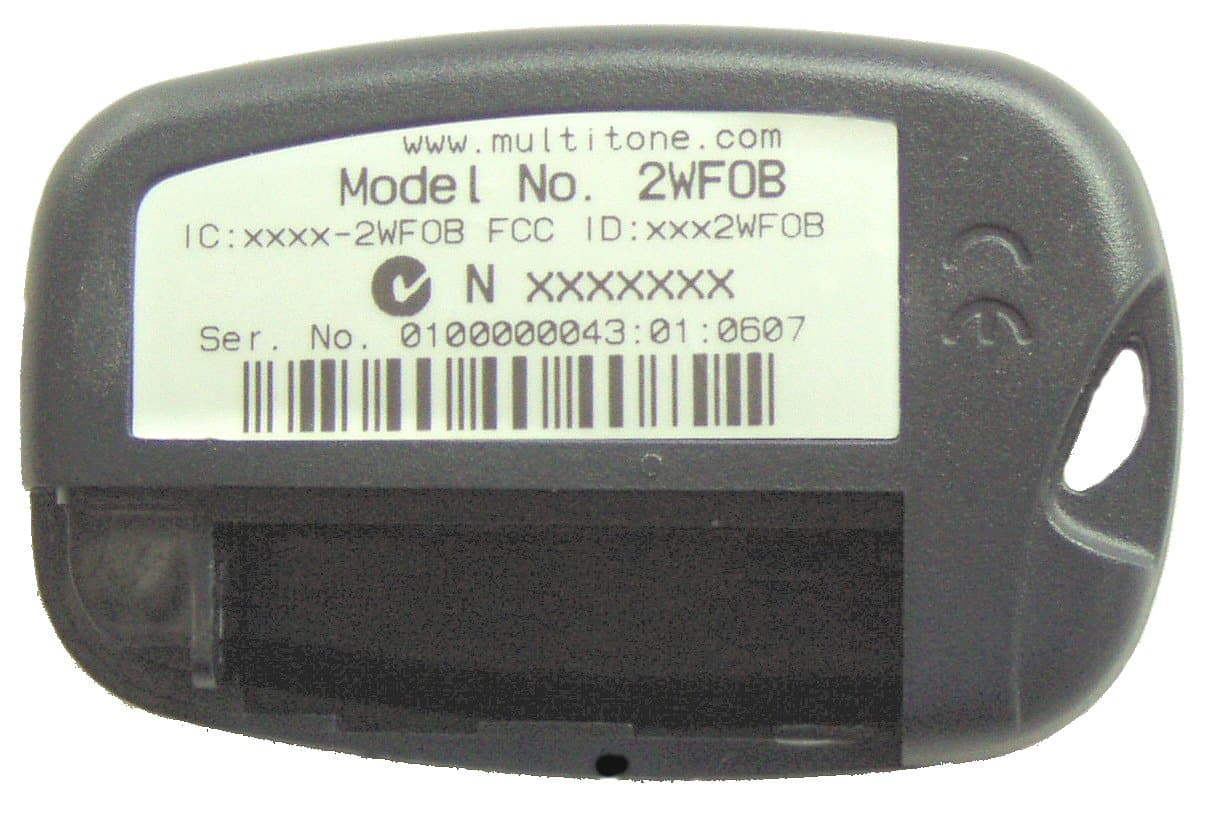
E862WCF
Nov 04, 2007EkoTek FOB - 2 way alerting device
Equipment Class
DTS - Digital Transmission System