FDI-09101889-0AirStation NFINITI HighPower Wireless Router & Access Point
BUFFALO INC.
Click to zoom
Application Details
- Equipment Class
- NII - Unlicensed National Information Infrastructure TX
- Date of Grant
- Mar 22, 2011
- Application Purpose
- Original Equipment
- Date of Application
- Mar 22, 2011
- Equipment Note
- AirStation NFINITI HighPower Wireless Router & Access Point
- Frequency Range
- 5180.00000000 - 5240.00000000
- Company
- BUFFALO INC.
- Country
- Japan
Documents & Files
Document Text
Text extracted from the exhibit documents filed with the FCC. Open a document above to read the original.
Users Manual
User Manual for User-friendly Firmware Nfiniti High Power Wireless Router & Access Point WZR-HP-AG300H www.buffalotech.com 35011804 ver.01 WZR-HP-AG300H User Manual1 Contents Chapter 1 - Product Overview .........................................6 Features ..................................................................................6 Air Navigator CD Requirements ..............................................8 300 Mbps High Speed Mode ...................................................8 Package Contents ...................................................................8 Hardware Overview .................................................................9 Front Panel LEDs ...........................................................................9 Back Panel .....................................................................................11 Bottom ............................................................................................12 Right Side ......................................................................................13 Chapter 2 - Placing Your AirStation ................................14 Vertical Placement ..................................................................14 Horizontal Placement ..............................................................14 Wall-Mounting .........................................................................15 Chapter 3 - Installation .....................................................16 Automatic Setup ......................................................................16 Manual Setup ..........................................................................16 Windows ........................................................................................19 Macintosh .......................................................................................22 Chapter 4 - Configuration ................................................24 Accessing the Web-based Configuration Interface .................24 Configuration Interface Menus in Router Mode ......................26 Configuration Interface Menus in Bridge Mode .......................28 Setup .......................................................................................30 WZR-HP-AG300H User Manual2 Internet/LAN (LAN Config) ......................................................32 Internet (Router Mode only) ...........................................................32 PPPoE (Router Mode only) ............................................................33 DDNS (Router Mode only) .............................................................36 VPN server (Router Mode Only) ....................................................38 LAN ................................................................................................40 DHCP Lease (Router Mode only) ..................................................42 NAT (Router Mode only) ................................................................43 Route .............................................................................................44 Wireless Config .......................................................................45 WPS ...............................................................................................45 AOSS .............................................................................................46 Basic ..............................................................................................48 Advanced .......................................................................................51 WMM ..............................................................................................52 MAC Filter ......................................................................................54 Multicast Control ............................................................................55 Security (Router Mode only) ...................................................56 Firewall (Router Mode only) ...........................................................56 IP Filter (Router Mode only) ...........................................................58 VPN Passthrough (Router Mode only) ...........................................59 LAN Config (QoS) ...................................................................60 Port Forwarding (Router Mode only) ..............................................60 DMZ (Router Mode only) ...............................................................61 UPnP (Router Mode only) ..............................................................62 QoS (Router Mode only) ................................................................63 Movie Engine (QoS) ......................................................................65 NAS .........................................................................................67 Disk management ..........................................................................67 Shared Folder ................................................................................69 User Management .........................................................................71 Shared Service ..............................................................................72 Web Access ...................................................................................73 WZR-HP-AG300H User Manual3 Media Server ..................................................................................75 BitTorrent ........................................................................................76 Admin Config ...........................................................................78 Name .............................................................................................78 Password .......................................................................................79 Time/Date ......................................................................................80 NTP ...............................................................…
Text truncated - open the document above for the full version.
Users Manual
User Manual for Professional Firmware WZR-HP-AG300H Nfiniti High Power Wireless Router & Access Point www.buffalotech.com 35011803 ver.01 1. Introduction 3 1.1. Welcome 3 1.2. Device Configuration 3 1.2.1. Factory Settings 3 1.2.2. Initial Operation 3 2. Configuration via the Web Interface 4 2.1. Preparation 4 2.2. Web Interface Access 4 2.3. Web Interface Structure 5 2.3.1. Setup 6 2.3.1.1. Basic Configuration 6 2.3.1.2. Dynamic DNS (DynDNS or DDNS) 6 2.3.1.3. MAC Address Cloning 7 2.3.1.4. Advanced Routing 7 2.3.1.5. Networking 7 2.3.1.6. EoIP Tunnel 8 2.3.2. Wireless 8 2.3.2.1. Basic Settings 8 2.3.2.2. Wireless Security 10 2.3.2.3. AOSS/WPS 11 2.3.2.4. MAC Filter 12 2.3.3. Services 12 2.3.3.1. Services 12 2.3.3.2. FreeRadius 12 2.3.3.3. PPPoE Server 13 2.3.3.4. VPN 13 2.3.3.5. USB 13 2.3.3.6. NAS 13 2.3.3.7. Hotspot 14 2.3.3.8. Milkfish SIP Router 14 2.3.3.9. My Ad Network 14 2.3.4. Security 14 2.3.4.1. Firewall 14 2.3.4.2. VPN Pass-through 14 2.3.5. Access Restrictions 14 2.3.5.1. WAN Access 14 2.3.6. NAT / QoS 14 2.3.6.1. Port Forwarding 14 2.3.6.2. Port Range Forwarding 15 2.3.6.3. Port Triggering 15 2.3.6.4. UPnP 15 2.3.6.5. DMZ 15 2.3.6.6. QoS 15 2.3.7. Administration 15 2.3.7.1. Management 15 2.3.7.2. Keep Alive 16 2.3.7.3. Commands 16 2.3.7.4. WOL 16 2.3.7.5. Factory Defaults 16 2.3.7.6. Firmware Upgrade 16 2.3.7.7. Backup 16 2.3.8. Status 16 2.3.8.1. Router 16 2.3.8.2. WAN 17 2.3.8.3. LAN 17 2.3.8.4. Wireless 17 2.3.8.5. Bandwidth 17 - 1 - 2.3.8.6. SysInfo 17 3. Use Cases 18 3.1. Access Point 18 3.1.1. Access Point with NAT / DHCP 18 3.1.1. Access Point attached to a network / Internet gateway 19 3.2. Wireless Client 20 3.3. Wireless Client Bridge 21 3.4. FTP Server 23 3.4.1. Examples 23 3.4.2. Logging into the FTP server 25 3.4.3. Common FTP commands 25 4. GPL Statement 27 4.1. GNU General Public License 27 4.1.1. Preamble 27 4.1.2. GNU General Public License – Terms and Conditions or Copying, Distribution and Modification 28 4.1.3. NO WARRANTY 31 Appendix Product Warranty Information 33 - 2 - 1. Introduction 1.1. Welcome This AirStation wireless router comes with two different firmware packages. You may use either the dd-wrt-based Professional firmware or the simple User-friendly firmware. By default, the Professional firmware is preinstalled for US/EU products, and the User-friendly firmware is preinstalled for Asia-Pacific products. 1.2. Device Configuration From the factory, the router is configured as a network bridge. That means that all network interfaces can communicate with each other using this default bridge. The router is ready to use with a few simple adjustments. 1.2.1. Factory Settings Because all interfaces are attached to the bridge by default, they all have the same IP configuration: IP address 192.168.11.1 Subnet Mask 255.255.255.0 DHCP server enabled DHCP-Range 192.168.11.2 - 66 The Wireless LAN interface is activated by default with an SSID generated from the device’s MAC address. For security, unused interfaces should be disabled. Wireless LAN interfaces that are not disabled should be configured with secure encryption (WPA2 or WPA is recommended) and a secure password. 1.2.2. Initial Operation Connect your computer to the router with an Ethernet LAN cable and power the router on. It will take about 30 seconds to boot. You can then access it via telnet or web browser at the IP address 192.168.11.1. The DHCP server in the router is enabled by default. If your PC’s Ethernet is configured for DHCP it should receive an IP address from the router’s DHCP server. If not, please configure the Ethernet interface with an address from the 192.168.11.x subnet. Because all relevant settings can be made using the web interface, this manual refers to configuration via the web GUI only. - 3 - 2. Configuration via the Web Interface The router contains an integrated web server that provides an easy to use web interface. It allows configuration, administration, and status checking in a simple but effective way. When accessing the web GUI for the first time, change the default username and password. By default, the router’s status page can be accessed without authentication, but this can be disabled. The web interface was successfully tested on the following browsers: - Internet Explorer 7.x and newer versions - Firefox 2.x and newer versions - Safari 2.x and newer versions 2.1. Preparation Connect your PC to the router and power the router on as described in 1.2.2. After the router has loaded its operating system, you can communicate with it via your LAN network interface. The easiest way to test if your PC can communicate with the router is to ping 192.168.11.1. 2.2. Web Interface Access Open a browser window. Enter the address http://192.168.11.1 into the address bar. The status page will be displayed. When you click on a tab, the login window will pop up. Enter the username and password you previously set. - 4 - 2.3. Web Interface Structure - 5 - 2.3.1. Setup 2.3.1.1. Basic Configuration Setup Assistant The setup assistant provides a step-by-step interface for basic router configuration. This configures most common settings automatically. WAN Setup Here you’ll find the most important settings to configure your internet access and WAN port. DHCP is enabled by default, but you can also use PPPoE, PPTP, L2TP, static IP, or HeartBeat Signal. If you don’t use a password to log in to your ISP, you may need to enter “0000” for the password. Also, for some ISPs you should not enter the service name, as it will prevent establishing the connection. If you experience connection problems, then leave the service name empty. WAN Connection Type Description Disabled The WAN port is disabled. Static IP A static IP address will be used – enter the IP address, subnet mask, gateway, and server manually. Automatic Configuration - DHCP The router obtains its WAN-side IP address from a DHCP server. PPPoE Configure as PPPoE-client. For VDSL, check the “VDSL-Tagging“ box. PPTP Establishes con…
Text truncated - open the document above for the full version.
External Photos
Page 1 CONSTRUCTION PHOTOS OF EUT Page 2 Page 3 Page 4
ID Label/Location Info
Label Location
Internal Photos
Page 5 Page 6 Page 7 Page 8 Page 9 Page 10
Operational Description
FCC ID: FDI-09101889-0 Report No.: RF991103C11 Operational Description This device is a Wireless High Power Access Point, which operates in both of 2.4GHz and 5GHz bands; the maximum data rate could be up to 300Mbps which OFDM technique. If the signal to noise radio is too poor which could not support 300Mbps, the 11Mbps data rate with DSSS technique will be applied. The transmitter of the EUT is powered by 12Vdc from the adapter. The antenna is PCB Dipole antenna with IPEX antenna connector. The other instruction, please have a look at the users manual. FCC 15.407(c) states: The device shall automatically discontinue transmission in case of either absence of information to transmit or operational failure. These provisions are not intended to preclude the transmission of control or signaling information or the use of repetitive codes used by certain digital technologies to complete frame or burst intervals. Applicants shall include in their application for equipment authorization a description of how this requirement is met” Data transmission is always initiated by software, which is then pass down through the MAC, through the digital and analog baseband, and finally to the RF chip. Several special packets (ACKs, CTS, PSPoll, etc...) are initiated by the MAC. There are the only ways the digital baseband portion will turn on the RF transmitter, which it then turns off at the end of the packet. Therefore, the transmitter will be on only while one of the aforementioned packets are being transmitted.
RF Exposure Info
Report No.: SA991103C11 Report Format Version 3.0.1. 1 RF EXPOSURE REPORT REPORT NO.: SA991103C11 MODEL NO.: WZR-HP-AG300H FCC ID: FDI-09101889-0 ACCORDING: FCC Guidelines for Human Exposure IEEE C95.1 APPLICANT: Buffalo Inc. ADDRESS: Akamon-dori Bldg, 30-20, Ohsu 3-chome, Naka-ku, Nagoya 460-8315, Japan ISSUED BY: Bureau Veritas Consumer Products Services (H.K.) Ltd., Taoyuan Branch LAB ADDRESS: No. 47, 14th Ling, Chia Pau Tsuen, Lin Kou Hsiang, Taipei Hsien 244, Taiwan, R.O.C. TEST LOCATION: No. 19, Hwa Ya 2nd Rd, Wen Hwa Tsuen, Kwei Shan Hsiang, Taoyuan Hsien 333, Taiwan, R.O.C. Report No.: SA991103C11 Report Format Version 3.0.1. 2 1. RF EXPOSURE LIMIT LIMITS FOR MAXIMUM PERMISSIBLE EXPOSURE (MPE) FREQUENCY RANGE (MHz) ELECTRIC FIELD STRENGTH (V/m) MAGNETIC FIELD STRENGTH (A/m) POWER DENSITY (mW/cm 2 ) AVERAGE TIME (minutes) LIMITS FOR GENERAL POPULATION / UNCONTROLLED EXPOSURE 300-1500 ... ... F/1500 30 1500-100,000 ... ... 1.0 30 F = Frequency in MHz 2. MPE CALCULATION FORMULA Pd = (Pout*G) / (4*pi*r2) where Pd = power density in mW/cm2 Pout = output power to antenna in mW G = gain of antenna in linear scale Pi = 3.1416 R = distance between observation point and center of the radiator in cm 3. CLASSIFICATION The antenna of this product, under normal use condition, is at least 20cm away from the body of the user. So, this device is classified as Mobile Device. Report No.: SA991103C11 Report Format Version 3.0.1. 3 4. CALCULATION RESULT OF MAXIMUM CONDUCTED POWER MODULATION MODE FREQUENCY BAND (MHz) MAX POWER (dBm) ANTENNA GAIN (dBi) DISTANCE (cm) POWER DENSITY (mW/cm 2 ) LIMIT (mW/cm 2 ) 802.11b 2412-2462 19.4 6.14 20 0.071 1 802.11g 2412-2462 29.6 6.14 20 0.746 1 802.11n (20MHz) 2412-2462 29.7 3.13 20 0.382 1 802.11n (40MHz) 2422-2452 27.2 3.13 20 0.215 1 802.11a 5180-5240 15.6 6.04 20 0.029 1 802.11n (20MHz) 5180-5240 15.4 3.03 20 0.014 1 802.11n (40MHz) 5190-5230 15.3 3.03 20 0.014 1 802.11a 5745-5825 29.6 6.05 20 0.731 1 802.11n (20MHz) 5745-5825 29.6 3.04 20 0.365 1 802.11n (40MHz) 5755-5795 29.5 3.04 20 0.357 1 NOTE: For 2.4GHz Band (802.11b/802.11g): Directional gain =3.13dBi + 10log(2) = 6.14dBi > 6dBi For 5.180 ~ 5.240GHz Band (802.11a): Directional gain =3.03dBi + 10log(2) = 6.04dBi > 6dBi For 5.745 ~ 5.825GHz Band (802.11a): Directional gain =3.04dBi + 10log(2) = 6.05dBi > 6dBi
Test Report
Report No.: RF991103C11 1 Report Format Version 3.0.1 FCC TEST REPORT (15.247) REPORT NO.: RF991103C11 MODEL NO.: WZR-HP-AG300H FCC ID: FDI-09101889-0 RECEIVED: Sep. 23, 2010 TESTED: Sep. 23 ~ Nov. 19, 2010 ISSUED: Nov. 24, 2010 APPLICANT: Buffalo Inc. ADDRESS: Akamon-dori Bldg, 30-20, Ohsu 3-chome, Naka-ku, Nagoya 460-8315, Japan ISSUED BY: Bureau Veritas Consumer Products Services (H.K.) Ltd., Taoyuan Branch LAB ADDRESS: No. 47, 14th Ling, Chia Pau Tsuen, Lin Kou Hsiang, Taipei Hsien 244, Taiwan, R.O.C. TEST LOCATION: No. 19, Hwa Ya 2nd Rd, Wen Hwa Tsuen, Kwei Shan Hsiang, Taoyuan Hsien 333, Taiwan, R.O.C. This test report consists of 116 pages in total. It may be duplicated completely for legal use with the approval of the applicant. It should not be reproduced except in full, without the written approval of our laboratory. The client should not use it to claim product, certification, approval or endorsement by TAF or any government agency. The test results in the report only apply to the tested sample. Report No.: RF991103C11 2 Report Format Version 3.0.1 TABLE OF CONTENTS 1. CERTIFICATION........................................................................................................... 5 2. SUMMARY OF TEST RESULTS .................................................................................. 6 2.1 MEASUREMENT UNCERTAINTY ............................................................................... 6 3. GENERAL INFORMATION ........................................................................................... 7 3.1 GENERAL DESCRIPTION OF EUT ............................................................................. 7 3.2 DESCRIPTION OF TEST MODES ............................................................................... 9 3.2.1 CONFIGURATION OF SYSTEM UNDER TEST ........................................................ 10 3.2.2 TEST MODE APPLICABILITY AND TESTED CHANNEL DETAIL ............................. 11 3.3 GENERAL DESCRIPTION OF APPLIED STANDARDS ............................................ 15 3.4 DESCRIPTION OF SUPPORT UNITS ....................................................................... 15 4. TEST TYPES AND RESULTS (FOR 2.4GHz BAND)................................................. 16 4.1 RADIATED EMISSION MEASUREMENT .................................................................. 16 4.1.1 LIMITS OF RADIATED EMISSION MEASUREMENT................................................ 16 4.1.2 TEST INSTRUMENTS................................................................................................ 17 4.1.3 TEST PROCEDURES ................................................................................................ 18 4.1.4 DEVIATION FROM TEST STANDARD....................................................................... 18 4.1.5 TEST SETUP.............................................................................................................. 19 4.1.6 EUT OPERATING CONDITIONS ............................................................................... 19 4.1.7 TEST RESULTS ......................................................................................................... 20 4.2 CONDUCTED EMISSION MEASUREMENT ............................................................. 33 4.2.1 LIMITS OF CONDUCTED EMISSION MEASUREMENT........................................... 33 4.2.2 TEST INSTRUMENTS................................................................................................ 33 4.2.3 TEST PROCEDURES ................................................................................................ 34 4.2.4 DEVIATION FROM TEST STANDARD....................................................................... 34 4.2.5 TEST SETUP.............................................................................................................. 35 4.2.6 EUT OPERATING CONDITIONS ............................................................................... 35 4.2.7 TEST RESULTS ......................................................................................................... 36 4.3 6dB BANDWIDTH MEASUREMENT.......................................................................... 38 4.3.1 LIMITS OF 6dB BANDWIDTH MEASUREMENT ....................................................... 38 4.3.2 TEST INSTRUMENTS................................................................................................ 38 4.3.3 TEST PROCEDURE................................................................................................... 38 4.3.4 DEVIATION FROM TEST STANDARD....................................................................... 38 4.3.5 TEST SETUP.............................................................................................................. 39 4.3.6 EUT OPERATING CONDITIONS ............................................................................... 39 4.3.7 TEST RESULTS ......................................................................................................... 40 4.4 MAXIMUM OUTPUT POWER .................................................................................... 44 4.4.1 LIMITS OF MAXIMUM OUTPUT POWER MEASUREMENT..................................... 44 4.4.2 INSTRUMENTS .......................................................................................................... 44 4.4.3 TEST PROCEDURES ................................................................................................ 44 4.4.4 DEVIATION FROM TEST STANDARD....................................................................... 45 4.4.5 TEST SETUP.............................................................................................................. 45 4.4.6 EUT OPERATING CONDITIONS ............................................................................... 45 4.4.7 TEST RESULTS ......................................................................................................... 46 4.5 POWER SPECTRAL D…
Text truncated - open the document above for the full version.
Test Report
Report No.: RF991103C11-1 1 Report Format Version 3.0.1 FCC TEST REPORT (15.407) REPORT NO.: RF991103C11-1 MODEL NO.: WZR-HP-AG300H FCC ID: FDI-09101889-0 RECEIVED: Sep. 23, 2010 TESTED: Sep. 23 ~ Nov. 19, 2010 ISSUED: Nov. 24, 2010 APPLICANT: Buffalo Inc. ADDRESS: Akamon-dori Bldg, 30-20, Ohsu 3-chome, Naka-ku, Nagoya 460-8315, Japan ISSUED BY: Bureau Veritas Consumer Products Services (H.K.) Ltd., Taoyuan Branch LAB ADDRESS: No. 47, 14th Ling, Chia Pau Tsuen, Lin Kou Hsiang, Taipei Hsien 244, Taiwan, R.O.C. TEST LOCATION: No. 19, Hwa Ya 2nd Rd, Wen Hwa Tsuen, Kwei Shan Hsiang, Taoyuan Hsien 333, Taiwan, R.O.C. This test report consists of 68 pages. It may be duplicated completely for legal use with the approval of the applicant. It should not be reproduced except in full, without the written approval of our laboratory. The client should not use it to claim product, certification, approval or endorsement by TAF or any government agency. The test results in the report only apply to the tested sample. Report No.: RF991103C11-1 2 Report Format Version 3.0.1 TABLE OF CONTENTS 1. CERTIFICATION........................................................................................................... 4 2. SUMMARY OF TEST RESULTS .................................................................................. 5 2.1 MEASUREMENT UNCERTAINTY................................................................................ 5 3. GENERAL INFORMATION ........................................................................................... 6 3.1 GENERAL DESCRIPTION OF EUT ............................................................................. 6 3.2 DESCRIPTION OF TEST MODES ............................................................................... 7 3.2.1 CONFIGURATION OF SYSTEM UNDER TEST .......................................................... 8 3.2.2 TEST MODE APPLICABILITY AND TESTED CHANNEL DETAIL ............................... 9 3.3 GENERAL DESCRIPTION OF APPLIED STANDARDS ............................................ 11 3.4 DESCRIPTION OF SUPPORT UNITS ....................................................................... 11 4. TEST TYPES AND RESULTS .................................................................................... 12 4.1 RADIATED EMISSION MEASUREMENT .................................................................. 12 4.1.1 LIMITS OF RADIATED EMISSION MEASUREMENT................................................ 12 4.1.2 LIMITS OF UNWANTED EMISSION OUT OF THE RESTRICTED BANDS .............. 12 4.1.3 TEST INSTRUMENTS................................................................................................ 13 4.1.4 TEST PROCEDURES ................................................................................................ 14 4.1.5 DEVIATION FROM TEST STANDARD....................................................................... 14 4.1.6 TEST SETUP.............................................................................................................. 15 4.1.7 EUT OPERATING CONDITION.................................................................................. 15 4.1.8 TEST RESULTS ......................................................................................................... 16 4.2 CONDUCTED EMISSION MEASUREMENT ............................................................. 25 4.2.1 LIMITS OF CONDUCTED EMISSION MEASUREMENT........................................... 25 4.2.2 TEST INSTRUMENTS................................................................................................ 25 4.2.3 TEST PROCEDURES ................................................................................................ 26 4.2.4 DEVIATION FROM TEST STANDARD....................................................................... 26 4.2.5 TEST SETUP.............................................................................................................. 27 4.2.6 EUT OPERATING CONDITIONS ............................................................................... 27 4.2.7 TEST RESULTS ......................................................................................................... 28 4.3 MAXIMUM CONDUCTED OUTPUT POWER MEASUREMENT ............................... 30 4.3.1 LIMITS OF MAXIMUM CONDUCTED OUTPUT POWER MEASUREMENT............. 30 4.3.2 TEST INSTRUMENTS................................................................................................ 30 4.3.3 TEST PROCEDURE................................................................................................... 31 4.3.4 DEVIATION FROM TEST STANDARD....................................................................... 31 4.3.5 TEST SETUP.............................................................................................................. 31 4.3.6 EUT OPERATING CONDITIONS ............................................................................... 31 4.3.7 TEST RESULTS ......................................................................................................... 32 4.4 PEAK POWER EXCURSION MEASUREMENT ........................................................ 36 4.4.1 LIMITS OF PEAK POWER EXCURSION MEASUREMENT...................................... 36 4.4.2 TEST INSTRUMENTS................................................................................................ 36 4.4.3 TEST PROCEDURE................................................................................................... 36 4.4.4 DEVIATION FROM TEST STANDARD....................................................................... 37 4.4.5 TEST SETUP.............................................................................................................. 37 4.4.6 EUT OPERATING CONDITIONS ............................................................................... 37 4.4.7 TEST RESULTS .......................................................................................................…
Text truncated - open the document above for the full version.
Test Setup Photos
1 PHOTOGRAPHS OF THE TEST CONFIGURATION CONDUCTED EMISSION TEST 2 RADIATED EMISSION TEST
Contact Information
Applicant
Mr. Masaya Ishimaru(General Manager)
Test Firm
Bureau Veritas CPS (H.K.) Ltd. Taoyuan BranchRichard Chen
Technical Specifications
| # | Rule Parts | Frequency Range | Power Output |
|---|---|---|---|
| 1 | 15E | 5.18 GHz - 5.24 GHz | 36.00 mW |
Other Applications from BUFFALO INC.
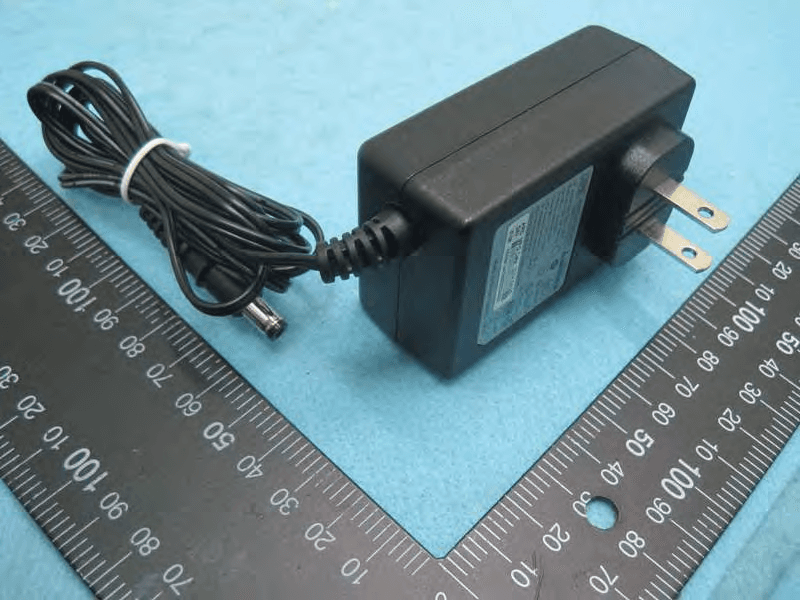
FDI000000028
Mar 15, 2015AirStation
Equipment Class
DTS - Digital Transmission System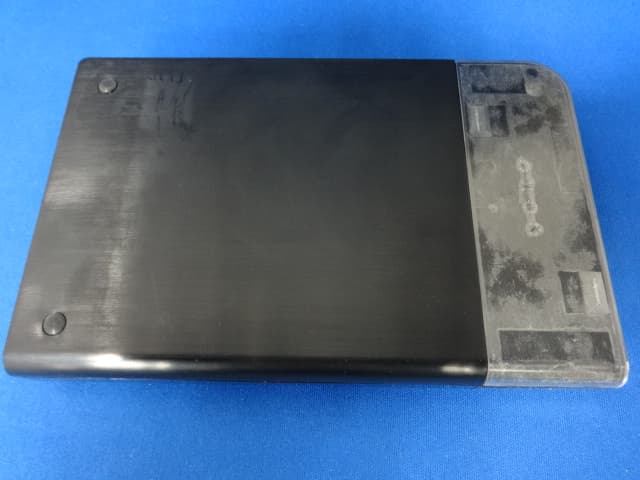
FDI000000027
Jan 22, 2015MiniStation
Equipment Class
DXX - Part 15 Low Power Communication Device Transmitter
FDI000000022
Oct 12, 2014AirStation
Equipment Class
DTS - Digital Transmission System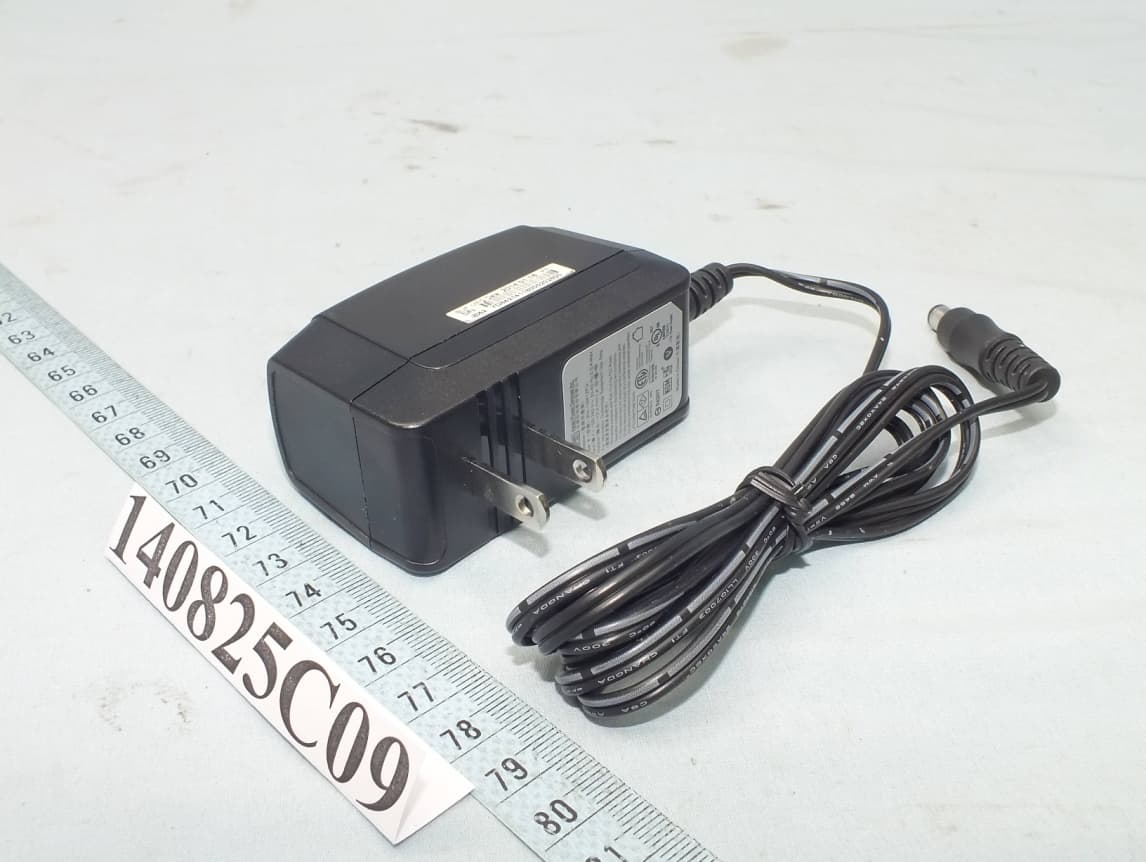
FDI000000026
Oct 01, 2014AirStation
Equipment Class
DTS - Digital Transmission System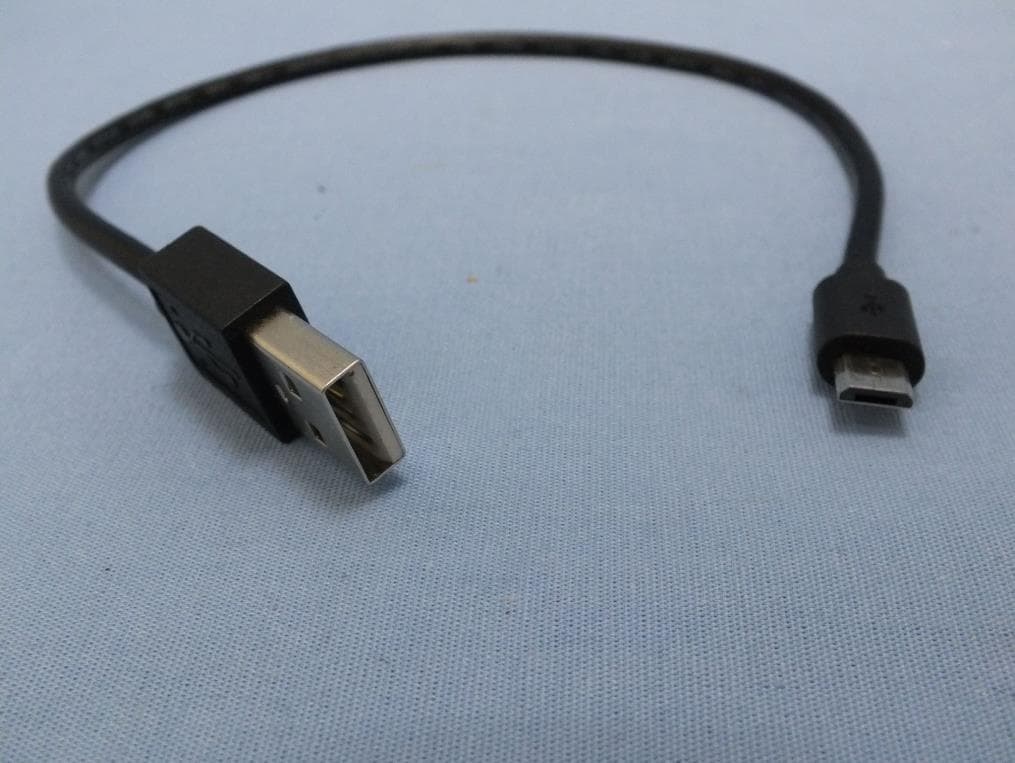
FDI000000024
Apr 21, 2014AirStation
Equipment Class
DTS - Digital Transmission System