HQXAGP8400Wireless Pointer Mouse
Sysgration Ltd.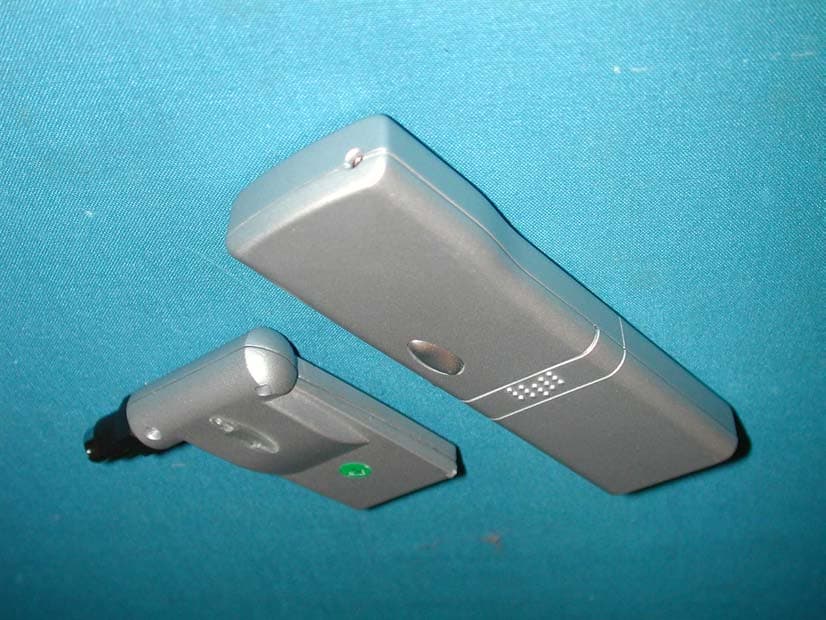
Click to zoom
Application Details
- Equipment Class
- DXX - Part 15 Low Power Communication Device Transmitter
- Date of Grant
- Nov 29, 2001
- Application Purpose
- Original Equipment
- Date of Application
- Nov 29, 2001
- Equipment Note
- Wireless Pointer Mouse
- Frequency Range
- 2405.00000000 - 2480.00000000
- Company
- Sysgration Ltd.
- Country
- Taiwan
Documents & Files
Document Text
Text extracted from the exhibit documents filed with the FCC. Open a document above to read the original.
Users Manual
Introduction This manual is intended for users of the ‘AGILER CAT’S EYE’ operates at a 2.4GHz radio frequency and has 16 channels. You can make a presentation with the built-in laser. Desk space is not necessary so it is also suitable with a laptop. Due to its wireless functionality and relatively large range (8 m maximum), this optical sensor provides 800 dpi high resolution is also ideal for applications for presentation on a different location or navigator on Internet with a wireless connection Safety 1. Do not use this device in damp environments such as bathrooms, damp basements, swimming pools, etc. 2. Do not repair the device yourself. 3. Position the device so that the cables cannot be damaged. 4. Do not focus the laser on eyes. Connection 1. Make sure the software of your old mouse has been deleted. 2. Switch the computer off. 3. Insert the three AAA batteries into the battery compartment as indicated on the back of the cover. 4. Set the receiver to the selected channel by DIP switches both on Pointer and Receiver, just setting switches as same positing on both side 5. Connect the receiver to the PS/2 port of your computer. 6. Switch the computer on. 7. The Cat’s eye is automatically detected and installed. 8. The Cat’s eye is ready for use. Note: Frequent use of the laser will empty the batteries more quickly. Use Button Description Function A Trigger key Equal to left mouse button click. B Right mouse button Equal to right mouse button click. C Laser beam button Activates the laser beam. D Round button Equal to middle mouse button click and auto scroll function E Optical sensor control Mouse movement / operation F Laser beam Pointer CAUTION: Any changes or modifications not expressly approved by the grantee of this device could void the user's authority to operate the equipment. Troubleshooting Problem Cause Possible solution Receiver is not connected. Connect your receiver to a PS/2 port. Reception interference. Try a different channel. Mouse curser is not moving. Batteries are empty. Replace the batteries. Mouse curser is moving poorly. Channel interference. Try a different channel. FEDERAL COMMUNICATIONS COMMISSION INTERFERENCE STATEMENT This equipment has been tested and found to comply with the limits for a Class B digital device, pursuant to Part 15 of the FCC Rules. These limits are designed to provide reasonable protection against harmful interference in a residential installation. This equipment generates, uses and can radiate radio frequency energy and, if not installed and used in accordance with the instructions, may cause harmful interference to radio communications However, there is no guarantee that interference will not occur in a particular installation. If this equipment does cause harmful interference to radio or television reception, which can be determined by turning the equipment off and on, the user is encouraged to try to correct the interference by one or more of the following measures: -- Reorient or relocate the receiving antenna. -- Increase the separation between the equipment and receiver. -- Connect the equipment into an outlet on a circuit different from that to which the receiver is connected. -- Consult the dealer or an experienced radio/TV technician for help.
Block Diagram
Block Diagram of RF Transmitter AGP8400 Image Acquisition system Dip SW Button Detect 2.4GHz Tx RF Module Micro-controller Battery 3*AAA DC/DC Converter Battery Low Detect Digital Signal Processor Selector Switch Laser Pointer 18.432MHz 4.000MHz
External Photos
Report No.: 01AH029FI Page : 1 of 7 Version:1.0 Attachment 2 : EUT Detailed Photographs (1) EUT Photo (2) EUT Photo
ID Label/Location Info
SYSGRATION LTD. 8Fl., No. 542-7, Chung Cheng Rd., Hsin Tien, Taipei, Taiwan, R.O.C. TEL: 886-2-2218-228 FAX: 886-2-2218-7663 FCC ID.: HQXAGP8400 FCC ID The FCC ID Label will be placed on the equipment as shown in the photograph below. Wireless Pointer Mouse Model No.: AGP8400 F F C C C C I I D D : : H H Q Q X X A A G G P P 8 8 4 4 0 0 0 0 This device complies with Part 15 of the FCC Rules. Operation is subject to the following two conditions: (1) this device may not cause harmful interference and (2) this device must accept any interference received, including interference that may cause undesired operation. S/N: Made in Taiwan
Internal Photos
Report No.: 01AH029FI Page : 2 of 7 Version:1.0 (3) EUT Photo (4) EUT Photo Report No.: 01AH029FI Page : 3 of 7 Version:1.0 (5) EUT Photo (6) EUT Photo Report No.: 01AH029FI Page : 4 of 7 Version:1.0 (7) EUT Photo (8) EUT Photo Report No.: 01AH029FI Page : 5 of 7 Version:1.0 (9) EUT Photo (10) EUT Photo Report No.: 01AH029FI Page : 6 of 7 Version:1.0 (11) EUT Photo (12) EUT Photo Report No.: 01AH029FI Page : 7 of 7 Version:1.0 (13) EUT Photo
Operational Description
Report No. 01AH029FI Page : 4 of 24 Version:1.0 1. GENERAL INFORMATION 1.1. EUT Description Product Name : Wireless Pointer Mouse Trade Name : Agiler FCC ID. : HQXAGP8400 Model No. : AGP8400 Frequency Range : 2405 MHz to 2480MHz Channel Number : 16 Type of Modulation : FSK Antenna type : Printed Operator Selection of Operating Frequency : Manual Switch Frequency of each Channel: Channel Frequency Channel Frequency Channel 1: 2405 MHz Channel 9: 2445 MHz Channel 2: 2410 MHz Channel 10: 2450 MHz Channel 3: 2415 MHz Channel 11: 2455 MHz Channel 4: 2420 MHz Channel 12: 2460 MHz Channel 5: 2425 MHz Channel 13: 2465 MHz Channel 6: 2430 MHz Channel 14: 2470 MHz Channel 7: 2435 MHz Channel 15: 2475 MHz Channel 8: 2440 MHz Channel 16: 2480 MHz Note: 1. This device is a Wireless Pointer Mouse included a 2.4GHz transmitting function. 2. These tests were conducted on a sample of the equipment for the purpose of demonstrating compliance with Part 15 Subpart C Paragraph 15.249 for non-spread spectrum devices. 3. This device is a composite device in accordance with Part 15 regulations. The function for the receiver was, measured and made a test report that the report number is 01AH029F, certified under verification. 1.2. Operation Description The EUT is Wireless Pointer Mouse. The operation frequency is from 2.405GHz to 2.480GHz with FSK modulation. 16 manually selectable channels were built in the EUT. The signal will be transmitted through 2.4 GHz FSK RF signal from the printed antenna on PCB of EUT to receiver.
Test Report
Report No. 01AH029FI Page : 1 of 24 Version:1.0 Test Report Product Name : Wireless Pointer Mouse Model No. : AGP8400 FCC ID.: HQXAGP8400 Applicant : SYSGRATION LTD. Address : 8Fl., No. 542-7, Chung Cheng Rd., Hsin Tien, Taipei, Taiwan, R.O.C. Date of Receipt : Oct. 11, 2001 Date of Test : Nov. 9, 2001 Report No. : 01AH029FI The Test Results relate only to the samples tested. The test report shall not be reproduced except in full without the written approval of QuieTek Corporation. This report must not be used to claim product endorsement by NVLAP any agency of the U.S. Government Report No. 01AH029FI Page : 3 of 24 Version:1.0 TABLE OF CONTENTS Description Page 1. GENERAL INFORMATION..............................................................................................................4 1.1. EUT Description ....................................................................................................................................4 1.2. Operation Description ............................................................................................................................4 1.3. Tested System Details ............................................................................................................................5 1.4. Configuration of Tested System.............................................................................................................5 1.5. EUT Exercise Software..........................................................................................................................5 1.6. Test Facility ............................................................................................................................................6 2. Conducted Emission ............................................................................................................................7 2.1. Test Equipment List ...............................................................................................................................7 2.2. Test Setup ...............................................................................................................................................7 2.3. Limits .....................................................................................................................................................7 2.4. Test Procedure ........................................................................................................................................8 2.5. Test Result of Conducted Emission .......................................................................................................8 3. Radiated Emission................................................................................................................................9 3.1. Test Equipment ......................................................................................................................................9 3.2. Test Setup ...............................................................................................................................................9 3.3. Limits ...................................................................................................................................................10 3.4. Test Procedure ......................................................................................................................................11 3.5. Test Result of Radiated Emission ........................................................................................................12 4. Band Edge ...........................................................................................................................................19 4.1. Test Equipment ....................................................................................................................................19 4.2. Test Setup .............................................................................................................................................19 4.3. Test Condition ......................................................................................................................................19 4.4. Standard Reqirement ............................................................................................................................19 4.5. Test Result of Band Edge .....................................................................................................................20 5. EMI Reduction Method During Compliance Testing .....................................................................22 Attachment 1: EUT Test Photographs Attachment 2: EUT Detailed Photographs Report No. 01AH029FI Page : 4 of 24 Version:1.0 1. GENERAL INFORMATION 1.1. EUT Description Product Name : Wireless Pointer Mouse Trade Name : Agiler FCC ID. : HQXAGP8400 Model No. : AGP8400 Frequency Range : 2405 MHz to 2480MHz Channel Number : 16 Type of Modulation : FSK Antenna type : Printed Operator Selection of Operating Frequency : Manual Switch Frequency of each Channel: Channel Frequency Channel Frequency Channel 1: 2405 MHz Channel 9: 2445 MHz Channel 2: 2410 MHz Channel 10: 2450 MHz Channel 3: 2415 MHz Channel 11: 2455 MHz Channel 4: 2420 MHz Channel 12: 2460 MHz Channel 5: 2425 MHz Channel 13: 2465 MHz Channel 6: 2430 MHz Channel 14: 2470 MHz Channel 7: 2435 MHz Channel 15: 2475 MHz Channel 8: 2440 MHz Channel 16: 2480 MHz Note: 1. This device is a Wireless Pointer Mouse included a 2.4GHz transmitting function. 2. These tests were conducted on a sample of the equipment for the purpose of demonstrating compliance with Part 15 Subpart C Paragraph 15.249 for non-spread spectrum devices. 3. This device is a composite device in accordance with Part 15 regulations. The function for the receiver was, measured and made a test report that the report number is 01AH029F, certified under Declaration of Conformity. 1.2. Operation Description The EUT is Wireless Pointer Mous…
Text truncated - open the document above for the full version.
Test Setup Photos
Report No.: 01AH029FI Page : 1 of 2 Version:1.0 Attachment 1: EUT Test Setup Photographs Front View of Radiated Test Back View of Radiated Test Report No.: 01AH029FI Page : 2 of 2 Version:1.0 Front View of Radiated Test-Horn
Contact Information
Applicant
Ken Chen(Manager)
Test Firm
DEKRA Testing and Certification Co., Ltd.Sky Hsu
Technical Specifications
| # | Rule Parts | Frequency Range | Power Output |
|---|---|---|---|
| 1 | 15C | 2.40 GHz - 2.48 GHz | - |
Other Applications from Sysgration Ltd.
HQXSWA02
Jun 03, 2026TPMS
Equipment Class
DSR - Part 15 Remote Control/Security Device Transceiver
HQXBSI1505
Dec 02, 2025TPMS-VALVE ASSY, BLE
Equipment Class
DTS - Digital Transmission System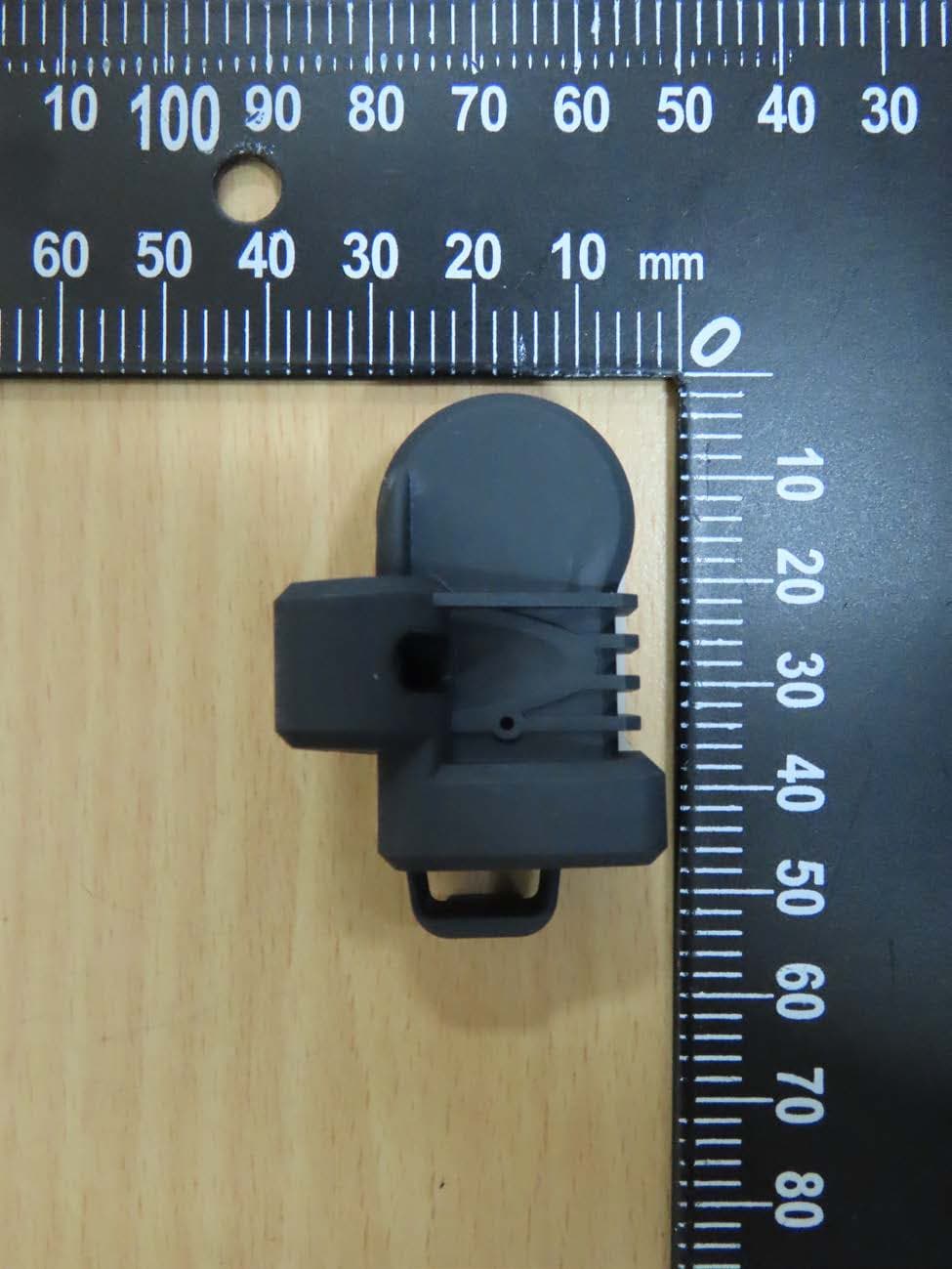
HQXRSI30
Sep 02, 2024TPMS
Equipment Class
DSC - Part 15 Security/Remote Control Transmitter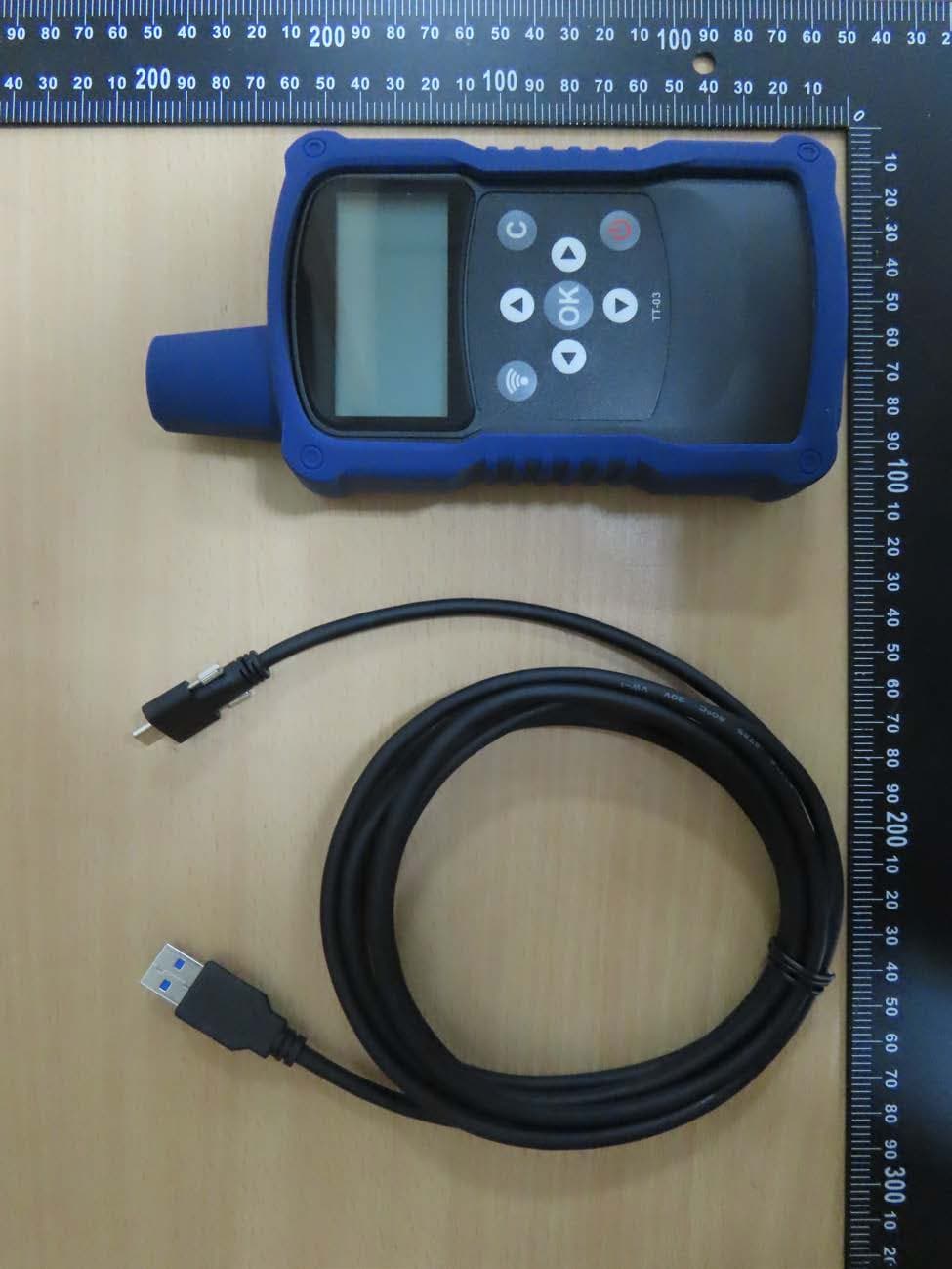
HQXTT03
Jul 01, 2024TPMS Trigger
Equipment Class
DCD - Part 15 Low Power Transmitter Below 1705 kHz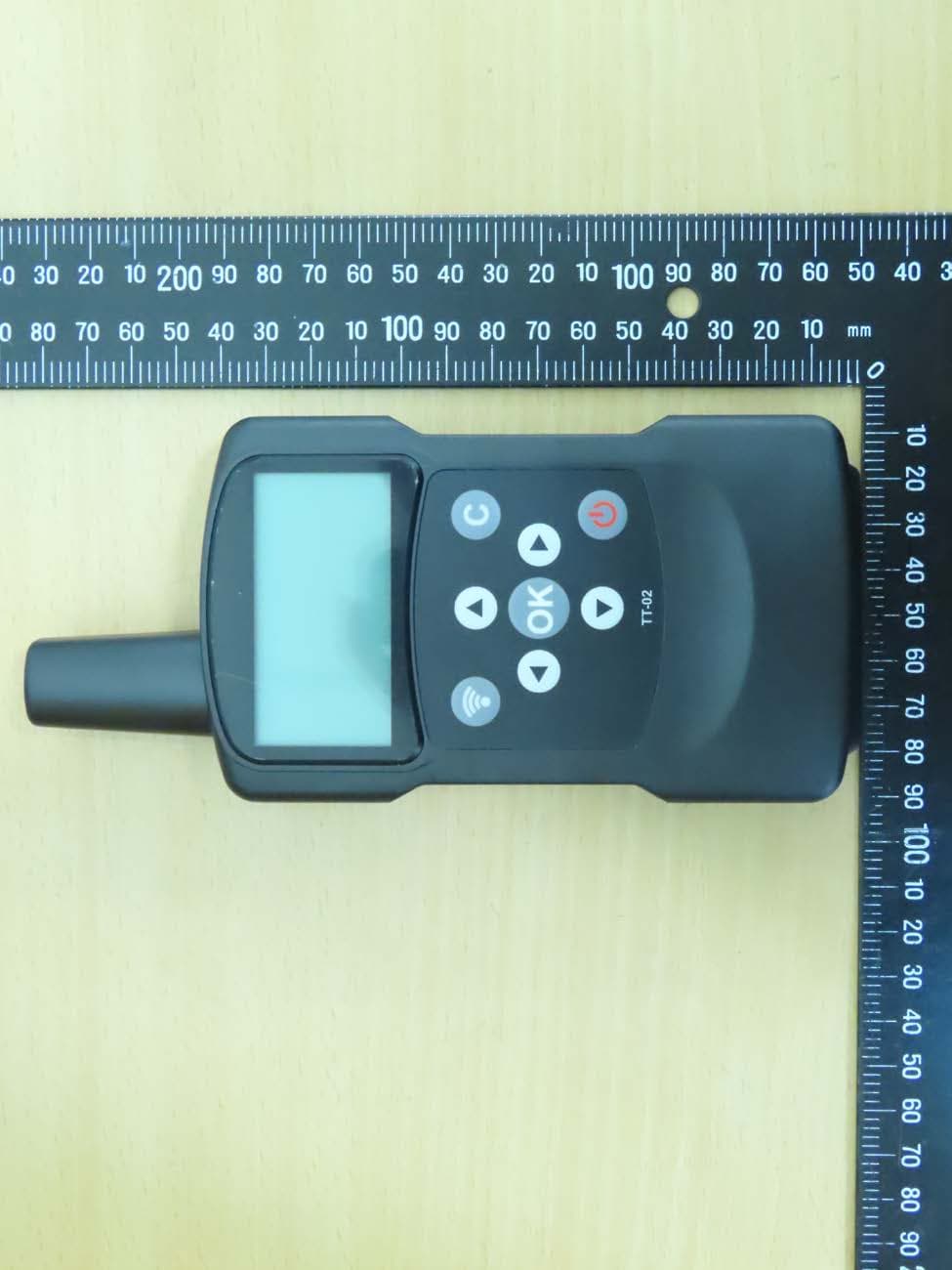
HQXTT02
May 27, 2020TPMS Trigger
Equipment Class
DCD - Part 15 Low Power Transmitter Below 1705 kHz