HQXAKM-0222.4G wireless keyboard
Sysgration Ltd.
Click to zoom
Application Details
- Equipment Class
- DXX - Part 15 Low Power Communication Device Transmitter
- Date of Grant
- Nov 23, 2010
- Application Purpose
- Original Equipment
- Date of Application
- Nov 22, 2010
- Equipment Note
- 2.4G wireless keyboard
- Frequency Range
- 2418.00000000 - 2463.00000000
- Company
- Sysgration Ltd.
- Country
- Taiwan
Documents & Files
Document Text
Text extracted from the exhibit documents filed with the FCC. Open a document above to read the original.
Users Manual
Safety and Maintenance Safety Instructions Please read this chapter carefully and observe all listed notes. This will ensure reliable operation and long life expectancy of your product. Keep these instructions with your cordless keyboard and mouse set at all times. In the event that you transfer ownership of these devices, please provide these instructions to the new owner. Operational Safety . Whenever you edit data, it is advisable to make backup copies on an external data medium (USB-sticks, external hard disks, CD).We are not liable for any loss of data and consequential damages. . This product is designed to run on a PC/AT (IBM-compatible) computer with USB port . . Follow the safety instructions for the computer to which you are connecting the devices. . Never open the component housing. This might lead to a short circuit or even a life. . Never allow children to use electronic devices unsupervised .Children may not always correctly identify potential hazards. . Keep the packing materials, such as plastic sheeting away from children .The danger of suffocation could arise in the case of misuse. . Remove all power cables from your computer before installation. If the computer is not disconnected from the power outlet damage may result .Unless expressly instructed otherwise, only remove and change the connections in the powered down state. Point of Use . Position and operate these devices only on a stable, even and vibration-free surface. . Keep devices away from moisture and avoid dust, heat and direct sunlight .Ensure an ambient temperature that is suitable for office equipment. . The device has only been conceived for private use and not for operation in a heavy industry company. . Use the device exclusively in living space or similar rooms. Electro-Magnetic Compatibility . Allow a clearance of at least 50cm(19.7") from sources of high-frequency and magnetic interference (TV, mobile telephone ,infrared devices, loudspeaker cabinets, etc),in order to avoid malfunctions and loss of data .The distance between the transmitter and the receiver should be greater than 50cm(19.7"). . When connecting additional or other components ensure that Guidelines for Electro-Magnetic Compatibility (EMC) are observed. Battery Treatment Batteries may contain combustible materials .Misuse may cause battery leakage, heat, explosion or ignition; bring about damage to the device or personal injury. Please strictly observe the following: .KEEP CHILDREN AWAY from batteries. If by any chance, the batteries are swallowed, consult a doctor immediately. .DO NOT CHARGE batteries (except rechargeable batteries). .DO NOT FORCIBLY DISCHARGE batteries. .DO NOT SHORT-CIRCUIT batteries. .Do not expose the batteries to high temperatures caused by sunshine, fire or the like! .DO NOT ATTEMPT TO DISASSEMBLE or DEFORM batteries. This may lead to injury, or the liquid of the battery may get into your eyes or adhere to your skin .If this happens, rinse with a large quantity of water immediately and consult a medical doctor. .DO NOT allow batteries to be exposed to heavy impact by dropping or throwing the batteries. .DO NOT reverse the positive (+) and negative (-) terminals. This will help avoid short-circuits. .DO NOT MIX used and new or different types of batteries together. Your equipment may not operate properly. In addition, the battery exhausted first may be excessively drained (over-discharged). .REMOVE PROMPTLY the used batteries from the device. .REPLACE ALL BATTERIES with new batteries of the same type at the same time. .INSULATE THE TERMINAL part with tape or the like at the time of storage or disposal of the batteries. Maintenance Cleaning .Clean the devices and other components with a damp cloth .Do not use any solvents, corrosives or gaseous detergents. Repairs .This device should only be repaired by an authorized service centre .Please contact customer care if you have any technical problems . Remove the power plug of your computer from the mains and contact the MEDION Help Desk on 1300 884 987 . If the connections are cut or otherwise damaged; . If liquid has entered the device housing; . If a device does not operate correctly; . If a device is dropped or the housing damaged. Recycling Packaging All packaging and packaging materials that are no longer required can should be recycled. What's in the Box? Please check that the below mentioned parts and accessories are in the box. If any item is missing please contact your local service centre accordingly. Any claim for missing parts will only be accepted within 14 days from date of purchase .Included in delivery is the following: .Wireless Keyboard .USB dongle receiver .Alkaline Batteries(AAA –Type) .User Manual System Requirements .Operating System Windows 7/Vista/XP .Connections 1×USB port Identifying Parts Keyboard: Receiver: Fitting Batteries in the Keyboard 1. Turn the keyboard upside down. 2. Remove the battery compartment cove. 3. Insert the batteries (2 batteries ,AAA type) in the battery compartment of the keyboard .Ensure that the battery poles correspond to the “+”and “-”markings. 4. Slide the battery compartment cover back on until it locks into place. Fitting Batteries in the Mouse 1. Turn the mouse upside down and remove the battery compartment cover by putting pressure on the recess and carefully pushing the cover upwards. Insert the battery (2 batteries ,AAA type) in the battery compartment of the mouse .Ensure that the battery poles correspond to the“+”and “-”markings. Slide the battery compartment cover back on until it locks into place. Connecting the Receiver 1. Please refer to the notes in the “Safety and Maintenance” section (page 3). 2. Switch the computer and all the attached peripherals on (monitor, printer, external modern, etc.) 3. Insert the wireless USB dongle receiver in the USB socket of your PC. 4. This wireless keyboard mouse set provides Plug and Play function with factory preset connection channels. Operating the Keyboard and Mo…
Text truncated - open the document above for the full version.
External Photos
Neutron Engineering Inc. Project No.: 1011C076 Page 2 of 6 1011C076 1011C076 Neutron Engineering Inc. Project No.: 1011C076 Page 2 of 6 1011C076 1011C076
Internal Photos
Neutron Engineering Inc. Project No.: 1011C076 Page 3 of 6 1011C076 1011C076 Neutron Engineering Inc. Project No.: 1011C076 Page 4 of 6 1011C076 1011C076 Neutron Engineering Inc. Project No.: 1011C076 Page 5 of 6 1011C076 1011C076 Neutron Engineering Inc. Project No.: 1011C076 Page 3 of 6 1011C076 1011C076 Neutron Engineering Inc. Project No.: 1011C076 Page 4 of 6 1011C076 1011C076 Neutron Engineering Inc. Project No.: 1011C076 Page 5 of 6 1011C076 1011C076 Neutron Engineering Inc. Project No.: 1011C076 Page 6 of 6 1011C076
Test Report
Neutron Engineering Inc. Report No.: NEI-FCCP-1-1011C076 Page 2 of 45 Declaration Neutron represents to the client that testing is done in accordance with standard procedures as applicable and that test instruments used has been calibrated with the standards traceable to National Measurement Laboratory (NML) of R.O.C., or National Institute of Standards and Technology (NIST) of U.S.A. Neutron's reports apply only to the specific samples tested under conditions. It is manufacture’s responsibility to ensure that additional production units of this model are manufactured with the identical electrical and mechanical components. Neutron shall have no liability for any declarations, inferences or generalizations drawn by the client or others from Neutron issued reports. Neutron’s reports must not be used by the client to claim product endorsement by the authorities or any agency of the Government. This report is the confidential property of the client. As a mutual protection to the clients, the public and Neutron-self, extracts from the test report shall not be reproduced except in full with Neutron’s authorized written approval. Neutron’s laboratory quality assurance procedures are in compliance with the ISO Guide 17025 requirements, and accredited by the conformity assessment authorities listed in this test report. Limitation For the use of the authority's logo is limited unless the Test Standard(s)/Scope(s)/Item(s) mentioned in this test report is (are) included in the conformity assessment authorities acceptance respective. Neutron Engineering Inc. Report No.: NEI-FCCP-1-1011C076 Page 3 of 45 Table of Contents Page 1 . CERTIFICATION 5 2 . SUMMARY OF TEST RESULTS 6 2.1 TEST FACILITY 7 2.2 MEASUREMENT UNCERTAINTY 7 3 . GENERAL INFORMATION 8 3.1 GENERAL DESCRIPTION OF EUT 8 3.2 DESCRIPTION OF TEST MODES 10 3.3 BLOCK DIGRAM SHOWING THE CONFIGURATION OF SYSTEM TESTED 11 3.4 DESCRIPTION OF SUPPORT UNITS 12 4 . EMC EMISSION TEST 13 4.1 CONDUCTED EMISSION MEASUREMENT 13 4.1.1 POWER LINE CONDUCTED EMISSION LIMITS 13 4.1.2 MEASUREMENT INSTRUMENTS LIST 13 4.1.3 TEST PROCEDURE 14 4.1.4 DEVIATION FROM TEST STANDARD 14 4.1.5 TEST SETUP 14 4.1.6 EUT OPERATING CONDITIONS 14 4.1.7 TEST RESULTS 15 4.2 RADIATED EMISSION MEASUREMENT 16 4.2.1 RADIATED EMISSION LIMITS 16 4.2.2 MEASUREMENT INSTRUMENTS LIST 17 4.2.3 TEST PROCEDURE 19 4.2.4 DEVIATION FROM TEST STANDARD 19 4.2.5 TEST SETUP 20 4.2.6 EUT OPERATING CONDITIONS 20 4.2.7 TEST RESULTS (BETWEEN 30 – 1000 MHz) 21 4.2.8 TEST RESULTS (ABOVE 1000 MHz) 23 4.2.9 TEST RESULTS (2400 – 2483.5 MHz) 35 5 . BANDWIDTH TEST 36 5.1 MEASUREMENT INSTRUMENTS LIST 36 5.2 TEST PROCEDURE 36 5.3 DEVIATION FROM STANDARD 36 5.4 TEST SETUP 36 5.5 EUT OPERATION CONDITIONS 36 5.6 TEST RESULTS 37 6 . ANTENNA CONDUCTED SPURIOUS EMISSION 39 Neutron Engineering Inc. Report No.: NEI-FCCP-1-1011C076 Page 4 of 45 Table of Contents Page 6.1 APPLIED PROCEDURES / LIMIT 39 6.1.1 MEASUREMENT INSTRUMENTS LIST 39 6.1.2 TEST PROCEDURE 39 6.1.3 DEVIATION FROM STANDARD 39 6.1.4 TEST SETUP 39 6.1.5 EUT OPERATION CONDITIONS 39 6.1.6 TEST RESULTS 40 7 . EUT TEST PHOTO 45 Neutron Engineering Inc. Report No.: NEI-FCCP-1-1011C076 Page 5 of 45 1. CERTIFICATION Equipment : 2.4G wireless keyboard Brand Name : Sysgration Polaroid Model Name. : AKM-022 PKB3710 Applicant : Sysgration Ltd. Factory : Sysgration(Shenzhen) Ltd. Address : Egongling Village. Pinghu Town. Longgang Dist. Shenzhen City. China. Date of Test : Nov. 08, 2010 ~ Nov. 17, 2010 Test Item : ENGINEERING SAMPLE Standards : FCC Part15, Subpart C(15.249)/ ANSI C63.4 : 2003 The above equipment has been tested and found compliance with the requirement of the relative standards by Neutron Engineering Inc. EMC Laboratory. The test data, data evaluation, and equipment configuration contained in our test report (Ref No. NEI-FCCP-1-1011C076) were obtained utilizing the test procedures, test instruments, test sites that has been accredited by the Authority of NVLAP and TAF according to the ISO-17025 quality assessment standard and technical standard(s). Neutron Engineering Inc. Report No.: NEI-FCCP-1-1011C076 Page 6 of 45 2. SUMMARY OF TEST RESULTS Test procedures according to the technical standards: FCC Part15, Subpart C (15.249) Standard Section Test Item Judgment Remark 15.207 Conducted Emission - Note(1) 15.209 Radiated Emission PASS 15.249 Radiated Spurious Emission PASS NOTE: (1)” N/A” denotes test is not applicable in this Test Report (2) The EUT used new battery. Neutron Engineering Inc. Report No.: NEI-FCCP-1-1011C076 Page 7 of 45 2.1 TEST FACILITY The test facilities used to collect the test data in this report is DG-C03/DG-CB03at the location of No.3,Jinshagang 1st Road, ShiXia, Dalang Town,Dong Guan, China.523792 Neutron's test firm number is 319330 2.2 MEASUREMENT UNCERTAINTY Where relevant, the following measurement uncertainty levels have been estimated for tests performed on the EUT as specified in CISPR 16-4-2: The reported uncertainty of measurement y ± U,where expended uncertainty U is based on a standard uncertainty multiplied by a coverage factor of k=2,providing a level of confidence of approximately 95 %。 A. Conducted Measurement : Test Site Method Measurement Frequency Range U,(dB) NOTE DG-C03 CISPR 150 KHz ~ 30MHz 1.94 B. Radiated Measurement : Test Site Method Measurement Frequency Range Ant. H / V U,(dB) NOTE 30MHz ~ 200MHz V 2.48 30MHz ~ 200MHz H 2.16 200MHz ~ 1,000MHz V 2.50 DG-CB03 CISPR 200MHz ~ 1,000MHz H 2.66 Neutron Engineering Inc. Report No.: NEI-FCCP-1-1011C076 Page 8 of 45 3. GENERAL INFORMATION 3.1 GENERAL DESCRIPTION OF EUT Equipment 2.4G wireless keyboard Brand Name Sysgration Polaroid Model Name. AKM-022 PKB3710 OEM Brand/Model Name N/A Model Difference Different are the model name and brand. Product Description The EUT is a 2.4G wireless keyboard. Product Type Low Power Communication Device Operation Frequency: 2418~2463 MHz Modulation Type: GFSK Date rate: 1Mbps Number Of Channel 16CH .Please see note 2. Antenna…
Text truncated - open the document above for the full version.
Test Setup Photos
Neutron Engineering Inc. Report No.: NEI-FCCP-1-1011C076 Page 45 of 45 7. EUT TEST PHOTO Radiated Measurement Photos Neutron Engineering Inc. Report No.: NEI-FCCP-1-1011C076 Page 45 of 45 7. EUT TEST PHOTO Radiated Measurement Photos
Contact Information
Applicant
Ken Chen(Manager)
Technical Contact
Neutron Engineering, Inc.Steven Lu
[email protected]+86-769-83183000
No.3,Jinshagang 1st Rd, ShiXia,Dalang · Dongguan City · China
Non-Technical Contact
Neutron Engineering, Inc.Cathy Wang
[email protected]+86-769-83183000
Test Firm
BTL Inc.Daisy Dai
Technical Specifications
| # | Rule Parts | Frequency Range | Power Output |
|---|---|---|---|
| 1 | 15C | 2.42 GHz - 2.46 GHz | - |
Other Applications from Sysgration Ltd.
HQXSWA02
Jun 03, 2026TPMS
Equipment Class
DSR - Part 15 Remote Control/Security Device Transceiver
HQXBSI1505
Dec 02, 2025TPMS-VALVE ASSY, BLE
Equipment Class
DTS - Digital Transmission System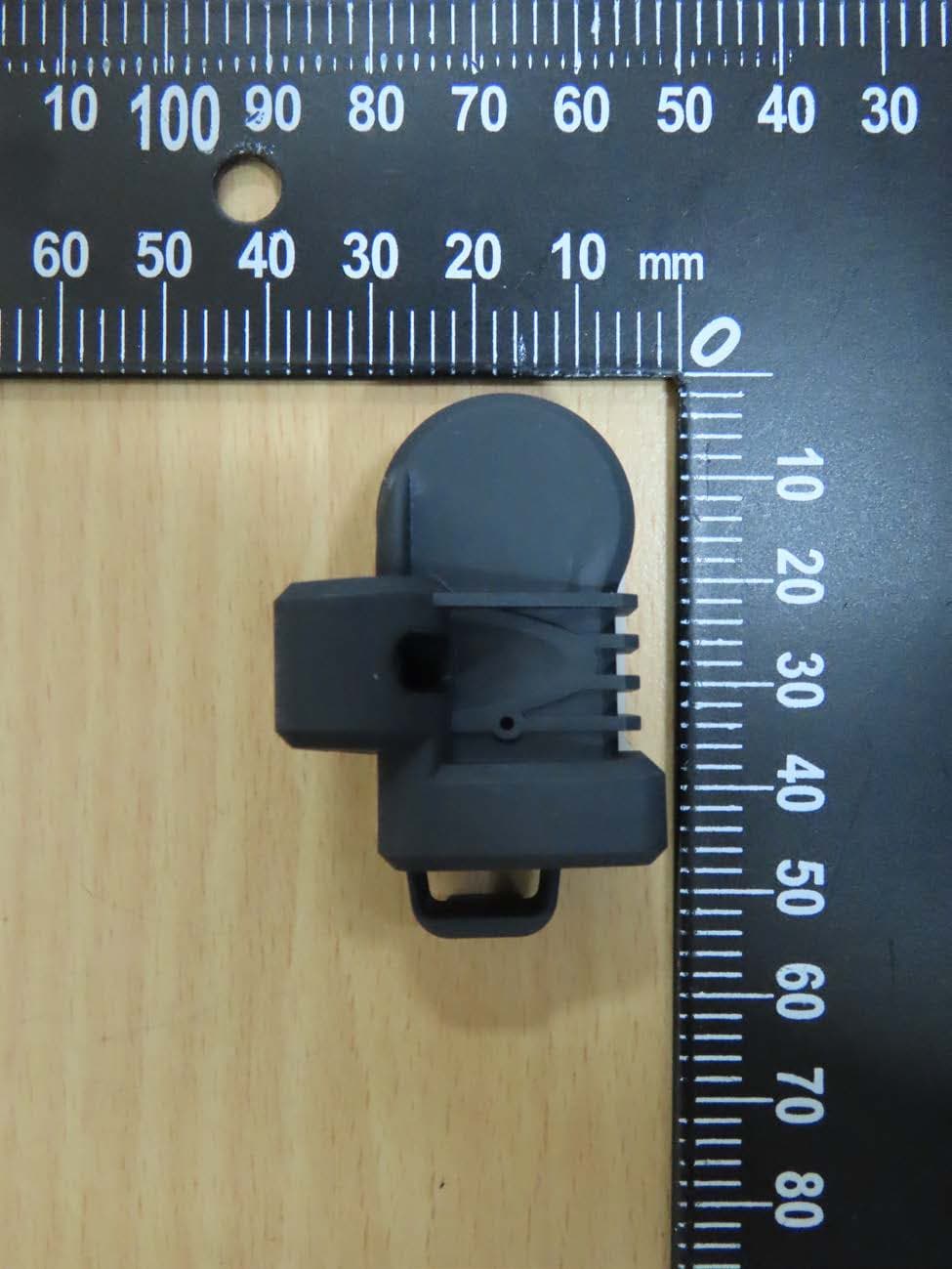
HQXRSI30
Sep 02, 2024TPMS
Equipment Class
DSC - Part 15 Security/Remote Control Transmitter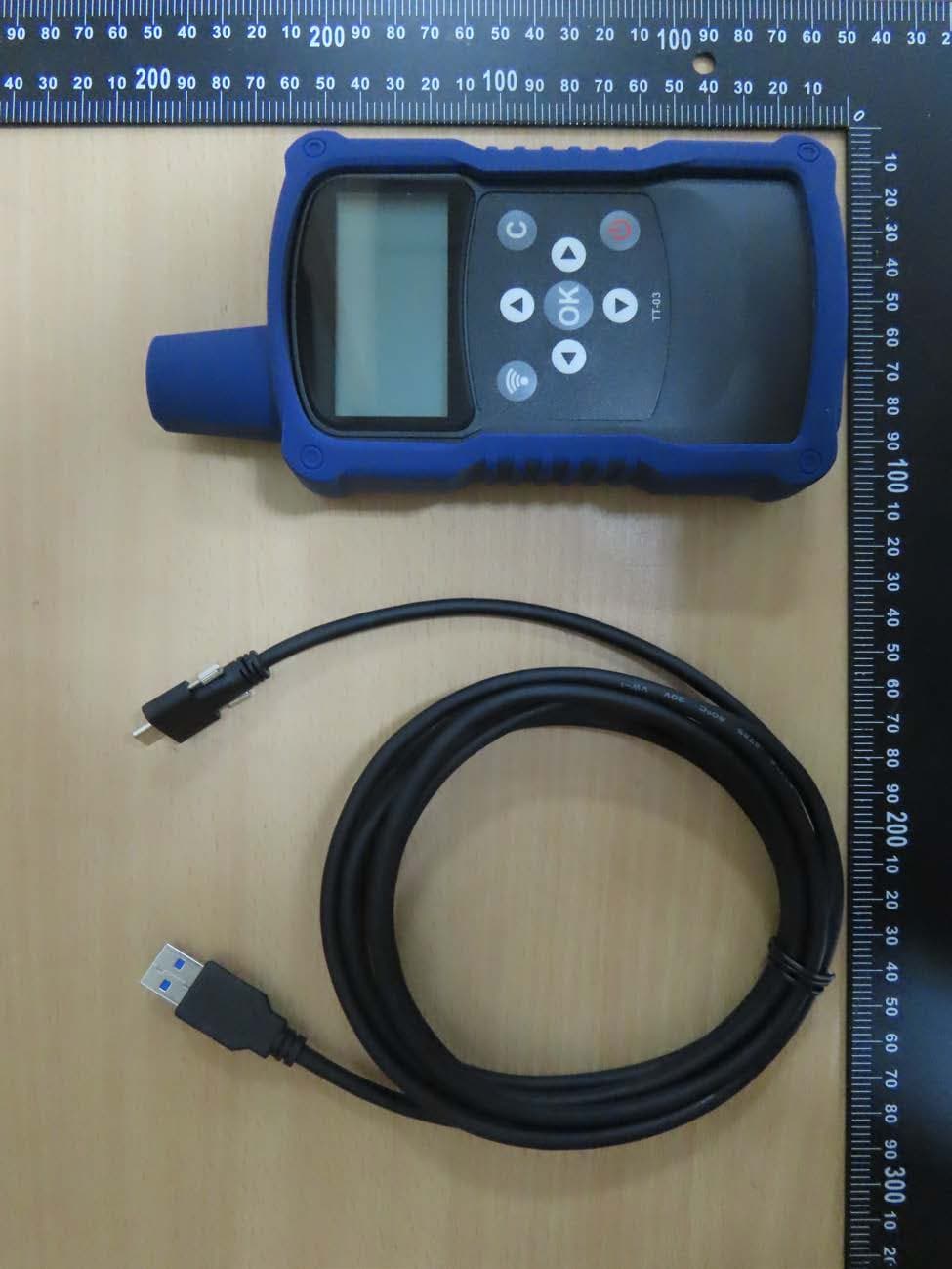
HQXTT03
Jul 01, 2024TPMS Trigger
Equipment Class
DCD - Part 15 Low Power Transmitter Below 1705 kHz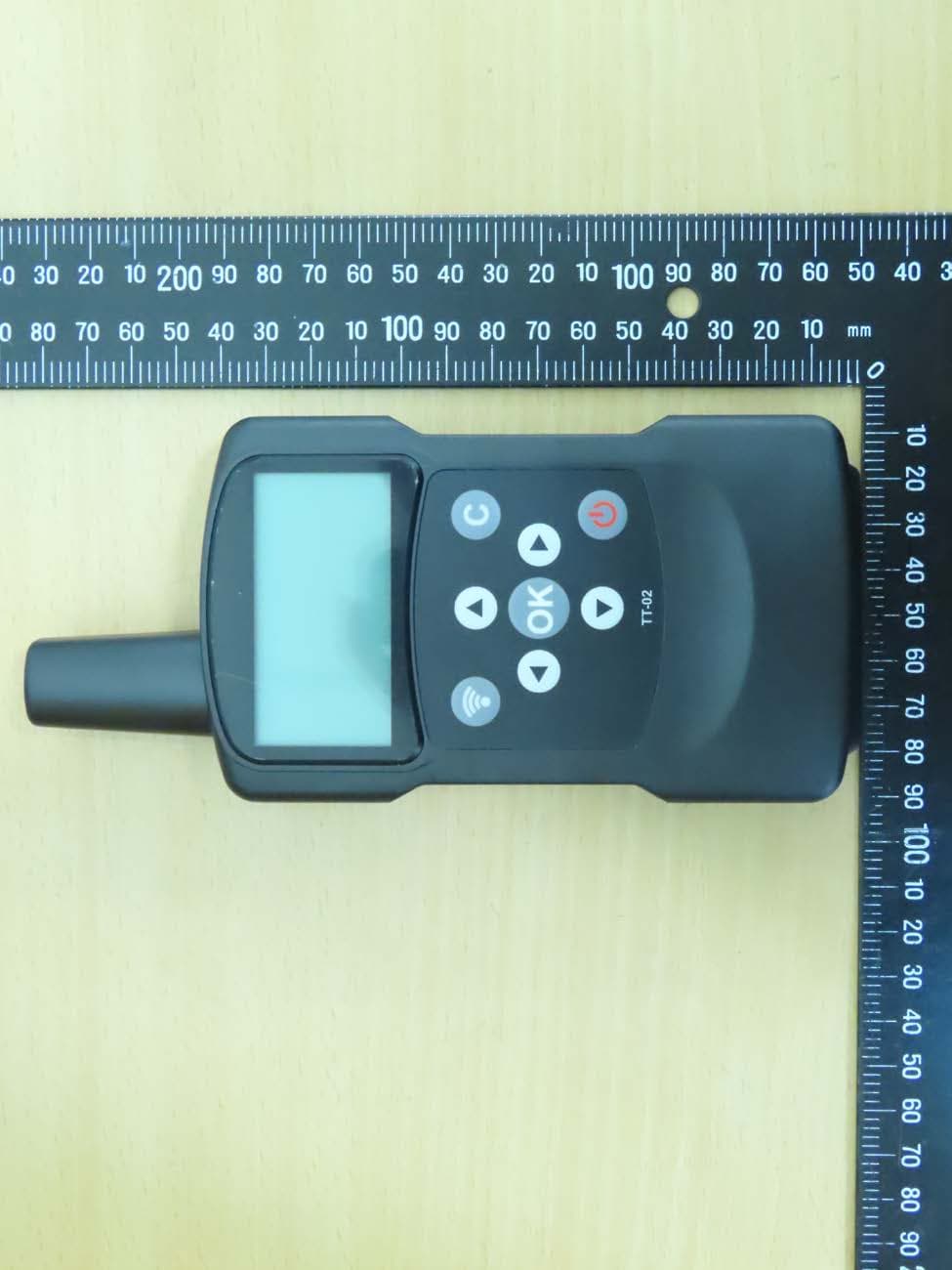
HQXTT02
May 27, 2020TPMS Trigger
Equipment Class
DCD - Part 15 Low Power Transmitter Below 1705 kHz