I28RFID-R110PAX01Thermal Transfer on Demand Bar Code Printer
Zebra Technologies Corporation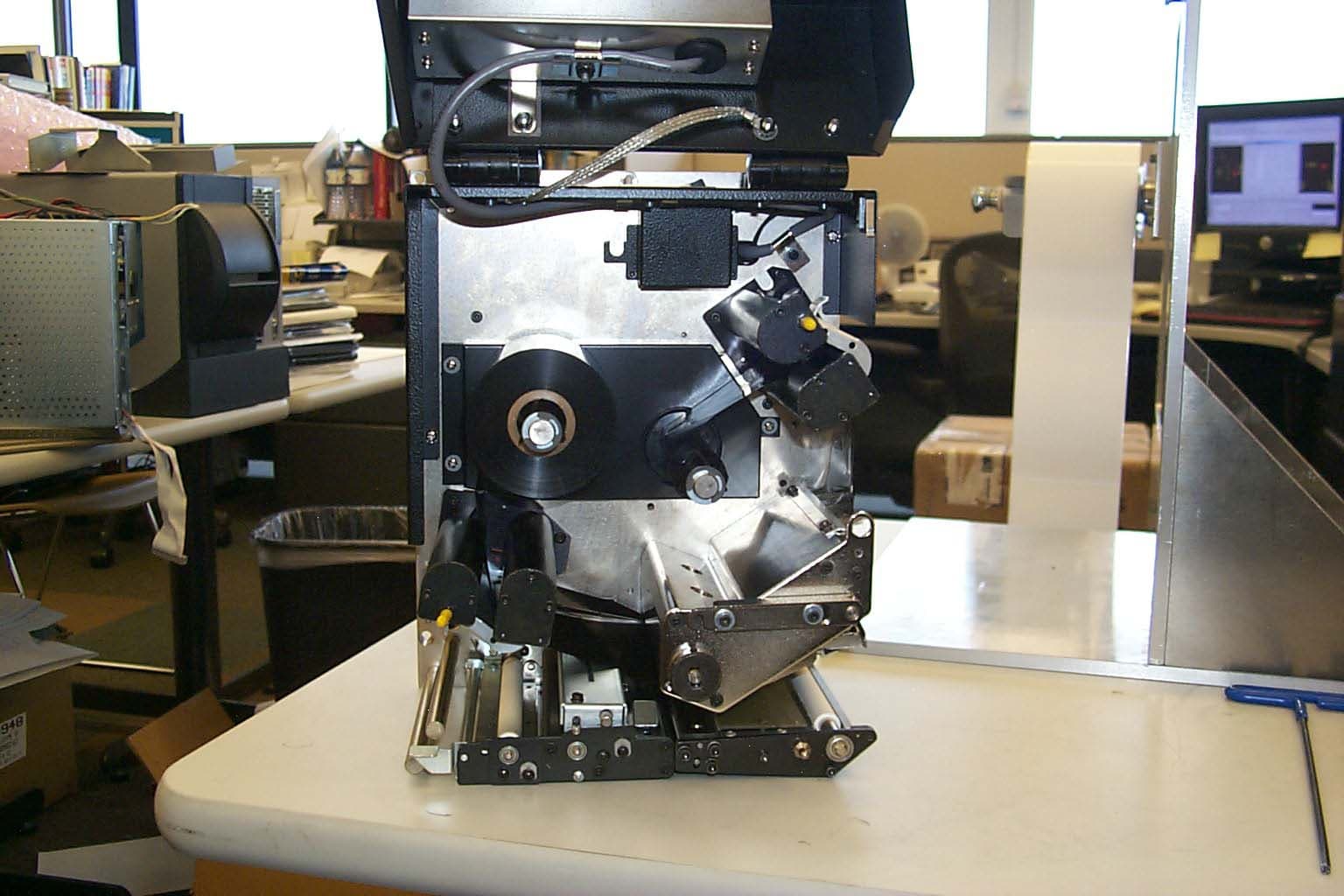
Click to zoom
Application Details
- Equipment Class
- DSS - Part 15 Spread Spectrum Transmitter
- Date of Grant
- Oct 04, 2004
- Application Purpose
- Original Equipment
- Date of Application
- Oct 04, 2004
- Equipment Note
- Thermal Transfer on Demand Bar Code Printer
- Frequency Range
- 902.80000000 - 927.60000000
- Country
- United States
Documents & Files
Document Text
Text extracted from the exhibit documents filed with the FCC. Open a document above to read the original.
Users Manual
Print Engine Operation Load Ribbon 58981L-001 Rev. 1 9/7/2004R110PAX3 User Guide41 5.See Figure 32. Open the printhead assembly by unlatching the printhead latch from the locking pin. Figure 32 • Opening the Printhead Assembly 6.See Figure 33. Thread the ribbon under the printhead assembly and then up toward the upper dancer assembly. Figure 33 • Threading Ribbon under the Printhead Assembly 1 Printhead latch 2 Locking pin Caution • The printhead may be hot and could cause severe burns. Allow the printhead to cool. 1 Printhead assembly 1 2 1 42R110PAX3 User Guide9/7/2004 58981L-001 Rev. 1 Print Engine Operation Load Ribbon 7.See Figure 30 on page 40. On the upper dancer assembly, squeeze the opening tabs to pivot open the dancer arm. 8.See Figure 30 on page 40. Carefully thread the ribbon through the upper dancer assembly, and then slowly release the dancer arm. 9.See Figure 34. Install an empty ribbon core onto the ribbon take-up spindle, and push the core toward the print engine frame until it is fully seated. 10.See Figure 34. Attach the end of the ribbon to the empty ribbon core with adhesive tape or a label, and wind for several turns in the direction shown. Ensure that the ribbon winds evenly on the spindle. Figure 34 • Loading Ribbon on the Ribbon Take-Up Spindle 11.See Figure 32 on page 41. Close the printhead assembly by pivoting the printhead latch onto the locking pin. 12.Close the media door. 1 Ribbon take-up spindle with empty ribbon core 1 Print Engine Operation Remove Used Ribbon 58981L-001 Rev. 1 9/7/2004R110PAX3 User Guide43 Remove Used Ribbon To remove used ribbon, complete these steps: 1.Open the media door. 2.Examine the ribbon. Did the ribbon run out? If...Then... Ye sa.Remove the empty core from the ribbon supply spindle. Save the core to use on the ribbon take-up spindle when you load ribbon. b.Remove the used ribbon and core from the ribbon take-up spindle. c.Install new ribbon following the instructions in Load Ribbon on page 38. No a.Cut the ribbon near the ribbon take-up spindle. b.Remove the used ribbon and core from the ribbon take-up spindle. c.Locate an empty ribbon core. If necessary, remove and discard the used ribbon from the core removed in the previous step. d.See Figure 34 on page 42. Install the empty ribbon core onto the ribbon take-up spindle, and push the core toward the print engine frame until it is fully seated. e.Thread the remaining ribbon on the ribbon supply spindle following the instructions in Load Ribbon on page 38. f.See Figure 34 on page 42. Attach the end of the ribbon to the empty ribbon core with adhesive tape or a label, and wind for several turns in the direction shown. Ensure that the ribbon winds evenly on the spindle. 44R110PAX3 User Guide9/7/2004 58981L-001 Rev. 1 Print Engine Operation Print a Configuration Label Print a Configuration Label When you have loaded the media and ribbon (if necessary), print a configuration label as a record of your print engine’s current settings. Keep the label to use when troubleshooting printing problems. To print a configuration label, complete these steps: 1.Turn Off (O) the print engine. 2.Press and hold CANCEL, and then turn On (I) the print engine. Hold CANCEL until the first front panel light turns off. A configuration label prints (Figure 35). Figure 35 • Configuration Label Print Engine Operation Print a Network Configuration Label 58981L-001 Rev. 1 9/7/2004R110PAX3 User Guide45 Print a Network Configuration Label If you are using a print server, you can print a network configuration label after the print engine is connected to the network. To print a network configuration label, complete these steps: 1.On the front panel, press SETUP/EXIT. 2.Use the left or right oval to scroll through the parameters until you reach LIST NETWORK . 3.Press the right oval to confirm printing. A network configuration label prints (Figure 36). Figure 36 • Network Configuration Label 46R110PAX3 User Guide9/7/2004 58981L-001 Rev. 1 Print Engine Operation Calibrate the Print Engine Calibrate the Print Engine Calibrate the print engine when it is first put into service. Calibration allows the print engine to establish the proper settings for the specific media and ribbon used in your application. You may calibrate the print engine at other times as needed. Table 4 shows the different methods for calibration. Table 4 • Types of Calibration Type of CalibrationDescriptionWhen/How It Occurs Auto-calibration The print engine automatically sets the value it detects for the spaces between labels. Occurs at the following times: • When the print engine is first turned on if CALIBRATION is selected for MEDIA POWER UP (see Select Media Power-Up Option on page 66) • When the print engine feeds media after the printhead is closed if CALIBRATION is selected for HEAD CLOSE (see Select Head Close Option on page 66). • As part of both the sensor profile and media and ribbon sensor calibration procedures. Long (Standard) Calibration The print engine does the following: • feeds media and ribbon • sets the values it detects for media length, media type (continuous or non-continuous), and print mode (thermal transfer or direct thermal) • updates the sensor values To perform a long calibration, do one of the following: • Press PAUSE on the front panel to pause the print engine, and then press CALIBRATE. • Select CALIBRATION for the MEDIA POWER UP or HEAD CLOSE parameter (see Select Media Power-Up Option on page 66 or Select Head Close Option on page 66). Short CalibrationThe print engine calibrates using the current sensor values rather than detecting the spaces between labels and resetting the sensors. This calibration sequence uses fewer labels than the long calibration sequence, but it is less reliable because the values that are stored in the sensors could be incorrect. Select SHORT CAL for the MEDIA POWER UP or HEAD CLOSE parameter (see Select Media Power-Up Option on page 66 or Select Head Close Option on page 66). Print Eng…
Text truncated - open the document above for the full version.
Cover Letter(s)
FCC ID: I28RFID-R110PAX01 D.L.S. ELECTRONIC SYSTEMS, INC. 1250 Peterson Drive Wheeling, Illinois 60090 FCC Authorization & Evaluation Division 7435 Oakland Mills Road Columbia, Maryland 21045-0429 Gentlemen: We are submitting for Zebra Technologies Corporation, Inc., a R110PAX3Transmitter, Model Number 110PAX3, with a FCC ID: I28RFID-R110PAX01 for Certification. This unit has been tested and complies to Part 15, Subpart C. If there are any questions in regards to this application, please call D.L.S. Electronic Systems, Inc. at (847) 537 6400. Enclosed you will find a copy of our test report with the information and results of tests that is required under Part 15, Section 15.247. Thank you for your assistance in this matter. Sincerely, Arnom C. Rowe EMC-001375-NE DLS/sr
Cover Letter(s)
333 Corporate Woods Parkway Vernon Hills, Illinois 60061.3109 U.S.A. Telephone +1.847.634.6700 Facsimile +1.847.913.8766 www.zebra.com FCC Authorization & Evaluation Division 7435 Oakland Mills Road Columbia, Maryland 21045-0429 Ladies and or Gentlemen: I appoint Brian J. Mattson or Arnom C. Rowe to act as agent in the preparation of applications under Part 15 of the Rules and Regulations of the Federal Communications Commission. I certify that the exhibits properly describe the device being submitted under this application and will implement any changes described in the test report. The following statement is required by the Federal Communications Commission: By checking yes, the applicant certifies that, in the case of an individual applicant, he or she is not subject to a denial of federal benefits, that includes FCC benefits, pursuant to Section 5301 of the Anti-Drug Abuse Act of 1988, 21 U.S.C. 853(a), or, in the case of an non-individual applicant (e.g. corporation, partnership or other unincorporated association), no party to the application is subject to a denial of federal benefits, that includes FCC benefits, pursuant to that section. __X___ YES _____ NO Dated this 28th day of September 2004 Agency agreement expiration date: None By Mr. Charles A. Derrow Title Manager, Compliance Engineering Telephone 847.793.5719 Applicant Zebra Technologies Corporation Company Name
Cover Letter(s)
Letter of Agency Date: October 4, 2004 American Telecommunications Certification Body, Inc. 6731 Whittier Avenue Suite C110 McLean, VA 22101 To Whom It May Concern: Please be advised that Zebra Technologies Corporation authorizes D.L.S. Electronic Systems, Inc. to act on our behalf, until otherwise notified, for applications submitted to American Telecommunications Certification Body, Inc. (ATCB). We certify that we are not subject to denial of federal benefits, that includes FCC benefits, pursuant to Section 5301 of the Anti-Drug Abuse ACT of 1988, U.S.C. 862. Further, no party, as defined in 47 CFR 1.2002(b), to the application is subject to denial of federal benefits, that includes FCC benefits. Thank you for your attention to this matter. Signatory, Arnom C. Rowe EMC ENGINEER EMC-001375-NE D.L.S. Electronic Systems, Inc. FCC Labeling Requirements and Information Date: October 4, 2004 American Telecommunications Certification Body, Inc. 6731 Whittier Avenue Suite C110 McLean, VA 22101 RE: FCC Labeling Requirements FCC ID: I28RFID-R110PAX01 The following label information is required by the FCC Rules and Regulations for certified devices. Also attached, please find marketing information required by the FCC Rules and Regulations. Thank you for your attention to these matters. Sincerely, Arnom C. Rowe EMC ENGINEER EMC-001375-NE D.L.S. Electronic Systems, Inc. Request for Confidentiality Date: October 4, 2004 American Telecommunications Certification Body, Inc. 6731 Whittier Avenue Suite C110 McLean, VA 22101 RE: Certification Application FCC ID: I28RFID-R110PAX01 Please be advised that the following information is to be held confidential and behalf of APPLICANT NAME: • Block Diagram • Schematics The application contains technical information which Zebra Technologies Corporation deems to be trade secrets and proprietary. If made public, the information might be used to the disadvantage of the applicant in the market place. Thank you for your attention to this matter. Signatory Arnom C. Rowe EMC ENGINEER EMC-001375-NE D.L.S. Electronic Systems, Inc. Modification Letter Date: October 4, 2004 American Telecommunications Certification Body, Inc. 6731 Whittier Avenue Suite C110 McLean, VA 22101 RE: Certification Application FCC ID: I28RFID-R110PAX01 Please be advised that the following information is a list of modifications that will be included in the production process for the above-referenced equipment. Change 1: There were no modifications made during testing. Change 2: Change 3: Change 4: Change 5: Change 6: Change 7: Change 8: Change 9 Change 10: Thank you for your attention to this matter. Signatory Arnom C. Rowe EMC ENGINEER EMC-001375-NE D.L.S. Electronic Systems, Inc. Manufacturer’s Letter Date: October 4, 2004 American Telecommunications Certification Body, Inc. 6731 Whittier Avenue Suite C110 McLean, VA 22101 RE: Certification Application FCC ID: I28RFID-R110PAX01 To Whom It May Concern: Please be advised that the manufacturer will ensure that the above-referenced model will be manufactured in accordance with the FCC Rules and Regulations. Thank you for your attention to this matter. Signatory Arnom C. Rowe EMC ENGINEER EMC-001375-NE D.L.S. Electronic Systems, Inc.
Cover Letter(s)
EXHIBIT 3 ENGINEER'S DECLARATION OF COMPLIANCE This equipment has been tested in accordance with the requirements contained in the appropriate Industry Canada regulations. To the best of my knowledge, these tests were performed using measurement procedures consistent with industry or Industry Canada standards and demonstrate that the equipment complies with appropriate standards. Each unit manufactured, imported or marketed as defined in the Industry Canada regulations, will conform to the sample(s) tested within the variations that can be expected due to quantity production and testing on a statistical basis. I further certify that the necessary measurements were made by: Dated this 4th day of October 2004 Agency agreement expiration date: None By: Brian J. Mattson Signature Printed Title: General Manager - D.L.S. Electronic Systems, Inc. Telephone: 847-537-6400 Applicant: Zebra Technologies Corporation
External Photos
Company: Zebra Technologies Product: R110PAX3 FCC ID#: I28RFID-R110PAX01 IC ID#: 3798A-R110PX01 Date: 9/1/2004 Photo Description: Front of Printer Company: Zebra Technologies Product: R110PAX3 FCC ID#: I28RFID-R110PAX01 IC ID#: 3798A-R110PX01 Date: 9/1/2004 Photo Description: Left Side of Printer Company: Zebra Technologies Product: R110PAX3 FCC ID#: I28RFID-R110PAX01 IC ID#: 3798A-R110PX01 Date: 9/1/2004 Photo Description: Back Side of Printer Company: Zebra Technologies Product: R110PAX3 FCC ID#: I28RFID-R110PAX01 IC ID#: 3798A-R110PX01 Date: 9/1/2004 Photo Description: Right Side of Printer Company: Zebra Technologies Product: R110PAX3 FCC ID#: I28RFID-R110PAX01 IC ID#: 3798A-R110PX01 Date: 9/1/2004 Photo Description: Front Side of Printer Door Open Company: Zebra Technologies Product: R110PAX3 FCC ID#: I28RFID-R110PAX01 IC ID#: 3798A-R110PX01 Date: 9/1/2004 Photo Description: Front Side of Printer Door Open with Antenna Placement Company: Zebra Technologies Product: R110PAX3 FCC ID#: I28RFID-R110PAX01 IC ID#: 3798A-R110PX01 Date: 9/1/2004 Photo Description: Transmit Antenna Placement Close-up
ID Label/Location Info
Company: Zebra Technologies Product: R110PAX3 FCC ID#: I28RFID-R110PAX01 IC ID#: 3798A-R110PX01 Date: 9/1/2004 Photo Description: FCC ID and IC ID Label Location
Internal Photos
Company: Zebra Technologies Product: R110PAX3 FCC ID#: I28RFID-R110PAX01 IC ID#: 3798A-R110PX01 Date: 9/1/2004 Photo Description: RFID Assembly and Filter Board Module Removed #1 Company: Zebra Technologies Product: R110PAX3 FCC ID#: I28RFID-R110PAX01 IC ID#: 3798A-R110PX01 Date: 9/1/2004 Photo Description: RFID Assembly and Filter Board Removed #2 Company: Zebra Technologies Product: R110PAX3 FCC ID#: I28RFID-R110PAX01 IC ID#: 3798A-R110PX01 Date: 9/1/2004 Photo Description: RFID Assembly, Power Filter Board and Antenna Assembly Connected Company: Zebra Technologies Product: R110PAX3 FCC ID#: I28RFID-R110PAX01 IC ID#: 3798A-R110PX01 Date: 9/1/2004 Photo Description: Component Side of Filter Board Company: Zebra Technologies Product: R110PAX3 FCC ID#: I28RFID-R110PAX01 IC ID#: 3798A-R110PX01 Date: 9/1/2004 Photo Description: Trace Side of Filter Board Company: Zebra Technologies Product: R110PAX3 FCC ID#: I28RFID-R110PAX01 IC ID#: 3798A-R110PX01 Date: 9/1/2004 Photo Description: Top Side of Antenna Company: Zebra Technologies Product: R110PAX3 FCC ID#: I28RFID-R110PAX01 IC ID#: 3798A-R110PX01 Date: 9/1/2004 Photo Description: Bottom Side of Antenna Company: Zebra Technologies Product: R110PAX3 FCC ID#: I28RFID-R110PAX01 IC ID#: 3798A-R110PX01 Date: 9/1/2004 Photo Description: Top Side of RFID Case Company: Zebra Technologies Product: R110PAX3 FCC ID#: I28RFID-R110PAX01 IC ID#: 3798A-R110PX01 Date: 9/1/2004 Photo Description: Bottom Side of RFID Case Company: Zebra Technologies Product: R110PAX3 FCC ID#: I28RFID-R110PAX01 IC ID#: 3798A-R110PX01 Date: 9/1/2004 Photo Description: Inside Covers of RFID Case Company: Zebra Technologies Product: R110PAX3 FCC ID#: I28RFID-R110PAX01 IC ID#: 3798A-R110PX01 Date: 9/1/2004 Photo Description: Component Side of RFID PCB Company: Zebra Technologies Product: R110PAX3 FCC ID#: I28RFID-R110PAX01 IC ID#: 3798A-R110PX01 Date: 9/1/2004 Photo Description: Trace Side of RFID PCB
Operational Description
Description of Operation The R110PAX3 is a RFID\Thermal Transfer Bar Code on demand printer. It has print capabilities up to 12 IPS. Labels up to 39 inches long, and 4 inches wide. The print engine can operate in either thermal transfer or direct thermal modes. The printer is capable of power from 85 to 265 VAC, 47 thru 63 Hz, via an IEC 320 Connector. It has capabilities of communication via Parallel, serial (RS232 & RS485) and Ethernet.
RF Exposure Info
RF Exposure Exhibit for Zebra I28RFID-R110PAX01 Printer Since the EUT only transmits when it receives a signal from the computer, normal operation during transmission would have the user sitting at the computer, not touching the printer. There are no buttons on the device to make it transmit. This means a distance of at least 20 centimeters is normally maintained between the transmitter’s radiating structure and the body of the user or nearby persons. Therefore, this device is classified under section 2.1091 as a “mobile” device. Although this device is categorically excluded from RF exposure evaluation under Part 2, it can be shown that the device meets the limits used for evaluating other devices (those which are not excluded) under this section. Section 2.1091 for mobile devices states that the limits are given in 1.1310. The limit given in 1.1310 for general population at 902 MHz is a Maximum Permissible Exposure (MPE) limit of (f/1500) mW/cm 2 . For 902 MHz this limit is 0.601 mW/cm 2 . The FCC OET Bulletin 65 Section 2 can be used to determine compliance with guidelines for human exposure to RF radiation. We will use equation 3 of that section for predicting RF fields. The highest power measurement for this device is 24.73 dBm. For this prediction we will use a worst-case power of 25 dBm or 316 mW. Since the device is “mobile”, we will use a worst-case distance of 20 cm. For worst-case antenna gain, we will use a gain of one. Using equation 3 of OET Bulletin 65 Section 2, the power density is calculated to be 0.063 mW/cm 2 . This is well within the limit given in 1.1310.
Test Report
1250 Peterson Dr., Wheeling, IL 60090 Company: Zebra Technologies Corporation Model Tested: 110PAX3 Report Number: 11000 FCC Rules and Regulations / Intentional Radiators Operational in the 902-928 MHz, 2400-2483.5 MHz, and 5725-5850 MHz, Bands Part 15, Subpart C, Section 15.247 THE FOLLOWING ''MEETS'' THE ABOVE TEST SPECIFICATION Formal Name: R110PAX3 Kind of Equipment: On Demand RFID\Thermal Bar Code Print Engine Test Configuration: Alien (Tested at 120 vac, 60 Hz) Model Number(s): 110PAX3 Model(s) Tested: 110PAX3 Serial Number(s): NA Date of Tests: August 23 & September 1, 2004 Test Conducted For: Zebra Technologies Corporation 333 Corporate Woods Parkway Vernon Hills, Illinois 60061 NOTICE: “This report must not be used by the client to claim product endorsement by NVLAP or any agency of the U.S. Government”. Please see the "Additional Description of Equipment Under Test" page listed inside of this report. This report must not be reproduced (except in full), without the approval of D.L.S. Electronic Systems. Page - 1 - 1250 Peterson Dr., Wheeling, IL 60090 Company: Zebra Technologies Corporation Model Tested: 110PAX3 Report Number: 11000 SIGNATURE PAGE Report By: Arnom C. Rowe Test Engineer EMC-001375-NE Reviewed By: William Stumpf OATS Manager Approved By: Brian Mattson General Manager Company Official: Zebra Technologies Corporation Page - 2 - 1250 Peterson Dr., Wheeling, IL 6009 Company: Zebra Technologies Corporation Model Tested: 110PAX3 Report Number: 11000 Page -3- 1250 Peterson Dr., Wheeling, IL 6009 Company: Zebra Technologies Corporation Model Tested: 110PAX3 Report Number: 11000 Page -4- 1250 Peterson Dr., Wheeling, IL 6009 Page -4- Company: Zebra Technologies Corporation Model Tested: 110PAX3 Report Number: 11000 1250 Peterson Dr., Wheeling, IL 6009 Page -5- Company: Zebra Technologies Corporation Model Tested: 110PAX3 Report Number: 11000 1250 Peterson Dr., Wheeling, IL 6009 Company: Zebra Technologies Corporation Model Tested: 110PAX3 Report Number: 11000 Page -6- 1250 Peterson Dr., Wheeling, IL 6009 Company: Zebra Technologies Corporation Model Tested: 110PAX3 Report Number: 11000 Page -7- 1250 Peterson Dr., Wheeling, IL 6009 Company: Zebra Technologies Corporation Model Tested: 110PAX3 Report Number: 11000 Page -8- 1250 Peterson Dr., Wheeling, IL 6009 Company: Zebra Technologies Corporation Model Tested: 110PAX3 Report Number: 11000 Page -9- 1250 Peterson Dr., Wheeling, IL 6009 Company: Zebra Technologies Corporation Model Tested: 110PAX3 Report Number: 11000 Page -10- 1250 Peterson Dr., Wheeling, IL 6009 Company: Zebra Technologies Corporation Model Tested: 110PAX3 Report Number: 11000 Page -11- 1250 Peterson Dr., Wheeling, IL 6009 Company: Zebra Technologies Corporation Model Tested: 110PAX3 Report Number: 11000 Page -12- 1250 Peterson Dr., Wheeling, IL 6009 Company: Zebra Technologies Corporation Model Tested: 110PAX3 Report Number: 11000 TABLE OF CONTENTS i. Cover Page.......................................................................................................................................1 ii. Signature Page.................................................................................................................................2 iii. NVLAP Certificate of Accreditation...............................................................................................3 iv. NVLAP Scope of Accreditation......................................................................................................4 v. Table of Contents...........................................................................................................................13 1.0 Summary of Test Report................................................................................................................15 2.0 Introduction....................................................................................................................................15 3.0 Object.............................................................................................................................................15 4.0 Test Set-Up....................................................................................................................................16 5.0 Test Equipment..............................................................................................................................17 6.0 Ambient Measurements.................................................................................................................18 7.0 Description of Test Sample............................................................................................................19 8.0 Additional Description of Test Sample..........................................................................................22 9.0 Photo Information and Test Set-Up...............................................................................................23 10.0 Radiated Photos Taken During Testing.........................................................................................24 10.0 Conducted Photos Taken During Testing......................................................................................27 11.0 Results of Tests..............................................................................................................................28 12.0 Conclusion.....................................................................................................................................28 TABLE 1 – EQUIPMENT LIST...............................................................................................................29 Page -13- 1250 Peterson Dr., Wheeling, IL 6009 Company: Zebra Technologies Corporation Model Tested: 110PAX3 Report Number: 11000 TABLE OF CONTENTS Appendix A – Electric Field Radiated Emissions Test..............................................................................31 1.0 Conducted Emission Measurements........................................…
Text truncated - open the document above for the full version.
Contact Information
Applicant
Jay Cadiz(Sr. Manager, Regulatory)
Technical Contact
D. L. S. Electronic Systems, Inc.Arnom Rowe
[email protected]847-537-6400
1250 Peterson Drive · Wheeling, Illinois · United States
Test Firm
DLS Electronic Systems, Inc.William Stumpf
Technical Specifications
| # | Rule Parts | Frequency Range | Power Output |
|---|---|---|---|
| 1 | 15C | 902.8 MHz - 927.6 MHz | 300.00 mW |
Other Applications from Zebra Technologies Corporation
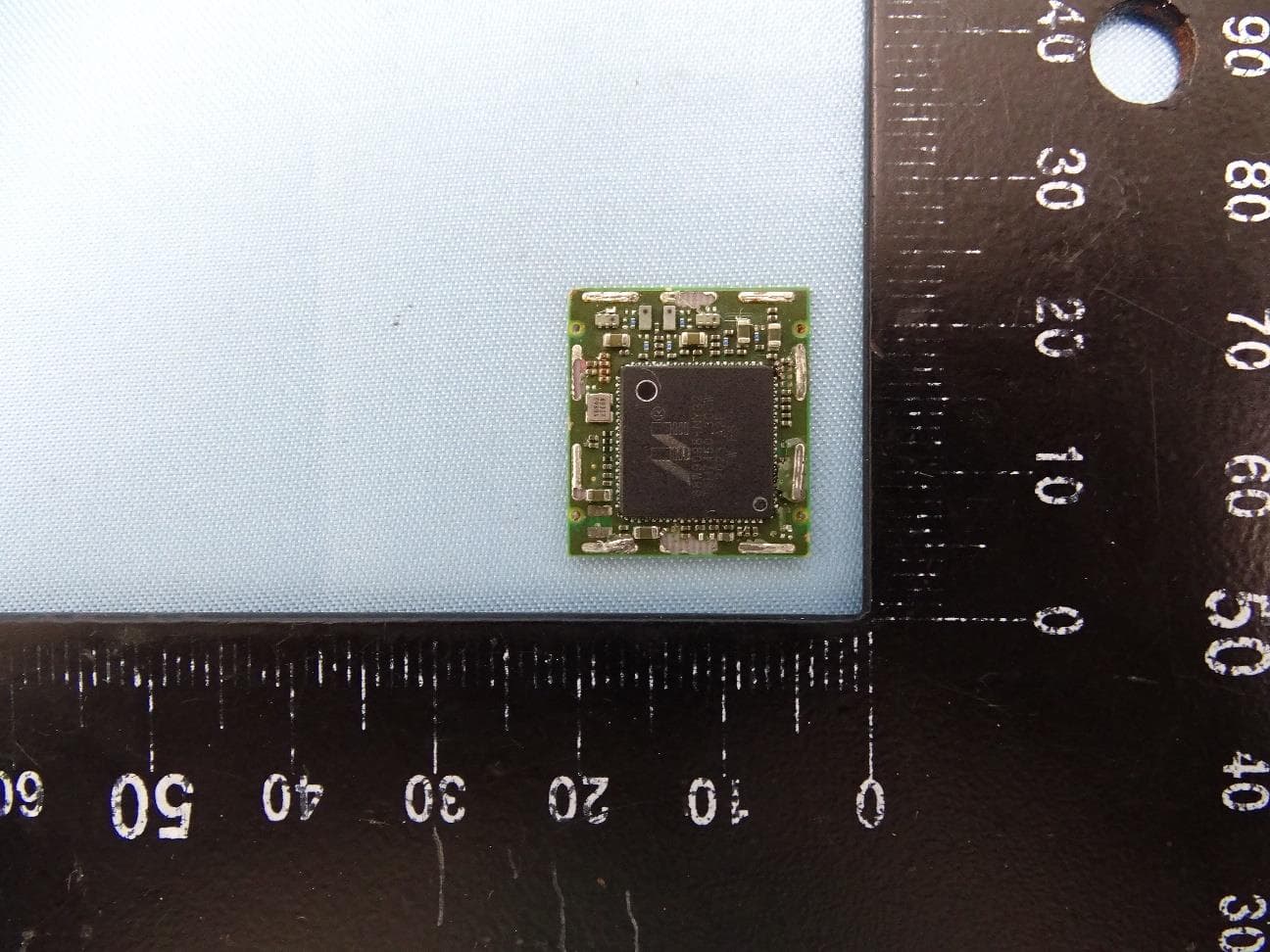
I28-WYSBHVDXP
May 19, 2021WLAN/BTLE module
Equipment Class
DTS - Digital Transmission System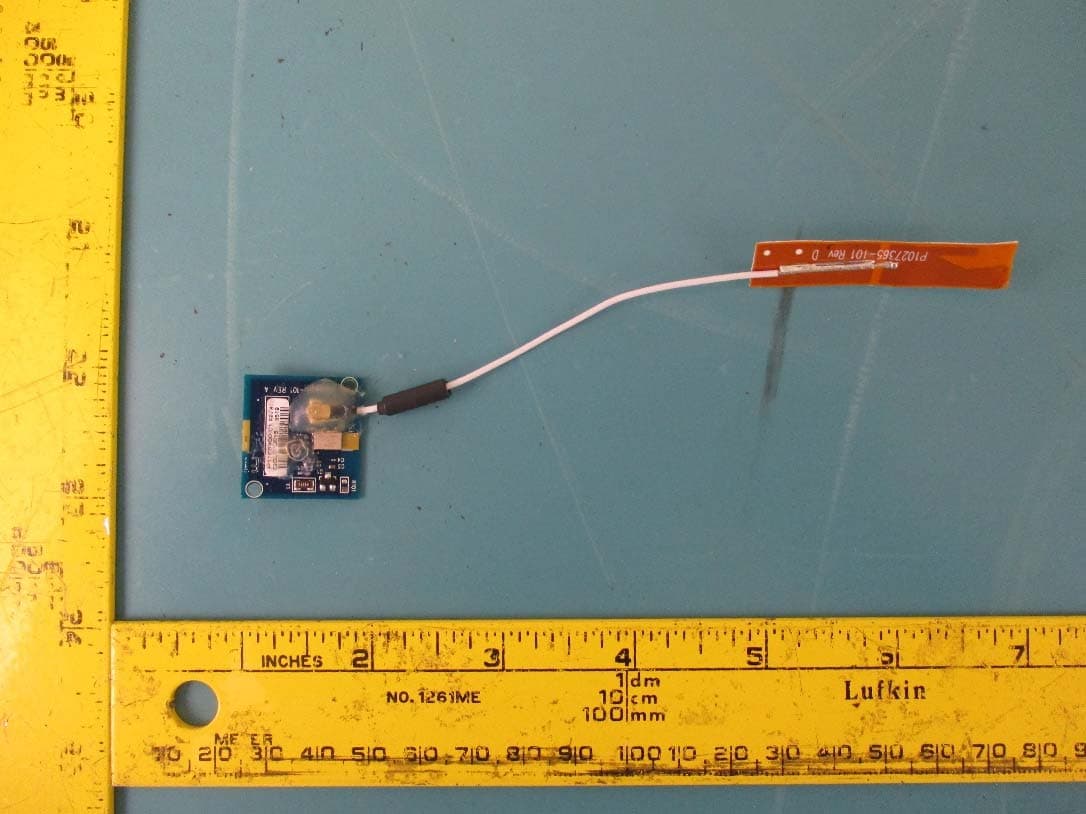
I28-EYSNSNZWWZ1
May 04, 2021BT5 Radio Module
Equipment Class
DTS - Digital Transmission System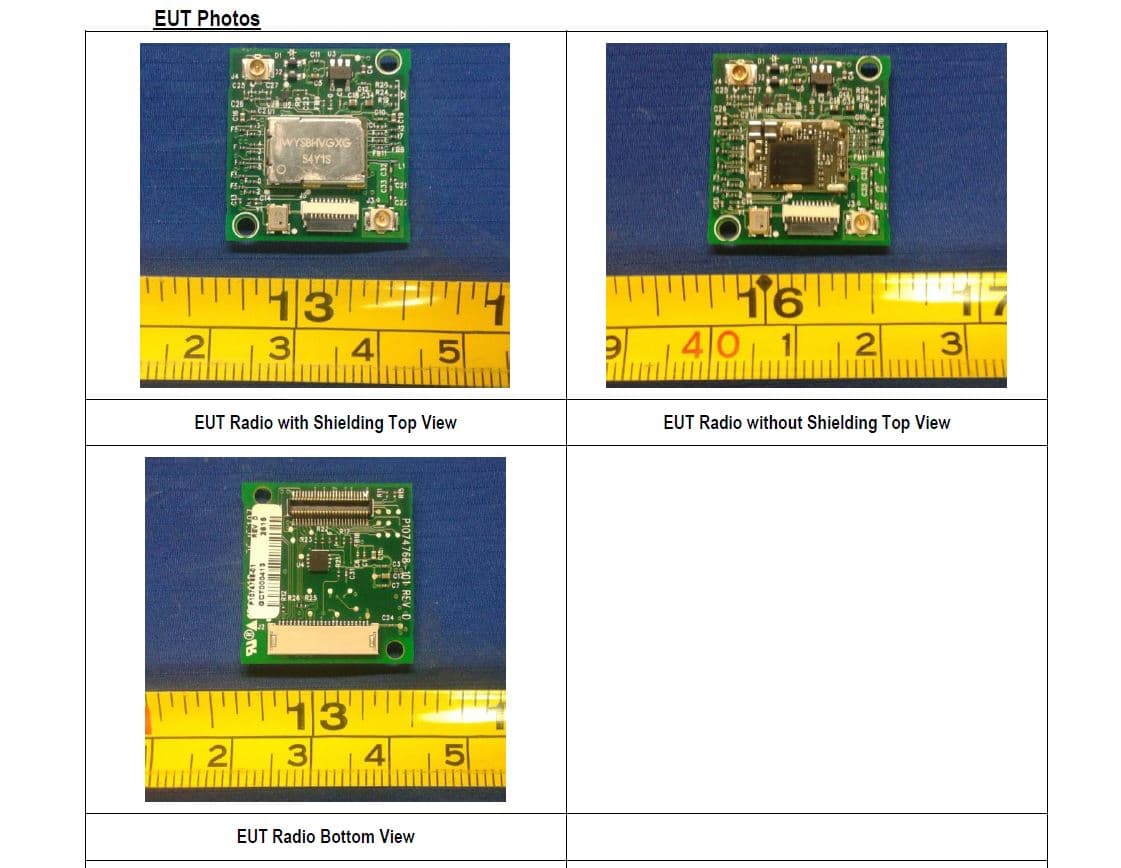
I28MD-FXLAN11AC
Nov 22, 2015Wireless 802.11ac + Bluetooth Module
Equipment Class
DSS - Part 15 Spread Spectrum Transmitter
I28MD-ZBRBLE
Nov 19, 2015Bluetooth Low Energy Module
Equipment Class
DTS - Digital Transmission System
I28MD-ZBR7BTLE
Jan 19, 2015Bluetooth 4.0 LE Module
Equipment Class
DSS - Part 15 Spread Spectrum Transmitter