IRJ-MT7937AWireless Barcode Scanner
Marson Technology Co Ltd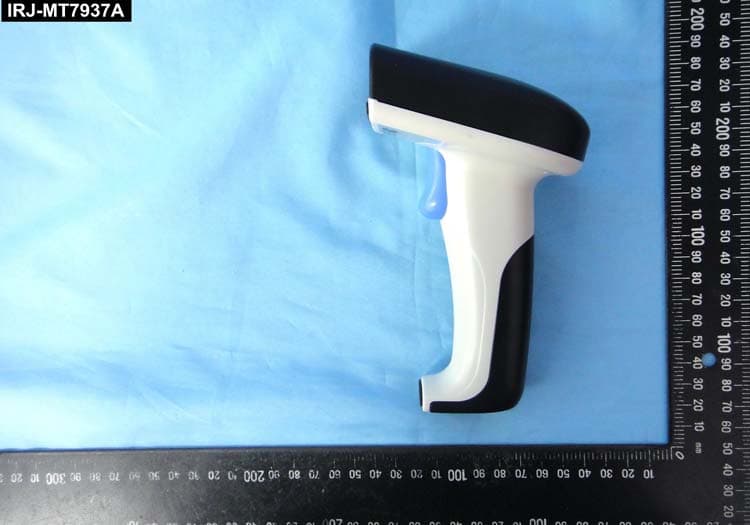
Click to zoom
Application Details
- Equipment Class
- DSS - Part 15 Spread Spectrum Transmitter
- Date of Grant
- Jan 05, 2015
- Application Purpose
- Original Equipment
- Date of Application
- Jan 05, 2015
- Equipment Note
- Wireless Barcode Scanner
- Frequency Range
- 2402.00000000 - 2480.00000000
- Company
- Marson Technology Co Ltd
- Country
- Taiwan
Documents & Files
Document Text
Text extracted from the exhibit documents filed with the FCC. Open a document above to read the original.
Users Manual
MT7937A Wireless Barcode Scanner Quick Guide Full user’s manual is available on the enclosed CD. Version 1.0 - 1 - - 2 - FCC WARNING STATEMENT This equipment has been tested and found to comply with the limits for a Class B digital device, pursuant to Part 15 of the FCC Rules. These limits are designed to provide reasonable protection against harmful interference in a residential installation. This equipment generates, uses and can radiate radio frequency energy and, if not installed and used in accordance with the instructions, may cause harmful interference to radio communications. However, there is no guarantee that interference will not occur in a particular installation. If this equipment does cause harmful interference to radio or television reception, which can be determined by turning the equipment off and on, the user is encouraged to try to correct the interference by one of the following measures: • Reorient or relocate the receiving antenna. • Increase the separation between the equipment and receiver. • Connect the equipment into an outlet on a circuit different from that to which the receiver is connected. • Consult the dealer or an experienced radio/TV technician for help. CANADIAN DOC STATEMENT This digital apparatus does not exceed the Class B limits for radio noise for digital apparatus set out in the Radio Interference Regulations of the Canadian Department of Communications. Le présent appareil numérique n’émet pas de bruits radioélectriques dépassant les limites applicables aux appareils numériques de las classe B prescrites dans le Réglement sur le brouillage radioélectrique édicté par les ministère des Communica- tions du Canada. CE MARKING AND EUROPEAN UNION COMPLIANCE Testing for compliance to CE requirements was performed by an independent laboratory. The unit under test was found compliant with all the applicable Directives, 2004/108/EC and 2006/95/EC. WASTE ELECTRICAL AND ELECTRONIC EQUIPMENT The WEEE directive places an obligation on all EU-based manufacturers and importers to take-back electronic products at the end of their useful life. ROHS STATEMENT OF COMPLIANCE This product is compliant to Directive 2002/95/EC. NON-MODIFICATION STATEMENT Changes or modifications not expressly approved by the party responsible for compliance RoHS 1. Take any metals into contact with the terminals in connectors. 2. Use the scanner where any inflammable gases. If following condition occur, immediately power off the host computer, disconnect the interface cable, and contact your nearest dealer. 1. Smoke, abnormal odors or noises come from the scanner. 2. Drop the scanner so as to affect the operation or damage its housing. Do Not Do not do behavior below. 1. Put the scanner in places excessively high temperatures such as expose under direct sunlight. 2. Use the scanner in extremely humid area or drastic temperature changes. 3. Place the scanner in oily smoke or steam environment such as cooking range. 4. Be covered or wrapped up the scanner in bad-ventilated area such as under cloth or blanket. 5. Insert or drop foreign materials or water into scanning window or vents. 6. Using the scanner while hand is wet or damp. 7. Use the scanner with anti-slip gloves containing plasticizer and chemicals or organic solvents such as benzene, thinner, insecticide etc to clean the housing. Otherwise, it could not result fire and electrical shock but housing may be broken and injured. 8. Scratch or modify the scanner and bend, twist, pull or heat its interface cable. 9. Put heavy objects on interface cable. Do not stare the light source from the scanning window or do not point the scanning window at other people’s eyes or eyesight may be damaged by direct exposure under the light. Do not put the scanner on an unstable or inclined plane. The scanner may drop, creating injuries. Once the interface cable is damaged such as exposed or broken copper wires, stop using immediately and contact your dealer. Otherwise, it could result fire or electrical shock. WARNING AND CAUTION - 3 -- 4 - CD Quick Guide Charging Cradle SPECIFICATIONS Light source 635nm visible red LED Scan rate 200 scans/sec Sensor 2048 pixels CCD sensor Resolution 4mil/ 0.1mm PCS 40% Housing Plastic(ABS) Profile SPP, HID Battery Life 25000 scans (1 scan/ 5 sec) Charge Time 2 hours (fully charged) Coverage 100M/330ft. (line of sight) Operating Temp 0 to 50 ̊C (32 ̊F to 122 ̊F) Symbologies All major 1D barcodes incl. GS1 Databar USB Charger Cable MT7937B Wireless Barcode Reader Quick Guide Quick Connection Card NUMERIC BARCODES 1 *1* 2 *2* 3 *3* 4 *4* 5 *5* INTRODUCTIONOUT OF THE BOX Wireless Scanner Tools 2. Exit Window 4. Trigger 3. Hard Reset Button (insert pin into the hole) Wireless Barcode Reader 1. LED Indicator - 5 - - 6 - CHARGING THE BATTERY To scan a barcode, make sure the aiming beam crosses every bar and space of the barcode. 1. Flip open the micro USB port on the scanner. 2. Insert the micro USB connector into the port on the scanner and USB A connector into a USB port on the host PC. BEEPER INDICATION LED INDICATION Single long beep Power up Single beep Good read Single short beep The scanner reads a Code39 of ASCII in configuration procedure Two beeps Wireless connection Two short beeps The scanner successfully reads a configuration barcode Five beeps Low power Three beeps Wireless disconnection Three short beeps i. The scanner reads a barcodes while disconnected. ii. The scanner reads an unexpected barcode during configuration procedure. (scan [ABORT] to abort and start over) Several short beeps The scanner switches from one communication mode to another Off Flashing Blue Blue for 2 sec Flashing Red Solid Red Standby or Power off Disconnected or Discoverable Good Read Low power Charging Scanner Micro USB USB A Host GETTING STARTED - 7 -- 8 - GETTING CONNECTEDPINCODE SETUP 1. Press the trigger for 1 second to activate the scanner. 2. Scan [DISCONNECT] 3. Scan [BT-SPP]; the scanner will emit several short bee…
Text truncated - open the document above for the full version.
Attestation Statements
Marson Technology Co Ltd Date: 2014/12/17 Subject: DoC declaration To Whom it may concern, We, as the grantee of this project FCC ID: IRJ-MT7937A would like to declare that the composite portion categorized as computer peripheral has been authorized under the Declaration of Conformity procedures. Brand Name and Model Name of the specified radio equipment: MARSON / MT7937A FCC ID: IRJ-MT7937A Product Name: Wireless Barcode Scanner Regards, Signature___________________________________ Company Officer: Shaw Gu / Product Manager Telephone Number: +886-2-2218 1633 #312 Email: [email protected]
External Photos
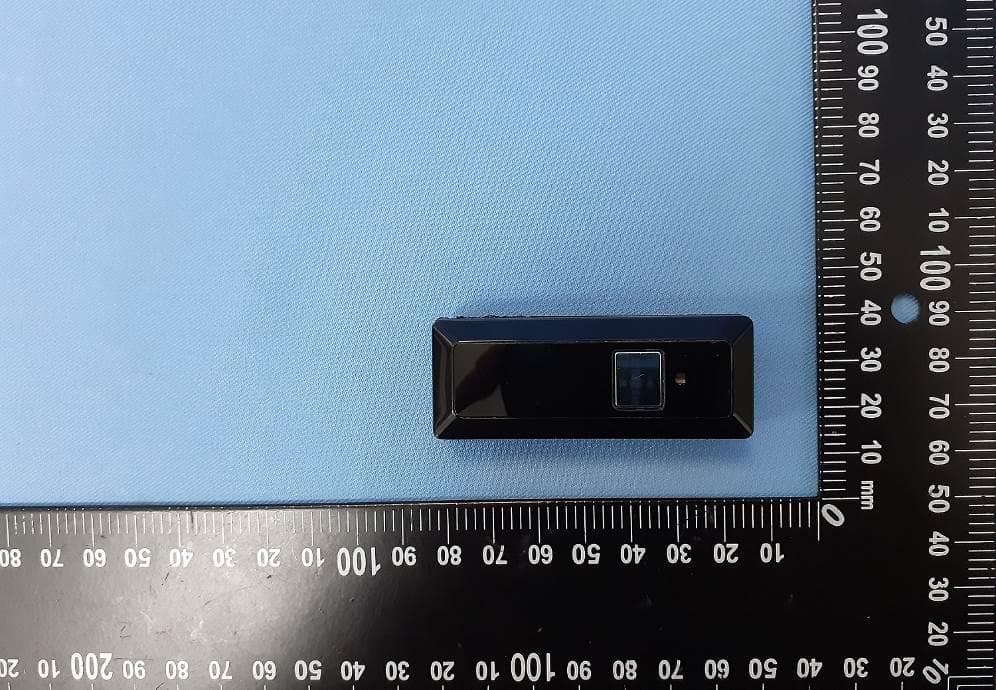
1 of 4 External Photos Model Number: MT7937A FCC ID: IRJ-MT7937A 2 of 4 EUT Photo 1 ) EUT Photo 2 ) 3 of 4 EUT Photo 3 ) EUT Photo 4 ) 4 of 4 EUT Photo 5 )
ID Label/Location Info
ID Label info & Label Location FCC ID : IRJ-MT7937A
Internal Photos
1 of 6 Internal Photos Model Number: MT7937A FCC ID: IRJ-MT7937A 2 of 6 EUT Photo 1 ) EUT Photo 2 ) 3 of 6 EUT Photo 3 ) EUT Photo 4 ) Antenna 4 of 6 EUT Photo 5 ) EUT Photo 6 ) 5 of 6 EUT Photo 7 ) EUT Photo 8 ) 6 of 6 EUT Photo 9 ) EUT Photo 10 )
RF Exposure Info
A Test Lab Techno Corp. Changan Lab:No. 140 -1, Changan Street, Bade City, Taoyuan County, Taiwan R.O.C. Te l:886-3-271-0188 / Fax:886-3-271-0190 SAR Test Exclusion Evaluation Test Report No. : 1412FS15 Applicant : Marson Technology Co., Ltd. Manufacturer : Marson Technology Co.,Ltd. Product Type : Wireless Barcode Scanner Trade Name : MARSON Model Number : MT7937A Dates of Received : Dec. 01, 2014 Dates of Test : Dec. 23, 2014 Dates of Issued : Dec. 23, 2014 Test Specification : 47 CFR § 2.1093 IEEE Std. 1528-2013 IEEE Std. 1528a-2005 KDB 447498 D01 General RF Exposure Guidance v05r02 KDB 865664 D01 SAR Measurement 100 MHz to 6 GHz v01r03 KDB 865664 D02 RF Exposure Reporting v01r01 Location of Test Lab. : Chang-an Lab. 1. The test operations have to be performed with cautious behavior, the test results are as attached. 2. The test results are under chamber environment of A Test Lab Techno Corp. A Test Lab Techno Corp. does not assume responsibility for any conclusions and generalizations drawn from the test results with regard to other specimens or samples. 3. The measurement report has to be written approval of A Test Lab Techno Corp. It may only be reproduced or published in full. This report shall not be reproduced except in full, without the written approval of A Test Lab Techno Corp. 4. This document may be altered or revised by A Test Lab Techno. Corp. personnel only, and shall be noted in the revision section of the document. Approved By : Tested By : (Bill Hu) (Sky Chou) Report Number: 1412FS15Page 1 of 5 ©2014 A Test Lab Techno Corp. Contents 1. Description of Equipment under Test (EUT)............................................................... 3 2. SAR Test Exclusion ...................................................................................................... 4 2.1 Antenna Distance ............................................................................................... 4 2.2 Conducted Power............................................................................................... 4 2.3 Evaluation Results ............................................................................................. 5 Report Number: 1412FS15Page 2 of 5 ©2014 A Test Lab Techno Corp. 1. Description of Equipment under Test (EUT) Applicant Marson Technology Co., Ltd. Applicant Address 9F., No.108-3, Mincyuan Rd., Sindian Dist., New Taipei City 23141, TAIWAN Manufacturer Marson Technology Co.,Ltd. Manufacturer Address 9F., No.108-3, Mincyuan Rd., Sindian Dist., New Taipei City 23141, TAIWAN Product Type Wireless Barcode Scanner Trade Name MARSON Model Number MT7937A FCC ID IRJ-MT7937A Frequency Range 2402 - 2480 MHz (Bluetooth v2.0) Transmit Power Power (Avg. conducted power) Band mW dBm Bluetooth v2.0 0.005 7.00 Antenna Specification 2 dBi Antenna Designation chip Antenna The above equipment was tested by A Test Lab Techno Corp. For compliance with the requirements set forth in 47 CFR § 2.1093. The results of testing in this report apply only to the product/system, which was tested. Other similar equipment will not necessarily produce the same results due to production tolerance and measurement uncertainties. Report Number: 1412FS15Page 3 of 5 ©2014 A Test Lab Techno Corp. 2. SAR Test Exclusion As RF exposure evaluation of portable device, SAR test is not required when the evaluation results . According to KDB 447498 4.3.1, unless excluded by specific FCC test procedures, portable devices shall include SAR data for equipment approval. SAR test necessity will be based on the exclusion result. The test exclusion refers KDB 447498 as below: ≤50mm: [(max. power of channel, including tune-up tolerance, mW)/(min. test separation distance, mm)] · [√f(GHz)] ≤ 3.0 for 1-g SAR and ≤ 7.5 for 10-g extremity SAR 2.1 Antenna Distance Distance of Antenna to edge Antenna Side Distance (mm) Bluetooth Side 1 5mm Bluetooth Side 2 5mm Bluetooth Side 3 5mm Bluetooth Side 4 5mm Bluetooth Side 5 5mm Bluetooth Side 6 5mm 2.2 Conducted Power RF Conducted Output Power (dBm) Band CH Frequency (MHz) Packet Type Average 0 2402.0 --- 7.00 19 2440.0 --- 6.48 Bluetooth v2.0 39 2480.0 --- 6.95 Report Number: 1412FS15Page 4 of 5 ©2014 A Test Lab Techno Corp. 2.3 Evaluation Results The evaluation of SAR test reduction according to KDB447498 SAR test is not required when the results showed “SAR is not required”. Transmitter and antenna implementation as below: Band Antenna Bluetooth v2.0 V ≤ 50 mm Power Frequency distance Power Exclusion considerations Band Side (dBm) (GHz) (mm) (mW) Result Limit SAR 1g 1 7.5 2.402 5 6 1.9 3 SAR is not required 2 7.5 2.402 5 6 1.9 3 SAR is not required 3 7.5 2.402 5 6 1.9 3 SAR is not required 4 7.5 2.402 5 6 1.9 3 SAR is not required 5 7.5 2.402 5 6 1.9 3 SAR is not required Bluetooth v2.0 6 7.5 2.402 5 6 1.9 3 SAR is not required The assessment result Stand-alone SAR is not required. Report Number: 1412FS15Page 5 of 5 ©2014 A Test Lab Techno Corp.
Test Report
FCC 47 CFR PART 15 SUBPART C Product Type : Wireless Barcode Scanner Applicant : Marson Technology Co., Ltd. Address : 9F., No.108-3, Mincyuan Rd., Sindian Dist., New Taipei City 23141 ,TAIWAN Trade Name : MARSON Model Number : MT7937A Test Specification : FCC 47 CFR PART 15 SUBPART C: Oct., 2013 ANSI C63.4:2009 Receive Date : Dec. 01, 2014 Test Period : Dec. 08~Dec 12, 2014 Issue Date : Dec. 15, 2014 Issue by A Test Lab Techno Corp. No. 140-1, Changan Street, Bade City, Taoyuan County 334, Taiwan R.O.C. Te l:+886-3-2710188 / Fax:+886-3-2710190 T aiwan Accreditation Foundation accreditation number: 1330 Note: This report shall not be reproduced except in full, without the written approval of A Test Lab Techno Corp. This document may be altered or revised by A Test Lab Techno Corp. personnel only, and shall be noted in the revision section of the document. The client should not use it to claim product endorsement by TAF, or any government agencies. The test results in the report only apply to the tested sample. A Test Lab Techno Corp. Report Number: 1412FR20 1 of 56 Revision History Rev. Issue Date Revisions Revised By 00 Dec. 15, 2014 Initial Issue A Test Lab Techno Corp. Report Number: 1412FR20 2 of 56 Verification of Compliance Issued Date: 12/15/2014 Product Type : Wireless Barcode Scanner Applicant : Marson Technology Co., Ltd. Address : 9F., No.108-3, Mincyuan Rd., Sindian Dist., New Taipei City 23141, TAIWAN Trade Name : MARSON Model Number : MT7937A FCC ID : IRJ-MT7937A EUT Rated Voltage : DC 3.7V Test Voltage : 120 Vac / 60 Hz Applicable Standard : FCC 47 CFR PART 15 SUBPART C: Oct., 2013 ANSI C63.4:2009 Test Result : Complied Performing Lab. : A Test Lab Techno Corp. No. 140-1, Changan Street, Bade City, Taoyuan County 334, Taiwan R.O.C. Te l:+886-3-2710188 / Fax:+886-3-2710190 T aiwan Accreditation Foundation accreditation number: 1330 http://www.atl-lab.com.tw/e-index.htm The above equipment was tested by A Test Lab Techno Corp. The test data, data evaluation, test procedures, and equipment configurations shown in this report were made in accordance with the procedures given in ANSI C63.4: 2009 and the energy emitted by the sample tested as described in this report is in compliance with the requirements of FCC Rules Part 15.207, 15.209, 15.247 . The test results of this report relate only to the tested sample identified in this report. Approved By : Reviewed By : (Manager) (Fly Lu) (Testing Engineer) (Eric Ou Yang) A Test Lab Techno Corp. Report Number: 1412FR20 3 of 56 TABLE OF CONTENTS 1 General Information.................................................................................................................................... 6 1.1. Summary of Test Result ...................................................................................................................... 6 1.2. Measurement Uncertainty ................................................................................................................... 6 2 EUT Description .......................................................................................................................................... 7 3 Test Methodology ....................................................................................................................................... 8 3.1. Mode of Operation .............................................................................................................................. 8 3.2. EUT Exercise Software....................................................................................................................... 8 3.3. Configuration of Test System Details .................................................................................................. 9 3.4. Test Site Environment ......................................................................................................................... 9 4 Maximum Conducted Output Power Measurement .............................................................................. 10 4.1. Limit................................................................................................................................................... 10 4.2. Test Setup ......................................................................................................................................... 10 4.3. Test Instruments ................................................................................................................................ 10 4.4. Test Procedure .................................................................................................................................. 10 4.5. Test Result .........................................................................................................................................11 5 Conducted Emission Measurement........................................................................................................ 13 5.1. Limit................................................................................................................................................... 13 5.2. Test Instruments ................................................................................................................................ 13 5.3. Test Setup ......................................................................................................................................... 13 5.4. Test Procedure .................................................................................................................................. 14 5.5. Test Result ........................................................................................................................................ 15 6 Radiated Interference Measurement....................................................................................................... 19 6.1. Limit.............................................................................................................…
Text truncated - open the document above for the full version.
Test Setup Photos
Part 15C Test Setup Photographs Conducted Emissions Test Configuration: Front View Rear View A Test Lab Techno Corp. Report Number: 1412FR20 1 of 3 Radiated Emissions Test Configuration: Below 1GHz _ Front View Below 1GHz _ Rear View A Test Lab Techno Corp. Report Number: 1412FR20 2 of 3 Above 1GHz _ Front View Above 1GHz _ Rear View A Test Lab Techno Corp. Report Number: 1412FR20 3 of 3
Contact Information
Applicant
Shaw Gu(Project Manager)
Test Firm
Eurofins E&E Wireless Taiwan Co., LtdFly LU
Technical Specifications
| # | Rule Parts | Frequency Range | Power Output |
|---|---|---|---|
| 1 | 15C | 2.40 GHz - 2.48 GHz | 6.00 mW |
Other Applications from Marson Technology Co Ltd
IRJ-MT840
Mar 02, 20232D Mini Wireless Barcode Scanner
Equipment Class
DSS - Part 15 Spread Spectrum Transmitter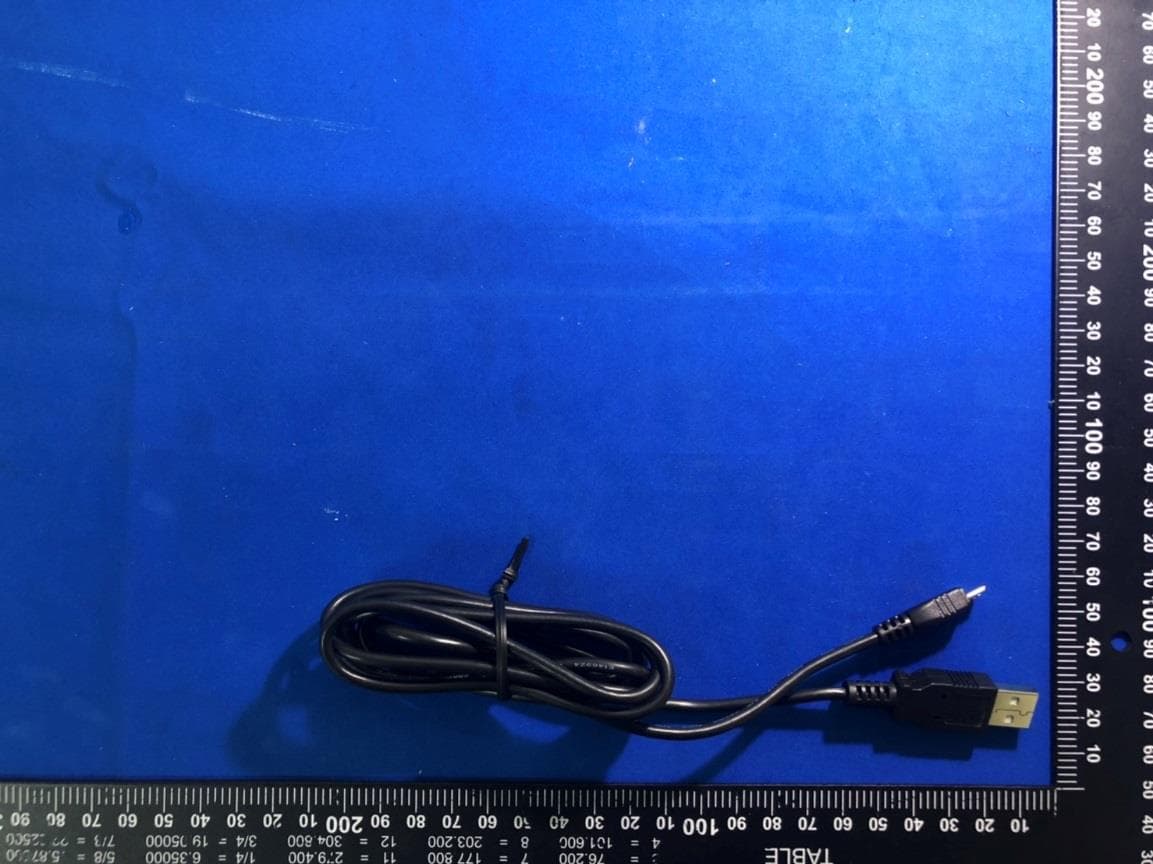
IRJ-MT830
Feb 25, 2020Mini Wireless Barcode Scanner
Equipment Class
DSS - Part 15 Spread Spectrum Transmitter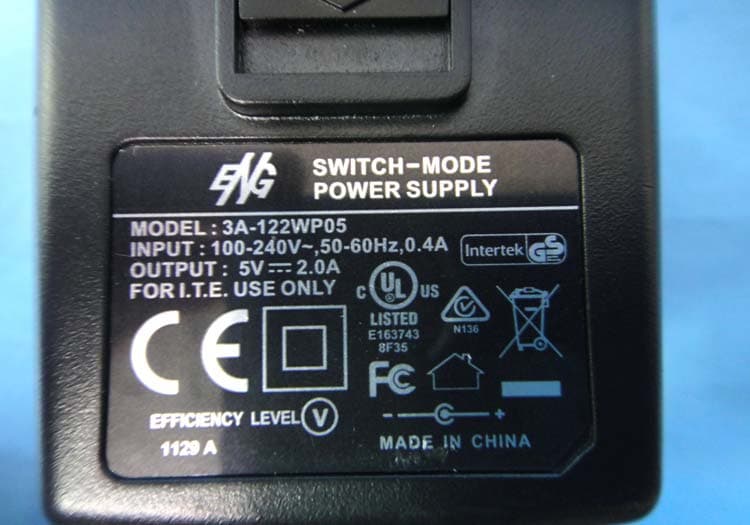
IRJ-MT7937CRADLE
Jan 07, 2015Wireless Barcode Scanner Cradle
Equipment Class
DSS - Part 15 Spread Spectrum Transmitter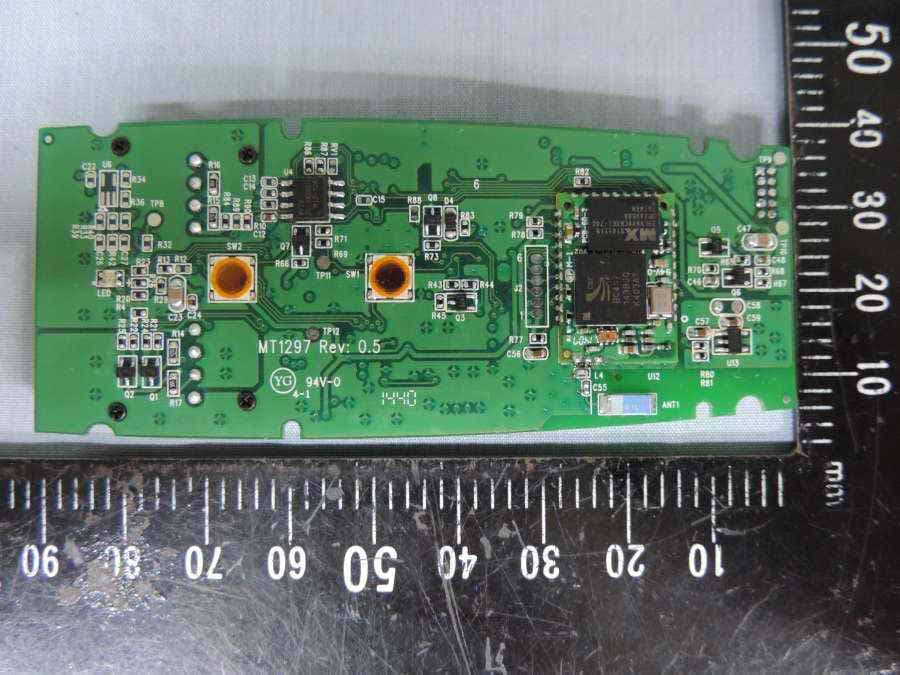
IRJ-MT1297
Dec 21, 2014Mini Wireless Barcode Reader
Equipment Class
DSS - Part 15 Spread Spectrum Transmitter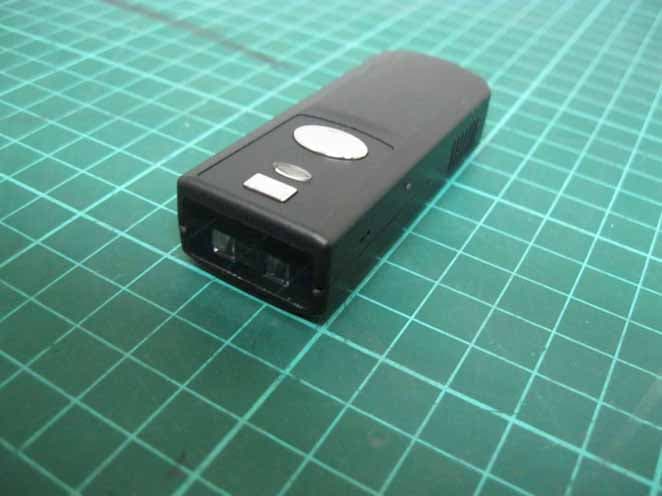
IRJ-MT1197
May 27, 2014Mini Wireless Barcode Reader
Equipment Class
DSS - Part 15 Spread Spectrum Transmitter