IWK-HDVwireless Endoscope
FLIR Commercial Systems, Inc.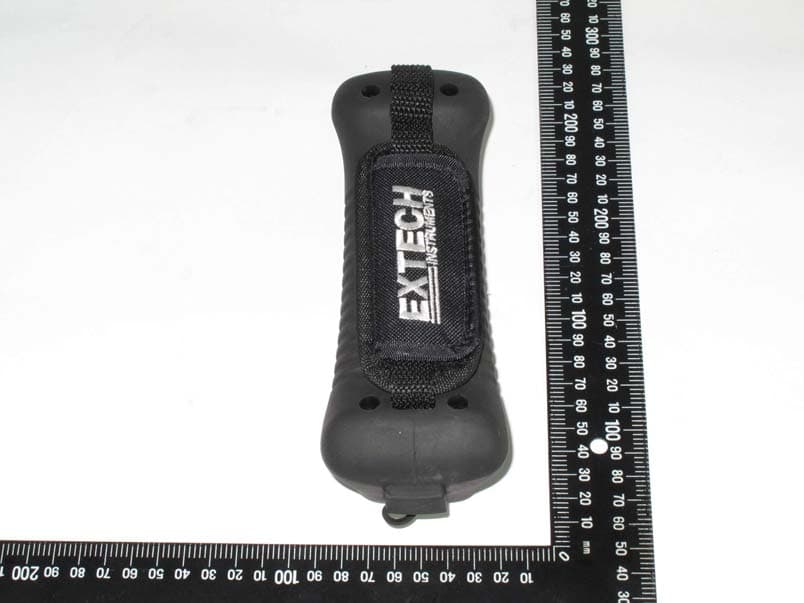
Click to zoom
Application Details
- Equipment Class
- DXX - Part 15 Low Power Communication Device Transmitter
- Date of Grant
- Aug 29, 2011
- Application Purpose
- Original Equipment
- Date of Application
- Aug 29, 2011
- Equipment Note
- wireless Endoscope
- Frequency Range
- 2468.00000000 - 2468.00000000
- Country
- United States
Documents & Files
Document Text
Text extracted from the exhibit documents filed with the FCC. Open a document above to read the original.
Users Manual
User Guide High Definition VideoScope Model HDV600 HDV600-EU-EN-V1.2 4/11 2 Introduction Congratulations on your purchase of this Extech HDV600 series Video Borescope. This instrument is designed for use as a remote inspection device. It can be used to peer into tight spots, record and playback real-time video and images. Typical applications include HVAC inspection, automotive inspection, cable routing, and automotive/boat/aircraft inspection. The monitor is designed with dual left or right handed controls for maximum flexibility and is available with a full line of accessories. This meter is shipped fully tested and, with proper use, will provide years of reliable service. Models and Descriptions: HDV600 VideoScope (Monitor only) HDV610 VideoScope w/1m flexible cable, 5.5mm diameter HDV620 VideoScope w/1m semi-rigid cable, 5.8mm diameter HDV640 VideoScope w/1m Articulating semi-rigid cable, 6mm diameter HDV640W VideoScope w/1m Wireless Articulating semi-rigid cable, 6mm diameter Note: Additional probe lengths and configurations are available. A list is available at the end of this guide. HDV600-EU-EN-V1.2 4/11 3 Description Monitor 1. Probe connector 2. Camera button 3. Video button 4. Rotate image button 5. Display 6. Zoom buttons 7. Light intensity buttons 8. Power Button 9. Scroll buttons 10. Selection buttons 11. USB connector 12. Microphone 13. SD card slot 14. Video output jack 15. Reset button 16. AC adaptor connector Articulating Probe 1. Articulation knob 2. Articulation tension knob 3. Articulating camera 4. Light intensity buttons 5. Power button 6. AC Adaptor and extension cable sockets 7. Carrying strap Wireless Transmitter 1. Probe Connector 12 3 4 5 6 7 12 3 4 5 1 2 3 4 5 6 7 8910 11 12 13 14 15 16 HDV600-EU-EN-V1.2 4/11 4 2. Light Intensity buttons 3. Power button 4. AC Adaptor and extension cable sockets 5. Carrying strap Probe accessories 1. Anti-snag tip 2. Magnet 3. 45° Mirror Probe 1. Camera 2. Shaft 3. Monitor connector 12 3 1 2 3 HDV600-EU-EN-V1.2 4/11 5 Setup 1. Connect the AC adaptor and charge the monitor for 2 hours before use. 2. Insert the SD card into the bottom SD slot 3. Press the Power button to turn the monitor on. The battery icon will briefly appear indicating the battery condition. 4. Press OK to open the setup MENU 5. Press the ▲ or ▼ button to scroll through the MENU selections. 6. Press OK to open the highlighted selection. 7. Press the ▲ or ▼ button to scroll through the items in an open menu item. 8. Press the ▲ or ▼ buttons to increase or decrease the selected value. 9. After there has been a change, press the OK button to save the change or the ESC button to exit without the change. Note: After 10 seconds of inactivity, the Setup menu will exit without storing changes. MENU Description: DELETE ALL: Erase all stored pictures and videos DATE/TIME SETUP: Set the date (year/month/day), time (hour:minute:second) and display on/off LANGUAGE: Set the menu display to any one of 21 languages. VIDEO FORMAT: Set the video output to NTSC or PAL format. AUTO POWER OFF: Set the APO to 5, 10, 15, 30 minutes or DISABLE. INPUT SOURCE: Set Direct or Wireless. MENU DELETE ALL DATE/TIME SETUP LANGUAGE VIDEO FORMAT AUTO POWER OFF INPUT SOURCE HDV600-EU-EN-V1.2 4/11 6 Operation 1. Connect the probe to the monitor. 2. Press the Power button to turn the monitor on. 3. Maneuvere the probe into position to view the area to be examined. The probe can be bent into the shape of the area to be examined. Optimum focus distance is 2 to 6cm (0.79 to 2.3”) 4. Optimum focus distance is probe dependent, but the typical range is 2 to 6cm Zoom Press the or zoom buttons to increase or decrease the display resolution from 1X to 2X. Light Intensity Press and release the or buttons to increase or decrease the camera LED light intensity Taking a Picture Press the button to take and store a picture into memory. The icon will appear on the display when a picture is taken. Recording a Video Press the button to start recording a video. The REC icons will appear on the display when a video is being recorded. Press the button to stop the recording. Audio will be recorded on the video via the microphone on the bottom of the monitor. Display Rotation Press the button to rotate the display 90 degrees. Installing probe accessories Three accessories (mirror, anti-snag tip and magnet) are supplied with each probe. HDV600-EU-EN-V1.2 4/11 7 Attach the accessory by unscrewing the probe ring and screwing on the attachment. HDV600-EU-EN-V1.2 4/11 8 Articulating probe The articulating probe, with adjustable tip angle, is used for improved viewing angles and optimum inspection when the probe is inserted into the inspection location. The articulating probe is available in a direct (wired) or wireless version. Wireless version 1. Connect the AC adaptor to the transmitter and charge the battery. 2. Press and hold the Power button for 4 seconds to turn the monitor on, then select “WIRELESS” under the INPUT SOURCE selection in the MENU screen. 3. Press and hold the Power button for 4 seconds to turn the transmitter on. The camera video will be transmitted to the monitor display. 4. Insert the probe into the area to be inspected. 5. Turn the probe outer knob to adjust the camera tip to the viewing angle needed. 6. Turn the upper knob to increase or decrease the outer knob tension Direct version 1. Connect the probe to the monitor using the supplied patch cable. 2. Press and hold the Power buttons for 4 seconds to turn the probe and the monitor on 3. Insert the probe into the area to be inspected. HDV600-EU-EN-V1.2 4/11 9 4. Turn the probe outer knob to adjust the camera tip to the viewing angle needed. 5. Turn the upper knob to increase or decrease the outer knob tension 6. In this mode, light intensity is controlled by the buttons on the monitor, not by the buttons on the transmitter. HDV600-EU-EN-V1.2 4/11 10 Wireless transmitter The wireless transmitter is intended for use in areas that are difficult to ac…
Text truncated - open the document above for the full version.
Cover Letter(s)
Extech Instruments Corporation
Cover Letter(s)
Endoscope
External Photos
FCC Test Report Report No.: RF-T400-1102-100 CENTRAL RESEARCH TECHNOLOGY CO. Page : A2-1 No. 11, Lane 41, Fushuen St., Jungshan Chiu, Taipei, Taiwan, 104, R.O.C. TEL. : 886-2-25984542 FAX. : 886-2-25984546 Attachment 2 External Photographs of EUT FCC Test Report Report No.: RF-T400-1102-100 CENTRAL RESEARCH TECHNOLOGY CO. Page : A2-1 No. 11, Lane 41, Fushuen St., Jungshan Chiu, Taipei, Taiwan, 104, R.O.C. TEL. : 886-2-25984542 FAX. : 886-2-25984546 FCC Test Report Report No.: RF-T400-1102-100 CENTRAL RESEARCH TECHNOLOGY CO. Page : A2-2 No. 11, Lane 41, Fushuen St., Jungshan Chiu, Taipei, Taiwan, 104, R.O.C. TEL. : 886-2-25984542 FAX. : 886-2-25984546 FCC Test Report Report No.: RF-T400-1102-100 CENTRAL RESEARCH TECHNOLOGY CO. Page : A2-3 No. 11, Lane 41, Fushuen St., Jungshan Chiu, Taipei, Taiwan, 104, R.O.C. TEL. : 886-2-25984542 FAX. : 886-2-25984546 FCC Test Report Report No.: RF-T400-1102-100 CENTRAL RESEARCH TECHNOLOGY CO. Page : A2-4 No. 11, Lane 41, Fushuen St., Jungshan Chiu, Taipei, Taiwan, 104, R.O.C. TEL. : 886-2-25984542 FAX. : 886-2-25984546
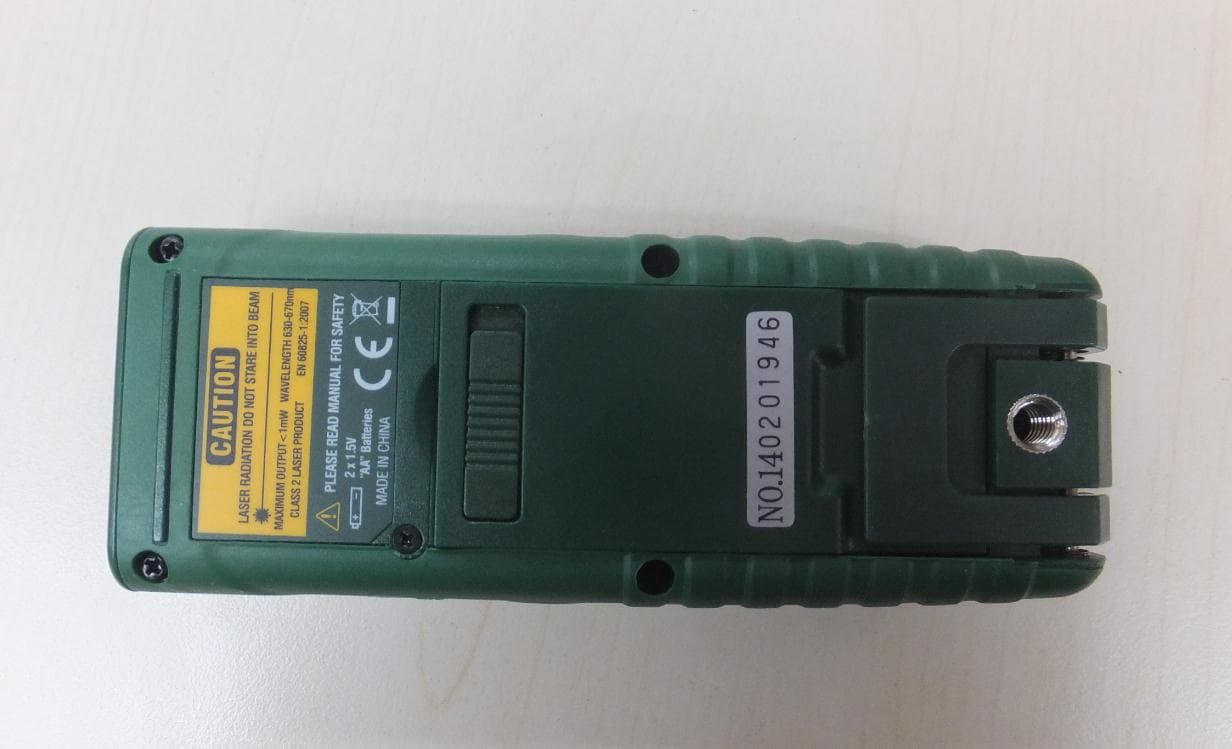
ID Label/Location Info
IWK-HDV
Internal Photos
FCC Test Report Report No.: RF-T400-1102-100 CENTRAL RESEARCH TECHNOLOGY CO. Page : A2-1 No. 11, Lane 41, Fushuen St., Jungshan Chiu, Taipei, Taiwan, 104, R.O.C. TEL. : 886-2-25984542 FAX. : 886-2-25984546 Attachment 3 Internal Photographs of EUT FCC Test Report Report No.: RF-T400-1102-100 CENTRAL RESEARCH TECHNOLOGY CO. Page : A2-1 No. 11, Lane 41, Fushuen St., Jungshan Chiu, Taipei, Taiwan, 104, R.O.C. TEL. : 886-2-25984542 FAX. : 886-2-25984546 FCC Test Report Report No.: RF-T400-1102-100 CENTRAL RESEARCH TECHNOLOGY CO. Page : A2-2 No. 11, Lane 41, Fushuen St., Jungshan Chiu, Taipei, Taiwan, 104, R.O.C. TEL. : 886-2-25984542 FAX. : 886-2-25984546 FCC Test Report Report No.: RF-T400-1102-100 CENTRAL RESEARCH TECHNOLOGY CO. Page : A2-3 No. 11, Lane 41, Fushuen St., Jungshan Chiu, Taipei, Taiwan, 104, R.O.C. TEL. : 886-2-25984542 FAX. : 886-2-25984546 FCC Test Report Report No.: RF-T400-1102-100 CENTRAL RESEARCH TECHNOLOGY CO. Page : A2-4 No. 11, Lane 41, Fushuen St., Jungshan Chiu, Taipei, Taiwan, 104, R.O.C. TEL. : 886-2-25984542 FAX. : 886-2-25984546 FCC Test Report Report No.: RF-T400-1102-100 CENTRAL RESEARCH TECHNOLOGY CO. Page : A2-5 No. 11, Lane 41, Fushuen St., Jungshan Chiu, Taipei, Taiwan, 104, R.O.C. TEL. : 886-2-25984542 FAX. : 886-2-25984546 FCC Test Report Report No.: RF-T400-1102-100 CENTRAL RESEARCH TECHNOLOGY CO. Page : A2-6 No. 11, Lane 41, Fushuen St., Jungshan Chiu, Taipei, Taiwan, 104, R.O.C. TEL. : 886-2-25984542 FAX. : 886-2-25984546
Test Report
FCC Test Report Report No.:RF- T400-1102-100 CENTRAL RESEARCH TECHNOLOGY CO. Page : 1/31 No. 11, Lane 41, Fushuen St., Jungshan Chiu, Taipei, Taiwan, 104, R.O.C. TEL. : 886-2-25984542 FAX. : 886-2-25984546 FCC Test Report for Endoscope Model No. : HDV600, HDV-WTX, HDV-WTX1, HDV-WTX2, HDV-TX1, HDV-TX2, HDV-4CAM, HDV-5CAM FCC ID : IWK-HDV Report Number : RF- T400-1102-100 Date of Receipt : May 31, 2011 Date of Report : August 18, 2011 Prepared for Extech Instruments Corporation 285 Bear Hill Road, Waltham, MA 02451, USA Prepared by Central Research Technology Co. EMC Test Laboratory No.11, Lane41, Fushuen St., Jungshan Chiu, Taipei, Taiwan, 104, R.O.C. NVLAP LAB CODE 200575-0 This report shall not be reproduced, except in full, without the written approval of Central Research Technology Co.. It may be duplicated completely in its entirely for legal use with the permission of the applicant. It should not be used to claim product endorsement by NVLAP, NIST or any U.S. government agency. The test result in the report applies only to the sample tested. FCC Test Report Report No.:RF- T400-1102-100 CENTRAL RESEARCH TECHNOLOGY CO. Page : 2/31 No. 11, Lane 41, Fushuen St., Jungshan Chiu, Taipei, Taiwan, 104, R.O.C. TEL. : 886-2-25984542 FAX. : 886-2-25984546 Verification of Compliance Equipment under Test : Endoscope Model No. : HDV600, HDV-WTX, HDV-WTX1, HDV-WTX2, HDV-TX1, HDV-TX2, HDV-4CAM, HDV-5CAM FCC ID : IWK-HDV Applicant : Extech Instruments Corporation Address : 285 Bear Hill Road, Waltham, MA 02451, USA Applicable Standards : 47 CFR part 15, Subpart C Date of Testing : July 15 ~28, 2011 Deviation : N/A Condition of Test Sample : Engineering Sample We, Central Research Technology Co., hereby certify that one sample of the designated product was tested in our facility during the period mentioned above. The test records, data evaluation and Equipment Under Test (EUT) configurations shown in the present report are true and accurate representation of the measurements of the sample’s RF characteristics under the conditions herein specified. The test results show that the EUT as described in the present report is in compliance with the requirements set forth in the standards mentioned above and apply to the tested sample identified in the present report only. The test report shall not be reproduced, except in its entirety, without the written approval of Central Research Technology Co. FCC Test Report Report No.:RF- T400-1102-100 CENTRAL RESEARCH TECHNOLOGY CO. Page : 3/31 No. 11, Lane 41, Fushuen St., Jungshan Chiu, Taipei, Taiwan, 104, R.O.C. TEL. : 886-2-25984542 FAX. : 886-2-25984546 Contents 1 General Description ..............................................................................................4 1.1 General Description of EUT..................................................................................4 1.2 Applied standards.................................................................................................5 1.3 The Support Units.................................................................................................8 1.4 Layout of Setup.....................................................................................................8 1.5 Test Capability.......................................................................................................9 1.6 Measurement Uncertainty.................................................................................. 11 2 Field Strength of Fundamental...........................................................................12 2.1 Applied standard.................................................................................................12 2.2 Test Instruments.................................................................................................12 2.3 Measurement Procedure....................................................................................13 2.4 Test configuration...............................................................................................14 2.5 Test Data..............................................................................................................15 3 Radiated Emission Measurement ......................................................................18 3.1 Limit for Radiated Emission Measurement.......................................................18 3.2 Test Instruments.................................................................................................19 3.3 Test Procedures..................................................................................................20 3.4 Test Configuration..............................................................................................21 3.5 Test Results.........................................................................................................22 4 Antenna Requirement .........................................................................................31 4.1 Applied standard.................................................................................................31 4.2 Antenna Information...........................................................................................31 4.3 Result...................................................................................................................31 Attachment 1 – Photographs of the Test Configurations Attachment 2 –External Photographs of EUT Attachment 3 –Internal Photographs of EUT FCC Test Report Report No.:RF- T400-1102-100 CENTRAL RESEARCH TECHNOLOGY CO. Page : 4/31 No. 11, Lane 41, Fushuen St., Jungshan Chiu, Taipei, Taiwan, 104, R.O.C. TEL. : 886-2-25984542 FAX. : 886-2-25984546 1 General Description 1.1 General Description of EUT Equipment under Test : Endoscope Model No. : HDV600, HDV-WTX, HDV-WTX1, HDV-WTX2, HDV-TX1, HDV-TX2, HDV-4CAM, HDV-5CAM Power in : 3.7Vdc by the internal battery Test Voltage : 3.7Vdc by the internal battery Channel Numbers : 1 Frequency Range : 2468MHz Modulati…
Text truncated - open the document above for the full version.
Test Setup Photos
FCC Test Report Report No.: RF-T400-1102-100 CENTRAL RESEARCH TECHNOLOGY CO. Page : A1-1 No. 11, Lane 41, Fushuen St., Jungshan Chiu, Taipei, Taiwan, 104, R.O.C. TEL. : 886-2-25984542 FAX. : 886-2-25984546 Attachment 1 Photographs of the Test Configurations FCC Test Report Report No.: RF-T400-1102-100 CENTRAL RESEARCH TECHNOLOGY CO. Page : A1-1 No. 11, Lane 41, Fushuen St., Jungshan Chiu, Taipei, Taiwan, 104, R.O.C. TEL. : 886-2-25984542 FAX. : 886-2-25984546 Radiated Emission Measurement Transmitter X-AXIS FCC Test Report Report No.: RF-T400-1102-100 CENTRAL RESEARCH TECHNOLOGY CO. Page : A1-2 No. 11, Lane 41, Fushuen St., Jungshan Chiu, Taipei, Taiwan, 104, R.O.C. TEL. : 886-2-25984542 FAX. : 886-2-25984546 Y-AXIS FCC Test Report Report No.: RF-T400-1102-100 CENTRAL RESEARCH TECHNOLOGY CO. Page : A1-3 No. 11, Lane 41, Fushuen St., Jungshan Chiu, Taipei, Taiwan, 104, R.O.C. TEL. : 886-2-25984542 FAX. : 886-2-25984546 Z-AXIS
Contact Information
Applicant
Mark Sultzbach(QA Administrator)
Test Firm
Central Research Technology Co.Tsun-Yu Shih
Technical Specifications
| # | Rule Parts | Frequency Range | Power Output |
|---|---|---|---|
| 1 | 15C | 2.47 GHz - 2.47 GHz | - |
Other Applications from FLIR Commercial Systems, Inc.
IWK-DT500
Jan 15, 2015Laser Distance Meter
Equipment Class
DSS - Part 15 Spread Spectrum Transmitter
IWK-GX900-GX930
Aug 17, 2014Multimeter with Bluetooth
Equipment Class
DSS - Part 15 Spread Spectrum Transmitter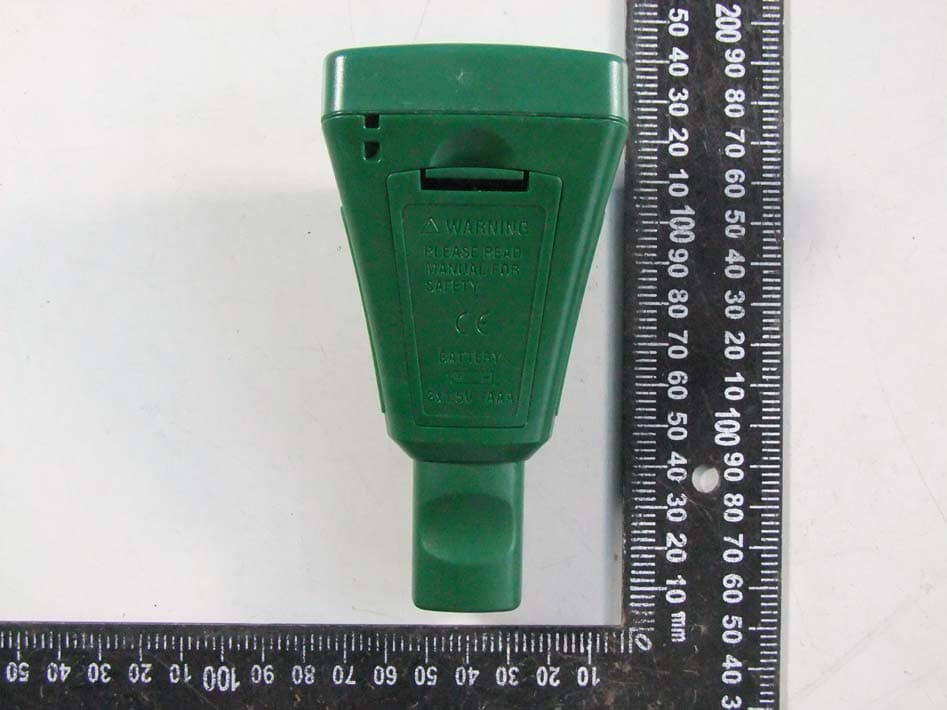
IWK-CG304
Jun 19, 2014Wireless Coating Thickness Tester
Equipment Class
DSS - Part 15 Spread Spectrum Transmitter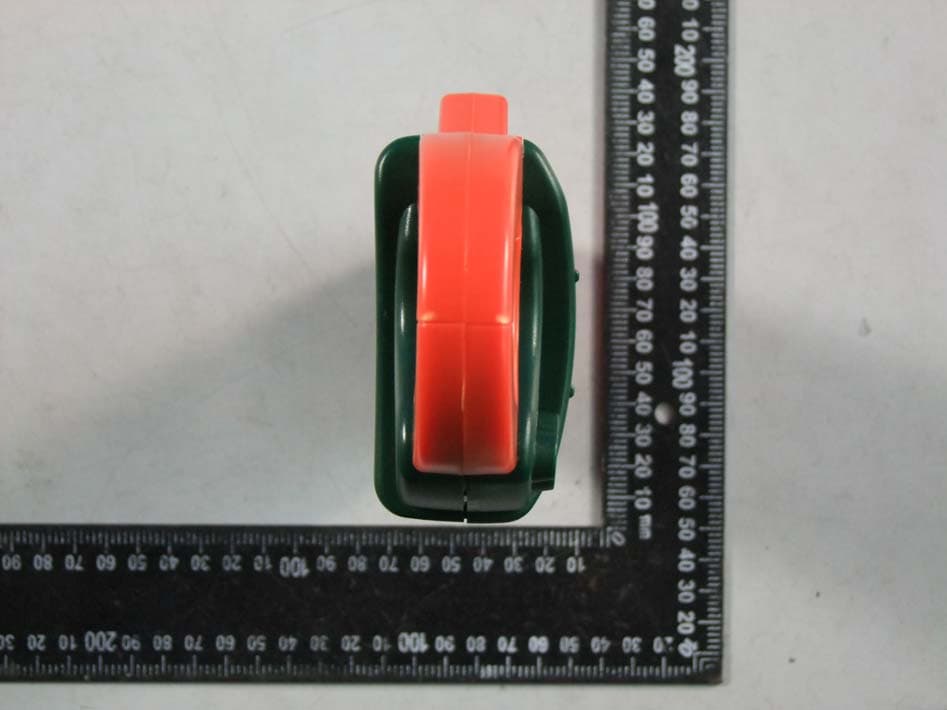
IWK-EX850
May 12, 2014Wireless Clamp Meter
Equipment Class
DSS - Part 15 Spread Spectrum Transmitter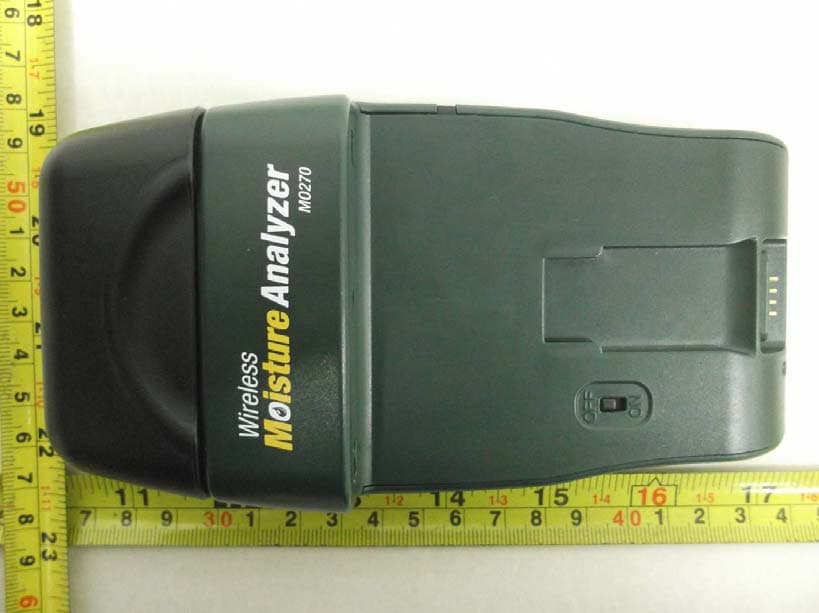
IWK-MO270X
Feb 19, 2012Wireless Moisture Meter
Equipment Class
DXX - Part 15 Low Power Communication Device Transmitter