K44403500USB Adapter Model: KCT-53U
JVC KENWOOD Corporation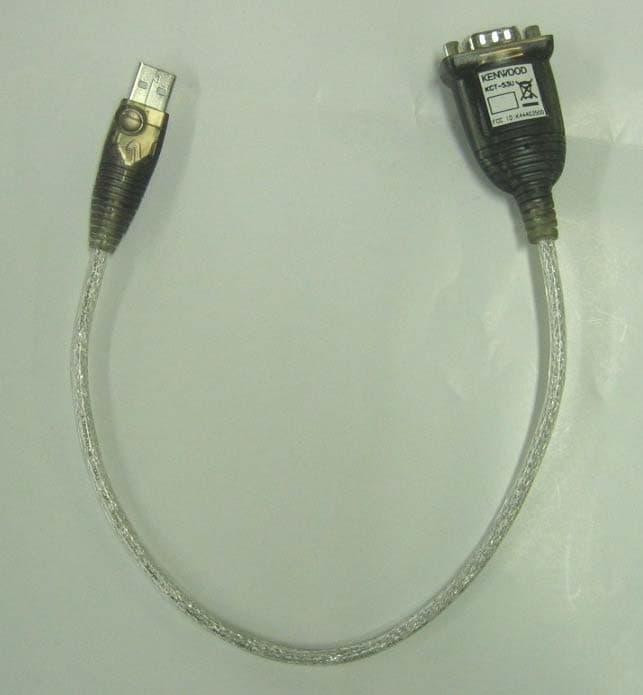
Click to zoom
Application Details
- Equipment Class
- JBP - Part 15 Class B Computing Device Peripheral
- Date of Grant
- Jun 12, 2006
- Application Purpose
- Original Equipment
- Date of Application
- Jun 12, 2006
- Equipment Note
- USB Adapter Model: KCT-53U
- Company
- JVC KENWOOD Corporation
- Country
- Japan
Documents & Files
Document Text
Text extracted from the exhibit documents filed with the FCC. Open a document above to read the original.
Cover Letter(s)
May 10th, 2006 Federal Communications Commission 7435 Oakland Mills Road Columbia, MD 21046 Attn: Reviewing Engineer RE: CONFIDENTIALITY REQUEST FOR MODEL: KCT-53U, FCC ID: K44403500. To Whom It May Concern: This letter serves as an official request for permanent confidentiality pursuant to 47 CFR Section 0.459 of the Commission Rules. We have requested that the Schematic Diagrams and Circuit Description required to be submitted with this application be withheld from public review. The documents are company proprietary information that could never get into the possession of our competition. Please contact me if you require any additional information. Sincerely, Tamaki Shimamura Communication Equipment Division Kenwood Corporation 1-16-2, Hakusan, Midori-ku, Yokohama-shi, Kanagawa, 226-8525 Japan
Cover Letter(s)
May 10th, 2006 Federal Communications Commission 7435 Oakland Mills Road Columbia, MD 21046 Attn: Reviewing Engineer RE: LETTER OF AGENT AUTHORIZATION To Whom It May Concern: We, the undersigned, hereby authorize ETL SEMKO Japan K.K. to act on our behalf in all matters relating to application for equipment authorization, including the signing of all documents relating to these matters. We also hereby certify that no party to the application authorized hereunder is subject to the denial of benefits, including FCC benefits, pursuant to Section 5301 of the Anti-Drug Abuse Act of 1988,21 U.S.C.862. This agreement expires one year from the current date. Sincerely, Tamaki Shimamura Communication Equipment Division Kenwood Corporation 1-16-2, Hakusan, Midori-ku, Yokohama-shi, Kanagawa, 226-8525 Japan
Cover Letter(s)
ETL SEMKO Japan K. K. Kashima Site 3-2 Sunayama, Kamisu, Ibaraki, 314-0255 Japan Tel.+81 479 40 1097 Fax.+81 479 46 1788 May 18, 2006 Federal Communications Commission Office of Engineering and Technology 7435 Oakland Mills Road Columbia, MD 21046 RE: LETTER OF AGENT AUTHORIZATION To Whom It May Concern: We, the undersigned, hereby authorize MET Laboratories, Inc. to act on our behalf in all matters relating to application for equipment authorization, including the signing of all documents relating to these matters. We also hereby certify that no party to the application authorized hereunder is subject to the denial of benefits, including FCC benefits, pursuant to Section 5301 of the Anti-Drug Abuse Act of 1988,21 U.S.C.862. This authorization expires one year from the current date. Sincerely, Naoki Ikeda Kashima Site ETL SEMKO Japan K. K.
Cover Letter(s)
May 10th, 2006 MET Laboratories 914 West Patapsco Ave. Baltimore MD 21230 Attn: Reviewing Engineer RE: LETTER OF AGENT AUTHORIZATION To Whom It May Concern: We, the undersigned, hereby authorize ETL SEMKO JAPAN K.K. to act on our behalf in all matters relating to application for equipment authorization, including the signing of all documents relating to these matters. We also hereby certify that no party to the application authorized hereunder is subject to the denial of benefits, including FCC benefits, pursuant to Section 5301 of the Anti-Drug Abuse Act of 1988,21 U.S.C.862. This agreement expires one year from the current date. Sincerely, Tamaki Shimamura Communication Equipment Division Kenwood Corporation 1-16-2, Hakusan, Midori-ku, Yokohama-shi, Kanagawa, 226-8525 Japan
External Photos
KCT-53U FCC ID: K44403500 Front Rear
ID Label/Location Info
KCT-53U FCC ID: K44403500
Internal Photos
KCT-53U FCC ID: K44403500 Component Side View Foil Side View
Test Report
KCT-53U USB ADAPTER INSTALLATION MANUAL © B62-XXXX-00 (W) SUPPLIED ITEMS • USB Adapter (USB to 9-pin RS-232) • Distribution disc with driver software • Installation Manual (B62-XXXX-XX) SYSTEM REQUIREMENT Operating System: Windows ® 98SE, Windows ® Me, Windows ® 2000, or Windows ® XP operating system. INSTALLING THE DRIVER 1 With the computer power on, plug the KCT-53U into a USB port on the computer. The [New Hardware Wizard] appears. Click Next to continue. 2 ln the dialog box that appears, leave the default choice (search for the best drivers for your device), and click Next to continue. 3 In the dialog box that appears, first put the distribution disc into your CD-ROM drive, choose [Specify a Location], then Browse to the folder on the disc that corresponds to your version of Windows. Click Next to continue. 4 ln the [Ready to install...] dialog box that appears, click Next to continue. The files will now be copied to your hard disk. 5 After the drive files have been copied to the hard disk, a dialog box will appear, telling you that the installation has finished. Click Finish . Windows will now finish the installation. Note: The KCT-53U installs as a virtual port driver on Com3. As Such it does not support devices, such as serial mice, that require an lRQ number or lO Address. CONFIRMING THE INSTALLATION To confirm that the adapter was correctly installed: 1 Open the System folder. 2 Click the Device Manager tab at the top of the dialog box. 3 Click the Plus Sign in front of the Universal Serial Bus Controller heading to see the Universal Serial Bus Controller listing. If the installation completed successfully, you should see an entry for [ATEN USB] to Serial Cable. UNINSTALLING THE DRIVER Windows 98SE/Me: 1 Put the distribution disc in your CD-ROM drive. 2 Open the KCT-53U folder. 3 Click UNINST.EXE . Windows 2000/XP: 1 Open the System folder. 2 Click the Device Manager tab at the top of the dialog box. 3 Click the Plus Sign in front of the Universal Serial Bus Controller heading to see the Universal Serial Bus Controller listing. 4 Select [ATEN USB] to Serial Cable. 5 Click the Remove button. PERIPHERAL INSTALLATION 1 With the computer power on and the KCT-53U adapter already plugged into the computer’s USB port, plug the peripheral into the KCT-53U, then turn the peripheral ON. 2 Follow the installation Wizard’s on-screen instructions to complete the installation. Note: ♦ This procedure only occurs the first time you connect a peripheral. If your peripheral was previously connected and configured for the RS-232 (COM) port, after you perform the Adapter installation and click Finish (see above), the driver will detect the peripheral and install it automatically. ♦ Under Windows 2000/XP, if you connect a modem, you must specify it as a Standard Modem. ♦ Please access the following URL for support information: http://www.kenwood.com/...... Copyrights • Windows is a registered trademark of Microsoft Corporation in the United States and/or other countries. • Other product and company names mentioned herein may be the trademarks of their respective owners. This device complies with part 15 of the FCC Rules. Operation is subject to the following two conditions: (1) This device may not cause harmful interference, and (2) this device must accept any interference received, including interference that may cause undesired operation. One or more of the following statements may be applicable to this equipment. FCC WARNING This equipment generates or uses radio frequency energy. Changes or modifications to this equipment may cause harmful interference unless the modifications are expressly approved in the instruction manual. The user could lose the authority to operate this equipment if an unauthorized change or modification is made. INFORMATION TO THE DIGITAL DEVICE USER REQUIRED BY THE FCC This equipment has been tested and found to comply with the limits for a Class B digital device, pursuant to Part 15 of the FCC Rules. These limits are designed to provide reasonable protection against harmful interference in a residential installation. This equipment generates, uses and can generate radio frequency energy and, if not installed and used in accordance with the instructions, may cause harmful interference to radio communications. However, there is no guarantee that the interference will not occur in a particular installation. If this equipment does cause harmful interference to radio or television reception, which can be determined by turning the equipment off and on, the user is encouraged to try to correct the interference by one or more of the following measures: • Reorient or relocate the receiving antenna. • Increase the separation between the equipment and receiver. • Connect the equipment to an outlet on a circuit different from that to which the receiver is connected. • Consult the dealer for technical assistance.
Test Setup Photos
Report No. ESJ–106010 FCC ID : K44403500 © ETL SEMKO Japan K.K. Page 1 of 3 Version 0.0 APPENDIX Report No. ESJ–106010 FCC ID : K44403500 © ETL SEMKO Japan K.K. Page 2 of 3 Version 0.0 PHOTOGRAPHS OF MAXIMUM EMISSION SET-UP 1. Conducted Voltages on Mains Port Note: Maintaining 10cm spacing between all the equipment cabinets. Report No. ESJ–106010 FCC ID : K44403500 © ETL SEMKO Japan K.K. Page 3 of 3 Version 0.0 2. Radiated Electric Field Note: Maintaining 10cm spacing between all the equipment cabinets.
Contact Information
Applicant
Kazuyoshi Akaike(Manager)
Test Firm
Intertek Japan K.K. Kashima SiteTakeshi Yamanaka
Technical Specifications
| # | Rule Parts | Frequency Range | Power Output |
|---|---|---|---|
| 1 | 15B | - | - |
Other Applications from JVC KENWOOD Corporation
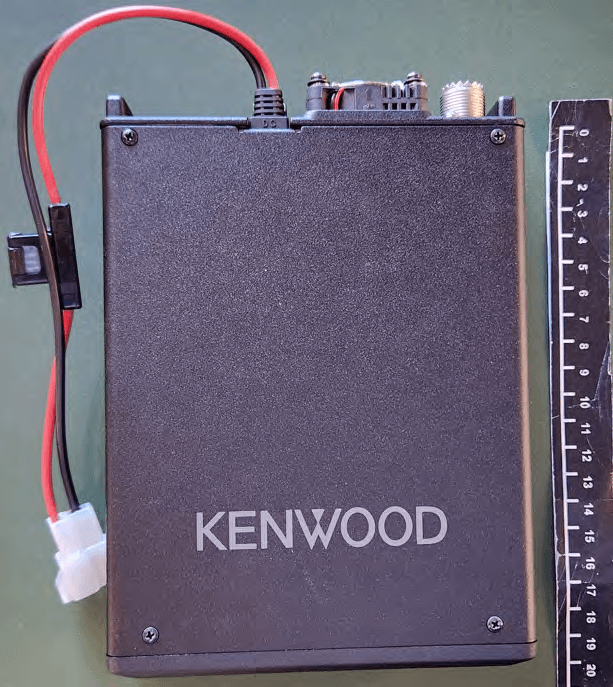
K44524000
Jan 23, 2026144/220/430MHz TRIBANDER
Equipment Class
CSR - Scanning Receiver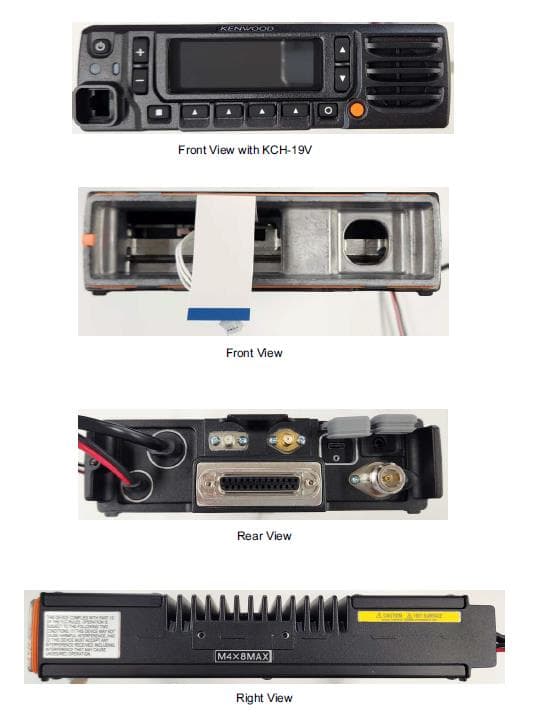
K44520000
Sep 05, 2024MULTIBAND DIGITAL TRANSCEIVER
Equipment Class
TNB - Licensed Non-Broadcast Station Transmitter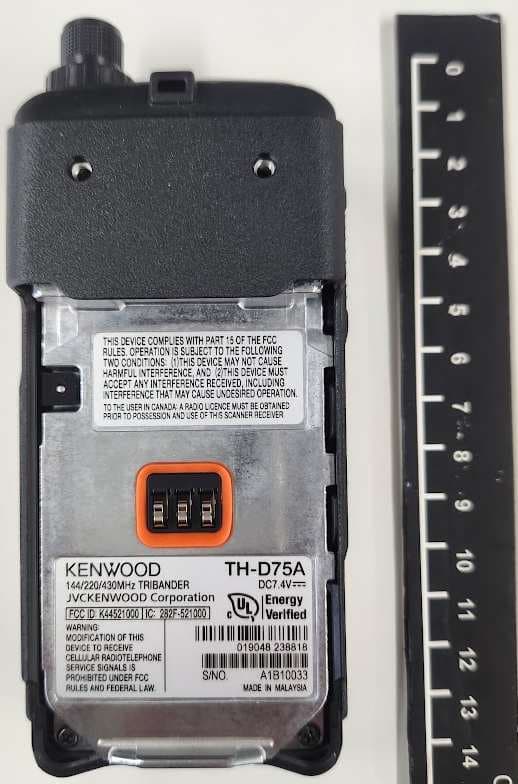
K44521000
Nov 08, 2023144/220/430MHz TRIBANDER
Equipment Class
DSS - Part 15 Spread Spectrum Transmitter
K44513201
May 18, 2023UHF REPEATER
Equipment Class
TNB - Licensed Non-Broadcast Station Transmitter
K44501001
May 25, 2021VHF TRANSCEIVER
Equipment Class
TNF - Licensed Non-Broadcast Transmitter Held to Face