L7MR600Mechanical Wireless Keyboard
Wireless Computing Inc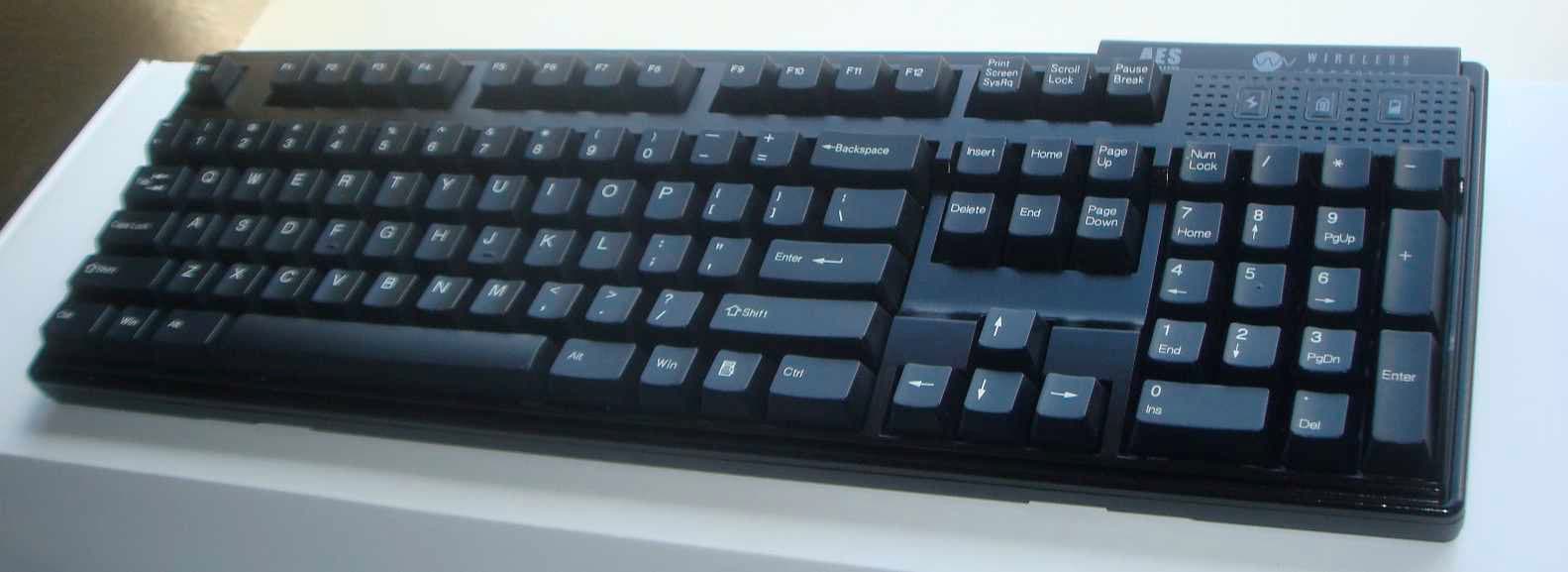
Click to zoom
Application Details
- Equipment Class
- DXT - Part 15 Low Power Transceiver, Rx Verified
- Date of Grant
- Apr 04, 2011
- Application Purpose
- Original Equipment
- Date of Application
- Apr 03, 2011
- Equipment Note
- Mechanical Wireless Keyboard
- Frequency Range
- 916.50000000 - 916.50000000
- Company
- Wireless Computing Inc
- Country
- United States
Documents & Files
Document Text
Text extracted from the exhibit documents filed with the FCC. Open a document above to read the original.
Users Manual
SETUP 1. Remove the battery door on the underside of the keyboard. 2. Insert two AA alkaline batteries (included) into the battery compartment. j` The direction of each bat- tery is marked. 3. Replace the battery door. 4. Plug the receiver into a USB port on your computer. Do not place the receiver on or in a metal cabinet or near other equipment and strong EMI sources. SELECT ADDRESS TO ENABLE ENCRYPTION When delivered, your RF-600 operates on address zero. You may leave it on address zero, but while on address zero, keystrokes are not encrypted and your computer may receive and respond to signals from other Wireless Computing products. 1. Press and release the black button on the under- side of the receiver. The LED on top of the receiv- er begins blinking. 2. While the LED on the receiver blinks, hold down the left Ctrl key and press-and-release the Pause- Break key. This sets the keyboard and receiver to one of 65,000 random addresses and enables encryption. 3. If you have a Wireless Computing mouse or remote control and wish to use it with this key- board, then you’ll need to select this same address for the additional device(s). Refer to the mouse or remote control instructions for the but- ton(s) to press. Each time you set an address, the receiver LED blinks for 30 seconds, allowing you to address a mouse or remote control. USING A MACINTOSH To put the keyboard into Macintosh mode, or to tog- gle back to Windows mode, press the Left-Win, Left- Alt, Right-Alt, and Right-Win keys together at the same time. Note these different key functions: KEY LABELMACINTOSH FUNCTION Win Option/Alt AltCmd Pause/BreakF13 OPERATION The RF-600 Compact Keyboard is designed to oper- ate reliably at distances of 100 feet (31 meters). Operating range will vary depending on positioning of the receiver and keyboard, nearby sources of interfer- ence and other environmental factors. Pressing a key makes the green "sending" LED blink on the keyboard and the receiver LED blink green. When the "low battery" LED turns on, replace the batteries as soon as possible. Operating instructions RF-600 Wireless Tactile Keyboard with AES Encryption Wireless Computing, Inc., Austin, TX 512.263.2205 wirelesscomputing.com TROUBLESHOOTING The receiver LED is not lit • Ensure that the computer is powered on and the receiver is connected to the computer. • Unplug the receiver and plug it into the computer's USB port again. Key presses don't get to computer • If the sending LED on the keyboard flashes all red, re-select the address. • If the sending LED flashes green and yet the computer does not respond, be sure a program is running that responds to the keystrokes you are typing. Also, try unplugging then re-plugging the receiver. • If the sending LED flashes mixed green and red, reposition the receiver and ensure the keyboard and receiver are no more than 100 feet apart. • If the sending LED does not flash at all, replace the batteries in the keyboard. Keyboard works, but other Wireless Computing devices do not • The other devices have the wrong address. Re- select the address for all devices, including the key- board. Cursor moves by itself or keystrokes appear from nowhere • Your receiver is within range of another Wireless Computing product set to the same address. Re- select the address. FOR FURTHER ASSISTANCE Visit www.wireless-computing.com/support or call customer support at 512.263.2205 between 9:00 - 5:00 Central Time. FCC INFORMATION This device complies with Part 15 of the FCC Rules. Operation is subject to the following two conditions: (1) this device may not cause harmful interference, and (2) this device must accept any interference received, including interference that may cause unde- sired operation. FCC ID: L7MR600RF-600 Wireless Keyboard L7MR019RF-019 Dual Antenna Receiver ADDITIONAL INFORMATION For use with UL Listed, CSA approved personal com- puters. Not intended for use in machinery, medical or industrial applications. Do not use in aircraft or haz- ardous locations. © Copyright 2011 Wireless Computing, Inc. All Rights Reserved. Wireless Computing is a trademark of Wireless Computing, Inc., Austin TX USA. 04-2011 Caution: Any changes or modifications not expressly approved by Wireless Computing could void your authority to operate this device. No parts are user serviceable.
External Photos
RF-600 External Photos FCC ID L7MR600
ID Label/Location Info
RF-600 Mechanical Wireless Keyboard www.wirelesscomputing.com 10100000 FCC ID L7MR600 This device complies with Part 15 of the FCC rules. Operation is subject to the following conditions: (1) this device may not cause harmful interference, and (2) this device must accept any interference received, including interference that may cause undesired operation. RF-600 Mechanical Wireless Keyboard www.wirelesscomputing.com 10100000 FCC ID L7MR600 This device complies with Part 15 of the FCC rules. Operation is subject to the following conditions: (1) this device may not cause harmful interference, and (2) this device must accept any interference received, including interference that may cause undesired operation.
ID Label/Location Info
RF-600 Label Location FCC ID L7MR600
Internal Photos
RF-600 Internal Photos FCC ID L7MR600
Test Report
1601 North A.W. Grimes Blvd., Suite B Round Rock, TX 78665 e-mail: [email protected] (512) 244-3371 Fax: (512) 244-1846 March 24, 2011 Martin Phillips Wireless Computing, Inc. 3703 Peak Lookout Drive Austin, Texas 78738 Dear Martin: Enclosed is the Wireless Test Report for the RF-600 Mechanical Wireless Keyboard by Wireless Computing, Inc. This report can be used to demonstrate compliance with FCC and IC requirements for wireless devices in the United States and Canada. If you have any questions, please contact me. Sincerely, Jeffrey A. Lenk President Enclosure Wireless Computing, Inc. – RF-600 Mechanical Wireless Keyboard, Wireless Certification Report 12232-10 March 24, 2011 Page 2 of 21 Project 12232-10 Wireless Computing, Inc. RF-600 Mechanical Wireless Keyboard Wireless Certification Report Prepared for: Wireless Computing, Inc. 3703 Peak Lookout Drive Austin, Texas 78738 By Professional Testing (EMI), Inc. 1601 N. A.W. Grimes Blvd., Suite B Round Rock, Texas 78665 March 24, 2011 Revised March 31, 2011 Reviewed by Written by Jeffrey A. Lenk President Layne Lueckemeyer Product Development Engineer Wireless Computing, Inc. – RF-600 Mechanical Wireless Keyboard, Wireless Certification Report 12232-10 March 24, 2011 Page 3 of 21 Table of Contents Title Page .........................................................................................................................................1 1.0 Introduction...........................................................................................................................5 1.1 Scope................................................................................................................................5 1.2 EUT Description ..............................................................................................................5 1.3 Modifications ...................................................................................................................5 1.4 Test Site ...........................................................................................................................5 1.5 Applicable Documents.....................................................................................................6 2.0 Fundamental Field Strength Measurements..........................................................................7 2.1 Test Procedure .................................................................................................................7 2.2 Test Criteria .....................................................................................................................7 2.3 Test Results ......................................................................................................................8 3.0 Occupied Bandwidth...........................................................................................................10 3.1 Test Procedure ...............................................................................................................10 3.2 Test Criteria ...................................................................................................................10 3.3 Test Results ....................................................................................................................10 4.0 Out of Band Spurious Emissions ........................................................................................13 4.1 Test Procedure ...............................................................................................................13 4.2 Test Criteria ...................................................................................................................13 4.3 Test Results ....................................................................................................................13 5.0 Antenna Requirements........................................................................................................20 5.1 Evaluation Procedure .....................................................................................................20 5.2 Evaluation Criteria .........................................................................................................20 5.3 Evaluation Results .........................................................................................................20 End of Report .................................................................................................................................21 THIS REPORT SHALL NOT BE REPRODUCED EXCEPT IN FULL, WITHOUT THE WRITTEN APPROVAL OF PROFESSIONAL TESTING (EMI), INC. NOTICE: (1) This Report must not be used to claim product endorsement, by NVLAP, NIST, the FCC or any other Agency. This report also does not warrant certification by NVLAP or NIST. (2) This report shall not be reproduced except in full, without the written approval of Professional Testing (EMI), Inc. (3) The significance of this report is dependent on the representative character of the test sample submitted for evaluation and the results apply only in reference to the sample tested. The manufacturer must continuously implement the changes shown herein to attain and maintain the required degree of compliance. Wireless Computing, Inc. – RF-600 Mechanical Wireless Keyboard, Wireless Certification Report 12232-10 March 24, 2011 Page 4 of 21 Applicant: Wireless Computing, Inc. Applicant’s Address: 3703 Peak Lookout Drive Austin, Texas 78738 FCC ID: L7MR600 Project Number: 12232-10 Test Dates: March 7 and 9, 2011 The Wireless Computing RF-600 Mechanical Wireless Keyboard was tested to and found to be in compliance with FCC 47 CFR Part 15 and IC RSS-210 issue 8. The highest emissions generated by the above equipment are listed below: Parameter Frequency (MHz) Level Limit Margin (dB) Transmitter: Fundamental Field Strength at 3m 916.5 93.5 dBuV/m @ 3 m 94 dBuV/m -0.5 Transmitter: Radiated Spurious 1833 48.9 dBμV/m @ 1 m 63.5 dBμV/m -14.6 Occupied Bandwidth 20 dB 26 dB 352.…
Text truncated - open the document above for the full version.
Test Setup Photos
Test Setup Photos RF-600
Contact Information
Applicant
Martin Phillips
Technical Contact
Professional Testing (EMI), Inc.Layne Lueckemeyer
[email protected]512-244-3371
1601 N. A. W. Grimes, Suite B · Round Rock, Texas · United States
Test Firm
Professional TestingRobert McCollough Lenk
Technical Specifications
| # | Rule Parts | Frequency Range | Power Output |
|---|---|---|---|
| 1 | 15C | 916.5 MHz - 916.5 MHz | - |
Other Applications from Wireless Computing Inc
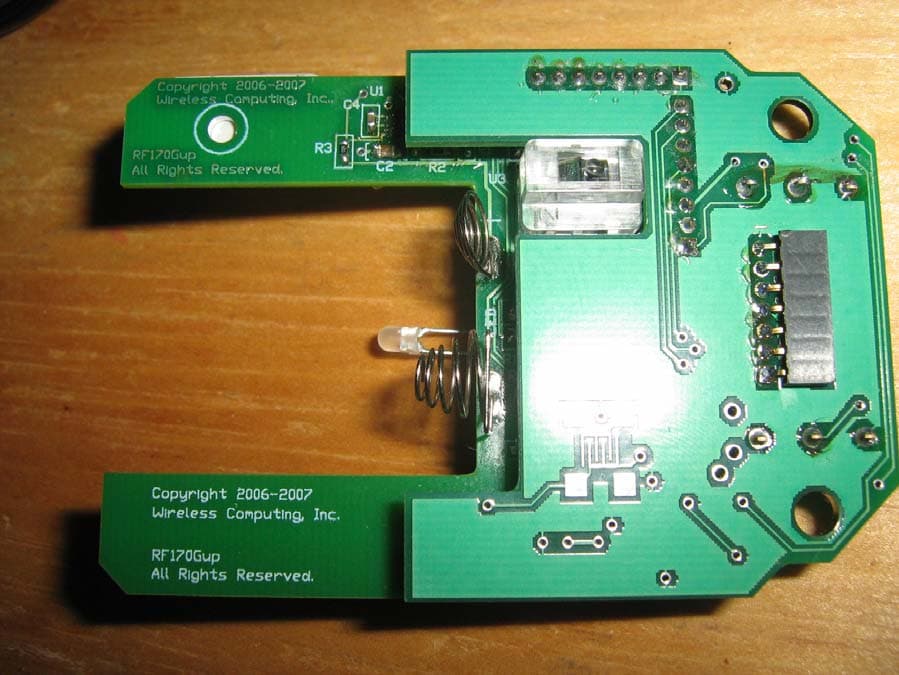
L7MR170
Mar 13, 2008Wireless Mouse
Equipment Class
DXX - Part 15 Low Power Communication Device Transmitter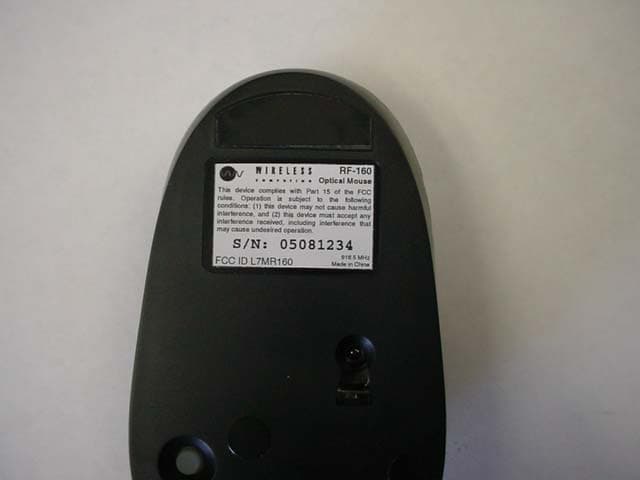
L7MR160
Sep 27, 2005Optical Mouse
Equipment Class
DXT - Part 15 Low Power Transceiver, Rx Verified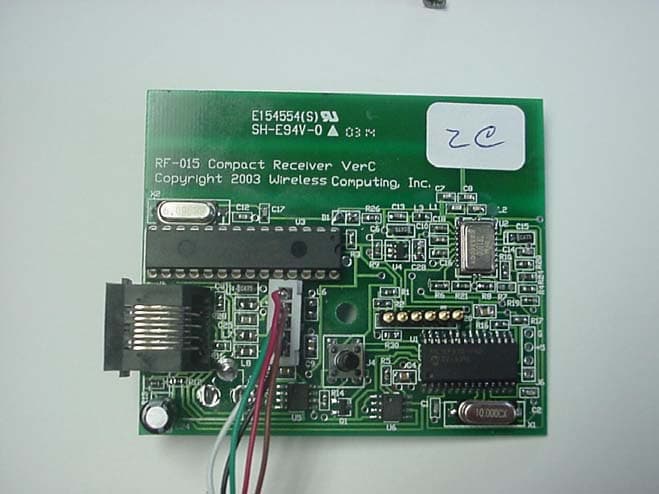
L7MR015
Jul 01, 2003Wireless Receiver
Equipment Class
DXX - Part 15 Low Power Communication Device Transmitter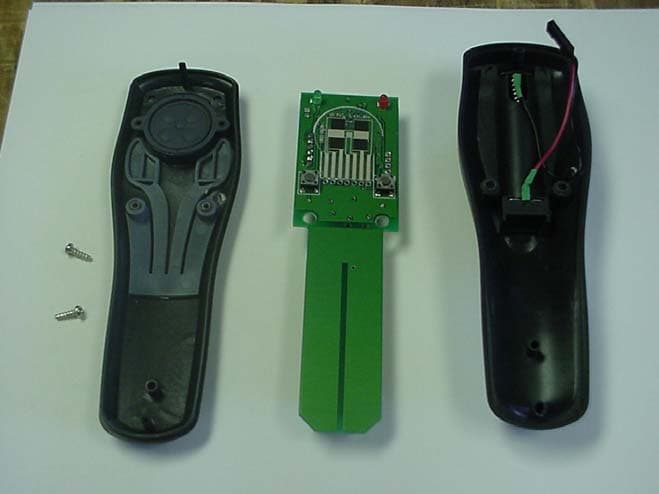
L7MR150
Jul 01, 2003RF 150 Wireless Mouse
Equipment Class
DXX - Part 15 Low Power Communication Device Transmitter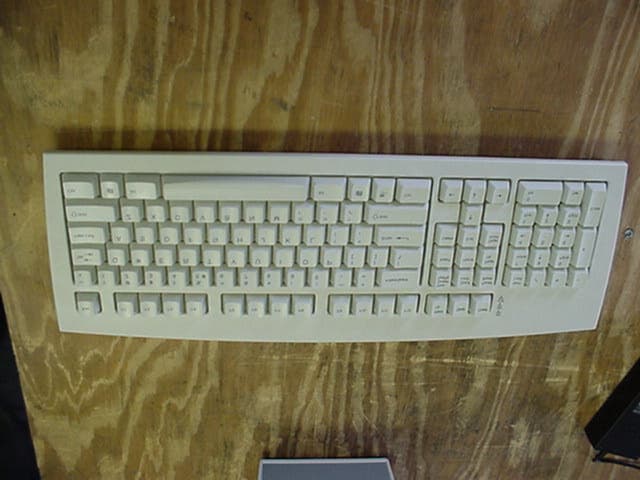
L7MR250
Jul 31, 2002Wireless Keyboard
Equipment Class
DXX - Part 15 Low Power Communication Device Transmitter