L8G8800005802.11B WLAN Access Point
Lantech Advance Corporation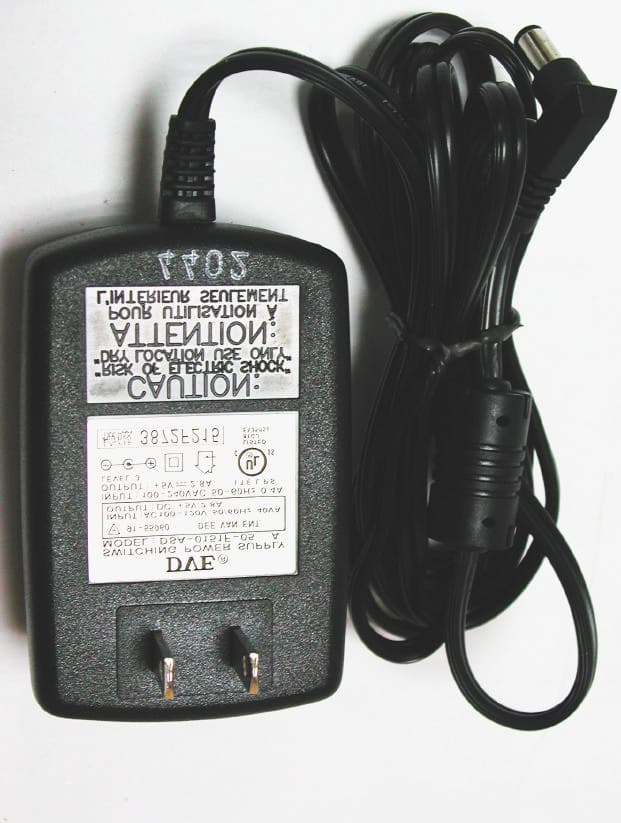
Click to zoom
Application Details
- Equipment Class
- DSS - Part 15 Spread Spectrum Transmitter
- Date of Grant
- Apr 24, 2003
- Application Purpose
- Original Equipment
- Date of Application
- Apr 24, 2003
- Equipment Note
- 802.11B WLAN Access Point
- Frequency Range
- 2412.00000000 - 2462.00000000
- Company
- Lantech Advance Corporation
- Country
- Taiwan
Documents & Files
Document Text
Text extracted from the exhibit documents filed with the FCC. Open a document above to read the original.
Users Manual
WLAN Access Point User Manual Sep.27.02 Instruction Manual Federal Communication Commission Interference Statement This equipment has been tested and found to comply with the limits for a Class B digital device, pursuant to Part 15 of the FCC Rules. These limits are designed to provide reasonable protection against harmful interference in a residential installation. This equipment generates, uses and can radiated radio frequency energy and, if not installed and used in accordance with the instructions, may cause harmful interference to radio communications. However, there is no guarantee that interference will not occur in a particular installation. If this equipment does cause harmful interference to radio or television reception, which can be determined by turning the equipment off and on, the user is encouraged to try to correct the interference by one of the following measures: - Reorient or relocate the receiving antenna. - Increase the separation between the equipment and receiver. - Connect the equipment into an outlet on a circuit different from that to which the receiver is connected. - Consult the dealer or an experienced radio/TV technician for help. - FCC Caution: To assure continued compliance, (example – use only shielded interface cables when connecting to computer or peripheral devices). Any changes or modifications not expressly approved by the party responsible for compliance could void the user’s authority to operate this equipment. FCC Radiation Exposure Statement This equipment complies with FCC radiation exposure limits set forth for an uncontrolled environment. This equipment should be installed and operated with minimum distance 20 cm between the radiator & your body. This device complies with Part 15 of the FCC Rules. Operation is subject to the following two conditions: (1) This device may not cause harmful interference, and (2) this device must accept any interference received, including interference that may cause undesired operation. Table of Contents Chapter 1 Introduction 1 1.1 Package Contents 1 1.2 Features 1 1.3 System Requirement 1 1.4 Hardware Description 2 Chapter 2 Connecting the WLAN Access Point to Your Network 2 Chapter 3 Configuring the Wireless Point 3 Chapter 4 Installing the USB Drivers for the WLAN Access Point 4 4.1 Installing the Driver software for Windows 98 4 Chapter 5 WLAN Access Point Utility 5 5.1 Install Access Point Utility 5 5.2 Configuring the WLAN Access Point with USB Port / AP Utility 8 5.3 Configuring the WLAN Access Point with Ethernet Port / SNMP Utility 12 Chapter 6 WLAN Access Point Firmware Upgrade with Ethernet Port / TFTP Client Utility 21 Chapter 7 Application and Note 22 Chapter 8 Q & A 29 1 1. Introduction Based on IEEE 802.11b, WLAN Access Points provide a cost effective way for mobile users to connect to their corporate Ethernet-based LANs. With the slick Windows based user interface designs, corporate IT specialists can easily deploy and manage WLAN Access Points in their environments. In addition to corporate uses, WLAN Access Points are for applications in public areas such as airports, hotels, fast-food restaurants, etc. People with mobile computers can use services offered by WLAN Access Point within these areas to connect to the Internet with virtually no effort. Please read this manual to get familiar with the WLAN Access Point. This manual contains detailed instructions in operation of this product. Please keep this manual for future reference. 1.1 Package Contents The WLAN Access Point includes the following items: a. WLAN Access Point b. The CD including: 1. WLAN Access Point Utility & Driver software 2. User’s Manual (this document) c. USB Cable 1.2 Features l Plug and Play installation l Roaming function provides full mobility l Control via USB port l Data packets bridging between an IEEE 802.11b wireless network and an Ethernet network l Windows-based user interfaces for configuration, and monitoring l Wireless data encryption with 64 and 128 bits encryption for security l Dual antennas with diversity function l Supports RTS threshold control for better throughput l Auto fallback data rate under noisy environment l Supports SNMP utility management 1.3 System Requirement l Computer with USB support or Ethernet connection l Windows 98, Windows ME, Windows 2000, Windows XP. 2 1.4 Hardware Description l This section mainly describes the hardware of WLAN Access Point. The physical dimensions of the WLAN Access Pont is: 145mm(W) X 85mm(D) x 26mm(H) The front panel consists of LED Indicators. l Reset Button The reset button is located at the rear side of WLAN Access Point, when pressing one second on this reset button, you can reset the WLAN Access Point, this action takes place after a user makes configuration changes in order to initiate the changes. And when keeping pressing six seconds on this reset button, you can restore the factory default values of the WLAN Access Point. Chapter 2 Connecting the WLAN Access Point to Your Network 1. Locate an optimum location for the WLAN Access Point. The best place for your WLAN Access Point is usually at the center of your wireless network, with line of sight to all of your mobile stations. 2. Fix the direction of the antenna. Try to place it in a position, which can best cover your wireless network. Normally, the higher you place the antenna, the better the performance will be. The antenna’s position enhances the receiving sensitivity. 3. Connect an RJ-45 connector to the WLAN Access Point. Then, connect the other end of the Ethernet cable to a switch or hub. The WLAN Access Point will then be connected to your 10/100 Network. 4. Connect USB cable to the WLAN Access Point. Then, connect the other end of USB cable to your computer. 5. Connect the AC Power Adapter to the WLAN Access Point’s Power Socket. Only use the power adapter supplied with the WLAN Access Point. Use of a different adapter may result in product damage. 6. The Hardware Installation is complete. Po…
Text truncated - open the document above for the full version.
External Photos
External Photos of 802.11b WLAN Access Point 1/4 FCC ID: L8G8800005 Training Research Co., Ltd., TEL: 886-2-26935155, Fax: 886-2-26934440 External Photos of 802.11b WLAN Access Point 2/4 FCC ID: L8G8800005 Training Research Co., Ltd., TEL: 886-2-26935155, Fax: 886-2-26934440 External Photos of 802.11b WLAN Access Point 3/4 FCC ID: L8G8800005 Training Research Co., Ltd., TEL: 886-2-26935155, Fax: 886-2-26934440 External Photos of 802.11b WLAN Access Point 4/4 FCC ID: L8G8800005 Training Research Co., Ltd., TEL: 886-2-26935155, Fax: 886-2-26934440
ID Label/Location Info
LABEL Position:
Internal Photos
Internal Photos of 802.11b WLAN Access Point 1/5 FCC ID: L8G8800005 Training Research Co., Ltd., TEL: 886-2-26935155, Fax: 886-2-26934440 Internal Photos of 802.11b WLAN Access Point 2/5 FCC ID: L8G8800005 Training Research Co., Ltd., TEL: 886-2-26935155, Fax: 886-2-26934440 Internal Photos of 802.11b WLAN Access Point 3/5 FCC ID: L8G8800005 Training Research Co., Ltd., TEL: 886-2-26935155, Fax: 886-2-26934440 Internal Photos of 802.11b WLAN Access Point 4/5 FCC ID: L8G8800005 Training Research Co., Ltd., TEL: 886-2-26935155, Fax: 886-2-26934440 Internal Photos of 802.11b WLAN Access Point 5/5 FCC ID: L8G8800005 Training Research Co., Ltd., TEL: 886-2-26935155, Fax: 886-2-26934440
RF Exposure Info
Training Research Co., Ltd. No. 255, Nan-yang Street, Shijr City, Taipei Hsien 221, Taiwan Tel: 886-2-26935155 Fax: 886-2-26934440 e-mail: [email protected] 1 of 2 TRCSince1985 ® Measurement of MPE 1. Foreword In adopt with the Human Exposure IEEE C95.1, and according to the FCC 1.1310. The Maximum Permissible Exposure (MPE) is obligated to measure in order to prove the safety of radiation harmfulness to the human body. The Gain of the antenna used is measured in an Anechoic chamber. The maximum total power to the antenna is to be recorded. By adopting the Friis Transmission Formula and the power gain of the antenna, we can find the distance right away from the product, where the limit of the MPE is. 2. Description of EUT Granted FCC ID : L8G800005 Product name : 802.11b WLAN Access Point Model name : 8800-710 / 8800-711 Classification : Mobile Device (i) Under normal use condition, the antenna is at least 20cm away from the user; (ii) Warning statement for keeping 20cm separation distance and the prohibition of operating next to the person has been printed in the user’s manual Frequency Range : 2.412 GHz ~ 2.462GHz Antenna Kit : Inside the housing Supported Channel : 11 Channel Modulation Skill : DBPSK, DQPSK, CCK Power Type : Powered by the Switching Power Adaptor Manufacturer: DVE Model: DSA-0151F-05 A I/P: AC 100-120V, 50/60Hz, 40VA O/P: +5V DC, 2.8A Training Research Co., Ltd. No. 255, Nan-yang Street, Shijr City, Taipei Hsien 221, Taiwan Tel: 886-2-26935155 Fax: 886-2-26934440 e-mail: [email protected] 2 of 2 TRCSince1985 ® 3. Limits for Maximum Permissible Exposure (MPE) Frequency Range (MHz) Electric Field Strength (V/m) Magnetic Filed Strength (H) (A/m) Power Density (S) (mW/cm2) Averaging Time |E| 2 , |H| 2 or S (minutes) (A) Limits for Occupational/Controlled Exposure 0.3-3.0 614 1.63 100 6 3.0-30 1842/f 4.89/f 900/f 2 6 30-300 61.4 0.163 1.0 6 300-1500 -- -- f/300 6 1500-100,000 -- -- 5 6 (B) Limits for General Population/Uncontrolled Exposure 0.3-1.34 614 1.63 100 30 1.34-30 824/f 2.19/f 180/f 2 30 30-300 27.5 0.073 0.2 30 300-1500 -- -- f/1500 30 1500-100,000 -- -- 1.0 30 [The EUT is tested in transmit and receive modes and in the first, middle and the last channel separately. The following shows only our observation have the greatest emissions.] According to OET BULLETIN 56 Fourth Edition/August 1999, Equation for Predicting RF Fields: Friis Transmission Formula: 22 22 /10291.1 )20(4 549.1879.41 4 cmmW R PG S − ×= × == ππ Estimated safe separation: cm PG R272.2 4 549.1879.41 4 = × == ππ Remarks: "The safe estimated separation that the user must maintain from the antenna is at least 2.272 cm." Where: S = power density (in appropriate units, e.g. mW/cm 2 ) P = power input to the antenna (in appropriate units, e.g., mW) G = power gain of the antenna in the direction of interest relative to an isotropic radiator R = distance to the center of radiation of the antenna (appropriate units, e.g., cm) The Numeric gain G of antenna with a gain specified in dB is determined by: G = Log -1 ( dB antenna gain / 10 ) G = Log -1 (1.90 / 10) = 1.549 GAT2 – WWS11 Specifications Frequency Range 2.4~2.5GHz Impedance 50 Ohms nominal VSWR 1.9 Gain 1.9dBi Radiation Omni Polarization Vertical Antenna Cover Polyurethane Swivel Mechanism Polycarbonate Operation Temperature -20~+65 Storage Temperature -30~+75 -35 -30 -25 -20 -15 -10 -5 0 5 0 30 60 90 120 210 240 270 300 330 -25 -20 -15 -10 -5 0 5 0 30 60 90 120 210 240 270 300 330
Test Report
Test Report ------------------------------------------------------------------------------- 1/40 Report No.: L2715485, FCC Part 15 Training Research Co., Ltd., TEL: 886-2-26935155, Fax: 886-2-26934440 MEASUREMENT REPORT of 802.11b WLAN Access Point Applicant : LANTECH Advance Corporation Product Name : 802.11b WLAN Access Point Model Name : 8800-7108800-711FEAB-WL-AP RO80211B-AP FCC ID : L8G8800005 Report No. : L2715485 Tested by : Training Research Co., Ltd. TEL : 886-2-26935155 FAX : 886-2-26934440 No. 255, Nanyang Street, Shijr, Taipei Hsien 221, Taiwan, R.O.C. Test Report ------------------------------------------------------------------------------- 2/40 Report No.: L2715485, FCC Part 15 Training Research Co., Ltd., TEL: 886-2-26935155, Fax: 886-2-26934440 CERTIFICATION We here by verify that: The test data, data evaluation, test procedures and equipment configurations shown in this report were made mainly in accordance with the procedures given in ANSI C63.4 (1992) as a reference. All test were conducted by Training Research Co., Ltd., 255 Nanyang Street, Shijr, Taipei Hsien 221, Taiwan, R.O.C. Also, we attest to the accuracy of each. We further submit that the energy emitted by the sample EUT tested as described in the report is in compliance with the technical requirements set forth in the FCC Rules Part 15 Subpart B (Declaration of Conformity) and C Section 15.247. Applicant : LANETCH Advance Corporation Applicant address : 3F, No. 347, 349, Yang-Kuang Street, Nei-Hu Dis., 114 Taipei, Taiwan, R.O.C. Product Name : 802.11b WLAN Access Point Model Name : 8800-7108800-711FEAB-WL-APRO80211B-AP FCC ID : L8G8800005 Report No. : L2715485 Test Date : March 25, 2003 Prepared by: Approved by: Jack Tsai Frank Tsai Conditions of issue : (1) This test report shall not be reproduced except in full, without written approval of TRC. And the test result contained within this report only relate to the sample submitted for testing. (2) This report must not be used by the client to claim product endorsement by NVLAP or any agency of U.S. Government. ́ NVLAP LAB CODE: 200174-0 Test Report ------------------------------------------------------------------------------- 3/40 Report No.: L2715485, FCC Part 15 Training Research Co., Ltd., TEL: 886-2-26935155, Fax: 886-2-26934440 Federal Communications Commission Declaration of Conformity (DoC) For the Following Equipment: Product name : 802.11b WLAN Access Point Model name : 8800-7108800-711FEAB-WL-APRO80211B-AP Trade name : LANTECH Is herewith confirmed and found to comply with the requirements of CFR 47 part15 Subpart B - Unintentional Radiators regulation. The results of electromagnetic mission evaluation are shown in the report number: L2715485 This device complies with Part 15 of the FCC Rules. Operation is subject to the following two conditions: (1) This device may not cause harmful interference, and (2) This device must accept any interference received, including interference that may cause undesired operation Manufacturer USA local representative Company name: LANTECH Advance Corporation To be determined Computer address: 3F, No. 347, 349, Yang-Kuang St., Nei-Hu Dis., 114 Taipei, Taiwan, R.O.C. ZIP / Postal code 114 Contact person: Daniel Tu Title: Product Manager Internet e-mail address: [email protected] Tel / Fax: 886-2-26592388 / 886-2-26592389 Test Report ------------------------------------------------------------------------------- 4/40 Report No.: L2715485, FCC Part 15 Training Research Co., Ltd., TEL: 886-2-26935155, Fax: 886-2-26934440 Tables of Contents Declaration of Conformity (DoC) ............................................................................................ 3 I. GENERAL ......................................................................................................................... 6 1.1 Introduction .................................................................................................................. 6 1.2 Description of EUT ....................................................................................................... 6 1.3 Description of Support Equipment ................................................................................. 6 1.4 Test method .................................................................................................................. 8 1.5 Configuration of System Under Test .............................................................................. 9 1.6 Verify the Frequency and Channel ................................................................................ 11 1.7 Test Procedure ............................................................................................................ 12 1.8 Location of the Test Site ............................................................................................... 12 1.9 General Test Condition ................................................................................................. 12 II. Section 15.101(a) : Equipment Authorization of Unintentional Radiators....................... 13 III. Section 15.203 : Antenna Requirement............................................................................. 14 IV. Section 15.207 : Power Line Conducted Emissions for AC Powered Units ................... 15 4.1 Test Condition & Setup ................................................................................................ 15 4.2 List of Test Instruments ................................................................................................ 15 4.3 Test Result of Conducted Emissions ............................................................................. 16 Table 1 Channel 01 ...................................................................................................... 16 Table 2 Channel 06 ...................................................................................................... 17 Table 3 Channel 11 ............................................…
Text truncated - open the document above for the full version.
Test Setup Photos
Test Setup Photos ------------------------------------------------------------------------ 1/3 FCC ID: L8G8800005 Training Research Co., Ltd., TEL: 886-2-26935155, Fax: 886-2-26934440 Conducted Test Setup Placement: Front View of the Test Configuration Side View of the Test Configuration Test Setup Photos ------------------------------------------------------------------------ 2/3 FCC ID: L8G8800005 Training Research Co., Ltd., TEL: 886-2-26935155, Fax: 886-2-26934440 Radiated Test Setup Placement: (Unintentional) Front View of the Test Configuration of Unintentional Rear View of the Test Configuration of Unintentional Test Setup Photos ------------------------------------------------------------------------ 3/3 FCC ID: L8G8800005 Training Research Co., Ltd., TEL: 886-2-26935155, Fax: 886-2-26934440 Radiated Test Setup Placement: (Intentional) Front View of the Test Configuration of Intentional Rear View of the Test Configuration of Intentional
Contact Information
Applicant
Jason Chang(Manager/Wireless Comm R&D Dept)
Test Firm
Training Research Co., Ltd.Jack Tsai
Technical Specifications
| # | Rule Parts | Frequency Range | Power Output |
|---|---|---|---|
| 1 | 15C | 2.41 GHz - 2.46 GHz | 41.90 mW |
Other Applications from Lantech Advance Corporation
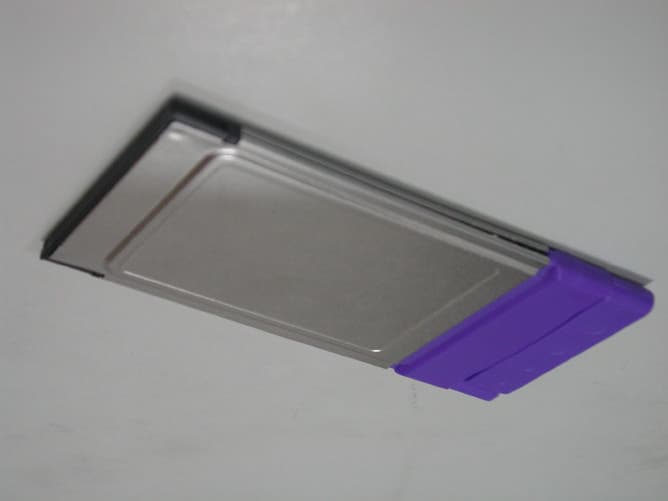
L8G8800003
Dec 03, 2002WLAN CardBus Adapter
Equipment Class
DTS - Digital Transmission System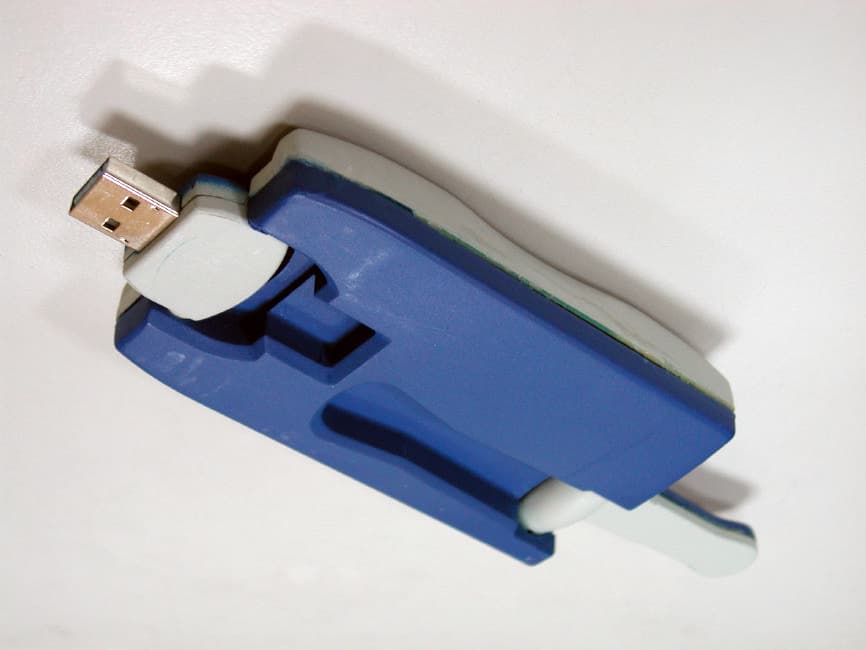
L8G8800002
Jul 26, 2002WLAN USB Adapter
Equipment Class
DSS - Part 15 Spread Spectrum Transmitter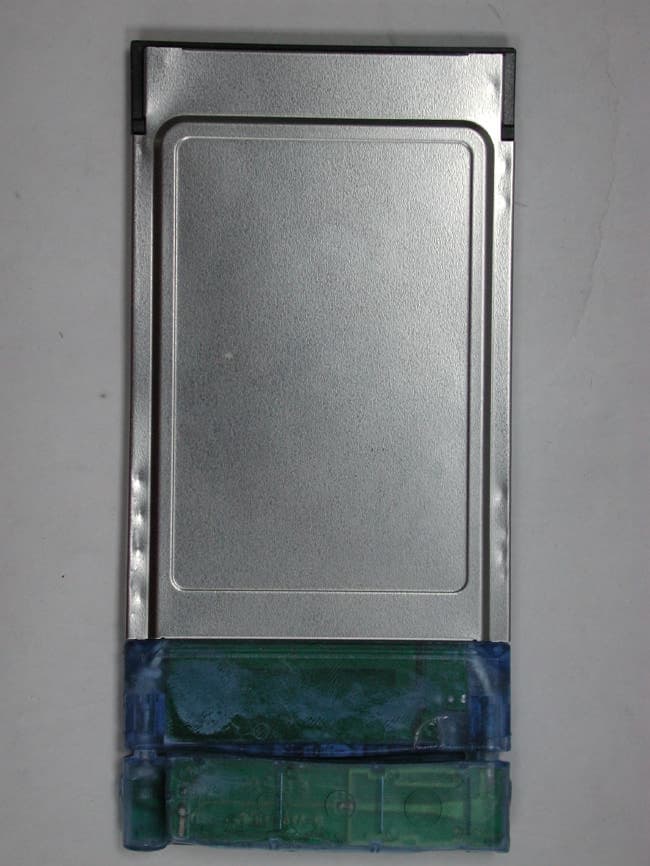
L8G8800001
May 20, 2002PCMCIA Radio Card with Integrated Antenna
Equipment Class
DTS - Digital Transmission System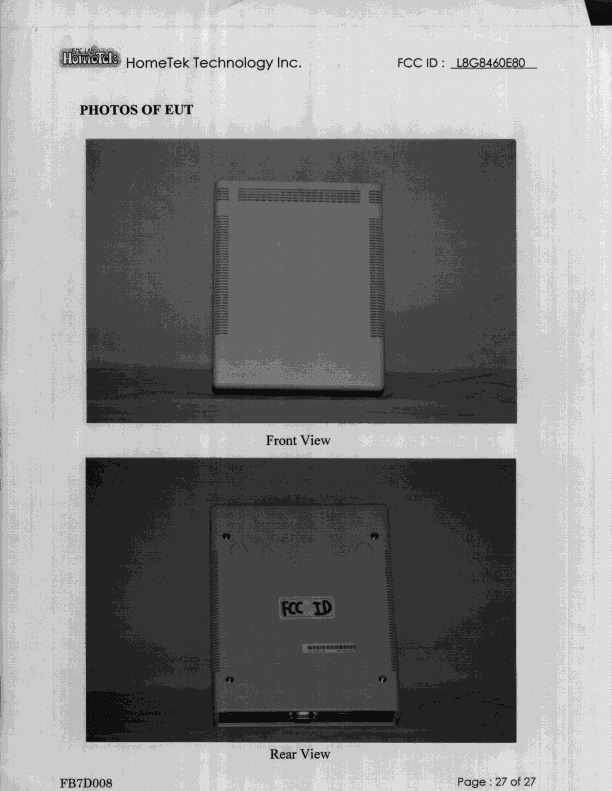
L8G8460E80
Sep 08, 1998JBP - Part 15 Class B Computing Device Peripheral
Equipment Class
JBP - Part 15 Class B Computing Device PeripheralL8G250110
Jan 20, 1998JBP - Part 15 Class B Computing Device Peripheral
Equipment Class
JBP - Part 15 Class B Computing Device Peripheral