LE2APC23AWIFI Network Camera
JSW Pacific Corporation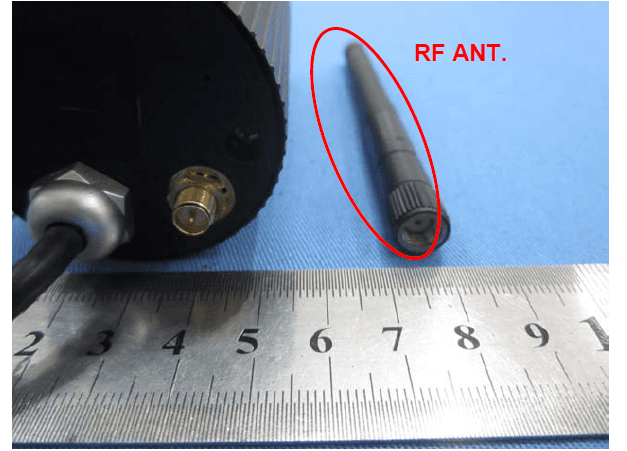
Click to zoom
Application Details
- Equipment Class
- DTS - Digital Transmission System
- Date of Grant
- Nov 15, 2014
- Application Purpose
- Original Equipment
- Date of Application
- Nov 15, 2014
- Equipment Note
- WIFI Network Camera
- Frequency Range
- 2412.00000000 - 2462.00000000
- Company
- JSW Pacific Corporation
- Country
- Taiwan
Documents & Files
Document Text
Text extracted from the exhibit documents filed with the FCC. Open a document above to read the original.
Users Manual
APPCAM23A User’s Manual Rev. 1, October 2013 CUSTOMER CARE At Uniden®, we care about you! If you need assistance, please do NOT return this product to your place of purchase. Our customer care specialists are available to serve you. Quickly find answers to your questions by: 1. Reading your owner’s manual, included with this product. 2. Visiting our customer support website at www.uniden.com. 3. Calling our customer care specialists at 1-800-658-8068. Images in this manual may differ slightly from your actual product. CONTENTS CUSTOMER CARE ................................................2 PLEASE READ BEFORE YOU START ............4 WIRELESS DEVICES OPERATING RANGE....4 IMPORTANT SAFETY PRECAUTIONS ...........4 OVERVIEW ...................................................5 FEATURES ...............................................................5 System .................................................................5 AppCam 23 Indoor/Outdoor Camera .....6 Uniden’s AppCam App ..................................6 WHAT’S INCLUDED ............................................7 PARTS OF THE CAMERA ...................................8 QUICK START...............................................9 PREREQUISITES ....................................................9 STEP 1 – CONNECT APPCAM TO THE NETWORK ............................................................9 STEP 2 – SET UP CAMERA ................................9 STEP 3 – INSTALL CAMERA ..........................10 OPERATION OVERVIEW .................................10 SETUP AND INSTALLATION......................12 DETAILED SETUP PROCEDURES.................12 Step 1 – Connect AppCam to the Network...................................................12 Step 2 – Set Up Camera .............................13 Step 3 - Install Cameras ..............................18 DETAILED APPCAM 23 INSTALLATION PROCEDURES ..................................................19 Mount the AppCam 23 Base ....................19 Attach the Camera - AppCam 23 ............20 USING THE APP .........................................21 ACCESSING YOUR CAMERAS ......................21 SNAPSHOT VS LIVE VIDEO SCREEN ..........21 SNAPSHOT SCREEN OVERVIEW .................22 Add Another Camera ..................................22 System Settings ............................................22 Update .............................................................23 Information.....................................................23 System Information - Advanced Screen Details ........................................24 Delete Camera Connection .....................26 Event List Details ..........................................26 LIVE VIDEO SCREEN OVERVIEW .................27 View Recorded Files ....................................28 TURN OFF THE APP .........................................29 MAINTAINING YOUR SYSTEM ..................30 TAKING CARE OF YOUR CAMERA ..............30 TROUBLESHOOTING .................................31 HOW TO IMPROVE THE WIRELESS SIGNAL QUALITY ...........................................31 SPECIFICATIONS .......................................34 MICROSD CARD APPROXIMATE RECORDING TIME .........................................35 FCC COMPLIANCE ....................................35 IC COMPLIANCE INFORMATION ..............36 CE COMPLIANCE INFORMATION .............37 ONE-YEAR LIMITED WARRANTY ..............37 Uniden surveillance products are not manufactured and/or sold with the intent to be used for illegal purposes. Uniden expects consumer’s use of these products to be in compliance with all local, state and federal law. For further information on video surveillance and audio recording legal requirements, please consult your local, state and federal law. © 2013. All rights allowed by law are hereby reserved. 45 PLEASE READ BEFORE YOU START WIRELESS DEVICES OPERATING RANGE Ensure the signal reception viewed between the camera(s) and the WiFi router. If necessary, reduce the distance between the camera(s) and the WiFi router to improve overall system performance. IMPORTANT SAFETY PRECAUTIONS Damages caused by non-compliance with this operating manual will void the warranty! We will not assume any liability for damages to items or persons caused by improper handling or non-compliance with the safety notices! Any warranty claim will be null and void in such cases. •Do not drop, puncture or disassemble the camera; otherwise the warranty will be voided. • Never tug on the power cords. Use the plug to unplug it from the outlet. • Do not expose the camera to high temperature or leave it in direct sunlight. Doing so may damage the camera or cause temporary camera malfunction. • Use the devices with care. Avoid pressing hard on the camera body. • For your own safety, avoid using the camera or power off the camera when there is a storm or lightning. • Disconnect the power adapter during long periods between usage. • Use only the accessories and power adapters supplied by the manufacturer. 45 OVERVIEW Uniden’s AppCam system works with your smartphone or wireless device to create a powerful home security network. No PC interface is needed to view video on your smartphone or wireless devices. Connect the camera through your WiFi router, setup the network on your mobile device, and install the cameras; your network is up and running. The wireless AppCam offers superior quality video with true color. It is suitable for day or nighttime use. The AppCam 23 camera is an indoor/outdoor camera that is weatherproof and has an IP66 weather rating. Water can be sprayed on it and it will still work; however, the camera cannot be submerged underwater. Although this camera can be exposed directly to the rain, it is recommended that, if it is used outdoors, it be mounted under some type of cover like a patio overhang or eave. As rainwater drops start to dry on the camera glass, it can create spots that will reflect the light from the infrared LEDs used for night vision, thus causing lower…
Text truncated - open the document above for the full version.
External Photos
Adapter 1 Adapter 2
ID Label/Location Info
F441-WAPPHO1IS-12-C7 40*12mm F441-WAPPHO1IS-31-C7 18*6mm F441-WAPPHO1IS-21-C7 40*12mm 1.code 128 2.DID F Z J T B G R 6 C T U Y A M P M U Z C S DID: F Z J T B G R 6 C T U Y A M P M U Z C S DID: UNIDEN AMERICA CORP FCC ID: LE2APC23A Input:5V/1000mA Model Number: APPCAM23A IC: 4801A-APPCAM23A Made in China Model:APPCAM23A SN:H 00 0 00000 SN: H 00 0 00000 H- UNIDEN AMERICA CORP FCC ID: LE2APC23A Input:5V/1000mA Model Number: APPCAM23A IC: 4801A-APPCAM23A Made in China SN:H 00 0 00000 SN:H 00 0 00000 Model:APPCAM23A
RF Exposure Info
MPE Calculation Method E (V/m) = (30*P*G) 0.5 /d Power Density: Pd (W/m2) = E 2 /377 E = Electric Field (V/m) P = Peak RF output Power (W) G = EUT Antenna numeric gain (numeric) d = Separation distance between radiator and human body (m) The formula can be changed to Pd = (30*P*G) / (377*d 2 ) From the peak EUT RF output power, the minimum mobile separation distance, d=0.2m, as well as the gain of the used antenna, the RF power density can be obtained. Calculated Result and Limit(WORSE CASE IS AS BELOW) Antenna Gain (Numeric) Peak Output Power (mW) Power Density (S) (mW/cm2) Limit of Power Density (S) (mW/cm2) Test Result 1.58(2 dBi) 71.29 0.022 1 Compiles
Test Report
Global United Technology Services Co., Ltd. Report No.: GTSE14100180301 Authorized Signature: Robinson Lo Laboratory Manager This report details the results of the testing carried out on one sample. The results contained in this test report do not relate to other samples of the same product and does not permit the use of the GTS product certification mark. The manufacturer should ensure that all products in series production are in conformity with the product sample detailed in this report. This report may only be reproduced and distributed in full. If the product in this report is used in any configuration other than that detailed in the report, the manufacturer must ensure the new system complies with all relevant standards. Any mention of GTS or testing done by GTS in connection with, distribution or use of the product described in this report must be approved by GTS in writing. This document cannot be reproduced except in full, without prior written approval of the Company. Any unauthorized alteration, forgery or falsification of the content or appearance of this document is unlawful and offenders may be prosecuted to the fullest extent of the law. Unless otherwise stated the results shown in this test report refer only to the sample(s) tested and such sample(s) are retained for 90 days only. FCC Report (WIFI) Applicant: JSW Pacific Corporation Address of Applicant: 3F-3, No.700, Chung-Zweng Road, Chung Ho City Taipe, Hsien Tai wan Equipment Under Test (EUT) Product Name: WIFI Network Camera Model No.: APPCAM23A FCC ID: LE2APC23A Applicable standards: FCC CFR Title 47 Part 15 Subpart C Section 15.247:2013 Date of sample receipt: October 20, 2014 Date of Test: October 21 ~ November 10, 2014 Date of report issued: November 11, 2014 Test Result : PASS * * In the configuration tested, the EUT complied with the standards specified above. Report No.: GTSE14100180301 Global United Technology Services Co., Ltd. Project No.: GTSE141001803RF 2nd Floor, Block No.2, Laodong Industrial Zone, Xixiang Road Baoan District, Shenzhen, China 518102 Telephone: +86 (0) 755 2779 8480 Fax: +86 (0) 755 2779 8960 Page 2 of 62 2 Version Version No. Date Description 00 November 11, 2014 Original Prepared By: Date: November 11, 2014 Project Engineer Check By: Date: November 11, 2014 Reviewer Report No.: GTSE14100180301 Global United Technology Services Co., Ltd. Project No.: GTSE141001803RF 2nd Floor, Block No.2, Laodong Industrial Zone, Xixiang Road Baoan District, Shenzhen, China 518102 Telephone: +86 (0) 755 2779 8480 Fax: +86 (0) 755 2779 8960 Page 3 of 62 3 Contents Page 1 COVER PAGE ........................................................................................................................................... 1 2 VERSION .................................................................................................................................................. 2 3 CONTENTS .............................................................................................................................................. 3 4 TEST SUMMARY ..................................................................................................................................... 4 5 GENERAL INFORMATION ...................................................................................................................... 5 5.1 CLIENT INFORMATION ......................................................................................................................... 5 5.2 GENERAL DESCRIPTION OF EUT ......................................................................................................... 5 5.3 TEST MODE ........................................................................................................................................ 6 5.4 DESCRIPTION OF SUPPORT UNITS ....................................................................................................... 6 5.5 TEST FACILITY .................................................................................................................................... 7 5.6 TEST LOCATION ................................................................................................................................. 7 6 TEST INSTRUMENTS LIST ..................................................................................................................... 8 7 TEST RESULTS AND MEASUREMENT DATA ...................................................................................... 9 7.1 ANTENNA REQUIREMENT ..................................................................................................................... 9 7.2 CONDUCTED EMISSIONS ................................................................................................................... 10 7.3 CONDUCTED PEAK OUTPUT POWER .................................................................................................. 13 7.4 CHANNEL BANDWIDTH ...................................................................................................................... 14 7.5 POWER SPECTRAL DENSITY ............................................................................................................. 19 7.6 BAND EDGES .................................................................................................................................... 24 7.6.1 Conducted Emission Method ..................................................................................................... 24 7.6.2 Radiated Emission Method ........................................................................................................ 27 7.7 SPURIOUS EMISSION ......................................................................................................................... 32 7.7.1 Conducted Emission Method ..................................................................................................... 32 7.7.2 Radiated Emission Method ........................................…
Text truncated - open the document above for the full version.
Test Setup Photos
Radiated Emission Conducted Emission
Contact Information
Applicant
Min Hui Chen(Vice President)
Test Firm
Global United Technology Service Co., LtdRobinson Lo
Technical Specifications
| # | Rule Parts | Frequency Range | Power Output |
|---|---|---|---|
| 1 | 15C | 2.41 GHz - 2.46 GHz | 71.29 mW |
Other Applications from JSW Pacific Corporation
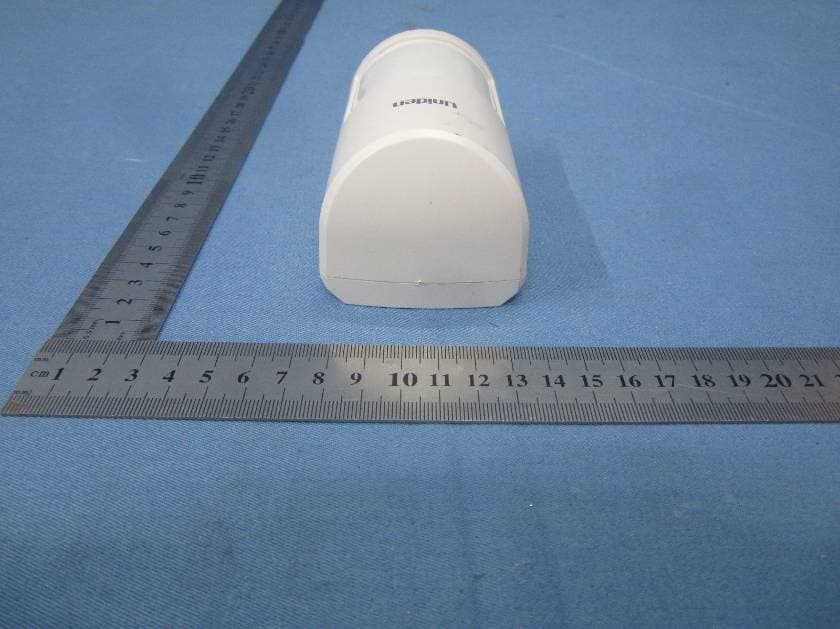
LE2PIR31
Nov 21, 2015Wireless portable / wall-mount area motion alert sensor
Equipment Class
DXX - Part 15 Low Power Communication Device Transmitter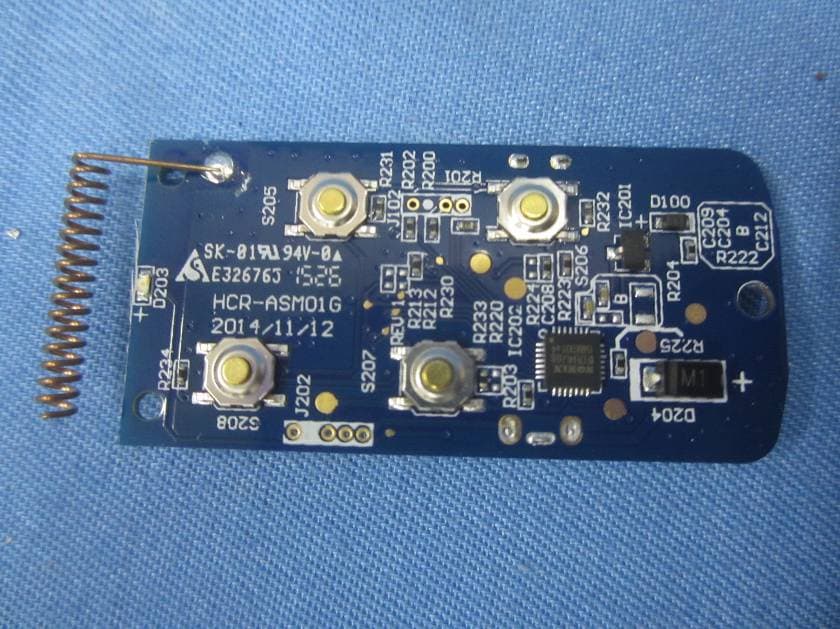
LE2RC41
Nov 21, 2015Wireless multi-functional panic remote controller
Equipment Class
DXX - Part 15 Low Power Communication Device Transmitter
LE2APPCAM26PTA
Jun 13, 2015720p PT WIFI Camera
Equipment Class
DTS - Digital Transmission System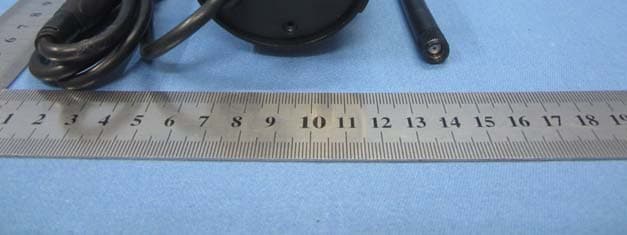
LE2APPCAM25HDA
May 25, 2015720p WIFI Camera
Equipment Class
DTS - Digital Transmission System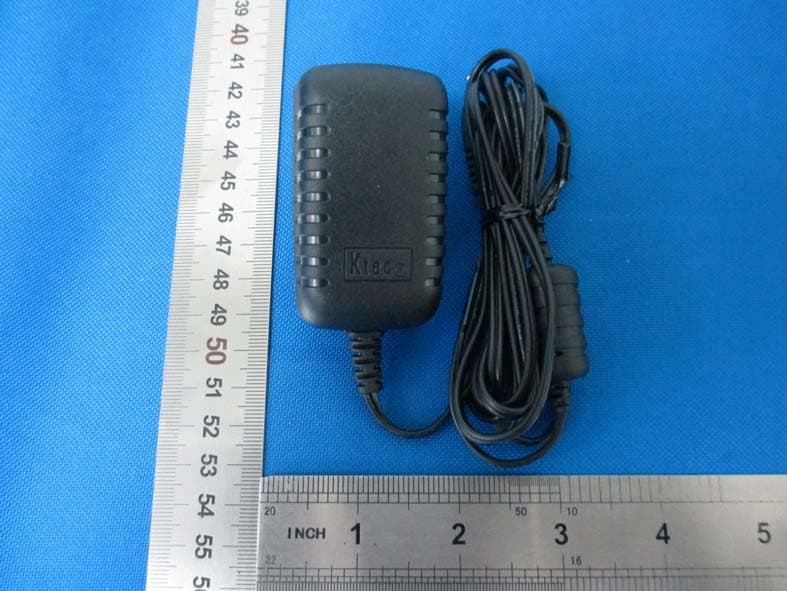
LE2APPCAM24HD
May 24, 2015720p WIFI Camera
Equipment Class
DTS - Digital Transmission System