M9H189459673Bluetooth Headset
Sagem Wireless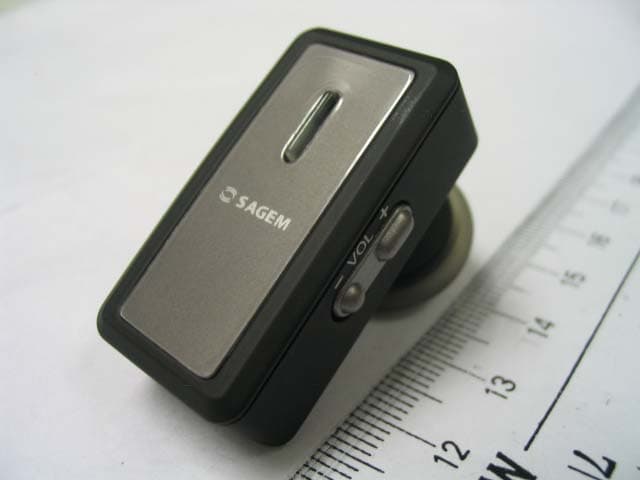
Click to zoom
Application Details
- Equipment Class
- DSS - Part 15 Spread Spectrum Transmitter
- Date of Grant
- Nov 12, 2006
- Application Purpose
- Original Equipment
- Date of Application
- Nov 12, 2006
- Equipment Note
- Bluetooth Headset
- Frequency Range
- 2402.00000000 - 2480.00000000
- Company
- Sagem Wireless
- Country
- France
Documents & Files
Document Text
Text extracted from the exhibit documents filed with the FCC. Open a document above to read the original.
Users Manual
www.tuv.com Test Report No.: 14014172 001 Appendix 4 page 13 of 33 1.6 User Manual (Cover) Sagem BT H4 User Guide Version 2.0 11-Nov-2006 Sagem Model Number: 189459673 www.tuv.com Test Report No.: 14014172 001 Appendix 4 page 14 of 33 [Inside Cover] Sagem BT H4 Bluetooth Headset gives you more freedom on the move. Pair with compatible Bluetooth mobile phones and this headset makes it easier for you to carry on with your tasks whilst making a call. Sagem BT H4 Bluetooth Headset is compliant with Bluetooth Version 1.2 Class 2 specifications, and is compatible with the latest mobile phones supporting Bluetooth Headset or Handsfree and Object Push Profiles. www.tuv.com Test Report No.: 14014172 001 Appendix 4 page 15 of 33 (Page 0) Contents Title Page Sagem BT H4 Bluetooth Headset Overview 1 Getting Started 2 Charging Your Headset Normal Charging Time Talk and Standby Time Battery Low Indication 3-4 4 4 4 Turning Your Headset On and Off 5 Pairing Your Headset 6-7 Using Your Sagem BT H4 Headset Answering a Call Ending a Call Adjusting the Volume Muting a Built-in Microphone Dialing from Your Mobile Phone Voice Dialing from Your Headset Last Number Redialing from Your Headset Rejecting a Call (Handsfree Profile ONLY) Transferring a Call (Handsfree Profile ONLY) 8-10 8 8 8 8 9 9 9 10 10 Resetting or Removing Pairing 11 Care and Maintenance Headset Built-in Battery Charger 12-13 12 13 13 Safety Information 14 Troubleshooting 15 Product Specifications 16 www.tuv.com Test Report No.: 14014172 001 Appendix 4 page 16 of 33 (Page 1) Sagem BT H4 Bluetooth Headset Overview - Figure 1 1 Status Indicator (This small light will flash red, blue or purple dependant on pairing mode and operation) and Multi-function Button (MFB) 2 Earpiece 3 Volume Button (+/-) 4 Favourite key 5 Built-in Microphone 6 Built-in Rechargeable Battery 7 DC Jack 1 2 3 5 4 6 7 www.tuv.com Test Report No.: 14014172 001 Appendix 4 page 17 of 33 Getting Started (Page 2) To use your Sagem BT H4 Bluetooth Headset (“the headset”), please follow the steps below: 1. Ensure your headset is fully charged 2. Pair your charged headset with a Bluetooth-enabled mobile phone www.tuv.com Test Report No.: 14014172 001 Appendix 4 page 18 of 33 (Page 3) Charging Your Headset Figure 3 The headset comes with a built-in rechargeable battery. Prior to using the headset for the first time, it is recommended to fully charge the battery first. + + Sagem MyC / MyG and Mini USB Charger Sagem MyC / MyG and Mini USB Charger Adaptor Sagem BT H4 Headset www.tuv.com Test Report No.: 14014172 001 Appendix 4 page 19 of 33 (Page 4) Insert the Sagem charger plug into the charger adaptor and then Charger Adaptor plug into the Sagem BT H4 Headset for Charging. The light on the Sagem BT H4 Headset (status indicator) will stay red during charging. IMPORTANT: Charging indication will be delayed for a few seconds if the headset has not been used for a long time or the battery is drained. Normal Charging Time It takes about three hours to fully charge the battery. When the battery is fully charged, the status indicator will turn blue and remain on. Unplug the mains charger from the AC wall outlet and the charger plug from the headset. Press and hold the MFB (refer to Figure 1) for two seconds to turn on the headset. Please refer to “Turning Your Headset On and Off” on the next page for further details. Important: The headset will turn off and no operation while in charging mode. For details, please refer to "Charging your headset" section. Talk and Standby Time A fully charged battery can offer up to 12 hours of talk time and up to 180 hours of standby time. When there are no calls the headset should remain turned on in standby mode. Battery Low Indication When the battery has become low when the headset is on, the status indicator will flash red and the headset will emit a beep* every minute. Please follow the instructions described above to recharge the battery. *If you are pairing your headset and your mobile phone in a noisy environment, we advise you to put on the earphone first so that the beep will be more audible. www.tuv.com Test Report No.: 14014172 001 Appendix 4 page 20 of 33 (Page 5) Turning Your Headset On and Off Turning On the Headset Press and hold the MFB (see Figure 1) for two seconds until you hear a short beep. The status indicator will then flash blue. IMPORTANT: Press the MFB again when you want to turn on the headset to re-activate pairing and ensure the connection between the headset and the mobile phone is resumed. For pairing, please refer to “Pairing Your Headset” on page 6 of this user guide. Turning Off the Headset Press and hold the MFB for two seconds until you hear a long beep. The status indicator will turn red and the headset will turn off. IMPORTANT: To disconnect the Bluetooth connection, press the headset’s MFB firmly to turn it off. If you will not be using the headset for a while, we advise you turn off the Bluetooth function on your mobile phone as well. www.tuv.com Test Report No.: 14014172 001 Appendix 4 page 21 of 33 (Page 6) Pairing Your Headset Figure 4 The headset works with Bluetooth-enabled mobile phones only. Prior to using and pairing your headset for the first time, please check if your mobile phone is Bluetooth-enabled. This information will normally feature on the packaging or user guide that is provided with your mobile phone. The pairing instructions for a typical Bluetooth-enabled mobile phone are explained on the next page. The headset pairing procedure may vary depending on the model of your mobile phone. Please contact the manufacturer of your mobile phone or its agent for further information. www.tuv.com Test Report No.: 14014172 001 Appendix 4 page 22 of 33 (Page 7) Pairing Your Headset 1. Place the headset and the mobile phone where they are no more than one metre apart. 2. Ensure the headset is off. (The status indicator is unlit and does not flash.) 3. Press and hold the MFB until the headset’s status indicator …
Text truncated - open the document above for the full version.
External Photos
www.tuv.com Test Report No.: 14014172 001 Appendix 3 page 1 of 6 Appendix 3 Construction Photos www.tuv.com Test Report No.: 14014172 001 Appendix 3 page 2 of 6 1.1 External view 1.1.1 Front view 1.1.2 Rear view www.tuv.com Test Report No.: 14014172 001 Appendix 3 page 3 of 6 1.1.3 Side view 1 1.1.4 Side view 2 www.tuv.com Test Report No.: 14014172 001 Appendix 3 page 4 of 6 1.1.5 Side view 3
Internal Photos
www.tuv.com Test Report No.: 14014172 001 Appendix 3 page 5 of 6 1.2 Internal view 1.2.1 Front side 1 1.2.2 Front side 2 www.tuv.com Test Report No.: 14014172 001 Appendix 3 page 6 of 6 1.2.3 Front side 3
Test Report
www.tuv.com Test Report No.: 14014172 001 Date: 02.11.2006 page 2 of 12 Table of Content Page Cover Page .................................................................................1 Table of Content ..........................................................................2 Product information.......................................................................................................3 Manufacturers declarations ....................................................................................................................... 3 Product function and intended use........................................................................................................... 3 Submitted documents ................................................................................................................................ 3 List of Test and Measurement Instruments.................................................................4 Result FCC Part 15 – Subpart C ...................................................................................5 Subclause 15.203 – Antenna Information....................................................................... Pass................. 5 Subclause 15.204 – Antenna Information....................................................................... Pass................. 5 Subclause 15.207 – Disturbance Voltage on AC Mains ................................................. N.A.................. 5 Subclause 15.247 (a) – Carrier Frequency Separation.................................................. Pass................. 5 Subclause 15.247 (a) – Time of Occupancy (Dwell Time) ............................................. Pass................. 6 Subclause 15.247 (a) – 20 dB Bandwidth ....................................................................... Pass................. 7 Subclause 15.247 (a) – Hopping Sequence .................................................................... Pass.................7 Subclause 15.247 (a) – Equal Hopping Frequency Use ................................................ Pass................. 8 Subclause 15.247 (a) – Receiver Input Bandwidth ........................................................ Pass................. 9 Subclause 15.247 (a) – Receiver Hopping Capability.................................................... Pass................. 9 Subclause 15.247 (b) – Peak Output Power ................................................................... Pass.................9 Subclause 15.247 (b) – Band edge compliance ............................................................. Pass............... 10 Subclause 15.247 (c) – Spurious Conducted Emissions .............................................. Pass............... 10 Subclause 15.247 (c) – Spurious Radiated Emissions.................................................. Pass............... 11 Appendix 1 – Test protocols 15 pages Appendix 2 – Test setup 2 pages Appendix 3 – Photo documentation 6 pages Appendix 4 – Product documentation 33 pages www.tuv.com Test Report No.: 14014172 001 Date: 02.11.2006 page 3 of 12 Product information Manufacturers declarations Transceiver Operating frequency range 2402 - 2480 MHz Type of modulation FHSS modulation Number of channels 79 Channel separation 1 MHz Type of antenna Integral Antenna Antenna gain (dBi) 1.2 Power level fix Type of equipment stand alone, plug-in radio device Connection to public utility power line No Nominal voltage V nor : 3.7 V Independent Operation Modes Page scan Inquiry scan Connection state - ACL Link Connection state - SCO Link Product function and intended use The test item is a Bluetooth Headset based on the Bluetooth technology. Bluetooth is a short-range radio link intended to be a cable replacement between portable and/or fixed electronic devices. Bluetooth operates in the unlicensed ISM Band at 2.4 GHz. In the US a band of 83.5 MHz width is available. In this band, 79 RF channels spaced 1 MHz apart are defined. The channel is represented by a pseudo-random hopping sequence through the 79 channels. The channel is divided into time slots, with a nominal slot length of 625 μs, where each slot corresponds to different RF hop frequencies. The nominal hop rate is 1600 hops/s. The symbol rate on the channel is 1 Ms/s. Submitted documents Circuit Diagram Block Diagram Bill of material User manual www.tuv.com Test Report No.: 14014172 001 Date: 02.11.2006 page 4 of 12 List of Test and Measurement Instruments Hong Kong Productivity Council (Registration number: 90656) Kind of Equipment Manufacturer Type S/N Double Ridge Horn Antenna EMCO 3115 9002-3347 Spectrum Analyzer Rohde & SchwarzFSP30 1093.4495K30 Active Loop Antenna EMCO 6502 9107-2651 TÜV Rheinland Hong Kong Ltd. Kind of Equipment Manufacturer Type S/N Spectrum Analyser R&S FSP 30 100007 www.tuv.com Test Report No.: 14014172 001 Date: 02.11.2006 page 5 of 12 Result FCC Part 15 – Subpart C Subclause 15.203 – Antenna Information Pass Requirement: No antenna other than that furnished by the responsible party shall be used with the device Result: Permanent attached antenna Verdict: Pass Subclause 15.204 – Antenna Information Pass Requirement: Provide information for every antenna proposed for the use with the EUT Result: a) Antenna type: Integral antenna soldered to the circuit board b) Manufacturer and model no: N.A. c) Gain with reference to an isotropic radiator: 1.2 dBi Verdict: Pass Subclause 15.207 – Disturbance Voltage on AC Mains N.A. The device is not functioning (no RF radiations) during charging Subclause 15.247 (a) – Carrier Frequency Separation Pass Requirement: Frequency hopping systems shall have hopping channel carrier frequencies separated by a minimum of 25kHz or the 20dB bandwidth of the hopping channel, whichever is greater. Test Specification : FCC Part 15 Subpart A – Subclause 15.31 Mode of operation : Tx mode (hopping on), DH1 packet Port of testing : Temporary antenna port Detector : Peak RBW/VBW : 100 kHz / 300 kHz Supply vol…
Text truncated - open the document above for the full version.
Test Report
www.tuv.com Test Report No.: 14014172 001 Appendix 1 page 1 of 15 Appendix 1 Test results www.tuv.com Test Report No.: 14014172 001 Appendix 1 page 2 of 15 Carrier Frequency Separation Reference frequency (MHz) Channel Separation (MHz) 2441.000 1.008 A 2.441012 GHz RBW 100 kHz 2.441012 GHzVBW 300 kHz 2.441012 GHz SWT 2.5 ms 2.441012 GHz Ref 20 dBm 2.441012 GHz Center 2.441 GHz 2.441012 GHz Span 3 MHz 2.441012 GHz 300 kHz/ 2.441012 GHz Att 30 dB 2.441012 GHz * 2.441012 GHz 1 PK 2.441012 GHz MAXH 2.441012 GHz 2.441012 GHz 2.441012 GHz 2.441012 GHz 2.441012 GHz 2.441012 GHz 2.441012 GHz 2.441012 GHz 2.441012 GHz 2.441012 GHz -80 -70 -60 -50 -40 -30 -20 -10 0 10 20 2.441012 GHz 1 Marker 1 [T1 ] -7.30 dBm 2.441012000 GHz 2 Delta 2 [T1 ] 0.03 dB -1.008000000 MHz 3 Delta 3 [T1 ] -0.04 dB 1.002000000 MHz MARKER 1 2.441012 GHz Date: 7.SEP.2006 11:53:39 www.tuv.com Test Report No.: 14014172 001 Appendix 1 page 3 of 15 Dwell Time Burst Duration (ms) Number of hopping Time of occupancy (s) Results 2.92 64 0.00292 x 64 = 0.18688 Pass Ref 20 dBm 2.92 ms Att 30 dB 2.92 ms * 2.92 ms CLRWR 2.92 ms A 2.92 ms RBW 1 MHz 2.92 msVBW 3 MHz 2.92 ms TRG 2.92 ms Center 2.441 GHz 2.92 ms 400 μs/ 2.92 ms SWT 4 ms 2.92 ms * 2.92 ms 1 PK 2.92 ms 2.92 ms 2.92 ms 2.92 ms 2.92 ms 2.92 ms 2.92 ms 2.92 ms 2.92 ms 2.92 ms -80 -70 -60 -50 -40 -30 -20 -10 0 10 20 2.92 ms 1 Marker 1 [T1 ] -8.05 dBm 4.000000 μs 2 Delta 2 [T1 ] -0.11 dB 2.920000 ms TRG -8.8 dBm DELTA MARKER 2 2.92 ms Date: 7.SEP.2006 11:58:10 www.tuv.com Test Report No.: 14014172 001 Appendix 1 page 4 of 15 Ref 20 dBm 31.6 s Att 30 dB 31.6 s * 31.6 s CLRWR 31.6 s A 31.6 s RBW 1 MHz 31.6 sVBW 3 MHz 31.6 s 31.6 s 31.6 s 31.6 s 31.6 s 31.6 s 31.6 s 31.6 s 31.6 s 31.6 s * 31.6 s 1 PK 31.6 s SGL 31.6 s Center 2.441 GHz 31.6 s 3.16 s/ 31.6 s SWT 31.6 s 31.6 s -80 -70 -60 -50 -40 -30 -20 -10 0 10 20 31.6 s SWEEP TIME 31.6 s Date: 7.SEP.2006 11:59:36 www.tuv.com Test Report No.: 14014172 001 Appendix 1 page 5 of 15 20dB Bandwidth Tx frequency (MHz) ∆f L (MHz) ∆fH (MHz) |∆fH|+|∆fL| (MHz) Results 2402 0.468 0.460 0.928 Pass 2441 0.460 0.468 0.928 Pass 2480 0.464 0.460 0.924 Pass Tx frequency: 2402MHz Ref 20 dBm 2.402468 GHz Att 30 dB 2.402468 GHz * 2.402468 GHz A 2.402468 GHz Center 2.402 GHz 2.402468 GHz Span 2 MHz 2.402468 GHz 200 kHz/ 2.402468 GHz 1 PK 2.402468 GHz MAXH 2.402468 GHz * 2.402468 GHz RBW 30 kHz 2.402468 GHzVBW 100 kHz 2.402468 GHz SWT 2.5 ms 2.402468 GHz 2.402468 GHz 2.402468 GHz 2.402468 GHz 2.402468 GHz 2.402468 GHz 2.402468 GHz 2.402468 GHz 2.402468 GHz 2.402468 GHz -80 -70 -60 -50 -40 -30 -20 -10 0 10 20 2.402468 GHz 1 Marker 1 [T1 ] -2.49 dBm 2.402008000 GHz 2 Delta 2 [T1 ] -21.47 dB -468.000000000 kHz 3 Delta 3 [T1 ] -20.11 dB 460.000000000 kHz TH -22.49 dBm F1 F2 FREQUENCY LINE 2 2.402468 GHz Date: 7.SEP.2006 13:31:07 www.tuv.com Test Report No.: 14014172 001 Appendix 1 page 6 of 15 Tx frequency: 2441MHz Ref 20 dBm 2.441004 GHz Att 30 dB 2.441004 GHz * 2.441004 GHz A 2.441004 GHz MAXH 2.441004 GHz 1 PK 2.441004 GHz Center 2.441 GHz 2.441004 GHz Span 2 MHz 2.441004 GHz 200 kHz/ 2.441004 GHz * 2.441004 GHz RBW 30 kHz 2.441004 GHzVBW 100 kHz 2.441004 GHz SWT 2.5 ms 2.441004 GHz 2.441004 GHz 2.441004 GHz 2.441004 GHz 2.441004 GHz 2.441004 GHz 2.441004 GHz 2.441004 GHz 2.441004 GHz 2.441004 GHz -80 -70 -60 -50 -40 -30 -20 -10 0 10 20 2.441004 GHz 1 Marker 1 [T1 ] -2.64 dBm 2.441004000 GHz 2 Delta 2 [T1 ] -20.43 dB -460.000000000 kHz 3 Delta 3 [T1 ] -20.13 dB 468.000000000 kHz TH -22.64 dBm F1 F2 MARKER 1 2.441004 GHz Date: 7.SEP.2006 13:36:00 Tx frequency: 2480MHz Ref 20 dBm 2.480008 GHz Att 30 dB 2.480008 GHz * 2.480008 GHz A 2.480008 GHz MAXH 2.480008 GHz 1 PK 2.480008 GHz Center 2.48 GHz 2.480008 GHz Span 2 MHz 2.480008 GHz 200 kHz/ 2.480008 GHz * 2.480008 GHz RBW 30 kHz 2.480008 GHzVBW 100 kHz 2.480008 GHz SWT 2.5 ms 2.480008 GHz 2.480008 GHz 2.480008 GHz 2.480008 GHz 2.480008 GHz 2.480008 GHz 2.480008 GHz 2.480008 GHz 2.480008 GHz 2.480008 GHz -80 -70 -60 -50 -40 -30 -20 -10 0 10 20 2.480008 GHz 1 Marker 1 [T1 ] -2.67 dBm 2.480008000 GHz 2 Delta 2 [T1 ] -20.97 dB -464.000000000 kHz 3 Delta 3 [T1 ] -20.09 dB 460.000000000 kHz TH -22.7 dBm F1 F2 MARKER 1 2.480008 GHz Date: 7.SEP.2006 13:42:38 www.tuv.com Test Report No.: 14014172 001 Appendix 1 page 7 of 15 Peak Output Power Tx frequency: 2402MHz Ref 20 dBm 2.40191 GHz Att 30 dB 2.40191 GHz * 2.40191 GHz A 2.40191 GHz MAXH 2.40191 GHz 1 PK 2.40191 GHz 2.40191 GHz 2.40191 GHz 2.40191 GHz 2.40191 GHz 2.40191 GHz 2.40191 GHz 2.40191 GHz 2.40191 GHz 2.40191 GHz Center 2.402 GHz 2.40191 GHz Span 5 MHz 2.40191 GHz 500 kHz/ 2.40191 GHz * 2.40191 GHz RBW 1 MHz 2.40191 GHzVBW 3 MHz 2.40191 GHz SWT 2.5 ms 2.40191 GHz -80 -70 -60 -50 -40 -30 -20 -10 0 10 20 2.40191 GHz 1 Marker 1 [T1 ] -2.89 dBm 2.401910000 GHz MARKER 1 2.40191 GHz Date: 7.SEP.2006 13:43:48 www.tuv.com Test Report No.: 14014172 001 Appendix 1 page 8 of 15 Tx frequency: 2441MHz Ref 20 dBm 2.44091 GHz Att 30 dB 2.44091 GHz * 2.44091 GHz A 2.44091 GHz 2.44091 GHz 2.44091 GHz 2.44091 GHz 2.44091 GHz 2.44091 GHz 2.44091 GHz 2.44091 GHz 2.44091 GHz 2.44091 GHz 1 PK 2.44091 GHz MAXH 2.44091 GHz Center 2.441 GHz 2.44091 GHz Span 5 MHz 2.44091 GHz 500 kHz/ 2.44091 GHz * 2.44091 GHz RBW 1 MHz 2.44091 GHzVBW 3 MHz 2.44091 GHz SWT 2.5 ms 2.44091 GHz -80 -70 -60 -50 -40 -30 -20 -10 0 10 20 2.44091 GHz 1 Marker 1 [T1 ] -3.02 dBm 2.440910000 GHz MARKER 1 2.44091 GHz Date: 7.SEP.2006 13:44:36 Tx frequency: 2480MHz Ref 20 dBm 2.44091 GHz Att 30 dB 2.44091 GHz * 2.44091 GHz A 2.44091 GHz 2.44091 GHz 2.44091 GHz 2.44091 GHz 2.44091 GHz 2.44091 GHz 2.44091 GHz 2.44091 GHz 2.44091 GHz 2.44091 GHz 1 PK 2.44091 GHz MAXH 2.44091 GHz Center 2.441 GHz 2.44091 GHz Span 5 MHz 2.44091 GHz 500 kHz/ 2.44091 GHz * 2.44091 GHz RBW 1 MHz 2.44091 GHzVBW 3 MHz 2.44091 GHz SWT 2.5 ms 2.44091 GHz -80 -70 -60 -50 -40 -30 -20 -10 0 10 20 2.44091 GHz 1 Marker 1 [T1 ] -3.02 dBm 2.440910000 GHz MARKER 1 2.44091 GHz Date: 7.SEP.2006 13:44:36 www.tuv.com Test Report No.: 14014172 001 App…
Text truncated - open the document above for the full version.
Test Setup Photos
www.tuv.com Test Report No.: 14014172 001 Appendix 2 page 1 of 2 Appendix 2 Test Setup Photos www.tuv.com Test Report No.: 14014172 001 Appendix 2 page 2 of 2 Set-up for Radiation Emission (Transceiver)
Contact Information
Applicant
Francois CHAMBON(GM)
Technical Contact
T�V Rheinland Hong Kong Ltd.Thomas Berns
[email protected]+852 2192 1000
Unit 8, 25/F, Skyline Tower · Hong Kong · Hong Kong
Test Firm
Hong Kong Productivity CouncilIr Angel Wong Yuen-yee
Technical Specifications
| # | Rule Parts | Frequency Range | Power Output |
|---|---|---|---|
| 1 | 15C | 2.40 GHz - 2.48 GHz | 1.20 mW |
Other Applications from Sagem Wireless
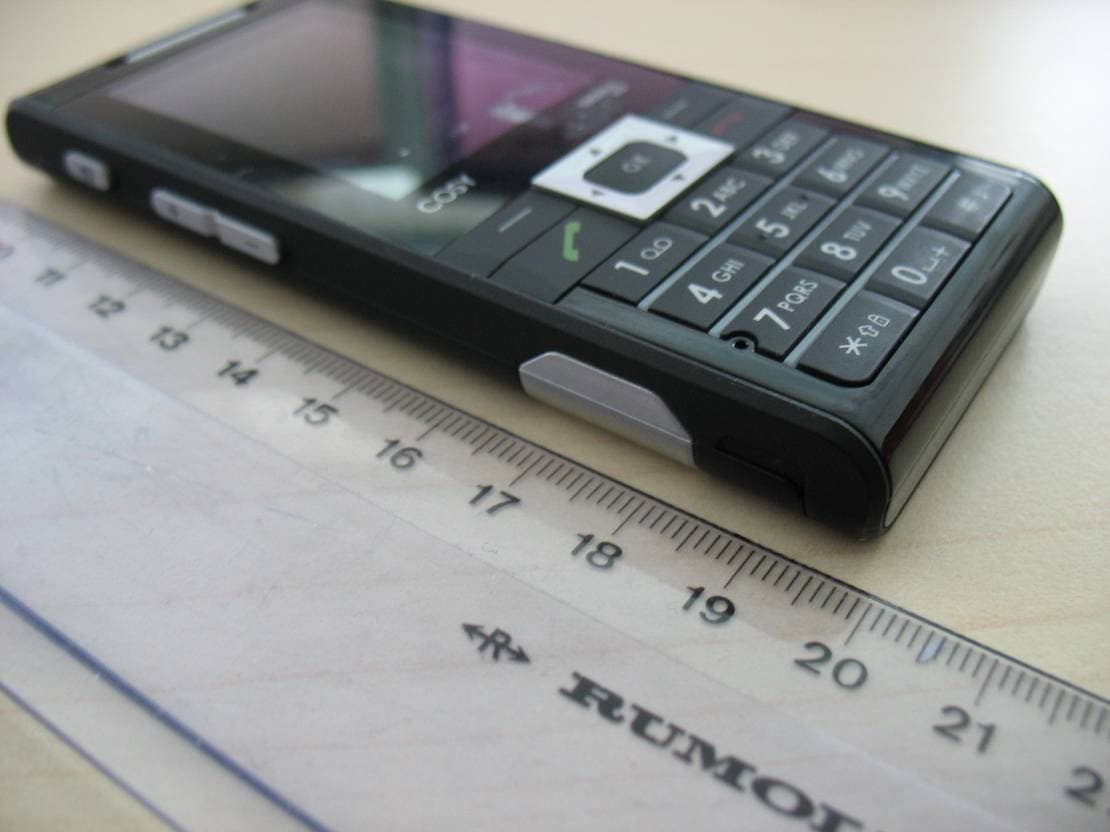
M9HCOSY3G
Oct 13, 2010COSY Phone 3G
Equipment Class
DXX - Part 15 Low Power Communication Device Transmitter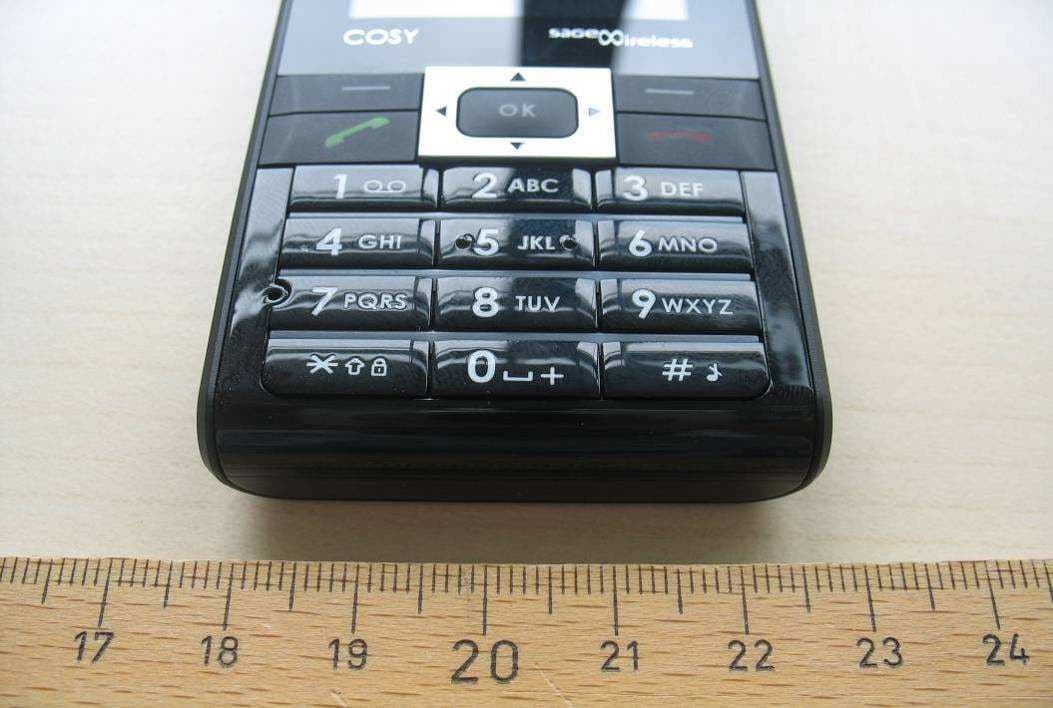
M9HCOSY2G
Sep 06, 2010COSY Phone 2G
Equipment Class
PCE - PCS Licensed Transmitter held to ear
M9HMOV001
Aug 18, 2010Handheld Top Up Terminal
Equipment Class
PCT - PCS Licensed Transmitter worn on body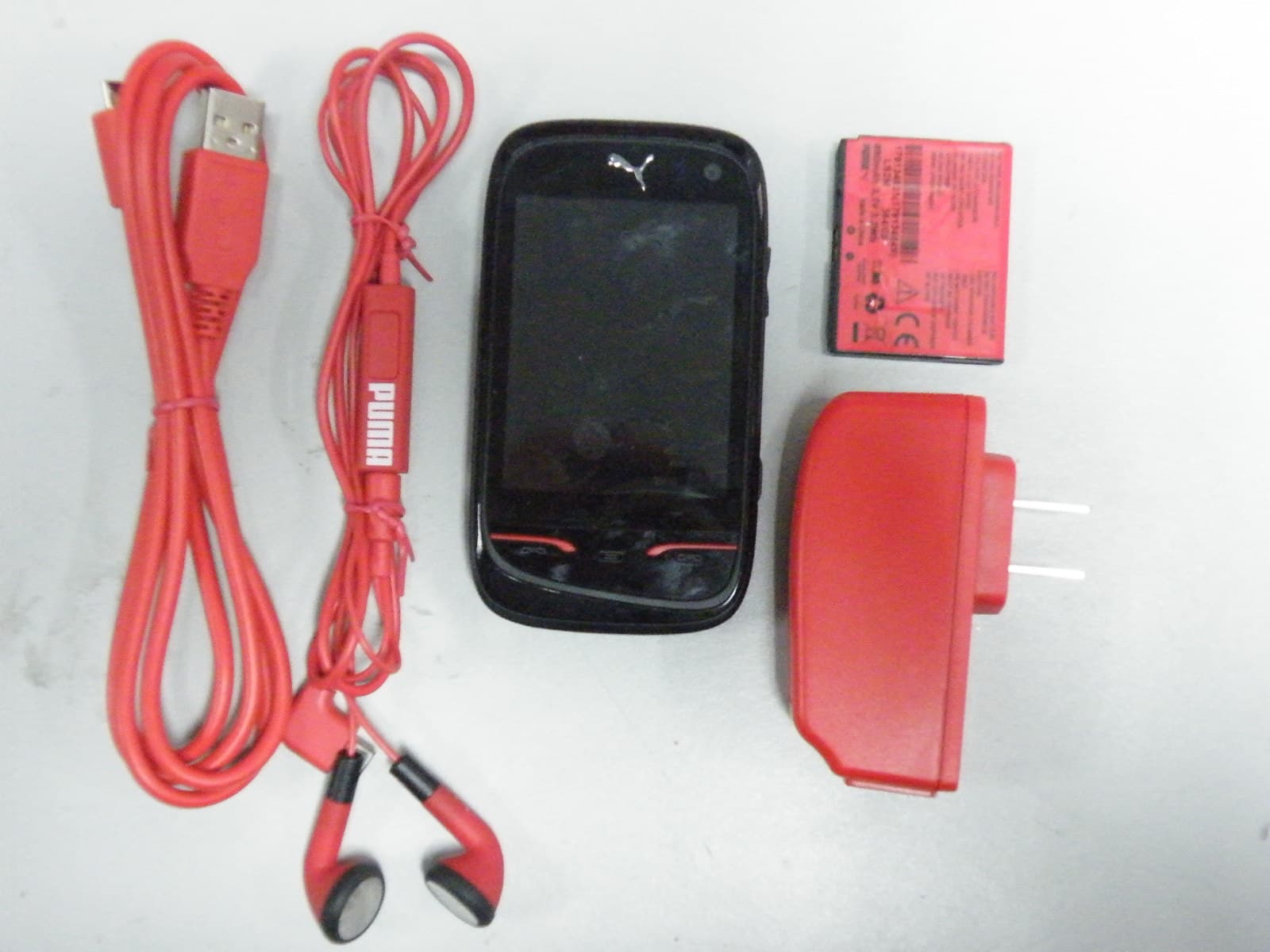
M9HPM1
Apr 26, 2010Mobile phone
Equipment Class
PCE - PCS Licensed Transmitter held to ear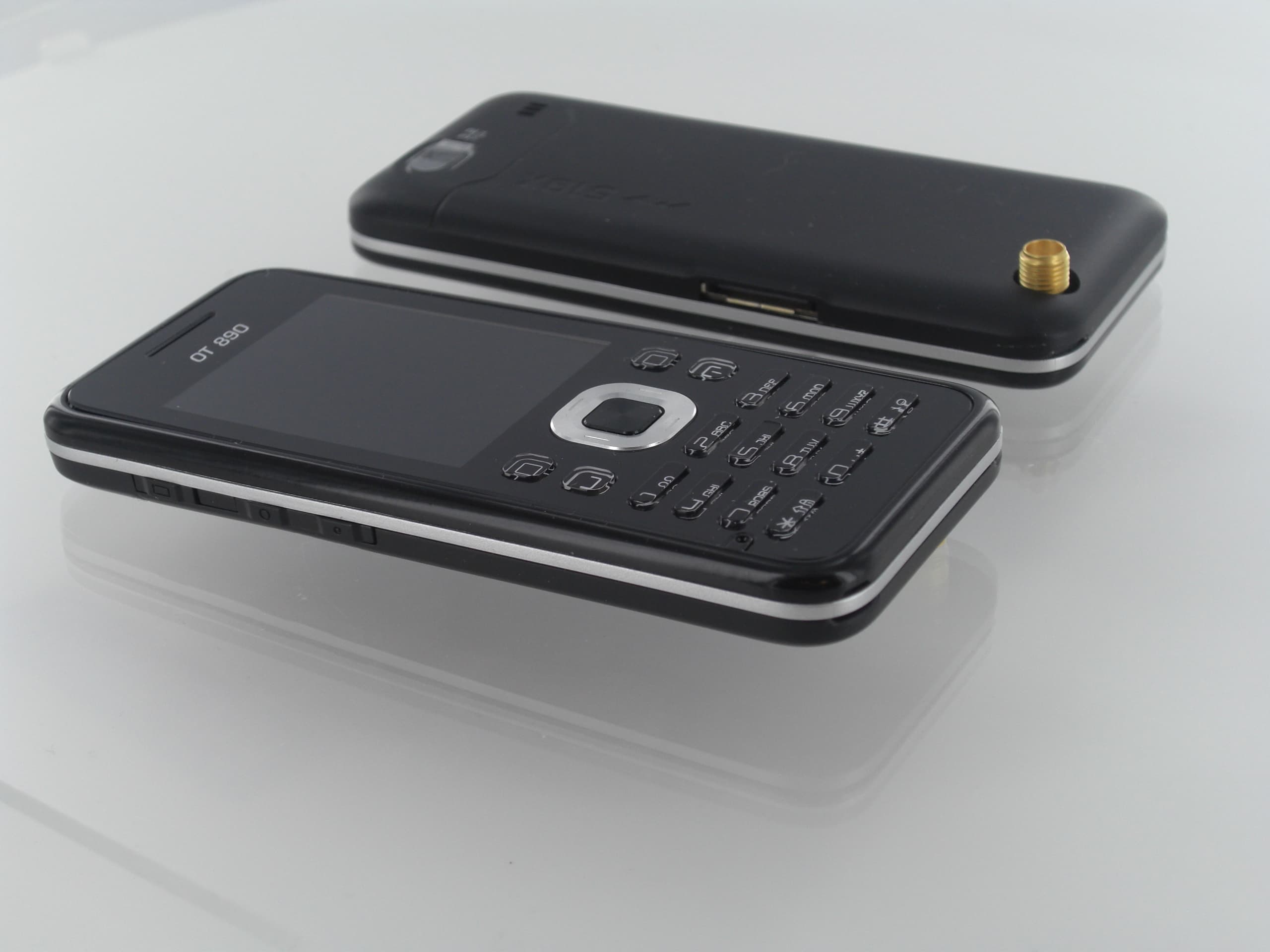
M9HOT8X0RF
Jan 31, 2010Network Measurement Device
Equipment Class
JBP - Part 15 Class B Computing Device Peripheral