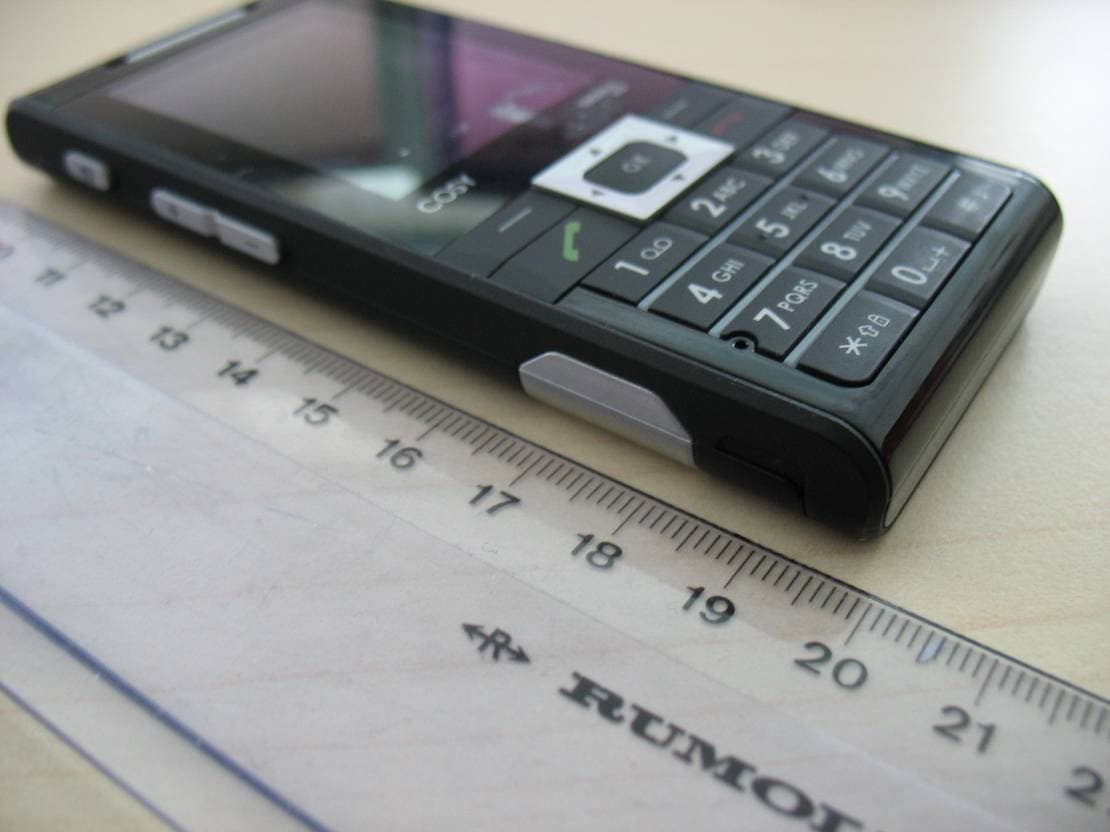
M9HEP2006Triple Band GSM 900/1800/1900 MHz Mobile Phone
Sagem Wireless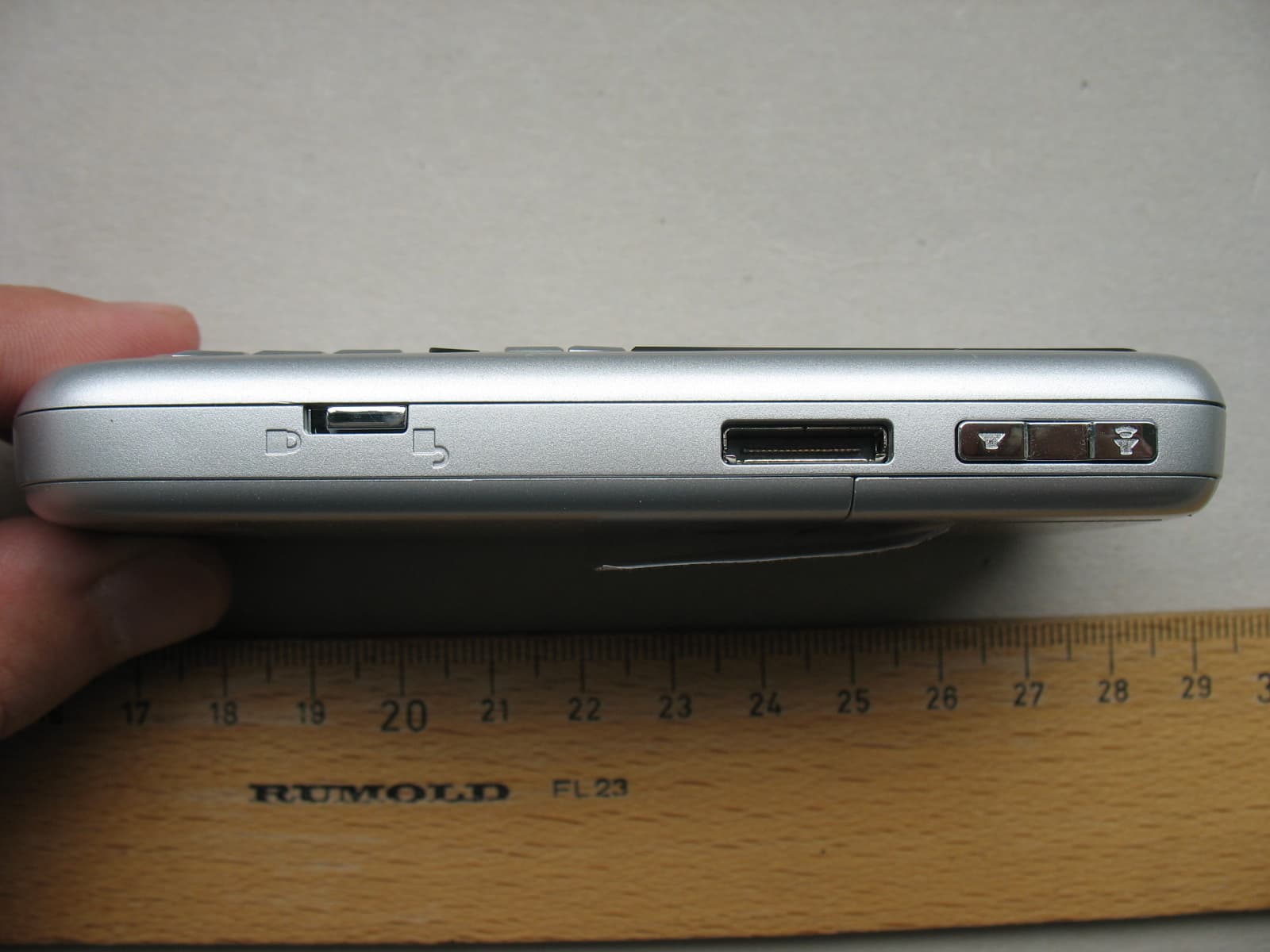
Click to zoom
Application Details
- Equipment Class
- PCE - PCS Licensed Transmitter held to ear
- Date of Grant
- Jun 21, 2006
- Application Purpose
- Original Equipment
- Date of Application
- Jun 21, 2006
- Equipment Note
- Triple Band GSM 900/1800/1900 MHz Mobile Phone
- Frequency Range
- 1850.20000000 - 1909.80000000
- Company
- Sagem Wireless
- Country
- France
Documents & Files
Document Text
Text extracted from the exhibit documents filed with the FCC. Open a document above to read the original.
Users Manual
Technical manual Vodafone Simply Sagem VS4 1 You have just purchased a SAGEM phone. We congratulate you! In order to use your phone efficiently and safely, we recommend that you read this handbook carefully. Your phone can be used internationally in the various networks (GSM 900 MHz, DCS 1800 MHz or PCS 1900 MHz) depending on the roaming arrangements with your operator. Some services described in this guide may not be available from the network or when roaming, or may require a specific subscription. Remember to back up your data and programs frequently, and before sending the mobile phone for repair. This phone, like any other wireless phone, operates using radio signals and networks. Connection in all locations and conditions cannot be guaranteed. Therefore you should never rely solely on any wireless phone for essential communications (for example, medical emergencies). In some jurisdictions it may be unlawful to take a picture without notice to or the consent of all participants. WARNING Depending on the model, network configuration and associated subscription cards, certain functions may not be available. Ensure that your SIM card is a 3 V SIM type that is compatible with your phone. Inserting an incompatible card will be indicated by a message when your phone is switched on. Contact your operator. Your phone is identified by its IMEI number. Write this number down, and do not keep it with your phone, because you may be asked for it in the event of your phone being stolen, in order to prevent it from being used, even with a different SIM card. In order to display the IMEI on your phone's screen, type: *#06#. 2 CONTENTS 1. INTRODUCTION.................................................................................................7 1.1 Your Vodafone Simply Mobile Phone........................................................7 1.2 About the Vodafone SIM card....................................................................7 2. THE SIXBASIC MENUS......................................................................................8 2.1 Home button – grey area...........................................................................8 2.2 Contacts button – red area........................................................................8 2.3 Log button – green area............................................................................8 2.4 Settings – grey area...................................................................................9 2.5 Call screen – green area...........................................................................9 2.6 Locked screen – black/grey area...............................................................9 3. SCOPE OF DELIVERY......................................................................................12 4. AN INITIAL OVERVIEW.....................................................................................13 4.1 The keys...................................................................................................13 4.2 The home screen......................................................................................13 4.3 The connections.......................................................................................14 5. INITIAL OPERATION.........................................................................................16 5.1 Inserting the SIM card...............................................................................16 5.2 Phone’s IMEI number...............................................................................17 5.3 Charging the battery.................................................................................17 5.4 Locking and unlocking..............................................................................18 5.5 Switching on and off.................................................................................18 5.6 Entering the PIN number..........................................................................19 5.7 Entering the time and date........................................................................19 5.8 Entering Voicemail number.......................................................................19 5.9 PIN number entered incorrectly?..............................................................19 6. MAKING CALLS, RECEIVING CALLS, MAILBOX QUERY, EMERGENCY CALLS................................................................................................................20 6.1 Recommendation......................................................................................20 6.2 Making calls ..............................................................................................20 6.3 Receiving calls..........................................................................................22 6.4 Adjusting the ring tone profile...................................................................23 6.5 Checking your voicemail ...........................................................................24 6.6 Emergency call.........................................................................................25 3 7. NAVIGATION.....................................................................................................26 7.1 The three fixed keys "Home", "Contacts", "Log".......................................26 7.2 Left and right menu keys..........................................................................26 7.3 The "Hello" key.........................................................................................26 7.4 The Goodbye and back key ......................................................................26 7.5 The Up/Down key.....................................................................................26 7.6 The Tips function......................................................................................27 8. YOUR CONTACTS.............................................................................................28 8.…
Text truncated - open the document above for the full version.
ID Label/Location Info
TELEPHONIE MOBILE MOBILE PHONES Date : 22/06/06 Document Sagem Communication Reproduction et divulgation interdites 1/7 LABEL INFORMATION EP2006 DIFFUSION: Société Nom Original Copies 1 ère page CONCLUSION OU RESUME : L ABEL INFORMATION FOR EP2006 APPROBATION : Auteur Nom : B. Perdigues Date : 22/06/06 Visa : TELEPHONIE MOBILE MOBILE PHONES Date : 22/06/06 Document Sagem Communication Reproduction et divulgation interdites 2/7 HISTORIQUE DES REVISIONS Indice Date Auteur Objet de la révision A 22/06/06 B. Perdigues Création du document TELEPHONIE MOBILE MOBILE PHONES Date : 22/06/06 Document Sagem Communication Reproduction et divulgation interdites 3/7 SOMMAIRE 1. PRODUCT .................................................................................................................................................................. 4 1.1 EP2006 ...................................................................................................................................................... 4 2. LABEL ......................................................................................................................................................................... 5 2.1 LABEL LOCATION .................................................................................................................................... 5 2.2 LABEL INFORMATION.............................................................................................................................. 6 TELEPHONIE MOBILE MOBILE PHONES Date : 22/06/06 Document Sagem Communication Reproduction et divulgation interdites 4/7 1. PRODUCT 1.1 EP2006 TELEPHONIE MOBILE MOBILE PHONES Date : 22/06/06 Document Sagem Communication Reproduction et divulgation interdites 5/7 2. LABEL 2.1 LABEL LOCATION TELEPHONIE MOBILE MOBILE PHONES Date : 22/06/06 Document Sagem Communication Reproduction et divulgation interdites 6/7 2.2 LABEL INFORMATION TELEPHONIE MOBILE MOBILE PHONES Date : 22/06/06 Document Sagem Communication Reproduction et divulgation interdites 7/7 Type of equipment : Triple Band GSM Mobile Phone (GSM900 / DCS1800 / PCS1900 MHz) GPRS : Class 8 Type designation : EP2006 Hardware Version : V0x Software Version : L FCC ID : M9HEP2006 FCC Reg. Number : 0006-7315-09
RF Exposure Info
CETECOM ICT Services GmbH Untertuerkheimer Str. 6-10, 66117 Saarbruecken, Germany Phone: +49 (0) 681 598-0 Fax: -8475 SAR-Laboratory Phone: +49 (0) 681 598-8454 . As of 2006-05-11 Page 1 of 29 Accredited testing laboratory DAR registration number: DAT-P-176/94-D1 Federal Motor Transport Authority (KBA) DAR registration number: KBA-P 00070-97 Appendix to test report 4-1940-08-03/06-C Calibration data, Phantom certificate and detail information of the DASY4 System CETECOM ICT Services GmbH Calibration Data and Phantom Information to test report no.: 4-1940-08-03/06-C As of 2006-05-11 Page 2 of 29 Table of Content 1 Calibration report “Probe ET3DV6” .................................................................................................................................... 3 2 Calibration report “1900 MHz System validation dipole” ................................................................................................. 12 3 Calibration certificate of Data Aquisition Unit (DAE) ...................................................................................................... 21 4 Certificate of “SAM Twin Phantom V4.0/V4.0C” ........................................................................................................... 22 5 Application Note System Performance Check ................................................................................................................... 24 2006-05-11 CETECOM ICT Services GmbH Calibration Data and Phantom Information to test report no.: 4-1940-08-03/06-C As of 2006-05-11 Page 3 of 29 1 Calibration report “Probe ET3DV6” CETECOM ICT Services GmbH Calibration Data and Phantom Information to test report no.: 4-1940-08-03/06-C As of 2006-05-11 Page 4 of 29 CETECOM ICT Services GmbH Calibration Data and Phantom Information to test report no.: 4-1940-08-03/06-C As of 2006-05-11 Page 5 of 29 CETECOM ICT Services GmbH Calibration Data and Phantom Information to test report no.: 4-1940-08-03/06-C As of 2006-05-11 Page 6 of 29 CETECOM ICT Services GmbH Calibration Data and Phantom Information to test report no.: 4-1940-08-03/06-C As of 2006-05-11 Page 7 of 29 CETECOM ICT Services GmbH Calibration Data and Phantom Information to test report no.: 4-1940-08-03/06-C As of 2006-05-11 Page 8 of 29 CETECOM ICT Services GmbH Calibration Data and Phantom Information to test report no.: 4-1940-08-03/06-C As of 2006-05-11 Page 9 of 29 CETECOM ICT Services GmbH Calibration Data and Phantom Information to test report no.: 4-1940-08-03/06-C As of 2006-05-11 Page 10 of 29 CETECOM ICT Services GmbH Calibration Data and Phantom Information to test report no.: 4-1940-08-03/06-C As of 2006-05-11 Page 11 of 29 CETECOM ICT Services GmbH Calibration Data and Phantom Information to test report no.: 4-1940-08-03/06-C As of 2006-05-11 Page 12 of 29 2 Calibration report “1900 MHz System validation dipole” CETECOM ICT Services GmbH Calibration Data and Phantom Information to test report no.: 4-1940-08-03/06-C As of 2006-05-11 Page 13 of 29 CETECOM ICT Services GmbH Calibration Data and Phantom Information to test report no.: 4-1940-08-03/06-C As of 2006-05-11 Page 14 of 29 CETECOM ICT Services GmbH Calibration Data and Phantom Information to test report no.: 4-1940-08-03/06-C As of 2006-05-11 Page 15 of 29 CETECOM ICT Services GmbH Calibration Data and Phantom Information to test report no.: 4-1940-08-03/06-C As of 2006-05-11 Page 16 of 29 CETECOM ICT Services GmbH Calibration Data and Phantom Information to test report no.: 4-1940-08-03/06-C As of 2006-05-11 Page 17 of 29 CETECOM ICT Services GmbH Calibration Data and Phantom Information to test report no.: 4-1940-08-03/06-C As of 2006-05-11 Page 18 of 29 CETECOM ICT Services GmbH Calibration Data and Phantom Information to test report no.: 4-1940-08-03/06-C As of 2006-05-11 Page 19 of 29 CETECOM ICT Services GmbH Calibration Data and Phantom Information to test report no.: 4-1940-08-03/06-C As of 2006-05-11 Page 20 of 29 CETECOM ICT Services GmbH Calibration Data and Phantom Information to test report no.: 4-1940-08-03/06-C As of 2006-05-11 Page 21 of 29 3 Calibration certificate of Data Aquisition Unit (DAE) CETECOM ICT Services GmbH Calibration Data and Phantom Information to test report no.: 4-1940-08-03/06-C As of 2006-05-11 Page 22 of 29 4 Certificate of “SAM Twin Phantom V4.0/V4.0C” CETECOM ICT Services GmbH Calibration Data and Phantom Information to test report no.: 4-1940-08-03/06-C As of 2006-05-11 Page 23 of 29 CETECOM ICT Services GmbH Calibration Data and Phantom Information to test report no.: 4-1940-08-03/06-C As of 2006-05-11 Page 24 of 29 5 Application Note System Performance Check 5.1.1.1 Purpose of system performance check The system performance check verifies that the system operates within its specifica-tions. System and operator errors can be detected and corrected. It is recommended that the system performance check is performed prior to any usage of the system in order to guarantee reproducible results. The measurement of the Specific Absorption Rate (SAR) is a complicated task and the result depends on the proper functioning of many components and the correct settings of many param-eters. Faulty results due to drift, failures or incorrect parameters might not be recognized, since they often look similar in distribution to the correct ones. The Dosimetric Assessment System DASY4 incorporates a system performance check procedure to test the proper functioning of the system. The system performance check uses normal SAR measurements in a simplified setup (the at section of the SAM Twin Phantom) with a well characterized source (a matched dipole at a specified distance). This setup was selected to give a high sensitivity to all parameters that might fail or vary over time (e.g., probe, liquid parameters, and software settings) and a low sensitivity to external effects inherent in the system (e.g., positioning uncertainty of the device holder). The system performance check does not repla…
Text truncated - open the document above for the full version.
RF Exposure Info
CETECOM ICT Services GmbH Untertuerkheimer Str. 6-10, 66117 Saarbruecken, Germany Phone: +49 (0) 681 598-0 Fax: -8475 SAR-Laboratory Phone: +49 (0) 681 598-8454 . As of 2006-05- Page 1 of 64 Accredited testing laboratory DAR registration number: DAT-P-176/94-D1 Federal Motor Transport Authority (KBA) DAR registration number: KBA-P 00070-97 Test report no. : 4-1940-08-03/06-C Type identification : EP2006 Test specification : IEEE P1528/D1.2 FCC-ID : M9HEP2006 Test specification : CETECOM ICT Services GmbH Test report no.: 4-1940-08-03/06-C As of 2006-05-18 Page 2 of 64 Table of Contents 1 General Information............................................................................................................................................................... 3 1.1 Notes ............................................................................................................................................................................... 3 1.1.1 Statement of Compliance ....................................................................................................................................... 3 1.2 Testing laboratory............................................................................................................................................................ 4 1.3 Details of applicant.......................................................................................................................................................... 4 1.4 Application details........................................................................................................................................................... 4 1.5 Test item .......................................................................................................................................................................... 5 1.6 Test specification(s) ........................................................................................................................................................ 6 1.6.1 RF exposure limits ................................................................................................................................................. 6 2 Technical test ......................................................................................................................................................................... 7 2.1 Summary of test results ................................................................................................................................................... 7 2.2 Test environment ............................................................................................................................................................. 7 2.3 Measurement and test set-up ........................................................................................................................................... 7 2.4 Measurement system ....................................................................................................................................................... 8 2.4.1 System Description ................................................................................................................................................ 8 2.4.2 Test environment ................................................................................................................................................... 9 2.4.3 Probe description ................................................................................................................................................... 9 2.4.4 Phantom description ............................................................................................................................................ 10 2.4.5 Device holder description .................................................................................................................................... 10 2.4.6 Scanning procedure.............................................................................................................................................. 11 2.4.7 Spatial Peak SAR Evaluation............................................................................................................................... 12 2.4.8 Data Storage and Evaluation................................................................................................................................ 13 2.4.9 Test equipment utilized........................................................................................................................................ 15 2.4.10 Tissue simulating liquids: dielectric properties.................................................................................................... 16 2.4.11 Tissue simulating liquids: parameters.................................................................................................................. 17 2.4.12 Measurement uncertainty evaluation for SAR test .............................................................................................. 18 2.4.13 Measurement uncertainty evaluation for system validation................................................................................. 19 2.4.14 System validation................................................................................................................................................. 20 2.4.15 Validation procedure............................................................................................................................................ 21 2.5 Test results (Head and Body SAR)................................................................................................................................ 22 2.5.1 General description of test procedures................................................................................................................. 23 2.6 Test results (conducted power measurement)...................…
Text truncated - open the document above for the full version.
Test Report
CETECOM ICT Services GmbH Untertürkheimer Str. 6-10, 66117 Saarbruecken Phone: +49 (0) 681 598-0 Fax: -9075 RSC-Laboratory Phone: +49 (0) 681 598-0 Fax: -9075 Test report no.: 4-1940-08-05/06 Date: 2006-05-08 Page 1 of 47 Recognized by the Federal Communications Commission Anechoic chamber registration no.: 90462 (FCC) Anechoic chamber registration no.: 3463 (IC) TCB ID: DE 0001 Accredited by the German Accreditation Council DAR–Registration Number DAT-P-176/94-D1 Independent ETSI compliance test house ETSI Accredited Bluetooth ® Test Facility (BQTF) Test report No. : 4-1940-08-05/06 Applicant : Sagem Communication Type : EP2006 Test Standard : FCC Part 24 RSS 133 FCC ID : M9HEP2006 Certification No. IC : -- The Bluetooth word mark and logos are owned by the Bluetooth SIG, Inc. and any use of such marks by Cetecom ICT is under license CETECOM ICT Services GmbH Untertürkheimer Str. 6-10, 66117 Saarbruecken Phone: +49 (0) 681 598-0 Fax: -9075 RSC-Laboratory Phone: +49 (0) 681 598-0 Fax: -9075 Test report No.: 4-1940-08-05/06 Date: 2006-05-08 Page 2 of 47 Table of contents 1 GENERAL INFORMATION ................................................................................................................................... 3 1.1. ADMINISTRATIVE DATA OF THE TEST FACILITY..................................................................................................... 3 1.1.1 Identification of the testing laboratory ......................................................................................................... 3 1.2. NOTES................................................................................................................................................................... 3 1.3 DETAILS OF APPLICANT......................................................................................................................................... 3 1.4 APPLICATION DETAILS.......................................................................................................................................... 3 1.5 TEST ITEM............................................................................................................................................................. 3 1.6 TEST SETUP........................................................................................................................................................... 3 1.7 TEST STANDARDS.................................................................................................................................................. 3 2 STATEMENT OF COMPLIANCE.......................................................................................................................... 3 2.1 SUMMARY OF MEASUREMENT RESULTS................................................................................................................ 3 2.1.1 PCS 1900 ...................................................................................................................................................... 3 3 MEASUREMENTS AND RESULTS ....................................................................................................................... 3 3.1 PART PCS 1900 ................................................................................................................................................... 3 3.1.1 RF Power Output .......................................................................................................................................... 3 3.1.2 Frequency Stability....................................................................................................................................... 3 3.1.3 Radiated Emissions....................................................................................................................................... 3 3.1.4 Receiver Radiated Emissions ........................................................................................................................ 3 3.1.5 Conducted Spurious Emissions ..................................................................................................................... 3 3.1.6 Block Edge Compliance ................................................................................................................................ 3 3.1.7 Occupied Bandwidth..................................................................................................................................... 3 4 USED TESTEQUIPMENT ........................................................................................................................................ 3 CETECOM ICT Services GmbH Untertürkheimer Str. 6-10, 66117 Saarbruecken Phone: +49 (0) 681 598-0 Fax: -9075 RSC-Laboratory Phone: +49 (0) 681 598-0 Fax: -9075 Test report No.: 4-1940-08-05/06 Date: 2006-05-08 Page 3 of 47 1 General information 1.1. Administrative data of the test facility 1.1.1 Identification of the testing laboratory Company name: Cetecom ICT Services GmbH Address: Untertürkheimerstr. 6-10 D-66117 Saarbruecken Germany Laboratory accreditation: DAR-Registration No. DAT-P-176/94-D1 Bluetooth Qualification Test Facility (BQTF) Federal Communications Commission (FCC) Identification/Registration No : 90462 Responsible for testing laboratory: D. Hausknecht Phone: +49 681 598 0 Fax: +49 681 598 9075 email: [email protected] 1.2. Notes The test results of this test report relate exclusively to the test item specified in 1.5. The CETECOM ICT Services GmbH does not assume responsibility for any conclusions and generalizations drawn from the test results with regard to other specimens or samples of the type of the equipment represented by the test item. The test report may only be reproduced or published in full. Reproduction or publication of extracts from the report requires the prior written approval of the CETECOM ICT Services GmbH. .................................................................................. Responsible for testing (…
Text truncated - open the document above for the full version.
Contact Information
Applicant
Francois CHAMBON(GM)
Test Firm
cetecom advanced GmbHGerald Schmidt
Technical Specifications
| # | Rule Parts | Frequency Range | Power Output | Emission | Tolerance |
|---|---|---|---|---|---|
| 1 | 24E | 1.85 GHz - 1.91 GHz | 1.148 W | 300KGXW | 0.0335000000 ppm |
Other Applications from Sagem Wireless
M9HCOSY3G
Oct 13, 2010COSY Phone 3G
Equipment Class
DXX - Part 15 Low Power Communication Device Transmitter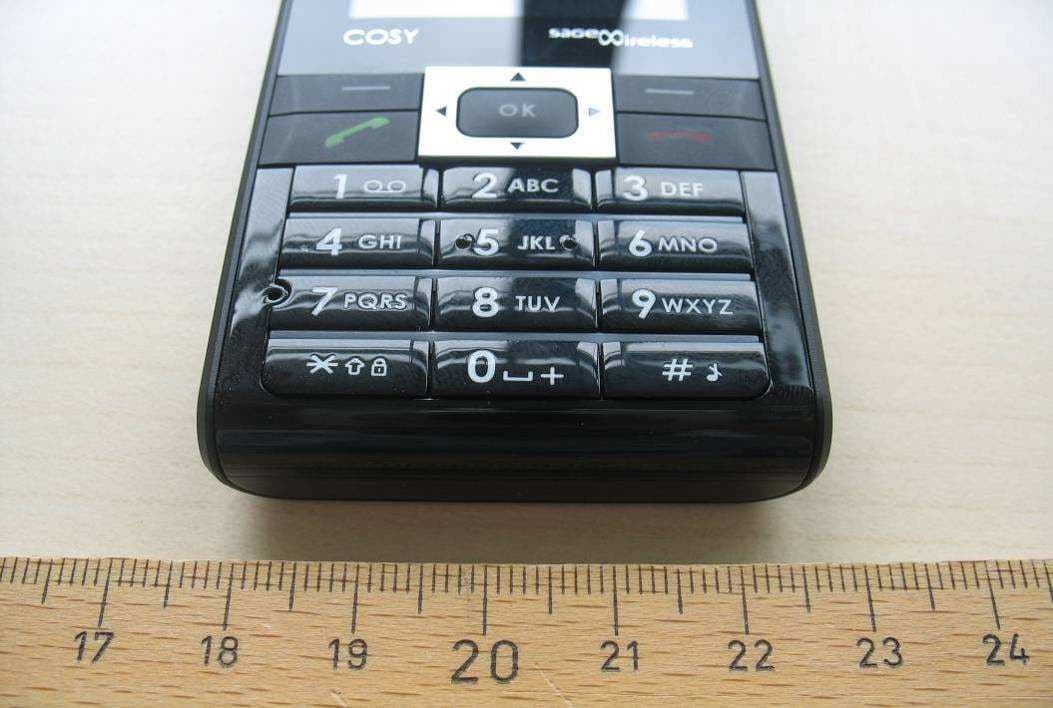
M9HCOSY2G
Sep 06, 2010COSY Phone 2G
Equipment Class
PCE - PCS Licensed Transmitter held to ear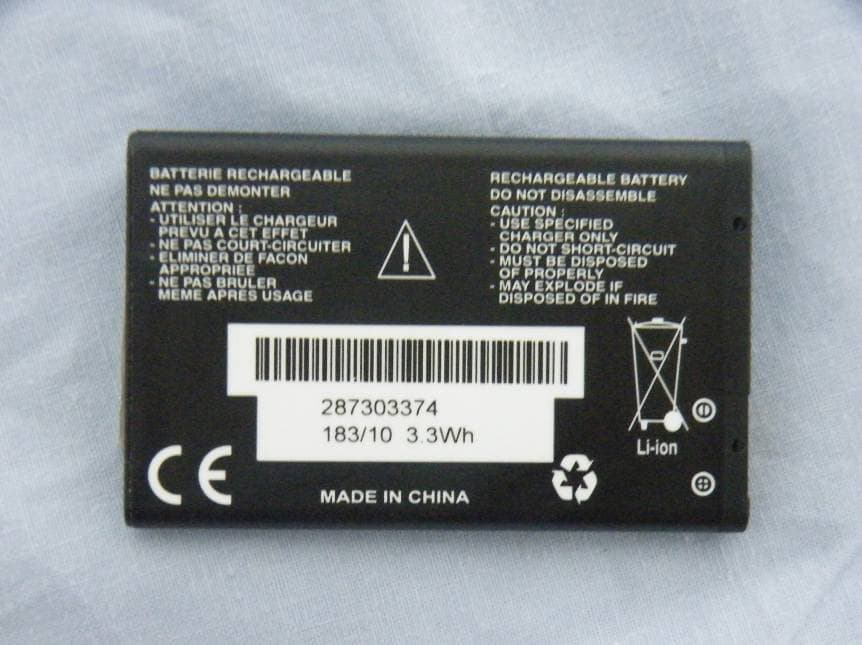
M9HMOV001
Aug 18, 2010Handheld Top Up Terminal
Equipment Class
PCT - PCS Licensed Transmitter worn on body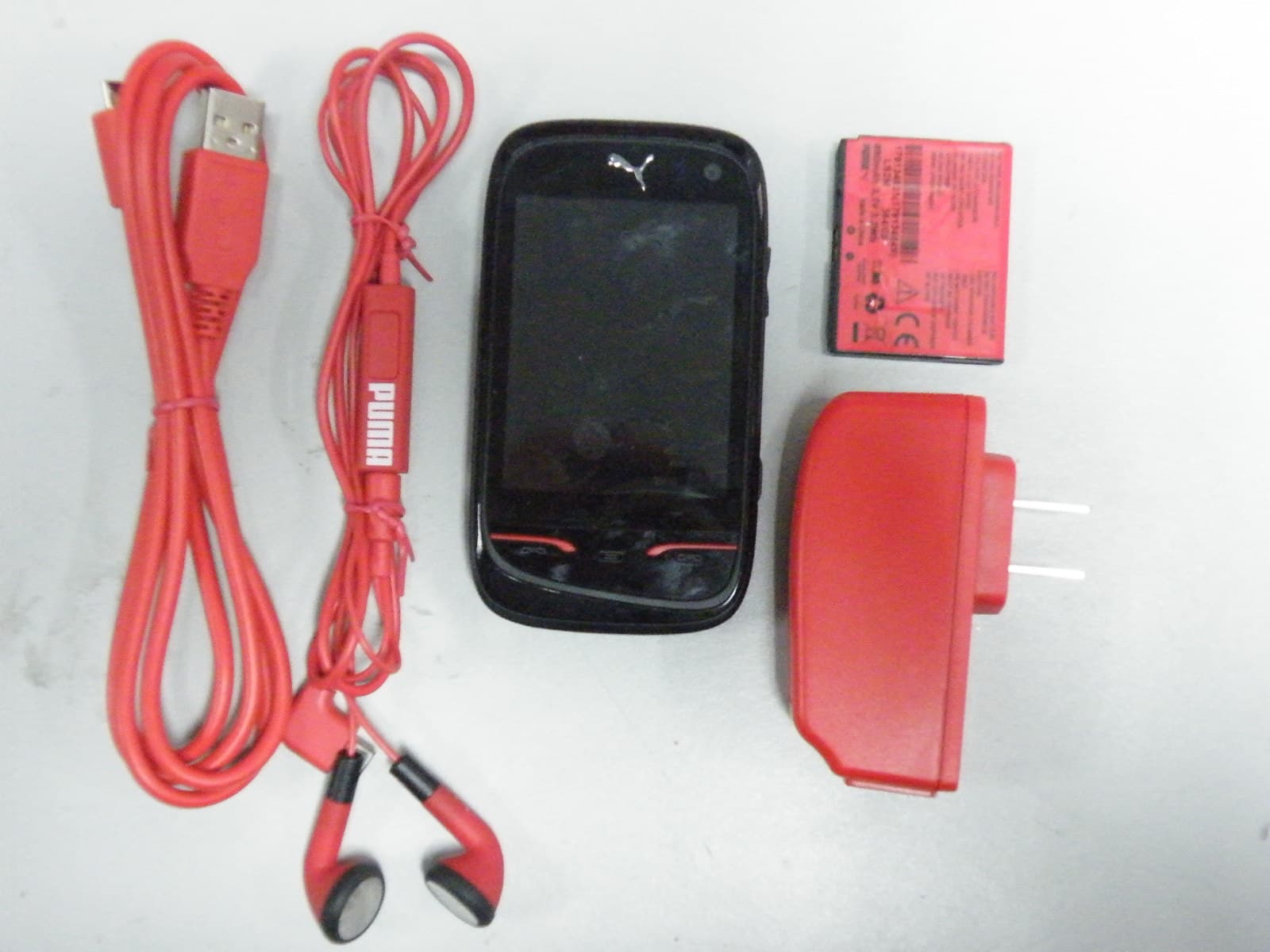
M9HPM1
Apr 26, 2010Mobile phone
Equipment Class
PCE - PCS Licensed Transmitter held to ear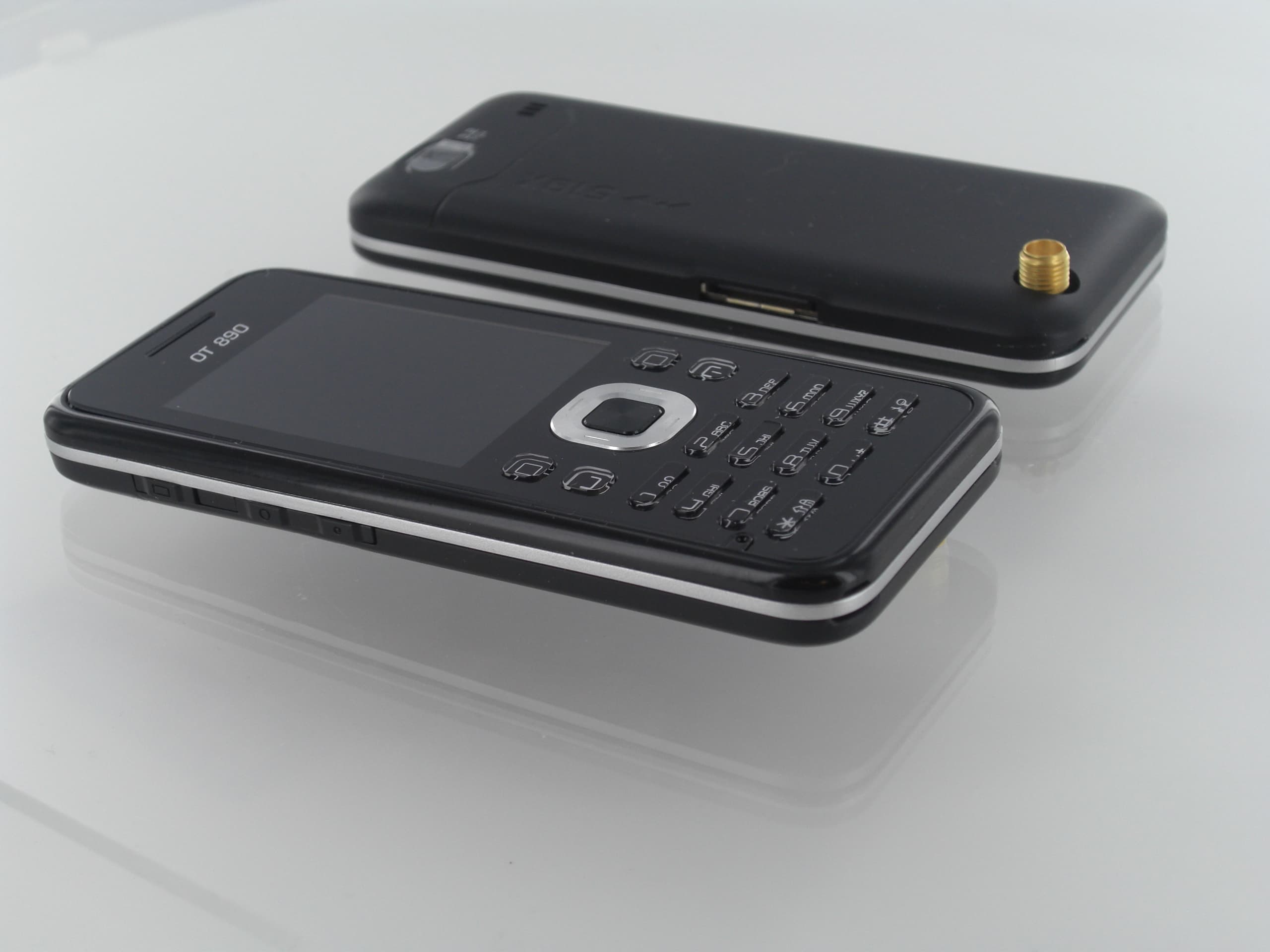
M9HOT8X0RF
Jan 31, 2010Network Measurement Device
Equipment Class
JBP - Part 15 Class B Computing Device Peripheral