M9HMC06AMobile phone
Sagem Wireless
Click to zoom
Application Details
- Equipment Class
- JBP - Part 15 Class B Computing Device Peripheral
- Date of Grant
- Apr 03, 2007
- Application Purpose
- Original Equipment
- Date of Application
- Apr 03, 2007
- Equipment Note
- Mobile phone
- Company
- Sagem Wireless
- Country
- France
Documents & Files
Document Text
Text extracted from the exhibit documents filed with the FCC. Open a document above to read the original.
Users Manual
ENGLISH 252784057_myC5-3a_en.book Page 1 Je udi, 22. février 2007 4:26 16 252784057_myC5-3a_en.book Page 2 Je udi, 22. février 2007 4:26 16 3 You have just purchased a SAGEM phone. We congratulate you! In order to use your phone efficiently and safely, we recommend that you read this handbook carefully.Your phone can be used internationally in the various networks ((GSM 850 MHz and PCS 1900 MHz) or (GSM 900 MHz, DCS 1800 MHz or PCS 1900 MHz)) depending on the r oaming arrangements with your operator. Some services described in this guide may not be available from the network or when roaming, or may require a specific subscription.Remember to back up your data and programs frequently, and before sending the mobile phone for repair.This phone, like any other wireless phone, operates using radio signals and networks. Connection in all locations and conditions cannot be guaranteed. Therefore you should never rely solely on any wireless phone for essential communications (for example, medical emergencies).In some jurisdictions it may be unlawful to take a picture without notice to or the consent of all participants.WARNINGDepending on the model, network configuration and associated subscription cards, certain functions may not be available.Your phone is identified by its IMEI number. Write this number down, and do not keep it with your phone, because you may be asked for it in the event of your phone being stolen, in order to prevent it from being used, even with a different SIM card . In order to display the IMEI on your phone's screen, type: *#06#.SAGEM is a trademark of Sagem Communication SAFRAN Group. AT® is a registered trademark of Hayes Microcomputer Products Inc. Hayes® is a registered trademark of Hayes Microcomputer Products Inc. T9 is protected by one or more of the following US patents: 5,818,437, 5,953,541, 5,187,480, 5,945,928, 6,011,554 and other patents are being applied for worldwide.Java™ and all Java™ based trademarks and logos are trademarks or registered trademarks of Sun Microsystems, Inc. in the U.S. and other countries.The WAP navigator and some message softwa res (i-mode™) are under licence Openwave. The WAP navigator and the softwares included are the exclusive property of Openwave. For this reason, you may not modify, translate, disassemble or even decompile all or part of these softwares.© 2003 GAMELOFT® - All rights reserved - GAMELOFT® is a registered trademark of GAMELOFT S.A. - All rights reserved.Wellphone™ and SmartCom™ are registered trademarks owned by SmartCom SARL France. 252784057_myC5-3a_en.book Page 3 Je udi, 22. février 2007 4:26 16 4 Contents ContentsMenus....................................................................6Your phone package - Accessories ...................7 Activating your phone .........................................8 Information on the SIM card ........................... 8Installing the SIM card and the battery ........... 9Getting started .............................................. 10PIN number................................................... 10Setting time and date.................................... 11Network......................................................... 11First call ........................................................ 12Receiving a call............................................. 13Switching off ................................................. 13 Description .........................................................14Initial screen .......................................................16Navigation principles.........................................17Using your phone...............................................18 Improving antenna performance................... 18Increase the efficiency of your phone ........... 18Charging the battery ..................................... 19 Games .................................................................20WAP.....................................................................21 The WAP Menu ............................................ 21Configuring WAP parameters ....................... 22WAP Logging on........................................... 23Downloading objects..................................... 23WAP Logging off ........................................... 23GPRS............................................................ 23 Applications........................................................24 Calculator ..................................................... 24Converter...................................................... 24Audio player.................................................. 25Alarm ............................................................ 25Timer ............................................................ 25ToDo............................................................. 26Sending a vCal ............................................. 26Receiving a vCal........................................... 26Exchange of data with a PC ......................... 27Services........................................................ 27 Messages ............................................................28 Compose SMS ............................................. 28Compose MMS............................................. 30Receiving messages .................................... 31Inbox............................................................. 31Outbox .......................................................... 31Sentbox ........................................................ 32Drafts ............................................................ 32Sending options............................................ 32Memory......................................................... 33Local information .......................................... 33Calling Voice Mail ......................................... 33Mailing list..................................................... 34 Photo - Video ......................................................35 Take and send a …
Text truncated - open the document above for the full version.
Users Manual
ENGLISH 252784057_myC5-3 FCC_en.book Page 1 Jeudi, 22. mars 2007 9:59 09 252784057_myC5-3 FCC_en.book Page 2 Jeudi, 22. mars 2007 9:59 09 3 You have just purchased a SAGEM phone. We congratulate you! In order to use your phone efficiently and safely, we recommend that you read this handbook carefully.Your phone can be used internationally in the various networks (GSM 850 MHz and PCS 1900 MHz) depending on the roaming arrangements with your operator.Some services described in this guide may not be available from the network or when roaming, or may require a specific subscription.Remember to back up your data and programs frequently, and before sending the mobile phone for repair.This phone, like any other wireless phone, operates using radio signals and networks. Connection in all locations and conditions cannot be guaranteed. Therefore you should never rely solely on any wireless phone for essential communications (for example, medical emergencies).In some jurisdictions it may be unlawful to take a picture without notice to or the consent of all participants.WARNINGDepending on the model, network configuration and associated subscription cards, certain functions may not be available.Your phone is identified by its IMEI number. Write this number down, and do not keep it with your phone, because you may be asked for it in the event of your phone being stolen, in order to prevent it from being used, even with a different SIM card . In order to display the IMEI on your phone's screen, type: *#06#.SAGEM is a trademark of Sagem Communication SAFRAN Group. AT® is a registered trademark of Hayes Microcomputer Products Inc. Hayes® is a registered trademark of Hayes Microcomputer Products Inc. T9 is protected by one or more of the following US patents: 5,818,437, 5,953,541, 5,187,480, 5,945,928, 6,011,554 and other patents are being applied for worldwide.Java™ and all Java™ based trademarks and logos are trademarks or registered trademarks of Sun Microsystems, Inc. in the U.S. and other countries.The WAP navigator and some message softwa res (i-mode™) are under licence Openwave. The WAP navigator and the softwares included are the exclusive property of Openwave. For this reason, you may not modify, translate, disassemble or even decompile all or part of these softwares.© 2003 GAMELOFT® - All rights reserved - GAMELOFT® is a registered trademark of GAMELOFT S.A. - All rights reserved.Wellphone™ and SmartCom™ are registered trademarks owned by SmartCom SARL France. 252784057_myC5-3 FCC_en.book Page 3 Jeudi, 22. mars 2007 9:59 09 4 Contents ContentsMenus....................................................................6Your phone package - Accessories ...................7 Activating your phone .........................................8 Information on the SIM card ........................... 8Installing the SIM card and the battery ........... 9Getting started .............................................. 10PIN number................................................... 10Setting time and date.................................... 11Network......................................................... 11First call ........................................................ 12Receiving a call............................................. 13Switching off ................................................. 13 Description .........................................................14Initial screen .......................................................16Navigation principles.........................................17Using your phone...............................................18 Improving antenna performance................... 18Increase the efficiency of your phone ........... 18Charging the battery ..................................... 19 Games .................................................................20WAP.....................................................................21 The WAP Menu ............................................ 21Configuring WAP parameters ....................... 22WAP Logging on........................................... 23Downloading objects..................................... 23WAP Logging off ........................................... 23GPRS............................................................ 23 Applications........................................................24 Calculator ..................................................... 24Converter...................................................... 24Audio player.................................................. 25Alarm ............................................................ 25Timer ............................................................ 25ToDo............................................................. 26Sending a vCal ............................................. 26Receiving a vCal........................................... 26Exchange of data with a PC ......................... 27Services........................................................ 27 Messages ............................................................28 Compose SMS ............................................. 28Compose MMS............................................. 30Receiving messages .................................... 31Inbox............................................................. 31Outbox .......................................................... 31Sentbox ........................................................ 32Drafts ............................................................ 32Sending options............................................ 32Memory......................................................... 33Local information .......................................... 33Calling Voice Mail ......................................... 33Mailing list..................................................... 34 Photo - Video ......................................................35 Take and send a photo................................. 35Take a video …
Text truncated - open the document above for the full version.
Test Report
SGS-CSTC Standards Technical Services Co., Ltd. 1/F, 7/F, 9/F, 10/F, the 3rd Building No. 889, Yishan Road, Xuhui District, Shanghai, China Telephone: +86 (0) 21 6495 1616 Fax: +86 (0) 21 5450 0954 [email protected] Report No.: SHEMO070200008IT Page 1 of 63 Authorized Signature: Tino Pan Parker Liu E&E Section Head E&E Project Engineer SGS-CSTC Co., Ltd. SGS-CSTC Co., Ltd This report refers to the General Conditions for Inspection and Testing Services, printed overleaf This report details the results of the testing carried out on one sample. The results contained in this test report do not relate to other samples of the same product and does not permit the use of the SGS PRODUCT CERTIFICATION MARK.. The manufacturer should ensure that all products in series production are in conformity with the product sample detailed in this report. This report may only be reproduced and distributed in full. If the product in this report is used in any configuration other than that detailed in the report, the manufacturer must ensure the new system complies with all relevant standards. Any mention of SGS International Electrical Approvals or testing done by SGS International Electrical Approvals in connection with, distribution or use of the product described in this report must be approved by SGS International Electrical Approvals in writing. All test results in this report can be traceable to National or International Standards. Member of the SGS Group (SGS SA) FCC TEST REPORT Application No.: SHEMO070200008IT Applicant: SAGEM Communication Equipment Under Test (EUT): NOTE: The following sample(s) submitted was/were identified on behalf of the client as EUT Name: GSM Mobile Phone Model No.: MC2006a Serial No.: Not supplied by client GSM Frequency Bands: GSM850/PCS1900 Standards: CFR 47 part 2: 2004, CFR 47 Part 15 Subpart B: 2005, ANSI C63.4: 2003 Date of Receipt: February 08, 2007 Date of Test: February 10, 2007 to February 25, 2007 Date of Issue: March 13, 2007 Test Result : PASS SGS-CSTC Standards Technical Services Co., Ltd. 1/F, 7/F, 9/F, 10/F, the 3rd Building No. 889, Yishan Road, Xuhui District, Shanghai, China Telephone: +86 (0) 21 6495 1616 Fax: +86 (0) 21 5450 0954 [email protected] Report No.: SHEMO070200008IT Page 2 of 63 2 Test Summary Test Test Requirement Test Method Class / Severity Result Radiated Emission 30MHz-1000MHz CFR 47 Part 15 Subpart B ANSI C63.4: 2003 Class B PASS Conducted Emission 150KHz-30MHz CFR 47 Part 15 Subpart B ANSI C63.4: 2003 Class B PASS SGS-CSTC Standards Technical Services Co., Ltd. 1/F, 7/F, 9/F, 10/F, the 3rd Building No. 889, Yishan Road, Xuhui District, Shanghai, China Telephone: +86 (0) 21 6495 1616 Fax: +86 (0) 21 5450 0954 [email protected] Report No.: SHEMO070200008IT Page 3 of 63 3 Contents Page 1 COVER PAGE..........................................................................................................................................................1 2 TEST SUMMARY....................................................................................................................................................2 3 CONTENTS ..............................................................................................................................................................3 4 GENERAL INFORMATION ..................................................................................................................................4 4.1 CLIENT INFORMATION.............................................................................................................................................4 4.2 GENERAL DESCRIPTION OF E.U.T...........................................................................................................................4 4.3 DETAILS OF E.U.T. .................................................................................................................................................4 4.4 DESCRIPTION OF SUPPORT UNITS............................................................................................................................5 4.5 STANDARDS APPLICABLE FOR TESTING..................................................................................................................5 4.6 TEST LOCATION......................................................................................................................................................5 4.6 DEVIATION FROM STANDARDS................................................................................................................................6 4.7 ABNORMALITIES FROM STANDARD CONDITIONS....................................................................................................6 4.8 MONITORING OF EUT FOR ALL IMMUNITY TEST....................................................................................................6 4.9 TEST CONFIDENT LEVEL.........................................................................................................................................6 5 EQUIPMENTS USED DURING TEST..................................................................................................................7 6 EMISSION TEST RESULTS ..................................................................................................................................8 6.1 RADIATED EMISSIONS, 30MHZ TO 1GHZ...............................................................................................................8 6.1.1 E.U.T. Operation ..........................................................................................................................................8 6.1.2 Test setup: ....................................................................................................................................................8 6.1.3 Test Result: ...................................................................................................................................................9 6.2 CONDUCTED EMISSIONS, 150KHZ TO…
Text truncated - open the document above for the full version.
Contact Information
Applicant
Francois CHAMBON(GM)
Test Firm
SGS-CSTC Standards Technical Services Co., LtdJerry Chan
Technical Specifications
| # | Rule Parts | Frequency Range | Power Output |
|---|---|---|---|
| 1 | 15B | - | - |
Other Applications from Sagem Wireless
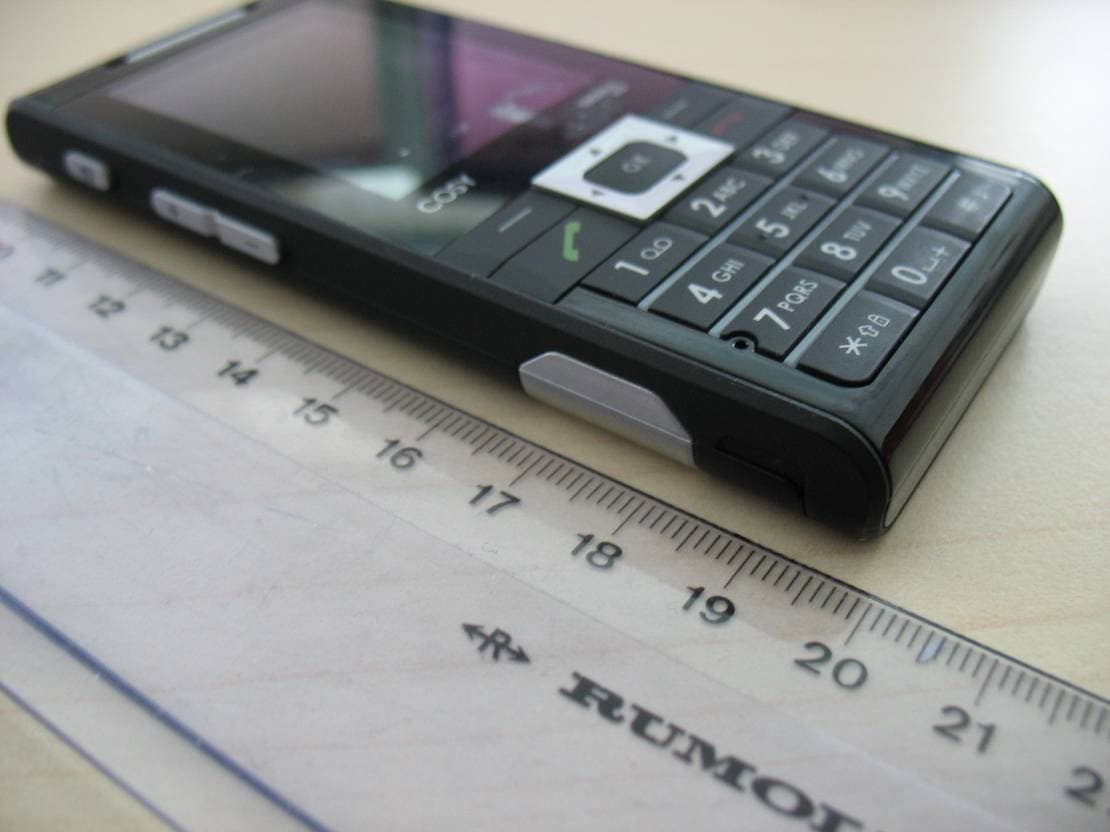
M9HCOSY3G
Oct 13, 2010COSY Phone 3G
Equipment Class
DXX - Part 15 Low Power Communication Device Transmitter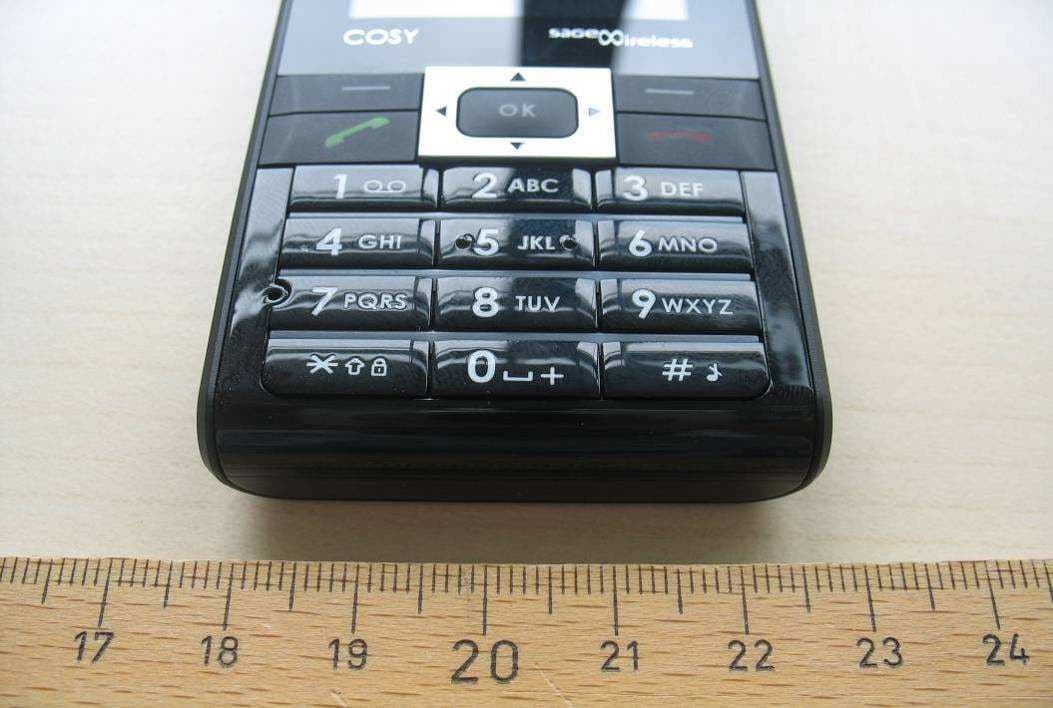
M9HCOSY2G
Sep 06, 2010COSY Phone 2G
Equipment Class
PCE - PCS Licensed Transmitter held to ear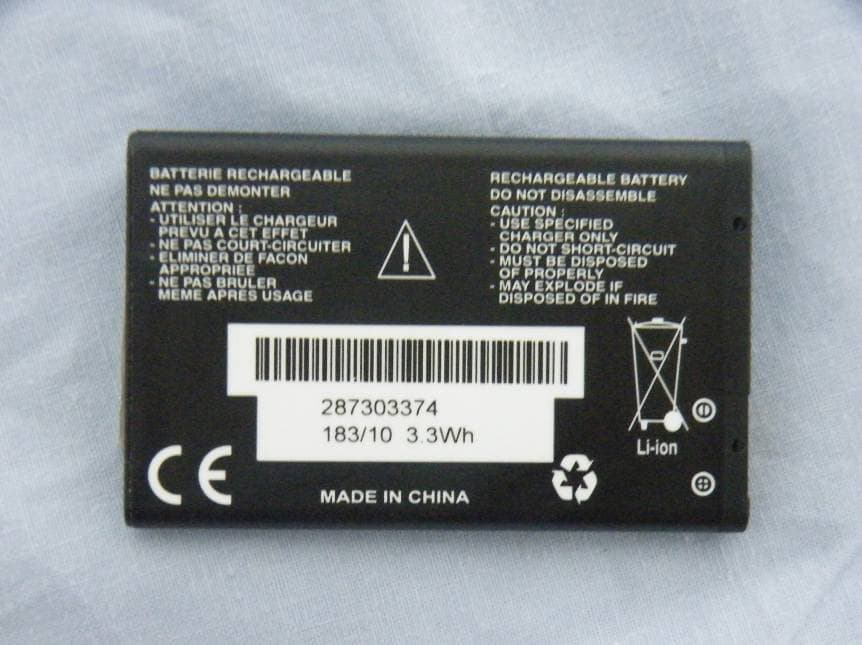
M9HMOV001
Aug 18, 2010Handheld Top Up Terminal
Equipment Class
PCT - PCS Licensed Transmitter worn on body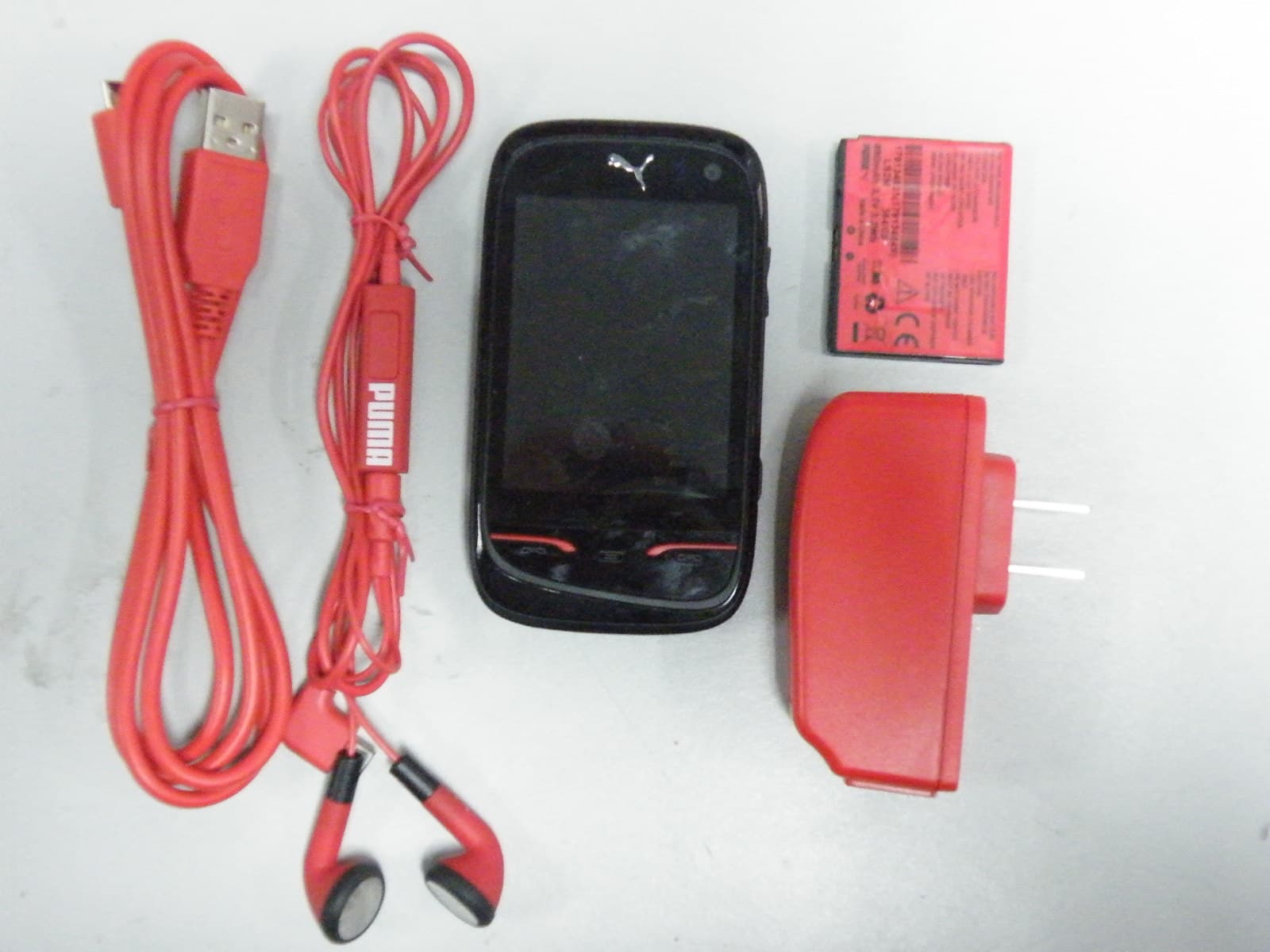
M9HPM1
Apr 26, 2010Mobile phone
Equipment Class
PCE - PCS Licensed Transmitter held to ear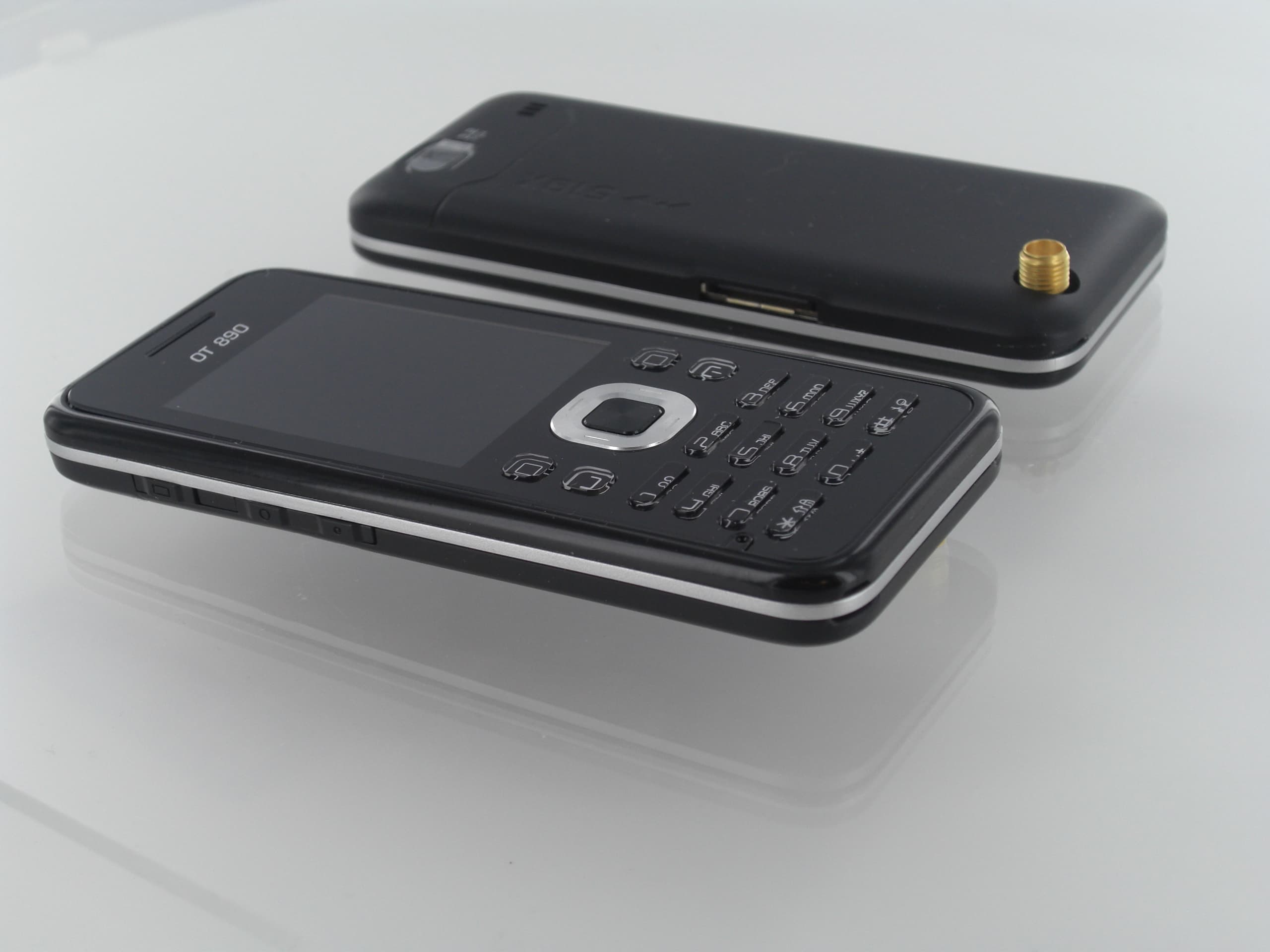
M9HOT8X0RF
Jan 31, 2010Network Measurement Device
Equipment Class
JBP - Part 15 Class B Computing Device Peripheral