MMABTX1BLUETOOTH TRANSMITTER
Midland Radio Corporation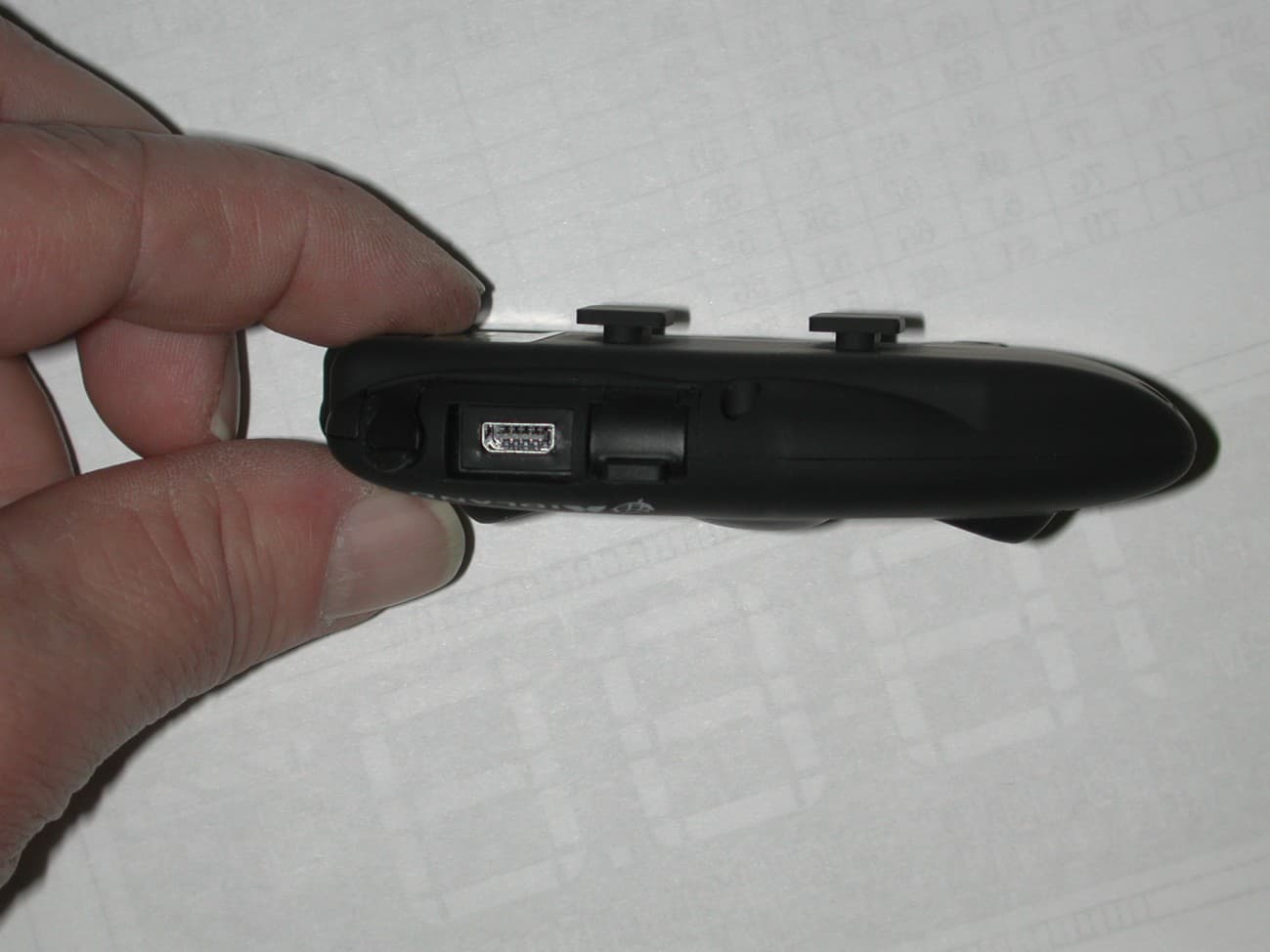
Click to zoom
Application Details
- Equipment Class
- DXX - Part 15 Low Power Communication Device Transmitter
- Date of Grant
- Apr 04, 2013
- Application Purpose
- Original Equipment
- Date of Application
- Apr 04, 2013
- Equipment Note
- BLUETOOTH TRANSMITTER
- Frequency Range
- 2402.00000000 - 2480.00000000
- Company
- Midland Radio Corporation
- Country
- United States
Documents & Files
Document Text
Text extracted from the exhibit documents filed with the FCC. Open a document above to read the original.
Users Manual
® MANUALE D’USO INSTRUCTION GUIDE BEDIENUNGSANLEITUNG MANUAL DE INSTRUCCIONES GUIDE D’UTILISATION MANUAL DE INSTRUÇÕES GEBRUIKERS HANDLEIDING KÄYTTÖOPAS WWW.MIDLANDRADIO.EU | Prodotto o importato da: CTE INTERNATIONAL s.r.l. Via. R.Sevardi 7- 42124 Reggio Emilia Italia www.cte.it - www.midlandradio.eu Prima dell’uso leggere attentamente le istruzioni. Se il prodotto contiene batterie: non gettare nel fuoco, non disperdere nell’ambiente dopo l’uso, usare gli appositi contenitori per la raccolta. Produced or imported by: CTE INTERNATIONAL s.r.l. Via. R.Sevardi 7 42124 Mancasale Reggio Emilia Italy Importado por: ALAN COMMUNICATIONS, SA C/Cobalt, 48 - 08940 Cornellà de Llobregat Barcelona España Tel: +34 902 384878 Fax: +34 933 779155 www.midland.es Lea atentamente las instrucciones antes de usar el equipo. si el producto contiene pilas o baterías no las tire al fuego ni las disperse en el ambiente después de su uso, utilice los contenedores apropiados para su reciclaje. Vertrieb durch: ALAN ELECTRONICS GmbH Daimlerstraße 1K - D-63303 Dreieich Deutschland www.alan-electronics.de Vor Benutzung Bedienungsanleitung beachten. Bei Verwendung von Batterien beachten Sie bitte die Umweltbestimmungen. Batterien niemals ins offene Feuer werfen, und nur in dafür vorgesehene Sammelbehälter entsorgen. Basic Intercom System UK Midland BTX1 - 13 Index Main features .......................................................................................................................................................................................................14 Technical specifications of Midland BTX1 .............................................................................................................................................................14 Charging batteries ................................................................................................................................................................................................14 Unit and fixing system description .......................................................................................................................................................................15 Switching your Midland BTX1 on and off..............................................................................................................................................................16 Operative ‘mode’...................................................................................................................................................................................................16 How to pair two BTX1 ..........................................................................................................................................................................................17 Talk 2 All - Pairing to a different brand Intercom ..................................................................................................................................................18 Pairing the BTX1 to Bluetooth devices ..................................................................................................................................................................18 How to use the wired audio input ........................................................................................................................................................................20 Using a PMR446 transceiver with cable connection .............................................................................................................................................20 Setup and special configurations .........................................................................................................................................................................21 Setup and firmware update .................................................................................................................................................................................22 Warranty ..............................................................................................................................................................................................................22 European CE Notice Certification and Safety Approval Information ......................................................................................................................22 14 - Midland BTX1 UK MIDLAND BTX1 Basic Intercom System BTX1 is an intercom communication system solution for motor cyclists.The design is very slim and aerodynamic, all the main functions are easy to operate thanks to the big three buttons placed on the front of the unit. BTX1 is fixed on the helmet using the adhesive plate or the screw mounting clamp. Thanks to the audio kit with ultra slim speakers you can enjoy high quality stereo music while riding. Main features ›Intercom driver - passanger (10mt). ›Connect your phone to receive and place phone call and listen to stereo music ›Connect your GPS for voice street indication ›Connection for PMR466 radio with internal or external Bluetooth ›AUX wired connection for MP3 player and PMR446 radio ›Setup and Firmware update via USB connection to a PC Midland BTX1 is available in two versions: ›Single BTX1 Intercom kit with one unit only ›Twin BTX1 Intercom kit with with two units Depending on the model purchased, the package contains the following parts: BTX1 single ›1 BTX1 communication unit ›1 audio kit with two stereo speakers, microphone with boom and wired mi- crophone ›1 plate with bi-adhesive strip to fix the unit onto the helmet ›1 clamp to fix the unit onto the helmet ›1 miniUSB wall-mounting power supply BTX1 Twin ›2 BTX1 communication units ›2 audio kits with two stereo speakers, microphone with boom and wired mi- crophone ›2 plates with bi-adhesive strip to fix the unit onto the helmet ›2 clamps to fix the unit onto the helmet ›1 miniUSB wall-mounting power supply with double plug The u…
Text truncated - open the document above for the full version.
Users Manual
1 BT Updater V1.1 main window Main window: if no device is connected to the PC You will have this window all the time you open the program without BT unit connected to the USB port. As soon as you connect the BT unit to the USB cable, the screen will change based on the BT model connected. 2 BT Updater V1.1 BTNext window Vox sensitivity: it is possible to define the sensitivity VOX feature. There are 4 steps available; clicking on the round dot on the right of the value you can simply choose, which one is active. It is also possible to change the value of each level. For example if the “Highest” sensitivity is not enough, you can adjust the numeric value, simply clicking on the small arrow and choosing a different one. Remember that the lower value define the higher sensitivity. To turn off the VOX feature simply click on the round dot corresponding to “(Off)”. For example if you use the boom mike with an open face helmet, we suggest to use the value 650. If you use a full helmet with the wired mike, we suggest the value 850. Device Volume: you can increase (or reduce) the general volume of the unit in case the “Volume+” button max regulation is not enough. For example if the max volume level of the intercom adjusted from the “Volume+” button is not enough, you can increase the volume simply changing the “Device Volume” number. The range is from 6 to 10 and 10 is the highest possible ATTENTION: Do not use the volume level 9 and 10 if the speakers are placed in direct contact of your hears. The highest volume can cause injury to your hears. Microphone Sensitivity: you can increase (or reduce) the general sensitivity of the mike. When the sensitivity of the microphone is increased (choose High or Very High) your voice will be higher to the remote person. Reducing the sensitivity of the mike (choose Low or Very low) can help avoid the wind noise or the background noise. You can choose 5 different levels (Very High, High, Medium, Low and Very Low). FM Radio: to enable/disable the FM Radio FM Radio Stations: you can set the frequency and save six of your favourite FM radio station RDS enabled?: to enable/disable the FM Radio RDS function Japan 76-90 MHz: to enable/disable the FM Radio Japanese frequency range. 3 Wired connection: when active (Yes) the audio from the wired connection (AUX) is always active in background also when the intercom is open. Personal Profile: you can save current set up as a “Custom” configuration. For example you can change the set up value of the BTNext unit and save it with just one click on the “floppy disk” icon (). You can reload (activate) the saved configuration when needed, with a click on the “Apply” button. The date information is the reference of when you saved the profile. Read: to read the current configuration of the unit Save: to save all the changes and settings. Every time you make a change to the configuration, you must remember to save it with a click on this button. Restore defaults: to restore to the factory setting Reset pairing: you can reset (delete) all the pairing information (phone, GPS, unit...) with just one click Upgrade: to upgrade the firmware of the BTNext unit (when available). After you download the new firmware from the Midland web site (the firmware files have the .ZIP extension) just click on the “Upgrade firmware” button and choose the file previously downloaded (no need to unzip the file). BT Updater V1.1 BTX1-X2 window Vox sensitivity: it is possible to define the sensitivity VOX feature. There are 4 steps available; clicking on the round dot on the right of the value you can simply choose, which one is active. It is also possible to change the value of each level. For example if the “Highest” sensitivity is not enough, you can adjust the numeric value, simply clicking on the small arrow and choosing a different one. Remember that the lower value define the higher sensitivity. To turn off the VOX feature simply click on the round dot corresponding to “(Off)”. For example if you use the boom mike with an open face helmet, we suggest to use the value 650. If you use a full helmet with the wired mike, we suggest the value 850. 4 Microphone Sensitivity: you can increase (or reduce) the general sensitivity of the mike. When the sensitivity of the microphone is increased (choose High or Very High) your voice will be higher to the remote person. Reducing the sensitivity of the mike (choose Low or Very low) can help avoid the wind noise or the background noise. You can choose 5 different levels (Very High, High, Medium, Low and Very Low). Wired connection: when active (Yes) the audio from the wired connection (AUX) is always active in background also when the intercom is open. Personal Profile: you can save current set up as a “Custom” configuration. For example you can change the set up value of the BTNext unit and save it with just one click on the “floppy disk” icon (). You can reload (activate) the saved configuration when needed, with a click on the “Apply” button. The date information is the reference of when you saved the profile. Read: to read the current configuration of the unit Save: to save all the changes and settings. Every time you make a change to the configuration, you must remember to save it with a click on this button. Restore defaults: to restore to the factory setting Reset pairing: you can reset (delete) all the pairing information (phone, GPS, unit...) with just one click Upgrade: to upgrade the firmware of the BT unit (when available). After you download the new firmware from the Midland web site (the firmware files have the .ZIP extension) just click on the “Upgrade firmware” button and choose the file previously downloaded (no need to unzip the file). BT Updater V1.1 BTCity-Eva-Ski window 5 Vox sensitivity: it is possible to define the sensitivity VOX feature. There are 4 steps available; clicking on the round dot on the right of the value you can simply choose, which one is active. It is also possible to c…
Text truncated - open the document above for the full version.
Cover Letter(s)
5900 Parretta Drive ● KANSAS CITY, MISSOURI ● 64120 TELEPHONE: (816) 241-8500 ● FAX: (816) 241-5713 EMAIL: [email protected] WEBSITE: www.midlandradio.com Confidentiality Letter Date: _February 15, 2013__ Subject: Confidentiality Request for FCC ID: MMABTX1 Pursuant to FCC 47 CRF 0.457(d) and 0.459 and IC RSP-100, Section 10, the applicant requests that a part of the subject FCC/IC application be held confidential. Type of Confidentiality Requested Exhibit Short Term Permanent Block Diagrams Short Term Permanent Schematics Short Term Permanent Operation Description/Theory of Operation Short Term Permanent External Photos Short Term Permanent Internal Photos Short Term Permanent User’s Manual Short Term Permanent Test Setup Photos Midland Radio Corporation ___ has spent substantial effort in developing this product and it is one of the first of its kind in industry. Having the subject information easily available to "competition" would negate the advantage they have achieved by developing this product. Not protecting the details of the design will result in financial hardship. Permanent Confidentiality: The applicant requests the exhibits listed above as permanently confidential be permanently withheld from public review due to materials that contain trade secrets and proprietary information not customarily released to the public. Short-Term Confidentiality: The applicant requests the exhibits selected above as short term confidential be withheld from public view for a period of ___180 ___ days from the date of the Grant of Equipment Authorization and prior to marketing. This is to avoid premature release of sensitive information prior to marketing or release of the product to the public. Applicant is also aware that they are responsible to notify TIMCO Engineering Inc. in the event information regarding the product or the product is made available to the public. TIMCO Engineering Inc will then release the documents listed above for public disclosure pursuant to FCC Public Notice DA 04-1705. Sincerely, By: ____________Project Manager__ Kim Free_________ (Signature/Tittle) (Print name)
External Photos
APPLICANT: MIDLAND RADIO CORP. FCC ID: MMABTX1 EXTERNAL PHOTOS
Internal Photos
APPLICANT: MIDLAND RADIO CORP. FCC ID: MMABTX1 INTERNAL PHOTOS
Test Report
FCC PART 15.249 AND IC RSS-210, ISSUE 8 TEST REPORT UNLICENSED INTENTIONAL RADIATOR Applicant MIDLAND RADIO CORPORATION Address 5900 PARRETTA DRIVE KANSAS CITY MISSOURI 64120 USA FCC ID MMABTX1 IC 3690A-BTX1 Model Number BTX1 Product Description BLUETOOTH TRANSMITTER Date Sample Received 2/1/2013 Date Tested 3/22/2013 Tested By Joe Scoglio Approved By Joe Scoglio Report Number 209AUT13TestReport.doc Test Results PASS FAIL THE ATTACHED REPORT SHALL NOT BE REPRODUCED EXCEPT IN FULL WITHOUT THE WRITTEN APPROVAL OF TIMCO ENGINEERING, INC. Testing Certificate #0955-01 849 NW State Road 45 Newberry, FL 32669 USA Ph: 888.472.2424 or 352.472.5500 Fax: 352.472.2030 Email: [email protected] Website: www.timcoengr.com APPLICANT: MIDLAND RADIO CORPORATION FCC ID: MMABTX1 IC: 3690A-BTX1 REPORT #: M\MidlandRadio MMA\209AUT13\209AUT13TestReport.doc Page 2 of 17 Mdea5.11.2012 TABLE OF CONTENT GENERAL REMARKS ................................................................................................................. 3 GENERAL INFORMATION .......................................................................................................... 4 EMC EQUIPMENT LIST .............................................................................................................. 5 TEST PROCEDURES .................................................................................................................. 6 RADIATION INTERFERENCE ..................................................................................................... 7 OCCUPIED BANDWIDTH ........................................................................................................... 8 BAND EDGE COMPLIANCE ....................................................................................................... 9 DUTY CYCLE ........................................................................................................................... 15 POWER LINE CONDUCTED INTERFERENCE ........................................................................... 17 APPLICANT: MIDLAND RADIO CORPORATION FCC ID: MMABTX1 IC: 3690A-BTX1 REPORT #: M\MidlandRadio MMA\209AUT13\209AUT13TestReport.doc Page 3 of 17 Mdea5.11.2012 GENERAL REMARKS The attached report shall not be reproduced except in full without the written permission of Timco Engineering Inc. Summary The device under test does: fulfill the general approval requirements as identified in this test report not fulfill the general approval requirements as identified in this test report Attestations This equipment has been tested in accordance with the standards identified in this test report. To the best of my knowledge and belief, these tests were performed using the measurement procedures described in this report. All instrumentation and accessories used to test products for compliance to the indicated standards are calibrated regularly in accordance with ISO 17025 requirements. Certificate # 0955-01 I attest that the necessary measurements were made, under my supervision, at: Timco Engineering Inc. 849 NW State Road 45 Newberry, Fl 32669 Authorized Signatory Name: Joe Scoglio Project Manager Date: 3/22/2013 APPLICANT: MIDLAND RADIO CORPORATION FCC ID: MMABTX1 IC: 3690A-BTX1 REPORT #: M\MidlandRadio MMA\209AUT13\209AUT13TestReport.doc Page 4 of 17 Mdea5.11.2012 GENERAL INFORMATION DUT Specification The test results relate only to the items tested. Applicable Standard Part 15.249, RSS-210, ISSUE 8 DUT Description BLUETOOTH TRANSMITTER FCC ID MMABTX1 IC 3690A-BTX1 Model Number BTX1 Operating Frequency TX: 2402 to 2480 MHz RX: Same No. of Channels 78 Modulations GFSK DUT Power Source 110–120Vac/50– 60Hz DC Power Battery Operated Exclusively Test Item Prototype Pre-Production Production Type of Equipment Fixed Mobile Portable Antenna Connector FCC Rules require that the antenna connector be unique. Test Facility Timco Engineering Inc. located at 849 NW State Road 45 Newberry, FL 32669 USA. Test Conditions Temperature: 26ºC Relative humidity: 50% Test Exercise The DUT was placed in continuous transmit mode of operation. Modifications none Test Supporting Equipment Supporting Device Manufacturer Model / FCC ID Serial Number N/A APPLICANT: MIDLAND RADIO CORPORATION FCC ID: MMABTX1 IC: 3690A-BTX1 REPORT #: M\MidlandRadio MMA\209AUT13\209AUT13TestReport.doc Page 5 of 17 Mdea5.11.2012 EMC EQUIPMENT LIST Device Manufacturer Model Serial Number Cal/Char Date Due Date Antenna: Passive Loop EMC Test Systems EMCO 6512 9706-1211 06/14/12 06/14/14 Frequency Counter HP 5352B 2632A00165 06/22/11 06/22/13 Digital Multimeter Fluke 77 43850817 02/22/12 02/22/13 Digital Multimeter Fluke FLUKE-77-3 79510405 06/13/11 06/13/13 Frequency Counter HP 5385A 3242A07460 06/22/11 06/22/13 Antenna: Active Loop ETS-Lindgren 6502 00062529 09/23/10 09/23/13 Antenna: Double- Ridged Horn Electro- Metrics RGA-180 2319 06/19/12 06/19/14 LISN Electro- Metrics ANS-25/2 2604 10/28/11 10/28/13 DC Power Supply HP 6264B 03/21/11 03/21/13 3-Meter Semi- Anechoic Chamber Panashield N/A N/A 12/31/11 12/31/13 Antenna: Biconnical Electro- Metrics BIA-25 1171 06/13/12 06/13/14 Antenna: Log- Periodic Electro- Metrics LPA-25 1122 05/04/11 05/04/13 Digital Multimeter Fluke 77 35053830 09/09/11 09/09/13 Antenna: Biconnical Eaton 94455-1 1096 05/04/11 05/04/13 Analyzer Tan Tower Preamplifier HP 8449B-H02 3008A00372 10/28/11 10/28/13 Analyzer Tan Tower Quasi- Peak Adapter HP 85650A 3303A01690 10/28/11 10/28/13 Analyzer Tan Tower RF Preselector HP 85685A 3221A01400 10/28/11 10/28/13 Analyzer Tan Tower Spectrum Analyzer HP 8566B Opt 462 3138A07786 3144A20661 10/28/11 10/28/13 APPLICANT: MIDLAND RADIO CORPORATION FCC ID: MMABTX1 IC: 3690A-BTX1 REPORT #: M\MidlandRadio MMA\209AUT13\209AUT13TestReport.doc Page 6 of 17 Mdea5.11.2012 TEST PROCEDURES Radiation Interference: ANSI C63.4-2003 using a spectrum analyzer, a preselector, a quasi- peak adapter, and an appropriate antenna. The analyzer was calibrated in dB above a microvolt at the output of the…
Text truncated - open the document above for the full version.
Contact Information
Applicant
Butch Rittmann(Director of Operations)
Test Firm
Timco Engineering, Inc.Bruno Clavier
Technical Specifications
| # | Rule Parts | Frequency Range | Power Output |
|---|---|---|---|
| 1 | 15C | 2.40 GHz - 2.48 GHz | - |
Other Applications from Midland Radio Corporation
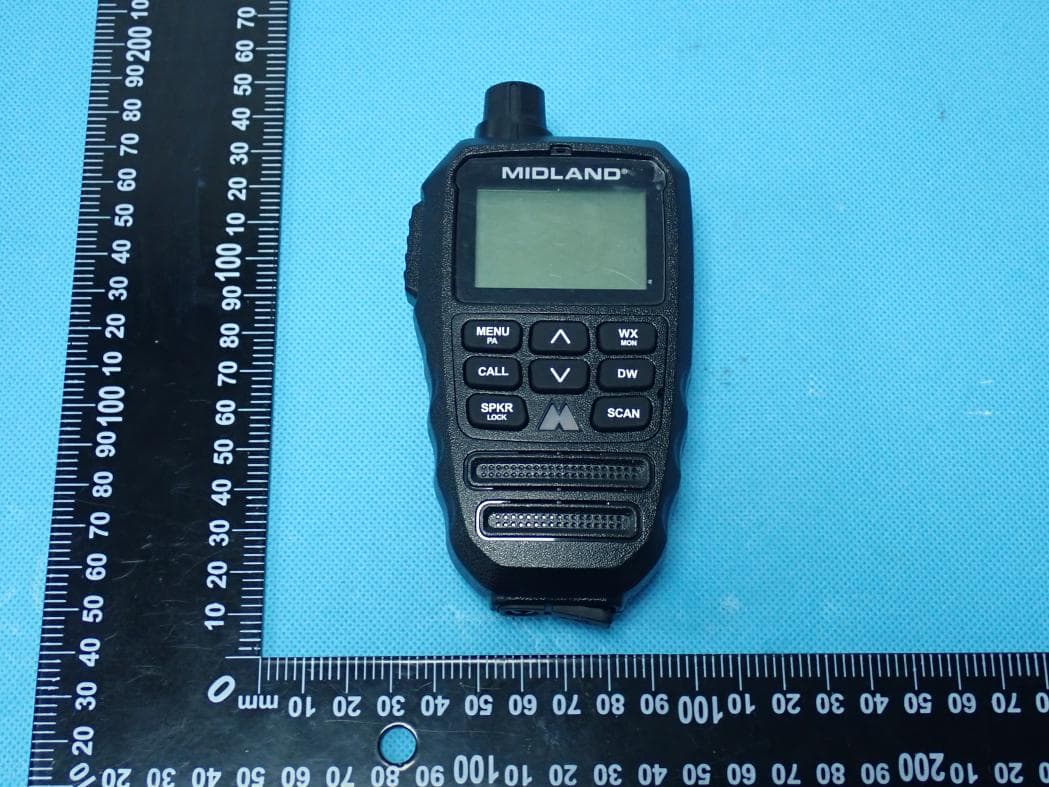
MMAMXMC95
Jun 10, 2026Wireless Bluetooth Microphone
Equipment Class
JAB - Part 15 Class B Digital Device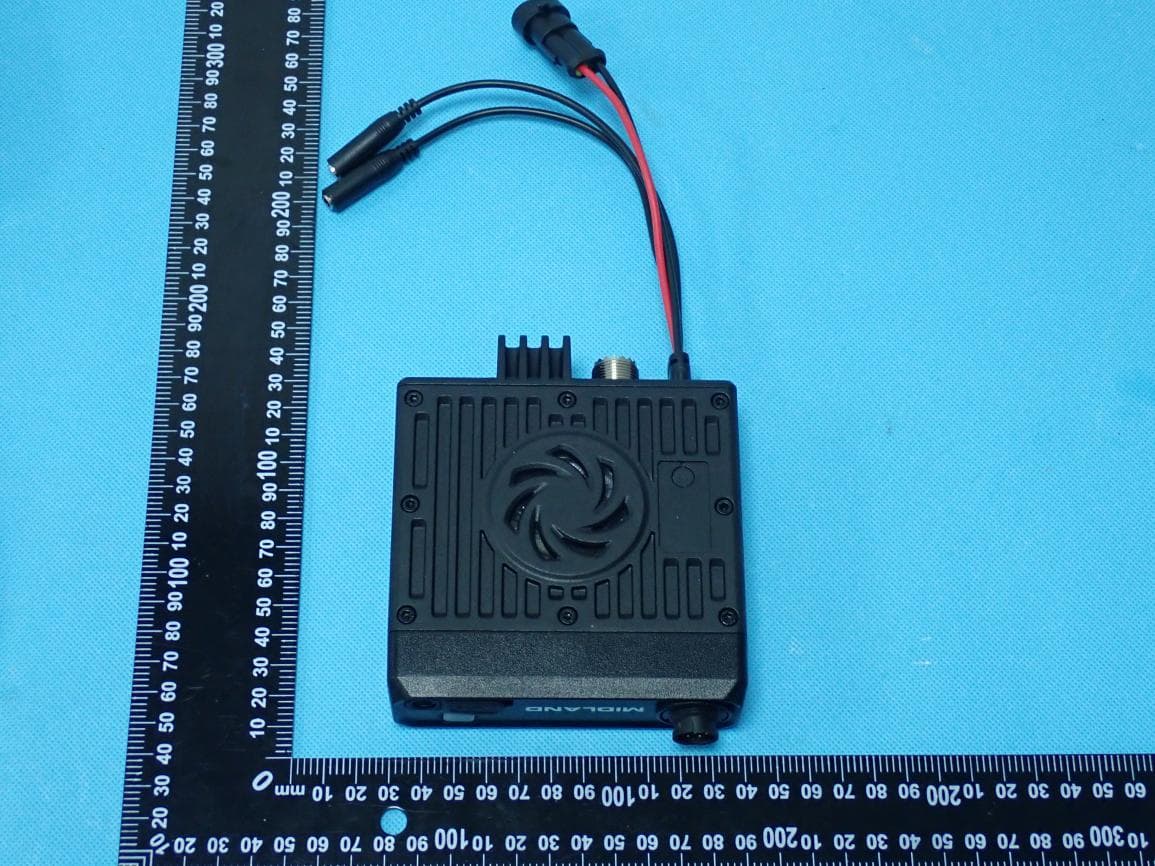
MMAMXT295
Jun 08, 2026GMRS Radio
Equipment Class
TNF - Licensed Non-Broadcast Transmitter Held to Face
MMACLIPTALK
Apr 27, 2026Transceiver
Equipment Class
DTS - Digital Transmission System
MMABR200S
Jan 13, 2026BUSINESS BAND TWO-WAY RADIO
Equipment Class
TNF - Licensed Non-Broadcast Transmitter Held to Face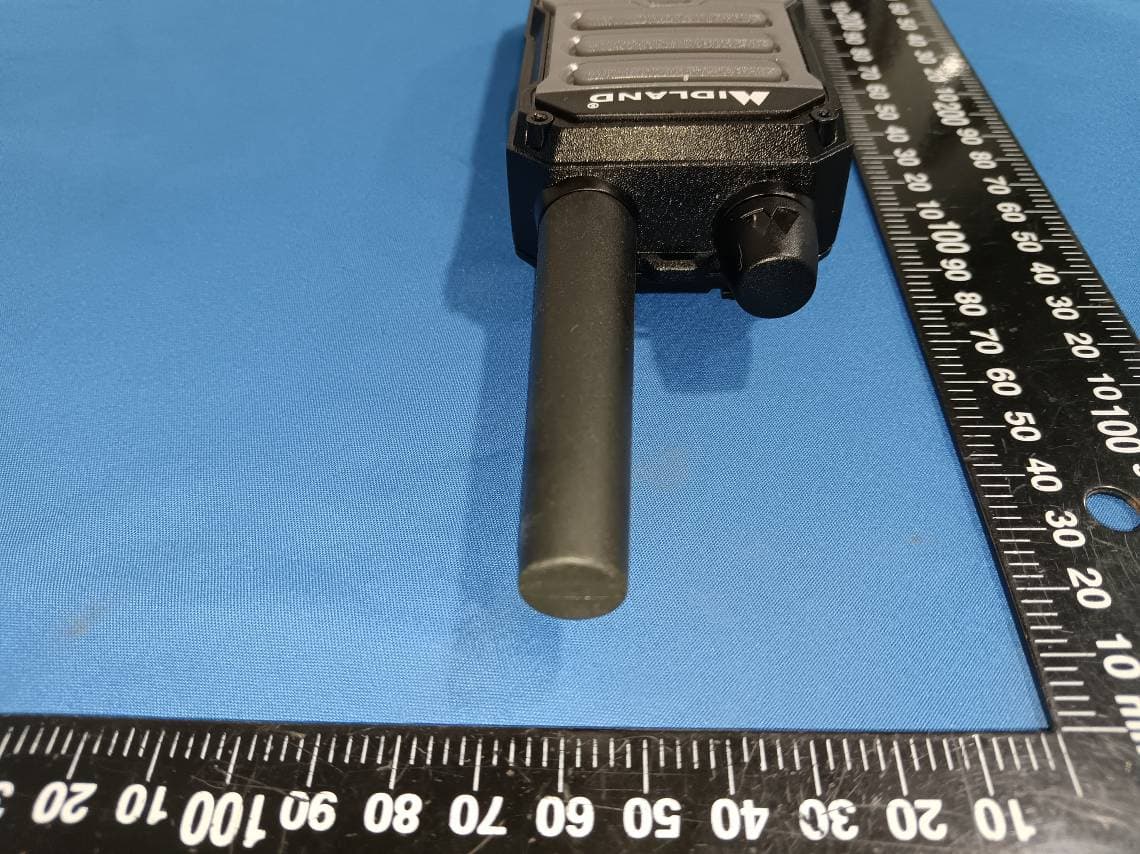
MMAGXT67
Oct 29, 2023GMRS RADIO
Equipment Class
TNF - Licensed Non-Broadcast Transmitter Held to Face