N7NACRD510PCS band CDMA wireless modem
Sierra Wireless, ULC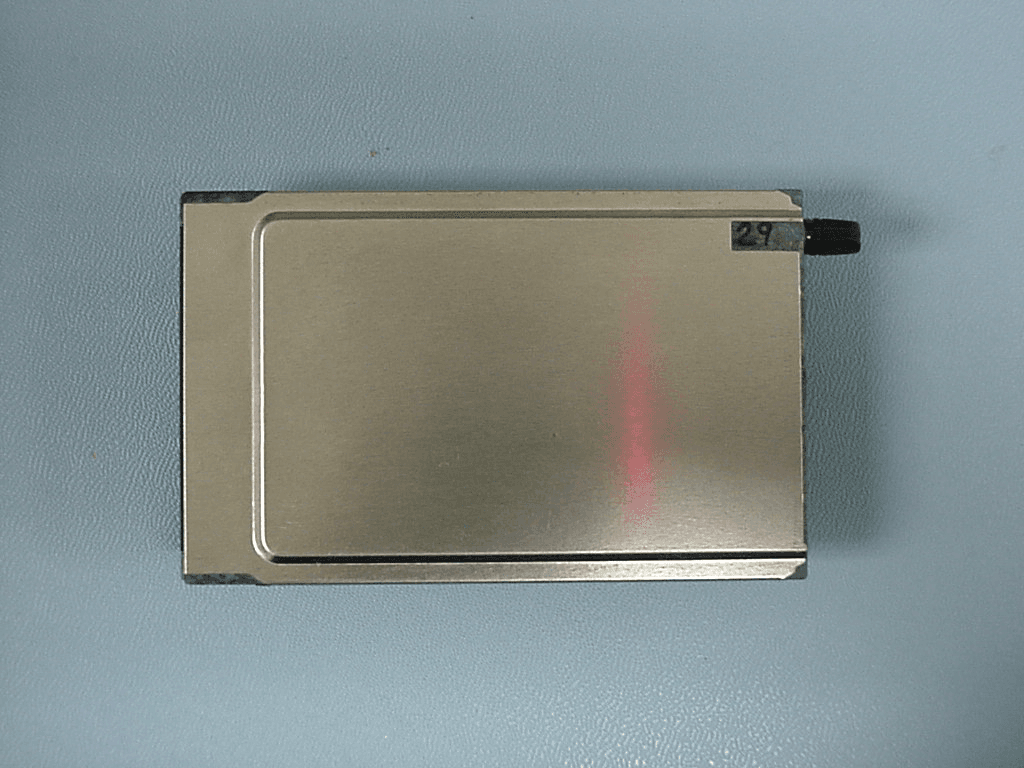
Click to zoom
Application Details
- Equipment Class
- JBP - Part 15 Class B Computing Device Peripheral
- Date of Grant
- Jul 09, 2001
- Application Purpose
- Original Equipment
- Date of Application
- Apr 03, 2000
- Equipment Note
- PCS band CDMA wireless modem
- Company
- Sierra Wireless, ULC
- Country
- Canada
Documents & Files
Document Text
Text extracted from the exhibit documents filed with the FCC. Open a document above to read the original.
Users Manual
User Guide for Notebooks o Welcome o Overview o Navigating o Components o System Req. o Safety Notices o Specifications o Installation o Using AirCard o Troubleshooting o Service o Contact Us 2110271 Rev. 1 April 2000 Welcome to the AirCard ® 510 PCS Modem The AirCard 510 PCS modem is the first wireless CDMA (Code Division Multiple Access) modem . It works in any laptop or handheld computer running Windows 95, 98, NT, 2000, or CE that has a Type II PC card slot. This modem offers high speed data transmission (14.4 Kbps) and all the benefits of CDMA technology, including: coverage that is wide-spread and growing. CDMA currently encompasses most of North America, Asia, and Australia and is spreading throughout other parts of the world. l continuous power control on the CDMA network means longer battery life for your laptop. l CDMA uses "soft handoffs" between cells in the cellular network, providing a robust air link and reliable service. l CDMA transmission is, by nature, extremely secure. Individual transmissions are indiscernable to anyone tapping into a radio frequency channel. l Document Navigation This guide is designed to provide quick access to any subject. It is intended for those using the AirCard in notebook computers running Windows 95, 98, NT, or 2000. There is a separate User Guide for Windows CE for those using handheld computers with the Windows CE operating system. Some material in this guide is applicable only to specific operating systems. So that you can readily identify what material applies to your system, the following colour scheme is used: Peach General Information for All Systems Green Green - Windows 95/98 Yellow Yellow - Windows NT Red Red - Windows 2000 Blue Blue - Windows CE The Contents in the left margin at the top of the page allow you to jump to any section and then on to any of its sub-sections. A one step Document Map is also available to help you navigate. At the bottom of every page is a navigation option to step forward and backward through the pages of the user guide, as well as providing access to the Document Map. The AirCard 510 PCS logo in the top corner of each page will also take you to the Document Map. Your AirCard 510 PCS Components All AirCard 510 PCS packages include the following components: AirCard ® 510 PCS Modem with Antennal "Jewel Box" Casel CD-ROM with Enabling Software: Watcher, WirelessExpert, and AirCard Toolkit, PC Card Drivers, and this Documentation including Standard 1 Year Warranty. l Additional accessories are also available from Sierra Wireless. Visit our web site or contact sales for details. System Requirements The AirCard 510 PCS Modem requires these system resources: Card Slots1 Type II Slot Disk DriveCD-ROM I/O Resources1 IRQ, 128 bytes I/O Space Memory16 Mb Disk Space2 Mb Windows Versions Supported 95 OSR 2 * 98 Any Version NT 4.0 Service Pack 4 or 5 * 2000 * Click on the links for instructions on determining the version of your operating system. Users of Windows CE should refer to the User Guide for Windows CE for information regarding system requirements and supported versions. o Welcome (top) o Overview o Safety Notices o Hazards o Regulatory o Patents o Specifications Important Notice Because of the nature of wireless communications, transmission and reception of data can never be guaranteed. Data may be delayed, corrupted (i.e., have errors) or be totally lost. Although significant delays or losses of data are rare when wireless devices such as the AirCard 510 PCS CDMA modem are used in a normal manner with a well-constructed network, they should not be used in situations where failure to transmit or receive data could result in harm of any kind to the user or any other party, including but not limited to personal injury, death, or loss of property. Sierra Wireless, Inc., accepts no responsibility for damages of any kind resulting from delays or errors in data transmitted or received using the AirCard 510 PCS CDMA modem, or for failure of the AirCard 510 PCS modem to transmit or receive such data. Safety and Hazards Do not operate the AirCard modem in areas where blasting is in progress, where explosive atmospheres may be present, near medical equipment, near life support equipment, or any equipment which may be susceptible to any form of radio interference. In such areas, the AirCard 510 PCS PC Card MUST BE TURNED OFF. It can transmit signals that could interfere with this equipment. Do not operate the AirCard PC Card in any aircraft, whether the aircraft is on the ground or in flight. In aircraft, the AirCard modem MUST BE TURNED OFF. When operating, it can transmit signals that could interfere with various onboard systems. The driver or operator of any vehicle should not operate the AirCard modem while in control of a vehicle. Doing so will detract from the driver or operator's control and operation of that vehicle. In some jurisdictions, operating such communications devices while in control of a vehicle is an offence. Regulatory Information This device complies with Part 15 of the FCC Rules. Operation of this device is subject to the following two conditions: (1) this device may not cause harmful interference, and (2) this device must accept any interference received, including interference that may cause undesired operations. FCC guidelines stipulate that the antenna should be more than 1.5 cm (0.6") from all persons. Certifications: FCC ID: N7NACRD510 Canada ID: Registration Number: Where appropriate, the use of the equipment is subject to the following conditions: CAUTION - Unauthorized modifications or changes not expressly approved by Sierra Wireless, Inc. could void compliance with regulatory rules, and thereby your authority to use this equipment. WARNING (EMI) - United States FCC Information - This equipment has been tested and found to comply with the limits pursuant to Part 15 of the FCC Rules. These limits are designed to provide reasonable protection against harmful interference in an appropriat…
Text truncated - open the document above for the full version.
Cover Letter(s)
March 31, 2000 Federal Communications Commission Authorization and Standards Division 7435 Oakland Mills Rd. Columbia, M.D. 21046 Dear sir/madam: Re: FCC ID N7NACRD510 and Request for Confidentiality We hereby request that the documentation listed below, submitted with our application for type acceptance, be withheld from public disclosure. This request is made under the provisions of Section 0.457(d) of the Commission’s Rules, and Section 552(b)(4) of the Freedom of Information Act. We cite trade secrets as the reason and purpose of the request. 1. AC510 modem schematics (hornet schematic.pdf) 2. AC510 block diagram (hornet block radblock.pdf/ logblock.pdf) Sincerely, Trent McKeen RF Engineer
Cover Letter(s)
March 31, 2000 Federal Communications Commission Authorization and Standards Division 7435 Oakland Mills Rd. Columbia, M.D. 21046 Gentlemen: Sierra Wireless Incorporated has tested this Cellular RF amplifier in accordance with the requirements contained in the appropriate Commission Regulations. To the best of my knowledge, these tests were performed using measurement procedures consistent with the Industry or Commission standards and demonstrates that the equipment complies with the published standard. We are unable to warrant against unpublished changes in requirements. The applicable rules are listed in the following test report. The Open Area Test Site used for these measurements is located at Intertek Testing Services, Menlo Park, California. Sincerely Trent McKeen RF Engineer
Contact Information
Applicant
Ying Wang(Director, Regulatory Compliance)
Technical Contact
Test Firm
Intertek Testing Services NA Inc.Sergey Marker
Technical Specifications
| # | Rule Parts | Frequency Range | Power Output | Tolerance |
|---|---|---|---|---|
| 1 | 15B | - | - | ppm |
Other Applications from Sierra Wireless, ULC
N7NHL79E
Feb 23, 2026Radio Module
Equipment Class
PCB - PCS Licensed Transmitter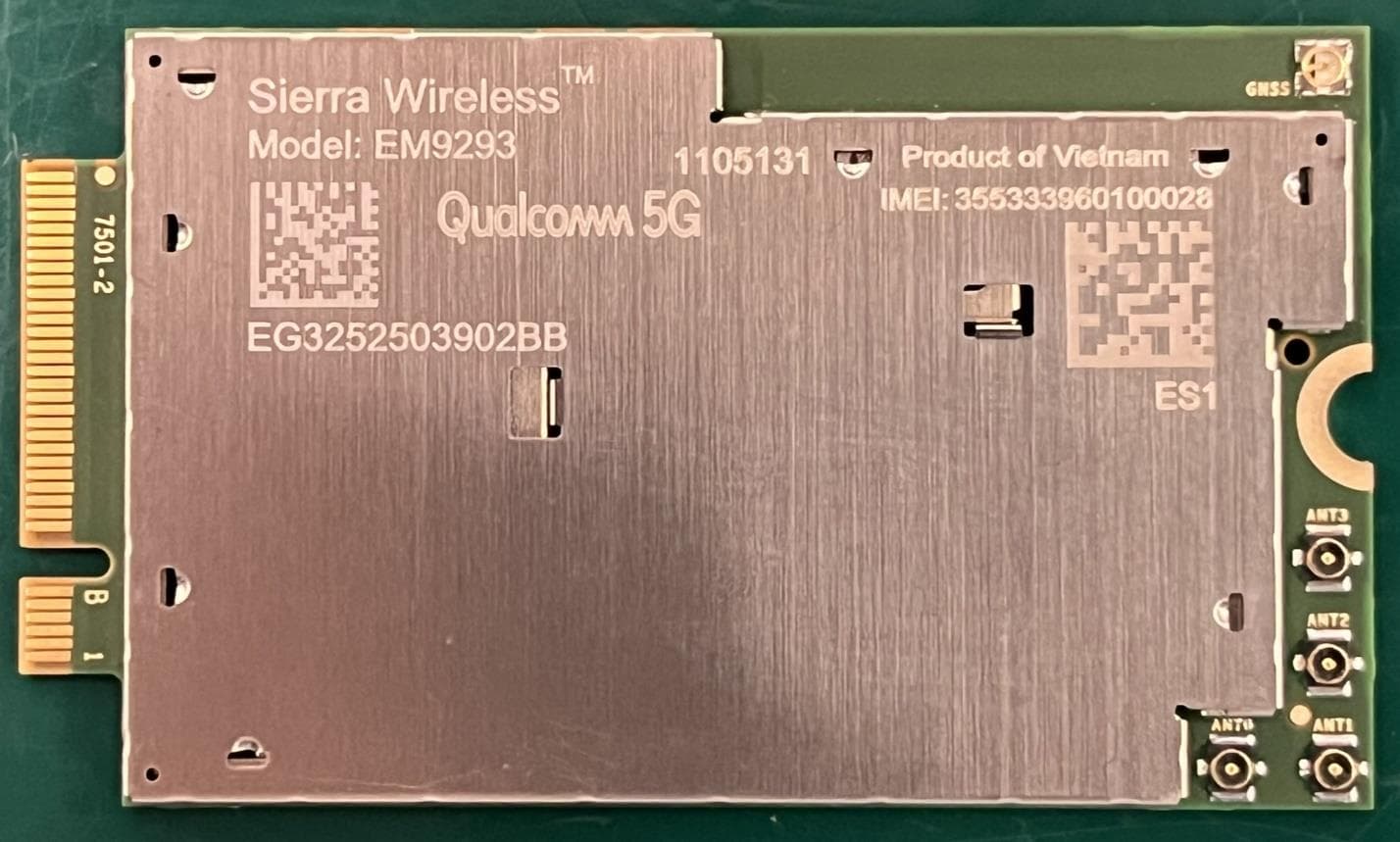
N7NEM92P
Sep 04, 2025Radio Module
Equipment Class
CBE - Citizens Band End User DevicesN7NHL79
Aug 15, 2024Module
Equipment Class
PCB - PCS Licensed Transmitter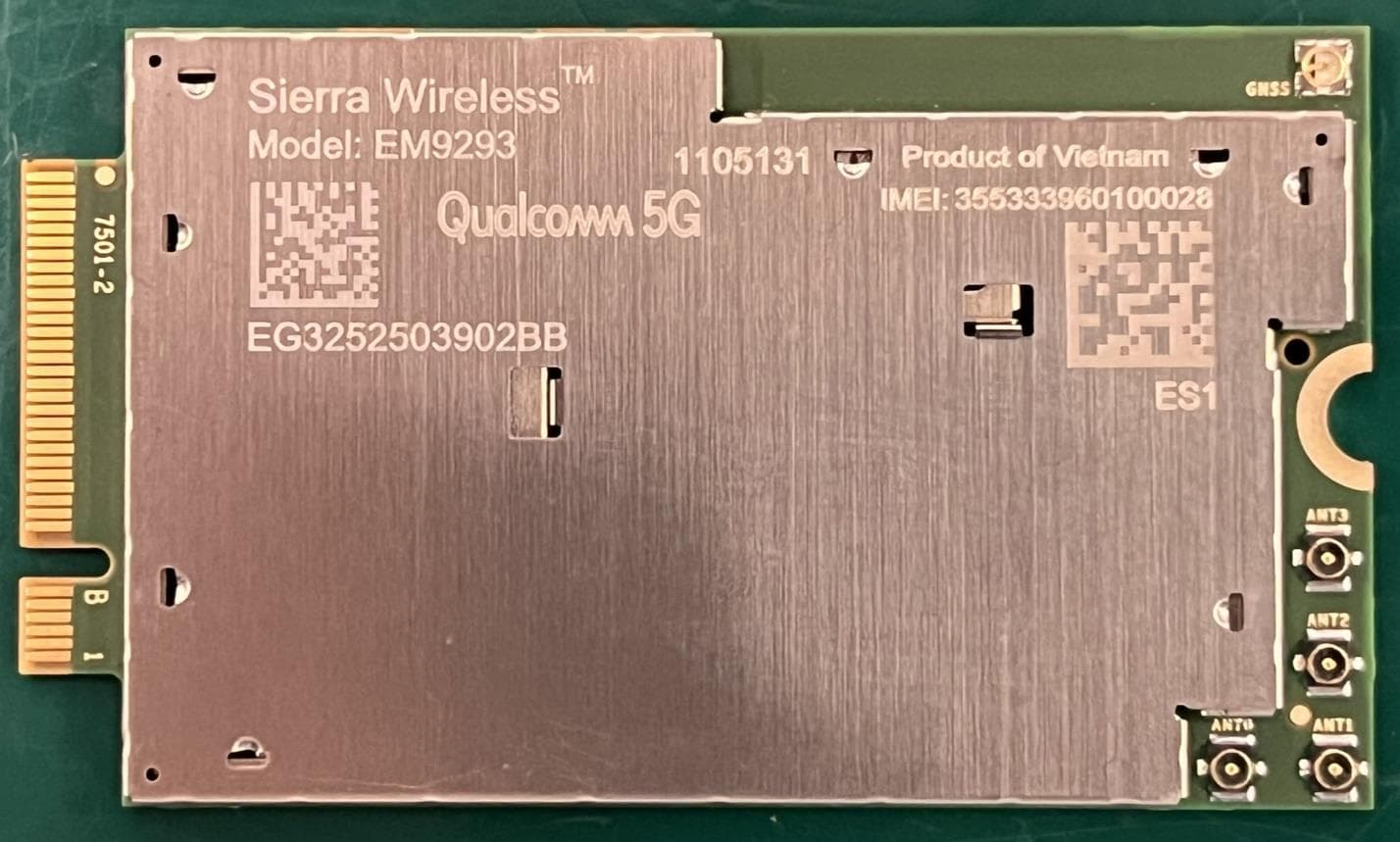
N7NEM92
Sep 26, 2023Radio Module
Equipment Class
CBE - Citizens Band End User Devices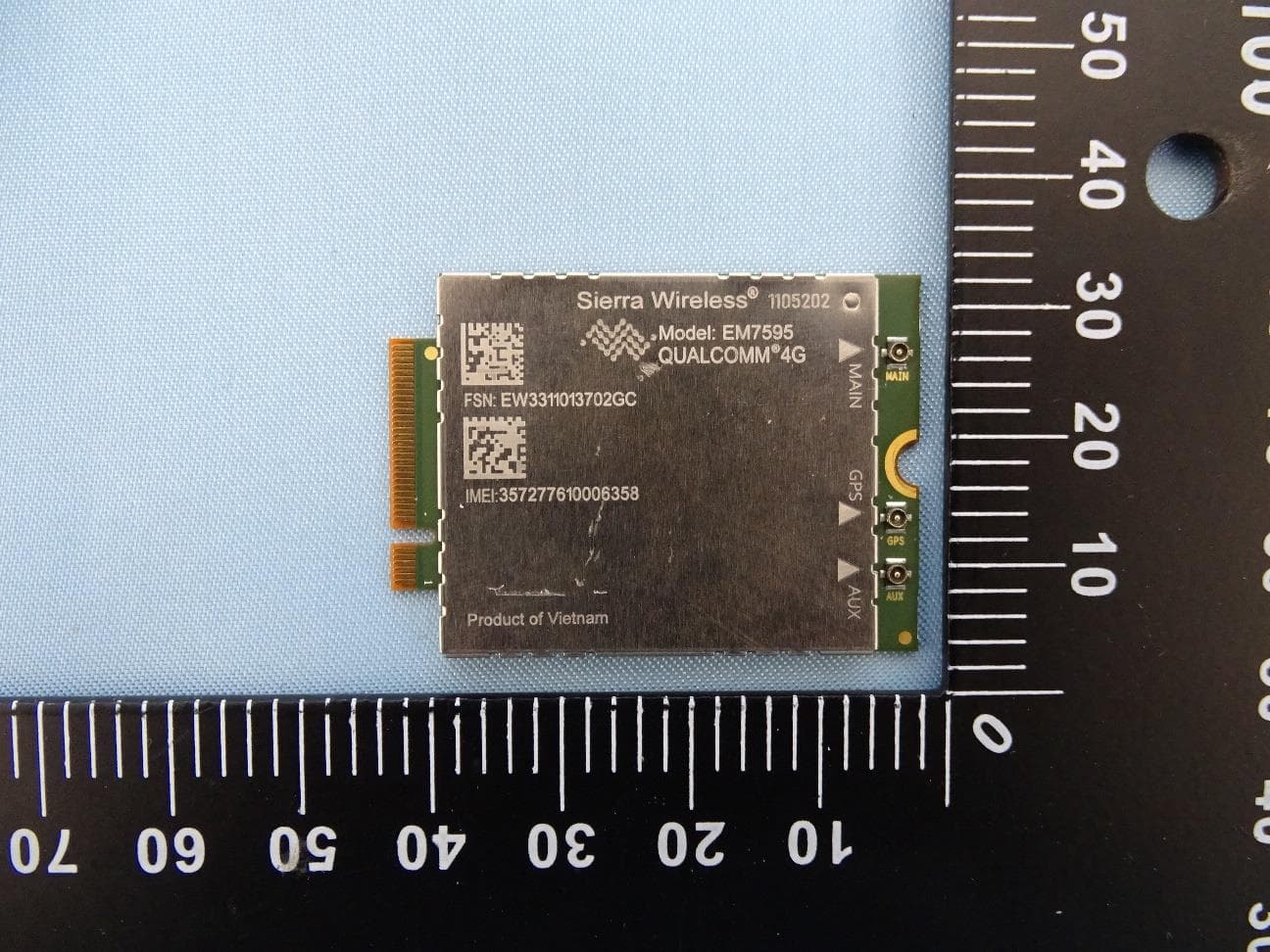
N7NEM75Y
Sep 10, 2023Radio Module
Equipment Class
PCB - PCS Licensed Transmitter