N9ZMAV220Wireless Kitchen Thermo-Timer
Ewig Industries Macao Commercial Offshore Limited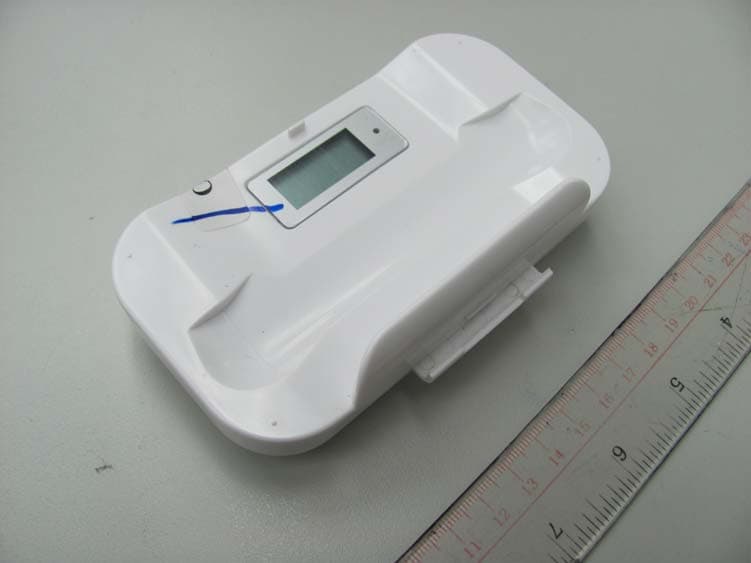
Click to zoom
Application Details
- Equipment Class
- DSC - Part 15 Security/Remote Control Transmitter
- Date of Grant
- Jan 25, 2010
- Application Purpose
- Original Equipment
- Date of Application
- Jan 25, 2010
- Equipment Note
- Wireless Kitchen Thermo-Timer
- Frequency Range
- 433.92000000 - 433.92000000
- Country
- Macau
Documents & Files
Document Text
Text extracted from the exhibit documents filed with the FCC. Open a document above to read the original.
Users Manual
1 INSTRUCTION MANUAL Congratulations on your purchase of the new Williams-Sonoma wireless voice alert grill thermometer. This unit will allow you to see the temperature of your food cooking in the oven or on the grill from anywhere in your home. The unit allows you to be alerted by a voice alert telling you when your food is almost ready or ready and by beeps that tell the same. The following instructions will show you how to easily use the thermometer. THE UNIT HAS A LOCKING CASE. THE TABS WILL HOLD IT CLOSED WHILE STORED. TO OPEN SIMPLY GRASP THE BATTERY COMPARTMENT OF THE RECEIVER AND PULL OUT. YOU WILL HEAR A CLICK AND THE UNIT WILL SEPARATE. WHEN USED AS A THERMOMETER: First you must register the base unit with the remote unit (the remote unit has the display showing the food selections). To register the unit do the following: ● Turn the unit on by holding the MODE button on the receiver unit until you hear the BEEP sound. ● Plug in the stainless steel probe into the transmitter unit. This must be done within 120 seconds of turning the unit on. ● The unit should beep three times when turned on and the probe temperature should appear within 5-10 seconds of plugging in the probe. When the temperature appears the unit will beep once. ● If this does not happen repeat the process. THE PROBE MUST BE PLUGGED INTO THE TRANSMITTER FOR THE UNIT TO WORK. ONCE THE UNIT IS ON: Press the MODE button again to change the unit from the thermometer function to the timer function. This button will change the feature of timer/thermometer back and forth. 2 IF THE SIGNAL IS LOST: If the receiver unit is turned off and then on and the signal is lost do the following: ● Turn the receiver on by pressing the MODE button for two seconds. ● Once the unit is on hold the CLEAR button for several seconds until the probe temperature starts to blink with the --- showing. ● Press and hold the (TX) button inside the battery compartment of the transmitter or re-plug the temperature probe. This has to be done within 120 seconds of turning the unit on. ● If the unit registers the transmitter the unit will beep and show the probe temperature. If it does not register press and hold the (TX) button again. HOW TO KNOW IF THE SIGNAL IS LOST: The receiver unit will normally work within 150 feet of the transmitter. If the receiver is taken out of range or there is abnormal external interference the receiver may not be able to receive the transmission from the transmitter. If this happens the unit will alert you by beeping once for every 3 seconds to tell you to re-sync the signal. If this happens you need to move the unit close to the transmitter and follow the instructions above. SETTING THE SELECTED FOOD TEMPERATURE: The unit is programmed with selected pre-set temperatures for all types of meats. These temperatures are recommended by both major cookbooks and the USDA for food safety. The chart of the selected temperatures is as follows below: MEAT TASTE Type WELL DONE MEDIUM MEDIUM RARE RARE Beef BEEF 160ºF 145ºF 135ºF 125ºF Veal VEAL 160ºF 145ºF N/A 135ºF Lamb LAMB 160ºF 145ºF 135ºF 125ºF Pork PORK 160ºF 145ºF N/A N/A Chicken, whole CHICK 165ºF N/A N/A N/A Turkey, whole TURKY 165ºF N/A N/A N/A 3 TO SELECT A SPECIFIC TYPE OF MEAT: Press the button marked “MEAT” and scroll through the selection until the type of meat (BEEF, VEAL, CHICKEN, ETC) shows on the LCD (display). There will also be the meat icon shown on the display. TO SELECT YOUR OWN PREFERRED TEMPERATURE: Once you have selected a temperature and food selection – for instance BEEF –RARE – you can customize the temperature setting by using the HR/▲ sign to increase the temperature setting or the MIN/▼ to reduce the temperature setting. See below examples of what the LCD will look like: Pre-Alert: When the probe temperature reaches ten degrees to the set temperature of your food the unit will let you know with the voice alert “Your food is almost ready” and the unit will beep twice. The pre-alert will be repeated after four seconds. Alert: When the probe temperature reaches the set temperature (selected with the meat and taste selection) the unit will beep three times and the voice will say “Your food is ready”. At the same time the alert icon will flash on the face of the unit. To cancel the alert press the STOP button on the unit. TO USE THE UNIT AS A TIMER: ● Press the MODE button to switch the unit from Thermometer setting to Timer setting. ● Press the clear button if the timer is running so that the timer shows 0:00. ● COUNT UP – To use as a count up timer simply press START. The timer will count up to a maximum of 23:59:59. ● COUNT DOWN – To use as a count down timer set the hour time by pressing the HOUR ▲to the proper hour. To set the MINUTE press the MIN▼ to the desired number of minutes. Once the hours and minutes are set press start. The unit will count down to 0 and then beep for 20 seconds and the icons will beep. Timer mode (Count up timer /Count down timer) 4 Count up timer Count down timer THE TIMER CAN BE USED WHILE THE THERMOMETER IS ALSO IN USE. IT WILL RUN IN THE BACKGROUND AND CAN BE VIEWED BY PRESSING THE MODE TO SWITCH BACK FROM TIMER TO THERMOMETER. Put the receiver on the transmitter base The receiver can stand on the transmitter. (Figure 1) Figure 1 If you want not to use the grill thermometer, put the receiver and transmitter face to face to combine them as a box for easy storage (Figure 2). Figure 2 5 HELPFUL HINTS If the receiver and/or the transmitter display LLL or HHH instead of the probe temperature, wait for probe to reach room temperature. If LLL or HHH is still displayed it is likely the internal probe wire has shorted out either through moisture or heat damage. Do not immerse the probe in water while cleaning. Do not allow the probe or probe wire to come into contact with flames. If cooking with grill cover closed, only use medium or low heat. Make sure the probe tip is inserted into the meat at least 1 inch. If the temperature di…
Text truncated - open the document above for the full version.
Block Diagram
FCC ID: N9ZMAV220 Block Diagram
External Photos
Intertek Testing Services Report Number: HK09120392-2 FCC ID:N9ZMAV220 External Photos
ID Label/Location Info
HR MIN STARTSTART STOPSTOP MAV219 & MAV220 Wireless Kitchen Thermo-Timer EWIG GROUP 2010 Jan 14 EWIG Copyright (C)2009 - All distribution under NDA - Non-Disclosure Agreement. Pre-tooling Color Guide Injection Gloss White Silkscreen: Gray 429 C Injection Gloss White Buttons: Spray Silver 877 C Injection Gloss White Silkscreen: Silver 877 C Rubber foot: Translucent Injection Gloss White Silkscreen: Dark Gray 433 C Silkscreen: Dark Gray 433 C LED Silkscreen: Gray 429 C Injection Gloss White Lens: Injection Transparent Injection Gloss White FCC ID: N9ZMAV220 TxTx MAV219 MAVERICK MAV219 MADE IN CHINA MADE IN CHINA MAV220 Silkscreen: Gray 429 C This device complies with part 15 of the FCC Rules. Operation is subject to the following two conditions: (1) This device may not cause harmful interference, and (2) this device must accept any interference received, including interference that may cause undesired operation. (2)
Internal Photos
Intertek Testing Services Report Number: HK09120392-2 FCC ID:N9ZMAV220 Internal Photos Intertek Testing Services Report Number: HK09120392-2 FCC ID:N9ZMAV220 Internal Photos Intertek Testing Services Report Number: HK09120392-2 FCC ID:N9ZMAV220 Internal Photos Intertek Testing Services Report Number: HK09120392-2 FCC ID:N9ZMAV220 Internal Photos
Operational Description
FCC ID: N9ZMAV220 Circuit Description Operation Descriptions The transmitter is a thermometer remote sensor operating at 433.92 MHz. The transmitter is powered by a 3V battery (2 x 1.5V “AAA” size batteries). The IC: W54E260 U1 is the MCU. It controls the LCD display, LED indicator and read the temperature data detected by the temperature sensor circuit. The temperature data is encoded by the MCU and modulated by the modulator make up of the 433.92MHz crystal oscillator Y201 and the amplifier Q201. The modulated RF signal then passes through the matching network to the PCB antenna.
Test Report
Intertek Testing Services Report Number: HK09120392-2 FCC ID:N9ZMAV220 Bandwidth Plot: Bandwidth Limit: 433.925 x 0.25% = 1.085 MHz Measured Bandwidth: 0.270MHz Complied
Test Report
- The test report only allows to be revised within the retention period unless further standard or the requirement was noticed. - This report is for the exclusive use of Intertek's Client and is provided pursuant to the agreement between Intertek and its Client. Intertek's responsibility and liability are limited to the terms and conditions of the agreement. Intertek assumes no liability to any party, other than to the Client in accordance with the agreement, for any loss, expense or damage occasioned by the use of this report. Only the Client is authorized to permit copying or distribution of this report and then only in its entirety. Any use of the Intertek name or one of its marks for the sale or advertisement of the tested material, product or service must first be approved in writing by Intertek. The observations and test results in this report are relevant only to the sample tested. This report by itself does not imply that the material, product, or service is or has ever been under an Intertek certification program. Intertek Testing Services Hong Kong Ltd. 2/F., Garment Centre, 576 Castle Peak Road, Kowloon, Hong Kong. Tel: (852) 2173 8888 Fax: (852) 2785 5487 Website: www.hk.intertek-etlsemko.com TEST REPORT Report No.: HK09120392-2 Ewig Industries Macao Commercial Offshore Limited Application For Certification (Original Grant) (FCC ID: N9ZMAV220) Transmitter Prepared and Checked by: Approved by: Benny Lau/sl Engineer Chan Chi Hung, Terry Senior Lead Engineer Date: January 12, 2010 INTERTEK TESTING SERVICES Report No.: HK09120392-2 FCC ID: N9ZMAV220 i GENERAL INFORMATION Ewig Industries Macao Commercial Offshore Limited BRAND NAME: MAVERICK, MODEL: MAV220 FCC ID: N9ZMAV220 Grantee: Ewig Industries Macao Commercial Offshore Limited Grantee Address: Rua de Pequim Macau Finance Centre 10E, Macau. Contact Person: Mr. Ken Tsoi Tel: 0769-87733008 Fax: 0769-87731496 e-mail: [email protected] Manufacturer: N/A Manufacturer Address: N/A Brand Name: MAVERICK Model: MAV220 Type of EUT: Transmitter Description of EUT: Wireless Kitchen Thermo-Timer Serial Number: N/A FCC ID: N9ZMAV220 Date of Sample Submitted: December 09, 2009 Date of Test: December 12, 2009 Report No.: HK09120392-2 Report Date: January 12, 2010 Environmental Conidtions: Temperature: +10 to 40°C Humidity: 10 to 90% INTERTEK TESTING SERVICES Report No.: HK09120392-2 FCC ID: N9ZMAV220 ii SUMMARY OF TEST RESULT Ewig Industries Macao Commercial Offshore Limited BRAND NAME: MAVERICK, MODEL: MAV220 FCC ID: N9ZMAV220 TEST SPECIFICATION REFERENCE RESULTS Maximum Peak Output Power 15.247(b), (c) / RSS-210 A8.4 N/A Hopping Channel Carrier Frequencies Separation 15.247(e) / RSS-210 A8.1 N/A 20dB Bandwidth of the Hopping Channel 15.247(a) / RSS-210 A8.1 N/A Number of Hopping Frequencies 15.247(e) / RSS-210 A8.1 N/A Average Time of Occupancy of Hopping Frequency 15.247(e) / RSS-210 A8.1 N/A Antenna Conducted Spurious Emissions 15.247(d) / RSS-210 A8.5 N/A Radiated Spurious Emissions 15.247(d) / RSS-210 A8.5 N/A RF Exposure Compliance 15.247(i) / RSS-Gen 5.5 N/A Transmitter Power Line Conducted Emissions 15.207 / RSS-Gen 7.2.2 N/A Transmitter Field Strength 15.227 / RSS-310 3.8 N/A Transmitter Field Strength 15.229 / RSS-210 A2.7 N/A Transmitter Field Strength, Bandwidth and Timing Requirement 15.231(a) / RSS-210 A1.1.1 Pass Transmitter Field Strength, Bandwidth and Timing Requirement 15.231(e) / RSS-210 A1.1.5 Pass Transmitter Field Strength and Bandwidth Requirement 15.239 / RSS-210 A2.8 N/A Transmitter Field Strength and Bandwidth Requirement 15.249 / RSS-210 A2.9 N/A Transmitter Field Strength and Bandwidth Requirement 15.235 / RSS-310 3.9 N/A Receiver / Digital Device Radiated Emissions 15.109 / ICES-003 N/A Digital Device Conducted Emissions 15.107 / ICES-003 N/A Note: 1. The EUT uses a permanently attached antenna which, in accordance to section 15.203, is considered sufficient to comply with the pervisions of this section. 2. Pursuant to FCC part 15 Section 15.215(c), the 20 dB bandwidth of the emission was contained within the frequency band designated (mentioned as above) which the EUT operated. The effects, if any, from frequency sweeping, frequency hopping, other modulation techniques and frequency stability over excepted variations in temperature and supply voltage were considered INTERTEK TESTING SERVICES Report No.: HK09120392-2 FCC ID: N9ZMAV220 iii Table of Contents 1.0 General Description........................................................................................ 1 1.1 Product Description ........................................................................................... 1 1.2 Related Submittal(s) Grants............................................................................... 1 1.3 Test Methodology.............................................................................................. 1 1.4 Test Facility ....................................................................................................... 1 2.0 System Test Configuration ............................................................................. 2 2.1 Justification ....................................................................................................... 2 2.2 EUT Exercising Software................................................................................... 2 2.3 Special Accessories .......................................................................................... 2 2.4 Equipment Modification ..................................................................................... 2 2.5 Measurement Uncertainty.................................................................................. 2 2.6 Support Equipment List and Description ............................................................ 2 3.0 Emission Results ............................................................................................ 3 3.1 Field Strength Calculation.........................................................…
Text truncated - open the document above for the full version.
Test Report
INTERTEK TESTING SERVICES Report No.: HK09120392-2 Sample No.: 1/1 Code: FCC15C_c / Effective Date: 04 Aug 2009 Timming Plot – Pursuant to FCC Part 15 Section 15. 231 Requirement INTERTEK TESTING SERVICES Report No.: HK09120392-2 Sample No.: 1/1 Code: FCC15C_c / Effective Date: 04 Aug 2009 Timming Plot – Pursuant to FCC Part 15 Section 15. 231 Requirement INTERTEK TESTING SERVICES Report No.: HK09120392-2 Sample No.: 1/1 Code: FCC15C_c / Effective Date: 04 Aug 2009 Timming Plot – Pursuant to FCC Part 15 Section 15. 231 Requirement INTERTEK TESTING SERVICES Report No.: HK09120392-2 Sample No.: 1/1 Code: FCC15C_c / Effective Date: 04 Aug 2009 Timming Plot – Pursuant to FCC Part 15 Section 15. 231 Requirement
Test Setup Photos
Intertek Testing Services Report Number: HK09120392-2 FCC ID:N9ZMAV220 Radiated Photos Front Side Rare Side
Contact Information
Applicant
Liu Binkky(Electronic Supervisor)
Technical Contact
Intertek Testing Services Hong Kong LtdBen Ho
[email protected]852-2173-8505
2/F Garment Centre · Kowloon · Hong Kong
Non-Technical Contact
Intertek Testing Services Hong Kong LtdBen Ho
[email protected]852-2173-8505
Test Firm
Intertek Testing Services Hong Kong Ltd.Billy Chow
Technical Specifications
| # | Rule Parts | Frequency Range | Power Output |
|---|---|---|---|
| 1 | 15.231,15.231(e) | 433.92 MHz - 433.92 MHz | - |
Other Applications from Ewig Industries Macao Commercial Offshore Limited
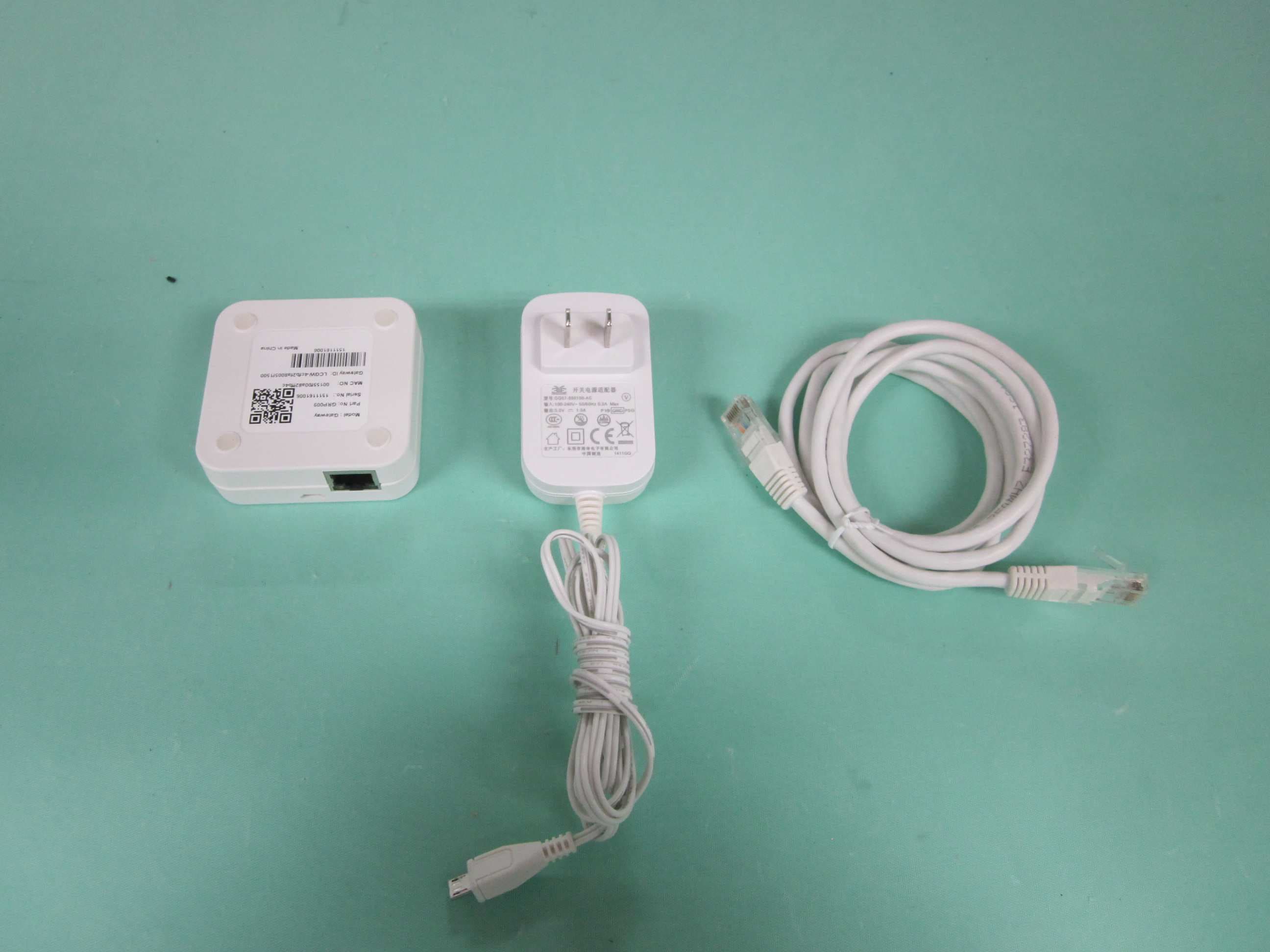
N9ZGRP009
Dec 22, 2015Gateway
Equipment Class
DTS - Digital Transmission System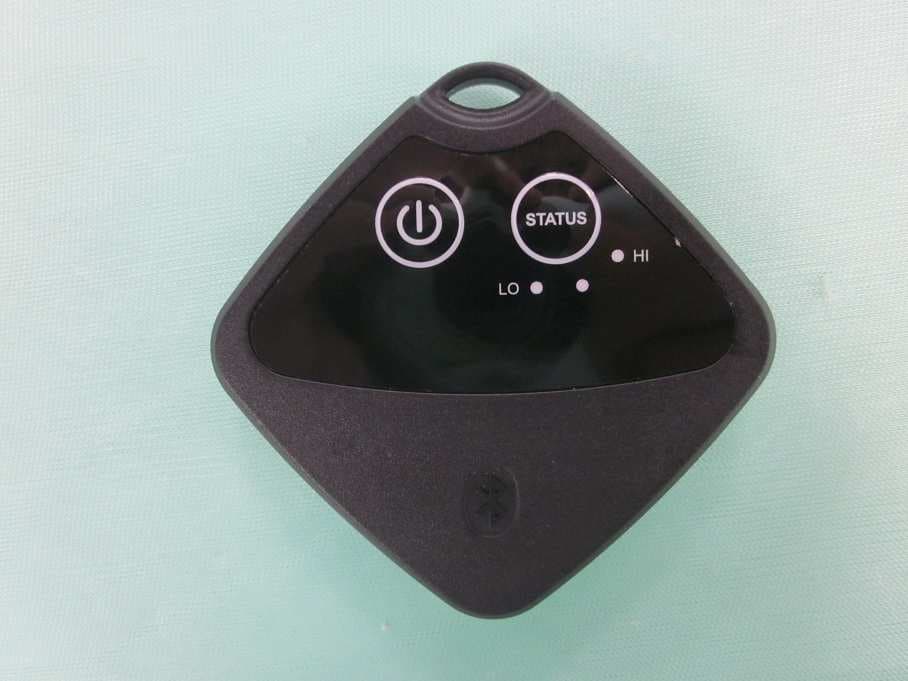
N9ZTLG002
Dec 03, 2015Temperature Logger
Equipment Class
DTS - Digital Transmission System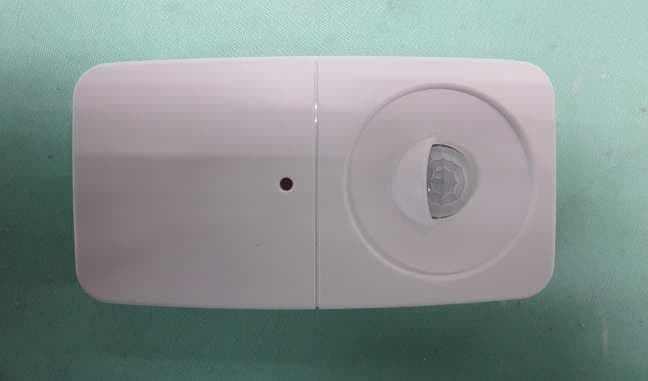
N9ZGRP001
Oct 22, 2015PIR Sensor
Equipment Class
DTS - Digital Transmission System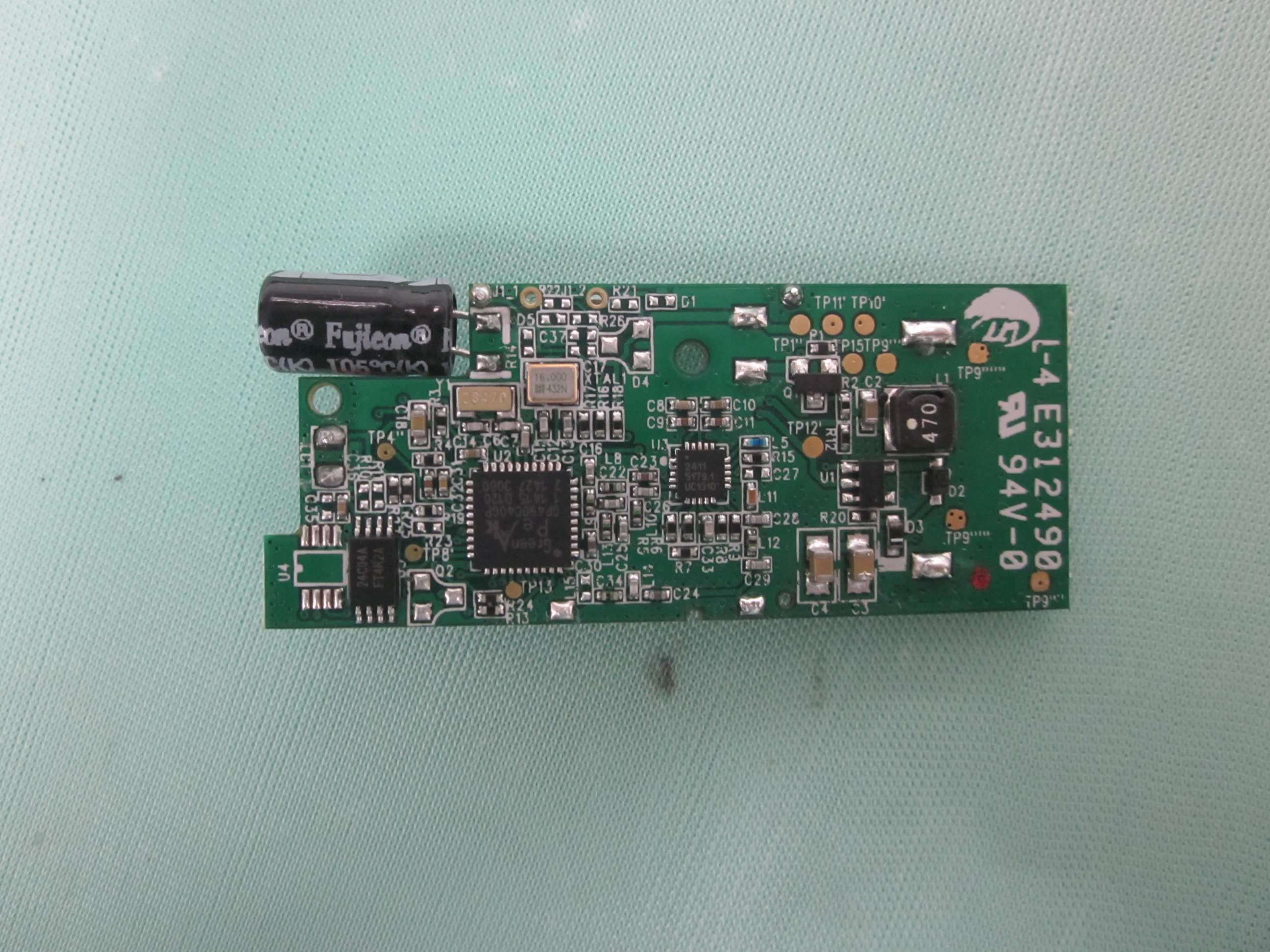
N9ZGRP002
Oct 22, 2015Door/Window Sensor
Equipment Class
DTS - Digital Transmission System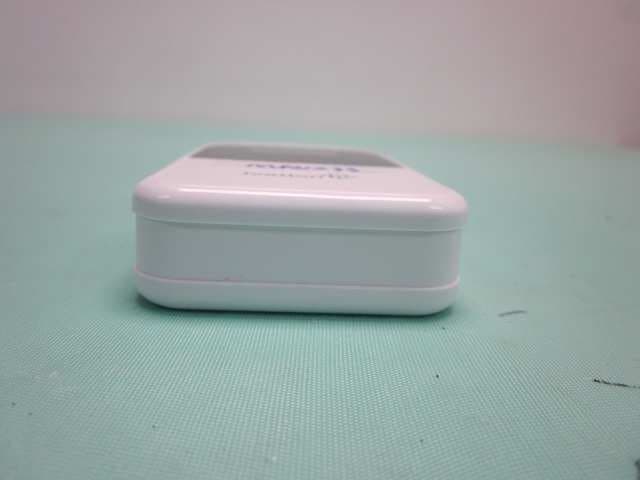
N9ZMAV233
Jul 02, 2015Wireless Kitchen Thermometer
Equipment Class
DSC - Part 15 Security/Remote Control Transmitter