NM80PCV100Smartphone
HTC Corporation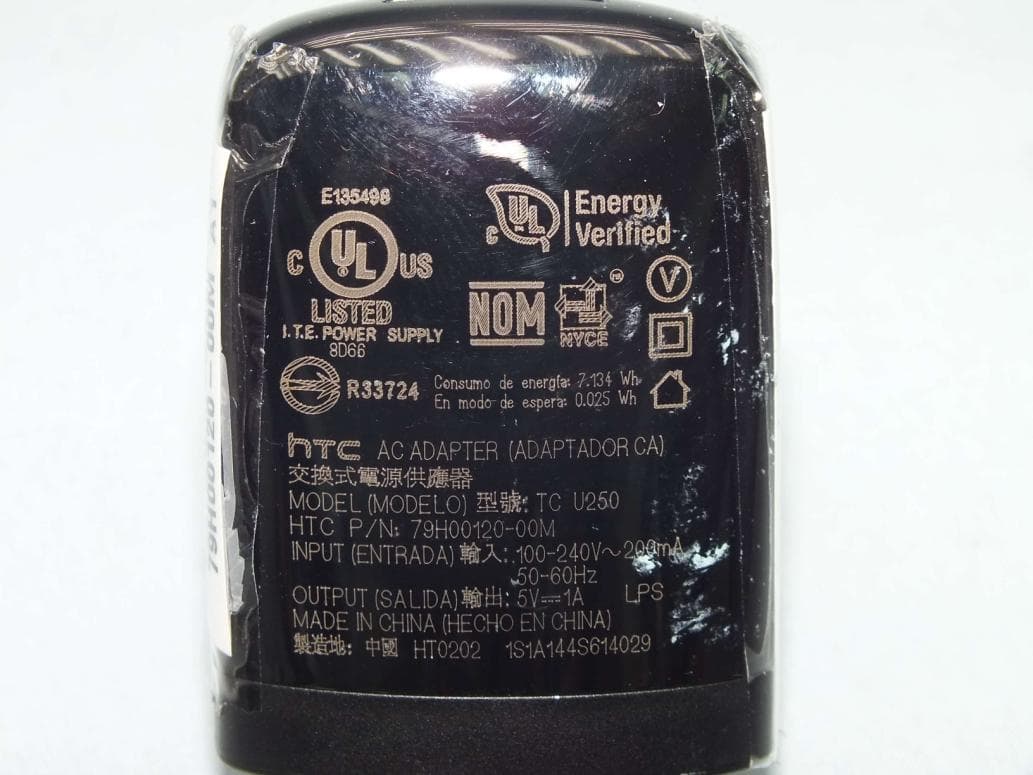
Click to zoom
Application Details
- Equipment Class
- DSS - Part 15 Spread Spectrum Transmitter
- Date of Grant
- Aug 19, 2014
- Application Purpose
- Original Equipment
- Date of Application
- Jul 21, 2014
- Equipment Note
- Smartphone
- Frequency Range
- 2402.00000000 - 2480.00000000
- Company
- HTC Corporation
- Country
- Taiwan
Documents & Files
Document Text
Text extracted from the exhibit documents filed with the FCC. Open a document above to read the original.
Users Manual
User guide For certification only For certification only For certification only For certification only Contents Unboxing HTC Desire 5109 Back cover10 micro SIM card11 Storage card12 Battery13 Switching the power on or off14 Want some quick guidance on your phone?15 Phone setup and transfer Setting up your new phone for the first time16 Restoring your backup from your online storage17 Transferring content from an Android phone18 Transferring content from an iPhone18 Transferring contacts from your old phone through Bluetooth19 Other ways of getting contacts and other content19 Transferring photos, videos, and music between your phone and computer20 Home screen20 Using Quick Settings20 Getting to know your settings21 Updating your phone's software22 Getting apps from Google Play23 Downloading apps from the web24 Uninstalling an app25 Your first week with your new phone About your phone26 Basics27 HTC BlinkFeed35 Notifications38 Working with text39 Battery43 HTC Guide47 Personalizing Making HTC Desire 510 truly yours48 Ringtones, notification sounds, and alarms48 Home wallpaper49 Launch bar49 Adding Home screen widgets49 2Contents For certification only For certification only For certification only For certification only Adding Home screen shortcuts50 Editing Home screen panels51 Changing your main Home screen52 Grouping apps on the widget panel and launch bar53 Arranging apps53 Lock screen55 Camera Camera basics56 Taking a photo58 Tips for capturing better photos58 Recording video58 Taking continuous camera shots59 Taking selfies60 Improving portrait shots60 Taking a panoramic photo60 Using HDR61 Recording videos in slow motion61 Saving your settings as a camera mode61 Gallery Viewing photos and videos in Gallery63 Viewing photos and videos organized by time63 Viewing photos and videos by album63 Viewing photos by location64 Editing your photos66 Trimming a video66 Saving a photo from a video67 Creating a Zoe in Gallery67 Phone calls Making a call with Smart dial69 Dialing an extension number69 Returning a missed call70 Speed dial70 Calling a number in a message, email, or calendar event71 Making an emergency call71 Receiving calls71 What can I do during a call?72 Setting up a conference call73 Call History73 Switching between silent, vibrate, and normal modes74 Home dialing74 Messages Sending a text message (SMS)75 Sending a multimedia message (MMS)75 Sending a group message76 Resuming a draft message76 Replying to a message76 Saving a text message as a task77 3Contents For certification only For certification only For certification only For certification only Forwarding a message77 Moving messages to the secure box77 Blocking unwanted messages78 Copying a text message to the micro SIM card79 Deleting messages and conversations79 Search and web browser Getting instant information with Google Now80 Searching HTC Desire 510 and the Web82 Browsing the Web83 Bookmarking a webpage85 Using your browsing history85 Clearing your browsing history85 Entertainment HTC Music87 YouTube91 FM Radio92 Wireless media93 Storage Phone storage94 Your files96 Google Drive97 Sync, backup, and reset Online sync102 Backup103 HTC Sync Manager108 Reset111 People Your contacts list113 Setting up your profile114 Adding a new contact114 Editing a contact’s information115 Getting in touch with a contact116 Importing or copying contacts116 Merging contact information117 Sending contact information118 Contact groups118 Private contacts119 Email Gmail121 Mail123 4Contents For certification only For certification only For certification only For certification only Calendar Viewing the Calendar128 Scheduling or editing an event129 Choosing which calendars to show129 Sharing an event130 Accepting or declining a meeting invitation130 Dismissing or snoozing event reminders131 Travel and maps Location settings132 Google Maps132 HTC Car134 Other apps Using the Clock136 Checking Weather137 Recording voice clips137 Keeping track of your tasks138 Kid Mode139 Internet connections Turning the data connection on or off140 Managing your data usage140 Wi-Fi142 Connecting to VPN143 Using HTC Desire 510 as a Wi-Fi hotspot145 Sharing your phone's Internet connection by USB tethering146 Wireless sharing Bluetooth147 HTC Mini+149 Settings and security Airplane mode151 Do not disturb mode151 Scheduling when to turn data connection off153 Automatic screen rotation153 Setting when to turn off the screen153 Screen brightness153 Changing the display font154 Touch sounds and vibration154 Changing the display language154 Accessibility settings155 Turning Magnification gestures on or off155 Installing a digital certificate155 Disabling an app156 Assigning a PIN to a micro SIM card156 Lock screen notifications156 Hiding the caller from the lock screen157 5Contents For certification only For certification only For certification only For certification only Setting a screen lock157 Setting up face unlock157 Bypassing the lock screen158 Navigating HTC Desire 510 with TalkBack158 Trademarks and copyrights Index 6Contents For certification only For certification only For certification only For certification only Conventions used in this guide In this user guide, we use the following symbols to indicate useful and important information: This is a note. A note often gives additional information, such as what happens when you choose to do or not to do a certain action. A note also provides information that may only be applicable to some situations. This is a tip. A tip gives you an alternative way to do a particular step or procedure, or lets you know of an option that you may find helpful. This indicates important information that you need in order to accomplish a certain task or to get a feature to work properly. This provides safety precaution information, that is, information that you need to be careful about to prevent potential problems. 7Conventions used in this guide For certification only For certification only For certification only For certificatio…
Text truncated - open the document above for the full version.
Users Manual
Important Information Important Safety Information – page 2 Manufacturer’s Warranty – page 18 General Terms and Conditions of Service – page 40 Important Message from Sprint – page 71 2 Important Safety Information Important Safety Information ♦General Precautions (page 2) ♦Maintaining Safe Use of and Access to Your Phone (page 3) ♦Important Health Information and Safety Precautions (page 5) ♦Regulatory Agency Identifications (page 10) ♦FCC Hearing-Aid Compatibility (HAC) Regulations for Wireless Devices (page 10) ♦Caring for the Battery (page 12) ♦Exposure to Radio Frequency Energy (page 13) ♦Owner’s Record (page 17) ♦Proprietary Notice (page 17) ♦Disposing Notice (page 17) This booklet contains important operational and safety information that will help you safely use your phone. Failure to read and follow the information provided in this booklet may result in serious bodily injury, death, or property damage. General Precautions There are several simple guidelines to operating your phone properly and maintaining safe, satisfactory service. • To maximize performance, do not touch the bottom portion of your phone where the internal antenna is located while using the phone. • Speak directly into the mouthpiece. • Avoid exposing your phone and accessories to rain or liquid spills. If your phone does get wet, immediately turn the power off and remove the battery. 2 Important Safety Information Important Safety Information 3 • Do not expose your phone to direct sunlight for extended periods of time (such as on the dashboard of a car). • Although your phone is quite sturdy, it is a complex piece of equipment and can be broken. Avoid dropping, hitting, bending, or sitting on it. • Any changes or modifications to your phone not expressly approved in this document could void your warranty for this equipment and void your authority to operate this equipment. Note: For the best care of your device, only Sprint- authorized personnel should service your phone and accessories. Failure to do so may be dangerous and void your warranty. Maintaining Safe Use of and Access to Your Phone Do Not Rely on Your Phone for Emergency Calls Mobile phones operate using radio signals, which cannot guarantee connection in all conditions. Therefore you should never rely solely upon any mobile phone for essential communication (e.g., medical emergencies). Emergency calls may not be possible on all cellular networks or when certain network services or mobile phone features are in use. Check with your local service provider for details. Using Your Phone While Driving Talking on your phone while driving (or operating the phone without a hands-free device) is prohibited in some jurisdictions. Laws vary as to specific restrictions. Remember that safety always comes first. 4 Important Safety Information Tip: Purchase an optional hands-free accessory at your local Sprint Store, or call Sprint at 1-866-866-7509. Following Safety Guidelines To operate your phone safely and efficiently, always follow any special regulations in a given area. Turn your phone off in areas where use is forbidden or when it may cause interference or danger. Using Your Phone Near Other Electronic Devices Most modern electronic equipment is shielded from radio frequency (RF) signals. However, RF signals from wireless phones may affect inadequately shielded electronic equipment. RF signals may affect improperly installed or inadequately shielded electronic operating systems or entertainment systems in motor vehicles. Check with the manufacturer or their representative to determine if these systems are adequately shielded from external RF signals. Also check with the manufacturer regarding any equipment that has been added to your vehicle. Consult the manufacturer of any personal medical devices, such as pacemakers and hearing aids, to determine if they are adequately shielded from external RF signals. Note: Always turn off the phone in healthcare facilities, and request permission before using the phone near medical equipment. Using Your Phone While Flying Use of cell phones may be restricted on aircraft. Please check with your airline to see what restrictions may apply. You may be required to turn off your phone at certain times. Use of your phone’s cellular connection and use of your phone for voice communications may be prohibited by law or airline policy. For your safety 4 Important Safety Information Important Safety Information 5 and the safety of other passengers, always follow crew instructions regarding the use of your phone. Turning Off Your Phone in Dangerous Areas To avoid interfering with blasting operations, turn your phone off when in a blasting area or in other areas with signs indicating two-way radios should be turned off. Construction crews often use remote-control RF devices to set off explosives. Turn your phone off when you’re in any area that has a potentially explosive atmosphere. Although it’s rare, your phone and accessories could generate sparks. Sparks can cause an explosion or fire, resulting in bodily injury or even death. These areas are often, but not always, clearly marked. They include: • Fueling areas such as gas stations. • Below deck on boats. • Fuel or chemical transfer or storage facilities. • Areas where the air contains chemicals or particles such as grain, dust, or metal powders. • Any other area where you would normally be advised to turn off your vehicle’s engine. Note: Never transport or store flammable gas, flammable liquids, or explosives in the compartment of your vehicle that contains your phone or accessories. Restricting Children’s Access to Your Phone Your phone is not a toy. Do not allow children to play with it as they could hurt themselves and others, damage the phone or make calls that increase your Sprint invoice. Important Health Information and Safety Precautions When using this product, the safety precautions below must be taken to avoid possible legal liabilities and damages. 6 Important Safet…
Text truncated - open the document above for the full version.
Cover Letter(s)
宏達國際電子股份有限公司 1F, 6-3 Baoqiang Road, HTC Corporation Xindian District, New Taipei City, Taiwan 231 Date: July 15, 2014 Power of Attorney To whom it may concern, Please be notified that I, Lucy Shih, have designated Daniel Lee of Bureau Veritas Consumer Products Services (H.K.) Ltd., Taoyuan Branch (BV CPS Taoyuan Branch) of Taiwan and Ray Wang in HTC Corporation as the persons being responsible for this project and to sign the form 731 and other documentation. Any and all acts carried out by Daniel Lee of Bureau Veritas Consumer Products Services (H.K.) Ltd., Taoyuan Branch (BV CPS Taoyuan Branch) of Taiwan and Ray Wang in HTC Corporation on the matters relating to all processes required in the FCC approval and any communication needed with the national authority, shall have the same legal authority as acts on our own behalf. As defined in 47 CFR Ch. 1.2002 (b), we further certify that neither the applicant nor any party to this application is subject to a denial to Federal benefits, including FCC benefits, pursuant to section 5301 of the Anti-Drug Abuse Act of 1998, 21 U.S.C. 835(a). This authorization is limited to the product of as following: FCC ID: NM80PCV100 If you have any acknowledgement and response, please send it to Daniel Lee of Bureau Veritas Consumer Products Services (H.K.) Ltd., Taoyuan Branch (BV CPS Taoyuan Branch) of Taiwan directly. Should you have any question or comment regarding this matter, please have my best attention. Sincerely yours, Lucy Shih HTC Corporation Fax: 886-2-8912-6307 Tel: 886-2-8912-4138 E-mail: [email protected]
External Photos
Page 1 CONSTRUCTION PHOTOS OF EUT The EUT has following accessories. Product Brand MODEL Description Adapter 1 Salcomp TC U250 I/P: 100-240Vac, 200mA O/P: 5Vdc, 1.0A Adapter 2 Phihong TC U250 I/P: 100-240Vac, 200mA O/P: 5Vdc, 1.0A Battery 1 LG BM65100 Rating: 3.8Vdc, 2100mAh Type: Li-ion Battery 2 SUNWODA BM65100 Rating: 3.8Vdc, 2100mAh Type: Li-ion Earphone 1 Merry HS S250 1m cable Earphone 2 Cotron HS S250 1.15m cable USB Cable 1 Foxlink DC MSR600 1.0m cable USB Cable 2 Coxoc DC MSR600 1.0m cable USB Cable 3 Foxconn DC MSR600 1.0m cable Page 2 Page 3 Page 4 Page 5
Internal Photos
Page 6 Page 7 Page 8 Page 9 Page 10 Page 11 Page 12 Page 13 Page 14 Page 15 Page 16 Page 17
RF Exposure Info
FCC SAR Test Report Report Format Version 5.0.0 Page No. : 1 of 41 Report No. : SA140529C14 Issued Date : Jul. 16, 2014 FCC SAR Test Report Report No. : SA140529C14 Applicant : HTC Corporation Address : 1F, 6-3 Baoqiang Road, Xindian District, New Taipei City, Taiwan 231 Product : Smartphone FCC ID : NM80PCV100 Brand : HTC Model No. : 0PCV100 Standards : FCC 47 CFR Part 2 (2.1093) / IEEE C95.1:1992 / IEEE 1528:2003 IEEE 1528a -2005 / KDB 865664 D01 v01r03 / KDB 248227 D01 v01r02 KDB 447498 D01 v05r02 / KDB 648474 D04 v01r02 / KDB 941225 D01 v02 KDB 941225 D05 v02r03 / KDB 941225 D06 v01r01 Sample Received Date : May 29, 2014 Date of Testing : Jul. 01, 2014 ~ Jul. 15, 2014 CERTIFICATION: The above equipment have been tested by Bureau Veritas Consumer Products Services (H.K.) Ltd., Taoyuan Branch – Lin Kou Laboratories, and found compliance with the requirement of the above standards. The test record, data evaluation & Equipment Under Test (EUT) configurations represented herein are true and accurate accounts of the measurements of the sample’s SAR characteristics under the conditions specified in this report. It should not be reproduced except in full, without the written approval of our laboratory. The client should not use it to claim product certification, approval, or endorsement by TAF or any government agencies. Prepared By : Ivonne Wu / Supervisor Approved By : Roy Wu / Manager This report is for your exclusive use. Any copying or replication of this report to or for any other person or entity, or use of our name or trademark, is permitted only with our prior written permission. This report sets forth our findings solely with respect to the test samples identified herein. The results set forth in this report are not indicative or representative of the quality or characteristics of the lot from which a test sample was taken or any similar or identical product unless specifically and expressly noted. Our report includes all of the tests requested by you and the results thereof based upon the information that you provided to us. You have 60 days from date of issuance of this report to notify us of any material error or omission caused by our negligence, provided, however, that such notice shall be in writing and shall specifically address the issue you wish to raise. A failure to raise such issue within the prescribed time shall constitute your unqualified acceptance of the completeness of this report, the tests conducted and the correctness of the report contents. Unless specific mention, the uncertainty of measurement has been explicitly taken into account to declare the compliance or non-compliance to the specification. FCC SAR Test Report Report Format Version 5.0.0 Page No. : 2 of 41 Report No. : SA140529C14 Issued Date : Jul. 16, 2014 Table of Contents Release Control Record ............................................................................................................................................................... 3 1. Summary of Maximum SAR Value ....................................................................................................................................... 4 2. Description of Equipment Under Test ................................................................................................................................. 5 3. SAR Measurement System ................................................................................................................................................... 6 3.1 Definition of Specific Absorption Rate (SAR) ............................................................................................................... 6 3.2 SPEAG DASY System ................................................................................................................................................. 6 3.2.1 Robot.................................................................................................................................................................. 7 3.2.2 Probes ................................................................................................................................................................ 8 3.2.3 Data Acquisition Electronics (DAE) .................................................................................................................... 8 3.2.4 Phantoms ........................................................................................................................................................... 9 3.2.5 Device Holder ................................................................................................................................................... 10 3.2.6 System Validation Dipoles ................................................................................................................................ 10 3.2.7 Tissue Simulating Liquids ................................................................................................................................. 11 3.3 SAR System Verification ............................................................................................................................................ 14 3.4 SAR Measurement Procedure ................................................................................................................................... 15 3.4.1 Area & Zoom Scan Procedure ......................................................................................................................... 15 3.4.2 Volume Scan Procedure................................................................................................................................... 15 3.4.3 Power Drift Monitoring ...................................................................................................................................... 16 3.4.4 Spatial Peak SAR Evaluation ..............................................................................................................…
Text truncated - open the document above for the full version.
Test Report
Report No.: RF140529C14 1 of 70 Report Format Version 5.2.0 FCC TEST REPORT (BLUETOOTH) REPORT NO.: RF140529C14 MODEL NO.: 0PCV100 FCC ID: NM80PCV100 RECEIVED: May 29, 2014 TESTED: Jun. 12, 2014 ~ Jun. 21, 2014 ISSUED: Jul. 09, 2014 APPLICANT: HTC Corporation ADDRESS: 1F, 6-3 Baoqiang Road, Xindian District, New Taipei City, Taiwan 231 ISSUED BY: Bureau Veritas Consumer Products Services (H.K.) Ltd., Taoyuan Branch LAB ADDRESS: No. 47, 14th Ling, Chia Pau Vil., Lin Kou Dist., New Taipei City, Taiwan ( R.O.C ) TEST LOCATION: No. 19, Hwa Ya 2nd Rd, Wen Hwa Tsuen, Kwei Shan Hsiang, Taoyuan Hsien 333, Taiwan, R.O.C. This report is for your exclusive use. Any copying or replication of this report to or for any other person or entity, or use of our name or trademark, is permitted only with our prior written permission. This report sets forth our findings solely with respect to the test samples identified herein. The results set forth in this report are not indicative or representative of the quality or characteristics of the lot from which a test sample was taken or any similar or identical product unless specifically and expressly noted. Our report includes all of the tests requested by you and the results thereof based upon the information that you provided to us. You have 60 days from date of issuance of this report to notify us of any material error or omission caused by our negligence, provided, however, that such notice shall be in writing and shall specifically address the issue you wish to raise. A failure to raise such issue within the prescribed time shall constitute your unqualified acceptance of the completeness of this report, the tests conducted and the correctness of the report contents. Unless specific mention, the uncertainty of measurement has been explicitly taken into account to declare the compliance or non-compliance to the specification. This report should not be used by the client to claim product certification, approval, or endorsement by TAF or any government agencies. Report No.: RF140529C14 2 of 70 Report Format Version 5.2.0 TABLE OF CONTENTS RELEASE CONTROL RECORD ..............................................................................................................5 1. CERTIFICATION ..................................................................................................................................6 2. SUMMARY OF TEST RESULTS .........................................................................................................7 2.1 MEASUREMENT UNCERTAINTY...............................................................................................8 3. GENERAL INFORMATION ..................................................................................................................9 3.1 GENERAL DESCRIPTION OF EUT ............................................................................................9 3.2 DESCRIPTION OF TEST MODES ........................................................................................... 10 3.2.1 TEST MODE APPLICABILITY AND TESTED CHANNEL DETAIL ............................... 11 3.3 DESCRIPTION OF SUPPORT UNITS ..................................................................................... 15 3.3.1 CONFIGURATION OF SYSTEM UNDER TEST ......................................................... 15 3.4 GENERAL DESCRIPTION OF APPLIED STANDARDS .......................................................... 16 4. TEST TYPES AND RESULTS (FOR BLUETOOTH EDR) ............................................................... 17 4.1 RADIATED EMISSION AND BANDEDGE MEASUREMENT .................................................. 17 4.1.1 LIMITS OF RADIATED EMISSION AND BANDEDGE MEASUREMENT ................... 17 4.1.2 TEST INSTRUMENTS ................................................................................................. 18 4.1.3 TEST PROCEDURES ................................................................................................. 19 4.1.4 DEVIATION FROM TEST STANDARD ....................................................................... 19 4.1.5 TEST SETUP ............................................................................................................... 20 4.1.6 EUT OPERATING CONDITIONS ................................................................................ 21 4.1.7 TEST RESULTS........................................................................................................... 22 4.2 CONDUCTED EMISSION MEASUREMENT ........................................................................... 28 4.2.1 LIMITS OF CONDUCTED EMISSION MEASUREMENT ........................................... 28 4.2.2 TEST INSTRUMENTS ................................................................................................. 28 4.2.3 TEST PROCEDURES ................................................................................................. 29 4.2.4 DEVIATION FROM TEST STANDARD ....................................................................... 29 4.2.5 TEST SETUP ............................................................................................................... 30 4.2.6 EUT OPERATING CONDITIONS ................................................................................ 30 4.2.7 TEST RESULTS........................................................................................................... 31 4.3 NUMBER OF HOPPING FREQUENCY USED ........................................................................ 33 4.3.1 LIMIT OF HOPPING FREQUENCY USED ................................................................. 33 4.3.2 TEST SETUP ............................................................................................................... 33 4.3.3 TEST INSTRUMENTS ................................................................................................. 33 4.3.4 TEST PROCEDURE ..............................................................................…
Text truncated - open the document above for the full version.
Test Setup Photos
1 PHOTOGRAPHS OF THE TEST CONFIGURATION CONDUCTED EMISSION TEST (Bluetooth) 2 CONDUCTED EMISSION TEST (Bluetooth LE 4.0) 3 CONDUCTED EMISSION TEST (WLAN 2.4GHz) 4 RADIATED EMISSION TEST (WLAN 2.4GHz) MODE A 5 RADIATED EMISSION TEST (WLAN 2.4GHz) MODE B 6 RADIATED EMISSION TEST (Bluetooth EDR) 7 RADIATED EMISSION TEST (Bluetooth LE4.0) MODE A 8 RADIATED EMISSION TEST (Bluetooth LE) MODE B 9 (WWAN) (PART 22) RADIATED EMISSION TEST MODE A 10 RADIATED EMISSION TEST (MODE B_CDMA) 11 RADIATED EMISSION TEST (MODE B_LTE) 12 ERP POWER TEST 13 (PART 24) RADIATED EMISSION TEST (CDMA) 14 RADIATED EMISSION TEST (LTE) 15 EIRP POWER TEST 16 (PART 27) RADIATED EMISSION TEST 17 EIRP POWER TEST 18 (PART 90) RADIATED EMISSION TEST (CDMA) 19 RADIATED EMISSION TEST (LTE) MODE A 20 RADIATED EMISSION TEST (LTE) MODE B 21 ERP POWER TEST
Test Setup Photos
FCC SAR Test Report Report Format Version 5.0.0 Report No. : SA140529C14 <Photographs of EUT> Battery 1 Battery 2 FCC SAR Test Report Report Format Version 5.0.0 Report No. : SA140529C14 <Antenna Location> The separation distance for antenna to edge: Antenna To Top Side (mm) To Bottom Side (mm) To Left Side (mm) To Right Side (mm) WWAN 125 0 0 11 WLAN / BT 32 74 59 0 EUT Top Side EUT Bottom Side EUT Left Side EUT Right Side WLAN / BT Antenna <EUT Rear View> WWAN Antenna FCC SAR Test Report Report Format Version 5.0.0 Report No. : SA140529C14 <Photographs of SAR Setup> Right Cheek Right Tilted Left Cheek Left Tilted FCC SAR Test Report Report Format Version 5.0.0 Report No. : SA140529C14 Front Face of EUT with 1.0 cm Gap Rear Face of EUT with 1.0 cm Gap Left Side of EUT with 1.0 cm Gap Right Side of EUT with 1.0 cm Gap Bottom Side of EUT with 1.0 cm Gap
Contact Information
Applicant
Sylvia Shen
Technical Contact
Bureau Veritas Consumer Products Services(H.K.)Daniel Lee
[email protected]886 3 318-3232
No.19, Hwa Ya 2nd Rd, Wen Hwa Tsuen, · Taiwan
Non-Technical Contact
Bureau Veritas Consumer Products Services(H.K.)Anne Kuo
[email protected]886 3 318-3232
Test Firm
Bureau Veritas CPS (H.K.) Ltd. Taoyuan BranchRichard Chen
Technical Specifications
| # | Rule Parts | Frequency Range | Power Output |
|---|---|---|---|
| 1 | 15C | 2.40 GHz - 2.48 GHz | 8.00 mW |
Other Applications from HTC Corporation
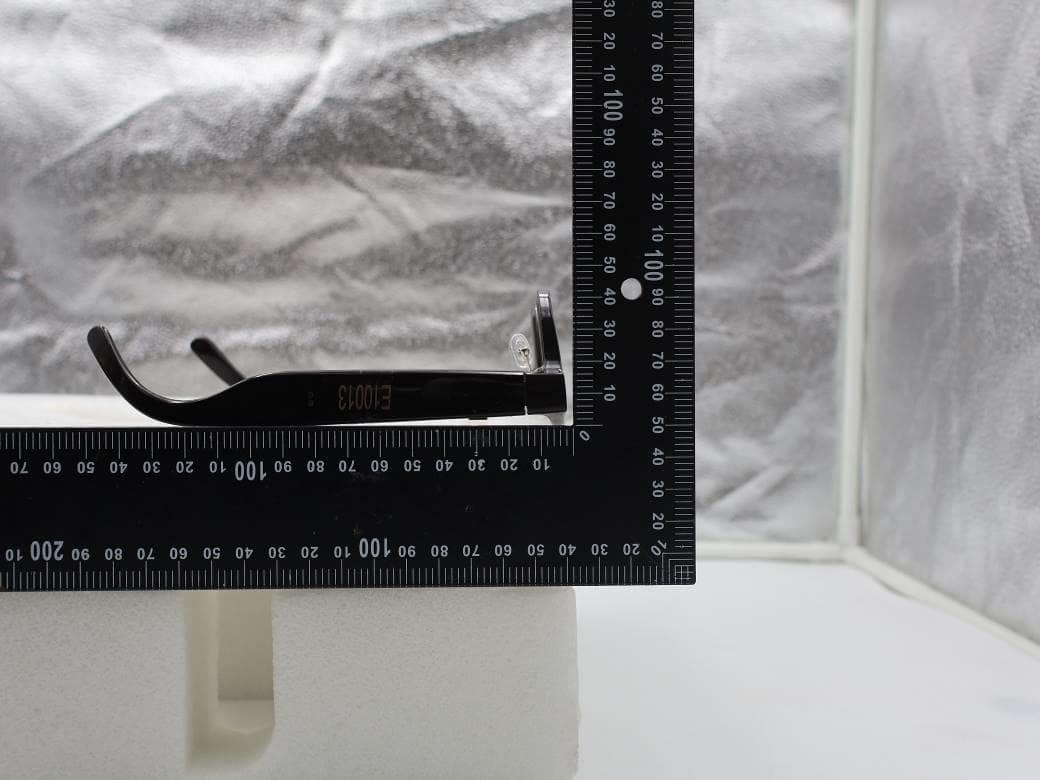
NM82QDJ100
Dec 31, 2025VIVE Headset
Equipment Class
DSS - Part 15 Spread Spectrum TransmitterNM82QD4100
Sep 01, 2024Headset
Equipment Class
6XD - 15E 6 GHz Low Power Indoor Client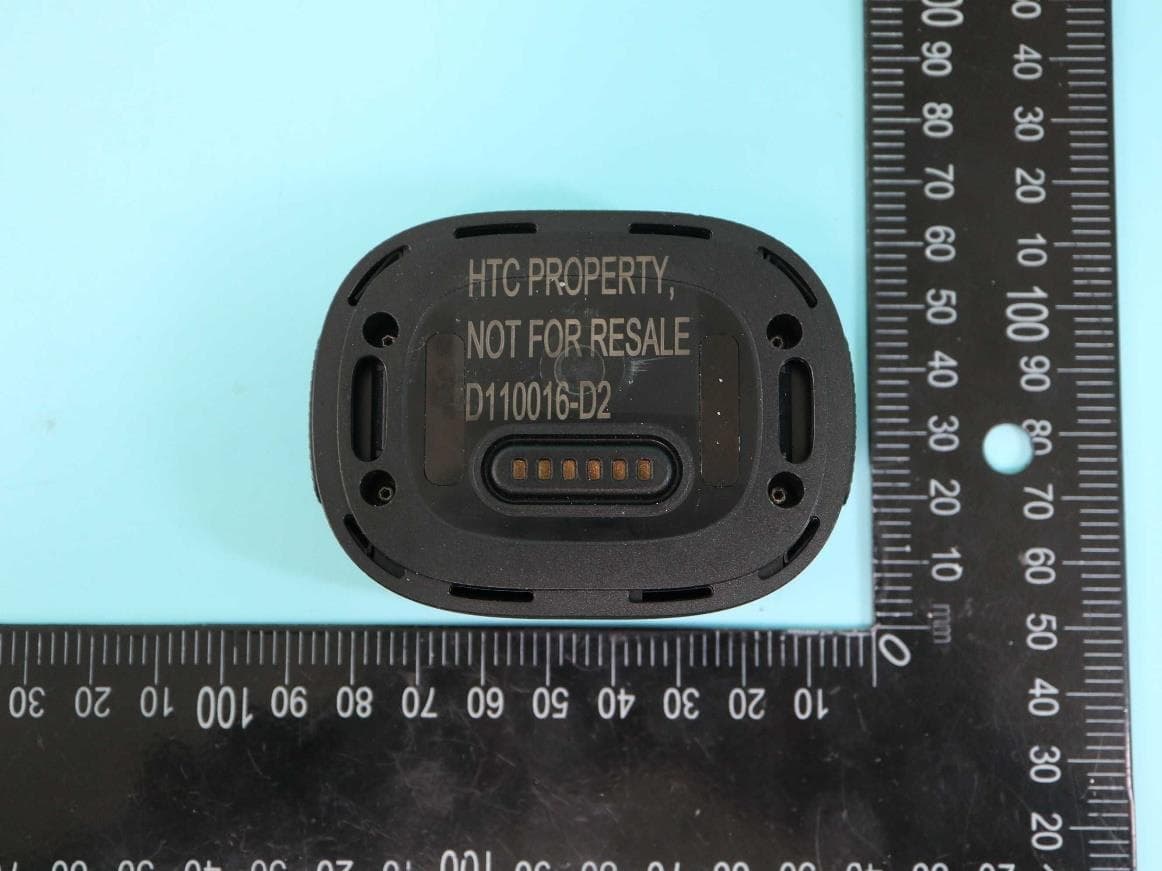
NM82QBP100
May 10, 2023Tracker
Equipment Class
DTS - Digital Transmission System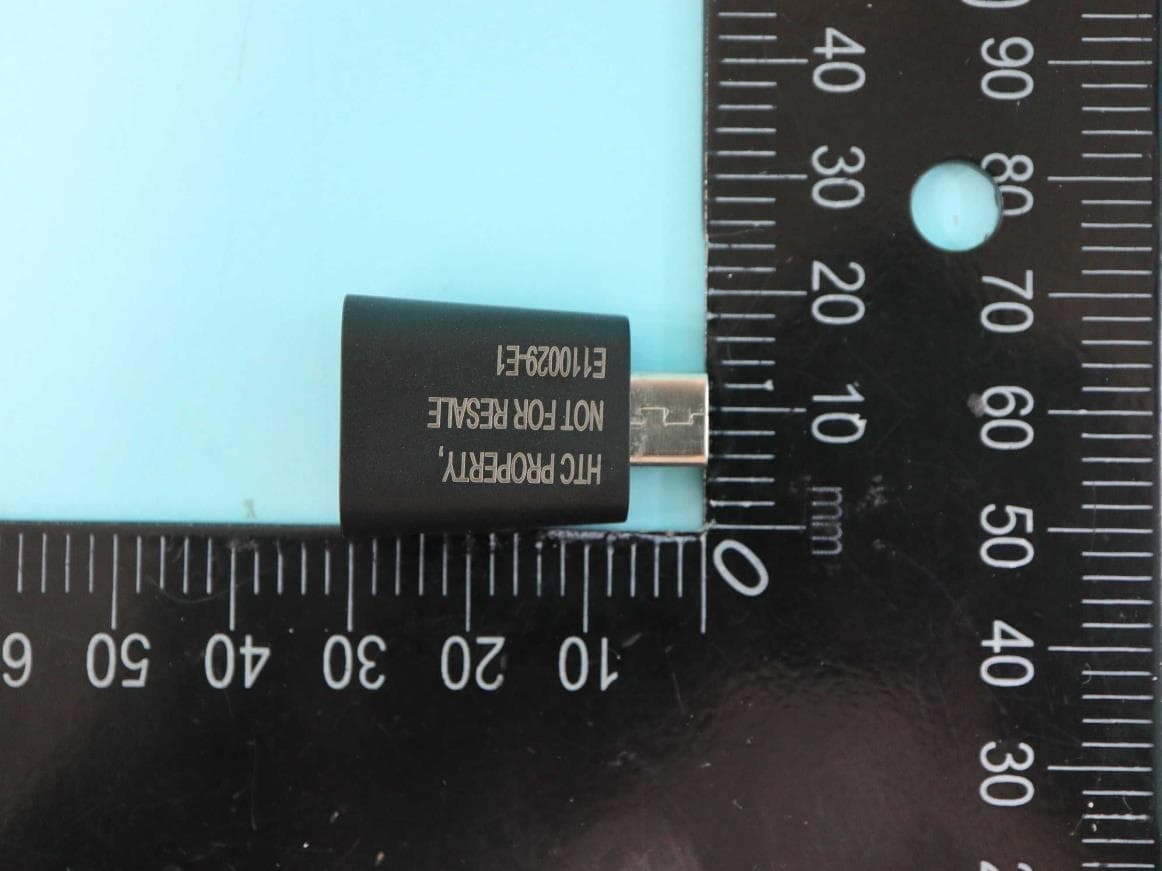
NM82QCD100
May 07, 2023Dongle
Equipment Class
DTS - Digital Transmission System
NM82QBB100
Jan 08, 2023Headset
Equipment Class
DTS - Digital Transmission System