NM8DEXTROUSPocket PC with WLAN and bluetooh
HTC Corporation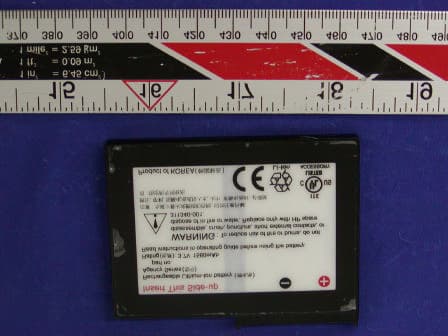
Click to zoom
Application Details
- Equipment Class
- DTS - Digital Transmission System
- Date of Grant
- Oct 21, 2003
- Application Purpose
- Original Equipment
- Date of Application
- Oct 21, 2003
- Equipment Note
- Pocket PC with WLAN and bluetooh
- Frequency Range
- 2412.00000000 - 2462.00000000
- Company
- HTC Corporation
- Country
- Taiwan
Documents & Files
Document Text
Text extracted from the exhibit documents filed with the FCC. Open a document above to read the original.
Users Manual
User’s Guide hp iPAQ Pocket PC h4000 Series Document Part Number: 343434-001 August 2003 Note: Not all models described are available in all regions. Note: Model shown in illustrations is iPAQ Pocket PC h4100 Series © 2003 Hewlett-Packard Company © 2003 Hewlett-Packard Development Company, L.P. HP, Hewlett Packard, and the Hewlett-Packard logo are trademarks of Hewlett-Packard Company in the U.S. and other countries. iPAQ is a trademark of Hewlett-Packard Development Company, L.P. in the U.S. and other countries. Microsoft, Windows, the Windows logo, Outlook, and ActiveSync are trademarks of Microsoft Corporation in the U.S. and other countries. hp iPAQ Pocket PC is Powered by Microsoft® Windows®. SD Logo is a trademark of Secure Digital. Bluetooth TM is a trademark owned by the Bluetooth SIG, Inc. All other product names mentioned herein may be trademarks of their respective companies. Hewlett-Packard Company shall not be liable for technical or editorial errors or omissions contained herein or for incidental or consequential damages in connection with the furnishing, performance, or use of this material. The information in this document is provided “as is” without warranty of any kind, including, but not limited to, the implied warranties of merchantability and fitness for a particular purpose, and is subject to change without notice. The warranties for HP products are set forth in the express limited warranty statements accompanying such products. Nothing herein should be construed as constituting an additional warranty. This document contains proprietary information that is protected by copyright. No part of this document may be photocopied, reproduced, or translated to another language without the prior written consent of Hewlett-Packard Company. Å WARNING: Text set off in this manner indicates that failure to follow directions could result in bodily harm or loss of life. Ä CAUTION: Text set off in this manner indicates that failure to follow directions could result in damage to equipment or loss of information. User’s Guide hp iPAQ Pocket PC h4000 Series First Edition (August 2003) Document Part Number: 343434-001 iii Contents 1 Getting to Know Your iPAQ Pocket PC Using the Stylus . . . . . . . . . . . . . . . . . . . . . . . . . . . . . . . . 1–4 Setting the Date and Time . . . . . . . . . . . . . . . . . . . . . . . . 1–5 Setting the Time for Home and Locations You Are Visiting . . . . . . . . . . . . . . . . . . . . . . . . . . . . 1–5 Setting the Date . . . . . . . . . . . . . . . . . . . . . . . . . . . . . 1–6 Entering Owner Information . . . . . . . . . . . . . . . . . . . . . . 1–7 Resetting the Unit. . . . . . . . . . . . . . . . . . . . . . . . . . . . . . . 1–7 Performing a Normal Reset . . . . . . . . . . . . . . . . . . . . 1–7 Performing a Full Reset . . . . . . . . . . . . . . . . . . . . . . . 1–8 Aligning the Screen . . . . . . . . . . . . . . . . . . . . . . . . . . . . . 1–9 Routine Care. . . . . . . . . . . . . . . . . . . . . . . . . . . . . . . . . . 1–10 2 Using ActiveSync Connecting to a Computer . . . . . . . . . . . . . . . . . . . . . . . . 2–2 Installing ActiveSync . . . . . . . . . . . . . . . . . . . . . . . . 2–2 Synchronizing with Your Computer . . . . . . . . . . . . . 2–3 Changing Synchronization Settings. . . . . . . . . . . . . . 2–4 Copying Files . . . . . . . . . . . . . . . . . . . . . . . . . . . . . . . . . . 2–5 Installing Programs . . . . . . . . . . . . . . . . . . . . . . . . . . . . . 2–6 Backing up and Restoring . . . . . . . . . . . . . . . . . . . . . . . . 2–6 Synchronizing Links . . . . . . . . . . . . . . . . . . . . . . . . . . . . 2–6 Sending and Receiving E-mail. . . . . . . . . . . . . . . . . . . . . 2–7 Requesting Meetings . . . . . . . . . . . . . . . . . . . . . . . . . . . . 2–7 Contents User’s Guideiv 3 Managing the Battery Installing the Battery . . . . . . . . . . . . . . . . . . . . . . . . . . . . 3–1 Installing the Battery in the h4100 Model . . . . . . . . . 3–2 Installing the Battery in the h4300 Model . . . . . . . . . 3–5 Removing the Battery . . . . . . . . . . . . . . . . . . . . . . . . . . . 3–8 Removing the Battery from the h4100 Model. . . . . . 3–8 Removing the Battery from the h4300 Model. . . . . . 3–9 Charging the Battery . . . . . . . . . . . . . . . . . . . . . . . . . . . . 3–9 Charging with the AC Adapter . . . . . . . . . . . . . . . . 3–10 Charging with the Desktop Cradle and AC Adapter . . . . . . . . . . . . . . . . . . . . . . . . . . . . . . . 3–11 Charging a Spare Battery. . . . . . . . . . . . . . . . . . . . . 3–12 Changing the Backlight Settings . . . . . . . . . . . . . . . 3–13 Changing the Wireless LAN Power Saving Modes 3–13 Disabling the Application Buttons . . . . . . . . . . . . . 3–14 Manually Monitoring the Battery . . . . . . . . . . . . . . 3–14 4 Learning the Basics Using the Today Screen . . . . . . . . . . . . . . . . . . . . . . . . . . 4–1 Navigation Bar and Command Bar . . . . . . . . . . . . . . 4–2 Status Icons . . . . . . . . . . . . . . . . . . . . . . . . . . . . . . . . 4–3 Pop-Up Menus . . . . . . . . . . . . . . . . . . . . . . . . . . . . . . 4–3 Creating information . . . . . . . . . . . . . . . . . . . . . . . . . 4–4 Customizing the Today Screen . . . . . . . . . . . . . . . . . 4–5 Using Applications. . . . . . . . . . . . . . . . . . . . . . . . . . . . . . 4–7 Opening Applications . . . . . . . . . . . . . . . . . . . . . . . . 4–7 Minimizing Applications . . . . . . . . . . . . . . . . . . . . . . 4–7 Closing Applications . . . . . . . . . . . . . . . . . . . . . . . . . 4–7 Installing Applications. . . . . . . . . . . . . . . . . . . . . . . . 4–8 Using iPAQ Image Zone . . . . . . . . . . . . . . . . . . . . . . 4–9 Backing Up Information . . . . . . . . . . . . . . . . . . . . . 4–11 Using iPAQ File Store Folder . . . . . . . . . . . . . . . . . 4–13 Contents User’s Guidev 5 Learning Input Methods Using Input Software . . . . . . . . . . . . . . . . . . …
Text truncated - open the document above for the full version.
External Photos
High Tech Computer, Corp. FCC ID: NM8DEXTROUS EXHIBIT C - EUT PHOTOGRAPHS EUT – Top View EUT – Bottom View High Tech Computer, Corp. FCC ID: NM8DEXTROUS EUT – Port View AC Adapter View High Tech Computer, Corp. FCC ID: NM8DEXTROUS Adapter View High Capacity Battery View High Tech Computer, Corp. FCC ID: NM8DEXTROUS Standard Battery View Battery Charger
ID Label/Location Info
EXHIBIT A - FCC ID LABEL INFORMATION Proposed FCC ID Label Proposed Label Location on Notebook Bottom view of EUT / Label location FCC ID: NM8DEXTROUS This device complies with Part 15 of the FCC Rules. Operation is subject to the following two conditions: (1) this device may not cause harmful interference, and (2) this device must accept any interference received, including interference that may cause undesired operation.
Internal Photos
High Tech Computer, Corp. FCC ID: NM8DEXTROUS EUT – Board and Housing High Tech Computer, Corp. FCC ID: NM8DEXTROUS EUT – Transceiver Board Top EUT – Transceiver Board Bottom
Parts List/Tune Up Info
RF Test Program Execution Procedure 1 Setup: 1.1 Push up the button of battery cover then it can open the battery cover. 1.2 Insert the battery into the battery slot. 1.3 Close the battery cover. 1.4 You can see it is booting. 1.5 You need follow the start-up process. 1.6 Please use stylus to tap “start” on left-up of screen, then “Program”. You can find out the “File Explorer”. 1.7 Change folder from “My Document” to “My Device”, then “iPAQ File Store”. 1.8 Tap and hold on windows. 1.9 Select “Copy”. 1.10 Change folder to “My Device”. 1.11 Tap and hold blank place, then select “Paste”. And “Yes”. 2 BlueTooth: 2.1 When you want to test BT. 2.2 Please Change folder to “My Device”, “iPAQ File Store”, “RE Test”. 2.3 Select “BTTestMode”. 2.4 You can tap “Hopping” to select you want. 3 W-LAN: 3.1 Please tap Left-Up of screen. 3.2 Tap iPAQ Wireless. 3.3 Tap WLAN to green. 3.4 Change folder to “My Device”, “iPAQ File Store”, “RE Test”. 3.5 Tap “WLANTestAP” 3.6 Tap “ Init”. 3.7 Then tap “FCC Testing”.
RF Exposure Info
Note: This test report is specially limited to the above client company and the product model only. It may not be duplicated without prior written consent of Bay Area Compliance Laboratory Corporation. This report must not be used by the client to claim product endorsement by NVLAP or any agency of the U.S. Government. SAR EVALUATION REPORT For High Tech Computer, Corp. 23, Hsin Hua Rd. Taoyuan, Taiwan, R.O.C FCC ID: NM8DEXTROUS 2003-09-02 This Report Concerns: Original Report Equipment Type: Pocket PC with WLAN Card and Bluetooth Test Engineer:Eric Hong Report No.:R0308114S Test Date:2003-08-22 Reviewed By:Ling Zhang Prepared By:Bay Area Compliance Laboratory Corporation 230 Commercial Street Sunnyvale, CA 94085 Tel: (408) 732-9162 Fax: (408) 732 9164 High Tech Computer, Corp. FCC ID: NM8DEXTROUS Report #R0308114S SAR Evaluation Report Page 2 of 40 TABLE OF CONTENTS SUMMARY........................................................................................................................................................................................3 1 - REFERENCE..............................................................................................................................................................................4 2 - TESTING EQUIPMENT.........................................................................................................................................................5 2.1 EQUIPMENTS LIST & CALIBRATION INFO............................................................................................................................5 2.2 EQUIPMENT CALIBRATION CERTIFICATE.............................................................................................................................5 3 - EUT DESCRIPTION..............................................................................................................................................................12 4 - SYSTEM TEST CONFIGURATION................................................................................................................................13 4.1 JUSTIFICATION.......................................................................................................................................................................13 4.2 EUT EXERCISE SOFTWARE AND PROCEDURE...................................................................................................................13 4.3 SPECIAL ACCESSORIES..........................................................................................................................................................13 4.4 EQUIPMENT MODIFICATIONS...............................................................................................................................................13 5 - CONDUCTED OUTPUT POWER MEASUREMENT................................................................................................14 5.1 MEASUREMENT PROCEDURE...............................................................................................................................................14 5.2 TEST RESULTS........................................................................................................................................................................14 5.3 MEASUREMENT PLOTS..........................................................................................................................................................14 6 - DOSIMETRIC ASSESSMENT SETUP............................................................................................................................16 6.1 MEASUREMENT SYSTEM DIAGRAM....................................................................................................................................17 6.2 SYSTEM COMPONENTS..........................................................................................................................................................18 6.3 MEASUREMENT UNCERTAINTY...........................................................................................................................................22 7 - SYSTEM EVALUATION......................................................................................................................................................23 7.1 SIMULATED TISSUE LIQUID PARAMETER CONFIRMATION..............................................................................................23 7.2 EVALUATION PROCEDURES..................................................................................................................................................23 7.3 SYSTEM ACCURACY VERIFICATION...................................................................................................................................24 7.4 SAR EVALUATION PROCEDURE..........................................................................................................................................27 7.5 EXPOSURE LIMITS..................................................................................................................................................................28 8 - TEST RESULTS......................................................................................................................................................................29 8.1 SAR BODY-WORN TEST DATA...........................................................................................................................................29 8.2 PLOTS OF TEST RESULT........................................................................................................................................................29 EXHIBIT A - SAR SETUP PHOTOGRAPHS......................................................................................................................33 BACK SIDE TOUCHING FLAT PHANTOM..........................................................................................................................…
Text truncated - open the document above for the full version.
Test Report
Note: This test report is specially limited to the above client company and product model only. It may not be duplicated without prior written consent of Bay Area Compliance Laboratory Corporation. This report must not be used by the client to claim product endorsement by NVLAP or any agency of the U.S. Government. FCC PART 15 SUBPART C EMI MEASUREMENT AND TEST REPORT For High Tech Computer, Corp. 23, Hsin Hua Rd. Taoyuan, Taiwan, R.O.C FCC ID: NM8DEXTROUS 2003-08-29 This Report Concerns: Original Report Equipment Type: Pocket PC with WLAN Card and Bluetooth Test EngineerMing Jing Report No.:R0308114 Test Date:2003-08-19 Reviewed By:Ling Zhang Prepared By:Bay Area Compliance Laboratory Corporation (BACL) 230 Commercial Street Sunnyvale, CA 94085 Tel: (408) 732-9162 Fax: (408) 732 9164 High Tech Computer, Corp. FCC ID: NM8DEXTROUS Report # R0308114RptPage 2 of 53 FCC Part 15.247 Test Report TABLE OF CONTENTS 1 - GENERAL INFORMATION.................................................................................................................................................4 1.1PRODUCT DESCRIPTION FOR EQUIPMENT UNDER TEST (EUT)......................................................................................4 1.2 OBJECTIVE................................................................................................................................................................................4 1.3 RELATED SUBMITTAL(S)/GRANT(S)......................................................................................................................................4 1.4 TEST METHODOLOGY.............................................................................................................................................................5 1.5 TEST FACILITY.........................................................................................................................................................................5 1.6 TEST EQUIPMENT LIST............................................................................................................................................................6 2 - SYSTEM TEST CONFIGURATION..................................................................................................................................7 2.1 JUSTIFICATION.........................................................................................................................................................................7 2.2 EUT EXERCISE SOFTWARE....................................................................................................................................................7 2.3 SPECIAL ACCESSORIES............................................................................................................................................................7 2.4 SCHEMATICS / BLOCK DIAGRAM..........................................................................................................................................7 2.5 EQUIPMENT MODIFICATIONS.................................................................................................................................................7 2.6 CONFIGURATION OF TEST SYSTEM.......................................................................................................................................7 2.7 TEST SETUP BLOCK DIAGRAM..............................................................................................................................................8 3 - SUMMARY OF TEST RESULTS........................................................................................................................................9 4 - CONDUCTED OUTPUT POWER MEASUREMENT................................................................................................10 4.1 STANDARD APPLICABLE.......................................................................................................................................................10 4.2 MEASUREMENT PROCEDURE...............................................................................................................................................10 4.3 TEST EQUIPMENT..................................................................................................................................................................10 4.4 MEASUREMENT RESULT.......................................................................................................................................................10 5 – 6 DB BANDWIDTH...............................................................................................................................................................13 5.1 STANDARD APPLICABLE.......................................................................................................................................................13 5.2 MEASUREMENT PROCEDURE...............................................................................................................................................13 5.3 TEST EQUIPMENT..................................................................................................................................................................13 5.4 MEASUREMENT RESULT.......................................................................................................................................................13 6 – 20DB BANDWIDTH..............................................................................................................................................................15 6.1 STANDARD APPLICABLE.......................................................................................................................................................15 6.2 MEASUREMENT PROCEDURE...............................................................................................................................................15 6.3 MEASUREMENT RESULT.........................…
Text truncated - open the document above for the full version.
Test Setup Photos
High Tech Computer, Corp. FCC ID: NM8DEXTROUS EXHIBIT B - TEST SETUP PHOTOGRAPHS Radiated Emission High Tech Computer, Corp. FCC ID: NM8DEXTROUS Conducted Emission
Contact Information
Applicant
Sylvia Shen
Test Firm
Bay Area Compliance LaboratoryJohn Chan
Technical Specifications
| # | Rule Parts | Frequency Range | Power Output |
|---|---|---|---|
| 1 | 15C | 2.41 GHz - 2.46 GHz | 35.00 mW |
Other Applications from HTC Corporation
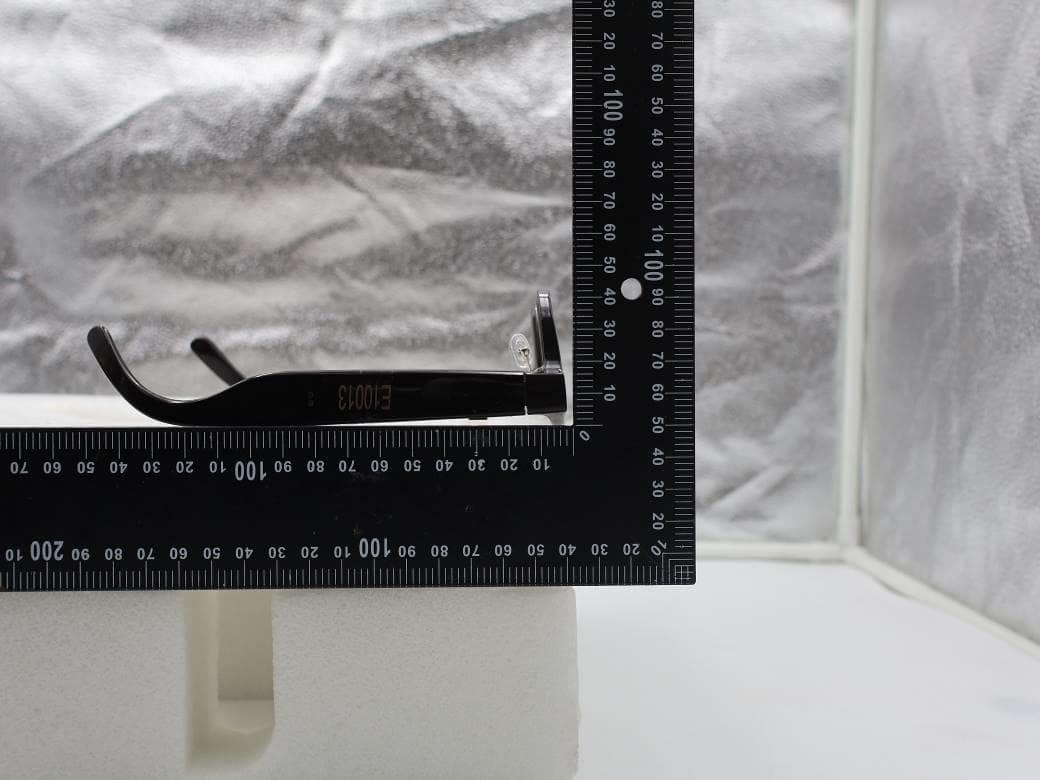
NM82QDJ100
Dec 31, 2025VIVE Headset
Equipment Class
DSS - Part 15 Spread Spectrum TransmitterNM82QD4100
Sep 01, 2024Headset
Equipment Class
6XD - 15E 6 GHz Low Power Indoor Client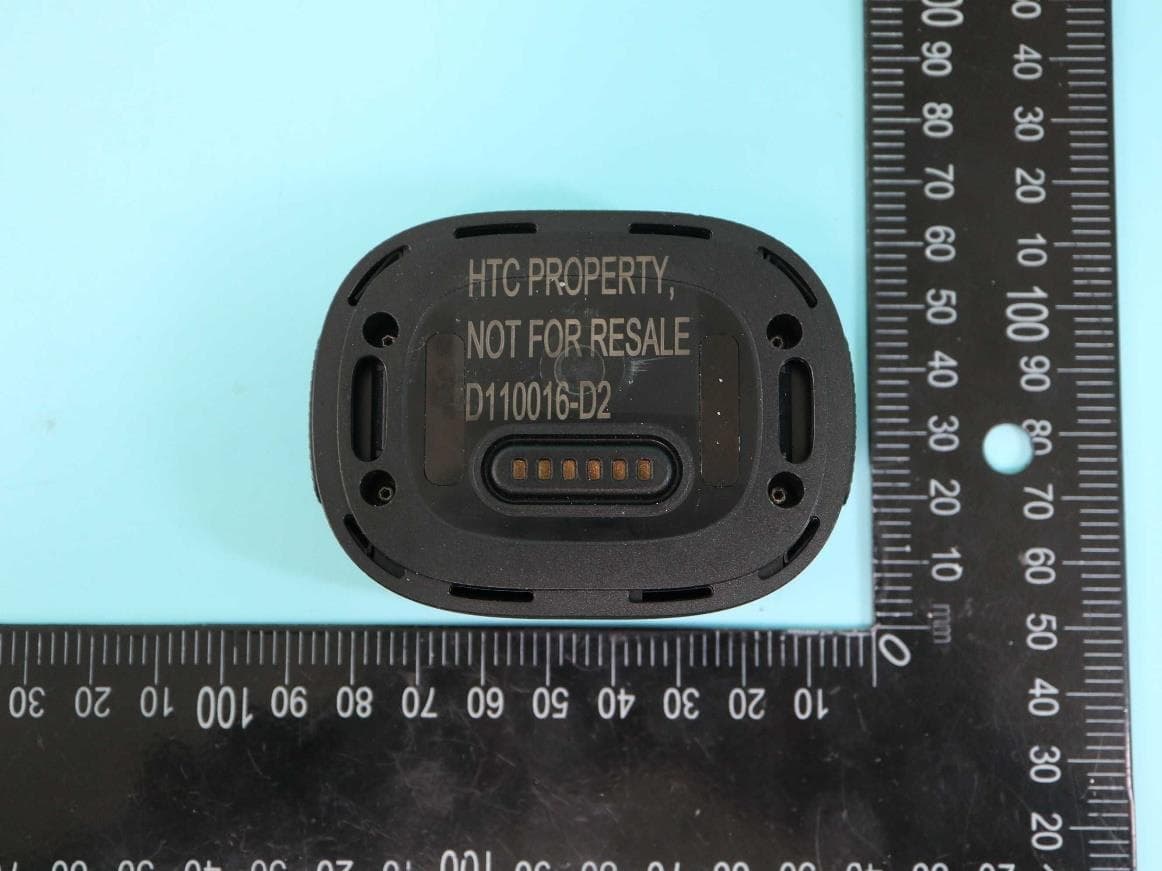
NM82QBP100
May 10, 2023Tracker
Equipment Class
DTS - Digital Transmission System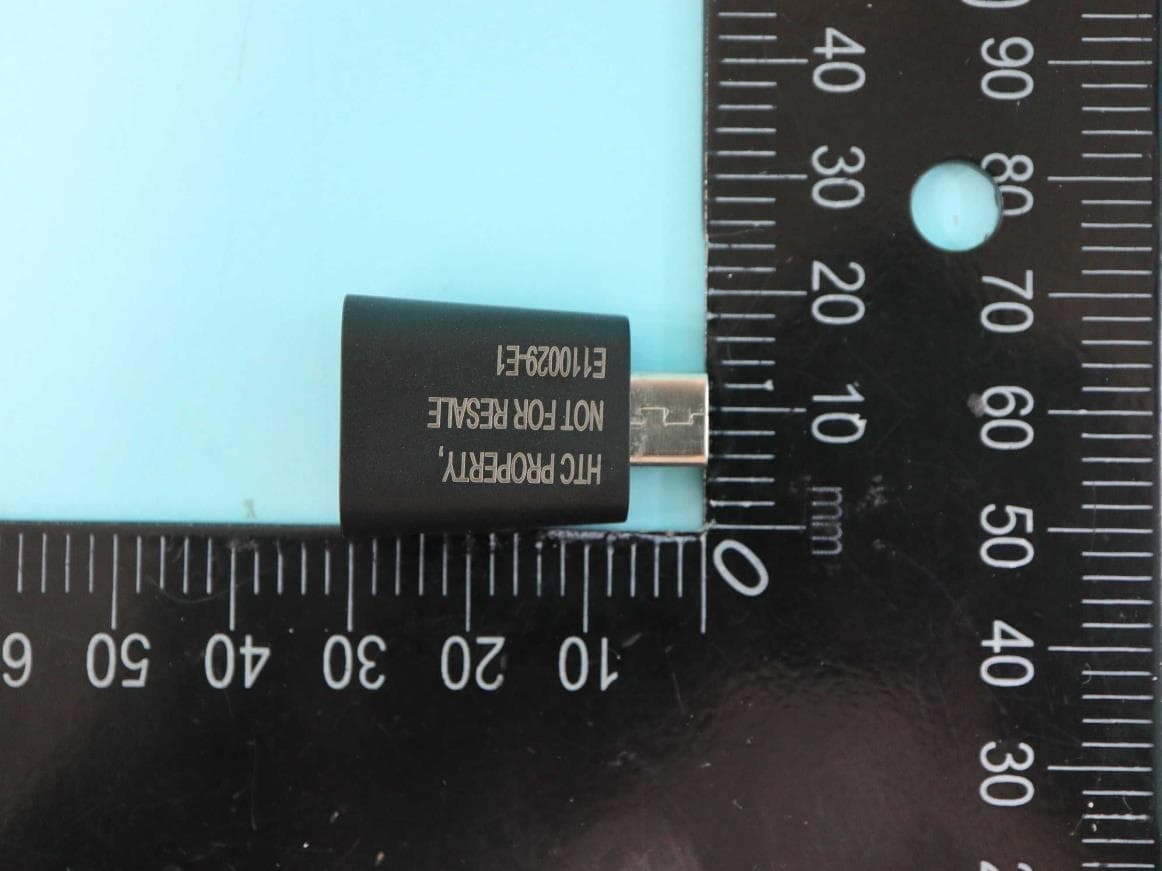
NM82QCD100
May 07, 2023Dongle
Equipment Class
DTS - Digital Transmission System
NM82QBB100
Jan 08, 2023Headset
Equipment Class
DTS - Digital Transmission System