NW71041Dash Cam Wi-Fi IN-CAR Camera, iON Car Dash Cam with Wi-Fi
World Wide Licenses Ltd.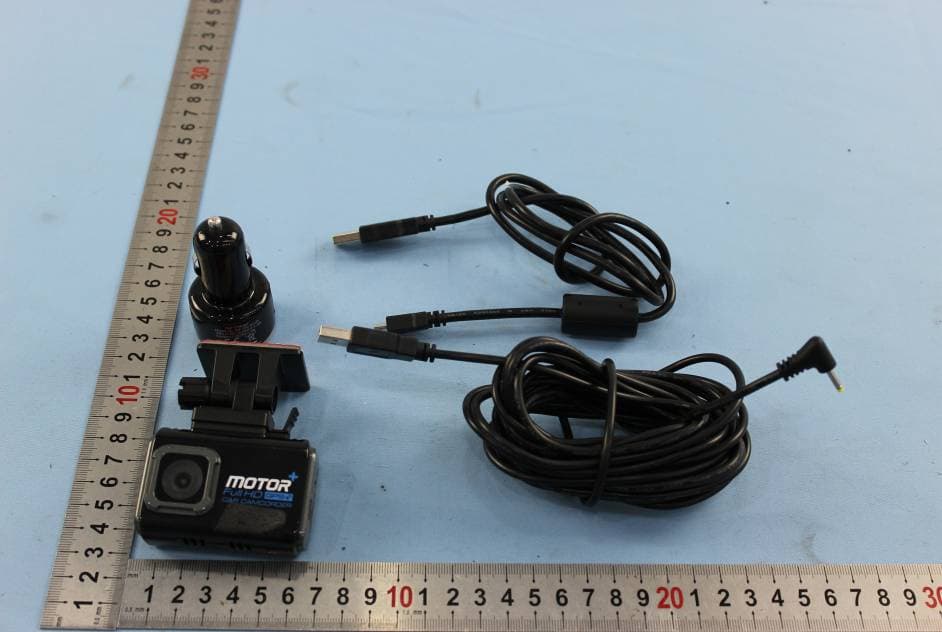
Click to zoom
Application Details
- Equipment Class
- DTS - Digital Transmission System
- Date of Grant
- Jun 09, 2015
- Application Purpose
- Original Equipment
- Date of Application
- Jun 09, 2015
- Equipment Note
- Dash Cam Wi-Fi IN-CAR Camera, iON Car Dash Cam with Wi-Fi
- Frequency Range
- 2412.00000000 - 2462.00000000
- Company
- World Wide Licenses Ltd.
- Country
- China
Documents & Files
Document Text
Text extracted from the exhibit documents filed with the FCC. Open a document above to read the original.
Users Manual
EN-1 Quick Start Guide DashCam Wi-Fi IN-CAR CAMERA EN-2 1. Key Features y 125 o Wide Angle Lens. y Automatic Event Video Recording for sudden external impact. y Continuous loop recording for unexpected incidents. y Geo-information capture in photo or video files with the built-in GPS sensor. y High quality video recording up to 1296p high quality videos. y Photo capture during recording. y Voice Prompt. y Wi-Fi Function. EN-3 2. Package Contents 1 USB Cable 2 5M Power Cable 3 USB Car Adapter 4 Windshield Mount 5 Sensormatic Tag 6 DashCam Wi-Fi Software CD 7 Warranty Card 8 QSG 9 iON label EN-4 3. Functional Parts EN-5 1 Micro USB Port Connect to PC for file browsing and file transfer 2 DC in Port Connect to the provided DC in to USB cable for charging 3 MicroSD Slot MicroSD card storage location 4 Wide Angle Lens Capture a wide angle view 5 Reset Button Reset DashCam Wi-Fi 6 Speaker Vent Output the sound 7 Mounting Socket Install the windshield mount. You can detach the socket on the top of the DashCam Wi-Fi to mount the DashCam Wi-Fi on the other optional mounting accessories 8 Wi-Fi LED IndicatorWi-Fi status indication 9 Status LED Indicator Operation status indication 10 GPS LED Indicator GPS status indication 11 Capture a photo during recording 12 Manually trigger an Event Protection Video Recording 13 Wi-Fi Button Turn on/off Wi-Fi function EN-6 4. Installing the Windshield Mount & DashCam Wi-Fi in a Vehicle 1. Clean the area on the windshield. 2. Peel off the protective membrane of the 3M adhesive and stick the Windshield Mount to the front windshield inside the car. 3. Slip the socket on the top of the DashCam Wi-Fi into Windshield Mount until it is latched. 4. The lens of DashCam Wi-Fi should be at the center of the front windshield and be aware not to block the driver’s visibility. EN-7 5. Adjust the nut on the Windshield Mount for suitable direction and orientation. EN-8 6. Connect the DashCam Wi-Fi to the DC Power jack with included DC in to USB cable and the Dual USB CLA. Secure the cable with the cable holder to avoid interference of driver's motion. EN-9 EN-10 7. Press the Windshield Mount side to release and slide the DashCam Wi-Fi off the mount. 5. LED Indication “RED” Status LED ON DashCam Wi-Fi is under Normal Looping Recording. “RED” Status LED Flashes continuously Counting down to shut down due to power source being removed. EN-11 “PURPLE” Status LED ON DashCam Wi-Fi is under Event Protection Recording. “BLUE“ Status LED ON DashCam Wi-Fi is connecting to PC through USB cable. Blue & Red status LED alternating flash 1. No memory card is installed 2. Memory card is less than 8GB 3. Card error “ORANGE” GPS LED ON GPS signal is received. “ORANGE” GPS LED Flashes No GPS signal or GPS signal is weak. “GREEN” Wi-Fi LED ON Wi-Fi is initializing. “GREEN” Wi-Fi LED Flashes slowly Wi-Fi is ready for connection or enabled. “GREEN” Wi-Fi LED Flashes rapidly Data is transferring in Wi-Fi mode. 6. Using Your DashCam Wi-Fi 6.1. Inserting a MicroSD Memory Card (required but not included) Insert a MicroSD card (not included) to the slot before using the DashCam Wi-Fi. Assure that the DashCam Wi- EN-12 Fi power is turned OFF before inserting the card. A min 8GB, Class 6 or above card is recommended. Notes: 1. The correct direction should be followed to insert the MicroSD card into the slot. 2. A new MicroSD card should be formatted before using. You can format the MicroSD card through the DashCam Wi-Fi software. EN-13 6.2 Turning on/off DashCam Wi-Fi The DashCam Wi-Fi will detect car ignition vibration and automatically turn on and start Normal Looping Recording. . 6.3 Video Recording and Photo Taking Normal Looping Recording The DashCam Wi-Fi will start Normal Looping Recording once turned on. The Red status LED lights up during Normal Looping recording. Video recording is repeatedly creating successive files of 3 min, 5 min or 10 min. The most outdated file will be replaced if the memory is full for continuous recording. Event Protection Recording Files will be protected from the auto deletion if an impact is detected. The sensitivity of impact detection can be adjusted through the DashCam Wi-Fi software. By pressing during normal recording can also enter the Event Protection Recording mode to protect your video files. The Purple status LED lights up during Event Protection recording. You can store up to 30 Event protection videos to the DashCam Wi-Fi. Each Protected video file length will be 20 sec. EN-14 Photo Taking Press once during recording to take a photo. The Status LED will flash each time a photo is taken. You can store up to 500 photos to the DashCam Wi-Fi. Please note: During recording, please do not release MicroSD card from the card slot as this may damage video or photo files. 7. Connecting the DashCam Wi-Fi via Wi-Fi 7.1 Enabling the Wi-Fi Function 1. Connect the DashCam Wi-Fi to an external power supply with the included DC in to USB cable. The Wi- Fi mode will turn on automatically. 2. The Green Wi-Fi LED indicates the Wi-Fi is warming up. 3. Wait for Wi-Fi to initialize. The Wi-Fi LED will flash when the Wi-Fi is active or connected. 4. To turn off Wi-Fi, press and hold or disconnect DashCam Wi-Fi from the external power supply. EN-15 7.2 Connecting the DashCam Wi-Fi to your Computer or Smart Device using Wi-Fi 1. Turn on the Wi-Fi mode on DashCam Wi-Fi. 2. Go to network settings on your computer or Smart Device to enable the Wi-Fi setting. Search for the “DashCam Wi-Fi” network. 3. Enter password “123456789” to connect to the DashCam Wi-Fi. 7.3 Using the Free App 1. Search for iON DashCam app via the Google Play Store or App Store. 2. Download and install the app to your smart device. 3. Connect the DashCam Wi-Fi to your Smart Device by following the steps in section 7.2. 4. Open your iON DashCam app. You may conduct relevant operations in accordance with specific Application interface. EN-16 8. Connecting the DashCam Wi-Fi to a Computer You may also connect the Da…
Text truncated - open the document above for the full version.
Cover Letter(s)
World Wide Licenses Limited Statement We World W ide Licenses Limited declar e that our pr oduct Dash Cam Wi-F i I N-CAR Camera, iON Car Dash Cam with Wi-Fi,which with below model/item No. 1041, 1056, 1057, 1058, 1059, MP C0 3G, MPC03,MPC03P, MPC03A, MPC03B, MPC03C are identical in circuitry design, PCB layout, electrical components used, internal wiring and functions, only different on model No. and color.
External Photos
1 Photographs - EUT Constructional Details Test Model No.: 1041
Internal Photos
1 Photographs - EUT Constructional Details Test Model No.: 1041
RF Exposure Info
SGS-CSTC Standards Technical Services Co., Ltd. No. 1 Workshop, M-10, Middle section, Science & Technology Park, Nanshan District, Shenzhen, Guangdong, China 518057 Telephone: +86 (0) 755 2601 2053 Fax: +86 (0) 755 2671 0594 Email: [email protected] Report No.: SZEM150500277702 Page: 1 of 8 Authorized Signature: Jack Zhang EMC Laboratory Manager The manufacturer should ensure that all products in series production are in conformity with the product sample detailed in this report. If the product in this report is used in any configuration other than that detailed in the report, the manufacturer must ensure the new system complies with all relevant standards. Any mention of SGS International Electrical Approvals or testing done by SGS International Electrical Approvals in connection with, distribution or use of the product described in this report must be approved by SGS International Electrical Approvals in writing. The report must not be used by the client to claim product certification, approval, or endorsement by NVLAP, NIST, or any agency of the federal government. All test results in this report can be traceable to National or International Standards. “This document is issued by the Company subject to its General Conditions of Service printed overleaf, available on request or accessible at www.sgs.com/terms_and_conditions.htm and, for electronic format documents, subject to Terms and Conditions for Electronic Documents at www.sgs.com/terms_e-document.htm. Attention is drawn to the limitation of liability, indemnification and jurisdiction issues defined therein. Any holder of this document is advised that information contained hereon reflects the Company’s findings at the time of its intervention only and within the limits of Client’s instructions, if any. The Company’s sole responsibility is to its Client and this document does not exonerate parties to a transaction from exercising all their rights and obligations under the transaction documents. This document cannot be reproduced except in full, without prior written approval of the Company. Any unauthorized alteration, forgery or falsification of the content or appearance of this document is unlawful and offenders may be prosecuted to the fullest extent of the law. Unless otherwise stated the results shown in this test report refer only to the sample(s) tested and such sample(s) are retained for 90 days only.” 1 Cover page RF Exposure Evaluation Report Application No.: SZEM1505002777CR Applicant: World Wide Licenses Limited Manufacturer: World Wide Licenses Limited Factory SKY LIGHT Electronic (ShenZhen) Limited Product Name: Dash Cam Wi-Fi IN-CAR Camera, iON Car Dash Cam with Wi-Fi Model No.(EUT): 1041 Add Model No.: 1056, 1057, 1058, 1059 Trade Mark: iON FCC ID: NW71041 Standards: 47 CFR Part 1.1307(2014) 47 CFR Part 1.1310(2014) Date of Receipt: 2014-10-21 Date of Test: 2014-10-22 to 2014-11-17 Date of Issue: 2015-05-25 Test Result : PASS* * In the configuration tested, the EUT complied with the standards specified above. SGS-CSTC Standards Technical Services Co., Ltd. Report No.: SZEM150500277702 Page: 2 of 8 “This document is issued by the Company subject to its General Conditions of Service printed overleaf, available on request or accessible at www.sgs.com/terms_and_conditions.htm and, for electronic format documents, subject to Terms and Conditions for Electronic Documents at www.sgs.com/terms_e-document.htm. Attention is drawn to the limitation of liability, indemnification and jurisdiction issues defined therein. Any holder of this document is advised that information contained hereon reflects the Company’s findings at the time of its intervention only and within the limits of Client’s instructions, if any. The Company’s sole responsibility is to its Client and this document does not exonerate parties to a transaction from exercising all their rights and obligations under the transaction documents. This document cannot be reproduced except in full, without prior written approval of the Company. Any unauthorized alteration, forgery or falsification of the content or appearance of this document is unlawful and offenders may be prosecuted to the fullest extent of the law. Unless otherwise stated the results shown in this test report refer only to the sample(s) tested and such sample(s) are retained for 90 days only.” 2 Version Revision Record Version Chapter Date Modifier Remark 00 2015-05-25 Original Authorized for issue by: Tested By 2014-11-17 (Eric Fu) /Project Engineer Date Prepared By 2015-05-25 (Jade Chen) /Clerk Date Checked By 2015-05-25 (Owen Zhou) /Reviewer Date SGS-CSTC Standards Technical Services Co., Ltd. Report No.: SZEM150500277702 Page: 3 of 8 “This document is issued by the Company subject to its General Conditions of Service printed overleaf, available on request or accessible at www.sgs.com/terms_and_conditions.htm and, for electronic format documents, subject to Terms and Conditions for Electronic Documents at www.sgs.com/terms_e-document.htm. Attention is drawn to the limitation of liability, indemnification and jurisdiction issues defined therein. Any holder of this document is advised that information contained hereon reflects the Company’s findings at the time of its intervention only and within the limits of Client’s instructions, if any. The Company’s sole responsibility is to its Client and this document does not exonerate parties to a transaction from exercising all their rights and obligations under the transaction documents. This document cannot be reproduced except in full, without prior written approval of the Company. Any unauthorized alteration, forgery or falsification of the content or appearance of this document is unlawful and offenders may be prosecuted to the fullest extent of the law. Unless otherwise stated the results shown in this test report refer only to the sample(s) tested and such sample(s) are retained for 90 days only.” 3 Contents Page 1 COVER PAGE ......................…
Text truncated - open the document above for the full version.
Test Report
SGS-CSTC Standards Technical Services Ltd. No. 1 Workshop, M-10, Middle section, Science & Technology Park, Nanshan District, Shenzhen, Guangdong, China 518057 Telephone: +86 (0) 755 2601 2053 Fax: +86 (0) 755 2671 0594 Email: [email protected] Report No.: SZEM150500277701 Page: 1 of 109 Authorized Signature: Jack Zhang EMC Laboratory Manager The manufacturer should ensure that all products in series production are in conformity with the product sample detailed in this report. If the product in this report is used in any configuration other than that detailed in the report, the manufacturer must ensure the new system complies with all relevant standards. Any mention of SGS International Electrical Approvals or testing done by SGS International Electrical Approvals in connection with, distribution or use of the product described in this report must be approved by SGS International Electrical Approvals in writing. The report must not be used by the client to claim product certification, approval, or endorsement by NVLAP, NIST, or any agency of the federal government. All test results in this report can be traceable to National or International Standards. “This document is issued by the Company subject to its General Conditions of Service printed overleaf, available on request or accessible at www.sgs.com/terms_and_conditions.htm and, for electronic format documents, subject to Terms and Conditions for Electronic Documents at www.sgs.com/terms_e-document.htm. Attention is drawn to the limitation of liability, indemnification and jurisdiction issues defined therein. Any holder of this document is advised that information contained hereon reflects the Company’s findings at the time of its intervention only and within the limits of Client’s instructions, if any. The Company’s sole responsibility is to its Client and this document does not exonerate parties to a transaction from exercising all their rights and obligations under the transaction documents. This document cannot be reproduced except in full, without prior written approval of the Company. Any unauthorized alteration, forgery or falsification of the content or appearance of this document is unlawful and offenders may be prosecuted to the fullest extent of the law. Unless otherwise stated the results shown in this test report refer only to the sample(s) tested and such sample(s) are retained for 90 days only.” 1 Cover page FCC REPORT Application No: SZEM1505002777CR Applicant: World Wide Licenses Limited Manufacturer: World Wide Licenses Limited Factory: SKY LIGHT Electronic (ShenZhen)Limited Product Name: Dash Cam Wi-Fi IN-CAR Camera, iON Car Dash Cam with Wi-Fi Model No.: 1041 Add Model No.: 1056, 1057, 1058, 1059 Trade Mark: iON FCC ID: NW71041 Standards: 47 CFR Part 15, Subpart C (2014) Date of Receipt: 2014-10-21 Date of Test: 2014-10-22 to 2014-11-17 Date of Issue: 2015-05-25 Test Result: PASS * . * In the configuration tested, the EUT complied with the standards specified above. SGS-CSTC Standards Technical Services Ltd. Report No.: SZEM150500277701 Page: 2 of 109 “This document is issued by the Company subject to its General Conditions of Service printed overleaf, available on request or accessible at www.sgs.com/terms_and_conditions.htm and, for electronic format documents, subject to Terms and Conditions for Electronic Documents at www.sgs.com/terms_e-document.htm. Attention is drawn to the limitation of liability, indemnification and jurisdiction issues defined therein. Any holder of this document is advised that information contained hereon reflects the Company’s findings at the time of its intervention only and within the limits of Client’s instructions, if any. The Company’s sole responsibility is to its Client and this document does not exonerate parties to a transaction from exercising all their rights and obligations under the transaction documents. This document cannot be reproduced except in full, without prior written approval of the Company. Any unauthorized alteration, forgery or falsification of the content or appearance of this document is unlawful and offenders may be prosecuted to the fullest extent of the law. Unless otherwise stated the results shown in this test report refer only to the sample(s) tested and such sample(s) are retained for 90 days only.” 2 Version Revision Record Version Chapter Date Modifier Remark 00 2015-05-25 Original Authorized for issue by: Tested By 2014-11-17 (Eric Fu) /Project Engineer Date Prepared By 2015-05-25 (Jade Chen) /Clerk Date Checked By 2015-05-25 (Owen Zhou) /Reviewer Date SGS-CSTC Standards Technical Services Ltd. Report No.: SZEM150500277701 Page: 3 of 109 “This document is issued by the Company subject to its General Conditions of Service printed overleaf, available on request or accessible at www.sgs.com/terms_and_conditions.htm and, for electronic format documents, subject to Terms and Conditions for Electronic Documents at www.sgs.com/terms_e-document.htm. Attention is drawn to the limitation of liability, indemnification and jurisdiction issues defined therein. Any holder of this document is advised that information contained hereon reflects the Company’s findings at the time of its intervention only and within the limits of Client’s instructions, if any. The Company’s sole responsibility is to its Client and this document does not exonerate parties to a transaction from exercising all their rights and obligations under the transaction documents. This document cannot be reproduced except in full, without prior written approval of the Company. Any unauthorized alteration, forgery or falsification of the content or appearance of this document is unlawful and offenders may be prosecuted to the fullest extent of the law. Unless otherwise stated the results shown in this test report refer only to the sample(s) tested and such sample(s) are retained for 90 days only.” 3 Test Summary Test Item Test Requirement Test method Result Antenna Requirement 47 CFR Part 15, Sub…
Text truncated - open the document above for the full version.
Test Setup Photos
1 Photographs - EUT Test Setup Test model No.: 1041 1.1 Radiated Spurious Emission
Contact Information
Applicant
Mandy Wong
Test Firm
SGS-CSTC Standards Technical Services Co.,Ltd.June Zhang
Technical Specifications
| # | Rule Parts | Frequency Range | Power Output |
|---|---|---|---|
| 1 | 15C | 2.41 GHz - 2.46 GHz | 96.20 mW |
Other Applications from World Wide Licenses Ltd.
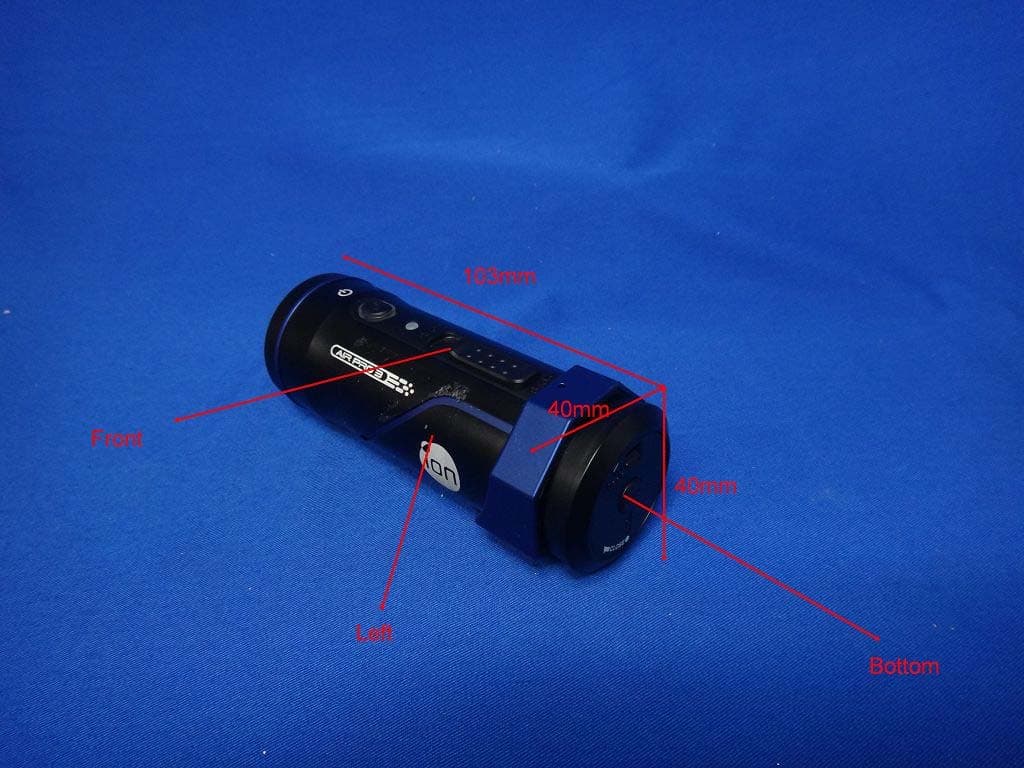
NW71022
Sep 14, 2013iON Air Pro 3 WiFi / Air Pro 3 WiFi / Gen 3 WiFi / iON Air Pro 3 Value Pack/ HD Sports Video Camera
Equipment Class
DTS - Digital Transmission System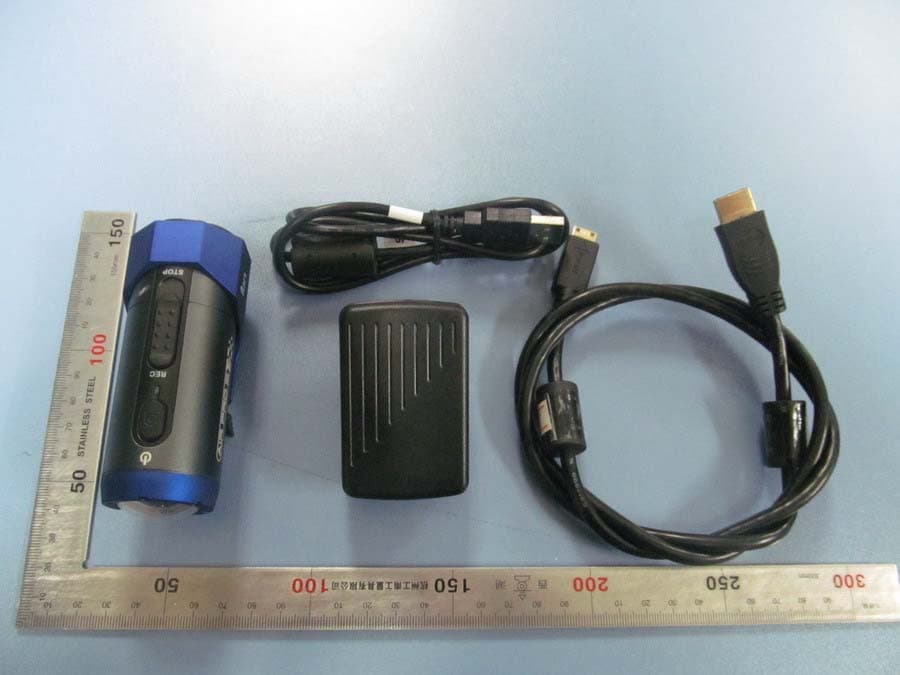
NW71023
Feb 07, 2013HD Sports Video Camera Camera/iON Air Pro 2 WiFi/ Air Pro 2 WiFi/Gen 2 with WiFi
Equipment Class
DTS - Digital Transmission System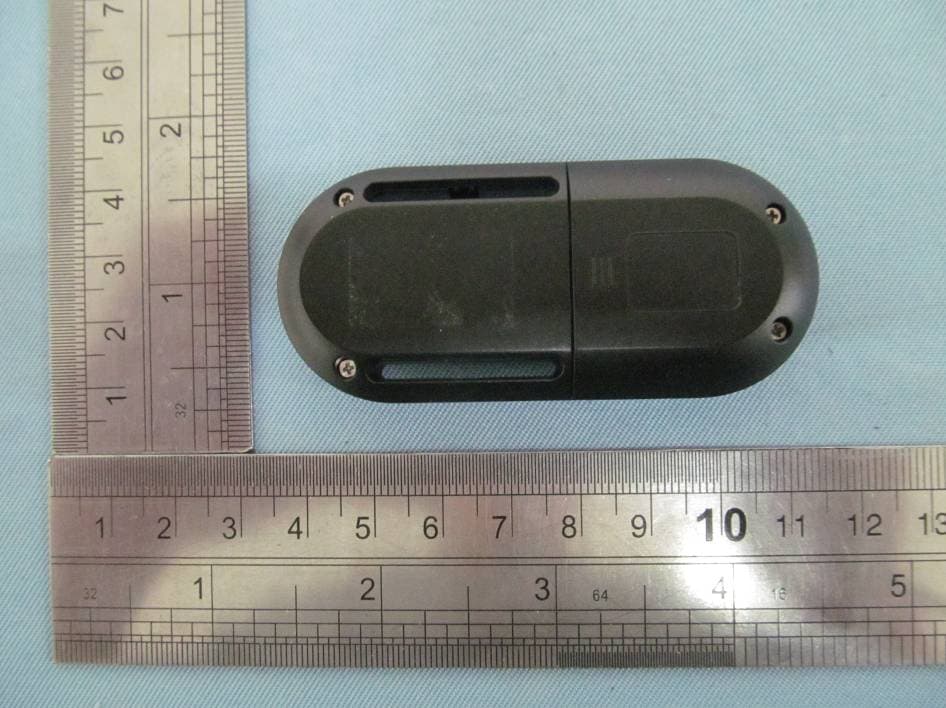
NW75005T
Nov 06, 2012Remote Controller
Equipment Class
DXX - Part 15 Low Power Communication Device Transmitter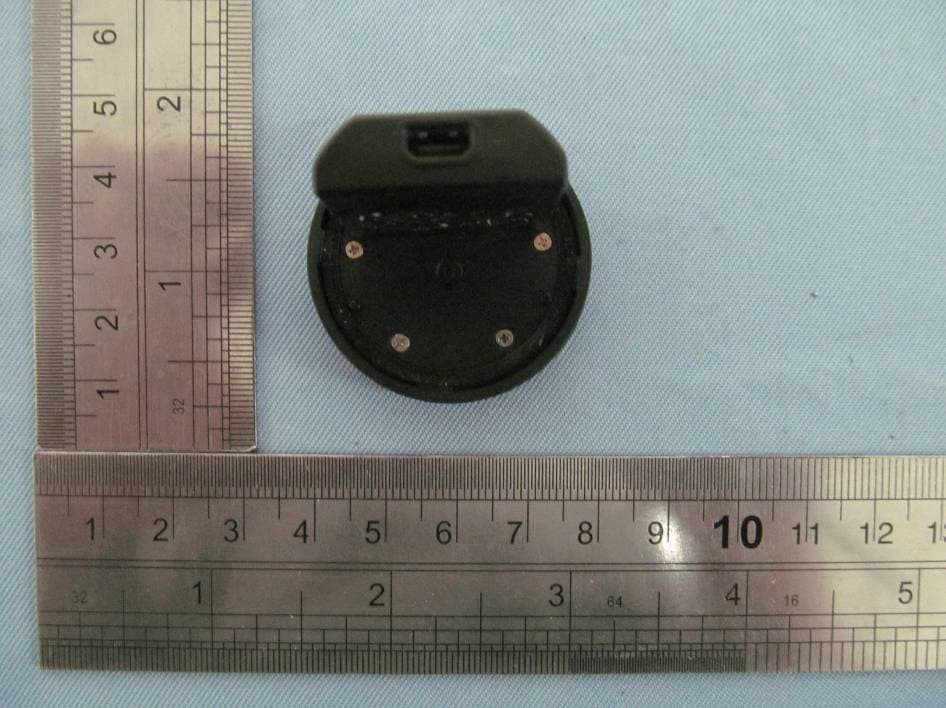
NW75005R
Nov 06, 2012Remote PODZ
Equipment Class
DXX - Part 15 Low Power Communication Device Transmitter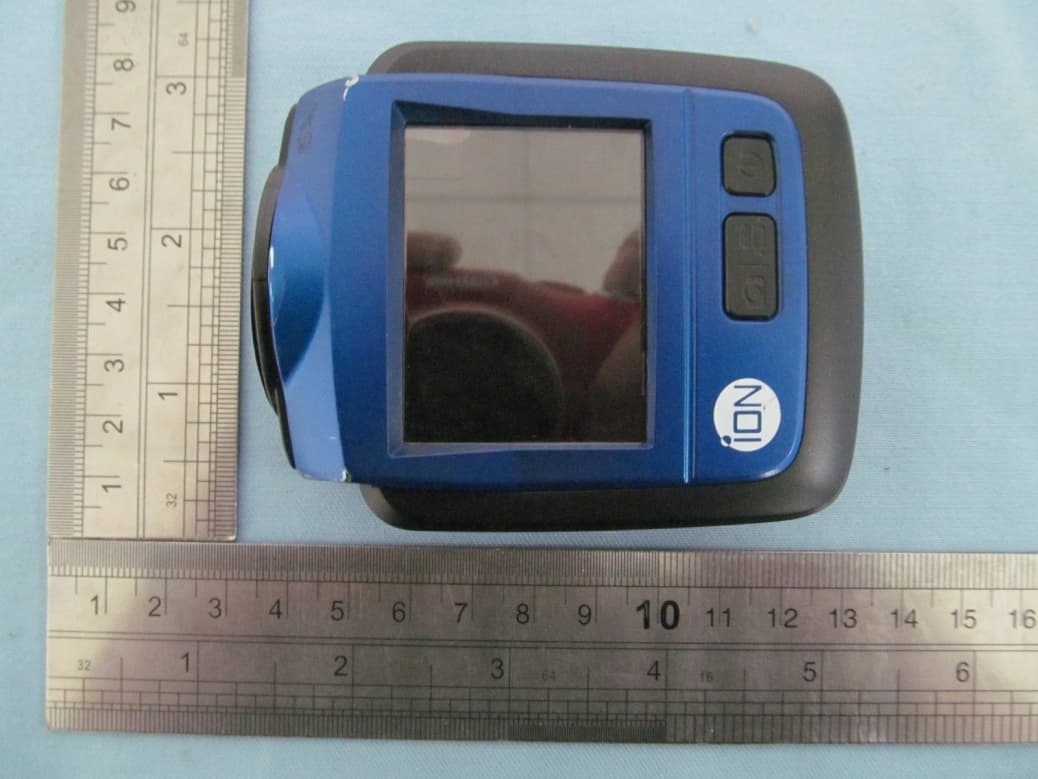
NW71007
Oct 09, 2012Wireless HD Sports Video Camera (iON The Game / Game / The Game)
Equipment Class
DTS - Digital Transmission System