ONYET1232CTouch Screen Controller
ET&T Technology Co., Ltd.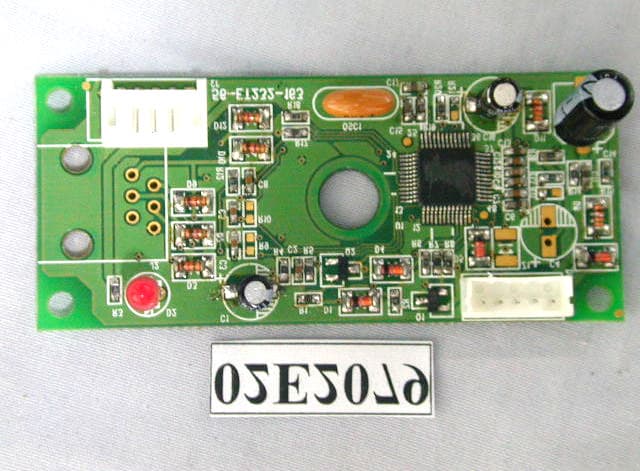
Click to zoom
Application Details
- Equipment Class
- JBP - Part 15 Class B Computing Device Peripheral
- Date of Grant
- May 22, 2002
- Application Purpose
- Original Equipment
- Date of Application
- May 22, 2002
- Equipment Note
- Touch Screen Controller
- Company
- ET&T Technology Co., Ltd.
- Country
- Taiwan
Documents & Files
Document Text
Text extracted from the exhibit documents filed with the FCC. Open a document above to read the original.
Users Manual
TOUCH SCREEN CONTROLLER USER’S MANUAL ET1232C ET&T Technology Co., Ltd. 2F N0.2, Lane 57 Sec.1, Chien-Kuo N.Rd. Taipei,Taiwan,R.O.C. Tel: 886-2-2506-9472 Fax:886-2-2501-6877 E-Mail: [email protected] WARNING Note: This equipment has been tested and found to comply with the limits for a class B digital device, pursuant to Part 15 of FCC Rules. These Limits are designed to provide reasonable protection against harmful interferfnce in a residential installation. This equipment generates, uses and can radiate radio frequency energy and, if not installed and used in accordance with the instructions, may cause harmful interference to radio communications. However, there is no guarantee that interference will not occur in a particular installation. If this equipment does cause harmful interference to radio television reception, which can be determined by turning the equipment off and on, the user is encouraged to try to correct the interference by one or more of the following measures: l Reorient or relocate the receiving antenna. l Increase the separation between the equipment and receiver. l Connect the equipment into an outlet on a circuit different from that to which the receiver in connected. l Consult the dealer or an experienced radio/TV technician for help. Notice: Changes or modigications not expressly approved by the part responsible for Compliance could void the user’s authority operate equipment. This device complies with Part 15 of the FCC Rules operation is subject to the following two conditions : (1) this device may not cause harmful interference, and (2) this device must accept any interference received, including interference that may cause undesired operation. Table of Contents 1. Hardware Installation. 2. Software Installation. 3. How To Use Appendix 1. Hardware Installation. 1.1 Hardware Requirement 1) A PC with COM Port. 2) Touch Screen Controller ( ET1232C ). 3) Touch Screen Panel. 1.2 Installation Note! Please turn off the power before following operation. 1) Fit in the Touch Screen accessories with monitor size. 2) To connect the controller and Touch Screen Panel. 3) Plug in Touch Screen COM controller to PC COM Port. 2. Software Installation 2.1 Preparation 1) Win98 operation system. 2) Win98 CD. 2.2 Installation 1) Boot up your system. 2) Insert driver diskette To A: 3) Place Win98 CD in CD Rom. 4) Following instruction step by step. 5) After completing driver installation, cursor will respond for touch on touch screen panel. 6) Please execute A:\setup.exe for adding calibration & swap button application for touch .Screen and let doubleclick more easy. and let double click more easy. 7) Execute the correcting coordinates program to configure the screen by instruction. 3. How To Use After setup up, Touch The Screen to let cursor move. Appendix Sepecification of ET1232C. Resolution: 10bit ADC TouchPanel Type: 4-wire Interface: COM port LED: Touch/ Untouch indication Power: derived from COM port Power consumption: Idle: 10mA Active: 12mA Dimension: 79 x 38 x 21mm 3.11"x1.50"x0.83" Operation Temperature: 0 ~ 70 Storage Terpeature: -55 ~ 125 Regulatory Approvals: FCC-B CE and BCIQ
External Photos
Photo # 1 Front View Rear View Photo # 2 Unit Partially Disassembled Photo # 3 Unit Partially Disassembled
ID Label/Location Info
2. Product Labeling 2-1. FCC ID label 2-2 Location of Label on EUT 3.5cm 2.3cm ET&T Technology Co., Ltd. MODEL : ET1232C FCC ID :ONYET1232C This device complies with Part 15 of the FCC Rules operation is subject to the following two conditions : (1) this device may not cause harmful interference, and (2) this device must accept any interference received, including interference that may cause undesired operation.
Internal Photos
Photo # 1 Front View Rear View Photo # 2 Unit Partially Disassembled Photo # 3 Unit Partially Disassembled
Test Report
NEUTRON EMC LAB. FCC ID:ONYET1232C 1/21 MEASUREMENT/TECHNICAL REPORT APPLICTNT: ET&T Technology Co., LTD. MODEL NO.: ET1232C FCC ID: ONYET1232C This report concerns ( check one ) : Original Grant ̧ Class II Change Equipment type: Touch Screen Controller Deferred grant requested per 47CFR 0.457(d)(1)(ii)? Yes No ̧ If yes, defer until: (date) We, the undersigned, agree to notify the Commission by (date) / / of the intended date of announce ment of the product so that the grant can be issued on that date. Transiyion Rules Request per 15.37? Yes No ̧ If no, assumed Part 15, Subpart B for unintentional radiator the new 47 CFR (10-1-90 Edition) provision. Report Prepared by Testing House Neutron Engineering Inc. for Company Name: ET&T Technology Co., LTD. Address: 2F, No. 2, Lane 57, Sec. 1, Chien Kuo N. Rd., Taipei 104, Taiwan, R.O.C. Applicant Signature Jones Chien / R&D Engineer NEUTRON EMC LAB. FCC ID:ONYET1232C 2/21 CERTIFICATION We hereby certify that: The test data , data evaluation , test procedures, and equipment configurations shown in this report were made in accordance with the procedures given in ANSI C63.4 (1992)/CISPR 22 (1997) and the energy emitted by the sample EUT tested as described in this report is in compliance with CLASS B conducted and radiated emission limits of FCC Rules Part 15 , Subpart B/CISPR 22 (1997). Prepared by Yu-Chien Lee Reviewed by Vincent Su Approved by George Yao Issued Date March 18, 2002 Report No. NEI-FCCB-02037 Company Stamp NEUTRON ENGINEERING INC. No. 132-1, Lane 329, Sec. 2, Palain Road, Shijr Jen Taipei, Taiwan, R.O.C. TEL: (02) 2646-5426 FAX(02) 2646-6815 NEUTRON EMC LAB. FCC ID:ONYET1232C 3/21 Table of Contents 1. General Information...................................................................................................................... 1-1 Product Description................................................................................................................4 1-2 Related Submittal(s)/Grant(s)..................................................................................................4 1-3 Tested System Details.............................................................................................................5 1-4 Test Methodology...................................................................................................................6 1-5 Test Facility............................................................................................................................6 2. Product Labeling............................................................................................................................ Figure 2-1 FCC ID Label...............................................................................................................7 Figure 2-2 Location of Label on EUT............................................................................................7 3. System Test Configuration............................................................................................................ 3-1 Justification.............................................................................................................................8 3-2 EUT Exercise Software...........................................................................................................8 3-3 Special Accessories.................................................................................................................9 3-4 Equipment Modifications.........................................................................................................9 3-5 Configuration of Tested System...............................................................................................10 Figure 3-1 Configuration of Tested System....................................................................................12 4. Block Diagram(s)............................................................................................................................13 5. Conducted and Radiated Measurement Photos............................................................................ Figure 5-1.Conducted Measurement Photos...................................................................................14 Figure 5-2 Radiated Measurement Photos......................................................................................15 6. Conducted Emission Datas............................................................................................................16 7. Radiated Emission Datas .............................................................................................................. 7-1 Reaiated Emission Data...........................................................................................................17 7-2 Field Strength Calculation.......................................................................................................18 7-3 Correction Factor Table VS Frequency....................................................................................19 8.Attachment Photos of Tested EUT......................................................................................................................20 User’s Manual.................................................................................................................................... 21 NEUTRON EMC LAB. FCC ID:ONYET1232C 4/21 1. GENERAL INFORMATION 1-1. Product Description The ET&T Technology Co., LTD. Model: ET1232C (referred to as the EUT in this report) i is a RS-232 interface Touch Screen Controller designed as an “Input Device” plug and play for compatible with Windows 95/98. The summarized feature of EUT are described as following: l Resolution:10bit ADC l Touch Panel Type: 4-wire l Interface: COM port l LED: Touch/Untouch indication l Power:derived from COM port l Power consumption: Idle: 10mA Active: 12Ma l Dimension: 79 x 38 x 21mm 3.11"x1.50"x0.83" l Operation Temperature: 0 ~ 70 l Storage Terpeature:…
Text truncated - open the document above for the full version.
Test Setup Photos
NEUTRON EMC LAB. FCC ID:ONYET1232C 14/21 5. Conducted and Radiated Measurement Photos 5-1. Conducted Measurement Photos NEUTRON EMC LAB. FCC ID:ONYET1232C 15/21 5-2. Radiated Measurement Photos
Contact Information
Applicant
Robert Cherng(President)
Test Firm
BTL Inc.Andy Chiu
Technical Specifications
| # | Rule Parts | Frequency Range | Power Output |
|---|---|---|---|
| 1 | 15B | - | - |
Other Applications from ET&T Technology Co., Ltd.
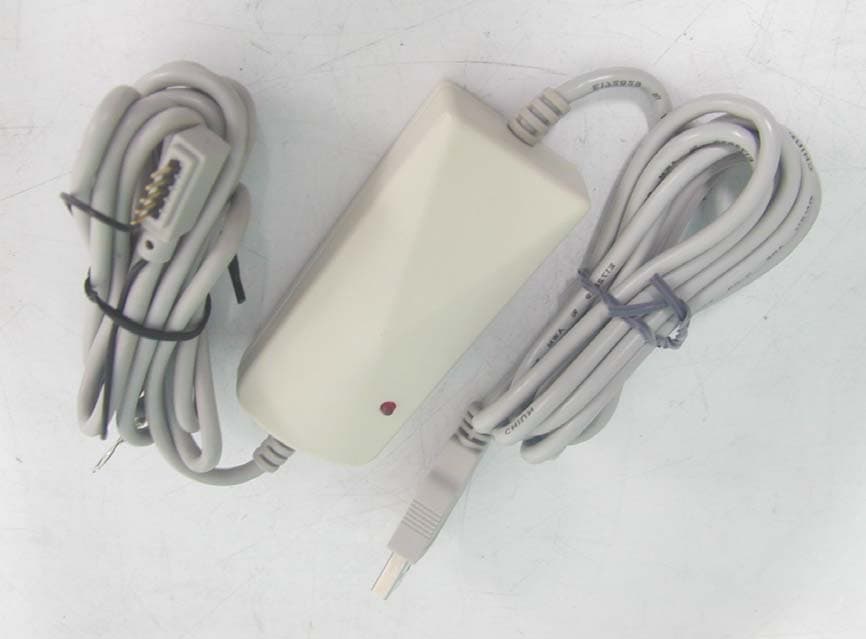
ONYET2055F
Mar 30, 2004USB TOUCH SCREEN CONTROLLER
Equipment Class
JBP - Part 15 Class B Computing Device Peripheral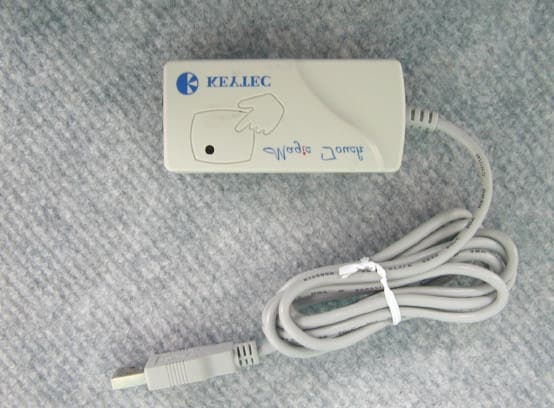
ONYET2055C
Dec 17, 2003TOUCH SCREEN CONTROLLER
Equipment Class
JBP - Part 15 Class B Computing Device Peripheral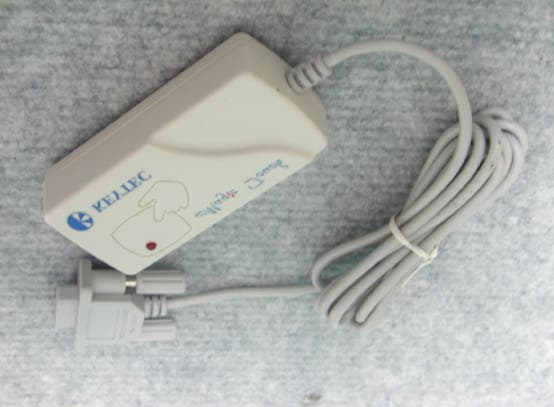
ONYET2032C
Nov 30, 2003USB TOUCH SCREEN CONTROLLER
Equipment Class
JBP - Part 15 Class B Computing Device Peripheral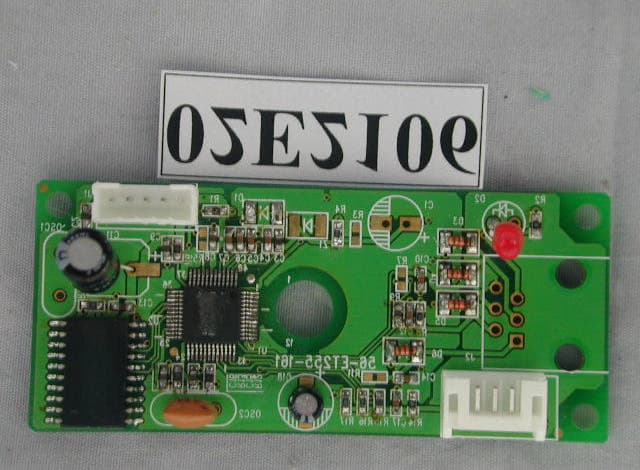
ONYET1255C
May 22, 2002USB Touch Screen Controller
Equipment Class
JBP - Part 15 Class B Computing Device Peripheral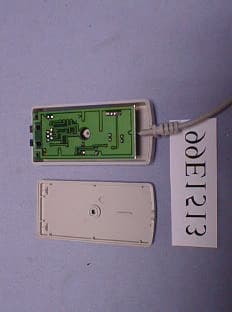
ONYET1032C
Jan 18, 2000Touch Screen Controller
Equipment Class
JBP - Part 15 Class B Computing Device Peripheral