OO9A53G2.4GHz Wireless Mouse
G.Tech Technology Ltd.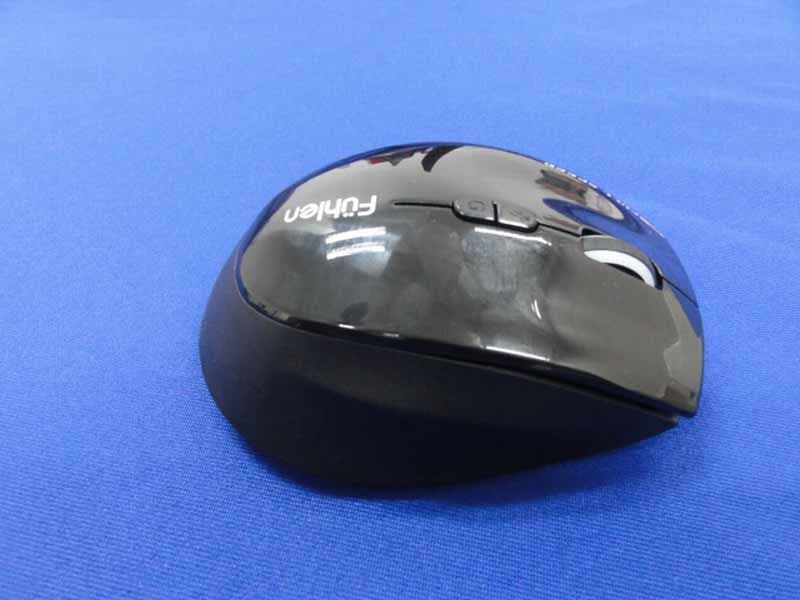
Click to zoom
Application Details
- Equipment Class
- DXX - Part 15 Low Power Communication Device Transmitter
- Date of Grant
- Oct 10, 2012
- Application Purpose
- Original Equipment
- Date of Application
- Oct 09, 2012
- Equipment Note
- 2.4GHz Wireless Mouse
- Frequency Range
- 2402.00000000 - 2479.00000000
- Company
- G.Tech Technology Ltd.
- Country
- China
Documents & Files
Document Text
Text extracted from the exhibit documents filed with the FCC. Open a document above to read the original.
Users Manual
Wireless RF mouse USB nano receiver 2xAA battery User guide Thanks for buying Fuhlen products, please read this user guide carefully before use. Installation Switch the On/Off button to OFF and open the battery cover. Switch the On/Off button to On. The LED will flash 1-5 times according to the remaining battery power. Insert one or two A A batteries as the diagram on the battery tray indicates. Close the battery cover. Plug the USB receiver into an available USB port on your computer. Press any key to start. The A53G mouse and USB receiver is pre-paired before packing. Users can use it after installing the battery. 1. Turn on the computer. 2. Plug the USB receiver into an available USB port on your computer. 3. Install the battery into the mouse. Press any key to start. Set Wireless Connection If your wireless mouse will not pair with the USB receiver, you will need to download the Pairing Software tool to your computer from the Fuhlen website: http://www.fuhlenstyle.com/download.jsp, and pair the mouse and receiver according to the instruction. Finished setting the wireless connection of the mouse, you can enjoy the wireless freedom. Mouse Feature LED indicator There's LED indicator under the scrolling wheel. When switching the mode & DPI, or touch on mouse, or power low, it will flash differently to remind you the status of mouse. Mode switch There're three modes for option, the default mode is energy saving mode, you can choose the mode you like by pressing the G button. The LED will flash different colours according to different modes. DPI button G button LED DPI Switch The mouse has 1000/1500/2000 of DPI for your choice freely. The factory default is 1000DPI. You can choose the DPI you like by pressing the DPI button, the LED will flash different times according to the difference DPI, and the new setting DPI will be automatically saved under different mode. Touch on wake up The mouse is with special touch on wake up technology. When your hands leave the mouse for 2s, it will automatically switch to sleep mode, when you touch on the mouse, it will be activated and the LED will flash to remind you its working. Energy-saving mode The mouse is with energy saving mode, when your hands stop moving the mouse or your hand leaving the mouse for 2s, it will automatically switch into the energy-saving mode, which can extend the battery life. Side Buttons Feature The mouse is with 2 side buttons. For Windows2000 or above, the buttons are defaulted as browser forward and backward buttons. Download the driver, you can also select your preference features to side buttons. For more function, please download the driver from the website of www.fuhlenstyle.com for your self-definition. Low power indicator The mouse has low power indicator, when the power is nearly used up, the LED will flash to remind you to replace the battery. When install battery, LED will flash, if flash 5 times means remaining power is 100%, if flash 4times means remaining 75% power, flash 3times means remaining 50% power, flash 2times means remaining 25%, flash 1time means low power that you need to replace battery. Receiver Build-in design The mouse is with build-in design, when you stop using the nano USB receiver, it can be stowed away in a hidden compartment inside the mouse.It is more convenient for storing. Frequency band: 2402MHz ~ 2479MHz Power supply: 1.5V Operation current: ≤6mA(1.5V) Acceleration: up to 20G Resolution: DPI 1000/1500/2000 switchable Energy-saving mode/Precision mode/Gaming mode power consumption:≤9mW/≤14mW/≤25mW Ultra Low Power Battery Disposal Don’t throw away the batteries into the fire. After replace the batteries, put them to the right place for recycling. Mode LED Color Default DPI Speed Remarks Gaming Mode Purple 1500dpi 500 RPS Full speed for gaming Precise Mode Red 1500dpi 250 RPS For designing Energy saving mode Blue 1000dpi 125 RPS power saving for office use Quick Start Guide Contains: DPI LED flash times 1000dpi one time 1500dpi twice 2000dpi three times DPI Button LED K4 K5 LED DPI button G button On/Off button Specification Power On/Off There is power On/Off button at the bottom of the mouse, if you won't use it for a long time or you have a trip, we'd suggest you to turn the button off. When you use it again, you'd just turn it on. or 反面 Federal Communications Commission (FCC) Notice: Changes or modifications not expressly approved by the party responsible for compliance could void the user's authority to operate the equipment NOTE: THE MANUFACTURER IS NOT RESPONSIBLE FOR ANY RADIO OR TV INTERFERENCE CAUSED BY UNAUTHORIZED MODIFICATIONS TO THIS EQUIPMENT. SUCH MODIFICATIONS COULD VOID THE USER’S AUTHORITY TO OPERATE THE EQUIPMENT. NOTE: This equipment has been tested and found to comply with the limits for a Class B digital device, pursuant to Part 15 of the FCC Rules. These limits are designed to provide reasonable protection against harmful interference in a residential installation. This equipment generates, uses and can radiate radio frequency energy and, if not installed and used in accordance with the instructions, may cause harmful interference to radio communications. However, there is no guarantee that interference will not occur in a particular installation. If this equipment does cause harmful interference to radio or television reception, which can be determined by turning the equipment off and on, the user is encouraged to try to correct the interference by one or more of the following measures: -- Reorient or relocate the receiving antenna. -- Increase the separation between the equipment and receiver. -- Connect the equipment into an outlet on a circuit different from that to which the receiver is connected. -- Consult the dealer or an experienced radio/TV technician for help. This device complies with Part 15 of the FCC Rules. Operation is subject to the following two conditions: (1) this device may not cause harmful interference, and (2) this device must accept any inte…
Text truncated - open the document above for the full version.
External Photos
R AUDIX Technology (Shenzhen) Co., Ltd. FCC ID:OO9A53G page Audix Technology (Shenzhen) Co., Ltd. Report No. ACS-F12186 11-1 11. PHOTOGRAPH OF EUT Figure 1 General Appearance of the EUT Figure 2 General Appearance of the EUT R AUDIX Technology (Shenzhen) Co., Ltd. FCC ID:OO9A53G page Audix Technology (Shenzhen) Co., Ltd. Report No. ACS-F12186 11-2 Figure 3 General Appearance of the EUT Figure 4 Inside of the EUT
ID Label/Location Info
FCC ID:OO9A53G Model No.:A53G
Internal Photos
R AUDIX Technology (Shenzhen) Co., Ltd. FCC ID:OO9A53G page Audix Technology (Shenzhen) Co., Ltd. Report No. ACS-F12186 11-3 Figure 5 Inside of the EUT Figure 6 Inside of the EUT R AUDIX Technology (Shenzhen) Co., Ltd. FCC ID:OO9A53G page Audix Technology (Shenzhen) Co., Ltd. Report No. ACS-F12186 11-4 Figure 7 Inside of the EUT Figure 8 Inside of the EUT R AUDIX Technology (Shenzhen) Co., Ltd. FCC ID:OO9A53G page Audix Technology (Shenzhen) Co., Ltd. Report No. ACS-F12186 11-5 Figure 9 Inside of the EUT Figure 10 Inside of the EUT R AUDIX Technology (Shenzhen) Co., Ltd. FCC ID:OO9A53G page Audix Technology (Shenzhen) Co., Ltd. Report No. ACS-F12186 11-6 Figure 11 Inside of the EUT Figure 12 Inside of the EUT R AUDIX Technology (Shenzhen) Co., Ltd. FCC ID:OO9A53G page Audix Technology (Shenzhen) Co., Ltd. Report No. ACS-F12186 11-7 Figure 13 Inside of the EUT Figure 14 Inside of the EUT
RF Exposure Info
R AUDIX Technology (Shenzhen) Co., Ltd. FCC ID:OO9A53G page Audix Technology (Shenzhen) Co., Ltd. Report No. ACS-F12186 7-1 7. RADIO FRREQUENCY EXPOSURE COMPLIANCE RESULT : PASS Test standard : FCC KDB Publication 447498 Since maximum peak output power of the transmitter is<60/f(GHz)mW, i.e.0.009346mW<25(=60/2.4)mW, hence the EUT is exclueded from SAR evaluation according to FCC KDB Publication 447498 D01:Mobile Portable RF Exposure.
Test Report
R AUDIX Technology (Shenzhen) Co., Ltd. FCC ID:OO9A53G Audix Technology (Shenzhen) Co., Ltd. Report No. ACS-F12186 FCC PART 15C TEST REPORT FOR CERTIFICATION On Behalf of G. tech Technology Ltd. 2.4GHz Wireless Mouse Model Number: A53G FCC ID: OO9A53G Prepared for : G. tech Technology Ltd. No.21, Jinding Industrial Park, West Jinfeng Road, Tangjiawan Town, Xiangzhou District Zhuhai Guangdong China Prepared By : Audix Technology (Shenzhen) Co., Ltd. No. 6, Ke Feng Rd., 52 Block, Shenzhen Science & Industrial Park, Nantou, Shenzhen, Guangdong, China Tel: (0755) 26639496 Report Number : ACS-F12186 Date of Test : Aug.06~08, 2012 Date of Report : Aug.27, 2012 R AUDIX Technology (Shenzhen) Co., Ltd. FCC ID:OO9A53G Audix Technology (Shenzhen) Co., Ltd. Report No. ACS-F12186 TABLE OF CONTENTS Description Page 1. SUMMARY OF STANDARDS AND RESULTS.......................................................... 1-1 1.1. Description of Standards and Results .................................................................................. 1-1 2. GENERAL INFORMATION ......................................................................................... 2-1 2.1. Description of Device (EUT) ............................................................................................... 2-1 2.2. EUT Configuration and operation conditions for test.......................................................... 2-1 2.3. Test Facility ......................................................................................................................... 2-2 2.4. Measurement Uncertainty (95% confidence levels, k=2) .................................................... 2-2 3. RADIATED EMISSION TEST ...................................................................................... 3-1 3.1. Test Equipment .................................................................................................................... 3-1 3.2. Block Diagram of Test Setup ............................................................................................... 3-1 3.3. Radiated Emission Limit Standard: FCC 15.209 and 15.249 .............................................. 3-2 3.4. EUT Configuration on Test.................................................................................................. 3-3 3.5. Operating Condition of EUT................................................................................................ 3-3 3.6. Test Procedure...................................................................................................................... 3-3 3.7. Radiated Emission Test Results ........................................................................................... 3-3 4. 20 DB BANDWIDTH TEST ........................................................................................... 4-1 4.1. Test Equipment .................................................................................................................... 4-1 4.2. Limit..................................................................................................................................... 4-1 4.3. Test Results .......................................................................................................................... 4-1 5. BAND EDGE COMPLIANCE TEST ............................................................................ 5-1 5.1. Test Equipment .................................................................................................................... 5-1 5.2. Limit..................................................................................................................................... 5-1 5.3. Test Produce ......................................................................................................................... 5-1 5.4. Test Results .......................................................................................................................... 5-2 6. ANTENNA REQUIREMENT ........................................................................................ 6-1 7. RADIO FRREQUENCY EXPOSURE COMPLIANCE.............................................. 7-1 8. TEST SOFTWARE.......................................................................................................... 8-1 9. DEVIATION TO TEST SPECIFICATIONS................................................................ 9-1 10. PHOTOGRAPH OF TEST ........................................................................................... 10-1 10.1. Photos of Radiated Emission Test (30-1000MHz) ............................................................ 10-1 11. PHOTOGRAPH OF EUT ............................................................................................. 11-1 R AUDIX Technology (Shenzhen) Co., Ltd. FCC ID:OO9A53G page Audix Technology (Shenzhen) Co., Ltd. Report No. ACS-F12186 1-1 1. SUMMARY OF STANDARDS AND RESULTS 1.1. Description of Standards and Results The EUT have been tested according to the applicable standards as referenced below. EMISSION Description of Test Item Standard Results Radiated Emission Test FCC Part 15C: 15.209 FCC Part 15C: 15.249 ANSI C63.10-2009 PASS Band Edge Compliance Test FCC Part 15: 15.249 ANSI C63.10-2009 PASS 20dB Bandwidth Test FCC Part 15: 15.215 ANSI C63.10-2009 PASS R AUDIX Technology (Shenzhen) Co., Ltd. FCC ID:OO9A53G page Audix Technology (Shenzhen) Co., Ltd. Report No. ACS-F12186 2-1 2. GENERAL INFORMATION 2.1. Description of Device (EUT) Product Name : 2.4GHz Wireless Mouse Model Number : A53G FCC ID : OO9A53G Operation frequency : 2402MHz-2479MHz Antenna : Integrated PCB antenna, 0dBi gain Modulation : GFSK Power Supply : DC1.5V Applicant : G. tech Technology Ltd. No.21, Jinding Industrial Park, West Jinfeng Road, Tangjiawan Town, Xiangzhou District Zhuhai Guangdong China Manufacturer : G. tech Technology Ltd. No.21, Jinding Industrial Park, West Jinfeng Road, Tangjiawan Town, Xiangzhou District Zhuhai Guangdong China Date of Test : Aug.06~08, …
Text truncated - open the document above for the full version.
Test Setup Photos
R AUDIX Technology (Shenzhen) Co., Ltd. FCC ID:OO9A53G page Audix Technology (Shenzhen) Co., Ltd. Report No. ACS-F12186 10-1 10. PHOTOGRAPH OF TEST 10.1.Photos of Radiated Emission Test (30-1000MHz) R AUDIX Technology (Shenzhen) Co., Ltd. FCC ID:OO9A53G page Audix Technology (Shenzhen) Co., Ltd. Report No. ACS-F12186 10-2 (At Anechoic 3m Chamber Test 1GHz –6GHz)
Contact Information
Applicant
Sulia Li(Certified Associate)
Test Firm
Audix Technology (Shenzhen) Co., Ltd.Smart Tsai
Technical Specifications
| # | Rule Parts | Frequency Range | Power Output |
|---|---|---|---|
| 1 | 15C | 2.40 GHz - 2.48 GHz | - |
Other Applications from G.Tech Technology Ltd.
OO9P729
Aug 06, 2026WIRELESS GAMING MOUSE
Equipment Class
DTS - Digital Transmission System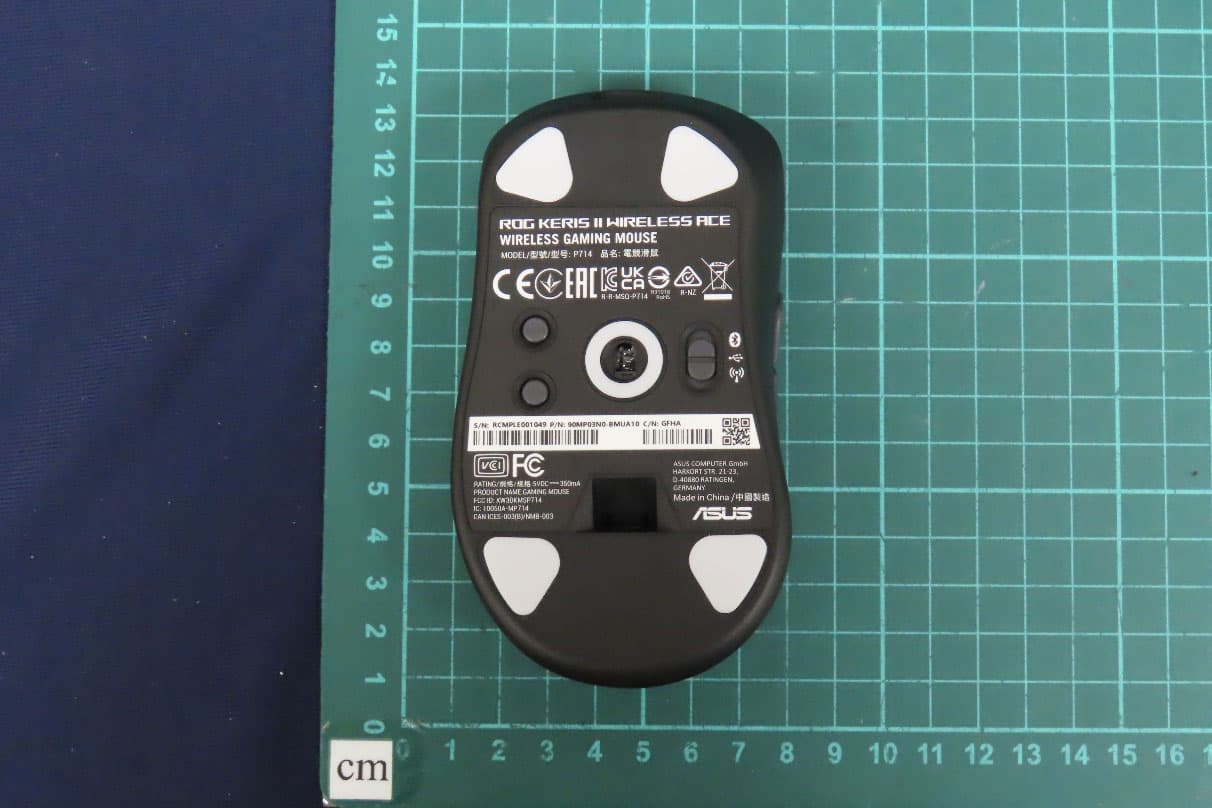
OO9P714
May 09, 2024GAMING MOUSE
Equipment Class
DTS - Digital Transmission System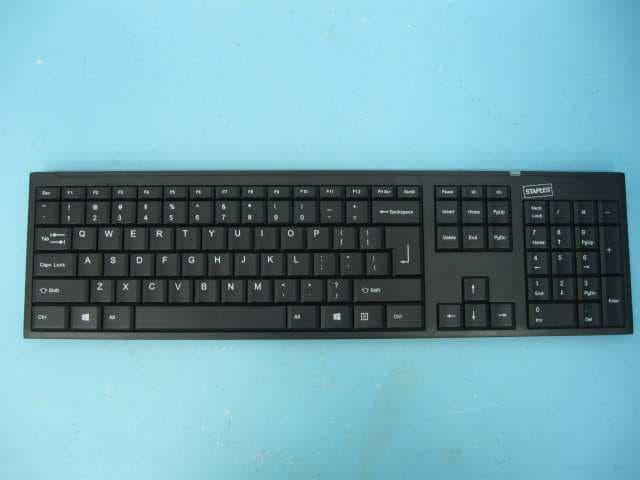
OO9GK381
Jun 17, 20152.4GHz Wirteless Keyboard
Equipment Class
DXX - Part 15 Low Power Communication Device Transmitter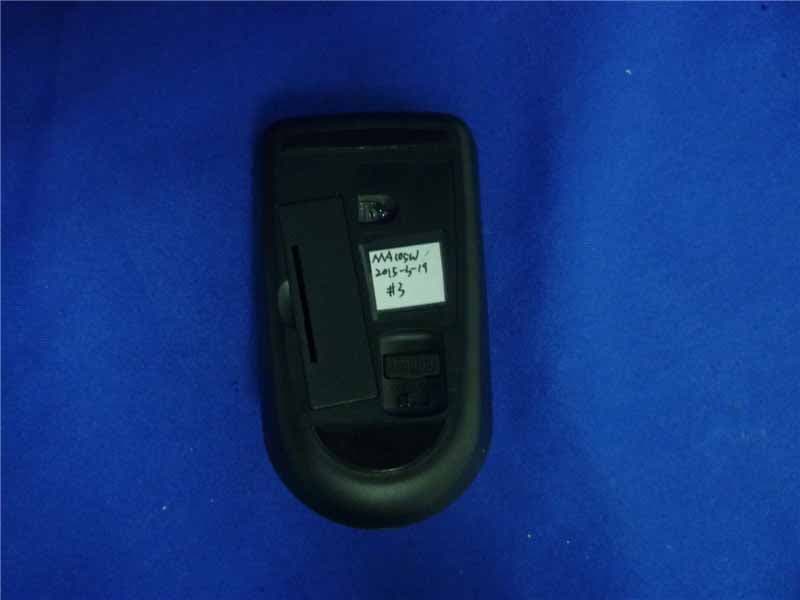
OO9MA105W
May 06, 20152.4GHz Wireless Mouse
Equipment Class
DXX - Part 15 Low Power Communication Device Transmitter
OO9KB313W
May 06, 20152.4GHz Wireless Keyboard
Equipment Class
DXX - Part 15 Low Power Communication Device Transmitter